13 Best Self-Hosted Open Source Web Analytics Platforms
Compare 13 self-hosted analytics platforms by use case, privacy approach, features, and operational effort, then choose a practical shortlist.

Self-hosted open source web analytics means running the analytics service and storing its data on infrastructure you control. The right choice depends on whether you need straightforward pageview reporting, broader web analytics, product analytics, or reports derived from server logs. For a basic site, start by comparing Umami, Plausible CE, GoatCounter, and Swetrix. For goals and broader reporting, examine Matomo and Pirsch. For event-heavy product work, consider PostHog, OpenReplay, OpenPanel, Countly, or Aptabase. Open Web Analytics (OWA) is another broad web analytics option. Fathom Lite appears in the commonly cited 13-tool roundup, but verify its present maintenance status before choosing it.
This guide covers the 13 platforms in that roundup. Its list was last updated January 13, 2025; inclusion is not proof that a project is still maintained or that its features and editions have stayed the same. Check current project documentation, releases, licensing, and self-hosted feature boundaries before deployment.
1. Decide what kind of analytics you need
“Analytics” covers several jobs. A lightweight website report may need pageviews, referrers, campaigns, and top pages. A fuller web analytics system may add segmentation, goals, funnels, or heatmaps. Product analytics focuses on events and user journeys, and may include session replay, experiments, or feature flags. Server-log analysis is a separate approach: GoAccess, for example, reads access logs rather than depending on an in-page tracking snippet. It is useful context, but it is not one of the 13 platforms in this roundup.

| Need | What to look for | Starting candidates |
|---|---|---|
| Simple site reporting | Pageviews, referrers, campaigns, top pages, low operating overhead | Umami, Plausible CE, GoatCounter, Swetrix |
| Broader web analytics | Goals, segmentation, richer reports, integrations, import or export | Matomo, Pirsch, Open Web Analytics |
| Product and app analytics | Custom events, funnels, retention, SDKs, replay or debugging | PostHog, OpenReplay, OpenPanel, Countly, Aptabase |
| Legacy or maintenance-sensitive option | Current releases, security fixes, supported deployment path | Check Fathom Lite’s status before evaluation |
These groups are a decision aid, not a strict taxonomy: capabilities and editions differ. A product can cover more than one job, and the self-hosted edition may not include every hosted or paid feature.
2. Compare the 13 platforms
1. Umami
Umami is positioned as privacy-first, cookieless web analytics, with visitor, page, and event reporting. Its official documentation lists custom events, funnels, retention, session replay, performance monitoring, an API, and self-hosted or cloud deployment. Those are vendor descriptions, not a legal determination for your implementation. Confirm the current edition boundaries and configure collection to match your requirements. Umami says in its documentation that self-hosting gives the operator control of the data.
2. Fathom Lite
The roundup describes Fathom Lite as a self-hostable version with fewer features than the commercial Fathom service. Another comparison characterizes it as archived or receiving no updates. These are time-sensitive status claims, so inspect the repository and maintainer announcements before adopting it. An analytics service that no longer receives security fixes is a poor fit for a new deployment, even if its feature list looks sufficient.
3. Aptabase
Aptabase is described as application analytics for mobile, desktop, and web, with SDKs for multiple platforms and anonymized collection. Consider it when you need a view across a multi-platform app. If you only want a small website’s pageview and referrer reports, compare a simpler site analytics product too.
4. Plausible Community Edition
Plausible CE is described as a self-hosted community edition focused on simple traffic reporting. Plausible’s official data policy says it does not use persistent identifiers, cookies, browser cache, or local storage; it describes daily identifiers generated from a rotating salt and says raw IP addresses and User-Agent strings are not stored. These are the vendor’s descriptions of its data handling. Review the policy and CE documentation yourself, and distinguish the community edition from the hosted service before relying on a specific feature.
5. GoatCounter
GoatCounter is a lightweight candidate for basic traffic, referrer, browser, and campaign information. The roundup notes CSV export and identifies it as a fit for personal sites and smaller projects. Check its current activity, deployment requirements, and reporting needs against your own use case.
6. Pirsch
Pirsch is described as supporting events, goals, reports, APIs, and SDKs, with self-hosting subject to licensing distinctions. It may suit a team that wants more than simple pageview reporting. Licensing and self-hosting terms can change; consult current first-party terms rather than relying on old price or license summaries.
7. Open Web Analytics
Open Web Analytics (OWA) is described as providing standard traffic reports as well as click-stream and heatmap features. A comparison categorizes it as fuller web analytics and calls its technology stack dated; that is an external assessment, not a project guarantee. Evaluate current releases, supported dependencies, and security posture before putting it on a public server.
8. Matomo
Matomo’s on-premises product is a broad analytics platform. The roundup describes real-time reporting, events, integrations, data import and export, and paid extensions for some advanced capabilities. A comparison places it in the full web analytics category and notes greater operating complexity. Confirm which feature belongs to the free core, a paid extension, or another edition, then account for its storage and maintenance needs.
9. OpenReplay
OpenReplay focuses on session replay, troubleshooting, collaboration, and product analytics. The roundup describes community and enterprise self-hosted options. It is a closer fit when teams need to inspect user journeys and debug interactions than when they only need aggregate page counts. Review what data replay captures, retention controls, and the applicable self-hosted edition before enabling it.
10. OpenPanel
OpenPanel is described as self-hostable web and product analytics, with real-time reporting, events, funnels, retention, and SDKs. The roundup noted export limitations at its publication date; verify current export and API capabilities rather than treating that old observation as current. Check that the event model and reports fit your migration and downstream analysis needs.
11. Countly
Countly is described as web and mobile analytics with events, funnels, cohorts, heatmaps, and self-hosted editions. A broader comparison categorizes it as a mobile-plus-web product analytics option. Features can be edition-specific, so map each required capability to the exact self-hosted edition and license you would run.
12. PostHog
PostHog is best evaluated as product analytics that also offers web analytics, not merely as a lightweight pageview counter. The roundup describes events, sessions, replays, and segmentation, while noting feature limitations in self-hosted deployments. The comparison also flags resource and operational demands. Confirm current self-hosted capabilities and infrastructure requirements; its breadth may be useful for product teams but unnecessary for a simple content site.
13. Swetrix
Swetrix is described as cookie-less analytics with events, campaign parameters, performance, errors, and funnels, alongside self-hosting. Verify current availability, releases, and which capabilities are present in the edition you plan to deploy. Its described scope makes it worth comparing when you want web reporting plus technical signals.
3. Choose with a short evaluation checklist
- Write down the questions you need answered. Examples include which pages attract visits, where referrals originate, whether a signup event completed, or where users abandon a product flow.
- Separate aggregate traffic from behavioral data. If page counts answer the question, session replay and extensive event instrumentation add complexity without necessarily adding value.
- Map every must-have to the self-hosted edition. Check events, goals, funnels, heatmaps, mobile SDKs, APIs, imports, exports, and retention individually.
- Review collection and consent configuration. Understand cookies, identifiers, personal data, IP handling, and what your own tracking code sends. A vendor privacy claim does not automatically settle legal obligations for your site or jurisdiction.
- Check project health and security updates. Look at recent releases, supported runtime and database versions, issue handling, upgrade instructions, and backup restoration guidance.
- Prototype a representative migration. Import one period of data if supported, compare definitions such as sessions and visitors, and test exports. Historic metrics may not map one-to-one because tools define and collect them differently.
- Estimate operating work. Include upgrades, backups, database maintenance, network access, monitoring, and security responsibility. These are part of the total cost of self-hosting.
4. Deployment, privacy, and data portability
Self-hosting gives you operational responsibility along with control. You need a supported host and runtime, secure network configuration, backup and restore procedures, and a process for applying application and database updates. One comparison guide assumes a Linux server, remote-access domain, and reverse proxy; those are that guide’s prerequisites, not universal requirements. Follow the chosen project’s current installation documentation.
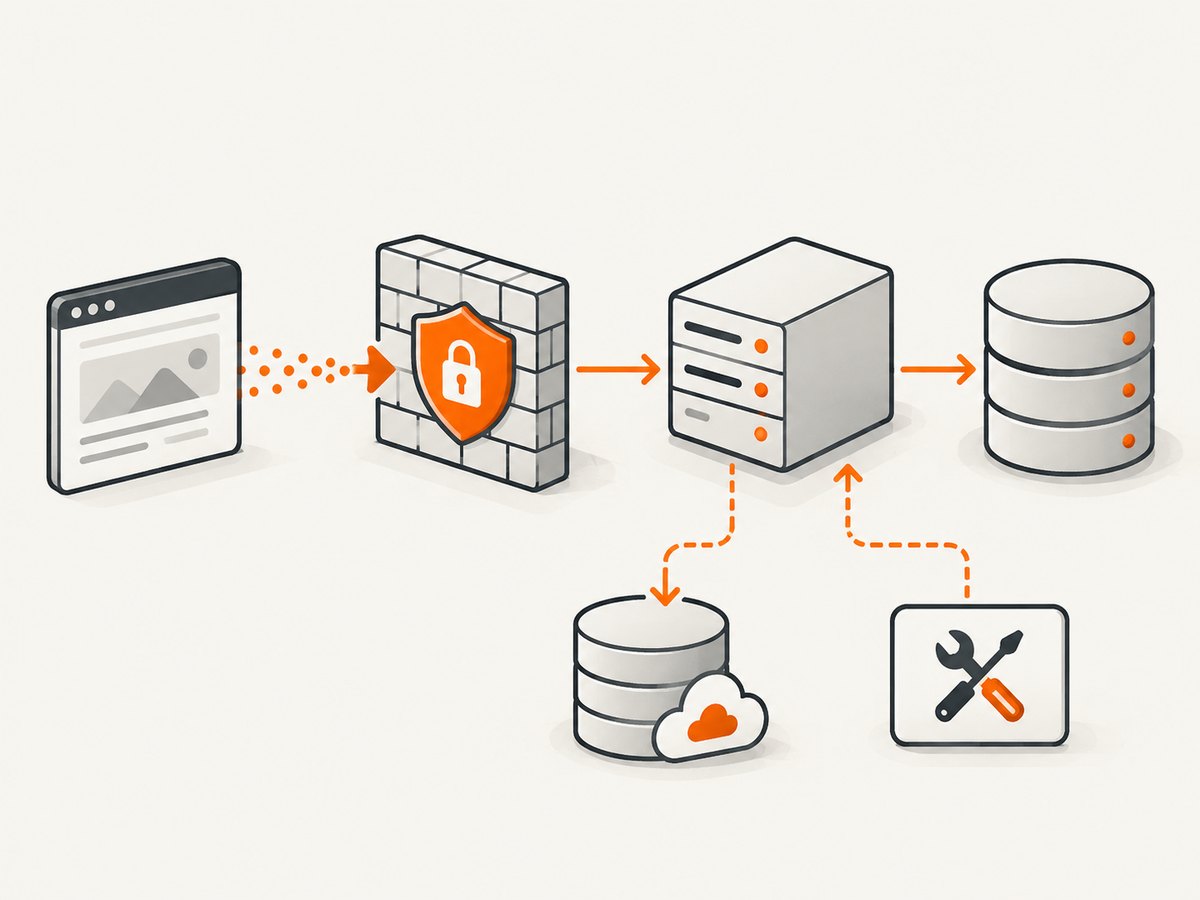
Do not select a machine from a single published memory number. A 2026 comparison gives publisher estimates of about 30 MB idle RAM for GoatCounter, 150 MB for Umami, 256 MB for Matomo, and 500 MB for Plausible. These are that publisher’s idle estimates, not controlled workload benchmarks or guaranteed requirements. Traffic, retention, configuration, database services, and other workloads on the host change actual resource use. Use the project’s current deployment guidance and monitor your own installation.
Before switching, document the current tracking definitions and preserve exports where available. Import support does not ensure that historical visitors, sessions, or conversions retain identical meaning in the new system. Keep the old reports accessible through a planned transition if comparisons across the cutover matter.
5. Common mistakes and troubleshooting
| Symptom | Likely cause | What to check |
|---|---|---|
| No visits appear | Tracking script is absent, blocked, or configured with the wrong site identifier or endpoint | Inspect the rendered page, browser network requests, domain/site settings, and reverse proxy routing. |
| Only some pages are counted | Single-page navigation, consent logic, caching, or a template omission prevents a tracking event | Test initial loads and client-side route changes; verify that the chosen integration supports your framework. |
| Counts differ from the previous tool | Different definitions, filters, time zones, bot handling, consent rates, or migration coverage | Compare the same date range and timezone, inspect filters, and treat pre/post migration data as methodologically different. |
| Dashboard is unreachable externally | DNS, TLS, firewall, proxy, or application base URL is misconfigured | Check DNS resolution and certificate validity, then trace the request through proxy and application logs. |
| Upgrade breaks the service | Unsupported runtime/database version, skipped migration step, or missing backup | Follow version-specific upgrade notes; restore to a test environment and validate backups before production upgrades. |
| Host runs out of resources | Traffic or retention exceeds assumptions, or analytics shares a constrained database/host | Inspect database growth and memory/CPU under representative load; tune retention or move supporting services as documented. |
| Event or replay data is missing | Event instrumentation or edition does not support the expected capability | Confirm the self-hosted edition, SDK version, event schema, and any privacy or consent conditions. |
6. Performance, reliability, and cost
Self-hosted does not mean cost-free. Budget for compute, storage, backups, bandwidth, upgrades, security work, incident response, and the time spent maintaining databases and dashboards. A simple traffic counter and an event/replay system have different storage and operational profiles, so choose based on data collected and retention. The comparison’s resource estimates are useful only as rough orientation; they do not establish a universal server size.
Reliability depends on the entire deployment: application, database, storage, network, backup schedule, and restore process. Decide how much analytics downtime is acceptable and whether your reports need to survive a host failure. Test restore procedures, monitor disk growth, and avoid exposing administrative interfaces without appropriate access controls. For privacy, review both vendor documentation and your own collection choices; do not equate “cookieless” or “self-hosted” with automatic compliance.
7. Where ScreenshotNeo fits
Analytics shows what visitors do; screenshots help developers capture how a page looks at a point in time, for visual review, documentation, or debugging. ScreenshotNeo is a website screenshot API and MCP server from Yorker Media. It is not an analytics platform and does not replace any of the tools above. It can complement a monitoring or content workflow when you need a clean image or PDF of a page.
Or skip the browser setup: make one GET request with a URL. See the ScreenshotNeo API docs.
curl -G "https://api.screenshotneo.com/v1/shot" -d access_key=YOUR_API_KEY --data-urlencode url=https://stripe.com -o shot.webpimport requests
r = requests.get("https://api.screenshotneo.com/v1/shot", params={"access_key": "YOUR_API_KEY", "url": "https://stripe.com"}, timeout=90)
open("shot.webp", "wb").write(r.content)const q = new URLSearchParams({ access_key: 'YOUR_API_KEY', url: 'https://stripe.com' });
const res = await fetch(`https://api.screenshotneo.com/v1/shot?${q}`);ScreenshotNeo accepts cookie and consent banners like a visitor, then removes more than 60 known consent platforms, newsletter popups, and chat widgets before capture; each cleanup step can be turned off. Bot checks and CAPTCHAs, blank pages, timeouts, failed loads, and cache hits are not billed, and response headers say which outcome occurred. Its MCP server gives AI agents tools for screenshots, page information, and PDF capture. The Free plan includes 1,000 screenshots per month with no card; paid plans start at $5 for 3,000. Sign up for 1,000 free screenshots a month, with no card.
8. Frequently asked questions
Is self-hosted analytics automatically compliant?
No. Hosting location and product claims are only part of the picture. Your implementation, data collected, user disclosures, consent setup, and jurisdiction matter. Get appropriate legal guidance for your situation.
Can I combine two analytics tools?
Yes, but duplicate instrumentation can increase page weight, create inconsistent counts, and send data to more systems. Define a specific reason for each tool and verify what each collects.
Should I choose the tool with the most features?
Usually not by feature count alone. Prefer the least complex platform that answers the questions your team actually asks, then confirm it can grow into the next likely requirement.
Does this list establish which projects are maintained today?
No. The roundup is a dated source for the set of 13 candidates. Maintenance, licensing, editions, and capabilities change, so verify these directly before production adoption.


