How to Send a DELETE Request Using cURL
Learn the correct cURL DELETE syntax, authentication, headers, request bodies, redirects, safety checks, and equivalent Python and Node.js code.

The basic cURL command for deleting a resource is:
curl --request DELETE https://api.example.com/resource/123-X DELETE is the short equivalent:
curl -X DELETE https://api.example.com/resource/123Replace the URL with the API resource you intend to remove. DELETE is an HTTP method that asks a server to delete the resource identified by the request URL. The server’s API contract determines whether the operation succeeds and what the response means.
1. Send a basic DELETE request
The long form is usually easier to read in scripts:
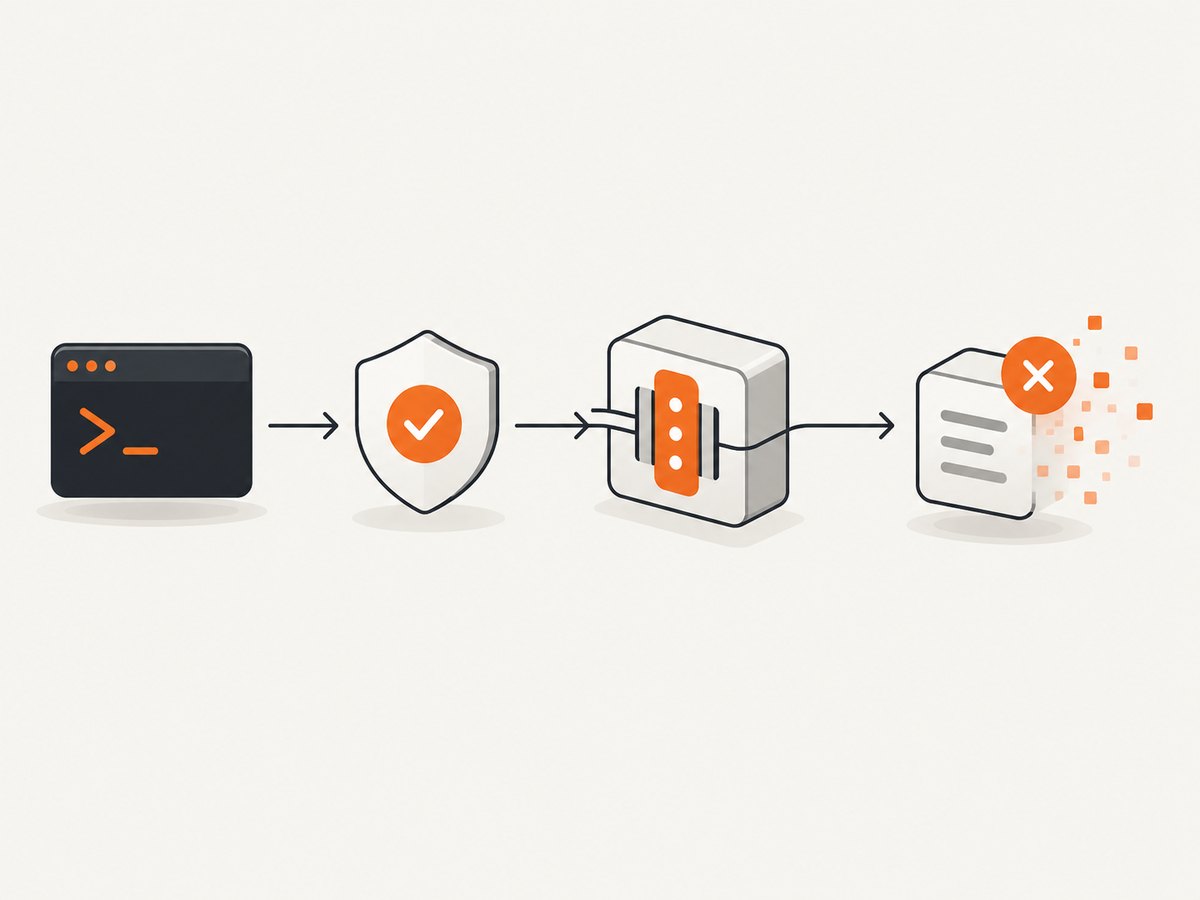
curl --request DELETE \
  https://api.example.com/resource/123
The curl manual documents --request DELETE as the method-selection form. Normally, curl chooses a method from the other options you use, so keep a DELETE command explicit and simple. See the curl man page.
2. Add headers and authentication
Use --header (or -H) for headers required by the API:
curl --request DELETE \
  --header 'Accept: application/json' \
  --header 'Authorization: Bearer REDACTED_TOKEN' \
  https://api.example.com/resource/123
Use the authentication scheme specified by the service. For HTTP Basic authentication, curl’s --user (or -u) option supplies a username and password:
curl --request DELETE \
  --user "$API_USERNAME:$API_PASSWORD" \
  https://api.example.com/resource/123
Environment variables reduce the chance of putting credentials directly in shell history. They do not make a secret safe if your shell, process list, CI logs, or debug output exposes it. Mask secrets in continuous-integration logs and use the provider’s recommended credential store when available.
3. Inspect the response and HTTP status
Include response headers and the status code while diagnosing an endpoint:
curl --request DELETE \
  --header 'Authorization: Bearer REDACTED_TOKEN' \
  --include \
  --write-out '\nHTTP status: %{http_code}\n' \
  https://api.example.com/resource/123
--include prints response headers. --write-out prints the status after the response body. For scripts, fail on transport errors and capture the status separately:
curl --request DELETE \
  --fail-with-body \
  --silent --show-error \
  --output response.json \
  --write-out '%{http_code}\n' \
  https://api.example.com/resource/123
--fail-with-body makes curl return a nonzero exit status for HTTP 400 or higher while retaining the error body. Check the target API’s documentation before treating a particular 2xx status as proof that a business record was permanently removed.
4. Authenticate with API keys and other schemes
Some APIs use a custom API-key header:
curl --request DELETE \
  --header "X-API-Key: $API_KEY" \
  --header 'Accept: application/json' \
  https://api.example.com/resource/123
Others expect the key in a query parameter:
curl --request DELETE \
  --get \
  --data-urlencode "api_key=$API_KEY" \
  --data-urlencode 'id=123' \
  https://api.example.com/resource
Do not assume one authentication format works everywhere. Follow the endpoint’s documented header, token prefix, scope, and expiration rules.
5. Can a DELETE request contain a JSON body?
HTTP does not define generally portable semantics for a DELETE request body. MDN’s DELETE reference notes that DELETE requests should not contain a body and that servers may reject one. RFC 9110 likewise says content in DELETE has no generally defined semantics and may cause an implementation to reject the request or close the connection.
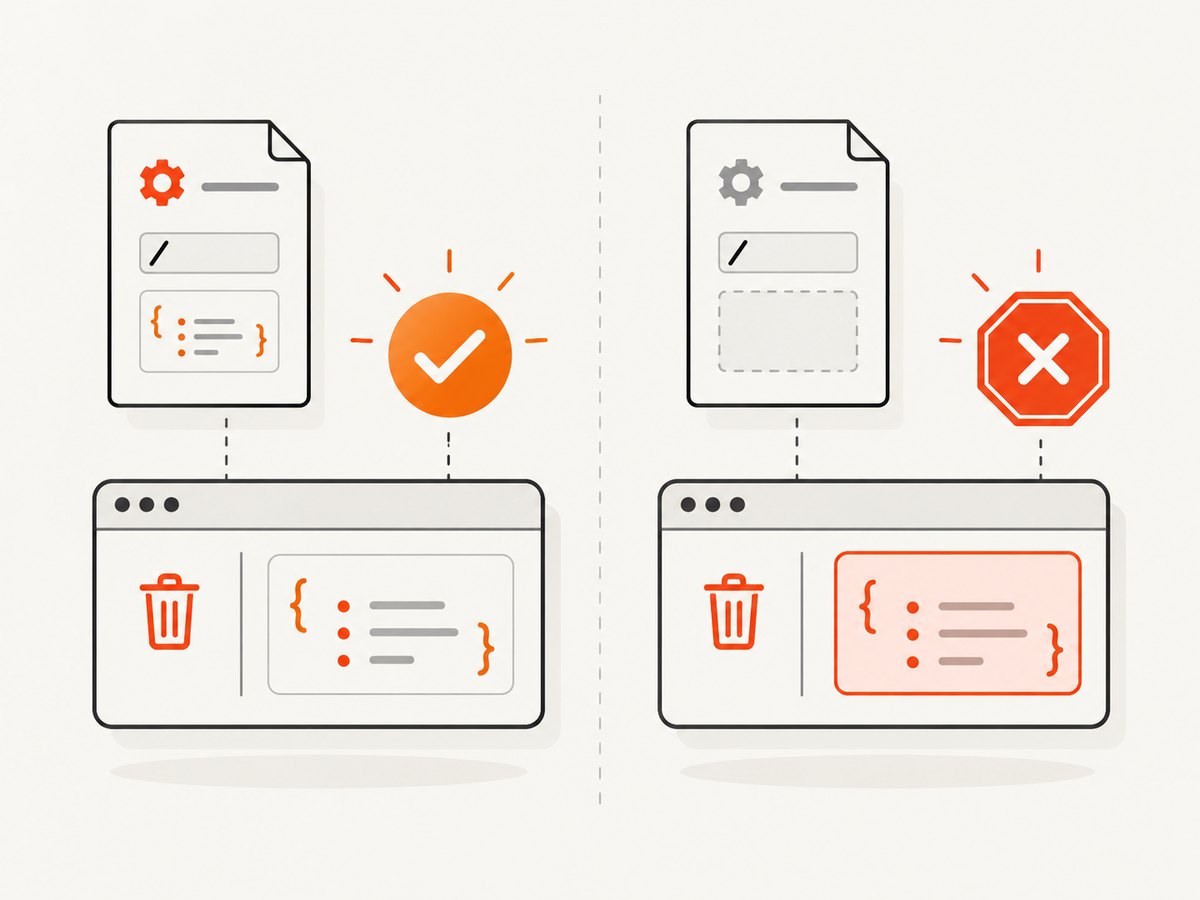
If an API explicitly documents a JSON body, send exactly the documented schema:
curl --request DELETE \
  --header 'Content-Type: application/json' \
  --header 'Authorization: Bearer REDACTED_TOKEN' \
  --data '{"reason":"duplicate","hard_delete":false}' \
  https://api.example.com/resource/123
Test this against a non-production resource first. Do not add --data merely because another HTTP method uses JSON. If the API needs filters or a deletion reason, it may define a separate action endpoint, query parameters, or a POST operation instead.
6. Use DELETE safely in scripts
- Print or log the fully resolved URL without exposing credentials.
- Confirm the account, project, tenant, and resource identifier.
- Check the authorization scope and whether the operation is reversible.
- Run against a test resource before production data.
- Record the response status and request ID returned by the service.
DELETE is idempotent but unsafe. Repeating the same request is intended to leave the resource in the same deleted state, but the first successful request can still remove data. A second request might return 404, 410, or another API-specific result. Idempotence does not provide an undo mechanism.
7. Redirects and the --location warning
Do not automatically follow redirects for a destructive request until you understand the endpoint’s behavior. With --location, curl follows redirect responses, and a method selected with --request can be reused on subsequent requests. That can send DELETE to a different location.
curl --request DELETE \
  --location \
  https://api.example.com/resource/123
Use redirects only when the API documents them and you have checked the destination. During diagnosis, omit --location and inspect the Location header:
curl --request DELETE \
  --include \
  https://api.example.com/resource/123
8. Equivalent DELETE requests in Python
With the widely used requests package:
import requests

url = "https://api.example.com/resource/123"
headers = {
    "Accept": "application/json",
    "Authorization": "Bearer REDACTED_TOKEN",
}

response = requests.delete(url, headers=headers, timeout=30)
print(response.status_code)
print(response.text)
response.raise_for_status()
If the API documents a JSON body:
response = requests.delete(
    "https://api.example.com/resource/123",
    headers={"Authorization": "Bearer REDACTED_TOKEN"},
    json={"reason": "duplicate"},
    timeout=30,
)
response.raise_for_status()
Set a timeout explicitly. Without one, a stalled connection can keep a worker occupied indefinitely.
9. Equivalent DELETE requests in Node.js
Node.js versions with the built-in fetch API can send DELETE directly:
const response = await fetch('https://api.example.com/resource/123', {
  method: 'DELETE',
  headers: {
    'Accept': 'application/json',
    'Authorization': 'Bearer REDACTED_TOKEN'
  }
});

const body = await response.text();
console.log(response.status, body);

if (!response.ok) {
  throw new Error(`DELETE failed: ${response.status}`);
}
For a documented JSON body:
const response = await fetch('https://api.example.com/resource/123', {
  method: 'DELETE',
  headers: {
    'Content-Type': 'application/json',
    'Authorization': 'Bearer REDACTED_TOKEN'
  },
  body: JSON.stringify({ reason: 'duplicate' })
});
Use an AbortController when your runtime needs a client-side deadline. Fetch does not treat HTTP 4xx or 5xx responses as rejected promises, so check response.ok.
10. Troubleshooting common DELETE errors
| Symptom | Likely cause | Fix |
|---|---|---|
| 401 Unauthorized | Missing, expired, or malformed credentials. | Verify the token, prefix, header name, and environment variable used by the shell or CI job. |
| 403 Forbidden | The identity is valid but lacks delete permission or the resource is protected. | Check scopes, role assignments, tenant selection, and service-side deletion policy. |
| 404 Not Found | Wrong URL, identifier, API version, or an already deleted resource. | Copy the canonical resource URL from the API response and confirm whether deletion is idempotently reported as 404. |
| 405 Method Not Allowed | The route does not support DELETE. | Use the method documented for that route; an action endpoint may be required. |
| 415 Unsupported Media Type | A body or content type was sent that the endpoint does not accept. | Remove the body unless documented, or send the exact documented Content-Type. |
| 422 Unprocessable Content | The request reached the API but failed validation or a business rule. | Read the JSON error body and correct the identifier, state, or required field. |
| 301/302/307/308 response | The endpoint redirects, often because of a missing slash or host change. | Inspect Location first; enable --location only when repeating DELETE at the destination is safe. |
| Empty response body | Many APIs return 204 No Content after deletion. | Use the status code and headers as the result; do not require JSON unless the API promises it. |
| curl exits with a timeout | DNS, TLS, network, proxy, or an overloaded server prevented completion. | Use --connect-timeout and --max-time, inspect with --verbose, and retry only when the operation’s safety and idempotence are understood. |
| Unexpected resource deleted | Variable expansion, URL construction, or redirect behavior changed the target. | Echo the final URL, quote shell variables, remove automatic redirects, and require an explicit confirmation in automation. |
For TLS, proxy, DNS, and connection details, run:
curl --verbose --request DELETE \
  --connect-timeout 10 \
  --max-time 60 \
  https://api.example.com/resource/123
11. Reliability, retries, and performance
DELETE is usually a small request, so transfer size is rarely the bottleneck. Latency is dominated by DNS, TCP/TLS setup, authentication, server-side authorization, and the deletion job itself. Reuse connections when a long-running client sends many requests; a one-off curl process normally pays setup costs once.
Retries require care. A network failure after the server processed the request leaves the client uncertain. Because DELETE is idempotent by HTTP semantics, retrying the same target is generally safer than retrying a non-idempotent operation, but the API may apply additional business effects such as audit events, asynchronous jobs, or rate limits. Prefer the provider’s documented retry policy, exponential backoff, and request identifiers. Never retry blindly on every 4xx response.
For bulk deletion, use the API’s batch or asynchronous endpoint if provided. Throttle concurrency to the service’s rate limit, preserve response IDs, and make a failed batch resumable from recorded resource IDs.
12. Or skip the browser setup
If you need screenshots of API documentation, dashboards, or other web pages while working on an integration, ScreenshotNeo provides a single HTTP call instead of maintaining browser automation. Its API is documented at screenshotneo.com/docs/:
curl -G "https://api.screenshotneo.com/v1/shot" -d access_key=YOUR_API_KEY --data-urlencode url=https://stripe.com -o shot.webpCookie banners, newsletter popups, and chat widgets are removed before the shot. Bot checks, blank pages, failed loads, timeouts, and cache hits are not billed, and response headers identify the page verdict and billing result. An MCP server lets Claude, Cursor, and other MCP clients take screenshots. The Free plan includes 1,000 screenshots a month with no card; paid plans start at $5 for 3,000 shots. Create a free ScreenshotNeo account.
13. Frequently asked questions
Should I use -X DELETE or --request DELETE?
They send the same method word. The long form is clearer in shared scripts; the short form is convenient interactively.
Does a successful curl command prove the record was deleted?
No. Curl reports transport and HTTP results. Interpret the status and response body according to the API contract, and verify asynchronously deleted resources when required.
Is DELETE safe to repeat?
DELETE is idempotent by HTTP semantics, but it is destructive. Confirm the target and authorization before every automated retry.
Why did my DELETE request receive a 204 response with no JSON?
204 No Content is commonly used when the server completed the operation without returning a representation. Treat the status and headers as the result.
Can I put the token in the URL?
Only when the API explicitly requires it. Headers are generally preferable because URLs are more likely to appear in logs, browser history, and monitoring data.


