How to Send Java Screenshots Over a Socket
Capture a screen with Java Robot, encode it with ImageIO, frame it over TCP, and decode it safely on the receiving side.
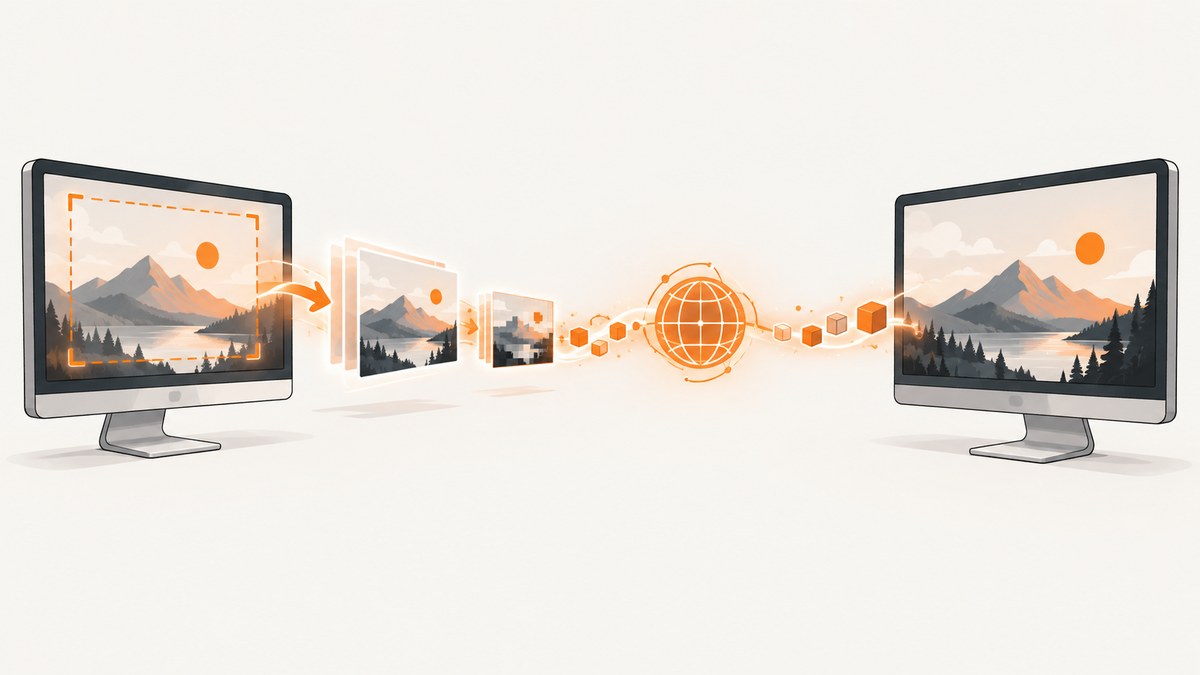
Direct answer: capture pixels with java.awt.Robot, encode the resulting BufferedImage with ImageIO, send the encoded bytes through a Socket, and prefix every image with its byte length. TCP is a byte stream, so the length prefix tells the receiver exactly where one screenshot ends.
This pattern works for one screenshot or a recurring stream. Keep screen capture and blocking network operations on worker threads, reject oversized frames before allocating memory, and authenticate or encrypt the connection when screenshots cross an untrusted network.
How the screenshot pipeline works
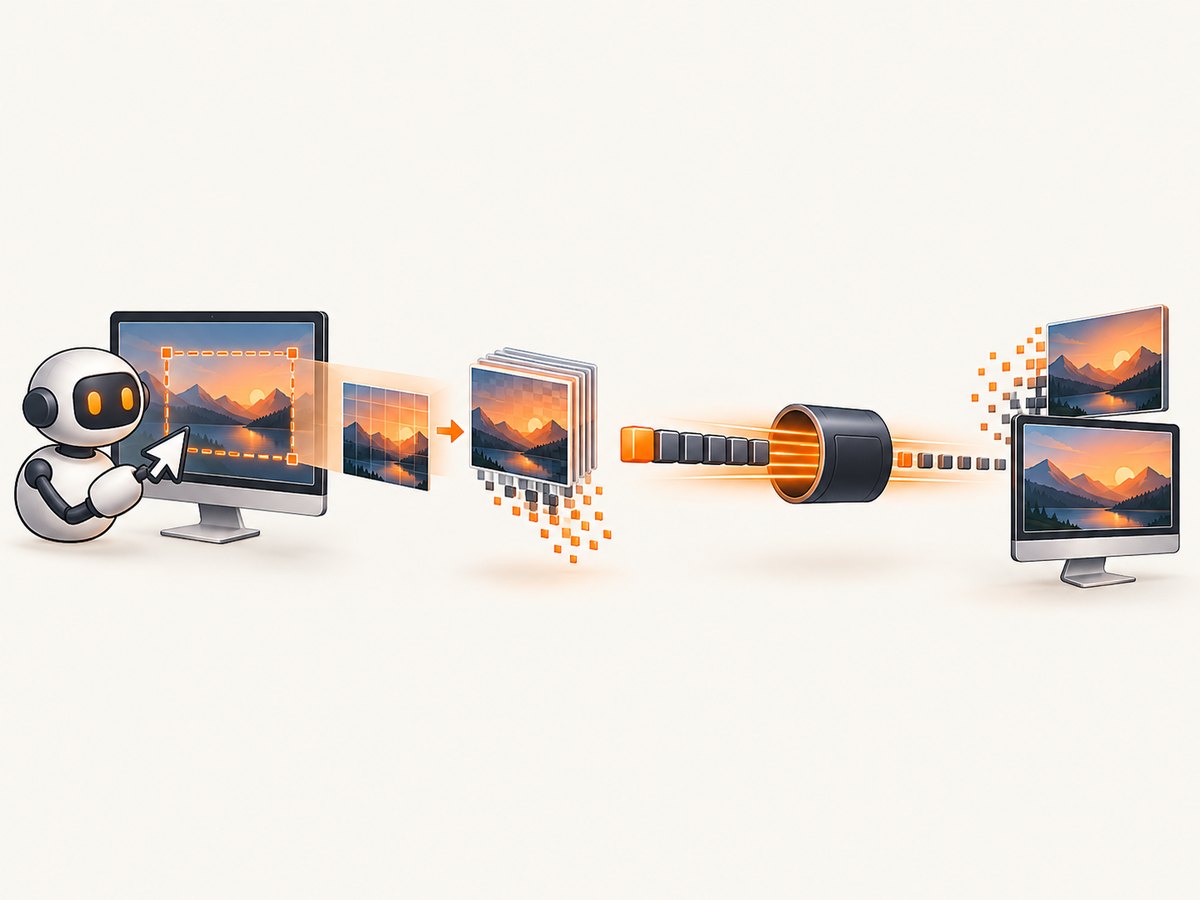
Robot.createScreenCapture(Rectangle)reads a screen region into aBufferedImage. Oracle documents that capture can be lengthy, may require desktop permission, and should not run on the AWT event-dispatch thread.ImageIO.writeconverts the image to PNG, JPEG, or another installed writer format in a memory stream.- A
Socketexposes an input and output stream. The sender writes a four-byte, big-endian length followed by the encoded image. - The receiver reads exactly four bytes, validates the length, reads exactly that many bytes, then calls
ImageIO.read.
See the Robot API, Socket API, and ImageIO API for the platform contracts.
Define a small framed protocol
| Bytes | Meaning |
|---|---|
| 4 | Unsigned frame length, big-endian |
| length | PNG or JPEG bytes |
Java’s DataOutputStream.writeInt and DataInputStream.readInt use big-endian order. The signed Java integer still gives you a practical maximum of 2,147,483,647 bytes; enforce a much smaller application limit such as 20 MiB. Never allocate an array from an unchecked network length.
Complete Java sender
Save this as ScreenshotSender.java. It captures the complete primary display, encodes PNG, connects to the receiver, and sends one frame.
import java.awt.AWTException;
import java.awt.Rectangle;
import java.awt.Robot;
import java.awt.Toolkit;
import java.awt.image.BufferedImage;
import java.io.BufferedOutputStream;
import java.io.ByteArrayOutputStream;
import java.io.DataOutputStream;
import java.io.IOException;
import java.net.Socket;
import javax.imageio.ImageIO;

public final class ScreenshotSender {
    private ScreenshotSender() {}

    public static void main(String[] args) throws IOException, AWTException {
        if (args.length != 2) {
            System.err.println("Usage: java ScreenshotSender  ");
            System.exit(2);
        }

        String host = args[0];
        int port = Integer.parseInt(args[1]);
        Rectangle area = new Rectangle(Toolkit.getDefaultToolkit().getScreenSize());
        BufferedImage image = new Robot().createScreenCapture(area);

        ByteArrayOutputStream encoded = new ByteArrayOutputStream();
        if (!ImageIO.write(image, "png", encoded)) {
            throw new IOException("No PNG ImageIO writer is installed");
        }
        byte[] bytes = encoded.toByteArray();
        final int maxFrameBytes = 20 * 1024 * 1024;
        if (bytes.length > maxFrameBytes) {
            throw new IOException("Encoded screenshot exceeds configured limit");
        }

        try (Socket socket = new Socket(host, port);
             DataOutputStream out = new DataOutputStream(
                 new BufferedOutputStream(socket.getOutputStream()))) {
            socket.setSoTimeout(10_000);
            out.writeInt(bytes.length);
            out.write(bytes);
            out.flush();
        }
    }
}
Complete Java receiver
Save this as ScreenshotReceiver.java. It accepts one connection, validates the frame length before allocation, rejects truncated data, and writes the decoded image to received.png.
import java.awt.image.BufferedImage;
import java.io.BufferedInputStream;
import java.io.ByteArrayInputStream;
import java.io.DataInputStream;
import java.io.EOFException;
import java.io.IOException;
import java.net.ServerSocket;
import java.net.Socket;
import javax.imageio.ImageIO;

public final class ScreenshotReceiver {
    private static final int MAX_FRAME_BYTES = 20 * 1024 * 1024;

    private ScreenshotReceiver() {}

    public static void main(String[] args) throws IOException {
        int port = args.length == 0 ? 9000 : Integer.parseInt(args[0]);
        try (ServerSocket server = new ServerSocket(port)) {
            System.out.println("Listening on port " + port);
            try (Socket socket = server.accept();
                 DataInputStream in = new DataInputStream(
                     new BufferedInputStream(socket.getInputStream()))) {
                socket.setSoTimeout(15_000);
                int length = in.readInt();
                if (length < 0 || length > MAX_FRAME_BYTES) {
                    throw new IOException("Invalid frame length: " + length);
                }

                byte[] bytes = in.readNBytes(length);
                if (bytes.length != length) {
                    throw new EOFException("Truncated screenshot frame");
                }

                BufferedImage image = ImageIO.read(new ByteArrayInputStream(bytes));
                if (image == null) {
                    throw new IOException("Unsupported or corrupt image data");
                }
                if (!ImageIO.write(image, "png", new java.io.File("received.png"))) {
                    throw new IOException("No PNG ImageIO writer is installed");
                }
                System.out.println("Received " + image.getWidth() + "x" + image.getHeight());
            }
        }
    }
}
Run it
javac ScreenshotReceiver.java ScreenshotSender.java
java ScreenshotReceiver 9000
# In another terminal, replace 127.0.0.1 with the receiver's address:
java ScreenshotSender 127.0.0.1 9000
For a remote host, allow the listening port through the host firewall and bind deliberately. The example listens on all interfaces through ServerSocket(int); production services should restrict exposure with firewall rules or bind to a specific local address.
Send multiple screenshots
Keep one TCP connection open and repeat the same length-prefix frame. The receiver must loop until end of stream. Pace the producer so a slow network cannot create an unbounded queue.
while (!Thread.currentThread().isInterrupted()) {
    BufferedImage image = robot.createScreenCapture(area);
    ByteArrayOutputStream encoded = new ByteArrayOutputStream();
    ImageIO.write(image, "jpeg", encoded);
    byte[] bytes = encoded.toByteArray();
    out.writeInt(bytes.length);
    out.write(bytes);
    out.flush();
    Thread.sleep(100); // approximately 10 captures per second
}
Oracle’s Screen Grabber example describes realistic rates from 0.1 to 30 frames per second. Your usable rate depends on capture cost, encoding time, image dimensions, network bandwidth, and receiver speed. Drop an old pending frame instead of allowing memory to grow without limit.
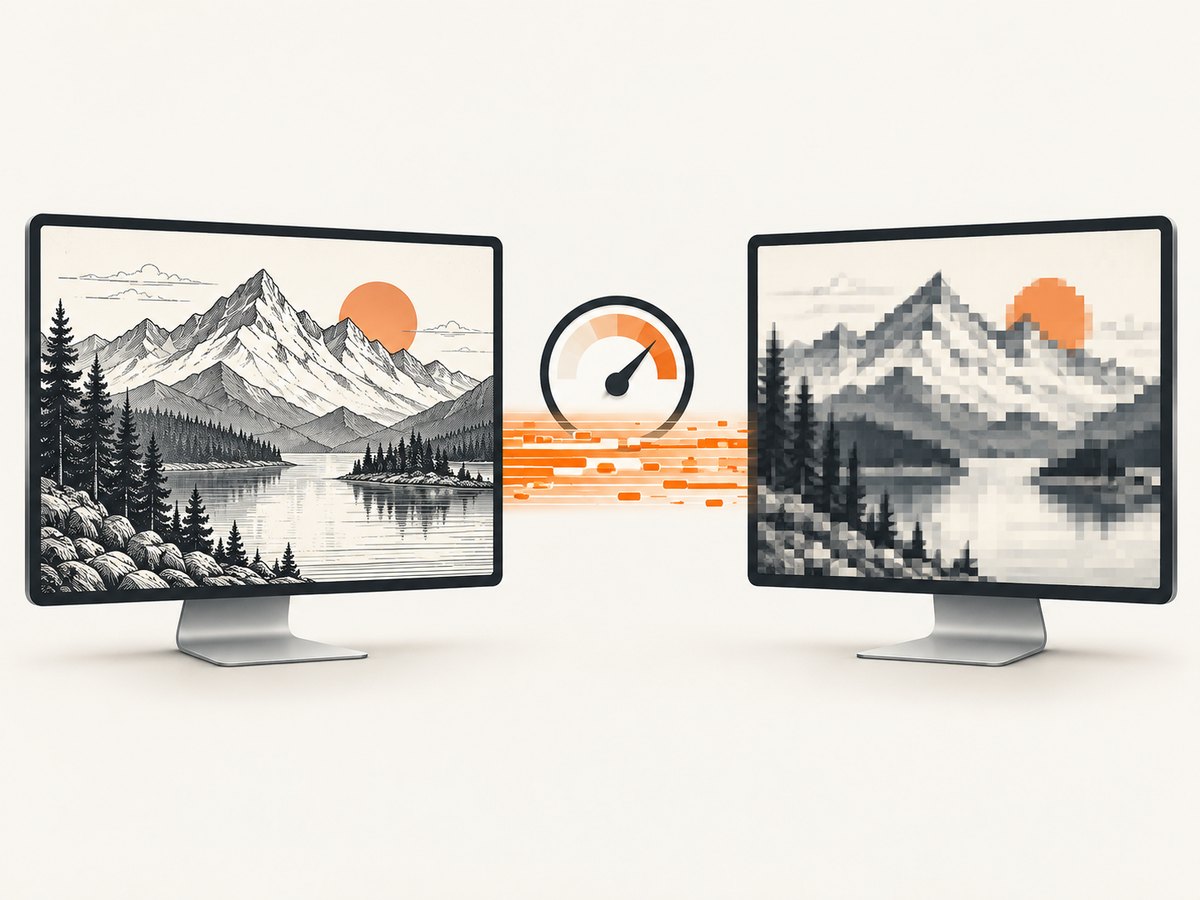
PNG versus JPEG
| Format | Use when | Tradeoff |
|---|---|---|
| PNG | Text, diagrams, terminals, and exact pixels | Lossless, but often larger |
| JPEG | Photos or bandwidth-constrained streams | Smaller in many cases, with compression artifacts |
The socket does not care which format you choose. The sender and receiver only need a format supported by the installed ImageIO readers and writers. Check the boolean result from ImageIO.write; a false result means no writer was found.
Capture regions, displays, and permissions
- Capture a region with
new Rectangle(x, y, width, height). - Use
GraphicsEnvironmentandGraphicsDevicewhen you need a particular monitor in a multi-display setup. - Do not call
Robotfrom Swing’s event-dispatch thread. Run capture and socket I/O in an executor or dedicated worker. - On a headless machine,
new Robot()can throwAWTException. Screen access can also raiseSecurityException. - Operating-system privacy controls may require granting screen-recording permission to the JVM or terminal.
Reliability and security checklist
- Set connect and read timeouts; a connected peer can otherwise stall forever.
- Handle
EOFException,SocketException, and otherIOExceptionvalues as normal disconnect paths. - Reconnect with bounded exponential backoff for recurring capture, and close the old socket before retrying.
- Validate frame length before allocation and validate decoded dimensions if your process has strict memory limits.
- Authenticate peers. A raw listening socket accepts anyone who can reach it.
- Use
SSLSocket, a VPN, or another protected tunnel when screenshots contain credentials, customer data, or private screens. - Never log screenshot bytes or sensitive connection headers.
Troubleshooting
| Symptom | Likely cause | Fix |
|---|---|---|
AWTException: headless environment |
No graphical desktop is available. | Run on a desktop session with screen access, or use a browser/API capture service for remote pages. |
SecurityException |
Screen permission was denied. | Grant the JVM or terminal screen-recording permission and retry. |
Receiver blocks in readInt() |
The sender never connected, or the sender has not written a complete header. | Confirm host and port, flush after writing, and configure a read timeout. |
| Invalid or huge frame length | Protocol mismatch, corrupted data, or an untrusted peer. | Use the same four-byte big-endian protocol and reject lengths above your limit. |
| Truncated screenshot frame | Peer disconnected or the write was interrupted. | Discard the partial frame and reconnect; do not decode it. |
ImageIO.read returns null |
No installed reader recognizes the bytes. | Verify the sender wrote PNG/JPEG successfully and that the payload was not altered. |
| Images arrive too slowly | Large frames, expensive encoding, or insufficient bandwidth. | Capture a smaller region, reduce cadence, switch to JPEG where acceptable, or drop stale frames. |
| Connection refused | No server is listening, or a firewall blocks the port. | Start the receiver, verify its bind address, and open only the required firewall path. |
Performance, memory, and cost considerations
Robot creates an in-memory image, and ImageIO.write creates another in-memory representation. Reusing buffers where practical, limiting dimensions, and processing one frame at a time keeps garbage-collection pressure predictable. Measure your own end-to-end latency and bandwidth; the cited research provides no universal throughput, CPU, or compression benchmark.
For a continuous stream, estimate bandwidth as encoded bytes per frame multiplied by frames per second. Add backpressure: block the producer, lower the cadence, or keep only the newest frame. For intermittent captures, opening a fresh socket is simple; for frequent frames, a persistent connection avoids handshake overhead.
Or skip the browser setup
If the screenshot you need is a web page rather than the local desktop, ScreenshotNeo captures it with one request. Cookie and consent banners, newsletter popups, and chat widgets are removed before the shot. Bot checks, blank pages, timeouts, failed loads, and cache hits are not billed, and the response identifies the result with X-Page-Verdict and X-Billed headers. ScreenshotNeo also provides an MCP server so Claude, Cursor, and other MCP clients can call take_screenshot, get_page_info, and capture_pdf.
Read the ScreenshotNeo API documentation for all options.
cURL
curl -G "https://api.screenshotneo.com/v1/shot" -d access_key=YOUR_API_KEY --data-urlencode url=https://stripe.com -o shot.webpPython
import requests
r = requests.get("https://api.screenshotneo.com/v1/shot", params={"access_key": "YOUR_API_KEY", "url": "https://stripe.com"}, timeout=90)
open("shot.webp", "wb").write(r.content)
Node.js
const q = new URLSearchParams({ access_key: 'YOUR_API_KEY', url: 'https://stripe.com' });
const res = await fetch(`https://api.screenshotneo.com/v1/shot?${q}`);
There are 1,000 screenshots per month on the free plan with no card. Paid plans start at $5 for 3,000 shots; every feature is included on every plan. Create a free ScreenshotNeo account.
FAQ
Why is a length prefix necessary if TCP is reliable?
TCP preserves byte order, but it does not preserve application message boundaries. One read can return part of a screenshot, one screenshot, or multiple screenshots, so your protocol must define boundaries.
Can I send a BufferedImage directly?
No. Convert it to a portable format such as PNG or JPEG with ImageIO.write, then send those bytes.
Should the receiver save bytes or decode immediately?
Decode immediately when you need pixels. Save the encoded bytes when you want the original PNG/JPEG payload or need to defer processing.
Can this protocol carry PDFs?
Yes, the framing concept works for any bounded byte payload, but the receiver must use PDF handling instead of ImageIO.read.
What is the safest default for an internet-facing receiver?
Do not expose a raw unauthenticated socket. Put it behind access controls and TLS or a protected tunnel, enforce frame and rate limits, and close malformed connections.


