How to Send JSON POST Requests in PHP
Learn the correct PHP cURL and stream-wrapper patterns for JSON POST requests, response handling, errors, authentication, and receiving JSON safely.
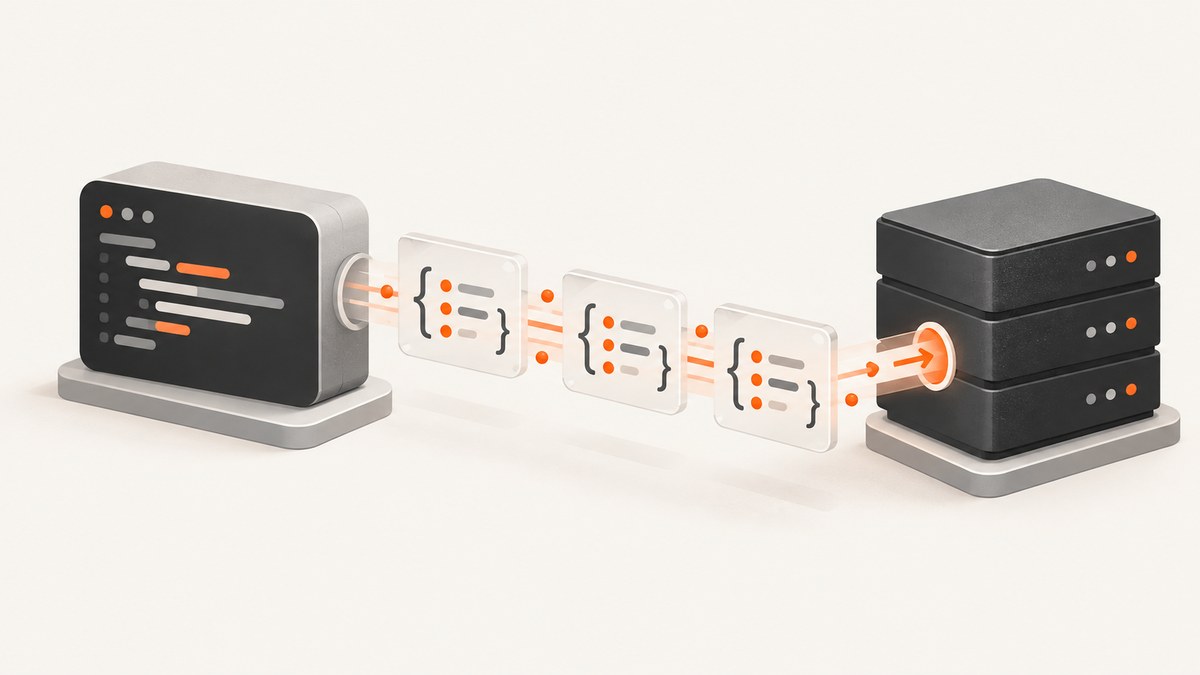
To send a JSON POST request in PHP, convert a PHP array to JSON with json_encode(), send that JSON string as the request body, and set Content-Type: application/json. PHP gives you two common approaches: the cURL extension and the HTTP stream wrapper. cURL provides more transport controls; streams are available when you want to use PHP’s built-in stream functions.
The smallest reliable cURL pattern looks like this:
<?php
$data = [
    'name' => 'Ada',
    'active' => true,
];

$json = json_encode($data, JSON_THROW_ON_ERROR);

$ch = curl_init('https://api.example.test/endpoint');
curl_setopt($ch, CURLOPT_RETURNTRANSFER, true);
curl_setopt($ch, CURLOPT_POST, true);
curl_setopt($ch, CURLOPT_POSTFIELDS, $json);
curl_setopt($ch, CURLOPT_HTTPHEADER, [
    'Content-Type: application/json',
    'Accept: application/json',
]);

$response = curl_exec($ch);
if ($response === false) {
    $error = curl_error($ch);
    curl_close($ch);
    throw new RuntimeException($error);
}

$status = curl_getinfo($ch, CURLINFO_HTTP_CODE);
curl_close($ch);

echo $status, PHP_EOL;
echo $response;
CURLOPT_POSTFIELDS receives the encoded JSON text, not the original PHP array. The content type tells the server how to parse the body. The PHP json_encode manual documents the encoding step, and the cURL option documentation covers the request options.
1. Build a valid JSON payload
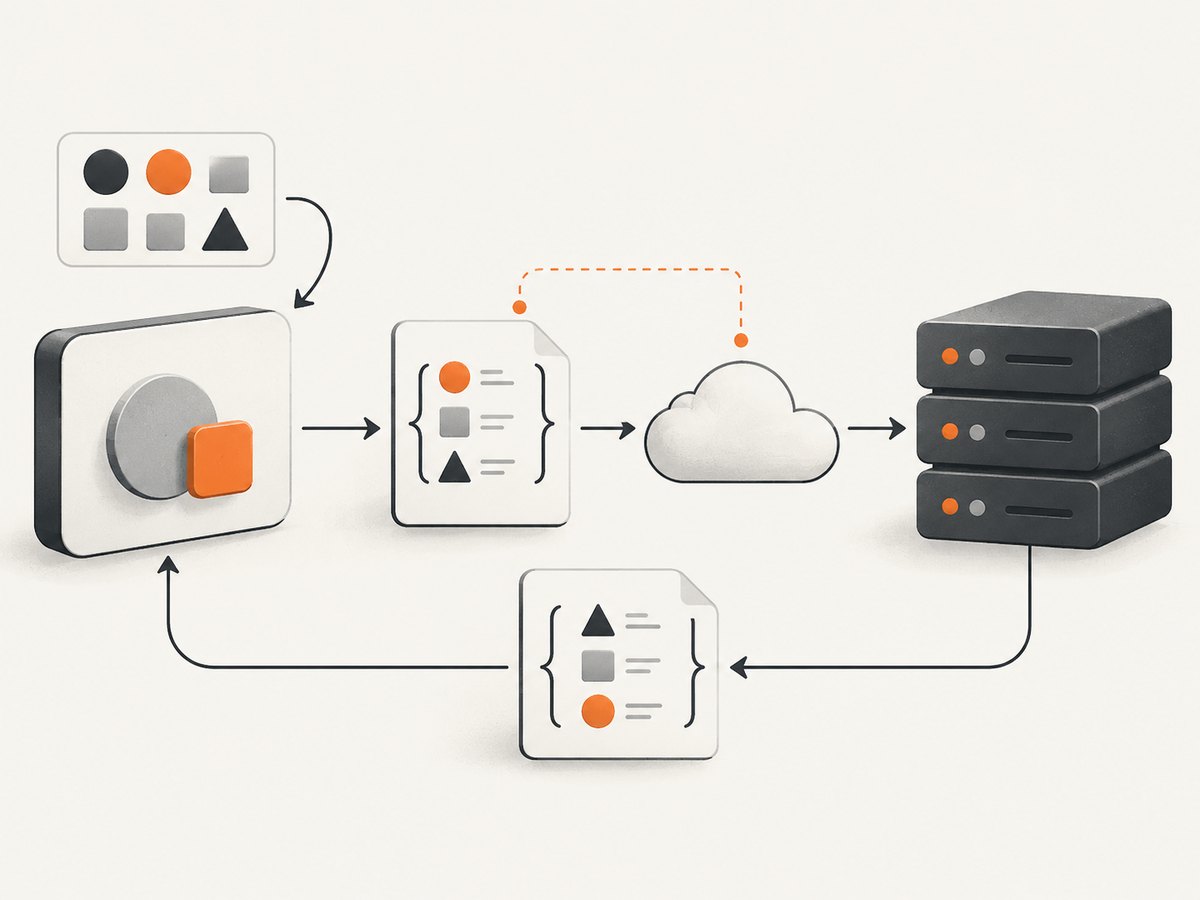
Start with a PHP array or object that matches the API’s schema. PHP converts associative arrays to JSON objects and indexed arrays to JSON arrays. Booleans, integers, floating-point values, strings, and null map to their JSON equivalents.
<?php
$payload = [
    'customer' => [
        'email' => 'ada@example.test',
    ],
    'items' => [
        ['sku' => 'book-001', 'quantity' => 2],
    ],
    'send_receipt' => true,
];

$json = json_encode($payload, JSON_THROW_ON_ERROR);

// $json is the text sent over HTTP.
echo $json;
Use JSON_THROW_ON_ERROR when your runtime supports it so an encoding problem becomes an exception instead of an unnoticed false result. PHP requires string data passed to json_encode to be UTF-8 encoded; invalid byte sequences are a common reason encoding fails. The official manual states that all string data must be UTF-8.
Validate encoding before sending
If you cannot use throwing flags, check the return value and inspect json_last_error_msg(). Never send the literal value false as if it were a valid request body.
<?php
$json = json_encode($payload);
if ($json === false) {
    throw new RuntimeException(json_last_error_msg());
}
2. Send JSON with PHP cURL
cURL is usually the most configurable choice for production API clients. Set the URL, request method, body, headers, timeout, and response mode explicitly. A complete reusable function can return both the status code and response text:
<?php
function postJson(string $url, array $payload, ?string $token = null): array
{
    $json = json_encode($payload, JSON_THROW_ON_ERROR);

    $headers = [
        'Content-Type: application/json',
        'Accept: application/json',
    ];
    if ($token !== null) {
        $headers[] = 'Authorization: Bearer ' . $token;
    }

    $ch = curl_init($url);
    curl_setopt_array($ch, [
        CURLOPT_RETURNTRANSFER => true,
        CURLOPT_POST => true,
        CURLOPT_POSTFIELDS => $json,
        CURLOPT_HTTPHEADER => $headers,
        CURLOPT_CONNECTTIMEOUT => 10,
        CURLOPT_TIMEOUT => 60,
    ]);

    $body = curl_exec($ch);
    if ($body === false) {
        $message = curl_error($ch);
        curl_close($ch);
        throw new RuntimeException('Transport error: ' . $message);
    }

    $status = curl_getinfo($ch, CURLINFO_HTTP_CODE);
    $contentType = curl_getinfo($ch, CURLINFO_CONTENT_TYPE);
    curl_close($ch);

    return [
        'status' => $status,
        'content_type' => $contentType,
        'body' => $body,
    ];
}

$result = postJson(
    'https://api.example.test/endpoint',
    ['name' => 'Ada', 'active' => true],
    getenv('API_TOKEN') ?: null
);

if ($result['status'] < 200 || $result['status'] >= 300) {
    throw new RuntimeException('API returned HTTP ' . $result['status'] . ': ' . $result['body']);
}

echo $result['body'];
Headers, authentication, and idempotency
Content-Type: application/jsondescribes the body you are sending.Accept: application/jsonasks for a JSON response; the server still controls what it returns.- Put bearer tokens or API keys in the authentication mechanism required by the endpoint. Read secrets from environment variables or a secret manager, not from source control.
- If an API supports an idempotency key, send one for operations that create a resource. Reusing the same key during a retry can prevent duplicate work; the exact behavior is API-specific.
A successful TCP connection does not mean the API accepted your data. Always inspect the HTTP status and, when useful, the response body.
3. Send JSON with the HTTP stream wrapper
The HTTP stream wrapper accepts a stream context containing the method, headers, and body. This is useful in environments where the cURL extension is unavailable.
<?php
$data = ['name' => 'Ada', 'active' => true];
$json = json_encode($data, JSON_THROW_ON_ERROR);

$options = [
    'http' => [
        'method' => 'POST',
        'header' => [
            'Content-Type: application/json',
            'Accept: application/json',
        ],
        'content' => $json,
        'ignore_errors' => true,
        'timeout' => 60,
    ],
];

$context = stream_context_create($options);
$response = file_get_contents(
    'https://api.example.test/endpoint',
    false,
    $context
);

if ($response === false) {
    throw new RuntimeException('The HTTP request failed');
}

echo $response;
The HTTP context options manual documents the method, headers, content, timeout, and related options. ignore_errors lets your code read the response body even when the server returns an HTTP error status. Inspect $http_response_header or configure an error handler when you need the status line and headers.
4. Receive JSON in a PHP endpoint
When your PHP application receives application/json, read the raw request body from php://input. Do not expect JSON fields in $_POST. PHP documents $_POST for application/x-www-form-urlencoded and multipart/form-data; for other content types, use php://input.
<?php
header('Content-Type: application/json');

$rawBody = file_get_contents('php://input');
if ($rawBody === false || $rawBody === '') {
    http_response_code(400);
    echo json_encode(['error' => 'Request body is required']);
    exit;
}

try {
    $data = json_decode($rawBody, true, 512, JSON_THROW_ON_ERROR);
} catch (JsonException $exception) {
    http_response_code(400);
    echo json_encode(['error' => 'Malformed JSON']);
    exit;
}

if (!is_array($data) || !isset($data['name'])) {
    http_response_code(422);
    echo json_encode(['error' => 'name is required']);
    exit;
}

echo json_encode(['ok' => true]);
Parse with JSON_THROW_ON_ERROR, validate the resulting structure, and return a status code that distinguishes malformed syntax from a valid document that fails your business rules.
5. cURL command-line equivalent
The same wire format can be inspected with the cURL command-line client:
curl -X POST 'https://api.example.test/endpoint' \
  -H 'Content-Type: application/json' \
  -H 'Accept: application/json' \
  -d '{"name":"Ada","active":true}'
Use --data-binary when sending a file without transformations:
curl -X POST 'https://api.example.test/endpoint' \
  -H 'Content-Type: application/json' \
  --data-binary @payload.json
6. Options that affect correctness
| Option | Why it matters |
|---|---|
Content-Type |
Without application/json, many servers parse the body as a different format or leave fields empty. |
CURLOPT_RETURNTRANSFER |
Returns the response to PHP instead of printing it directly. |
CURLOPT_TIMEOUT |
Prevents a request from waiting forever for a slow endpoint. |
CURLOPT_CONNECTTIMEOUT |
Limits time spent establishing the connection. |
CURLOPT_HTTPHEADER |
Adds content negotiation and authentication headers. |
Stream ignore_errors |
Allows your code to read an error response body for diagnostics. |
Do not use http_build_query() for a JSON body. That function creates URL-encoded form data, which is a different content type and format.
7. Troubleshooting common failures
“My API says the body is empty”
Confirm that the encoded string is passed to CURLOPT_POSTFIELDS or the stream context’s content. Confirm the request includes Content-Type: application/json. On the receiving side, read php://input rather than $_POST.
“json_encode returns false” or throws
Inspect the exception or json_last_error_msg(). Check that every PHP string is valid UTF-8, and normalize input before encoding. Recursive data structures and unsupported values can also prevent encoding.
HTTP 400 or 422
The server received the request but rejected its syntax or schema. Log the status and response body, compare field names and types with the endpoint documentation, and ensure booleans and numbers are encoded as JSON values rather than strings.
HTTP 401 or 403
Authentication is missing, expired, or malformed. Verify the required header name, token format, scope, and environment variable. Avoid logging the token while debugging.
cURL reports “SSL certificate problem”
Fix the CA certificate installation or runtime configuration. Disabling TLS verification hides the problem and exposes credentials, so it should not be used as a production fix.
file_get_contents returns false
Check DNS, TLS, firewall rules, the URL, and the PHP HTTP wrapper configuration. Capture the warning with an error handler, set an explicit stream timeout, and inspect response headers when the server did respond.
The request works locally but times out in production
Compare outbound network policy, DNS resolution, proxy settings, TLS certificates, and timeout limits. Use separate connect and total timeouts so failures are bounded and diagnosable.
8. Reliability, performance, and cost considerations
JSON encoding itself is normally small compared with network latency. Keep connections and payloads bounded, set timeouts, and avoid retrying every error. Retry transient transport failures and selected 5xx responses only when the operation is safe to repeat or the API provides idempotency keys. Do not blindly retry validation, authentication, or permission errors.
For repeated calls, reuse a client abstraction so headers, timeouts, authentication, logging, and error handling stay consistent. Redact credentials and personal data from logs. Record request duration, status code, and a request identifier when the API supplies one.
There is no universal performance winner between cURL and streams in the PHP documentation. Choose cURL when you need richer controls and diagnostics; choose streams when the deployment already provides the wrapper and your requirements are simple. API pricing, rate limits, payload limits, and retry rules come from the specific API rather than from PHP.
9. Or skip the browser setup: ScreenshotNeo
If the JSON POST is part of a workflow that captures web pages, you can call ScreenshotNeo directly instead of maintaining browser automation. Its API is a GET request, so PHP can save the returned image just like any other HTTP response:

<?php
$url = 'https://api.screenshotneo.com/v1/shot';
$query = http_build_query([
    'access_key' => 'YOUR_API_KEY',
    'url' => 'https://stripe.com',
]);

$ch = curl_init($url . '?' . $query);
curl_setopt_array($ch, [
    CURLOPT_RETURNTRANSFER => true,
    CURLOPT_TIMEOUT => 90,
]);

$image = curl_exec($ch);
if ($image === false) {
    $error = curl_error($ch);
    curl_close($ch);
    throw new RuntimeException($error);
}

$status = curl_getinfo($ch, CURLINFO_HTTP_CODE);
curl_close($ch);
if ($status < 200 || $status >= 300) {
    throw new RuntimeException('Screenshot request failed with HTTP ' . $status);
}

file_put_contents('shot.webp', $image);
See the ScreenshotNeo API documentation for request options. The same endpoint can be called with cURL, Python, or Node.js:
curl -G 'https://api.screenshotneo.com/v1/shot' -d access_key=YOUR_API_KEY --data-urlencode url=https://stripe.com -o shot.webpimport requests
r = requests.get('https://api.screenshotneo.com/v1/shot', params={'access_key': 'YOUR_API_KEY', 'url': 'https://stripe.com'}, timeout=90)
r.raise_for_status()
open('shot.webp', 'wb').write(r.content)const q = new URLSearchParams({ access_key: 'YOUR_API_KEY', url: 'https://stripe.com' });
const res = await fetch(`https://api.screenshotneo.com/v1/shot?${q}`);ScreenshotNeo removes cookie and consent banners, newsletter popups, and chat widgets before capture. Bot checks, blank pages, timeouts, failed loads, and cache hits are not billed; response headers identify the page verdict and whether the request was billed. It also provides an MCP server for AI agents, including Claude and Cursor, with take_screenshot, get_page_info, and capture_pdf tools. The free plan includes 1,000 screenshots per month with no card, and paid plans start at $5 for 3,000 shots.
Create a free ScreenshotNeo account to get started.
10. FAQ
Should I use cURL or streams?
Use cURL when you need detailed timeout, TLS, proxy, or transfer controls. Use streams for a smaller dependency surface when the HTTP wrapper meets your needs.
Can I send a PHP array directly?
Encode it first with json_encode(). Passing an array as POST fields can produce form encoding instead of JSON.
Why is $_POST empty?
$_POST is for form-encoded and multipart requests. Read JSON from php://input and decode it.
How do I know whether the API accepted the request?
Check the transport result, HTTP status, and response body. A completed connection alone is not acceptance.
Do I need to set Content-Length?
Usually no. cURL and the stream wrapper calculate appropriate transfer headers. Set it only when the endpoint or a specialized transport requires it.


