How to Send a jsPDF PDF to an API Without Downloading It
Generate a jsPDF document in memory and upload it as raw PDF bytes or multipart form data with browser fetch, plus debugging and production tips.

Use doc.output('blob') to create the PDF in memory, then pass that Blob to fetch. Send it directly as the request body when the endpoint accepts raw PDF bytes, or append it to FormData when the endpoint expects a named file field. You do not need doc.save(), a temporary download, or a file picker.
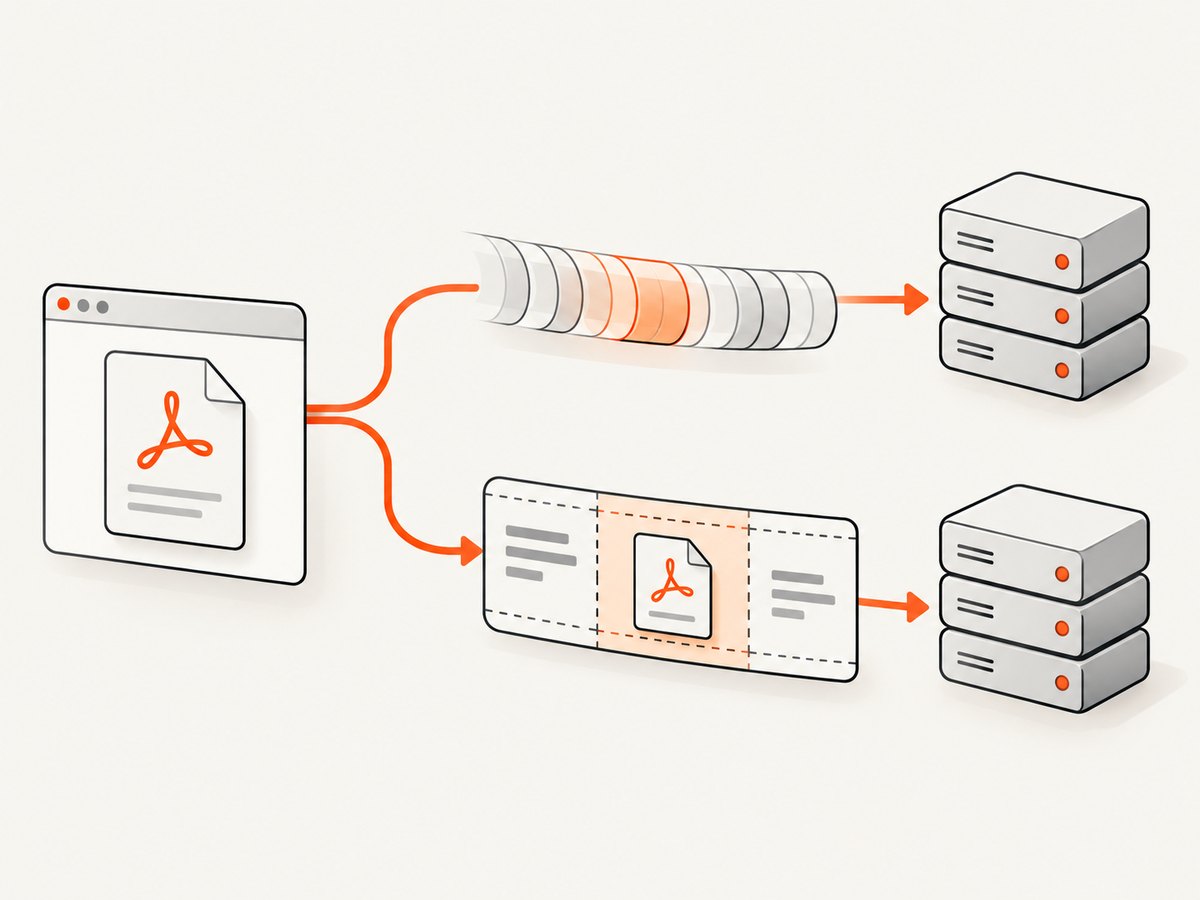
This distinction matters because APIs commonly expose one of two contracts:
| Endpoint contract | Browser body | Client setup |
|---|---|---|
| Raw PDF upload | The PDF Blob itself | Set the media type required by the API, usually application/pdf |
| Multipart file upload | A FormData object containing the Blob |
Use the field name documented by the API; let the browser create the multipart boundary |
Confirm the route, authentication method, accepted media type, field name, maximum size, response format, and CORS policy in the API documentation before choosing an implementation. The browser APIs can create and transmit the bytes, but they cannot infer the server contract.
1. Create a jsPDF document without saving it
Install or load jsPDF according to your application. The important part is the output call. jsPDF documents blob and arraybuffer output types in its output API documentation.
import { jsPDF } from 'jspdf';

const doc = new jsPDF();
doc.text('Hello world!', 10, 10);

const pdfBlob = doc.output('blob');
console.log(pdfBlob.type); // application/pdf
console.log(pdfBlob.size); // number of bytes
doc.output('blob') returns a value your code can pass to another API. By contrast, doc.save('document.pdf') starts a browser download, which is exactly the step this workflow avoids. Keep the Blob in memory until the request finishes.
2. Upload raw PDF bytes with fetch
Use this version when the endpoint parses the entire request body as a PDF. The server may require Content-Type: application/pdf, an authorization header, or a provider-specific media type. Fetch accepts a request body and resolves to a Response; an HTTP 400 or 500 still resolves normally, so always inspect response.ok or response.status. See the MDN fetch documentation.
import { jsPDF } from 'jspdf';

async function uploadPdfBytes() {
  const doc = new jsPDF();
  doc.text('Invoice 123', 20, 20);
  doc.text('Total: $42.00', 20, 32);

  const pdfBlob = doc.output('blob');

  const response = await fetch('/api/documents', {
    method: 'POST',
    headers: {
      'Content-Type': 'application/pdf',
      'Authorization': `Bearer ${yourAccessToken}`
    },
    body: pdfBlob
  });

  if (!response.ok) {
    const message = await response.text();
    throw new Error(`Upload failed (${response.status}): ${message}`);
  }

  return response.json();
}

uploadPdfBytes().catch(console.error);
Do not add a JSON wrapper around the Blob unless the API explicitly asks for base64 or a JSON field. A raw endpoint expects PDF bytes beginning with the PDF signature, not a string representation of the Blob.
Adding metadata and request options
Keep request headers aligned with the endpoint. Typical options include:
- Authorization: a bearer token or API key, if required. Do not expose a long-lived secret in browser code unless the service is designed for public browser use; a server-side proxy is safer for private credentials.
- Content-Type: usually
application/pdffor a raw upload. - Accept: set this when you need a particular response format, such as
application/json. - Credentials: use
credentials: 'include'only when the API relies on cookies and has matching CORS settings. - AbortSignal: use
AbortControllerto cancel a request when a user navigates away or a timeout expires.
const controller = new AbortController();
const timeoutId = setTimeout(() => controller.abort(), 60_000);

try {
  const response = await fetch('/api/documents', {
    method: 'POST',
    headers: { 'Content-Type': 'application/pdf' },
    body: pdfBlob,
    signal: controller.signal
  });

  if (!response.ok) throw new Error(`HTTP ${response.status}`);
} finally {
  clearTimeout(timeoutId);
}
3. Upload as multipart/form-data
Choose multipart when the API expects a file field, additional form fields, or both. The exact field key is part of the server contract. It may be file, document, or another name.
import { jsPDF } from 'jspdf';

async function uploadMultipart() {
  const doc = new jsPDF();
  doc.text('Report generated in memory', 20, 20);

  const pdfBlob = doc.output('blob');
  const formData = new FormData();
  formData.append('file', pdfBlob, 'report.pdf');
  formData.append('documentType', 'report');

  const response = await fetch('/api/documents', {
    method: 'POST',
    headers: {
      'Authorization': `Bearer ${yourAccessToken}`
    },
    body: formData
  });

  if (!response.ok) {
    throw new Error(`Upload failed: ${response.status}`);
  }

  return response.json();
}
FormData encodes keyed values as multipart data. Do not manually set Content-Type: multipart/form-data. Fetch adds the boundary parameter, such as multipart/form-data; boundary=...; replacing that header yourself can prevent the server from separating the file parts.
Appending other values
Values appended to FormData are strings, Blobs, or Files. Convert structured data to JSON deliberately:
formData.append('metadata', JSON.stringify({
  customerId: 'cus_123',
  source: 'browser'
}));
If your API requires a filename, pass the third argument to append. A Blob has no meaningful local path; the supplied filename becomes the multipart part’s filename.
4. Use ArrayBuffer when another client needs bytes
jsPDF also supports doc.output('arraybuffer'). Use it when a library accepts an ArrayBuffer or typed array, or when you need to inspect or transform bytes before uploading.
const arrayBuffer = doc.output('arraybuffer');
const pdfBlob = new Blob([arrayBuffer], { type: 'application/pdf' });

await fetch('/api/documents', {
  method: 'POST',
  headers: { 'Content-Type': 'application/pdf' },
  body: pdfBlob
});
For a normal fetch upload, Blob output is simpler because it works directly as a body and as a FormData value. ArrayBuffer does not bypass server limits or change the required request format.
5. Complete examples in cURL, Python, and Node.js
The browser can generate the PDF, but these examples show the receiving side of the same transport patterns when bytes already exist. Replace the URL, authentication, and field names with the target API’s contract.
cURL: raw PDF body
curl -X POST 'https://api.example.com/documents' \
  -H 'Authorization: Bearer YOUR_TOKEN' \
  -H 'Content-Type: application/pdf' \
  --data-binary '@document.pdf'
Python: raw bytes with requests
from pathlib import Path
import requests

pdf_bytes = Path('document.pdf').read_bytes()
response = requests.post(
    'https://api.example.com/documents',
    headers={
        'Authorization': 'Bearer YOUR_TOKEN',
        'Content-Type': 'application/pdf',
    },
    data=pdf_bytes,
    timeout=60,
)
response.raise_for_status()
print(response.json())
Python: multipart upload
import requests

with open('document.pdf', 'rb') as pdf:
    response = requests.post(
        'https://api.example.com/documents',
        headers={'Authorization': 'Bearer YOUR_TOKEN'},
        files={'file': ('document.pdf', pdf, 'application/pdf')},
        data={'documentType': 'report'},
        timeout=60,
    )
response.raise_for_status()
Node.js: upload bytes from a jsPDF-compatible runtime
const q = new URLSearchParams({
  access_key: 'YOUR_API_KEY',
  url: 'https://stripe.com'
});
const res = await fetch(`https://api.example.com/documents?${q}`);
if (!res.ok) throw new Error(`HTTP ${res.status}`);
In a Node application that creates a PDF with a compatible jsPDF setup, send the resulting ArrayBuffer or Buffer with the same Content-Type rules. For multipart requests, use the runtime’s FormData implementation and append a Blob or file value with the field name required by the API.
6. Client-side edge cases
Large documents and memory
The PDF exists in memory while jsPDF builds it and while the request is being transmitted. Images, embedded fonts, and many pages can make this significant. Generate only the pages you need, resize source images before embedding them, and avoid keeping duplicate Blob, ArrayBuffer, and base64 copies alive. If documents can exceed browser memory or API limits, generate them on a server or upload in a provider-supported multipart/chunked protocol.
Fonts and non-ASCII text
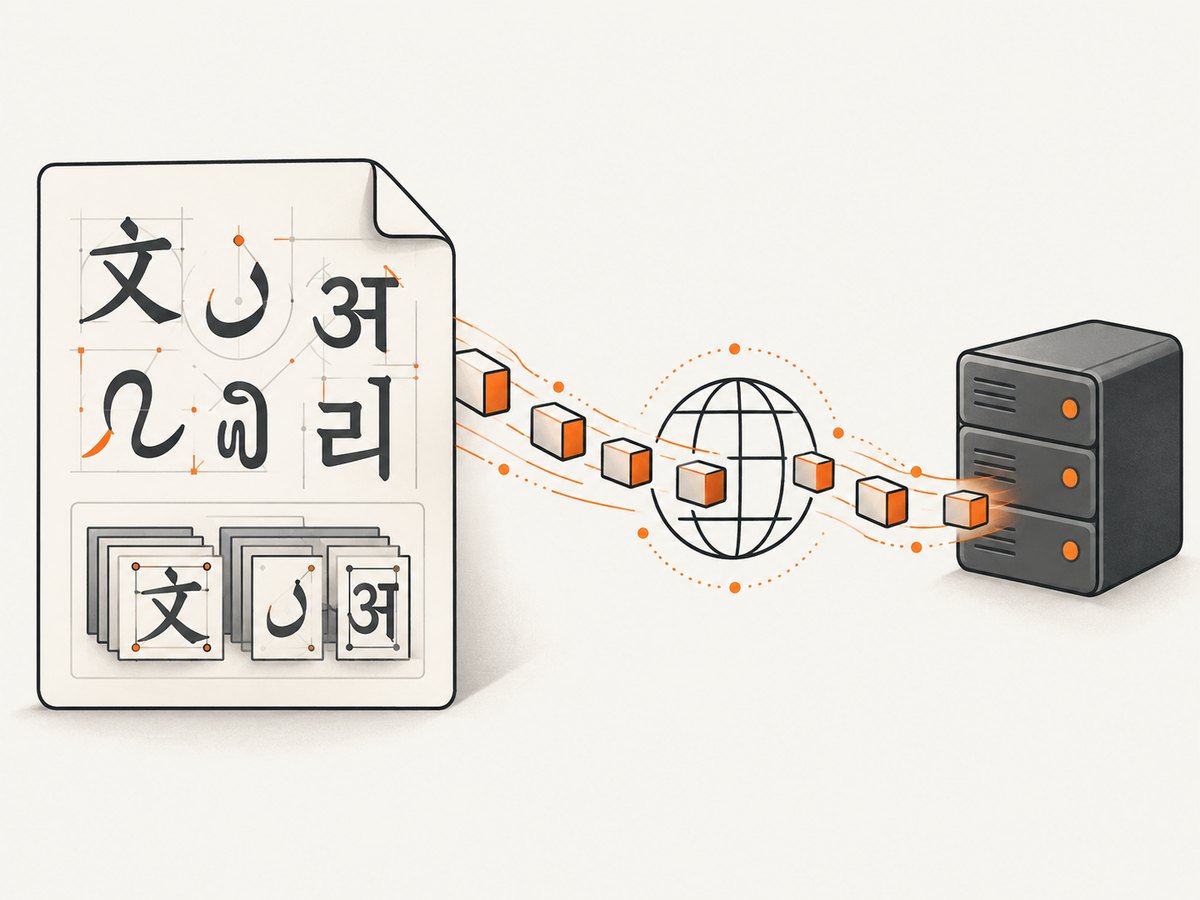
If Latin text works but characters such as Cyrillic, Arabic, or CJK glyphs are missing or garbled, the transport is probably fine. The jsPDF project notes that its 14 standard PDF fonts are limited to an ASCII code page. Embed a TTF font containing the required glyphs and register it with jsPDF; test the rendered PDF separately from the upload.
Binary handling
Never convert the Blob to a normal JavaScript string. Text conversion can corrupt binary bytes. If an API explicitly requires base64, use an agreed binary-to-base64 method and account for the size increase; otherwise send the Blob or bytes directly.
Retries and duplicate documents
A network timeout does not prove that the server failed. Retrying a POST can create duplicates. If the API supports idempotency keys, send one generated per logical document. Otherwise, attach your own document ID and make the server deduplicate it. Retry transient connection failures and selected 5xx responses with exponential backoff, but do not retry validation errors such as 400 or 415 without changing the request.
7. Troubleshooting checklist
| Symptom | Likely cause | Fix |
|---|---|---|
| Server says no file was provided | You sent raw bytes to a multipart endpoint, or used the wrong field name | Switch to FormData and verify the documented key, such as file |
| 415 Unsupported Media Type | The endpoint expects a different content type | Check whether it accepts raw application/pdf, multipart, or another media type |
| Fetch resolves but upload failed | HTTP errors still produce a Response | Check response.ok, status, and the response body |
| Multipart parser reports a malformed boundary | Content-Type was set manually |
Remove that header and let fetch generate it |
| CORS error in the browser | The API does not allow your origin, headers, or credentials | Configure CORS on the API or call it through your own server; inspect the preflight response |
| Request works in cURL but not in browser | Different auth, CORS, preflight, or content-type behavior | Compare the browser network request byte-for-byte with the working command |
| PDF opens locally but server rejects it | Size, validation, filename, or required metadata differs | Read the server error, verify limits, and send all required fields |
| Uploaded PDF has missing glyphs | Font embedding issue | Embed a TTF font with the needed characters; this is separate from HTTP transport |
| Timeout after a long upload | Client, proxy, or server timeout | Use an AbortController deliberately, raise server limits where appropriate, and consider asynchronous processing |
8. Verify the request before shipping
- Log the Blob’s
sizeandtypewithout logging sensitive PDF contents. - Use browser DevTools Network to confirm method, URL, request headers, payload size, and response status.
- Test both a one-page document and a document containing images and non-ASCII text.
- Test an expired token, a rejected file, a timeout, and an API 500 response.
- Confirm that retries do not create duplicate records.
- Check that your server rejects files that exceed its size and page limits.
9. Or skip the browser setup
If your goal is to obtain a clean image or PDF of a web page rather than upload a jsPDF document, ScreenshotNeo provides a single screenshot API request. Its API can return PNG, JPEG, WebP, or PDF, and its options cover full-page capture, a CSS-selected element, device presets, custom viewports, retina scale, PDF paper and margins, custom CSS and JavaScript, waits, request blocking, cookies, headers, geolocation, caching, signed links, asynchronous jobs, bulk capture, and usage reporting.
Here is the basic request:
const q = new URLSearchParams({
  access_key: 'YOUR_API_KEY',
  url: 'https://stripe.com'
});
const res = await fetch(`https://api.screenshotneo.com/v1/shot?${q}`);
See the ScreenshotNeo API documentation for authentication and all options. Cookie banners, newsletter popups, and chat widgets are removed before the shot. Bot checks, blank pages, failed loads, timeouts, and cache hits are not billed, and response headers identify the page verdict and billing result. ScreenshotNeo also provides an MCP server so Claude, Cursor, and other MCP clients can call take_screenshot, get_page_info, and capture_pdf.
The Free plan includes 1,000 screenshots each month with no card. Paid plans start at $5 for 3,000 shots; every feature is available on every plan. Create a free ScreenshotNeo account.
10. FAQ
Can I upload the result of doc.output('datauristring')?
You can decode the base64 payload, but it adds work and memory use. Prefer blob or arraybuffer for binary uploads.
Should I use PUT or POST?
Use the method defined by the API. The PDF format does not determine the HTTP method.
Can a browser upload directly to cloud storage?
Yes, when the storage service provides a presigned URL or browser upload policy. Send the Blob using the exact method and headers in that policy.
Why is response.ok false for a 204 response?
It should be true for all successful 2xx responses, including 204. Do not call response.json() on a response with no body; use response.text() only when a body is expected.
Does avoiding a download reduce PDF generation time?
It removes the local save step, but jsPDF still has to generate the complete document. Generation and upload time depend on document content, network conditions, and the receiving API.


