How to Send Scraped Stock Price Updates to Slack
Build a scheduled Python workflow that reads a permitted stock quote source, labels its timestamp and delay, and posts updates to Slack safely.
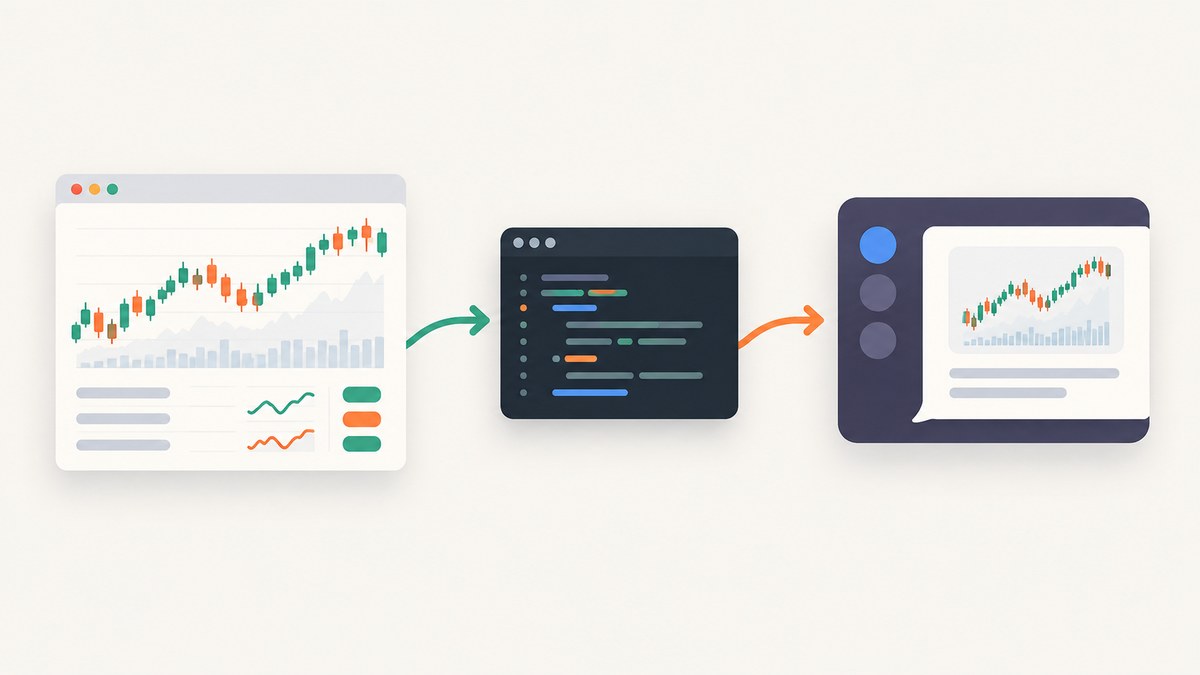
To send stock price updates to Slack, retrieve a quote from a source whose terms permit your intended use, attach the source timestamp and any delay it documents, then POST a JSON message to a Slack Incoming Webhook. The example below uses Python to read a permitted quote page with CSS selectors and post a concise message. Because every market-data source has its own coverage, freshness, limits, and license, the script requires you to choose and verify that source rather than assuming any page can be scraped or shared.
Slack Incoming Webhooks post to the channel associated with the webhook URL. That URL is a credential: store it in an environment variable, not in source control or logs. Slack documents a plain-text ok response on success and errors for invalid hooks, malformed payloads, archived channels, and other failures. Slack Incoming Webhooks documentation.
1. Choose a stock-price source you may use
“Scraped” can mean reading a web page rather than calling a market-data API. Neither approach is automatically permitted, stable, current, or suitable for redistribution. Review the source’s access terms and the market-data provider’s license before collecting or sending quotes. A shared Slack channel may distribute the data to other people; permission for personal access does not necessarily permit that.
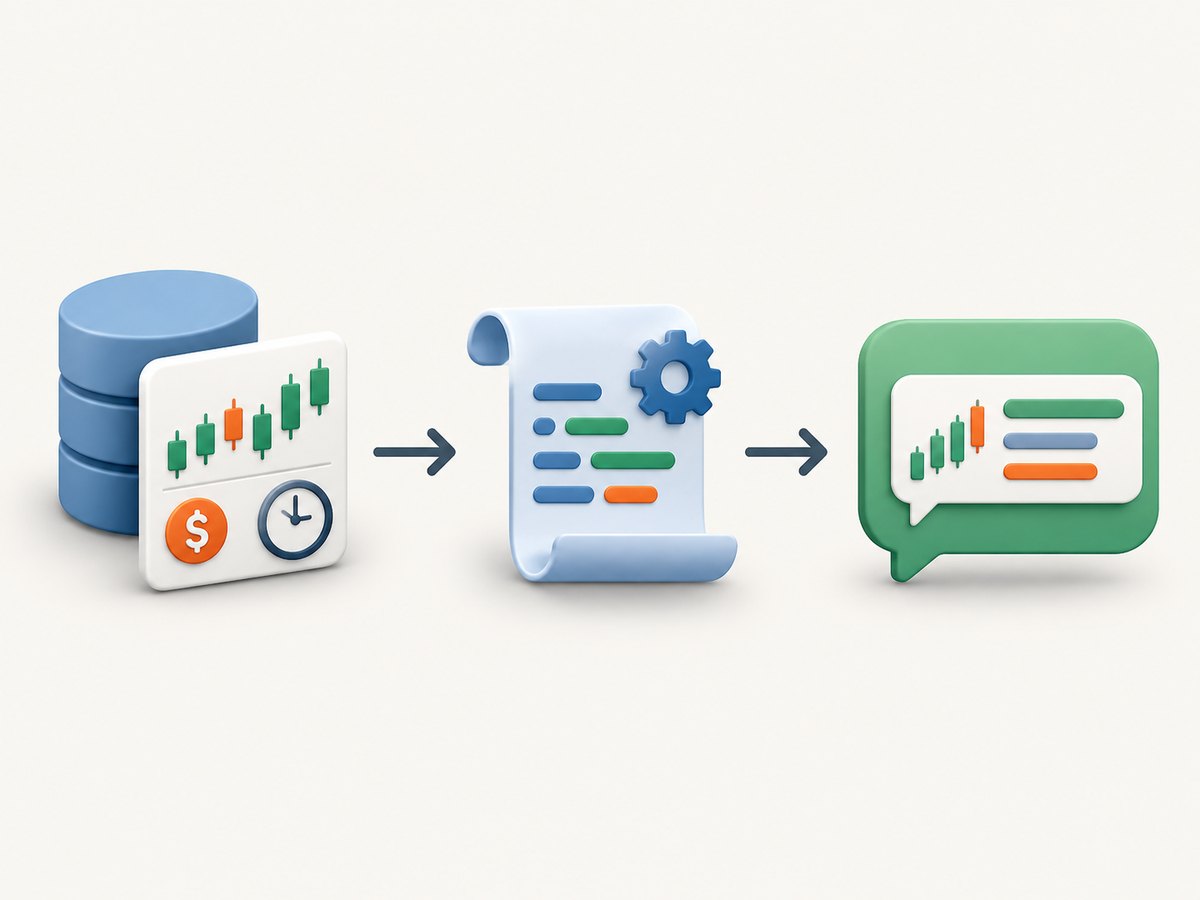
Before implementation, write down the following:
- Coverage: ticker symbol, exchange, currency, and whether the source covers the instrument you want.
- Timestamp and delay: whether the value is real time, delayed, end-of-day, or unknown, and how the source expresses its “as of” time.
- Access limits: request frequency, authentication needs, and any published rate limit.
- Sharing rights: whether your plan permits sending the values into the chosen Slack workspace, especially if members include coworkers, customers, or the public.
- Technical stability: whether the source provides a documented API. Page structure and selectors can change without notice.
For example, Market Data states that its self-service plans are for personal use and do not permit redistribution; commercial redistribution requires a license granted directly by exchanges. This is an example of one provider’s policy, not a rule that describes every provider. Check the terms of your actual source and audience. Market Data redistribution policy.
Do not use SEC EDGAR as a quote feed. The SEC describes its data APIs as providing filing submissions and extracted XBRL financial-statement data, not general stock-price quotations. SEC EDGAR API documentation.
2. Create an incoming webhook
- Create or select a Slack app in the workspace where the update should appear.
- Enable Incoming Webhooks in the app’s settings.
- Add a webhook and authorize it for the intended channel. The webhook is associated with a selected channel; if you need a private channel, you must already be a member when configuring it.
- Copy the generated URL into a secrets manager or your local environment. Do not commit it, paste it into issue trackers, or print it in exception logs.
Slack actively looks for leaked webhook URLs and may revoke them. If one is exposed, revoke or replace it in the app settings. The official guide explains setup and the JSON POST format: Sending messages using incoming webhooks.
3. Install the Python dependencies
The example reads a page that you are permitted to access, extracts the price and timestamp using selectors you configure, and sends a Slack message. It deliberately does not guess a market-data website, URL, CSS selector, or provider API. Set those values to match the documentation and markup for your chosen source. The source must provide a timestamp field for the script to validate the quote age.
python -m venv .venv
source .venv/bin/activate
python -m pip install requests beautifulsoup4
On Windows PowerShell, activate the environment with .venv\\Scripts\\Activate.ps1. Configure environment variables without putting their values in the script:
export SLACK_WEBHOOK_URL='https://hooks.slack.com/services/REPLACE/THIS/SECRET'
export QUOTE_PAGE_URL='https://your-permitted-source.example/quote/AAPL'
export TICKER='AAPL'
export PRICE_SELECTOR='[data-quote-price]'
export TIME_SELECTOR='time[datetime]'
export QUOTE_CURRENCY='USD'
export MAX_QUOTE_AGE_SECONDS='900'
The example expects the price selector to contain a numeric price and the time selector to contain an ISO 8601 timestamp in its datetime attribute or visible text. Change the extraction function if your permitted source documents a different format. Do not copy selectors from this example as if they existed on your site.
4. Run the complete Python script
import logging
import os
import re
import sys
from datetime import datetime, timezone
from decimal import Decimal, InvalidOperation
from urllib.parse import urlparse

import requests
from bs4 import BeautifulSoup

logging.basicConfig(level=logging.INFO, format="%(levelname)s %(message)s")


def required(name):
    value = os.environ.get(name, "").strip()
    if not value:
        raise ValueError(f"Missing required environment variable: {name}")
    return value


def parse_timestamp(value):
    # Accept ISO 8601, including a trailing Z for UTC.
    parsed = datetime.fromisoformat(value.strip().replace("Z", "+00:00"))
    if parsed.tzinfo is None:
        raise ValueError("Quote timestamp has no timezone; configure an unambiguous source timestamp")
    return parsed.astimezone(timezone.utc)


def main():
    webhook = required("SLACK_WEBHOOK_URL")
    page_url = required("QUOTE_PAGE_URL")
    ticker = required("TICKER").upper()
    price_selector = required("PRICE_SELECTOR")
    time_selector = required("TIME_SELECTOR")
    currency = os.environ.get("QUOTE_CURRENCY", "USD").strip()
    max_age = int(os.environ.get("MAX_QUOTE_AGE_SECONDS", "900"))

    if urlparse(webhook).scheme != "https":
        raise ValueError("SLACK_WEBHOOK_URL must use HTTPS")
    if urlparse(page_url).scheme != "https":
        raise ValueError("QUOTE_PAGE_URL must use HTTPS")
    if max_age <= 0:
        raise ValueError("MAX_QUOTE_AGE_SECONDS must be positive")

    # Use a session for consistent headers and connection reuse. Keep the timeout finite.
    with requests.Session() as session:
        session.headers.update({"User-Agent": "StockSlackUpdate/1.0 (configure contact details if source requires them)"})
        page = session.get(page_url, timeout=(5, 20))
        page.raise_for_status()

        soup = BeautifulSoup(page.text, "html.parser")
        price_node = soup.select_one(price_selector)
        time_node = soup.select_one(time_selector)
        if price_node is None or time_node is None:
            raise ValueError("Price or timestamp selector matched no element; inspect the page and update selectors")

        raw_price = price_node.get("content") or price_node.get_text(" ", strip=True)
        # A source-specific parser may be required for formats such as 1,234.56 or localized decimals.
        normalized = re.sub(r"[^0-9.\\-]", "", raw_price.replace(",", ""))
        try:
            price = Decimal(normalized)
        except InvalidOperation as exc:
            raise ValueError(f"Could not parse numeric price from selected text: {raw_price!r}") from exc
        if not price.is_finite() or price <= 0:
            raise ValueError("Parsed price is not a positive finite number")

        raw_time = time_node.get("datetime") or time_node.get("content") or time_node.get_text(" ", strip=True)
        quote_time = parse_timestamp(raw_time)
        now = datetime.now(timezone.utc)
        age = (now - quote_time).total_seconds()
        if age < -60:
            raise ValueError("Quote timestamp is unexpectedly in the future; check its timezone and source")
        if age > max_age:
            raise ValueError(f"Quote is stale ({int(age)} seconds old; limit is {max_age})")

        # State the provider's documented delay here. Do not call a quote real-time
        # unless the source explicitly documents that status for this instrument.
        delay_note = os.environ.get("QUOTE_DELAY_NOTE", "check source for any delay")
        message = (
            f"*{ticker}* — {currency} {price:,.4f}\n"
            f"As of {quote_time.isoformat()} UTC; {delay_note}.\n"
            f"Source: <{page_url}|quote page>"
        )

        response = session.post(webhook, json={"text": message}, timeout=(5, 20))
        if response.status_code != 200 or response.text.strip() != "ok":
            # Do not log the webhook URL. The response body is included for diagnosis;
            # inspect it before forwarding to systems with broader access.
            raise RuntimeError(f"Slack rejected webhook request: HTTP {response.status_code}, body={response.text[:300]!r}")

    logging.info("Posted %s quote to Slack", ticker)


if __name__ == "__main__":
    try:
        main()
    except (requests.RequestException, ValueError, RuntimeError) as exc:
        logging.error("Update failed: %s", exc)
        sys.exit(1)
Before scheduling it, verify the selectors, timestamp timezone, numeric format, provider delay, and sharing terms manually. The code rejects missing values, stale timestamps, timestamps without a timezone, and nonpositive or malformed prices instead of publishing a misleading update. Its displayed four decimal places are formatting, not a claim about the source’s precision; change that formatting to match the instrument and provider.
5. Test the webhook independently with cURL
First check the delivery side without involving the quote page. Keep the URL in an environment variable and do not enable shell tracing in a way that reveals it.
curl --fail-with-body --silent --show-error \\
  -X POST "$SLACK_WEBHOOK_URL" \\
  -H 'Content-Type: application/json' \\
  --data '{"text":"Test stock update: AAPL — sample only; not a quote"}'
A successful Incoming Webhook normally responds with HTTP 200 and plain text ok. This test posts a message to the configured channel. Remove the test message manually if needed; webhook calls cannot delete messages.
6. Schedule it at a sensible interval
Start by running the script manually and confirming that the update is accurate and useful. Then use a scheduler available in your environment: a cron job, operating-system task scheduler, or hosted scheduled job. A local schedule stops when the machine is off or asleep; hosted execution can run independently but adds hosting configuration and possible cost. The research for this article does not verify a specific hosting product or current plan, so check vendor terms and pricing before choosing one.
Choose an interval based on the provider’s limits, quote delay, and the value of each message. Polling a delayed quote every few seconds does not make the data current and may violate provider limits. Avoid duplicate Slack noise by posting only when a meaningful field changes, or by sending a single digest for several symbols. If you suppress unchanged prices, decide whether a heartbeat is needed so readers can tell the automation is still running.
7. Select delivery and message options
| Choice | Use it when | Important detail |
|---|---|---|
| Incoming Webhook | A fixed channel destination and straightforward text or blocks are enough. | URL is secret; messages cannot be deleted through the webhook interface. |
| Slack Web API | You need broader app behavior, control over destination, or message deletion. | Use a bot token with the needed scope and protect it like a password. |
| HTML page extraction | The page permits automated access and provides stable, identifiable fields. | Markup, anti-bot behavior, localization, or client-side rendering can break extraction. |
| Documented market-data API | You need documented fields, timestamps, limits, coverage, or licensing terms. | Confirm delay and sharing rights for the exact plan and audience. |
Incoming Webhooks accept JSON with a text field and can also use Slack’s supported message formatting options. If you need replies in threads, the webhook guide describes including a thread_ts, but the incoming request does not return the message timestamp; you must obtain it through another documented Slack mechanism. For deletion or broader behavior, use Slack’s Web API such as chat.postMessage with an Authorization bearer token and the required scope. Slack chat.postMessage documentation.
For the SDK route, Slack’s Python SDK provides WebhookClient(url).send(text=...) and documents a connection-error retry handler. A retry can create a duplicate if Slack accepted a request but the client did not receive the response. Use bounded retries, log outcomes without credentials, and decide how to detect duplicate updates before enabling automatic retries. Slack Python SDK webhook documentation.
8. Troubleshooting common failures
| Symptom | Likely cause | Fix |
|---|---|---|
Slack returns invalid_payload or HTTP 400 |
Malformed JSON or a field with the wrong type. | Send a small payload with a string text field, then add formatting gradually. |
Slack returns HTTP 403, action_prohibited, or a policy error |
Workspace restrictions or an administrator policy blocks posting. | Ask a workspace administrator to check app permissions; do not retry a prohibited request repeatedly. |
| Slack returns HTTP 404 or says the hook is invalid | The URL was copied incorrectly, revoked, or disabled. | Create a replacement webhook and update the secret store. Never paste the old URL into a public ticket. |
Slack returns channel_is_archived |
The webhook’s channel no longer accepts messages. | Choose an active channel and configure a webhook for it. |
| Price selector matches nothing | The site changed its markup, the selector is wrong, or the price renders with JavaScript. | Inspect the permitted page and update the selector. If the value requires a browser, use a documented source or browser-based extraction that complies with the source’s rules. |
| Timestamp parse error | Page uses a localized date, missing timezone, or a non-ISO format. | Write a parser for the provider’s documented format and assign a timezone only when the source defines it. |
| Quote is always stale or in the future | Source delay exceeds your configured age limit, or the timestamp was interpreted in the wrong timezone. | Check the provider’s delay and timestamp semantics; adjust the limit to a justified value rather than suppressing validation. |
| HTTP 429 or temporary source error | Provider rate limit or transient outage. | Honor documented retry guidance, back off, and cap retries. Do not publish old data as fresh. |
| Duplicate Slack messages | Scheduler overlaps runs or a retry follows an ambiguous network timeout. | Prevent overlapping jobs and record a stable update key such as ticker plus source timestamp before posting. A webhook does not provide an idempotency guarantee in this example. |
9. Reliability, performance, and cost
This workflow makes one source request and one Slack request per run. A persistent HTTP session reuses connections within a run, while explicit timeouts prevent a stalled server from hanging indefinitely. For a small ticker list, sequential requests are often simpler to debug and less likely to exceed provider limits than parallel polling. If you scale to many symbols, check the source’s rate limits first, batch requests if its API supports them, and schedule jobs so they do not all hit the source at once.
Validate every quote before posting: symbol, currency, timestamp, delay, and numeric value. Record a run result such as success, source failure, stale quote, or Slack failure, but redact webhook URLs, API keys, cookies, and any sensitive headers. Alert on repeated failures rather than sending one Slack error for every failed attempt. Keep the original source timestamp in each update so readers can judge age without trusting the bot’s run time.
Costs depend on the quote source, any data license, and where you schedule the script. The script itself uses open-source Python packages, but package cost does not grant rights to data. A free or inexpensive provider plan may still restrict market coverage, freshness, use in business, or redistribution. Validate current pricing and terms directly with the provider; no generic price can be inferred from this workflow.
Or skip the browser setup
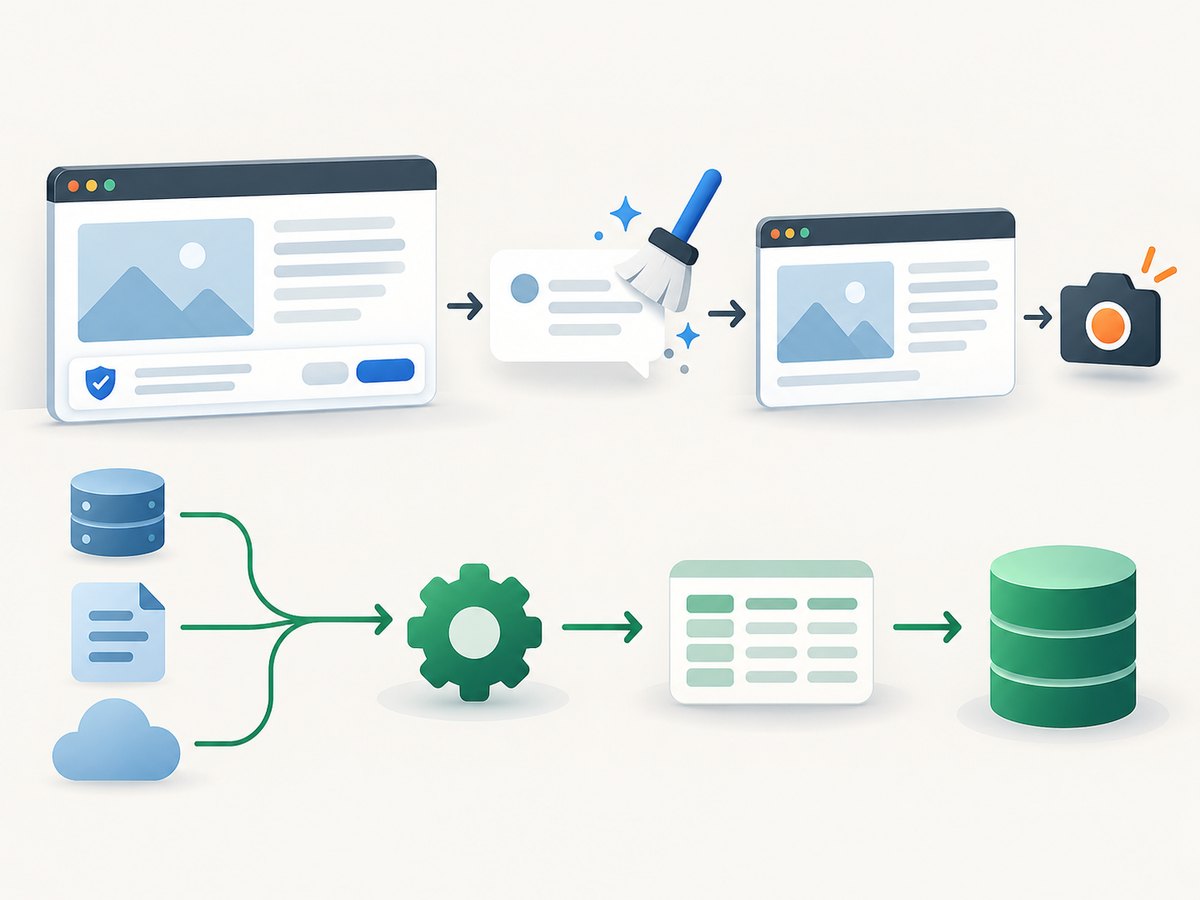
If your source requires browser rendering and you need a page capture for inspection or a workflow that already uses screenshots, ScreenshotNeo is a website screenshot API and MCP server from Yorker Media. A screenshot is not a substitute for a structured, licensed quote feed: use it only when a visual capture is suitable for your task, and verify data access and sharing rights separately. The one-call request below saves a screenshot as WebP:
curl -G "https://api.screenshotneo.com/v1/shot" -d access_key=YOUR_API_KEY --data-urlencode url=https://stripe.com -o shot.webpSee the ScreenshotNeo API documentation. Cookie banners, popups, and chat widgets are removed before the shot; bot checks, blank pages, and failed loads are never billed; an MCP server lets AI agents take screenshots; and 1,000 screenshots a month are free with no card, with paid plans starting at $5 for 3,000. Sign up for 1,000 free screenshots a month, no card required.
FAQ
Can this post a message to a private Slack channel?
Yes, if the webhook is configured for that channel and the app is authorized to post there. Slack’s setup instructions note that you must already be a member of a private channel when adding its webhook.
Can I call the update real time?
Only when the specific source documents real-time data for that symbol and your account is entitled to it. Otherwise include the provider’s stated delay or avoid a real-time label.
Can I delete an incorrect webhook post?
Not through the Incoming Webhook interface. Slack directs workflows needing message deletion to the Web API.
Should I scrape SEC pages for stock prices?
No. SEC EDGAR APIs provide filing and financial-statement data, not a general quotation feed. Choose a source intended to provide quote data.


