How to Send a Snappy wkhtmltopdf PDF to the Browser
Return Snappy-generated PDF bytes with the right HTTP headers to display them inline or offer a download. Includes plain PHP, Symfony, security, and troubleshooting guidance.
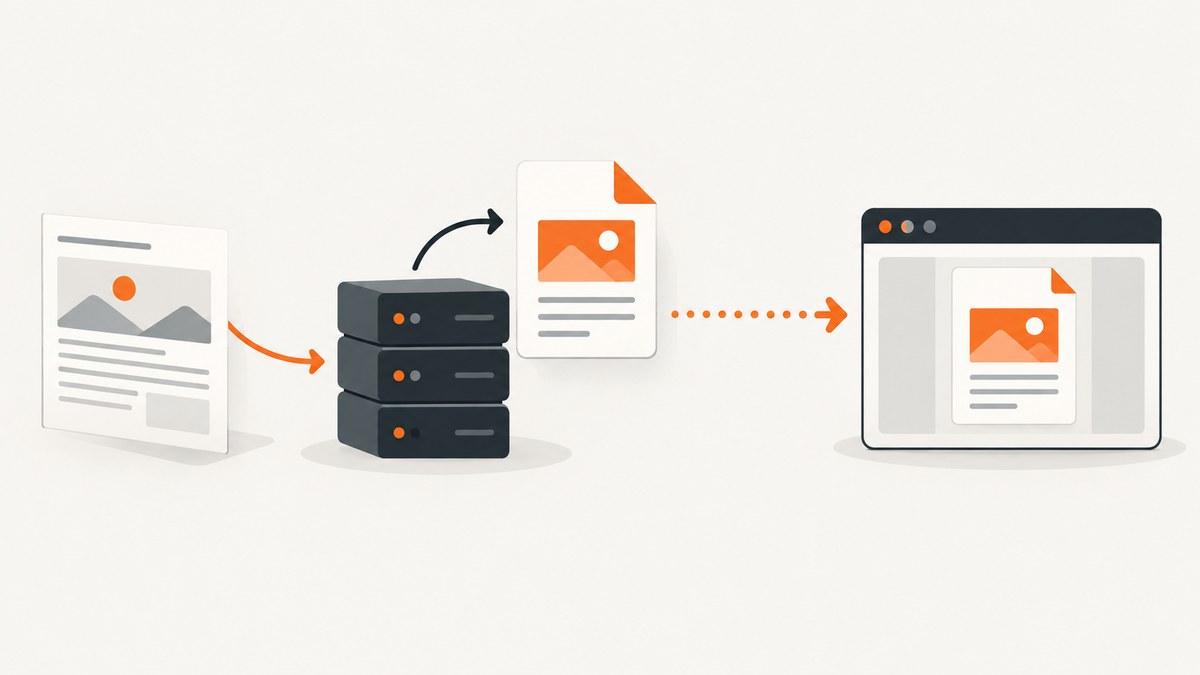
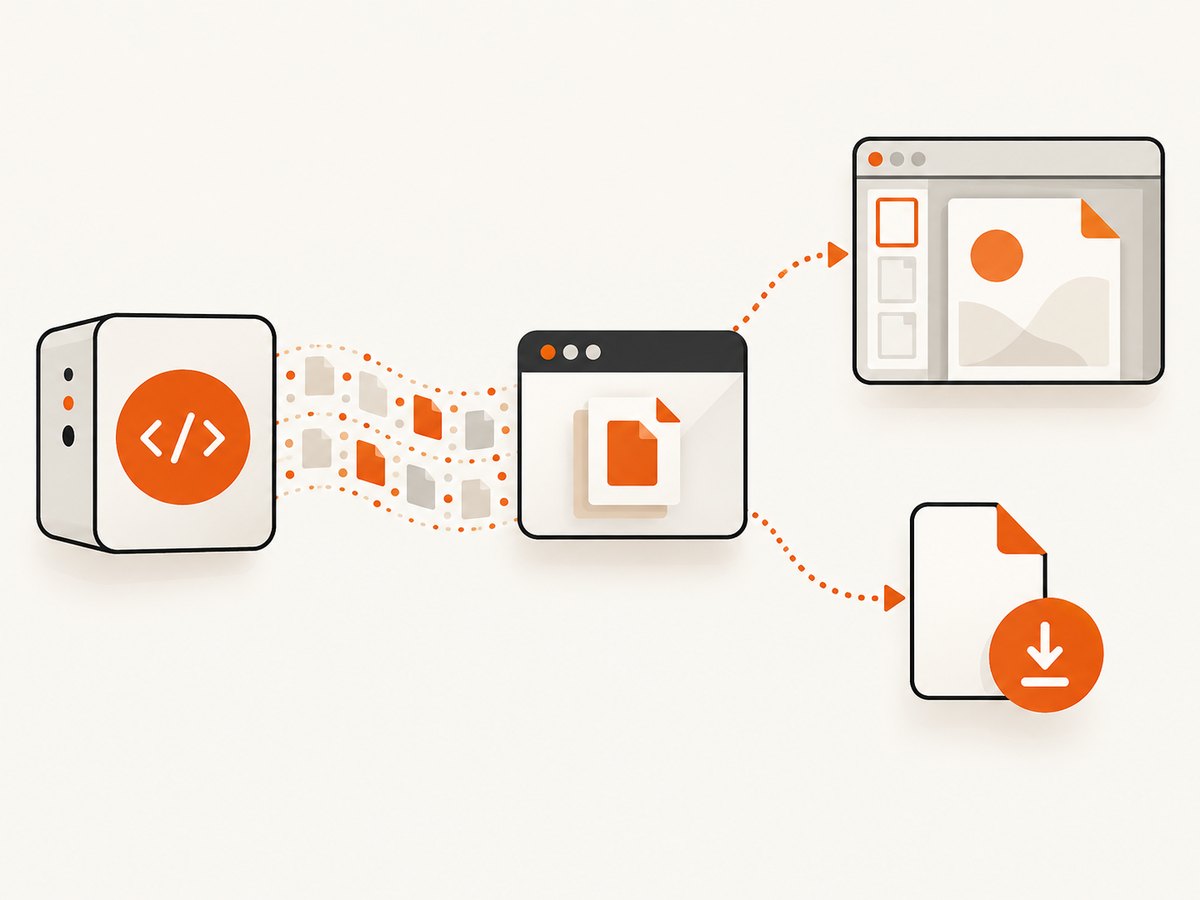
To display a PDF generated by Snappy in the browser, return its bytes with Content-Type: application/pdf. Use Content-Disposition: inline to request in-browser display, or Content-Disposition: attachment to encourage a download. The browser and its PDF settings still determine whether it actually renders the file inline.
Snappy is a PHP wrapper around wkhtmltopdf. Its output can be returned directly from a PHP endpoint, or wrapped in a framework response. This guide covers both approaches, explains when to use in-memory bytes versus a file response, and addresses deployment, security, and common failures.
1. Choose inline display or download
The PDF data is the same in either case; the response headers tell the client how to handle it. Inline is appropriate for a preview or a document users should read immediately. Attachment is appropriate when the endpoint’s main purpose is to save a copy.
| Intent | Header | Effect |
|---|---|---|
| Display in the browser | Content-Disposition: inline |
Requests inline handling where the client supports it. |
| Encourage a download | Content-Disposition: attachment; filename="report.pdf" |
Prompts the client to save the PDF, subject to browser behavior. |
Setting only Content-Type identifies the content as PDF but does not express a download preference. Conversely, an inline header cannot override a user setting or a client without PDF rendering support.
2. Return Snappy output from plain PHP
Install the PHP Snappy package and make the wkhtmltopdf executable available in the deployment environment. Snappy’s documented setup uses wkhtmltopdf 0.12.x; check the package documentation and your deployed version when setting the binary path. See the KnpLabs Snappy README.
Inline response
<?php
require __DIR__ . '/vendor/autoload.php';

use Knp\Snappy\Pdf;

$snappy = new Pdf('/usr/local/bin/wkhtmltopdf');
$pdf = $snappy->getOutput('https://example.com');

header('Content-Type: application/pdf');
header('Content-Disposition: inline; filename="page.pdf"');
echo $pdf;
This is the minimal response shape: generate the bytes, set headers, then write the bytes to the response body. The URL is an example; substitute a page you are authorized to render. The wkhtmltopdf process must be installed and executable by the PHP process, and the endpoint must not emit other body content before the PDF.
Attachment response
<?php
require __DIR__ . '/vendor/autoload.php';

use Knp\Snappy\Pdf;

$snappy = new Pdf('/usr/local/bin/wkhtmltopdf');
$pdf = $snappy->getOutput('https://example.com');

header('Content-Type: application/pdf');
header('Content-Disposition: attachment; filename="page.pdf"');
echo $pdf;
Use a server-controlled filename. If filenames include user input, validate and normalize it; do not insert raw input into a header. For international filenames, use a framework’s disposition helper rather than assembling the header yourself.
Output generation errors
Generate the PDF before sending headers so that a renderer failure can still produce an ordinary error response. In production, catch expected process exceptions, log useful diagnostic details on the server, and return an appropriate non-PDF error status. Do not append an error message or a PHP warning to PDF bytes: even a small prefix can make the resulting document invalid. Avoid returning stack traces or sensitive input to the client.
3. Return a generated file with Symfony
Symfony’s Response holds response content, status, and headers. It fits output already held in memory. If you write the generated PDF to disk and want Symfony to serve that file, use its file response support instead. Symfony documents inline file responses and attachment handling in its controller documentation and HttpFoundation guide.
In-memory PDF bytes
<?php

use Knp\Snappy\Pdf;
use Symfony\Component\HttpFoundation\Response;

public function preview(Pdf $snappy): Response
{
    $pdf = $snappy->getOutput('https://example.com');

    $response = new Response($pdf);
    $response->headers->set('Content-Type', 'application/pdf');
    $response->headers->set('Content-Disposition', 'inline; filename="page.pdf"');

    return $response;
}
For a download, set the disposition to attachment:
$response->headers->set(
    'Content-Disposition',
    'attachment; filename="page.pdf"'
);
If you use Symfony’s controller file() helper for a generated file on disk, pass ResponseHeaderBag::DISPOSITION_INLINE for a preview or the attachment constant for a download, along with the intended filename. Use HeaderUtils::makeDisposition() when constructing robust dispositions, especially when non-ASCII filenames are possible. Follow the API for the Symfony version installed in your application.
When to use bytes and when to use a file
| Output | Response approach | Considerations |
|---|---|---|
Bytes returned by getOutput() |
A normal Response containing those bytes |
Simple; the full output is held in memory. |
| PDF saved to a temporary or persistent path | Symfony file response helper | Useful when the renderer writes a file; manage permissions and cleanup. |
Do not confuse a local path with a PDF response body. Returning a path string as the body will send the path text, not the file contents.
4. Configure Snappy and wkhtmltopdf safely
The wrapper and the executable are separate dependencies. The PHP package does not by itself guarantee that wkhtmltopdf exists in production. Configure the executable path explicitly where needed and verify that the web-server account can execute it. A path that works on a developer workstation may not exist in a container or deployment image.
- Pin and document the Snappy package and wkhtmltopdf versions used by the application.
- Make the executable available in each runtime environment and confirm its path and permissions.
- Choose a renderer timeout that fits your workload, and handle timeouts as failures rather than returning partial output.
- Keep renderer diagnostics in server logs; avoid exposing command lines, filesystem paths, or private page content to callers.
- Validate the target URL and any HTML supplied by users. Restrict what the renderer can access.
Local assets can be a special case when HTML references files on disk. KnpLabs warns that enabling --enable-local-file-access can be risky when processing untrusted HTML or JavaScript. Avoid enabling broad local file access as a quick fix. If local access is required, constrain the content pipeline, sanitize input, and sandbox the renderer. See the security guidance in the Snappy README.
5. Understand response and rendering edge cases
Headers must precede output
PHP cannot reliably set headers after output has started. Remove accidental whitespace before a PHP opening tag, debug echo calls, notices, and template output from the endpoint. Keep the PDF endpoint’s response separate from an HTML layout.
Browser handling varies
An inline disposition requests display; it does not guarantee it. Users can configure PDF downloads, embedded viewers can behave differently, and some clients may not render PDFs at all. If your interface embeds the endpoint, make sure it can present a useful fallback link to open or download the document.
Authentication and caching
Protect endpoints that render private pages. A PDF can contain the same confidential information as its source, so do not make an authenticated document publicly cacheable by default. Set cache policy deliberately for the document’s sensitivity and freshness requirements. Ensure any page URL passed to the renderer is authorized for that caller; accepting arbitrary URLs can turn a PDF endpoint into a way to fetch internal resources.
Large output and concurrent jobs
In-memory generation keeps the whole PDF in application memory. Large files or many simultaneous renders can increase memory use and tie up PHP workers while wkhtmltopdf runs. For heavier workloads, consider writing to a controlled temporary file, queueing generation, and serving a completed file response. Clean up temporary files on success and failure, and ensure a client disconnect does not leave unbounded work behind.
6. Troubleshooting common failures
| Symptom | Likely cause | Fix |
|---|---|---|
| “Headers already sent” or a blank/broken response | Whitespace, debug output, warnings, or a template started before headers. | Generate first; remove output before headers and keep this endpoint free of layout rendering. |
| Browser downloads instead of displaying | The response says attachment, or the client prefers downloads. | Use inline disposition and check browser PDF settings; inline remains a request, not a guarantee. |
| A PDF-looking response cannot be opened | HTML error output or a PHP warning was mixed into the binary body. | Inspect status and server logs; return a clean error response on generation failure. |
| Executable not found or process cannot start | Wrong binary path, missing package in deployment, or permissions. | Install the required wkhtmltopdf executable, configure its deployed path, and grant the service account appropriate execute access. |
| PDF omits images, styles, or local assets | Resources are inaccessible to the renderer, paths are invalid, or access is restricted. | Use reachable asset URLs or a controlled asset strategy. Do not broadly enable local file access for untrusted input. |
| Slow request or timeout | The page is slow, assets stall, or rendering exceeds the request budget. | Reduce page and asset cost, configure a suitable timeout, and move long work to an asynchronous job if needed. |
| Filename displays incorrectly | Raw or non-ASCII filename was assembled into a header without proper encoding. | Use Symfony’s disposition utility and validate the filename. |
| It works locally but fails after deployment | Runtime image, executable path, permissions, fonts, or network access differ. | Check the deployed environment itself, including binary availability and resource reachability. |
7. Performance, reliability, and cost
Snappy rendering cost is mainly operational: the application runs an external renderer, consumes CPU and memory, and may hold a PHP worker while the page and its assets load. Actual time depends on the source page, network, resources, and environment; there is no single reliable duration to assume. Set explicit timeouts, cap concurrent work, and monitor failures and process resource use.
For repeated identical documents, caching a completed PDF can avoid rendering again, but only when the source, authorization, and freshness rules make reuse correct. Include relevant inputs in the cache identity, and do not share a private document across users merely because the URL matches. For large or unpredictable jobs, a background queue improves the responsiveness of the web request, though the application then needs job state and a way to retrieve the result.
Operational costs include maintaining the PHP dependency and wkhtmltopdf executable, provisioning resources, and debugging source pages that do not render as intended. The Snappy maintainer Antoine Lelaisant wrote in a March 15, 2023 discussion that “wkhtmltopdf has been abandoned on January 2023.” Treat that as dated project context from that discussion, not as a claim about current releases or a present migration plan. The discussion also mentions possible alternative backends, but does not establish that a particular integration is currently available. See the maintainer discussion.
8. Or skip the browser setup
If you need a screenshot of a page rather than a PDF response from your own Snappy endpoint, ScreenshotNeo is a website screenshot API and MCP server. Its one-call API returns an image or PDF; see the API documentation.
curl -G "https://api.screenshotneo.com/v1/shot" -d access_key=YOUR_API_KEY --data-urlencode url=https://stripe.com -o shot.webpimport requests
r = requests.get("https://api.screenshotneo.com/v1/shot", params={"access_key": "YOUR_API_KEY", "url": "https://stripe.com"}, timeout=90)
open("shot.webp", "wb").write(r.content)const q = new URLSearchParams({ access_key: 'YOUR_API_KEY', url: 'https://stripe.com' });
const res = await fetch(`https://api.screenshotneo.com/v1/shot?${q}`);- Cookie banners, newsletter popups, and chat widgets are removed before the shot.
- Bot checks, blank pages, and failed loads are never billed; response headers say what happened.
- An MCP server lets AI agents use screenshot and PDF capture tools.
- 1,000 screenshots a month are free with no card; paid plans start at $5 for 3,000.
Sign up for 1,000 free screenshots a month, with no card required.
9. FAQ
Do I need both Content-Type and Content-Disposition?
Set the PDF content type. Set disposition when you want to express inline or attachment behavior; it is also where you can provide a filename.
Can I embed the endpoint in an iframe?
Usually the endpoint can be used as an iframe source if the browser permits PDF rendering and your response security policy allows embedding. Provide a separate open or download link as a fallback.
Can I send a PDF file that Snappy already wrote?
Yes. Use a file-serving response helper, such as Symfony’s controller file response, and choose inline or attachment disposition. Do not return the filesystem path as response content.
Does inline guarantee the PDF opens in every browser?
No. It requests inline handling. The browser, client, and user settings determine the final behavior.


