How to Send a WordPress Preview Link
Send a WordPress draft preview safely to clients, with or without a login, using expiry, revocation, and screenshot options.
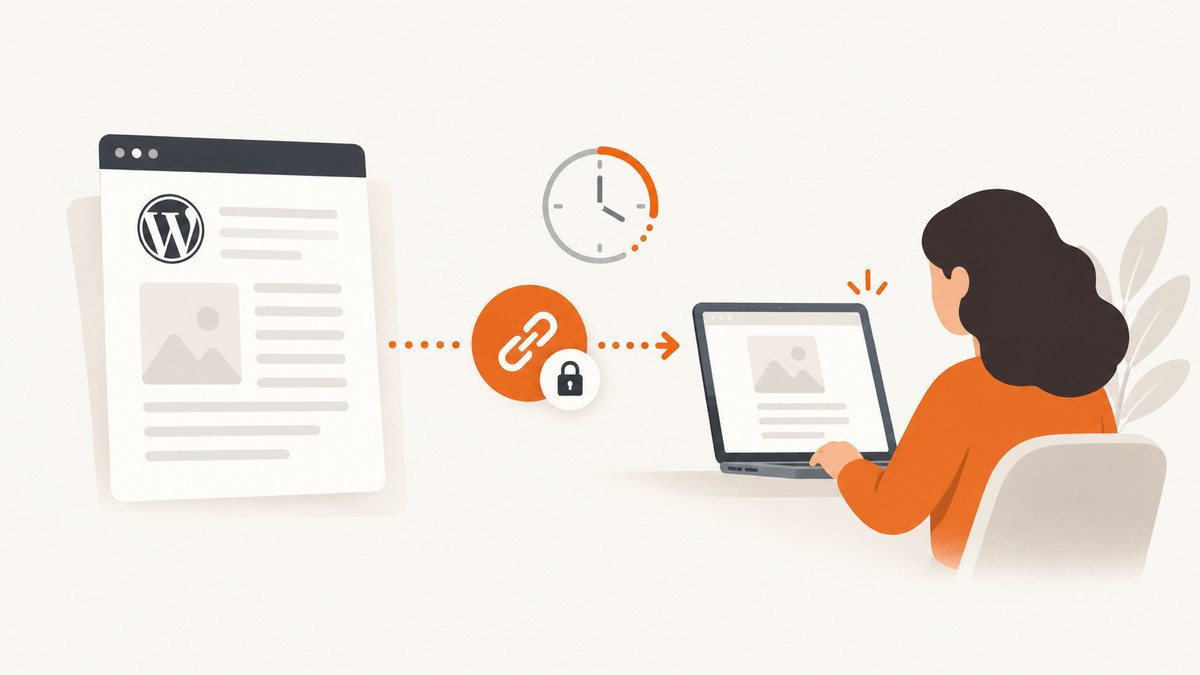
To send a WordPress preview link, save the post as a draft and click Preview. That normal preview works for you and for recipients who are logged in with permission to edit or preview the post. For a client without a WordPress account, use the Public Post Preview plugin to create an expiring anonymous link.
Choose the right preview method
| Situation | Best option | Access required | Expiry and revocation |
|---|---|---|---|
| You are reviewing your own draft | WordPress core Preview | Your WordPress session and edit permission | Controlled by WordPress permissions |
| Client has a WordPress account | Core Preview link | Logged-in account with permission to preview the draft | Controlled by account access |
| Client has no account | Public Post Preview | Anyone with the generated link | 48 hours by default |
| You need configurable expiry or immediate revocation | Secure Draft Preview Links | Anyone with the generated link | Configurable expiry, disable and regenerate controls |
| You need several links or view counts | Tidy Draft Share | Anyone with a generated link | Multiple links, counts and one-click revocation |
| You can distribute a password securely | WordPress Password protected visibility | Anyone who knows the password | Password workflow; not a draft-link system |
Option 1: Send a preview link to a logged-in WordPress user
- Open the post in the WordPress editor.
- Save it as a draft.
- Click Preview. In the Block Editor, use the copy-preview-link control if it is shown.
- Copy the URL from the preview tab.
- Send it through a private channel.
WordPress core adds preview=true to the preview URL for viewable post types. Preview handling checks whether the current user can edit the post, so a normal draft preview URL is not automatically anonymous.
Why the recipient is asked to log in
The recipient does not have a WordPress session with permission to preview that draft. Ask them to sign in with an account that can edit or preview the post, or use an anonymous preview plugin instead.
Option 2: Send an anonymous link with Public Post Preview
- In WordPress, open Plugins → Add New.
- Search for Public Post Preview, then install and activate it.
- Open the saved draft.
- In the Block Editor, open Document settings and enable the public-preview checkbox. In the Classic Editor, use the checkbox in the Publish meta box.
- Copy the generated URL and send it to the reviewer.
- Tell the reviewer that the link expires after 48 hours by default.
After the link expires, enable public preview again or copy a newly generated link. Test the URL in a private or incognito window before sending it so you know it works without your administrator session.
Option 3: Use stronger expiry and revocation controls
Secure Draft Preview Links
Secure Draft Preview Links documents cryptographically random 64-character hexadecimal tokens, hash_equals() validation, configurable expiry, immediate disable or revocation, and automatic removal when a post is published, made private, or trashed. It supports both the Block Editor and Classic Editor.
Tidy Draft Share
Tidy Draft Share provides secure time-limited links, multiple links per post, view counts, one-click revocation, and support for drafts, pending review, scheduled, and private posts. Its shared previews include noindex,nofollow, which is useful when you do not want preview pages appearing in search results.
Option 4: Protect the content with a password
WordPress’s Password protected visibility displays a password form instead of the post body. Send the password separately from the URL. This is useful when an anonymous preview plugin is unavailable, but it changes the post’s visibility workflow and is not the same as a temporary draft-preview token.
Private visibility is different: only logged-in users with Administrator or Editor roles can view the post. It will not provide a public client preview.
How long does a WordPress preview link last?
- Core Preview: access depends on the viewer’s logged-in permissions and the post’s status.
- Public Post Preview: 48 hours by default.
- Secure Draft Preview Links: expiry is configurable and links can be revoked immediately.
- Tidy Draft Share: links are time-limited and can be revoked; configure the duration in the plugin workflow.
Regenerate or revoke a link after the review is complete, especially if the draft contains confidential pricing, launch details, personal data, or unpublished research.
Security checklist before you send the link
- Use a private channel such as a direct message or restricted project workspace.
- Assume that anyone who receives an anonymous URL can forward it.
- Set an expiry that matches the review window.
- Revoke or regenerate the link after approval or when the draft changes substantially.
- Open the URL in a private browser window to verify anonymous access.
- Check that unpublished images, embeds, comments, and downloadable files do not expose information outside the intended review.
- If search visibility matters, use a preview workflow that documents
noindex,nofollow.
Common errors and fixes
| Error | Likely cause | Fix |
|---|---|---|
| “You must be logged in” or a login screen | You sent a core draft preview to an anonymous recipient, or the recipient lacks edit permission. | Give the reviewer an appropriate account or create a Public Post Preview link. |
| The preview shows an old version | The draft was not saved, or a page cache is serving an earlier response. | Save the draft, copy a fresh preview URL, and clear or bypass page and CDN caches for the preview path. |
| Public preview checkbox is missing | The plugin is inactive, the post is not saved, or the editor panel is collapsed. | Activate the plugin, save the draft, then check Document settings or the Publish meta box. |
| Link expired | The default 48-hour Public Post Preview window elapsed. | Enable public preview again and send the new URL, or use a plugin with configurable expiry. |
| Link works for you but not the client | Your browser has an administrator cookie. | Test in an incognito window and verify the generated anonymous URL rather than the editor URL. |
| Private post is inaccessible | Private visibility requires a logged-in Administrator or Editor. | Use an anonymous preview plugin or switch to password protection for the review period. |
| Preview exposes content in search | The sharing method does not add noindex directives. | Choose a workflow that documents noindex,nofollow and keep the link private. |
| Images or embeds fail in preview | The asset itself requires authentication, blocks hotlinking, or depends on a script unavailable to the preview request. | Check asset permissions, use absolute URLs where required, and test the preview in a clean browser session. |
Or skip the browser setup
If the goal is to send a visual review image of a WordPress preview URL, ScreenshotNeo captures the page through one API request. Read the ScreenshotNeo API documentation for all options.
curl -G "https://api.screenshotneo.com/v1/shot" -d access_key=YOUR_API_KEY --data-urlencode url=https://example.com/your-wordpress-preview-url -o shot.webpimport requests
r = requests.get("https://api.screenshotneo.com/v1/shot", params={"access_key": "YOUR_API_KEY", "url": "https://example.com/your-wordpress-preview-url"}, timeout=90)
open("shot.webp", "wb").write(r.content)const q = new URLSearchParams({ access_key: 'YOUR_API_KEY', url: 'https://example.com/your-wordpress-preview-url' });
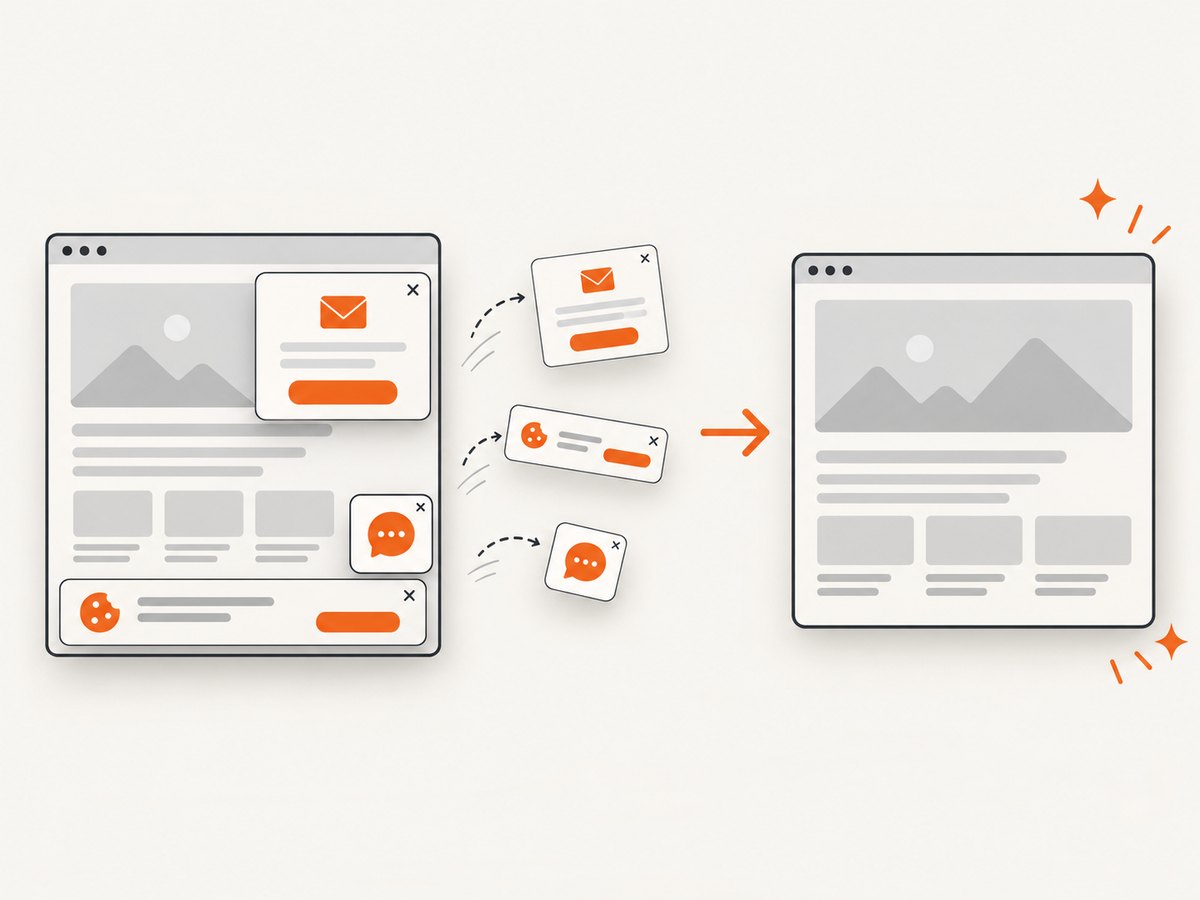
const res = await fetch(`https://api.screenshotneo.com/v1/shot?${q}`);- Cookie banners, newsletter popups, and chat widgets are removed before the shot.
- Bot checks, blank pages, failed loads, timeouts, and cache hits are not billed; response headers report the page verdict and billing result.
- An MCP server provides
take_screenshot,get_page_info, andcapture_pdftools for Claude, Cursor, and other MCP clients. - The Free plan includes 1,000 screenshots each month with no card required. Paid plans start at $5 for 3,000 screenshots.
Create a free ScreenshotNeo account to capture preview links without setting up a browser automation stack.
Performance, reliability, and cost considerations
- Preview links: browser rendering, plugins, caching, authentication, and third-party assets determine how quickly a client sees the page.
- Anonymous links: shorter expiry reduces the period in which an unintentionally forwarded URL remains usable.
- Screenshot capture: wait for the page’s important content and lazy-loaded images before capturing; block unnecessary ads and trackers when they are not part of the review.
- Caching: cache only when the preview URL and content are stable. Disable or shorten cache TTLs when editors frequently update the draft.
- Cost control: ScreenshotNeo bills only clean shots; bot checks, blank pages, failed loads, timeouts, and cache hits are not billed. Use caching for repeated review requests and bulk capture when reviewing many URLs.
- Reliability: preserve the original preview URL, record its expiry, and regenerate after publishing or changing visibility. For automated workflows, use async jobs with signed webhooks where available.
FAQ
Can someone view a WordPress draft without logging in?
Yes. Use Public Post Preview or another plugin that creates an anonymous, expiring link. A normal WordPress core preview generally requires a logged-in user with permission to edit or preview the draft.
Can I send a preview link before saving?
Save the draft first. The preview URL is generated for a saved, viewable post state.
Can I revoke a Public Post Preview link immediately?
The standard Public Post Preview workflow uses a 48-hour default expiry. For immediate disable and revocation, use a preview-link tool that documents those controls, such as Secure Draft Preview Links or Tidy Draft Share.
Does publishing invalidate the preview?
Publishing changes the post state and the normal core preview workflow. Plugins differ; Secure Draft Preview Links documents automatic removal when a post is published, made private, or trashed.
Should I send the editor URL or the preview URL?
Send the generated preview URL, never the editor URL. Confirm it in a private window before sharing.


