SEO Trends in 2026: How to Stay Competitive
SEO still matters in AI search. Learn which 2026 trends affect visibility, what to fix first, how to measure results, and which AI-SEO shortcuts to skip.

SEO still matters in 2026, including for Google AI Overviews and AI Mode. The practical strategy is to make useful, original pages easy to crawl and index, support them with accurate product or local information where relevant, and measure qualified outcomes across classic and generative search. Google says its AI features rely on Search ranking systems and indexed pages; it does not require a separate AI-SEO playbook.
This means the competitive work is familiar but more consequential: publish evidence a generic summary cannot supply, maintain a technically accessible site, and track where people find you and what they do next. Treat AI visibility as part of Search quality—not a reason to abandon SEO or add unsupported markup rituals. Google’s generative AI optimization guide is the primary reference for these recommendations.
1. Generative Search adds a visibility layer
AI Overviews and AI Mode can answer complex questions by drawing on Google’s Search index. Google describes retrieval-augmented generation as grounding responses in relevant, current indexed pages. It also describes query fan-out: a system may explore multiple related searches to gather information for different parts of a question. The links shown can therefore vary by query and response.

For a publisher, this makes topic coverage useful when it follows genuine reader needs. A developer looking for an SEO migration guide may also need redirect checks, canonical guidance, validation steps, and recovery diagnostics. Build a coherent set of useful pages around those tasks, link them clearly, and ensure each page has a distinct purpose. Do not split one topic into many near-identical pages just to target imagined fan-out queries.
Google’s stated eligibility baseline is technical: a page must be indexed and eligible to appear with a Search snippet to be eligible as a supporting link in these AI features. Meeting the requirements does not guarantee crawling, indexing, or display. Google’s AI features documentation explains the current foundation.
2. Original expertise is the durable advantage
When a page merely repeats common knowledge, it gives readers little reason to choose it over the many other available summaries. Add something grounded in your work: original measurements, a first-hand review, a useful dataset, an expert explanation of tradeoffs, or a worked example with enough context for another person to reproduce it.
Make the evidence legible. Explain who did the work, what was measured, the conditions, what the result does and does not establish, and when it was last checked. For advice that changes over time, date the review and update the relevant sections when facts change. Clear headings, readable prose, and relevant images or video help people use the material. They are also among the best practices Google identifies for its Search AI features.
Originality does not mean adding an opinion to every page. It means doing the reporting, analysis, or explanation the reader came for. If you have no new evidence, improve the usefulness: clarify a confusing process, reconcile conflicting instructions, or provide a concise decision framework that is genuinely applicable to the audience.
3. Technical SEO remains the access layer
Great information cannot earn search visibility if systems cannot reach or interpret the page. Start with crawl access, indexing, and snippet eligibility. Check that important URLs are publicly accessible to Googlebot and are not blocked by robots.txt, CDN rules, authentication, or accidental noindex directives. Link important pages from other relevant pages so they are discoverable, and submit a sitemap when appropriate.
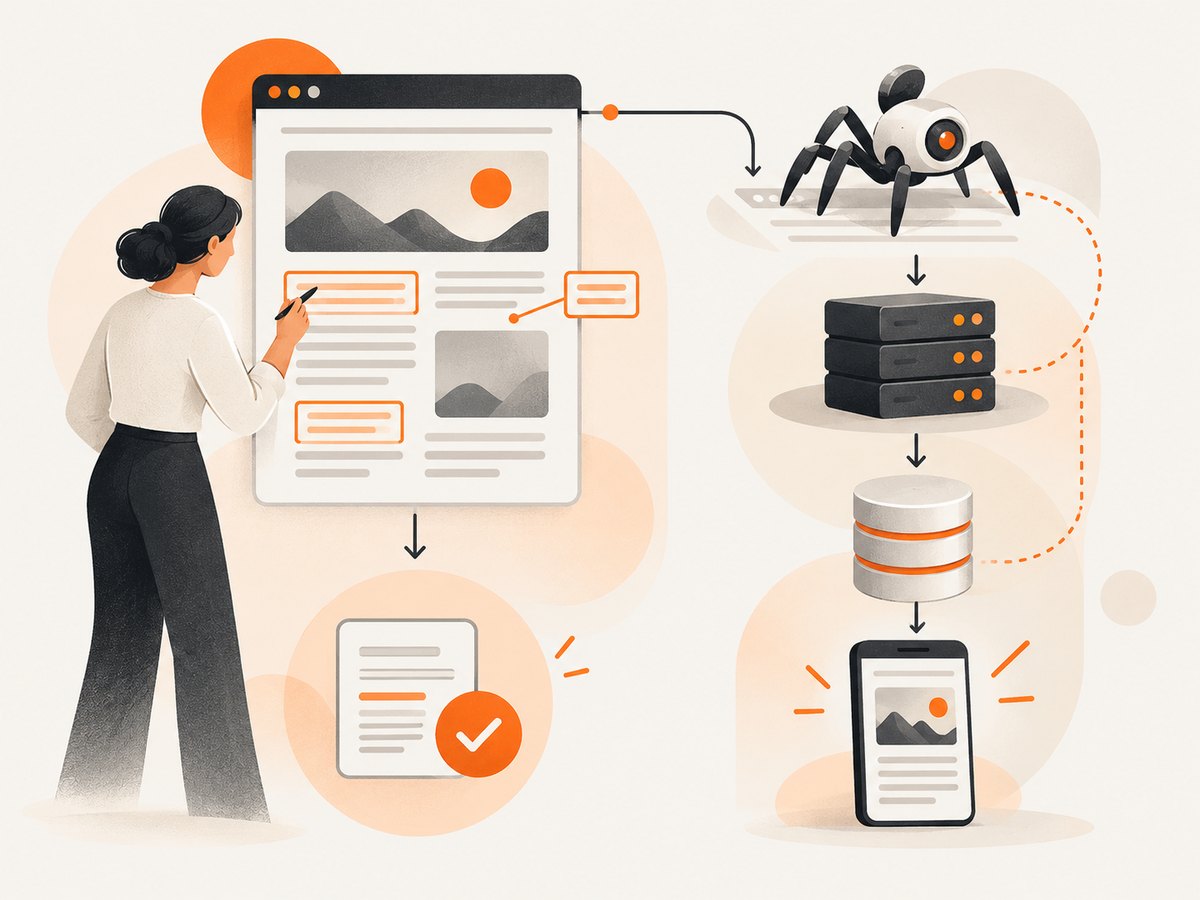
For JavaScript-rendered sites, verify that the important page content and links are available to Google after rendering. Make sure essential information is not dependent on a user interaction that a crawler cannot perform. Use server rendering or pre-rendering where it fits the architecture, and inspect representative URLs with Search Console when rendering or indexing is uncertain.
Keep duplicate URLs under control with consistent canonicals, redirects, and internal links. Parameterized pages, print views, faceted navigation, and staging copies can create competing versions or waste crawl attention. Check mobile usability and page responsiveness as part of the experience: slow, unstable pages frustrate visitors even when they are technically indexable.
Use Search Console to diagnose indexing, crawling, and performance patterns. Treat its reports as evidence for investigation, not as a promise that every eligible URL will be served. Google explicitly says indexing and serving are not guaranteed simply because requirements are met.
4. Product and local data are search surfaces
If you sell products, accurate Merchant Center data can help Google understand current product information and may support appearances in both ordinary Search and AI responses. Keep availability, pricing, identifiers, descriptions, and landing pages aligned. Fix feed errors and stale details promptly; conflicting data undermines usefulness for shoppers.
For a local business, maintain a complete and current Google Business Profile. Check business name, hours, address or service area, categories, contact details, and the services or products listed. Local facts change, so set an owner and cadence for reviewing them. These profiles and feeds complement the website; they do not replace clear pages describing the business and its offerings.
Google recommends keeping Merchant Center and Business Profile information up to date among its AI feature best practices. The same data hygiene helps people who reach a business through classic results.
5. Stop spending time on unsupported AI-SEO rituals
Google says site owners do not need an llms.txt file, special generative-AI schema, tiny content chunks, a fixed page length, or rewrites for every exact-match long-tail variation to appear in Google Search AI features. Structured data can still be useful for eligibility for supported rich results, but it is not a special requirement for generative AI.
Do not confuse a tactic’s popularity with evidence that it helps. A file may serve another system or internal workflow, but Google says it does not use special AI text files as a visibility requirement. Likewise, break up long material when that makes it easier for readers to use—not because a purported formula says every answer needs a fixed number of words.
Google’s advice is to create useful, non-commodity material for people. Its AI optimization guide also cautions against inauthentic mentions and rewriting solely to manipulate AI responses. Put structured data effort into features you actually target, and make sure markup matches visible content.
6. Use AI assistance with editorial governance
Generative AI can help with research organization, outlines, summarizing source material for review, or drafting scaffolding. It cannot take responsibility for factual accuracy, original reporting, policy compliance, or whether the result helps the intended reader. Assign a human reviewer who can verify claims against primary sources, inspect examples and code, and add expertise that was not in the draft.
Publishing large volumes of pages without meaningful added value creates risk. Google’s guidance on generative AI content says using AI to generate many pages without adding value may violate its scaled-content-abuse policy. A practical review checklist is:
- Does each page solve a real audience problem that is not already covered by another page on the site?
- Are claims, dates, figures, links, examples, and code checked against reliable sources?
- Does the page contribute first-hand evidence, meaningful expertise, or a clearly useful explanation?
- Can a reader tell what the page covers and how to act on it?
- Is there a named owner and a plan to review information that may become stale?
Disclose substantial automation when readers would reasonably want to know how the material was produced. Keep the focus on useful transparency and accountable review, rather than adding a generic AI label that explains nothing.
7. Measure visibility and business outcomes together
Rank position alone cannot tell you whether SEO is working. Track organic impressions and clicks, the pages and queries involved, qualified visits, leads or sales, and assisted conversions. Compare performance by page type, audience, region, and intent where the data supports it. For AI-driven discovery, examine available Search Console reporting and the pages appearing in generative experiences, then connect those observations to analytics and business outcomes.
The supplied 2026 research reports that Google said Search Console generative-AI visibility insights had rolled out worldwide by August 31, 2026, with impressions, pages shown, and countries among the reported details. Check the current interface and documentation for what is available to your property; reporting features can change. Google’s announcement describes the generative AI performance reports.
Interpret click changes carefully. In an August 2025 post, Google VP of Search Liz Reid reported that total organic click volume from Google Search to websites was relatively stable year over year and that average click quality had increased. That is Google’s own aggregate observation, not an independent guarantee for any site or sector. Your results may differ. Pair traffic with conversion quality, branded demand, assisted conversions, and whether visitors accomplish the task they arrived for. A smaller number of high-intent visits can matter more than a large volume of irrelevant clicks.
8. A practical 90-day plan
- Weeks 1–2: establish a baseline. Export current Search Console and analytics data, identify important landing pages and conversions, and record known crawl or indexation issues. Segment brand and non-brand demand if possible.
- Weeks 3–4: remove access barriers. Review robots and noindex rules, canonicals, redirects, internal links, mobile rendering, and JavaScript content for priority pages. Fix technical problems before commissioning more pages.
- Weeks 5–8: strengthen the pages that matter. Choose pages tied to real audience and business needs. Add primary evidence, expert review, specific examples, clear update dates where relevant, and useful supporting media. Merge or improve overlapping content rather than multiplying thin variants.
- Weeks 9–10: verify commerce and local facts. Correct Merchant Center feed and landing-page mismatches; review Business Profile information and assign an owner for future changes.
- Weeks 11–12: evaluate and prioritize. Compare impressions, qualified clicks, conversions, and assisted value against the baseline. Inspect pages gaining or losing visibility, test plausible explanations, and choose the next set of changes based on evidence.
SEO outcomes are not fully controllable: Google can change systems, competitors publish new work, and indexing does not guarantee display. A reliable operating process makes the work auditable and helps teams adapt without chasing each new acronym.
9. Capture page screenshots for visual SEO QA
Search Console and rendered-page checks answer different questions. When a template or content change ships, screenshots can help reviewers spot a broken hero, clipped headings, missing images, or a mobile layout that obscures the primary content. They do not prove indexing, ranking, or what Google rendered; use them alongside crawl and Search Console checks.
A local browser capture is useful when you need to inspect a page in a known viewport. With Playwright for Node.js, install the package, then run this script. It opens the page, waits for network activity to settle, and saves a full-page PNG. The URL is supplied as an argument so the same script can be reused.
npm install playwright
npx playwright install chromium

// save as capture.mjs
import { chromium } from 'playwright';

const target = process.argv[2];
if (!target) throw new Error('Usage: node capture.mjs https://example.com');

const browser = await chromium.launch({ headless: true });
const page = await browser.newPage({ viewport: { width: 1440, height: 1000 } });
try {
  await page.goto(target, { waitUntil: 'networkidle', timeout: 60000 });
  await page.screenshot({ path: 'page.png', fullPage: true });
} finally {
  await browser.close();
}
For visual regressions, use a stable test environment, fixed viewport, and consistent content; personalized pages, rotating banners, animations, timestamps, and third-party widgets can make captures differ from run to run. A full-page screenshot can also be very tall, so capture the relevant section when the whole document is not needed. Do not treat a screenshot as a substitute for checking semantic text, links, status codes, or crawler access.
Or skip the browser setup
ScreenshotNeo is a website screenshot API and MCP server for developers. One GET request can return a PNG, JPEG, WebP, or PDF. See the API documentation for supported parameters.
curl -G "https://api.screenshotneo.com/v1/shot" \
  -d access_key=YOUR_API_KEY \
  --data-urlencode url=https://stripe.com \
  -o shot.webp
import requests
r = requests.get(
"https://api.screenshotneo.com/v1/shot",
params={"access_key": "YOUR_API_KEY", "url": "https://stripe.com"},
timeout=90,
)
r.raise_for_status()
open("shot.webp", "wb").write(r.content)const q = new URLSearchParams({
access_key: 'YOUR_API_KEY',
url: 'https://stripe.com'
});
const res = await fetch(`https://api.screenshotneo.com/v1/shot?${q}`);
if (!res.ok) throw new Error(`Screenshot request failed: ${res.status}`);
await Bun.write('shot.webp', res);ScreenshotNeo removes cookie banners, newsletter popups, and chat widgets before capture; each step can be turned off. Bot checks, blank pages, failed loads, timeouts, and cache hits are never billed, and response headers identify the page verdict and billing status. Its MCP server gives AI agents tools to take screenshots, get page information, and capture PDFs. The free plan includes 1,000 screenshots a month with no card; paid plans start at $5 for 3,000. Sign up for 1,000 free screenshots a month, with no card required.
Common troubleshooting questions
| Symptom | Likely cause | What to check |
|---|---|---|
| Important page is not indexed | Blocked crawling, noindex, canonical pointing elsewhere, weak discovery, or a quality issue | Inspect the URL in Search Console; verify robots, response headers, rendered HTML, canonical, sitemap, and internal links. |
| Search traffic drops after a release | Template, redirect, rendering, or content changes may have affected access or usefulness | Compare affected URLs and dates; check status codes, canonicals, rendered content, internal links, and query/page patterns before reverting. |
| AI feature visibility is hard to attribute | AI appearance is not a separate guarantee of visits, and reporting is aggregated | Use available Search Console reports with landing-page analytics and conversion data; annotate releases and avoid inferring causation from one day. |
| Feed or local details appear wrong | Stale or inconsistent data between the source profile/feed and destination page | Correct the authoritative record, align the landing page, then allow time for systems to refresh. |
| Browser screenshot is blank or incomplete | Navigation timed out, the page relies on delayed scripts, or content is lazy-loaded | Check console and network errors, wait for a specific selector, or use an appropriate delay; confirm the target page works without automation. |
FAQ
Does SEO still matter with AI Overviews?
Yes. Google says its AI features use Search’s core ranking and quality systems and require an indexed page eligible for a Search snippet to be considered as a supporting link. Eligibility does not guarantee inclusion.
Should I create an llms.txt file?
Google says it is not required for Google Search visibility, including its generative features. Maintain one only if it serves another system or a clear operational purpose.
How long should an SEO article be in 2026?
There is no special length requirement for AI Search. Write enough to solve the reader’s task, and remove material that adds no value.
Should I create a separate page for every AI query variation?
No. Build pages around distinct user needs. Near-duplicate pages created primarily to target query variations can add little value and may create scaled-content risk.
Can AI-written content rank?
Google’s guidance focuses on usefulness and policy compliance rather than the tool used to create content. AI-assisted pages need factual review and meaningful value; mass-produced unoriginal pages are risky.


