Session Recordings: What They Are, How They Work, and How to Use Them Safely
Learn how session recordings reconstruct real user journeys, what they reveal, how to protect private data, and how to choose a replay tool.
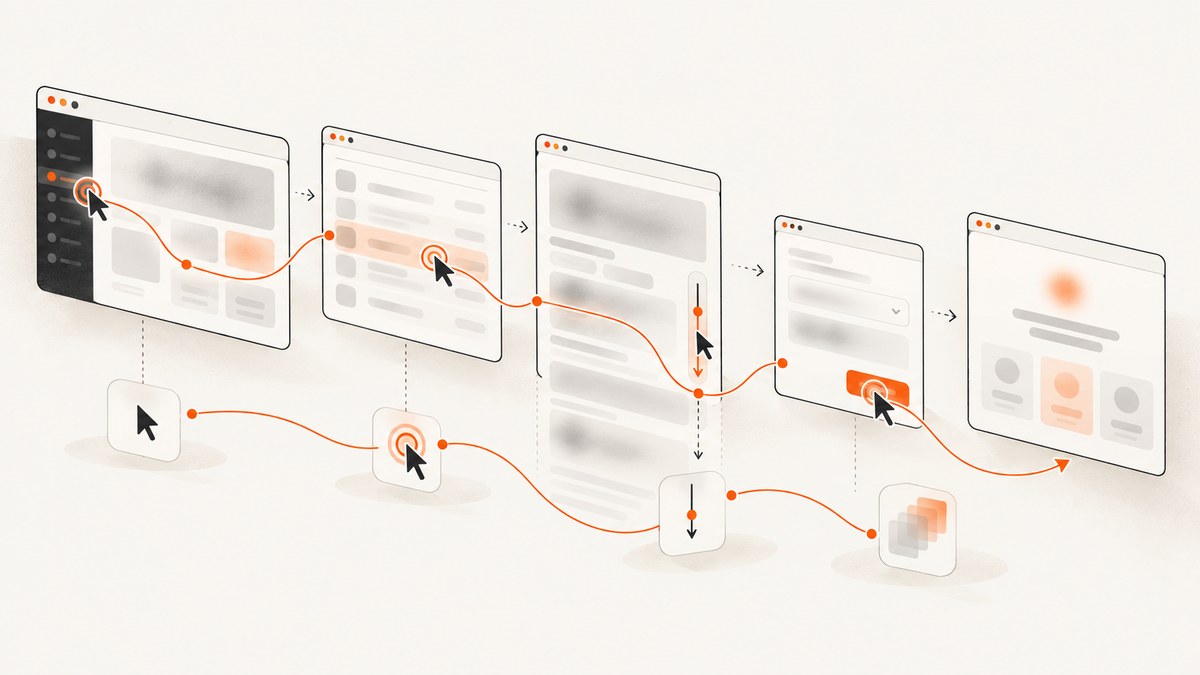
Session recordings are replayable reconstructions of real visits to a website or app. They capture events such as clicks, taps, scrolling, navigation, page changes, resizing and form interactions, then render those events as a replay that helps a team understand what happened in one session.
They are usually not camera-style videos of a person’s physical screen. Microsoft Clarity describes a recording as a visual way to watch real interactions and explains that sessions are step-by-step reconstructions built from HTML and user actions. Matomo likewise describes replaying clicks, mouse movements, scrolls, window resizes, page changes and form interactions. Microsoft Clarity documentation and Matomo’s session-recording documentation provide the primary explanations.
What a session recording contains
A replay normally combines a starting page snapshot with a time-ordered event stream. The stream can include:
- Pointer clicks, taps, movement and hover-related interactions.
- Scroll positions and viewport changes.
- Navigation between pages or screens.
- Form focus, input and submission events.
- DOM changes made by the application after the initial load.
- Errors, crashes or other diagnostic signals, depending on the product.
The viewer uses those inputs to reconstruct the interface at each point in time. That distinction matters: a replay can omit content that was never captured, render differently from the original browser, or fail to explain why a person made a decision. It is evidence about one observed journey, not a complete explanation of user intent.
What session recordings are useful for
UX and conversion diagnosis
Watch where people hesitate, click an element that does not respond, miss a call to action, abandon a form or take an unexpected route. Pair the replay with aggregate funnel data so you can determine whether the observed problem is common enough to prioritize.
Bug reproduction
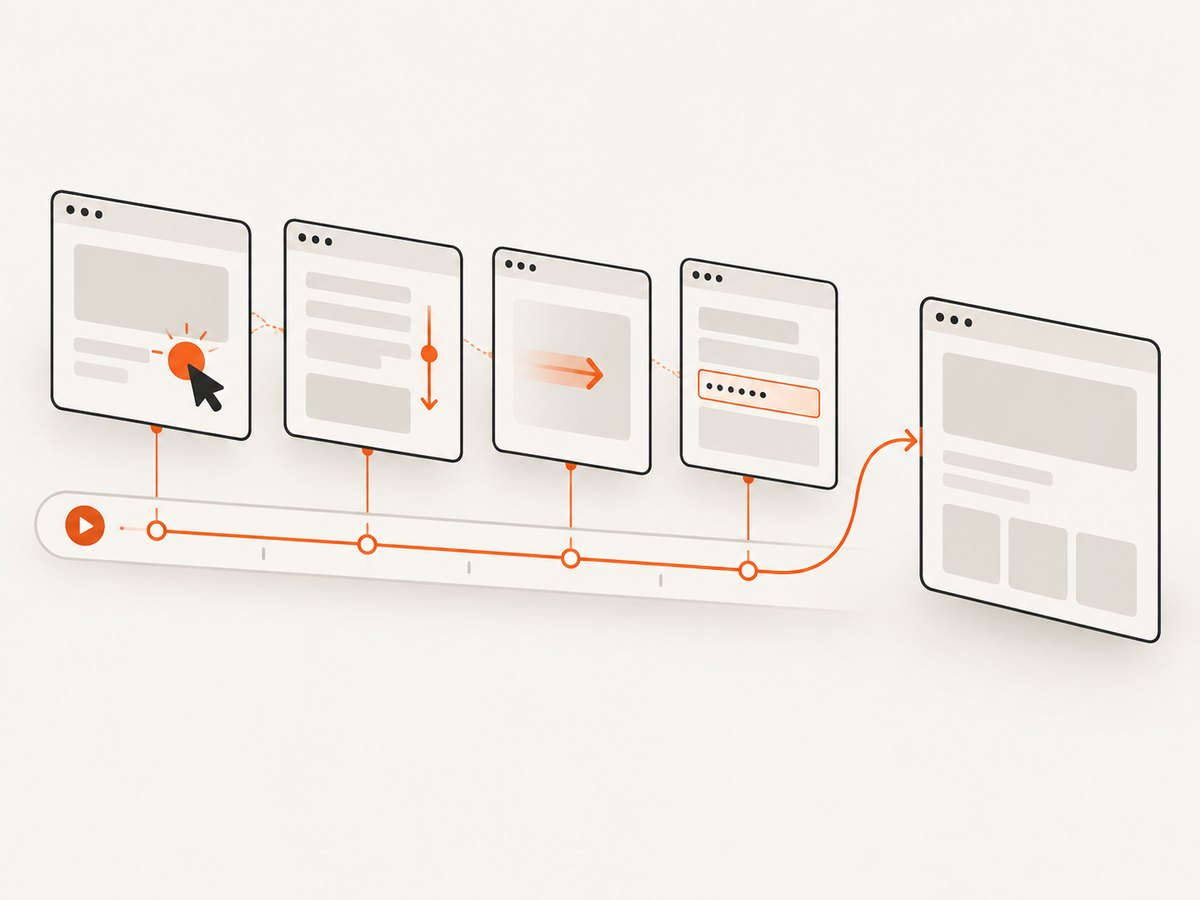
A replay can show the sequence preceding a visual defect or failed interaction: the route taken, the fields entered, the resize event and the last successful action. Save the timestamp, URL, browser or device context and any associated error details in the bug report.
Customer support
With appropriate consent and access controls, support staff can inspect a customer’s failed journey instead of asking the customer to describe every click. Restrict sharing to the minimum people and time needed to resolve the issue.
Mobile product research
Mobile-focused tools can add taps, swipes, funnels, segmentation and crash context. UXCam documents these mobile-oriented capabilities. Confirm that a product captures your native platforms before assuming a web replay tool covers them.
Security and privileged-access auditing
Some products apply recording to authorized connections and security activity. Boundary uses recordings to audit authorized connections to targets and investigate security events. That is a different purpose from marketing-site UX analysis, so evaluate tools against the context you actually need.
How session recordings work
- Decide what to collect. Define the question first, such as “Why do checkout users abandon after address validation?” Record only pages or screens relevant to that question.
- Gate collection where required. Integrate your consent mechanism and regional rules before starting the recorder. Cookiebot recommends collecting recordings only after analytics consent.
- Mask sensitive content. Configure automatic and manual masking for passwords, payment details, health information, authentication tokens, account balances and other personal data.
- Capture an initial state. The recorder stores enough HTML or view information to reconstruct the screen.
- Capture events. It records interactions and changes with timestamps. A session identifier links the events into one replay.
- Upload and index. Events are sent to the vendor, where they become searchable by URL, segment, error, rage click or other available attributes.
- Review and act. Filter to a defined journey, document the observed step and expected behavior, implement a fix, then verify the result with aggregate metrics or a controlled test.
A minimal browser implementation
The following small example illustrates the data model. It records a page view, clicks, scroll positions and input metadata, while deliberately omitting input values. A production implementation needs consent gating, robust batching, masking, retry handling and a secure ingestion endpoint.
<script>
(() => {
  const sessionId = crypto.randomUUID();
  const startedAt = Date.now();
  const events = [];
  const send = () => {
    if (!events.length) return;
    const payload = JSON.stringify({ sessionId, startedAt, events: events.splice(0) });
    navigator.sendBeacon('/recording-events', new Blob([payload], { type: 'application/json' }));
  };
  const add = (type, data = {}) => {
    events.push({ type, at: Date.now() - startedAt, url: location.href, ...data });
    if (events.length >= 20) send();
  };
  add('page_view', { title: document.title });
  document.addEventListener('click', event => {
    const element = event.target.closest('button,a,input,textarea,select,[role="button"]');
    if (element) add('click', { tag: element.tagName, id: element.id || null, name: element.getAttribute('name') });
  }, { passive: true });
  window.addEventListener('scroll', () => add('scroll', { x: scrollX, y: scrollY }), { passive: true });
  document.addEventListener('input', event => {
    const element = event.target;
    add('input', { tag: element.tagName, id: element.id || null, name: element.getAttribute('name') });
  }, { passive: true });
  setInterval(send, 5000);
  addEventListener('pagehide', send);
})();
</script>
This example is intentionally incomplete. Do not send raw field values, password contents, payment data or tokens. Use a server-side endpoint that authenticates the project, validates payload size, rate-limits clients and encrypts data in transit and at rest. A mature vendor may capture DOM mutations, navigation and mobile gestures more reliably than a hand-built recorder.
Privacy, consent and governance
Treat a replay as detailed behavioral data. Before collection, document the purpose, lawful basis and regions in which recording is enabled. Exact obligations depend on jurisdiction and deployment; have your privacy lead or counsel determine the applicable requirements.
Masking checklist
- Mask password, payment-card and security-code fields.
- Mask health, identity, contact and precise-location information when it is not required.
- Mask authentication tokens, account balances, internal identifiers and private messages.
- Prefer allowlists for fields that may be captured over broad collection followed by cleanup.
- Test masking with realistic data in every supported browser and mobile app.
Matomo documents masking entered keystrokes and privacy controls. Cookiebot recommends text obfuscation for sensitive fields and consent gating. Automatic masking is not proof that every sensitive value is hidden; inspect sample replays before enabling broad collection.
Access, retention and deletion
Limit replay access by role, log access where the product supports it, disable public links and remove exports from shared drives. Set a retention period that matches the investigation need. Microsoft Clarity’s documented policy is specific to Clarity: recordings are kept for 30 days, after which 1% of recordings or 10 recordings per day, whichever is higher, can be retained for up to nine months. Do not treat that figure as an industry standard.
Define a deletion and subject-rights workflow before launch. You should be able to locate sessions by the identifiers your privacy process uses, delete them, and confirm that derived exports are removed as well.
Choosing a session-replay tool
Compare tools against these axes:
| Criterion | Questions to ask |
|---|---|
| Coverage | Does it support your web stack, native iOS or Android screens, and the browsers your users run? |
| Replay fidelity | Does it reconstruct DOM changes, canvas content, animations, navigation and responsive layouts accurately enough for your use case? |
| Privacy | Are masking rules automatic and manual? Can collection be gated by consent and region? |
| Debugging context | Can you correlate replays with console errors, network failures, crashes or privileged-access events? |
| Discovery | Can you search by URL, segment, error, rage click, funnel step or custom event? |
| Governance | What are the retention, export, deletion, sharing and audit-log controls? |
| Performance | What is sampled, how are events batched, and what happens when the network is unavailable? |
| Deployment and cost | Is the service hosted or self-hosted, and how are usage, seats and data volume priced? |
Clarity emphasizes broad web and app replay and documents its retention policy. Matomo emphasizes privacy and masking. UXCam emphasizes mobile UX, funnels and crash context. Boundary focuses on security auditing. Choose based on the evidence and controls you need rather than on the presence of a replay viewer alone.
A practical investigation workflow
- Write one question and the journey it concerns.
- Enable recording only on the required pages or screens.
- Start with a small sample or a targeted segment.
- Verify consent and masking in each market before inviting more viewers.
- Filter for errors, rage clicks, abandoned forms or a known customer journey.
- For each replay, record the observed step, expected behavior, evidence and proposed fix.
- Validate the change with aggregate analytics, support volume or a controlled experiment.
A replay shows what happened in one session. It does not establish why every user behaves that way or provide statistically representative survey evidence. Avoid claiming causation without additional evidence.
Or skip the browser setup
If your goal is to capture a clean, shareable snapshot of a page while investigating a session or documenting a bug, ScreenshotNeo provides a website screenshot API. It is separate from session replay: use replay tooling for the event timeline and ScreenshotNeo for a point-in-time image or PDF of the page state.
One GET request returns PNG, JPEG, WebP or PDF. See the ScreenshotNeo API documentation for all options.
cURL
curl -G "https://api.screenshotneo.com/v1/shot" -d access_key=YOUR_API_KEY --data-urlencode url=https://stripe.com -o shot.webpPython
import requests
r = requests.get("https://api.screenshotneo.com/v1/shot", params={"access_key": "YOUR_API_KEY", "url": "https://stripe.com"}, timeout=90)
open("shot.webp", "wb").write(r.content)
Node.js
const q = new URLSearchParams({ access_key: 'YOUR_API_KEY', url: 'https://stripe.com' });
const res = await fetch(`https://api.screenshotneo.com/v1/shot?${q}`);
const body = Buffer.from(await res.arrayBuffer());
await require('node:fs').promises.writeFile('shot.webp', body);
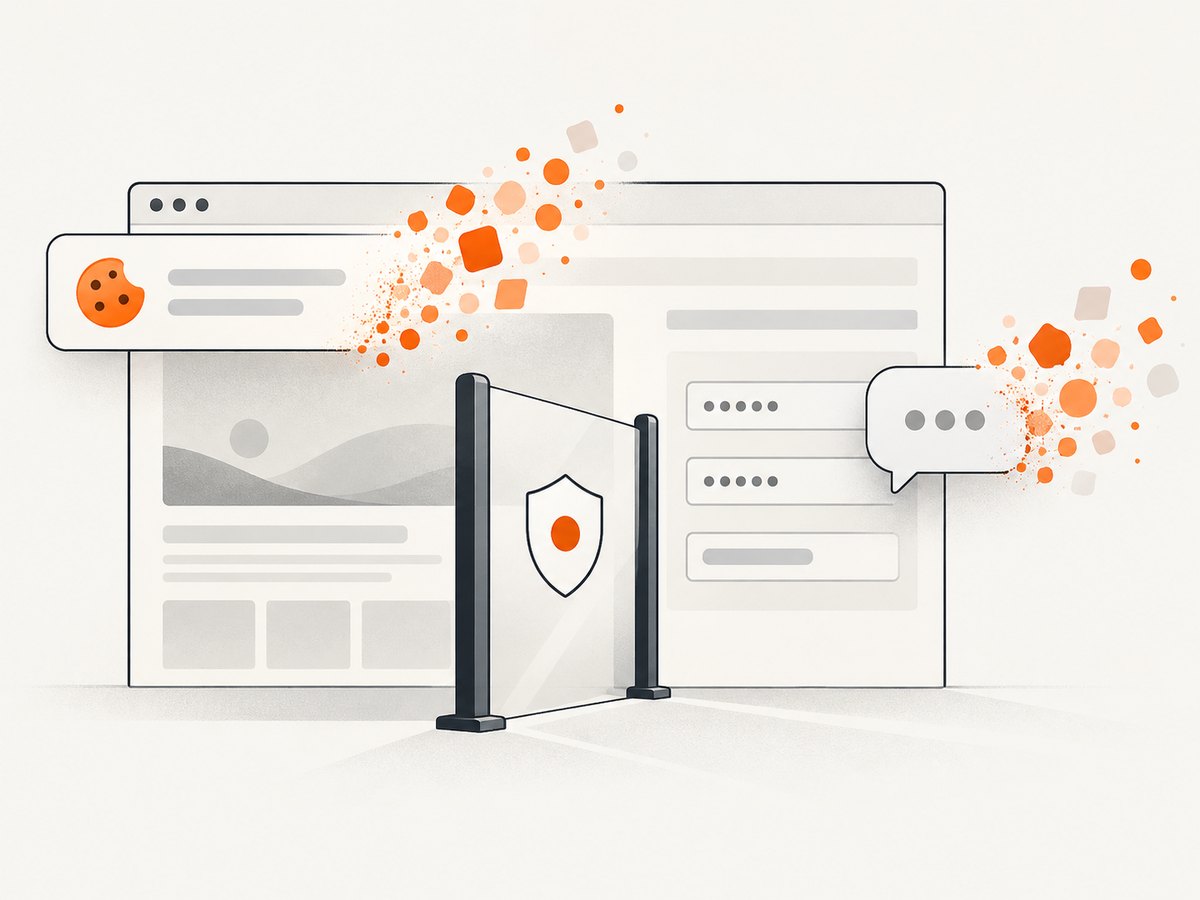
Cookie banners, newsletter popups and chat widgets are removed before the shot. Bot checks, blank pages, timeouts, failed loads and cache hits cost nothing, and response headers identify the page verdict and whether it was billed. An MCP server lets Claude, Cursor and other MCP clients use take_screenshot, get_page_info and capture_pdf. You get 1,000 screenshots each month free with no card; paid plans start at $5 for 3,000 shots. Create a free ScreenshotNeo account.
Troubleshooting session recordings
The replay is blank
Cause: the initial DOM was unavailable, consent prevented collection, or the application rendered into an unsupported surface. Fix: check the consent decision, recorder initialization order, content-security-policy errors and whether canvas or cross-origin frames need special support.
Text or form values appear exposed
Cause: masking rules were incomplete or applied after the value was captured. Fix: mask by default, add selectors for custom components, test password and payment flows, and delete affected recordings.
Only part of a journey appears
Cause: navigation, single-page-app route changes or mobile screen transitions were not instrumented. Fix: verify route-change hooks, preserve the session identifier across screens and inspect network failures during event upload.
Pages feel slower after installation
Cause: events are serialized too frequently, payloads are too large, or the recorder runs on pages that do not need it. Fix: sample sessions, batch events, defer nonessential work, cap payload size and disable recording on sensitive or low-value routes.
Consent behavior differs by country
Cause: regional consent configuration or tag-manager rules are inconsistent. Fix: test every market with a clean browser profile and verify that no recording request is sent before the required consent.
Performance, reliability and cost notes
Recording adds client work, network requests and storage. Keep payloads bounded, batch uploads, use backoff for retries and decide what happens when ingestion is unavailable. Sampling reduces impact and cost, while targeted segments preserve evidence for a defined question. Monitor event-drop rates and replay completeness as operational metrics.
Cost usually follows some combination of sessions, retained data, seats, features or replay volume. Estimate monthly sessions, average event size, retention and expected investigation traffic before selecting a plan. Include the cost of privacy review, access administration and deletion workflows.
FAQ
Are session recordings legal?
They can be, when collection has an appropriate legal basis, consent requirements are met, sensitive data is masked and governance controls are implemented. The exact answer depends on jurisdiction and deployment; consult your privacy lead or counsel.
Do session recordings record passwords?
A correctly configured implementation should mask password fields and other sensitive inputs before transmission. Verify this with test accounts and inspect actual replays.
How long should recordings be stored?
Store them only as long as they serve a defined purpose. Vendor defaults differ; Clarity’s 30-day period is Clarity-specific, not a universal recommendation.
Can a replay prove a bug?
It can provide strong evidence of the observed sequence, but reproduce the issue and verify the fix with logs, tests or additional sessions.
Should every visitor be recorded?
No. Start with the pages, markets and segments needed for a stated question, then expand only when the evidence justifies the privacy and performance cost.


