How to Set the Accept-Language Header in Headless Chrome
Set Accept-Language correctly in headless Chrome with CDP, Puppeteer, and Playwright, then verify headers, locale behavior, and common failures.

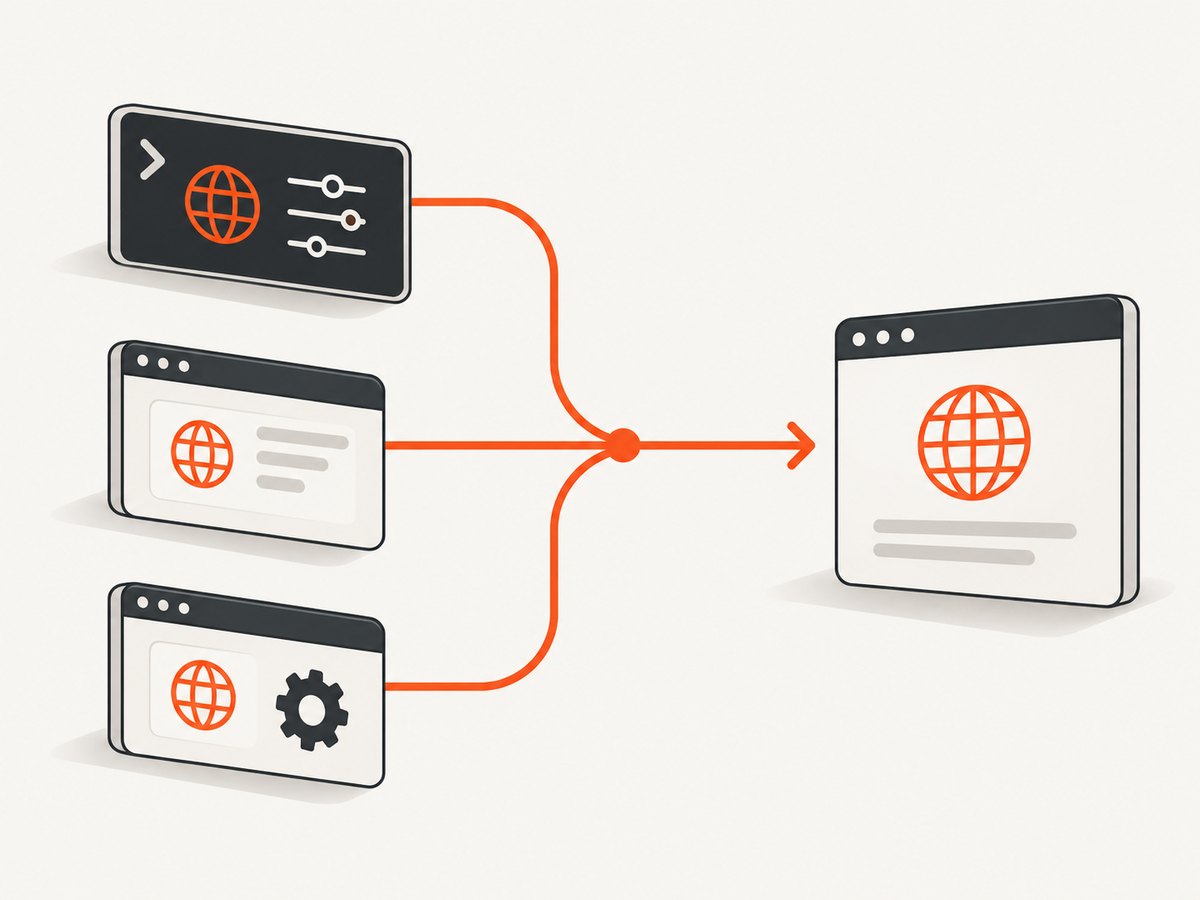
To set Accept-Language in headless Chrome, choose the layer that matches your goal:
- Use Chrome DevTools Protocol (CDP)
Network.setUserAgentOverridewith itsacceptLanguageparameter when you want Chrome to emulate a browser language. - Use
Network.setExtraHTTPHeaders, Puppeteerpage.setExtraHTTPHeaders(), or PlaywrightextraHTTPHeaderswhen you need a specific wire-level header. - Use Playwright’s context
localeoption when the test must also changenavigator.languageand number/date formatting.
Configure the setting before navigation, then verify both the request received by your server and the browser-visible locale values. A correct header alone does not prove that the page is running with the locale your application expects.
What the header does
Accept-Language is an HTTP request header that tells a server which languages the client prefers. A value such as fr-FR,fr;q=0.9,en;q=0.8 expresses a preference for French as used in France, then general French, then English. Servers may use it for translated content, date formats, currency, redirects, or content negotiation.
The header is only one signal. JavaScript can also read navigator.language and navigator.languages, while formatting APIs use the browser’s locale data. If your application makes decisions from those values, inject a header without changing the browser locale can produce a split result: the server sees French, but page JavaScript still behaves as English.
Choose the right configuration layer
| Requirement | Recommended API | What changes |
|---|---|---|
| Exact request header | CDP Network.setExtraHTTPHeaders, Puppeteer extra headers, or Playwright extra headers |
Requests initiated by the page/context carry the configured value |
| Chrome browser-language emulation | CDP Network.setUserAgentOverride with acceptLanguage |
Chrome’s emulated language signal and related request behavior |
| Complete locale behavior in Playwright | Browser context locale |
Accept-Language, navigator.language, and number/date formatting |
Header names are case-insensitive. Puppeteer’s documentation notes that its API lowercases header names and does not guarantee outgoing header order, so assertions should compare values without depending on capitalization or ordering. Review the CDP and framework documentation for the exact Chrome and library versions in your project: protocol surfaces and automation APIs evolve.
Set it with Chrome DevTools Protocol
CDP exposes two useful Network methods. Network.setUserAgentOverride accepts an acceptLanguage string described by Chrome as the browser language to emulate. It also requires the user-agent value you want Chrome to use. Network.setExtraHTTPHeaders adds a header map to requests from the page.
CDP language emulation
const http = require('http');
const { WebSocket } = require('ws');

// In a real program, obtain this WebSocket URL from Chrome's --remote-debugging-port endpoint.
async function setLanguage(cdp) {
  await cdp.send('Network.enable');
  await cdp.send('Network.setUserAgentOverride', {
    userAgent: 'Mozilla/5.0 (X11; Linux x86_64) AppleWebKit/537.36 (KHTML, like Gecko) Chrome/128.0.0.0 Safari/537.36',
    acceptLanguage: 'fr-FR,fr;q=0.9,en;q=0.8'
  });
}
The exact connection code depends on your CDP client. The important details are that Network is enabled, the existing user-agent is supplied, and acceptLanguage is set before the first navigation.
CDP extra-header injection
await cdp.send('Network.enable');
await cdp.send('Network.setExtraHTTPHeaders', {
  headers: {
    'Accept-Language': 'fr-FR,fr;q=0.9,en;q=0.8'
  }
});
await page.goto('https://example.com');
Use this method when the requirement is an exact HTTP value and you do not need Chrome’s broader locale emulation. If another layer sets the same header later, the later setting can override it; keep one source of truth in your harness.
Set it with Puppeteer
Puppeteer’s page.setExtraHTTPHeaders() sends the supplied extra headers with every request initiated by that page. Set it before page.goto() so the initial document request carries the value.
const puppeteer = require('puppeteer');

(async () => {
  const browser = await puppeteer.launch({ headless: true });
  try {
    const page = await browser.newPage();
    await page.setExtraHTTPHeaders({
      'Accept-Language': 'fr-FR,fr;q=0.9,en;q=0.8'
    });

    await page.goto('https://example.com', {
      waitUntil: 'networkidle2',
      timeout: 60000
    });

    console.log(await page.evaluate(() => ({
      language: navigator.language,
      languages: navigator.languages
    })));
  } finally {
    await browser.close();
  }
})();
This changes requests, but it is not a promise that every JavaScript-visible locale signal changes. If your test checks rendered dates or navigator.language, use a locale-aware configuration or set those test assumptions explicitly.
Set it with Playwright
Use locale for complete locale emulation
Playwright’s browser context locale option affects the Accept-Language request header, navigator.language, and number/date formatting rules. This is usually the best choice for end-to-end tests that represent a user in a particular locale.
const { chromium } = require('playwright');

(async () => {
  const browser = await chromium.launch({ headless: true });
  try {
    const context = await browser.newContext({ locale: 'fr-FR' });
    const page = await context.newPage();
    await page.goto('https://example.com', { waitUntil: 'networkidle' });

    console.log(await page.evaluate(() => ({
      language: navigator.language,
      languages: navigator.languages,
      formatted: new Intl.DateTimeFormat().format(new Date('2025-01-02'))
    })));
  } finally {
    await browser.close();
  }
})();
Use extra headers for an exact value
const { chromium } = require('playwright');

(async () => {
  const browser = await chromium.launch({ headless: true });
  try {
    const context = await browser.newContext({
      extraHTTPHeaders: {
        'Accept-Language': 'fr-FR,fr;q=0.9,en;q=0.8'
      }
    });
    const page = await context.newPage();
    await page.goto('https://example.com');
  } finally {
    await browser.close();
  }
})();
Context-level extra headers apply to requests initiated by pages in that context. If you also configure page-level headers, the page-level value takes precedence for a header it overrides. Avoid configuring both unless the precedence is intentional.
Runnable cURL, Python, and Node.js examples
These examples show direct HTTP requests to a test endpoint that echoes headers. Replace the URL with an endpoint you control when validating your application.
cURL
curl -i \
  -H 'Accept-Language: fr-FR,fr;q=0.9,en;q=0.8' \
  https://example.com
Python with requests
import requests

response = requests.get(
    'https://example.com',
    headers={'Accept-Language': 'fr-FR,fr;q=0.9,en;q=0.8'},
    timeout=30,
)
response.raise_for_status()
print(response.headers)
Node.js fetch
const response = await fetch('https://example.com', {
  headers: {
    'Accept-Language': 'fr-FR,fr;q=0.9,en;q=0.8'
  }
});

if (!response.ok) {
  throw new Error(`HTTP ${response.status}`);
}
console.log(await response.text());
Those HTTP clients do not create a browser environment. Use them to verify server negotiation, not to test DOM rendering, JavaScript locale APIs, or browser navigation behavior.
Validate both the wire header and browser locale
- Point the browser at an endpoint that records request headers. Confirm the exact value on the initial document request and on any API request whose language matters.
- Inside the page, log
navigator.languageandnavigator.languages. - Render a representative date, number, and currency with
Intl. Compare the result with your expected locale. - Check redirects. A redirect can lead to a second request made by a different origin or service, and that service may apply its own negotiation rules.
- Inspect subresource requests if translations are loaded through XHR or fetch. Context or page extra-header settings should cover them, but an independent service worker or external client may not.
console.log(await page.evaluate(() => ({
  language: navigator.language,
  languages: navigator.languages,
  number: new Intl.NumberFormat().format(1234567.89),
  date: new Intl.DateTimeFormat().format(new Date('2025-01-02'))
})));
This validation catches the most common mismatch: a correct HTTP header paired with an unchanged browser locale, or a locale setting that produces an acceptable header but not the exact quality values your server-side test expects.
Language tags, quality values, and edge cases
- Use valid BCP 47-style tags. Common forms include
en-US,en-GB,de-DE, andfr-FR. Keep region casing conventional for readability. - Order preferences deliberately. Servers commonly choose the highest-ranked supported language. Use
q=0.9and similar values to express fallbacks. - Do not assume one locale equals one language.
en-GBanden-UScan produce different date, number, spelling, and currency behavior. - Expect server policy to win. A site can ignore the header, use a cookie, select a language from the URL, or redirect based on account settings.
- Check caching. If a CDN does not vary its cache key by language, you can receive a response generated for another locale even though your header is correct. This is an origin/CDN configuration issue.
- Handle redirects and cross-origin calls. The destination server may have different supported languages or authentication requirements.
- Do not rely on capitalization or order. HTTP header names are case-insensitive, and Puppeteer does not guarantee outgoing header order.
Common errors and fixes
| Symptom | Likely cause | Fix |
|---|---|---|
| The first request is still English | Headers were set after navigation | Configure CDP, Puppeteer, or the Playwright context before creating or navigating the page. |
| Server sees French but JavaScript reports English | Only a wire header was injected | Use Playwright locale or CDP language emulation when browser-visible locale matters. |
| Playwright value is not the exact string expected | locale generates a browser-managed header |
Use extraHTTPHeaders when the exact header string is the test requirement. |
| Header appears on the document but not an API call | The API call runs outside the configured page/context or through another client | Configure the client making that request, and inspect the request’s origin. |
| Changing the header has no visible effect | Cookies, URL routing, account settings, or CDN cache control language selection | Clear relevant cookies, test a fresh context, inspect redirects, and verify cache variation. |
| CDP command fails with an unknown parameter | Chrome/CDP version mismatch or an incorrect method shape | Check the protocol documentation for the installed Chrome version and supply the required userAgent for setUserAgentOverride. |
| Assertions fail on header capitalization | Client normalized the header name | Compare names case-insensitively and assert the value, not serialization order. |
Performance, reliability, and cost considerations
Setting a header is cheap compared with launching a browser. Reuse a browser process and create isolated contexts for different locales when running many tests. Context isolation prevents cookies and locale state from leaking between cases while avoiding a full Chrome startup for every URL.
Keep navigation and assertion timeouts realistic for the site under test. A language redirect can add a navigation step, and locale-specific bundles may load different resources. For reliable tests, wait for the application condition you need rather than assuming that a fixed sleep means translation is complete.
For reproducibility, record the Chrome version, automation library version, configured locale or header, final URL after redirects, and the response language. This makes failures diagnosable when browser or server behavior changes. Do not use an unsupported launch flag as a universal solution: the documented CDP and framework APIs are the portable controls established for this task.
Or skip the browser setup
If your goal is a rendered screenshot rather than a browser test, ScreenshotNeo accepts the URL and capture settings through one request. You can pass custom headers, cookies, user agent, timezone, geolocation, CSS, JavaScript, waits, and device settings, including an Accept-Language header for locale-sensitive pages. See the ScreenshotNeo documentation for the current parameter names.
cURL
curl -G 'https://api.screenshotneo.com/v1/shot' \
  -d access_key=YOUR_API_KEY \
  --data-urlencode url=https://stripe.com \
  -d 'headers[Accept-Language]=fr-FR,fr;q=0.9,en;q=0.8' \
  -o shot.webp
Python
import requests

r = requests.get(
    'https://api.screenshotneo.com/v1/shot',
    params={
        'access_key': 'YOUR_API_KEY',
        'url': 'https://stripe.com',
        'headers[Accept-Language]': 'fr-FR,fr;q=0.9,en;q=0.8',
    },
    timeout=90,
)
r.raise_for_status()
open('shot.webp', 'wb').write(r.content)
Node.js
const q = new URLSearchParams({
  access_key: 'YOUR_API_KEY',
  url: 'https://stripe.com',
  'headers[Accept-Language]': 'fr-FR,fr;q=0.9,en;q=0.8'
});
const res = await fetch(`https://api.screenshotneo.com/v1/shot?${q}`);
if (!res.ok) throw new Error(`HTTP ${res.status}`);
require('fs').writeFileSync('shot.webp', Buffer.from(await res.arrayBuffer()));
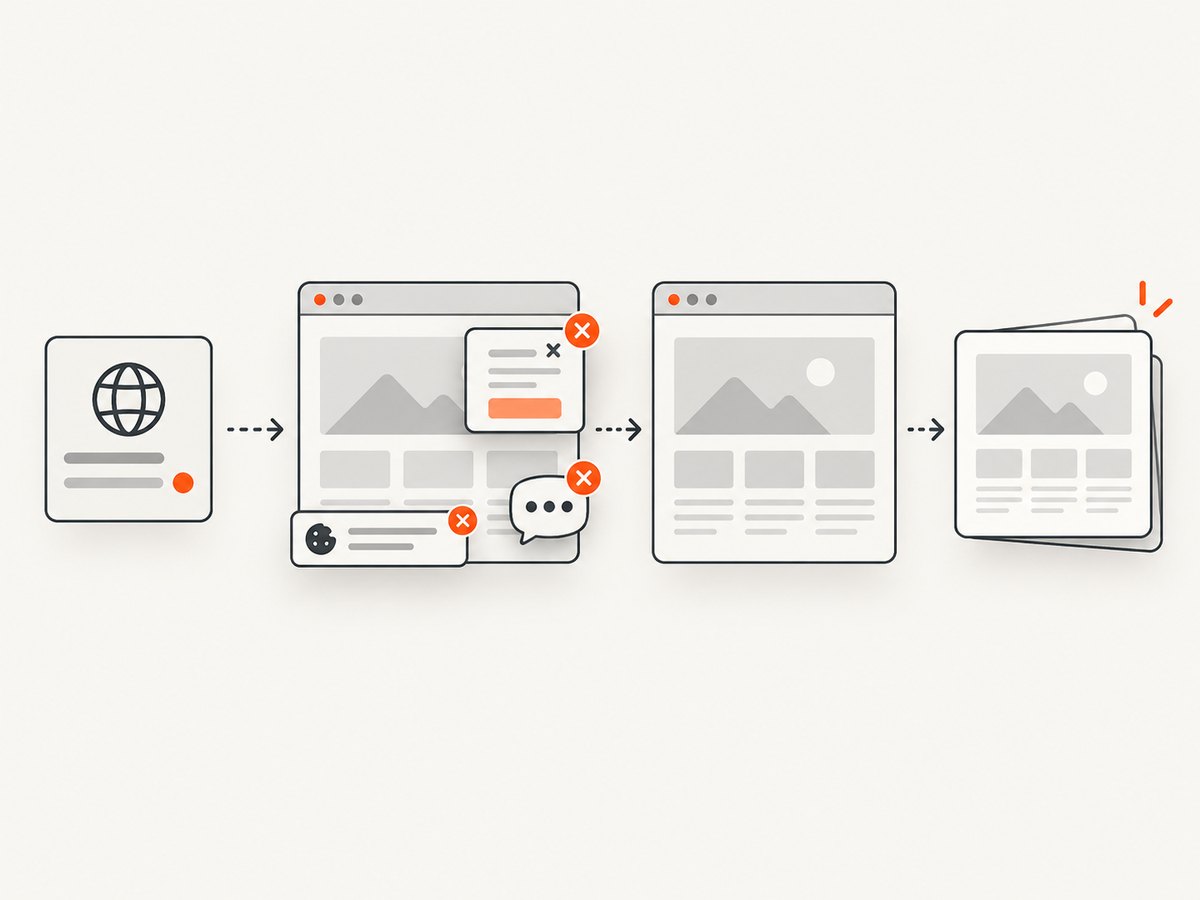
ScreenshotNeo removes cookie and consent banners, newsletter popups, and chat widgets before capture. Bot checks, blank pages, timeouts, failed loads, and cache hits are not billed, and response headers identify the page verdict and billing result. Its MCP server provides take_screenshot, get_page_info, and capture_pdf tools for Claude, Cursor, and other MCP clients. The free plan includes 1,000 screenshots a month with no card; paid plans start at $5 for 3,000. Create a free ScreenshotNeo account.
FAQ
Should I set Accept-Language or a locale?
Set the header when you need a precise wire value. Set a locale when the browser-visible language and formatting must change too.
Can I set different languages for different pages?
Yes. In Playwright, create separate contexts or set page-level extra headers. In Puppeteer, configure each page before navigation. Keep independent pages isolated to avoid state leaks.
Does headless Chrome automatically use my operating-system language?
Do not rely on that for deterministic tests. Configure the value explicitly through CDP, Puppeteer, or Playwright and record it with the test metadata.
Why does the page stay in the wrong language after the header is correct?
The site may prioritize a cookie, URL, account preference, geolocation, or cached response. Inspect redirects and cookies and verify the final response’s language.
Can an HTTP client replace a browser for locale testing?
It can verify server negotiation, but it cannot reproduce DOM rendering, JavaScript locale APIs, or browser navigation. Use a browser when those signals are part of the behavior under test.


