How to Set Accepted-Language for Chrome Headless with Selenium in Python
Configure Chrome headless to send the right Accept-Language header in Selenium Python, verify it on the wire, and test localized pages reliably.
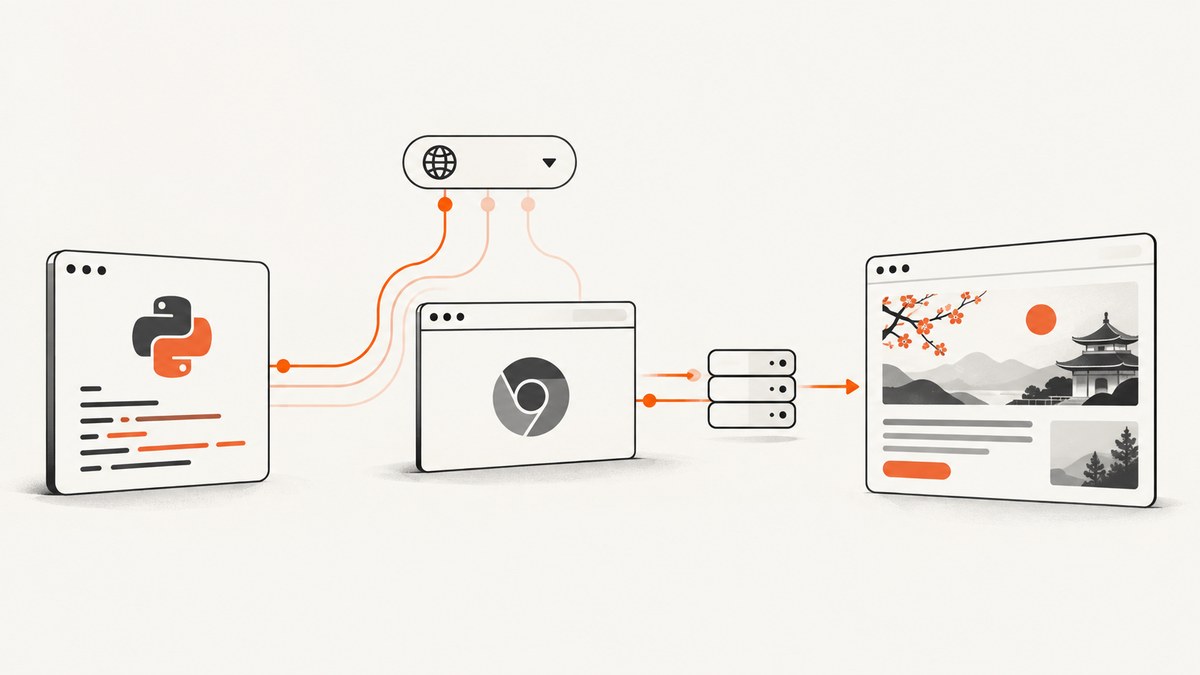
Direct answer: set Chromium’s intl.accept_languages preference through Selenium’s Chrome options. Give it an ordered, comma-separated list such as fr-FR,fr, then start a fresh headless driver. The preference influences browser-generated HTTP requests and browser language APIs, but the final page can still be controlled by cookies, URL locale parameters, account settings, or server-side rules.
from selenium import webdriver
from selenium.webdriver.chrome.options import Options

options = Options()
options.add_argument("--headless=new")
options.add_experimental_option(
    "prefs",
    {"intl.accept_languages": "fr-FR,fr"},
)

driver = webdriver.Chrome(options=options)
try:
    driver.get("https://example.com/")
finally:
    driver.quit()
The first value is the preferred language and the following values are fallbacks. Common examples are en-US,en, de-DE,de, and ja-JP,ja. Keep the preference in the browser profile rather than trying to edit every request individually when your test represents a user’s language setting.
1. What Accept-Language controls
Chrome uses intl.accept_languages for the value it uses when making HTTP requests. Selenium’s Python ChromeOptions passes that preference to Chromium, while --headless=new starts Chrome without a visible window. A server may use the header for content negotiation, redirect decisions, translated templates, date formats, or a language cookie.
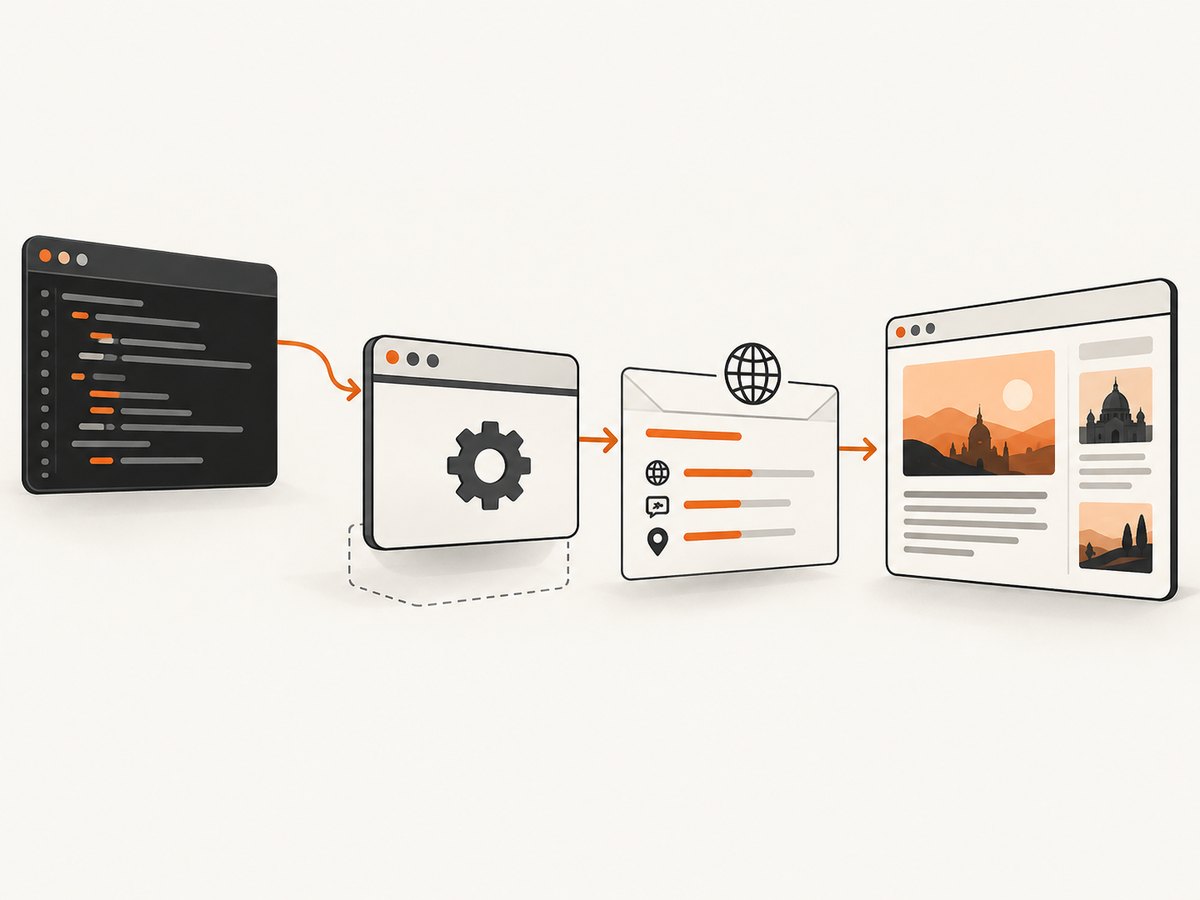
The list is ordered. For example, fr-CA,fr,en-US,en tells a server that Canadian French is preferred, then general French, then US English, then English. A server is free to ignore the list or combine it with other signals.
Browser preference versus request override
| Approach | Scope | JavaScript visibility | Best use |
|---|---|---|---|
intl.accept_languages |
Browser-generated requests | Usually reflected in navigator.language and navigator.languages |
Localized navigation and realistic browser tests |
| Chrome DevTools Protocol network override | Selected request instrumentation | Does not necessarily model a complete user language profile | Narrow request-level experiments |
| Application cookie or URL parameter | Application-specific | Depends on the application | Testing an explicit locale switch |
Use the preference approach for a browser-locale test. A CDP override can be useful when you deliberately need request-level instrumentation, but verify its exact command and behavior against the Chrome and Selenium versions in your suite.
2. Complete Selenium setup
Install and pin the dependencies
python -m venv .venv
. .venv/bin/activate
pip install selenium
python -c "import selenium; print(selenium.__version__)"
Recent Selenium versions can obtain a compatible driver through Selenium Manager. In reproducible CI, record the Selenium and Chrome versions and use the same image or explicitly managed driver. This makes language behavior easier to diagnose when Chrome changes.
Reusable helper
from contextlib import contextmanager
from selenium import webdriver
from selenium.webdriver.chrome.options import Options

@contextmanager
def chrome_for_language(languages="fr-FR,fr", headless=True):
    options = Options()
    if headless:
        options.add_argument("--headless=new")
    options.add_experimental_option(
        "prefs",
        {"intl.accept_languages": languages},
    )
    driver = webdriver.Chrome(options=options)
    try:
        yield driver
    finally:
        driver.quit()

with chrome_for_language("de-DE,de,en") as driver:
    driver.get("https://example.com/")
    print(driver.title)
    print(driver.execute_script("return navigator.language"))
    print(driver.execute_script("return navigator.languages"))
Create a new driver after changing the preference. Chrome Enterprise documentation notes that policy changes take effect in newly started renderer processes, and a fresh session avoids stale profile state in tests.
Use a custom Chrome binary or driver
from selenium import webdriver
from selenium.webdriver.chrome.options import Options
from selenium.webdriver.chrome.service import Service

options = Options()
options.binary_location = "/usr/bin/google-chrome"
options.add_argument("--headless=new")
options.add_experimental_option(
    "prefs", {"intl.accept_languages": "es-ES,es,en"}
)

service = Service("/opt/chromedriver/chromedriver")
driver = webdriver.Chrome(service=service, options=options)
try:
    driver.get("https://example.com/")
finally:
    driver.quit()
Only set binary_location or Service when your environment requires it. A driver and browser with incompatible major versions can fail before any language setting is applied.
3. Verify the language that Chrome actually uses
navigator.language and navigator.languages are useful diagnostics, but they are not proof of the wire header. Chrome’s Accept-Language reduction can change what appears in request headers and in these JavaScript values, depending on the version and rollout. Verify at the server or network layer when the header is part of the assertion.
Check JavaScript values
language = driver.execute_script("return navigator.language")
languages = driver.execute_script("return navigator.languages")
print({"language": language, "languages": languages})
Verify at a controlled endpoint
Use an endpoint you control that records request headers, or a request-inspection service approved for your test environment. Assert the observed Accept-Language value in the server log or response. Do not infer the header solely from page text: a site can choose a locale from a cookie or URL while ignoring negotiation.
Capture Chrome performance logs when needed
import json
from selenium import webdriver
from selenium.webdriver.chrome.options import Options

options = Options()
options.add_argument("--headless=new")
options.set_capability("goog:loggingPrefs", {"performance": "ALL"})
options.add_experimental_option(
    "prefs", {"intl.accept_languages": "fr-FR,fr"}
)

driver = webdriver.Chrome(options=options)
try:
    driver.get("https://example.com/")
    for entry in driver.get_log("performance"):
        message = json.loads(entry["message"])["message"]
        if message["method"] == "Network.requestWillBeSent":
            headers = message["params"]["request"].get("headers", {})
            if "Accept-Language" in headers:
                print(headers["Accept-Language"])
finally:
    driver.quit()
Header names can be represented with different casing, so normalize keys before asserting them. Logging every request increases output and processing overhead; enable it only in diagnostic runs.
4. Testing localized pages reliably
- Choose the locale signals. Decide whether the application should use the header, a locale URL such as
/fr/, a cookie, or an account setting. Document the expected precedence. - Start an isolated session. Use a new driver and, when necessary, a temporary user-data directory so an old cookie cannot select another language.
- Set the preference before navigation. Preferences configured after
get()cannot retroactively change the first request. - Navigate to the real entry point. A redirect may set a language cookie or route to a locale-specific domain.
- Wait for localized content. Use an explicit wait for a stable selector instead of a fixed sleep wherever possible.
- Assert multiple layers. Check the server-observed header, the final URL, a locale marker in the DOM, and selected text or formatting.
- Record versions. Store Chrome, ChromeDriver, Selenium, operating system, and test locale with failures.
from selenium.webdriver.common.by import By
from selenium.webdriver.support.ui import WebDriverWait
from selenium.webdriver.support import expected_conditions as EC

options = Options()
options.add_argument("--headless=new")
options.add_experimental_option(
    "prefs", {"intl.accept_languages": "fr-FR,fr"}
)
driver = webdriver.Chrome(options=options)
try:
    driver.get("https://your-test-site.example/")
    WebDriverWait(driver, 15).until(
        EC.visibility_of_element_located((By.CSS_SELECTOR, "[data-locale-ready]"))
    )
    assert driver.find_element(By.TAG_NAME, "html").get_attribute("lang") == "fr"
finally:
    driver.quit()
Replace the example selector with an application-owned readiness marker. The HTML lang attribute is an application signal, not a substitute for checking the request header.
5. Edge cases and Chrome behavior
Language tags and ordering
Use valid BCP 47-style tags in the order users prefer. Include a generic fallback when a site only has translations such as fr rather than fr-FR. Avoid adding dozens of values unless your test specifically models them; long lists can make assertions harder to read and may be normalized by Chrome.
Cookies and URL locales win in many applications
A site may persist a prior choice in a cookie, read /de/ from the URL, or use an account profile. Clear cookies or use a clean profile when testing negotiation. If the product intentionally prioritizes a cookie, test that behavior separately instead of treating a different page language as a Selenium failure.
Reduced Accept-Language
Chrome’s reduction work can affect both the HTTP header and navigator.languages. The exact result depends on Chrome version and rollout. Pin versions in CI and assert the server-observed value your application actually receives.
Headless versions
Chrome 112 unified headless and headful behavior by using the same Chrome implementation without displaying platform windows. Current Selenium examples use --headless=new. From Chrome 132, the old headless implementation is distributed separately as chrome-headless-shell; avoid assumptions based on obsolete old-headless behavior.
6. Troubleshooting
| Symptom | Likely cause | Fix |
|---|---|---|
| Page remains English | Cookie, URL, account, or server rule overrides negotiation | Use a clean profile, inspect redirects, and document locale precedence |
navigator.language differs from expectation |
Chrome normalization or Accept-Language reduction | Check the server-observed header and record Chrome version |
| Preference has no effect | It was set after navigation or on an existing session | Set prefs before creating the driver and start a fresh session |
| Unknown option or startup failure | Driver/browser mismatch or invalid option syntax | Update or align Chrome and driver; use options.add_experimental_option("prefs", ...) |
| Headless browser will not start in CI | Missing browser libraries, sandbox restrictions, or wrong binary | Use a maintained Chrome image, verify the binary path, and inspect startup logs |
| Test is flaky | Assertions run before redirects or client-side locale loading finishes | Wait for a stable application selector and assert the final URL and DOM state |
| Performance log has no header | Logging capability was not enabled or the request was made before logging was read | Set goog:loggingPrefs before startup and read logs after navigation |
7. Performance, reliability, and cost
Launching a fresh Chrome session is usually the expensive part of a small locale test. Reuse a driver for compatible cases, but do not reuse a profile when cookies or local storage can affect language selection. For parallel CI, give each worker an isolated profile and avoid sharing a writable user-data directory.
Prefer explicit waits over long fixed delays. They reduce idle time while still allowing redirects and client-side translation to finish. Performance logging, screenshots, and verbose browser logs should be enabled only for failing or diagnostic runs.
Reliability improves when the test records the final URL, response or application locale marker, server-observed header, and browser versions. A page’s visible language alone is a weak assertion because translation may be selected without the header.
Selenium and Chrome have no per-request API charge, but your CI machine, browser startup time, and traffic still have operational costs. If you only need an image or PDF of a localized URL, running and maintaining a browser stack may be unnecessary.
8. Or skip the browser setup
ScreenshotNeo provides a website screenshot API and MCP server. It accepts one GET request and returns a PNG, JPEG, WebP, or PDF. You can pass custom headers, cookies, user agent, timezone, geolocation, custom JavaScript, custom CSS, waits, blocking rules, and a viewport, so a capture workflow does not require Selenium infrastructure.
See the ScreenshotNeo API documentation for the complete parameter list. For a localized capture, send an Accept-Language header with the request:
curl -G "https://api.screenshotneo.com/v1/shot" \
  -d access_key=YOUR_API_KEY \
  --data-urlencode url=https://stripe.com \
  --data-urlencode 'headers={"Accept-Language":"fr-FR,fr"}' \
  -o shot.webp
import requests
r = requests.get(
"https://api.screenshotneo.com/v1/shot",
params={
"access_key": "YOUR_API_KEY",
"url": "https://stripe.com",
"headers": '{"Accept-Language":"fr-FR,fr"}',
},
timeout=90,
)
r.raise_for_status()
open("shot.webp", "wb").write(r.content)const q = new URLSearchParams({
access_key: 'YOUR_API_KEY',
url: 'https://stripe.com',
headers: JSON.stringify({ 'Accept-Language': 'fr-FR,fr' })
});
const res = await fetch(`https://api.screenshotneo.com/v1/shot?${q}`);
if (!res.ok) throw new Error(`HTTP ${res.status}`);
const image = Buffer.from(await res.arrayBuffer());
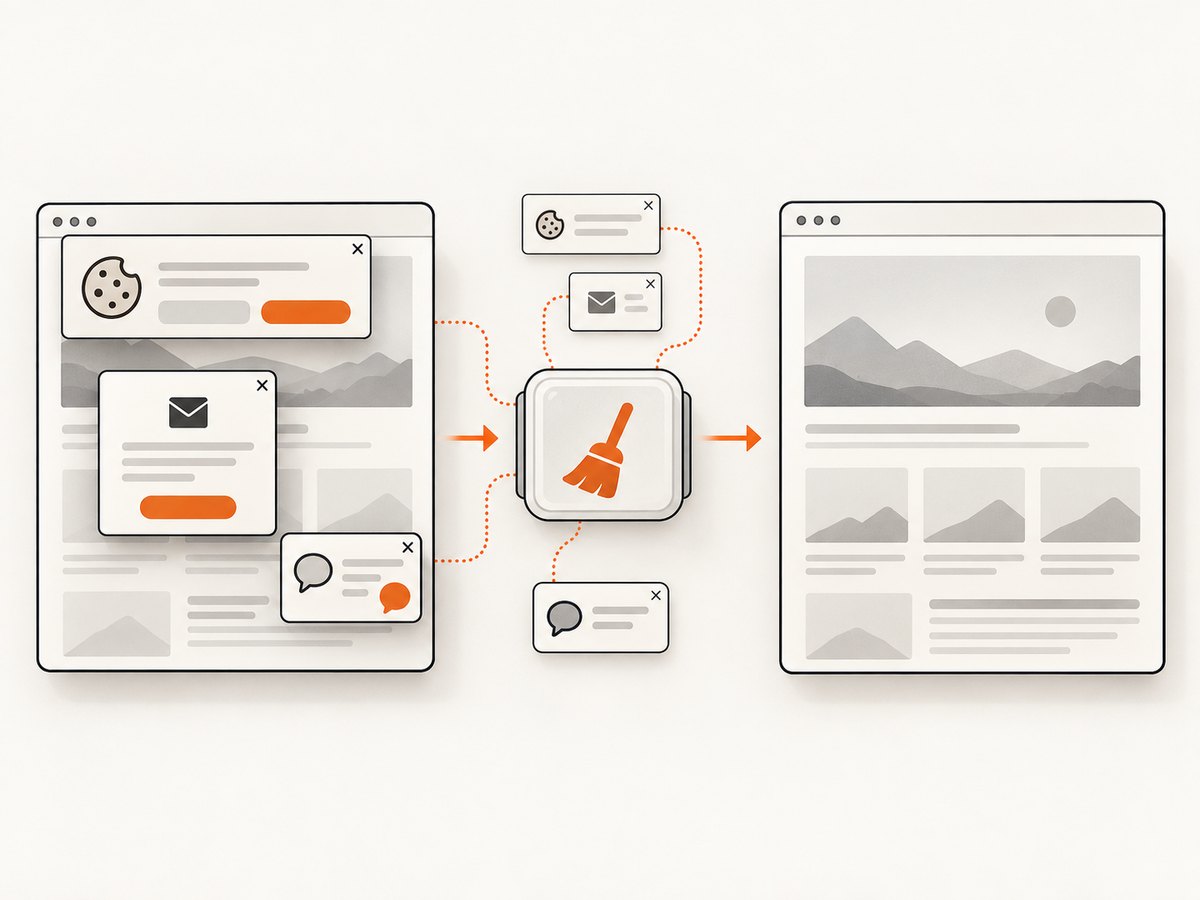
await Bun.write('shot.webp', image);Cookie banners, newsletter popups, and chat widgets are removed before the shot. Bot checks, blank pages, failed loads, timeouts, and cache hits are not billed; response headers identify the page verdict and whether it was billed. An MCP server lets Claude, Cursor, and other MCP clients call take_screenshot, get_page_info, and capture_pdf. The free plan includes 1,000 screenshots a month with no card; paid plans start at $5 for 3,000 shots. Create a free ScreenshotNeo account.
9. FAQ
Does this set the language for every Chrome request?
It sets Chromium’s browser language preference, which influences browser-generated requests. A site can still override the result with cookies, URLs, account settings, or custom server logic.
Can I set only one language?
Yes. Use a value such as fr-FR. Adding fr as a fallback more closely models a normal browser language list and helps servers with only generic French content.
Should I assert navigator.language?
Use it as a diagnostic. When the HTTP header matters, verify the request at your server or network layer because reduction and normalization can make JavaScript values insufficient evidence.
Is --headless=new mandatory?
It is the current Selenium example and makes the intended unified headless implementation explicit. Chrome also documents the --headless flag; keep the choice consistent with the browser version used in CI.
How do I test a locale cookie instead?
Start a clean driver, navigate to the site, set the cookie through Selenium, reload, and assert the application’s documented behavior. Keep that test separate from Accept-Language negotiation so failures identify the correct layer.


