How to Set Browser Locale and Language for Screenshots
Set Playwright’s locale and timezone so screenshots use the right language, dates, numbers and regional formatting.
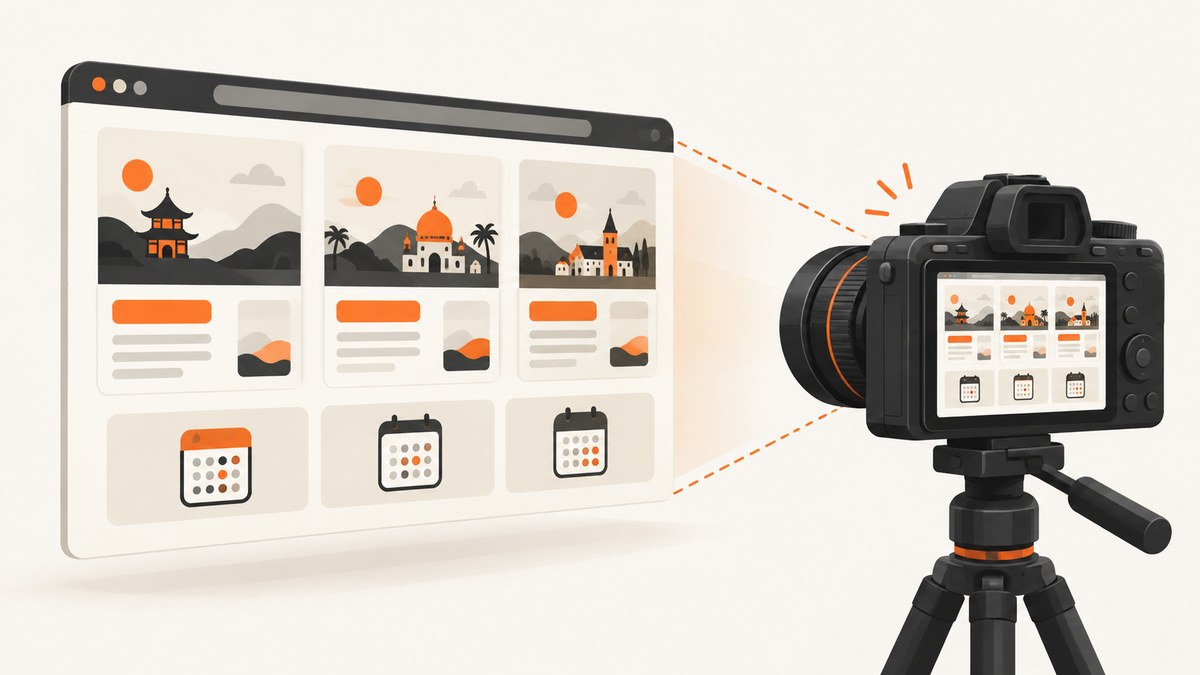
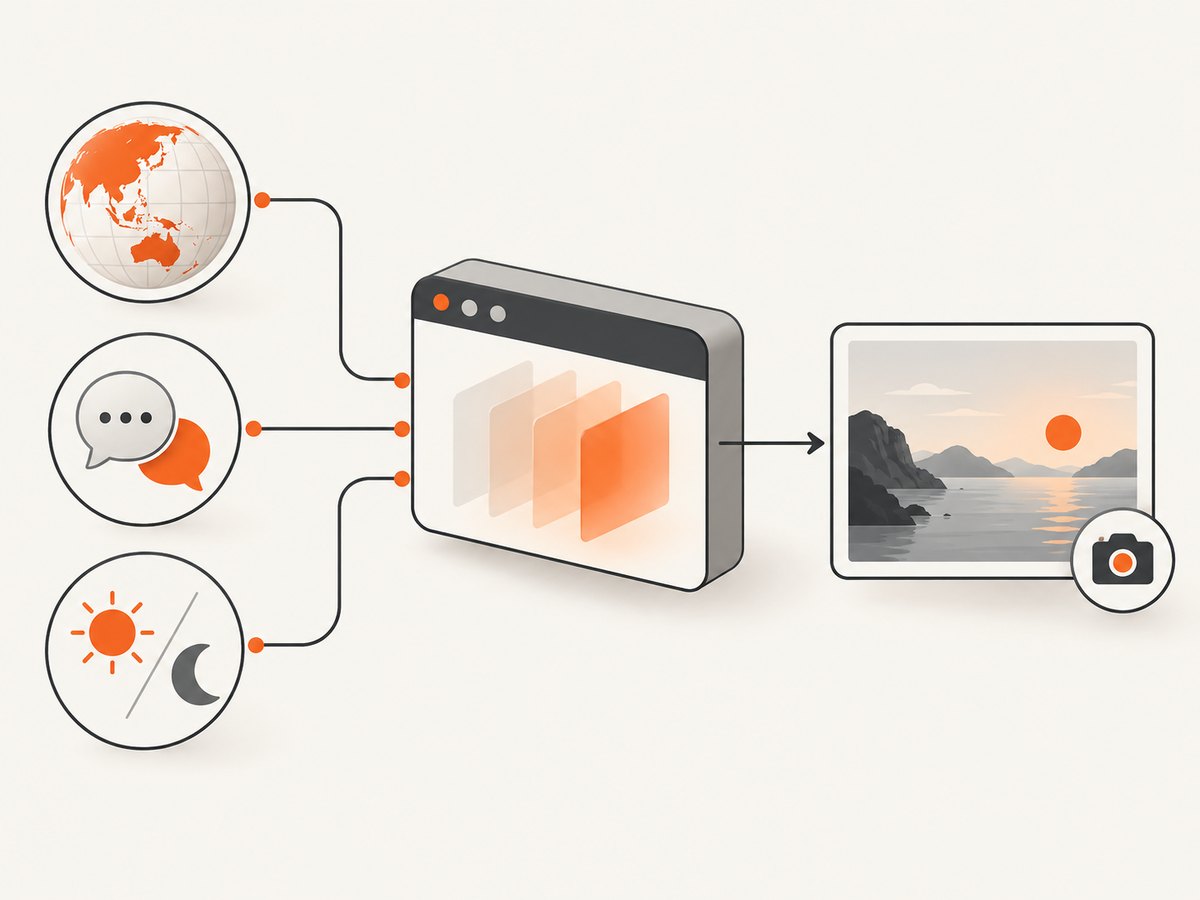
Set the locale on the Playwright browser context before opening the page. For example, locale: 'de-DE' changes the browser’s language signal, Accept-Language request header and locale-sensitive number and date formatting. Set timezoneId separately when the screenshot contains local times.
Locale signals do not guarantee that a site translates itself. The application decides whether to use navigator.language, Accept-Language, an account preference, a cookie or another setting. Always inspect the rendered page before saving the screenshot.
1. Set a locale in a Playwright browser context
This complete Node.js example opens a page with German regional settings and saves a full-page screenshot.
import { chromium } from 'playwright';

const browser = await chromium.launch();
const context = await browser.newContext({
  locale: 'de-DE',
  timezoneId: 'Europe/Berlin'
});

const page = await context.newPage();
await page.goto('https://example.com', { waitUntil: 'networkidle' });
await page.screenshot({ path: 'example-de-DE.png', fullPage: true });

await context.close();
await browser.close();
The locale and timezone must be configured when creating the context. Create a new context for each regional variant you need.
Verify the browser settings
console.log(await page.evaluate(() => ({
  language: navigator.language,
  languages: navigator.languages,
  timeZone: Intl.DateTimeFormat().resolvedOptions().timeZone,
  number: new Intl.NumberFormat().format(1234567.89),
  date: new Intl.DateTimeFormat().format(new Date('2025-01-15T12:00:00Z'))
})));
This checks the browser environment, not whether the target application actually translated its interface.
2. Choose the right locale value
Use a BCP 47 language tag. A language-only value such as fr requests French, while a language and region such as fr-FR or fr-CA distinguishes regional conventions.
| Value | Typical intent |
|---|---|
en-US |
US English conventions |
en-GB |
UK English conventions |
de-DE |
German used in Germany |
fr-CA |
Canadian French |
ja-JP |
Japanese used in Japan |
ar |
Arabic without selecting a country |
The site may support only some languages or may map a regional tag to a fallback language. If an application has its own language picker, select that language as well.
3. Set locale in Playwright Test
For Playwright Test, configure locale globally, per project or for an individual test.
Global configuration
import { defineConfig } from '@playwright/test';

export default defineConfig({
  use: {
    locale: 'en-GB',
    timezoneId: 'Europe/London'
  }
});
Locale-specific projects
import { defineConfig } from '@playwright/test';

export default defineConfig({
  projects: [
    {
      name: 'us-English',
      use: { locale: 'en-US', timezoneId: 'America/New_York' }
    },
    {
      name: 'german',
      use: { locale: 'de-DE', timezoneId: 'Europe/Berlin' }
    }
  ]
});
One test or describe block
import { test } from '@playwright/test';

test.use({
  locale: 'ja-JP',
  timezoneId: 'Asia/Tokyo'
});

test('Japanese screenshot', async ({ page }) => {
  await page.goto('https://example.com');
  await page.screenshot({ path: 'example-ja-JP.png', fullPage: true });
});
Use global configuration when every screenshot shares one region, a project when you generate a locale matrix, and test.use() for a targeted case.
4. Locale, language, timezone and application preferences
These settings affect different layers:
| Setting | What it controls | What it does not guarantee |
|---|---|---|
locale |
navigator.language, Accept-Language, and browser number/date formatting |
That the application translates every label |
timezoneId |
Browser time-zone emulation and local-time calculations | The timezone of the Playwright runner process |
| Application language setting | The site’s own translation choice, often stored in a cookie or account | That browser locale is honored |
| Account or profile region | Business rules, currency, inventory or content availability | That a browser-only change overrides account policy |
Playwright documents that locale affects navigator.language, the Accept-Language request header and number/date formatting rules. Its browser timezone emulation affects the browser; use the TZ environment variable separately if the test runner itself must use another timezone. See the Playwright Browser API, configuration options and emulation guide.
5. Make the application use the requested language
If the page still appears in the wrong language, combine browser signals with the application’s supported mechanism.
Persist a language cookie
const context = await browser.newContext({ locale: 'fr-FR' });
await context.addCookies([
  {
    name: 'language',
    value: 'fr',
    domain: 'example.com',
    path: '/'
  }
]);
const page = await context.newPage();
Replace the cookie name, value and domain with the ones used by the application. Do not assume that a cookie called language exists.
Use a language URL or application control
await page.goto('https://example.com/fr');
await page.getByRole('button', { name: /language|langue/i }).click();
await page.getByRole('option', { name: 'Français' }).click();
Prefer stable URLs or accessible controls documented by the application. A hard-coded text selector can fail after a translation update.
6. Capture several locales efficiently
import { chromium } from 'playwright';

const variants = [
  ['en-US', 'America/New_York'],
  ['en-GB', 'Europe/London'],
  ['de-DE', 'Europe/Berlin']
];

const browser = await chromium.launch();
for (const [locale, timezoneId] of variants) {
  const context = await browser.newContext({ locale, timezoneId });
  const page = await context.newPage();
  await page.goto('https://example.com', { waitUntil: 'networkidle' });
  await page.screenshot({ path: `example-${locale}.png`, fullPage: true });
  await context.close();
}
await browser.close();
Reuse the browser process, but isolate each locale in its own context so cookies, storage and browser settings cannot leak between variants.
7. Wait for localized content before the screenshot
Translations may load after the initial document. Wait for a locale-specific selector or for the application’s loading state to disappear.
await page.goto('https://example.com', { waitUntil: 'domcontentloaded' });
await page.locator('[data-testid="localized-heading"]').waitFor();
await page.waitForLoadState('networkidle');
await page.screenshot({ path: 'localized.png', fullPage: true });
A fixed delay can help with an unavoidable animation, but a selector or explicit readiness condition is usually more reliable. If the page never becomes idle because of analytics or streaming connections, wait for the content you need instead of waiting indefinitely for network idle.
8. Troubleshooting
| Symptom | Likely cause | Fix |
|---|---|---|
| Text remains in the default language | The site ignores browser language signals or has a saved preference | Set the site’s language control, URL or documented cookie, then wait for the translated content |
| Dates show the wrong local day | timezoneId was omitted or incorrect |
Set the IANA timezone separately from locale |
| Numbers use unexpected separators | The page applies its own formatting or uses a different locale | Inspect navigator.language, check the request header, and verify the application’s formatter |
| Browser launches but timezone emulation fails | Invalid or unsupported IANA timezone identifier | Use a valid identifier such as Europe/Berlin or America/Los_Angeles |
| Screenshot captures a loading state | Only document navigation was awaited | Wait for a stable localized selector or application-ready marker |
| Locales affect one test unexpectedly | Cookies or storage were shared | Create a fresh context per locale and clear application state between runs |
| Runner logs use a different timezone | Browser emulation does not change the test runner timezone | Set the runner’s TZ environment variable when required |
9. Performance, reliability and cost considerations
- Performance: Launch one browser and create multiple contexts. Avoid launching a new browser for every locale.
- Reliability: Use deterministic readiness selectors, fixed viewport settings and isolated contexts. Record the locale and timezone beside each output file.
- Fonts: Regional scripts can require different fonts. Install the fonts your target language needs in the capture environment and verify glyphs in the image.
- Dynamic content: Currency, inventory and account content may depend on server-side region, cookies or authentication, not only browser locale.
- Cost: Self-hosted Playwright cost depends on your browser runners, compute and storage. Parallel locale captures reduce wall-clock time but increase concurrent resource use.
10. Or skip the browser setup
ScreenshotNeo provides a website screenshot API when you want a localized capture without maintaining Playwright infrastructure. Pass the locale and timezone options through the API request, then inspect the returned image and response headers. See the ScreenshotNeo documentation for the current parameter names and option details.
cURL
curl -G "https://api.screenshotneo.com/v1/shot" -d access_key=YOUR_API_KEY --data-urlencode url=https://example.com -o shot.webpPython
import requests
r = requests.get("https://api.screenshotneo.com/v1/shot", params={"access_key": "YOUR_API_KEY", "url": "https://example.com"}, timeout=90)
open("shot.webp", "wb").write(r.content)
Node.js
const q = new URLSearchParams({ access_key: 'YOUR_API_KEY', url: 'https://example.com' });
const res = await fetch(`https://api.screenshotneo.com/v1/shot?${q}`);
const buffer = Buffer.from(await res.arrayBuffer());
await import('node:fs/promises').then(fs => fs.writeFile('shot.webp', buffer));
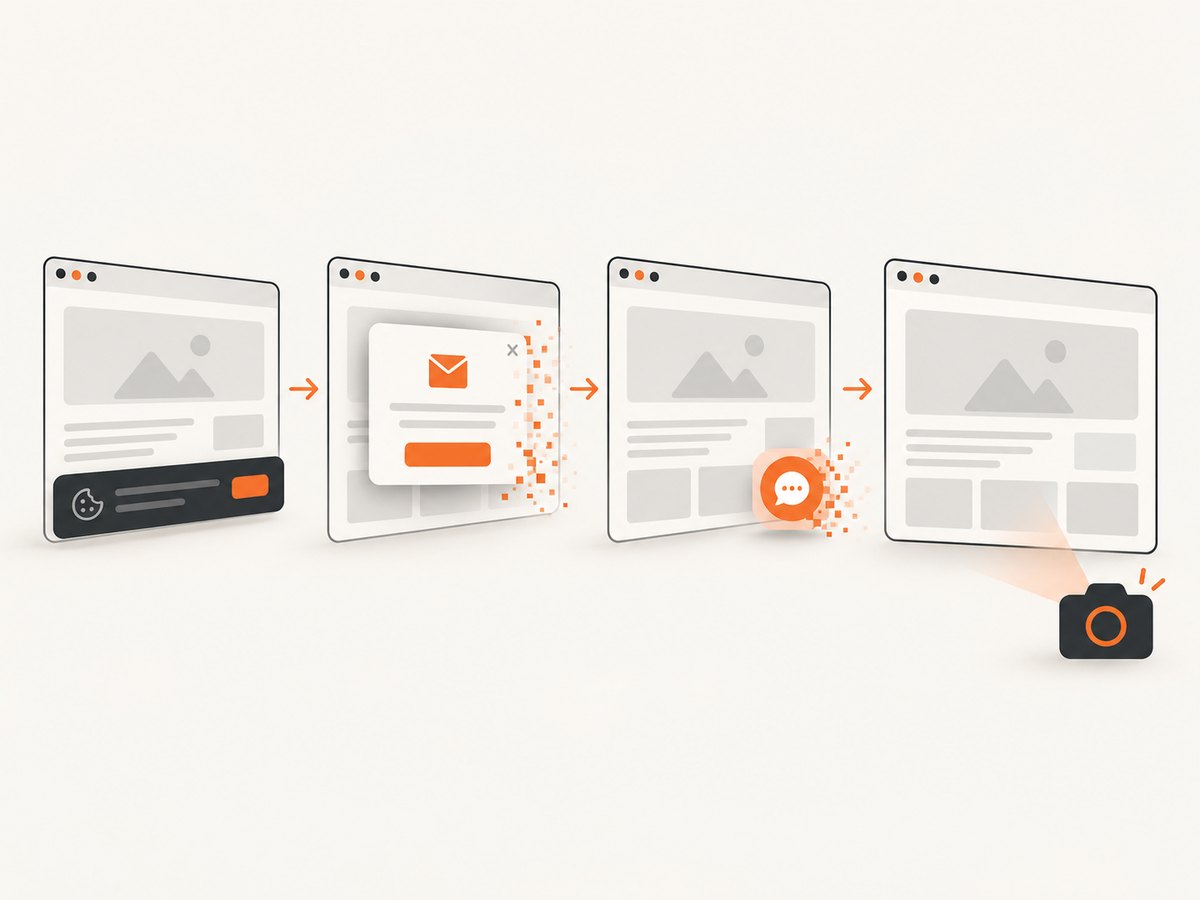
ScreenshotNeo removes cookie banners, newsletter popups and chat widgets before capture. Bot checks, blank pages, failed loads and cache hits are not billed, and each response identifies the result with X-Page-Verdict and X-Billed headers. It also offers an MCP server for AI agents, including Claude, Cursor and other MCP clients. The Free plan includes 1,000 screenshots per month with no card; paid plans start at $5 for 3,000 shots.
Create a free ScreenshotNeo account and start with 1,000 screenshots per month at no charge.
11. FAQ
Does locale automatically translate a website?
No. It supplies browser language signals and formatting rules. The site must implement translation or honor those signals.
Does locale change timezone?
No. Configure timezoneId separately.
Can I set locale after creating a Playwright context?
Set it when creating the context. Create a new context for another locale.
Should I use a language-only tag or a regional tag?
Use a regional tag such as en-GB when date, number or currency conventions matter; use a language-only tag when the region is irrelevant.
Why do server-rendered translations differ from client-rendered translations?
Server rendering may use the request’s Accept-Language, while client code may use stored preferences or its own locale library. Configure and verify both paths.


