How to Set the Font for an iTextSharp IElement
Set Paragraph.Font safely in iTextSharp, handle mixed Chunk styles, custom Unicode fonts, HTMLWorker parsing, and common rendering errors.
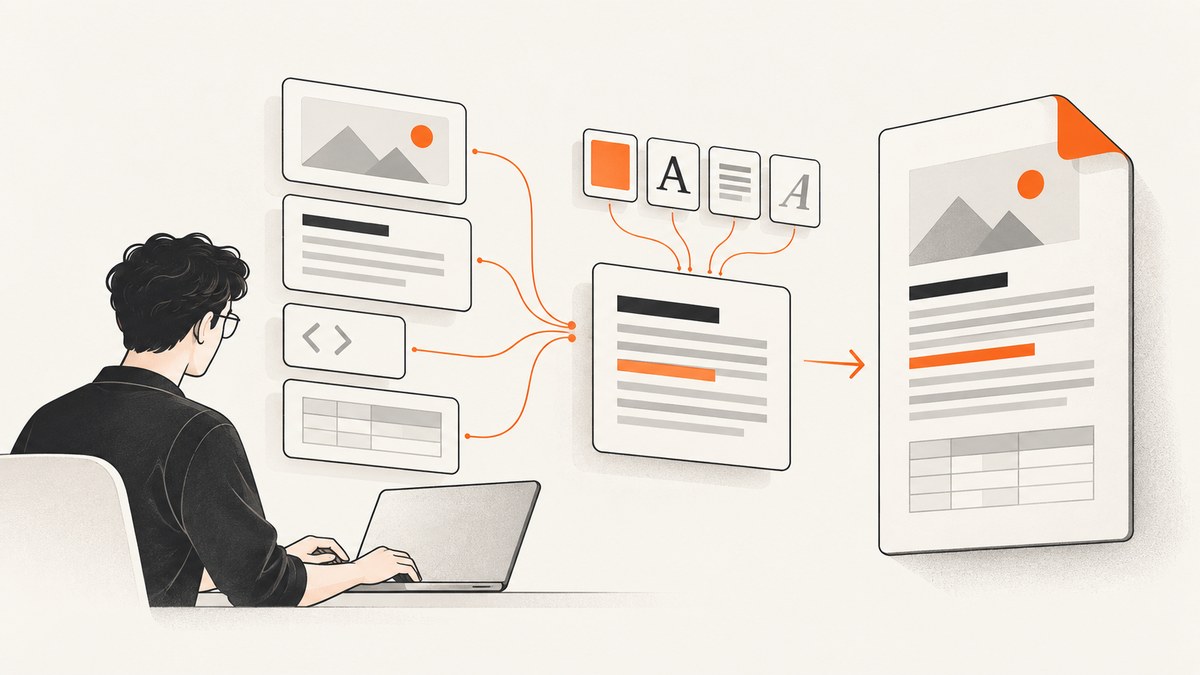
Short answer: IElement is an interface, so it has no universal font property. Check the concrete type, set Paragraph.Font before adding it to the document, and format individual Chunk objects when one paragraph contains mixed styles.
Set a default font on a Paragraph
Font fontNormal = FontFactory.GetFont("Helvetica", 10f, Font.NORMAL, BaseColor.BLACK); foreach (IElement element in htmlarraylist) { if (element is Paragraph paragraph) paragraph.Font = fontNormal; document.Add(element); }On older C# use if (element is Paragraph) ((Paragraph)element).Font = fontNormal;. Always assign the font before document.Add.
Complete HTMLWorker example
using System.IO; using iTextSharp.text; using iTextSharp.text.pdf; using iTextSharp.text.html.simpleparser;
using (var stream = File.Create("output.pdf")) using (var document = new Document(PageSize.A4)) { PdfWriter.GetInstance(document, stream); document.Open(); Font normal = FontFactory.GetFont("Arial", BaseFont.IDENTITY_H, BaseFont.EMBEDDED, 10f, Font.NORMAL, BaseColor.BLACK); using (var reader = new StringReader("<p>Hello</p>")) { var elements = HTMLWorker.ParseToList(reader, new StyleSheet()); foreach (IElement element in elements) { if (element is Paragraph p) p.Font = normal; document.Add(element); } } }
Register installed fonts when needed with FontFactory.RegisterDirectories(). For server deployments, explicit font files are more predictable than OS directories.
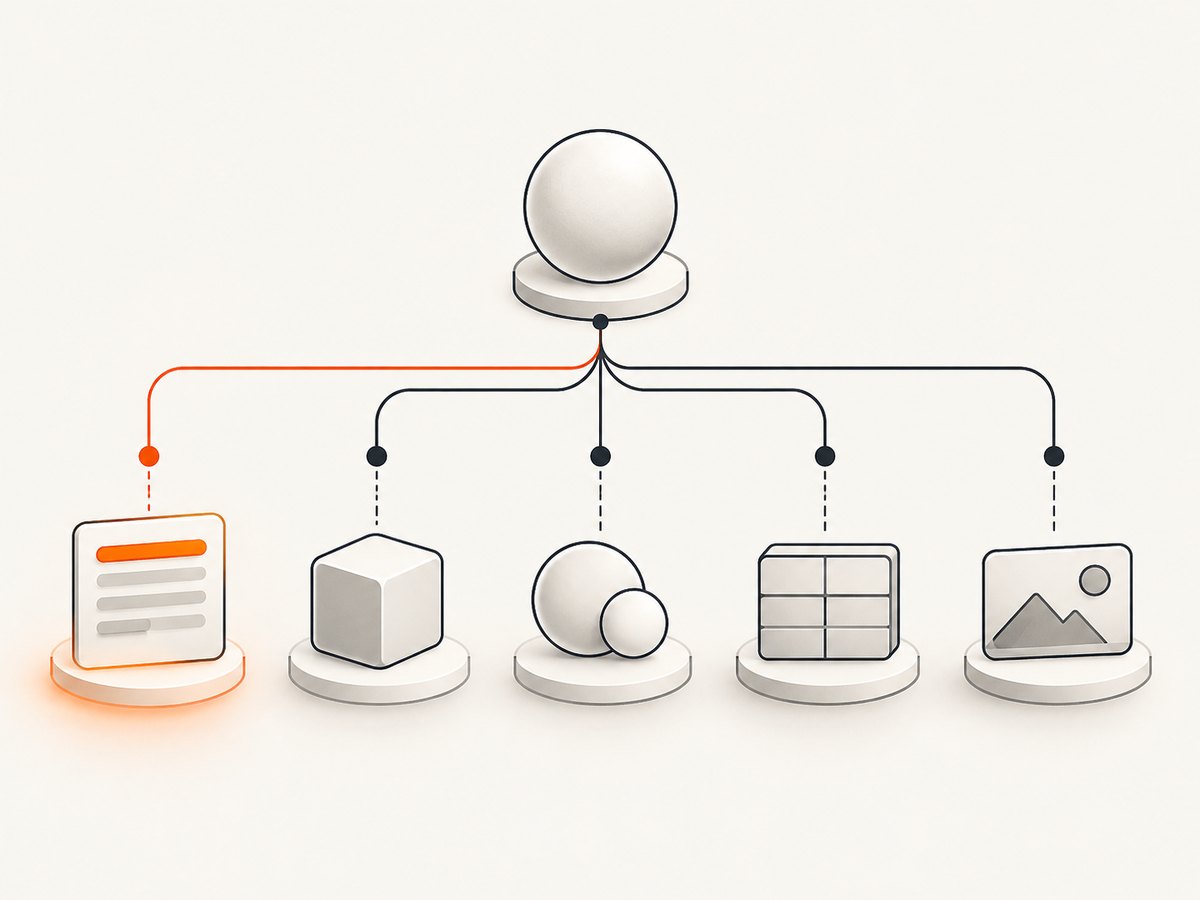
Mixed fonts inside one paragraph
Font regular = FontFactory.GetFont("Helvetica", 10f, Font.NORMAL); Font bold = FontFactory.GetFont("Helvetica", 10f, Font.BOLD); var p = new Paragraph(); p.Add(new Chunk("Normal ", regular)); p.Add(new Chunk("bold", bold)); document.Add(p);A paragraph is made from Chunks and Phrases. Paragraph.Font is a default; an explicitly styled child can keep its own font. For tables, add a Phrase or Paragraph to PdfPCell.
Custom fonts, encoding and embedding
BaseFont bf = BaseFont.CreateFont("fonts/NotoSans-Regular.ttf", BaseFont.IDENTITY_H, BaseFont.EMBEDDED); Font unicode = new Font(bf, 10f, Font.NORMAL, BaseColor.BLACK);IDENTITY_Hsupports many Unicode documents, but glyph coverage still depends on the font.- Embedding improves portability and is subject to the font license.
- Deploy and verify the file path; a container does not inherit a developer workstation’s fonts.
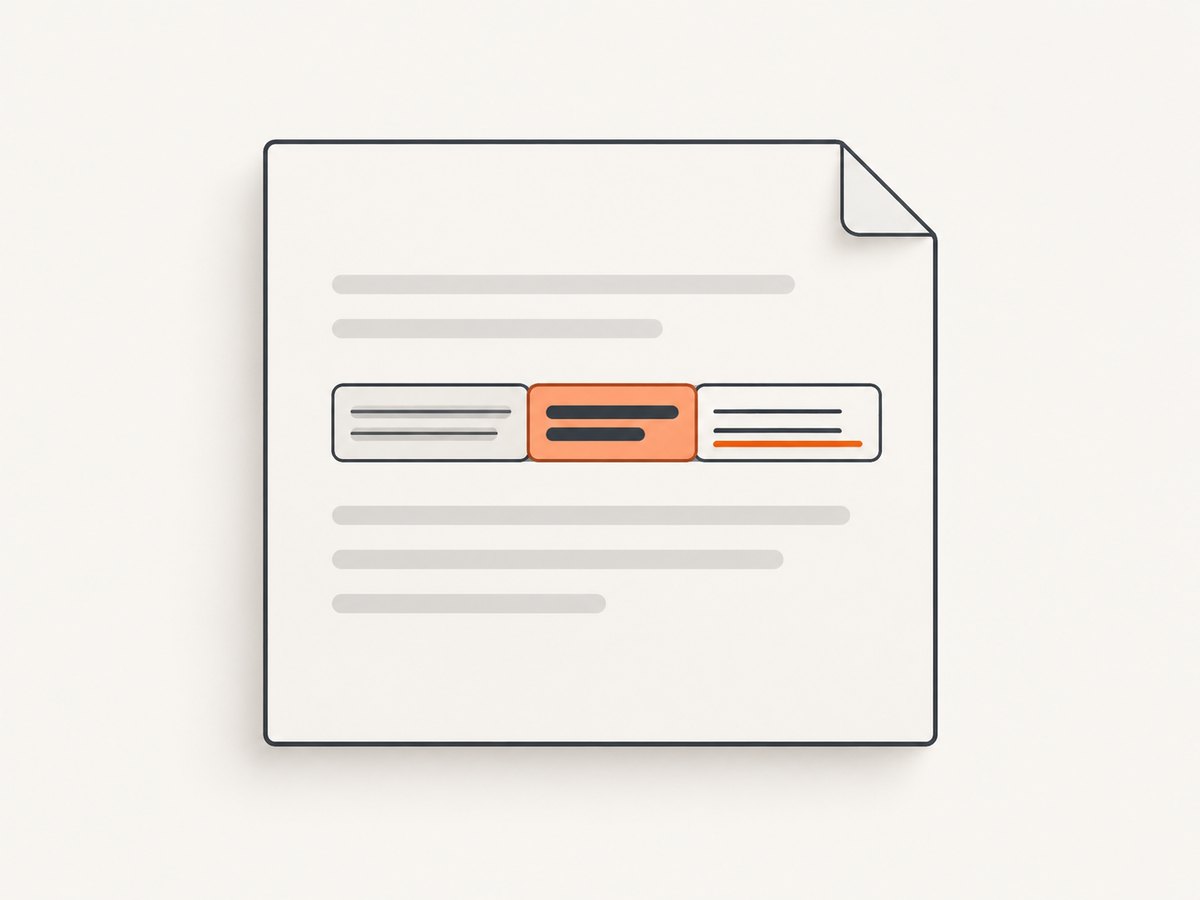
Set fonts while parsing HTML
When every parsed element should use a controlled family, configure the HTML parser’s IFontProvider through its element factory. This keeps HTML-to-font mapping in one place. Use a post-processing pass when only selected paragraphs change.
Element-specific patterns
| Element | Use |
|---|---|
| Paragraph | Set Font for a default; style child Chunks for mixed text. |
| Chunk | Construct with the desired Font. |
| Phrase | Use for inline text and mixed chunks. |
| PdfPCell | Add a Phrase or Paragraph; it does not rewrite child fonts. |
| Table, image, list | Configure their text children. |
Troubleshooting
| Symptom | Cause and fix |
|---|---|
| InvalidCastException | The element is not a Paragraph. Use is Paragraph or a type switch. |
| Assignment ignored | Child Chunks have explicit fonts. Rebuild or traverse them, or use a font provider. |
| Font not found | Register the file or directories and verify the deployed path. |
| Boxes or missing accents | Use a Unicode-capable font, IDENTITY_H, and confirm glyph coverage. |
| Large PDFs | Reuse Font and BaseFont instances and embed only required programs. |
| Different output by machine | Pin the iTextSharp version and deploy explicit font files. |
Performance and reliability checklist
- Create and reuse Font objects instead of creating one per chunk.
- Register fonts once at startup.
- Validate font files before generating PDFs.
- Prefer a parser-level provider for large documents.
- Inspect representative scripts and symbols in generated files.
- Do not substitute iText 7 APIs for iTextSharp 5 without adapting the code.
Or skip the browser setup
If you also need website screenshots, ScreenshotNeo returns PNG, JPEG, WebP or PDF from one GET request. It accepts cookie banners and removes 60+ known consent platforms, newsletter popups and chat widgets before capture; each step can be disabled. Bot checks, blank pages, timeouts, failed loads and cache hits are not billed, and response headers identify verdict and billing.
curl -G "https://api.screenshotneo.com/v1/shot" -d access_key=YOUR_API_KEY --data-urlencode url=https://stripe.com -o shot.webpimport requests
r = requests.get("https://api.screenshotneo.com/v1/shot", params={"access_key": "YOUR_API_KEY", "url": "https://stripe.com"}, timeout=90)
open("shot.webp", "wb").write(r.content)const q = new URLSearchParams({ access_key: 'YOUR_API_KEY', url: 'https://stripe.com' });
const res = await fetch(`https://api.screenshotneo.com/v1/shot?${q}`);See the ScreenshotNeo docs for all 63 options. Its MCP server provides take_screenshot, get_page_info and capture_pdf for Claude, Cursor and other MCP clients. The free plan includes 1,000 screenshots per month with no card; paid plans start at $5 for 3,000. Create a free account.
FAQ
Can I set a font on IElement?
No. Use the concrete text type.
Does Paragraph.Font override every child?
No. Explicit Chunk fonts can remain.
FontFactory or BaseFont?
FontFactory suits registered families; BaseFont suits a specific file, encoding or embedding choice.
Why does this fail after moving to iText 7?
The major version has different namespaces and font classes; use version-matched documentation.


