How to Set Fonts in Python pdfkit
Set body, header, and footer fonts in Python pdfkit, load custom files reliably, troubleshoot missing fonts, and choose a hosted PDF workflow.

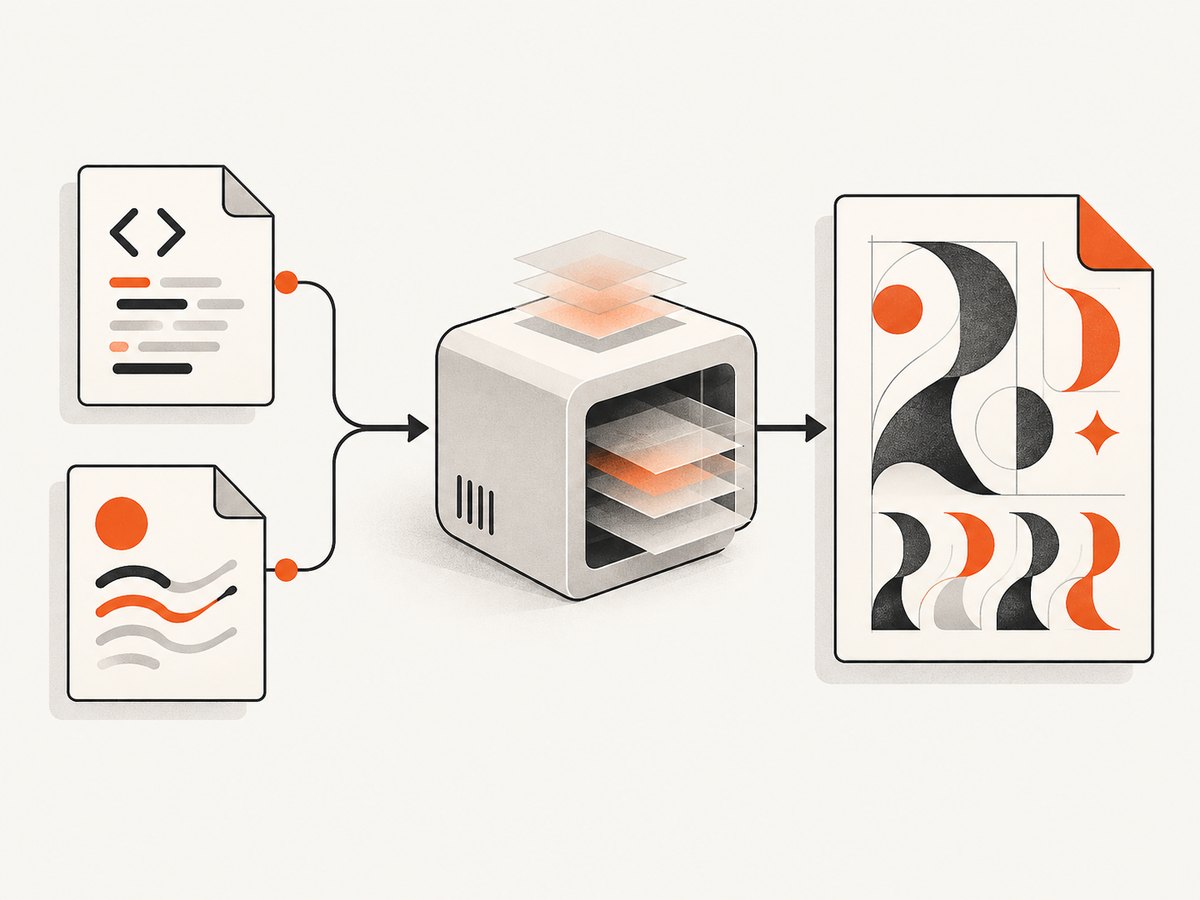
To set fonts in Python pdfkit, define the font in the HTML and CSS that wkhtmltopdf renders. pdfkit is a Python wrapper around wkhtmltopdf; it does not provide a separate body-font API. Pass your stylesheet with the css argument or use wkhtmltopdf’s user stylesheet option. Headers and footers are different: they use dedicated wkhtmltopdf font options.
This guide covers local and web fonts, complete runnable examples, headers and footers, containers, diagnostics, performance, and alternatives when maintaining a browser-based PDF renderer is unnecessary.
1. How font selection works
The rendering path has three layers:
- Your Python program calls
pdfkit. pdfkitbuilds a command forwkhtmltopdf.wkhtmltopdfloads HTML, CSS, and available font files, then creates the PDF.
CSS controls the document body, headings, tables, and other HTML elements. A declaration such as font-family: 'Report Sans', sans-serif only works when the renderer can resolve Report Sans. A font installed on your laptop may be absent from a Linux server or container. The wkhtmltopdf project documents runtime dependencies including fontconfig and freetype2, so the deployment environment is part of your font configuration.
2. Install the tools
python -m pip install pdfkitYou must also install the wkhtmltopdf executable for your operating system and make sure it is on PATH. Verify both pieces before debugging CSS:
python -c "import pdfkit; print(pdfkit.configuration())"
wkhtmltopdf --version
The project lists the 0.12.6 series as stable. Record the actual executable version and operating system used in production because distributions package different builds and dependencies. See the python-pdfkit documentation and the wkhtmltopdf option reference.
3. Set a standard installed font
Start with a font that is known to exist in the renderer’s environment. This isolates CSS problems from font-file loading problems.
import pdfkit

html = '''Quarterly reportThis paragraph uses the body font.
If this works but a custom font does not, the renderer can process your HTML and the remaining issue is font availability, URL resolution, or font format support.
4. Load a custom font with @font-face
Put the font declaration in CSS and apply the family to the elements that need it. A relative URL is resolved from the CSS or HTML context, so choose paths that remain valid when the process runs from a different working directory.
/* report.css */
@font-face {
  font-family: 'Report Sans';
  src: url('fonts/ReportSans-Regular.ttf') format('truetype');
  font-weight: 400;
  font-style: normal;
}

@font-face {
  font-family: 'Report Sans';
  src: url('fonts/ReportSans-Bold.ttf') format('truetype');
  font-weight: 700;
  font-style: normal;
}

body {
  font-family: 'Report Sans', sans-serif;
  font-size: 14px;
}

strong, h1, h2 { font-weight: 700; }
Then attach the stylesheet:
import pdfkit

pdfkit.from_file(
    'report.html',
    'report.pdf',
    css='report.css'
)
You can also render a string. In that case, make the font URL absolute or ensure the stylesheet's relative paths resolve from a predictable base directory:
import pdfkit

with open('report.html', encoding='utf-8') as f:
    html = f.read()

pdfkit.from_string(html, 'report.pdf', css='report.css')
The wrapper documents css as a way to attach an external stylesheet. It also notes that this path works around a wkhtmltopdf issue and recommends trying --user-style-sheet first where the deployed renderer supports it.
5. Use a user stylesheet and renderer options
Option names passed through pdfkit omit the leading --. A user stylesheet can be supplied as user-style-sheet, and encoding should normally be explicit:
import pdfkit

options = {
    'user-style-sheet': 'report.css',
    'encoding': 'UTF-8',
}

pdfkit.from_file('report.html', 'report.pdf', options=options)
Use one source of truth for font rules. Passing conflicting CSS through the document, css, and a user stylesheet makes precedence harder to inspect. Keep a small diagnostic stylesheet when troubleshooting so you can confirm which rule wins.
6. Headers and footers use separate font settings
A CSS font-family styles the HTML page body. wkhtmltopdf's generated header and footer regions have their own options:
import pdfkit

options = {
    'header-left': 'Acme report',
    'header-font-name': 'Arial',
    'header-font-size': 10,
    'footer-right': '[page] / [topage]',
    'footer-font-name': 'Arial',
    'footer-font-size': 9,
    'margin-top': 20,
    'margin-bottom': 20,
}

pdfkit.from_file('report.html', 'report.pdf', options=options)
The renderer documentation lists Arial and size 12 as the defaults for these regions. These options do not replace CSS for the main document. If you need a custom typeface in a header or footer, first verify that the font is installed and recognized by the renderer; generated regions are not automatically styled by your page stylesheet.
7. Local files, remote URLs, and font formats
Local fonts
Local files are usually the most predictable choice for repeatable builds. Keep the font beside your template, use a stable path, and run conversion with the same account and working directory as production. If a CSS file says url('../fonts/font.ttf'), calculate that path relative to the CSS file's location, not your Python module.
Remote fonts
A remote https:// font requires network access from the conversion process and a response that the renderer can consume. Corporate proxies, TLS settings, authentication, and slow font hosts can all cause fallback fonts. For deterministic PDFs, package licensed font files with the application when possible.
Formats and licensing
The examples use TrueType files. The reviewed sources do not guarantee identical support for every font format across all wkhtmltopdf builds. Validate the exact font files, renderer build, operating system, and license terms that you deploy. A browser showing a font successfully does not prove that your wkhtmltopdf binary will render it.
8. A complete project example
project/
  make_pdf.py
  report.html
  report.css
  fonts/
    ReportSans-Regular.ttf
    ReportSans-Bold.ttf
# make_pdf.py
from pathlib import Path
import pdfkit
root = Path(__file__).parent
html_path = root / 'report.html'
css_path = root / 'report.css'
pdf_path = root / 'report.pdf'
config = pdfkit.configuration() # add wkhtmltopdf='/path/to/wkhtmltopdf' if needed
options = {
'encoding': 'UTF-8',
'print-media-type': None,
'margin-top': '18mm',
'margin-right': '16mm',
'margin-bottom': '18mm',
'margin-left': '16mm',
}
pdfkit.from_file(
str(html_path),
str(pdf_path),
configuration=config,
css=str(css_path),
options=options,
verbose=True,
)
print(pdf_path)Using Path avoids accidental dependence on the shell's current directory. If wkhtmltopdf is not on PATH, pass its executable explicitly:
config = pdfkit.configuration(wkhtmltopdf='/usr/local/bin/wkhtmltopdf')9. Troubleshooting missing or incorrect fonts
| Symptom | Likely cause | Fix |
|---|---|---|
| Everything falls back to Times or Arial | Font file is unavailable or CSS was never loaded | Pass css= or user-style-sheet; use an absolute, readable font path. |
| Works locally, fails in Docker | Container lacks the font, fontconfig, or freetype runtime | Install the required packages or copy the licensed font files into the image; rebuild the font cache if your distribution requires it. |
| Bold text looks synthetic | No face declared for font-weight: 700 |
Add a separate @font-face entry for the real bold file. |
| Only remote fonts fail | No network access, TLS/proxy issue, or slow response | Bundle fonts locally, or verify connectivity from the same runtime user. |
| Changes appear ignored | Old output or a cache in your build pipeline | Delete the target PDF, change the output path, and inspect the generated HTML and CSS. |
| Conversion exits with little detail | Renderer diagnostics are hidden | Call pdfkit with verbose=True and run the same wkhtmltopdf command manually. |
| Accented characters are missing | Wrong encoding or incomplete font glyph coverage | Include <meta charset='utf-8'>, set encoding: UTF-8, and choose a font containing the required glyphs. |
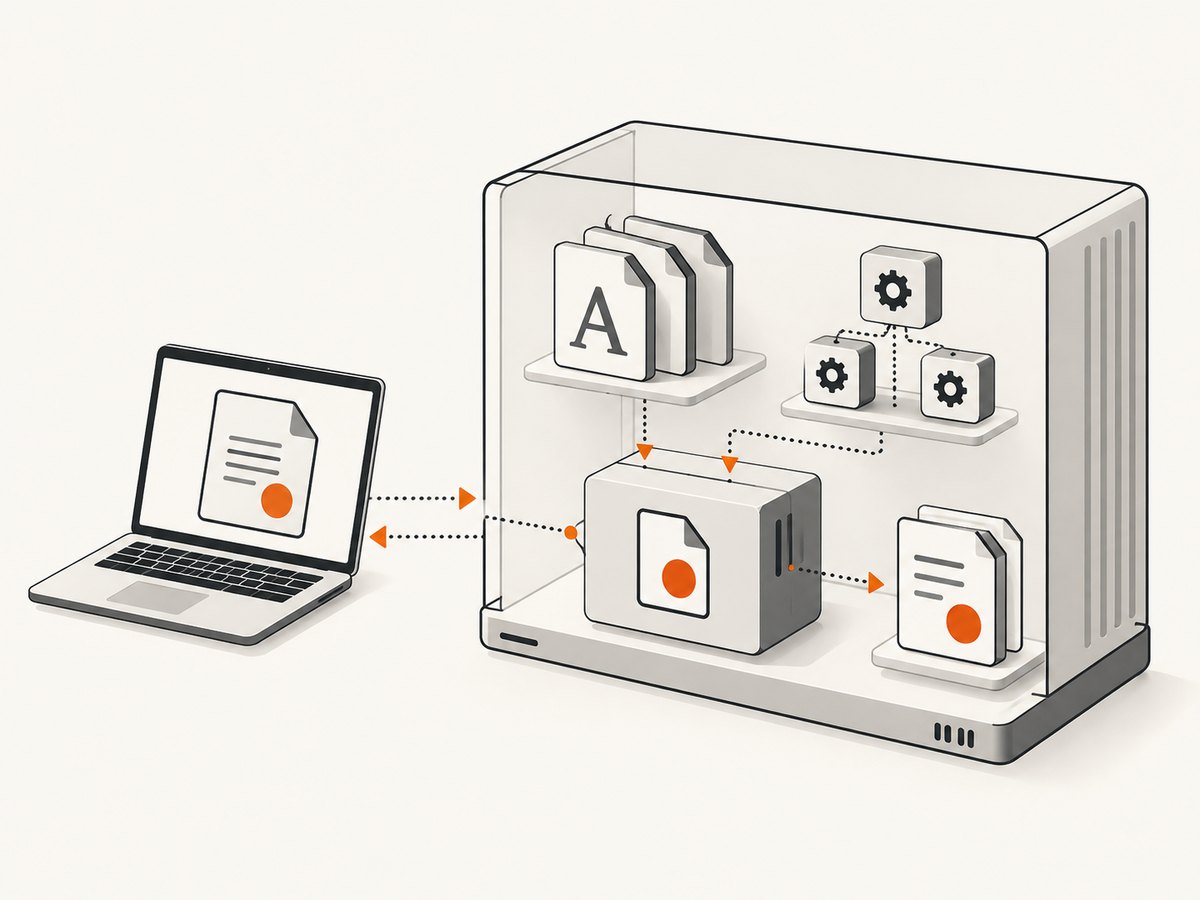
When debugging, save the exact HTML, CSS, font paths, operating-system image, and wkhtmltopdf --version. This makes a production failure reproducible instead of relying on a desktop preview.
10. Performance and reliability practices
- Reuse a long-lived worker process when your application creates many PDFs, while enforcing a timeout around each conversion.
- Keep fonts local and small; every remote request adds latency and another failure point.
- Declare only the weights and styles you use. Large families increase file access and PDF size.
- Generate a fixture document containing normal text, bold, italic, symbols, and non-Latin characters. Compare it after renderer or base-image upgrades.
- Pin the wkhtmltopdf package or container image and record its version. Renderer updates can alter pagination and font metrics.
- Check the produced PDF, not only an HTML browser preview. PDF viewers can substitute fonts differently, and embedded-font behavior should be verified for your distribution requirements.
11. Or skip the browser setup
If your goal is a rendered PDF or image from a URL rather than maintaining wkhtmltopdf, ScreenshotNeo provides a hosted capture API. The request below returns a screenshot; see the ScreenshotNeo API documentation for PDF parameters such as paper size, margins, landscape mode, and page ranges.
curl -G 'https://api.screenshotneo.com/v1/shot' \
  -d access_key=YOUR_API_KEY \
  --data-urlencode url=https://stripe.com \
  -o shot.webp
import requests
r = requests.get(
'https://api.screenshotneo.com/v1/shot',
params={'access_key': 'YOUR_API_KEY', 'url': 'https://stripe.com'},
timeout=90,
)
r.raise_for_status()
open('shot.webp', 'wb').write(r.content)const q = new URLSearchParams({ access_key: 'YOUR_API_KEY', url: 'https://stripe.com' });
const res = await fetch(`https://api.screenshotneo.com/v1/shot?${q}`);
if (!res.ok) throw new Error(`HTTP ${res.status}`);
const fs = await import('node:fs/promises');
await fs.writeFile('shot.webp', Buffer.from(await res.arrayBuffer()));ScreenshotNeo removes cookie and consent banners, newsletter popups, and chat widgets before capture; each step can be disabled. Bot checks, blank pages, timeouts, failed loads, and cache hits are not billed, and the response identifies the result with X-Page-Verdict and X-Billed headers. It also supports custom CSS and JavaScript, waiting for selectors or network idle, custom headers and cookies, device presets, full-page and element capture, PDF output, caching, signed links, asynchronous jobs, bulk capture, usage reporting, and an MCP server with take_screenshot, get_page_info, and capture_pdf for AI clients.
There is a free allowance of 1,000 screenshots per month with no card. Paid plans start at $5 for 3,000 shots, and every feature is included on every plan. Create a free ScreenshotNeo account to try the API.
12. FAQ
Can I set the font directly in pdfkit?
Not for body content. Put font-family and @font-face in the HTML/CSS passed to wkhtmltopdf.
Why does the browser show my font but the PDF does not?
The browser and wkhtmltopdf may run with different files, permissions, network access, or font libraries. Test inside the production runtime.
Should I use css or user-style-sheet?
Both are supported paths. The wrapper describes css as a workaround and suggests trying the user stylesheet option first where available. Choose one and verify it on your deployed build.
How do I style a generated page number?
Use wkhtmltopdf footer options such as footer-font-name and footer-font-size; CSS for the HTML body does not control that generated region.
Will installing a font on my workstation fix a server PDF?
Only if the server uses the same font files and runtime configuration. Install or package the font in the environment that performs conversion.


