How to Set the Footer Font in wkhtmltopdf
Set wkhtmltopdf footer fonts with built-in options or HTML/CSS, troubleshoot missing fonts, and automate reliable PDF output.
Direct answer: wkhtmltopdf’s built-in text footer uses --footer-font-name for the font family and --footer-font-size for the size. The documented defaults are Arial and 12. A complete command looks like this:
wkhtmltopdf \
  --footer-center "Page [page] of [topage]" \
  --footer-font-name "DejaVu Sans" \
  --footer-font-size 10 \
  input.html output.pdf
Use a font that is installed and available to the machine running wkhtmltopdf. If your footer is supplied with --footer-html, set the font in that HTML document’s CSS instead. The official usage reference documents these options, their defaults, footer positions, page variables, and build requirements: wkhtmltopdf usage documentation.
1. Choose the footer implementation first
wkhtmltopdf has two different footer mechanisms. The right font setting depends on which one you use:
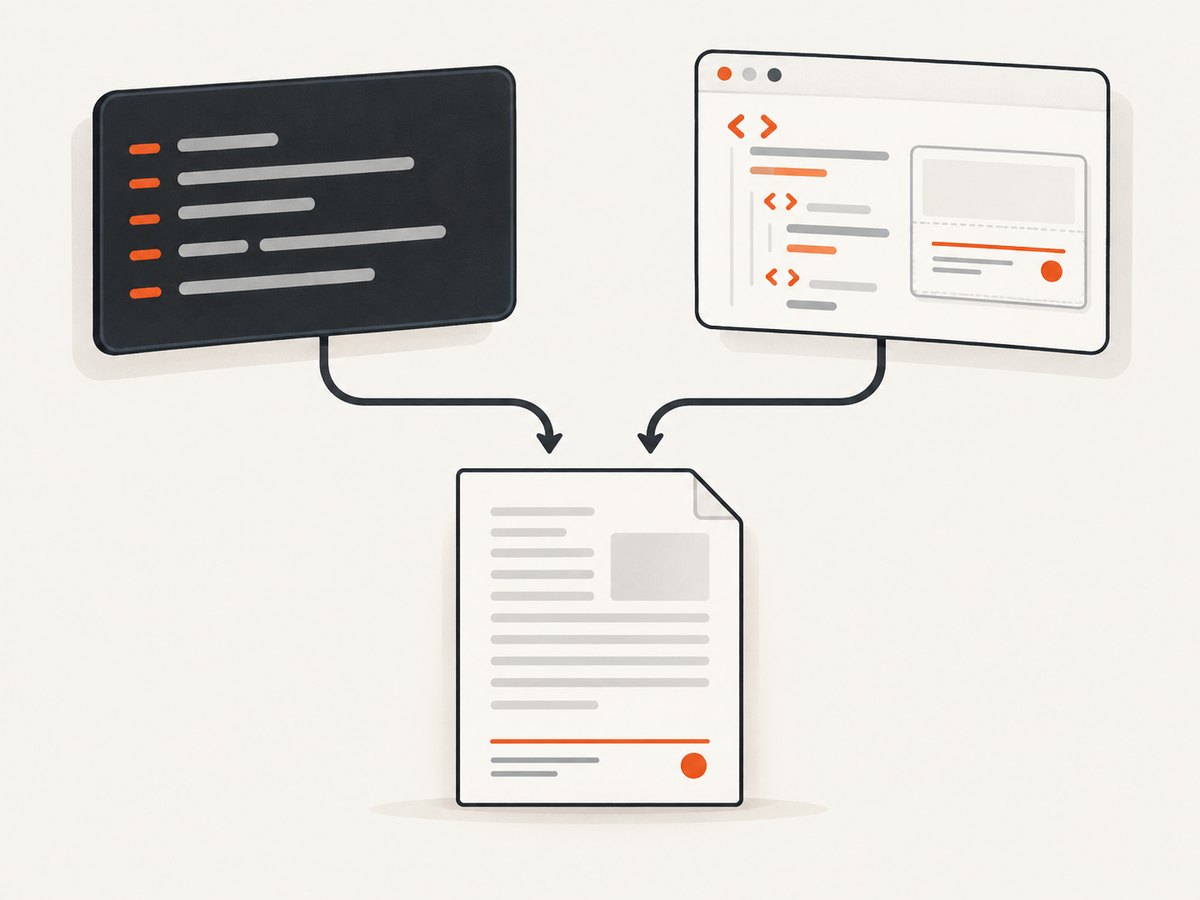
| Footer type | How you enable it | How you set the font | Best for |
|---|---|---|---|
| Built-in text | --footer-left, --footer-center, or --footer-right |
--footer-font-name and --footer-font-size |
Simple labels, dates, and page numbers |
| HTML footer | --footer-html footer.html |
CSS font-family and font-size inside the footer document |
Branding, multiple lines, rules, images, and custom layout |
Changing a header option does not change the footer. Header settings have their own names, including --header-font-name and --header-font-size.
2. Set a built-in text footer font
Built-in footers are created by placing text on the left, center, or right. Page variables such as [page] and [topage] are expanded when the PDF is rendered.
wkhtmltopdf \
  --footer-left "Acme Engineering" \
  --footer-center "Page [page] of [topage]" \
  --footer-right "Internal" \
  --footer-font-name "DejaVu Sans" \
  --footer-font-size 9 \
  report.html report.pdf
The option values are separate arguments, so quote font names containing spaces. For example, use "Liberation Sans", not two unquoted arguments. The size is a number understood by the executable; keep it consistent across environments when comparing output.
Minimal examples
# Centered footer using the documented default family and size
wkhtmltopdf --footer-center "Page [page] of [topage]" input.html output.pdf

# Explicit Arial at 12
wkhtmltopdf \
  --footer-center "Page [page] of [topage]" \
  --footer-font-name "Arial" \
  --footer-font-size 12 \
  input.html output.pdf

# Smaller footer with a font installed on the host
wkhtmltopdf \
  --footer-center "Page [page] of [topage]" \
  --footer-font-name "Liberation Sans" \
  --footer-font-size 9 \
  input.html output.pdf
The first command relies on the documented defaults. Being explicit is usually easier to audit in a build script, especially when different Linux, macOS, and Windows machines have different installed fonts.
3. Use an HTML footer when you need CSS control
Use --footer-html when the footer needs custom markup. Put the font declaration on an element that contains the footer content:
<!doctype html>
<html>
<head>
  <meta charset="utf-8">
  <style>
    html, body {
      margin: 0;
      padding: 0;
      font-family: "DejaVu Sans", Arial, sans-serif;
      font-size: 9pt;
      color: #555;
    }
    .footer {
      width: 100%;
      text-align: center;
    }
  </style>
</head>
<body>
  <div class="footer">Page <span class="page"></span> of <span class="topage"></span></div>
</body>
</html>
Render it with:
wkhtmltopdf \
  --footer-html footer.html \
  --margin-bottom 20mm \
  report.html report.pdf
An HTML footer is an ordinary HTML/CSS document from a styling perspective. The usage documentation confirms that --footer-html supplies an HTML footer, but exact CSS precedence and rendering details can vary by installed build. Verify typography with the executable you deploy.
Page variables in an HTML footer
wkhtmltopdf builds commonly expose page variables to the footer document. Depending on the build and template, these are often represented with elements or scripts documented by that build. Check the output of wkhtmltopdf --help and the project documentation for your version before depending on a particular template. If page numbering is the only requirement, the built-in --footer-center "Page [page] of [topage]" form is simpler.
4. Make sure the font exists in the rendering environment
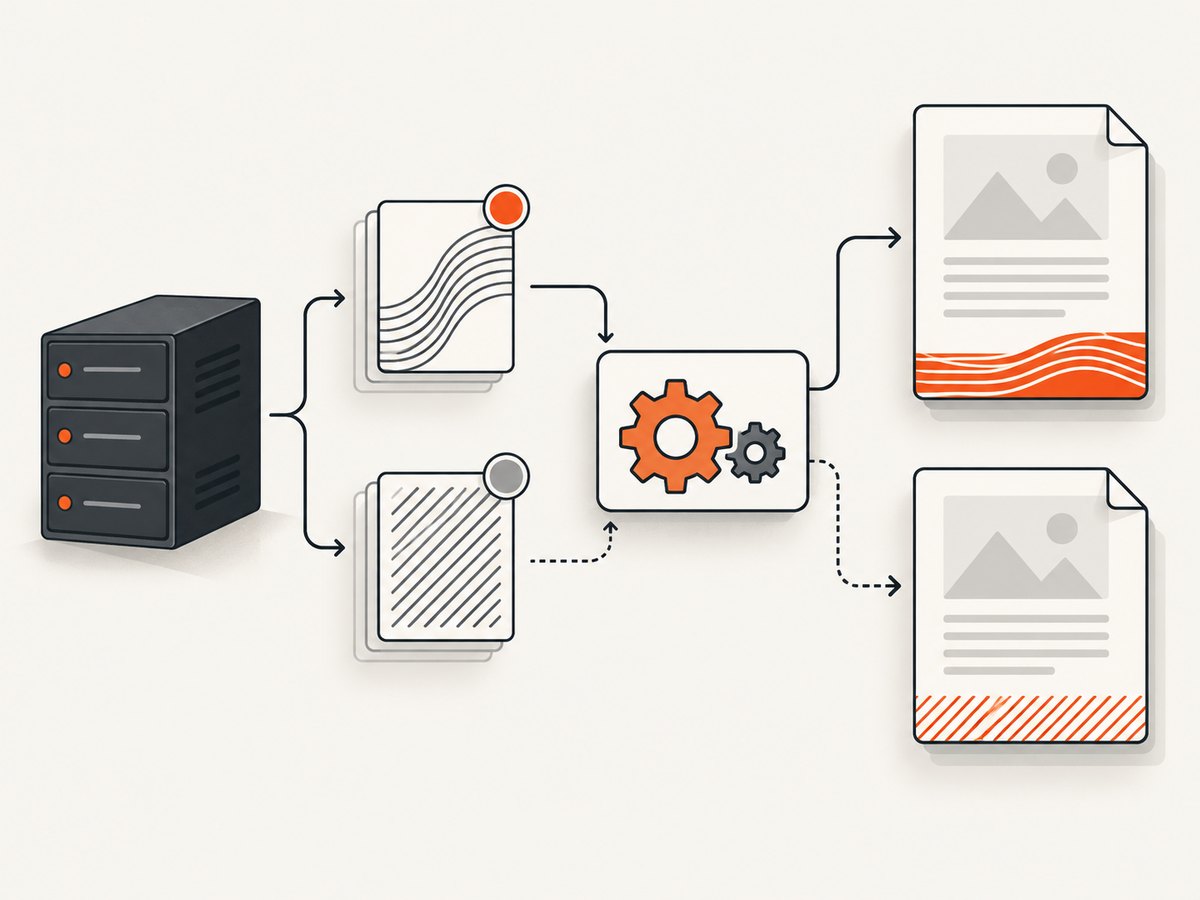
A font name is not an installation step. wkhtmltopdf can only use fonts visible to the operating system and user account that runs it. A developer workstation may have a font that is absent in a container, CI runner, server, or worker process.
Linux checks
# List matching families
fc-match "DejaVu Sans"
fc-match Arial

# Search the font database
fc-list | grep -i "Liberation Sans"

# Refresh the cache after installing fonts
fc-cache -f -v
Install fonts through your distribution’s supported package mechanism or include the font files in the image you deploy. Keep licensing requirements in mind for commercial fonts. Use a generic fallback in HTML, for example font-family: "Brand Font", Arial, sans-serif, but remember that fallback changes glyph metrics and line wrapping.
Windows and macOS checks
Confirm that the font is installed for the account running the process. Services can run under a different account from the interactive desktop user. A font visible in a GUI application is not proof that a scheduled task or service can access it.
5. Reserve enough space for the footer
Fonts affect width, height, and baseline position. A larger footer can overlap body content if the bottom margin is too small. Increase --margin-bottom when you increase the font size or use multiple lines.
wkhtmltopdf \
  --footer-center "Page [page] of [topage]" \
  --footer-font-name "DejaVu Sans" \
  --footer-font-size 11 \
  --margin-bottom 24mm \
  input.html output.pdf
For an HTML footer, set the document’s height and the PDF bottom margin together. Render a page with long titles, wide numbers, and the highest page count you expect; these cases expose clipping and wrapping problems.
6. Option placement and configuration reference
| Option | Purpose | Notes |
|---|---|---|
--footer-left <text> |
Left aligned built-in footer text | Supports replacement variables documented by the build |
--footer-center <text> |
Centered built-in footer text | Common choice for page numbering |
--footer-right <text> |
Right aligned built-in footer text | Useful for dates or document identifiers |
--footer-font-name <name> |
Built-in footer family | Documented default: Arial |
--footer-font-size <size> |
Built-in footer size | Documented default: 12 |
--footer-html <url> |
HTML footer document | Style its content with CSS |
--margin-bottom <unit> |
Space below the body | Increase it when the footer is tall |
Keep global options before the input and output arguments. In a shell script, quote every value that contains spaces or shell metacharacters.
7. Troubleshooting common footer font problems
“Unknown long argument” or an ignored option
Cause: the installed executable may be an older or differently packaged build. The usage material marks some footer features as requiring patched Qt, and packaged builds can differ.
Fix: run wkhtmltopdf --version and inspect wkhtmltopdf --help from the same path your application invokes. Do not assume a globally installed binary is the one used by a service. If the option is absent, use a compatible build or move the footer into an HTML document and style it with CSS.
The footer stays Arial
Cause: you may be using --footer-html, where the built-in font option does not style the HTML document, or the requested font is unavailable and a fallback is being selected.
Fix: add font-family to the HTML footer CSS, then verify the family with fc-match (Linux) or the service account’s installed fonts. Confirm that the command actually contains the option you intended.
The text is clipped or overlaps the page
Cause: the footer’s rendered height exceeds the reserved bottom margin.
Fix: increase --margin-bottom, reduce the font size, shorten the text, or reduce the HTML footer’s line height. Test with the longest expected footer.
The chosen font changes between environments
Cause: font availability and fallback order differ across hosts.
Fix: package the same font set with each runtime, specify an explicit fallback stack, and record the wkhtmltopdf version in deployment metadata. Compare PDFs generated by the actual production executable.
Page variables appear literally
Cause: the variable syntax may not be supported in the footer type or build you are using.
Fix: try the documented built-in text form, such as --footer-center "Page [page] of [topage]". For HTML footers, follow the variable mechanism supported by your installed version and inspect its help output.
The footer is missing entirely
Cause: the footer option was omitted, the HTML footer path is wrong, or the footer is outside the printable area.
Fix: start with a centered built-in footer, use an absolute or verified path for --footer-html, and increase the bottom margin. Capture stderr from the command so file and resource errors are visible.
8. Automate wkhtmltopdf safely
Use a small wrapper so every job receives the same font and margin settings. Check exit status and preserve stderr for diagnosis.
#!/usr/bin/env bash
set -euo pipefail

input="$1"
output="$2"

wkhtmltopdf \
  --footer-center 'Page [page] of [topage]' \
  --footer-font-name 'DejaVu Sans' \
  --footer-font-size 9 \
  --margin-bottom 18mm \
  "$input" "$output"
For repeatable output, pin the wkhtmltopdf package or container image, install the same fonts, and keep input HTML deterministic. Avoid changing a font family without reviewing page breaks: different glyph widths can move content to another page and change [topage].
9. Performance, reliability, and cost considerations
Font selection usually has a smaller cost than rendering the source page, but HTML footers can add document loading, CSS parsing, and image work. Keep the footer self-contained and lightweight. A local footer file avoids dependence on a remote URL and makes failures easier to reproduce.
For reliability, validate the executable and fonts at startup, log the exact command or structured options, and render a representative fixture in CI. Include a long document, a one-page document, a large page number, and non-ASCII characters if your footer uses them. Do not infer that a successful process exit guarantees the intended font was used; inspect the resulting PDF when typography is a requirement.
wkhtmltopdf is a local command-line renderer, so its direct cost is the compute and storage of your own environment. If you need website screenshots rather than PDFs, a managed capture API can remove browser and font setup work.
10. Or skip the browser setup
For a website screenshot or PDF capture workflow, ScreenshotNeo provides one GET request and handles the capture service. Read the API documentation for the complete option set.
curl -G "https://api.screenshotneo.com/v1/shot" -d access_key=YOUR_API_KEY --data-urlencode url=https://stripe.com -o shot.webpimport requests
r = requests.get("https://api.screenshotneo.com/v1/shot", params={"access_key": "YOUR_API_KEY", "url": "https://stripe.com"}, timeout=90)
open("shot.webp", "wb").write(r.content)const q = new URLSearchParams({ access_key: 'YOUR_API_KEY', url: 'https://stripe.com' });
const res = await fetch(`https://api.screenshotneo.com/v1/shot?${q}`);Cookie and consent banners, newsletter popups, and chat widgets are removed before the shot. Bot checks, blank pages, timeouts, failed loads, and cache hits are not billed, and response headers identify the page verdict and billing result. ScreenshotNeo also has an MCP server with take_screenshot, get_page_info, and capture_pdf tools for Claude, Cursor, and other MCP clients.
The Free plan includes 1,000 screenshots per month with no card. Paid plans start at $5 for 3,000 shots, and every feature is available on every plan. Create a free ScreenshotNeo account.
11. FAQ
What is the default wkhtmltopdf footer font?
The documented default is Arial at size 12 for the built-in text footer.
Does --footer-font-name style an HTML footer?
No. Use CSS in the document passed to --footer-html.
Can I use a web font with a built-in footer?
The built-in footer needs a font available to the rendering environment. For predictable output, install and verify the font locally rather than relying on a remote web font.
Why does a header font option not work on my footer?
Headers and footers have separate option families. Use --footer-font-name and --footer-font-size for built-in footer text.
How do I know which wkhtmltopdf build I have?
Run wkhtmltopdf --version and inspect that executable’s --help. Feature support, including patched-Qt-only options, can vary by package.


