How to Set HTTP Headers for Website Screenshot Requests
Set custom HTTP headers in Playwright, Puppeteer, cURL, Python, Node.js, and ScreenshotNeo, with scope, security, troubleshooting, and performance guidance.
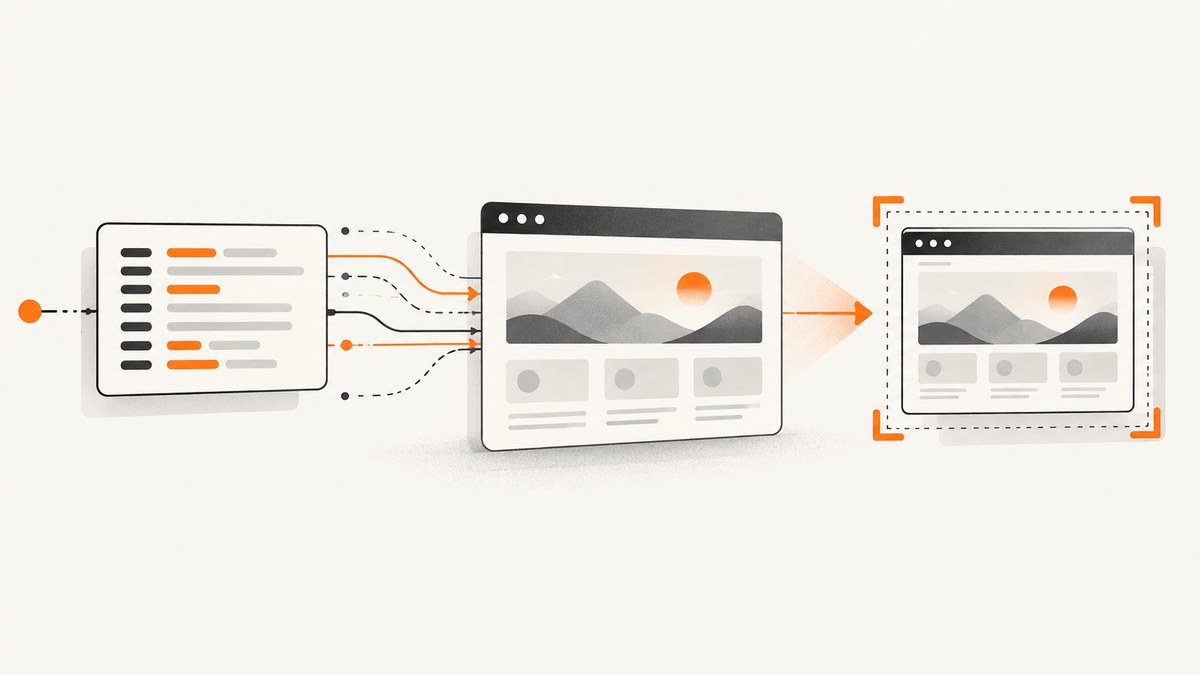
Set custom headers before the page navigates. In Playwright, call page.setExtraHTTPHeaders(); in Puppeteer, call the method with the same name. The headers are then added to requests initiated by that page, so they can affect the initial document and subsequent resources. Values must be strings, header order is not guaranteed, and Puppeteer lowercases header names because HTTP header names are case-insensitive.
This guide shows complete browser examples, hosted API requests, header scope, authentication and preview-page edge cases, security practices, diagnostics, and an option that removes browser operations entirely.
1. Set headers with Playwright
Install Playwright and its browser binaries:
npm install playwright
npx playwright install chromium
Set headers before page.goto() when they must be present on the initial HTML request:
const { chromium } = require('playwright');

(async () => {
  const browser = await chromium.launch();
  const page = await browser.newPage();

  await page.setExtraHTTPHeaders({
    'x-preview-token': process.env.PREVIEW_TOKEN,
    'accept-language': 'en-US',
  });

  await page.goto('https://example.com', { waitUntil: 'networkidle' });
  await page.screenshot({ path: 'screenshot.png', fullPage: true });
  await browser.close();
})();
Playwright documents that extra headers are sent with every request the page initiates. See the Page API for the current method signature and behavior. Header values passed to this API must be strings; convert numbers, booleans, or secrets to strings before calling it.
Context-wide versus page-specific headers
Use browser.newContext({ extraHTTPHeaders }) when every page in a context should share the same values. Use page.setExtraHTTPHeaders() when the setting belongs to one page or one capture. A context is useful for a batch of URLs that use the same locale or preview token; separate contexts prevent unrelated captures from inheriting credentials.
const context = await browser.newContext({
  extraHTTPHeaders: {
    'x-preview-token': String(process.env.PREVIEW_TOKEN),
    'accept-language': 'en-US',
  },
});
const page = await context.newPage();
await page.goto('https://example.com');
2. Set headers with Puppeteer
Install Puppeteer:
npm install puppeteerconst puppeteer = require('puppeteer');
(async () => {
const browser = await puppeteer.launch();
const page = await browser.newPage();
await page.setExtraHTTPHeaders({
'x-preview-token': String(process.env.PREVIEW_TOKEN),
'accept-language': 'en-US',
});
await page.goto('https://example.com', { waitUntil: 'networkidle2' });
await page.screenshot({ path: 'screenshot.png', fullPage: true });
await browser.close();
})();The Puppeteer header API states that the extra headers are sent with every request initiated by the page. Puppeteer lowercases header names. Do not build logic that depends on capitalization or on the order in which headers leave the browser. Its screenshot guide covers page and element captures and navigation readiness.
3. Understand header scope
Browser automation APIs apply extra headers to requests initiated by the page. That is broader than only the first document request: scripts, stylesheets, images, and other page activity may also receive them. The exact network behavior can vary by browser and request type, so verify sensitive flows with request logging.
| Need | Recommended approach | Reason |
|---|---|---|
| Header on initial HTML | Set it before goto |
Navigation starts after the setting exists. |
| Same headers for many pages | Browser context headers | Centralizes configuration for that batch. |
| Different token per URL | New page or context per token | Prevents credential crossover. |
| Only target-host requests | Hosted API with documented host scoping | Some services limit custom headers to the target host. |
Header names are case-insensitive. Header order is not a protocol contract. Never assume that a custom header will bypass authentication, access controls, bot checks, or a CAPTCHA; the APIs document transport mechanics, not authorization outcomes.
4. Capture only after the page is ready
Header configuration does not make a page ready to render. Choose a readiness condition that matches the site:
domcontentloadedfor a mostly server-rendered page.loadwhen images and subresources should have loaded.networkidle(Playwright) ornetworkidle2(Puppeteer) for pages that settle their requests.- A selector wait when a specific component proves that data arrived.
- A bounded delay only when the site has a known animation or delayed render.
await page.goto(url, { waitUntil: 'domcontentloaded', timeout: 45_000 });
await page.waitForSelector('[data-report-ready]', { timeout: 20_000 });
await page.screenshot({ path: 'report.png', fullPage: true });
For lazy-loaded images, scroll or use the framework’s full-page capture behavior, then confirm that the resulting image contains the expected content. A screenshot can succeed technically while still showing a loading shell, consent dialog, or unauthorized page.
5. Header formats, cookies, and secrets
Use string values
await page.setExtraHTTPHeaders({
  'x-account-id': String(accountId),
  'x-feature-enabled': String(featureEnabled),
});
Do not pass an object, array, or undefined value as a header value. Validate required environment variables at startup and fail before opening a browser.
Headers versus cookies
A header and a cookie are different mechanisms. Use a header when the application explicitly reads that header. Use browser cookies when the application expects a session cookie:
await context.addCookies([{
  name: 'session',
  value: process.env.SESSION_VALUE,
  domain: 'example.com',
  path: '/',
  secure: true,
  httpOnly: true,
}]);
Do not put bearer tokens in a URL. Keep secrets in environment variables or a secret manager, restrict logs, and avoid committing screenshots that contain private data.
Authorization headers
If a site supports an Authorization header, send the exact scheme and value it documents. A browser may still be redirected to a login page, and protected APIs called by page JavaScript may have their own authentication rules. Inspect the final URL and visible page state before treating the screenshot as authenticated.
6. Observe what was actually sent
Attach request listeners while debugging. Redact secrets before printing:
page.on('request', request => {
  const headers = { ...request.headers() };
  if (headers.authorization) headers.authorization = '[redacted]';
  if (headers['x-preview-token']) headers['x-preview-token'] = '[redacted]';
  console.log(request.method(), request.url(), headers);
});
Also record the response status, final URL, and a small text marker from the page. This distinguishes a missing header from an application that rejected a valid header.
7. Hosted screenshot requests with a header parameter
If you do not want to install Chromium, a hosted screenshot endpoint can accept headers as request parameters. Screenshot API documents a repeatable header parameter in Name: value form and a POST form that accepts headers as an object. Its documentation says custom headers are sent only to the target host. It also documents viewport, full-page, format, delay, cookies, and timeout options; check its current limits before production use: Screenshot API documentation.
curl -G 'https://screenshot-api.net/screenshot' \
  --data-urlencode 'url=https://example.com' \
  --data-urlencode 'header=x-preview-token: YOUR_TOKEN' \
  --data-urlencode 'full_page=true' \
  -o screenshot.png
Use the vendor’s current endpoint and authentication syntax. Keep header values out of shell history where possible, and never expose production credentials in client-side code.
8. Or skip the browser setup
ScreenshotNeo provides a managed website screenshot API and MCP server. Send one GET request with a URL and custom headers; the service handles the browser workflow. Its 63 options include custom headers, cookies, user agent and Authorization, viewport and device presets, full-page capture with lazy images loaded, selector capture, dark mode, retina scale, waits, request blocking, JavaScript and CSS, geolocation, PDF output, caching, signed links, async jobs, bulk capture, and usage reporting. See the ScreenshotNeo documentation.
curl -G "https://api.screenshotneo.com/v1/shot" \
  -d access_key=YOUR_API_KEY \
  --data-urlencode url=https://stripe.com \
  -d header="x-preview-token: YOUR_TOKEN" \
  -o shot.webp
import requests
r = requests.get(
"https://api.screenshotneo.com/v1/shot",
params={
"access_key": "YOUR_API_KEY",
"url": "https://stripe.com",
"header": "x-preview-token: YOUR_TOKEN",
},
timeout=90,
)
r.raise_for_status()
open("shot.webp", "wb").write(r.content)const q = new URLSearchParams({
access_key: 'YOUR_API_KEY',
url: 'https://stripe.com',
header: 'x-preview-token: YOUR_TOKEN',
});
const res = await fetch(`https://api.screenshotneo.com/v1/shot?${q}`);
if (!res.ok) throw new Error(`Screenshot failed: ${res.status}`);
const body = Buffer.from(await res.arrayBuffer());
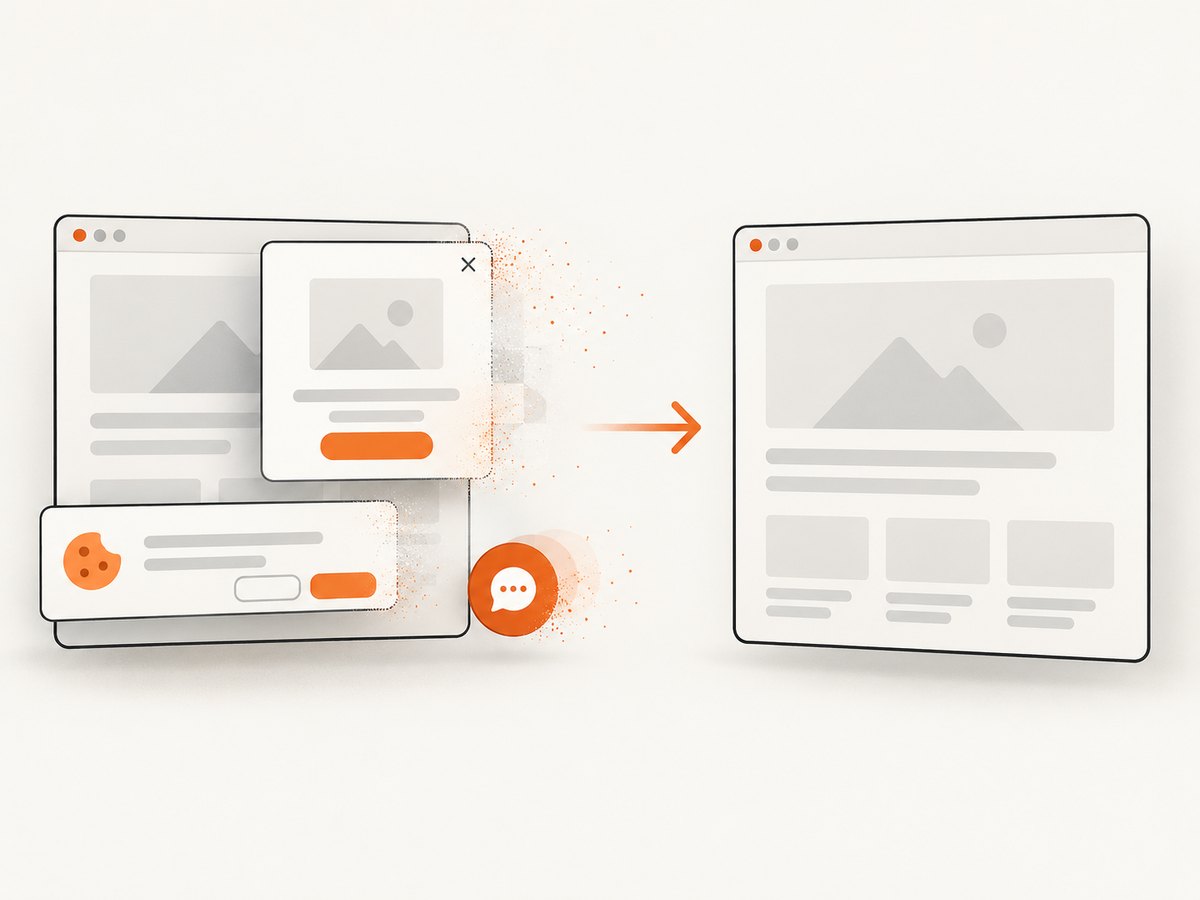
require('fs').writeFileSync('shot.webp', body);Cookie banners, newsletter popups, and chat widgets are removed before the shot. Bot checks, blank pages, failed loads, timeouts, and cache hits are never billed; response headers identify the page verdict and billing result with X-Page-Verdict and X-Billed. An MCP server lets Claude, Cursor, and other MCP clients call take_screenshot, get_page_info, and capture_pdf. The free plan includes 1,000 screenshots each month with no card; paid plans start at $5 for 3,000 shots. Create a free ScreenshotNeo account.
9. Troubleshooting checklist
| Symptom | Likely cause | Fix |
|---|---|---|
| Header absent on the first request | It was set after navigation began. | Call the header method before goto. |
| Application still shows login | Wrong scheme, expired token, cookie-based auth, or redirect. | Check the documented auth format, status codes, final URL, cookies, and page text. |
| Only some resources fail | Header scope or cross-origin behavior differs. | Log requests and responses; confirm which host and resource needs the value. |
| API rejects the request | Non-string value, malformed Name: value, or unsupported parameter. |
Convert values to strings, trim whitespace, and follow the provider’s current syntax. |
| Screenshot is a blank page | Timeout, bot check, JavaScript error, or capture before render. | Increase a bounded timeout, wait for a selector, inspect console errors, and verify the URL manually. |
| Secret appears in logs | Full request headers or URL were logged. | Redact authorization and preview headers; rotate exposed credentials. |
| Header capitalization differs | HTTP names are case-insensitive and Puppeteer lowercases them. | Compare names case-insensitively and never depend on casing. |
10. Performance, reliability, and cost
- Reuse browsers carefully: keep one browser process for a worker pool, but isolate users and tokens with separate contexts.
- Bound every wait: set navigation, selector, and overall job timeouts so a stalled origin cannot exhaust workers.
- Capture only what you need: element screenshots are faster and smaller than full-page images; full-page captures can trigger more lazy loading.
- Control payload size: choose WebP or JPEG when PNG fidelity is unnecessary, resize outputs, and block ads or trackers when they do not affect the result.
- Cache deliberately: cache stable pages with a documented TTL; disable caching for rapidly changing previews or token-dependent pages.
- Retry safely: retry transient navigation or network failures with exponential backoff, but do not blindly repeat non-idempotent page actions.
- Measure the right result: record response status, verdict, billed state, render duration, final URL, and output bytes. A successful HTTP response is not proof that the page was correct.
- Estimate hosted cost: count requested captures, cache hits, retries, and bulk jobs according to the provider’s billing rules. ScreenshotNeo bills only clean shots and exposes billing in
X-Billed; its plans range from free 1,000 monthly shots to paid tiers of $5/3,000, $15/15,000, $39/60,000, $99/250,000, and $249/1,000,000, with two months free on yearly billing.
11. Practical decision guide
| Choose | When it fits |
|---|---|
| Playwright | You need browser automation, context isolation, selectors, and detailed page control. |
| Puppeteer | Your Node.js stack already uses Chrome automation and its page screenshot workflow. |
| Hosted endpoint | You want an HTTP request without managing browser binaries and workers. |
| ScreenshotNeo | You want managed headers plus clean captures, non-billed failed loads, broad capture options, and MCP tools. |
FAQ
Do headers apply to images and scripts?
Playwright and Puppeteer describe extra headers on requests initiated by the page, which can include subresources. Verify the exact requests for your site instead of assuming every cross-origin request behaves identically.
Can I rely on header order?
No. Neither the HTTP protocol nor these APIs provides a stable outgoing order.
Can a header bypass a CAPTCHA?
No guarantee exists. Header APIs document how values are sent, not whether a site grants access or disables bot protection.
Should I put the token in the screenshot URL?
No. Use an environment variable, secret manager, or protected server-side request and redact logs.
When should I use cookies instead?
Use cookies when the application implements the session or preference as a cookie; use headers when the application explicitly reads a header.


