How to Set the Open Graph Image for LinkedIn
Add an absolute og:image URL to your page head, meet LinkedIn’s image limits, and fix previews that fail to update.

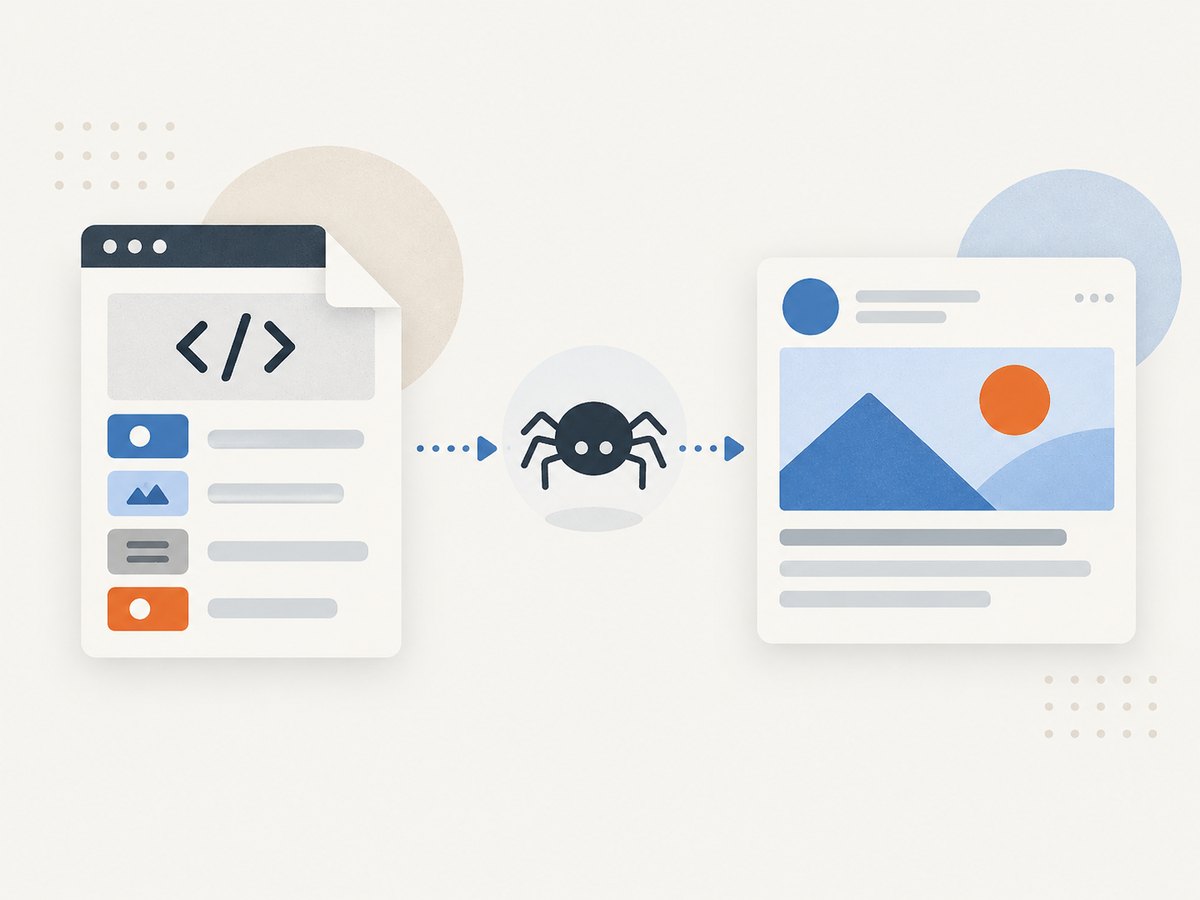
Set LinkedIn’s Open Graph image in the HTML <head> of the page being shared. Add an absolute, publicly reachable image URL to og:image, alongside og:title, og:description, and og:url. Use an image that is at least 1200 × 627 pixels, approximately 1.91:1, in JPG, PNG, or GIF format, and no larger than 5 MB. Those are LinkedIn’s documented sharing requirements.
The metadata belongs on the page URL you paste into LinkedIn. It does not belong only in a social-media dashboard, an image file, or your sitemap. After publishing, validate the live URL so you can see exactly what a crawler receives.
1. The complete Open Graph head markup
Place this in the document head of the page you want people to share. Replace every example value with data for the actual page.
<head>
  <meta property='og:type' content='website'>
  <meta property='og:url' content='https://example.com/guide'>
  <meta property='og:title' content='A clear page title'>
  <meta property='og:description' content='A concise description of the page'>
  <meta property='og:image' content='https://example.com/images/linkedin-preview.jpg'>
  <meta property='og:image:width' content='1200'>
  <meta property='og:image:height' content='627'>
  <meta property='og:image:alt' content='Description of the preview image'>
</head>
The required piece for the thumbnail is og:image. The width, height, and alt properties make the image metadata explicit and follow the Open Graph protocol. The protocol defines og:image:url as an equivalent to og:image, plus optional og:image:secure_url and og:image:type properties. See the Open Graph protocol specification. og:image:alt describes the image; it is not a visible caption.
2. LinkedIn image requirements
| Property | Use this value | Why it matters |
|---|---|---|
| Dimensions | At least 1200 × 627 px | Meets LinkedIn’s documented minimum. |
| Aspect ratio | Approximately 1.91:1 | Matches the recommended landscape card shape. |
| File size | 5 MB maximum | Larger files may be rejected or fail to load. |
| Format | JPG, PNG, or GIF | These are the formats listed by LinkedIn. |
| URL | Absolute HTTPS URL | The crawler must fetch the image independently of your page. |
| Access | Publicly reachable | Authentication, firewalls, and bot blocks prevent retrieval. |
A 1200 × 627 canvas meets the stated minimum exactly. A 1200 × 630 image is close to the recommended ratio, but treat 1200 × 627 as LinkedIn’s documented minimum rather than calling 1200 × 630 an official requirement.
3. Create and host the image
- Design a landscape image at 1200 × 627 pixels or larger.
- Export it as JPG, PNG, or GIF and keep it at or below 5 MB.
- Upload it to a public HTTPS location such as your media storage or web server.
- Open the image URL in a private browser window. It should display the image without a login, redirect loop, or HTML error page.
Keep important visual content away from the edges because different clients can crop previews. Use a descriptive filename, but remember that LinkedIn reads the URL and metadata; the filename alone does not set the card image.
4. Add tags to common site types
Static HTML
Edit the shared template so every page receives a complete head. For page-specific cards, substitute variables during your build:
<meta property='og:title' content='{{ page.title }}'>
<meta property='og:description' content='{{ page.description }}'>
<meta property='og:url' content='{{ page.canonical_url }}'>
<meta property='og:image' content='{{ page.social_image_url }}'>
<meta property='og:image:width' content='1200'>
<meta property='og:image:height' content='627'>
WordPress and other CMSs
Use the SEO or social-sharing settings that emit Open Graph tags, then inspect the rendered page source. Confirm that the plugin emits an absolute image URL and that it has not placed the tags in a client-side script. If you maintain your own theme, add the tags to the theme’s head template and provide a fallback image for posts without a featured image.
React, Next.js, and server-rendered frameworks
Emit metadata during server rendering or static generation so crawlers receive it in the initial HTML response. A browser-only effect such as useEffect can run too late for a crawler. In a framework metadata API, map the page’s canonical URL and social image to the framework’s Open Graph fields, then inspect the generated source rather than only the component code.
5. Validate the live page
- Deploy the page and image.
- View the page source, not just the DOM inspector, and search for
og:image. - Check that the URL is absolute, uses HTTPS, and returns an image response.
- Confirm the pixel dimensions, format, and file size.
- Paste the live page URL into an Open Graph preview or validator to inspect the card LinkedIn can build.
- If you changed an existing image, validate again after the change and account for crawler caching.
Testing the live URL catches mistakes that local previews hide: an environment-only hostname, a missing production asset, a redirect requiring cookies, or a server returning an HTML error page with a successful HTTP status.
6. Troubleshooting LinkedIn previews
| Symptom | Likely cause | Fix |
|---|---|---|
| No image appears | og:image is missing, relative, or outside the head. |
Add the tag to the rendered head and use a full HTTPS URL. |
| Old image remains | A preview crawler cached the previous response. | Confirm the new source and image URL, then revalidate the live page. Use a versioned filename when you intentionally replace an asset. |
| Image is broken | The image URL returns HTML, a 403, a 404, or a redirect that cannot be followed. | Request the URL without a browser session and configure public access with an image content type. |
| Image is cropped unexpectedly | The canvas ratio differs from the recommended 1.91:1 or important content touches the edges. | Export at 1200 × 627 or a proportionally larger canvas and keep key content inside safe margins. |
| Image is rejected | It is over 5 MB, too small, or an unsupported format. | Resize or recompress it and export as JPG, PNG, or GIF. |
| Title or description is wrong | Duplicate Open Graph tags, a template fallback, or stale cached HTML. | Keep one value for each core property, inspect the production source, and validate again. |
| Works locally but not after deployment | The production image host requires authentication, blocks crawlers, or uses an internal domain. | Publish the asset at a public HTTPS URL and check server and firewall logs. |
Also check robots and access controls. A publicly linked page can still have an image path blocked by a firewall, signed-URL expiry, hotlink protection, or an authentication middleware rule.
7. Multiple images and structured properties
The Open Graph protocol allows structured image properties. You can provide the same image through og:image:url, declare a secure URL, specify a MIME type, and include dimensions and alt text. If multiple og:image values are present, consumers may choose the first one, so put the preferred image first and avoid accidental duplicates from two plugins.
<meta property='og:image' content='https://example.com/images/card.jpg'>
<meta property='og:image:secure_url' content='https://example.com/images/card.jpg'>
<meta property='og:image:type' content='image/jpeg'>
<meta property='og:image:width' content='1200'>
<meta property='og:image:height' content='627'>
<meta property='og:image:alt' content='A dashboard showing monthly revenue trends'>
8. Performance, reliability, and security
- Keep the asset small: A file below the 5 MB ceiling also downloads faster for validators and crawlers. Compress without reducing the documented minimum dimensions.
- Use stable URLs: A permanent path is easier to cache and audit. Change the filename when replacing an image so caches can distinguish versions.
- Serve correct headers: Return an image content type such as
image/jpeg, a successful status, and the complete file. - Use HTTPS: It avoids mixed-content and certificate problems and matches the absolute URL requirement.
- Protect privacy: Do not put secrets, private customer data, or tracking tokens in the image URL or alt text.
- Generate consistently: If images are produced from templates, enforce the canvas dimensions, output format, and file-size check in your build or upload pipeline.
9. Capture a reliable social image with ScreenshotNeo
If your Open Graph artwork is generated from a live page, you can capture that page after its layout and assets are ready. ScreenshotNeo is a website screenshot API and MCP server. It supports PNG, JPEG, WebP, and PDF output, full-page capture with lazy images loaded, CSS-selector element capture, custom CSS and JavaScript, dark mode, device presets, retina scale, waits, request blocking, custom headers and cookies, and caching.
Use the API to render a public design URL, then publish the returned file at an HTTPS image URL and place that URL in og:image. The API documentation is at screenshotneo.com/docs/.
cURL
curl -G 'https://api.screenshotneo.com/v1/shot' \
  -d access_key=YOUR_API_KEY \
  --data-urlencode url=https://stripe.com \
  -o shot.webp
Python
import requests

r = requests.get(
    'https://api.screenshotneo.com/v1/shot',
    params={'access_key': 'YOUR_API_KEY', 'url': 'https://stripe.com'},
    timeout=90,
)
r.raise_for_status()
open('shot.webp', 'wb').write(r.content)
Node.js
const q = new URLSearchParams({ access_key: 'YOUR_API_KEY', url: 'https://stripe.com' });
const res = await fetch(`https://api.screenshotneo.com/v1/shot?${q}`);
if (!res.ok) throw new Error(`Screenshot failed: ${res.status}`);
const fs = await import('node:fs/promises');
await fs.writeFile('shot.webp', Buffer.from(await res.arrayBuffer()));
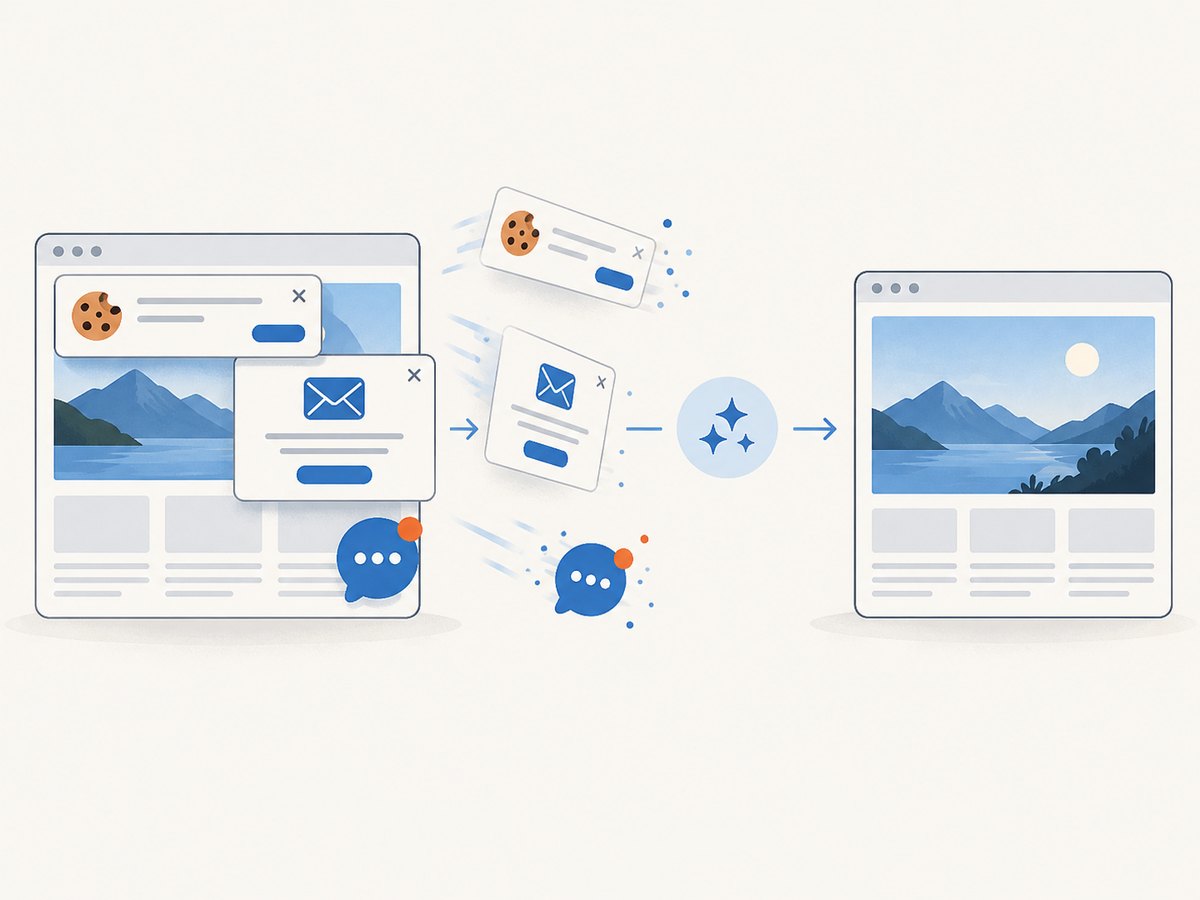
When generating a social card, wait for a selector that marks the finished artwork, hide elements that should not appear, set a fixed viewport, and use a stable cache TTL. If the page has a cookie banner, newsletter popup, or chat widget, ScreenshotNeo accepts the consent banner like a visitor and removes more than 60 known consent platforms, newsletter popups, and chat widgets before capture; each cleanup step can be disabled.
Only clean shots are billed. Bot checks or CAPTCHAs, blank pages, timeouts, failed loads, and cache hits cost nothing, and the response identifies the result with X-Page-Verdict and X-Billed headers. The MCP server exposes take_screenshot, get_page_info, and capture_pdf for Claude, Cursor, and other MCP clients.
Free accounts include 1,000 shots per month without a card. Paid plans start at $5 for 3,000 shots; yearly billing provides two months free. Create a free ScreenshotNeo account and generate the image URL you will place in your Open Graph metadata.
10. Short checklist before you share
- The page source contains one intended
og:image. - The URL is absolute, HTTPS, public, and stable.
- The file is JPG, PNG, or GIF, at least 1200 × 627 pixels, and no more than 5 MB.
- The image endpoint returns the actual image with a correct content type.
og:title,og:description, andog:urldescribe the same page.- You validated the deployed URL after publishing.
FAQ
Does LinkedIn require og:image:width and og:image:height?
The thumbnail is selected from og:image. Width and height are recommended structured properties that make the image dimensions explicit and help consumers process the card consistently.
Can the image URL be relative?
Use an absolute URL. A crawler cannot reliably resolve a relative path without the page’s origin and deployment context.
Should og:image:alt contain a caption?
No. The Open Graph specification defines it as a description of the image. Keep visible captions in the page content or artwork itself.
Why does a validator show a different card from my browser?
Validators fetch the live response independently and may have cached an earlier version. Compare the rendered source, asset response, and validator result rather than relying on a logged-in browser session.


