How to Set Up Selenium Grid with a Script
Start Selenium Grid with a shell script, connect a RemoteWebDriver, check Grid status, and choose the right topology for local work or CI.
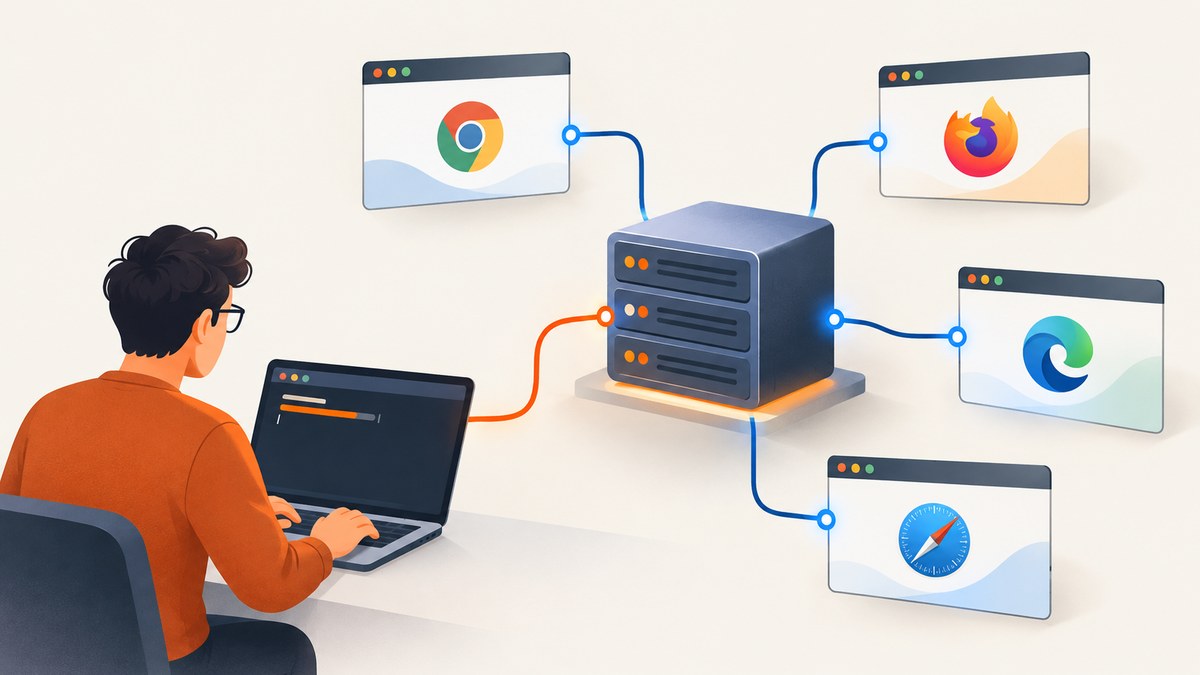
For the shortest scripted Selenium Grid setup, run the Selenium Server JAR in Standalone mode, point a Selenium RemoteWebDriver at http://localhost:4444, and check http://localhost:4444/status before running a test. Standalone runs the Grid components in one process on one machine, so it is a practical starting point for local development, debugging, and simple CI jobs. Use Hub and Node or Distributed mode when you need browser capacity or Grid components on separate machines. Keep the Grid protected from external access.
1. Choose the Grid mode that fits
Selenium Grid routes WebDriver sessions to available browser Nodes. The deployment mode determines where the Grid components run and which address your test client uses.
| Mode | Where it runs | Use it when | Client address |
|---|---|---|---|
| Standalone | One process on one machine | You want the fewest moving parts for local work, debugging, or a simple CI job. | http://localhost:4444 for a local client |
| Hub and Node | A Hub accepts requests; one or more Nodes provide browser capacity. | You need Nodes on different machines, operating systems, or browser versions, or want to adjust browser capacity independently. | The reachable Hub address |
| Distributed | Grid components run separately, ideally across machines. | You have deployment needs that call for separately operated components. | The reachable Router address |
There is no universally correct deployment size. Start with Standalone if one machine is enough. A more distributed topology adds coordination: addresses, ports, and component startup order must match and be reachable. Selenium’s [Grid guide](https://www.selenium.dev/documentation/grid/getting_started/) describes the modes and quick start; its [applicability guidance](https://www.selenium.dev/documentation/grid/applicability/) can help decide whether Grid fits your use case.
2. Prepare Java, a browser, and Selenium Server
Selenium’s Grid getting-started guide lists Java 11 or higher and an available browser as prerequisites. Download the Selenium Server JAR for the release you intend to use, and note its actual filename. The commands below use selenium-server-4.XX.X.jar as an example placeholder; replace it with the downloaded filename. Do not type the placeholder literally unless your file has that exact name.
The browser must be available on the machine where the Grid Node runs. Selenium’s guide says drivers can be installed on PATH, or Selenium Manager can be enabled with --selenium-manager true. Driver and browser availability matter at the Node, even when your test code runs on another machine.
3. Start Standalone Grid from a shell script
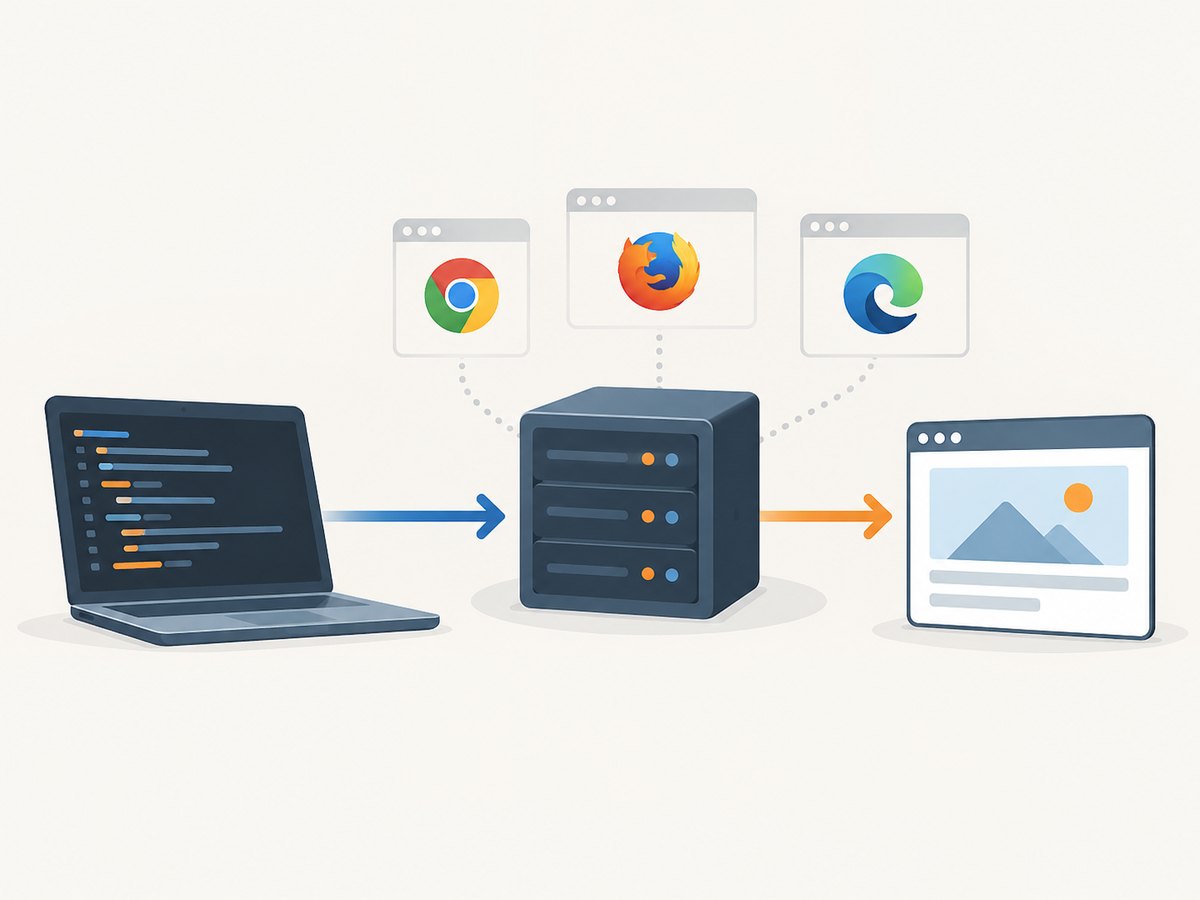
Save this as start-grid.sh beside the downloaded JAR. It checks for Java and the JAR, starts Standalone in the foreground, and passes Selenium Manager as the documented driver-discovery option. Keeping the process in the foreground lets the shell report startup errors and lets you stop the Grid with Ctrl+C.
#!/usr/bin/env bash
set -euo pipefail

JAR="${1:-selenium-server-4.XX.X.jar}"
PORT="${GRID_PORT:-4444}"

if ! command -v java >/dev/null 2>&1; then
  echo "Java is required; install Java 11 or higher." >&2
  exit 1
fi
if [[ ! -f "$JAR" ]]; then
  echo "Selenium Server JAR not found: $JAR" >&2
  echo "Pass its filename: $0 /path/to/selenium-server-<version>.jar" >&2
  exit 1
fi

exec java -jar "$JAR" standalone \
  --port "$PORT" \
  --selenium-manager true
Make it executable and start it:
chmod +x start-grid.sh
./start-grid.sh selenium-server-4.XX.X.jar
Use the real versioned filename in the command. To use another port, set GRID_PORT, for example GRID_PORT=5555 ./start-grid.sh selenium-server-4.XX.X.jar. The test client’s URL must then use port 5555. The port override here changes the Standalone listening port; it does not configure a multi-component deployment.
Check the service before running a test
In another terminal, request the documented status endpoint:
curl --request GET 'http://localhost:4444/status'The response reports Grid state and registered Node availability. Check that status is ready and that a Node is available before investigating test behavior. For a custom port, replace 4444. Selenium documents additional [Grid endpoints](https://www.selenium.dev/documentation/grid/advanced_features/endpoints/).
4. Connect a test using RemoteWebDriver
A Grid client creates a remote session through RemoteWebDriver. This Java example assumes a Java project already has the Selenium Java client dependency for the version in use. It opens a page, prints the title, and quits the session even if an assertion or navigation fails.
import java.net.URL;
import org.openqa.selenium.WebDriver;
import org.openqa.selenium.chrome.ChromeOptions;
import org.openqa.selenium.remote.RemoteWebDriver;

public class GridSmokeTest {
  public static void main(String[] args) throws Exception {
    String gridUrl = System.getenv().getOrDefault(
        "GRID_URL", "http://localhost:4444");
    WebDriver driver = new RemoteWebDriver(new URL(gridUrl), new ChromeOptions());
    try {
      driver.get("https://example.com");
      System.out.println("Page title: " + driver.getTitle());
    } finally {
      driver.quit();
    }
  }
}
For a Hub and Node Grid, set GRID_URL to the Hub’s reachable address. For fully Distributed mode, use the Router’s reachable address. For example, GRID_URL=http://grid-host:4444 changes the endpoint without editing the source. The browser options request a Chrome session; the Grid needs an available Node capable of satisfying that request.
5. Configure the script and Grid deliberately
Selenium accepts configuration through command-line arguments and TOML files. Its documentation recommends TOML for readability and source control. Start with CLI options for a small local script; move settings into a TOML file when the configuration becomes long or needs review alongside deployment code. Exact options can vary by installed release, so query the running version instead of assuming a flag exists.
java -jar selenium-server-4.XX.X.jar standalone --help
java -jar selenium-server-4.XX.X.jar standalone --config-help
java -jar selenium-server-4.XX.X.jar info config
Use the help output for the command and release you are actually running. Selenium’s [configuration help](https://www.selenium.dev/documentation/grid/configuration/help/) and [CLI options](https://www.selenium.dev/documentation/grid/configuration/cli_options/) explain the available configuration mechanisms. Avoid copying a configuration example from a different release without checking its supported options.
When you need Hub and Node
Hub and Node is useful when browser capacity belongs on machines separate from the Hub or when different machines supply different operating systems or browser versions. Start and configure the Hub, then register each Node against the Hub address using the options supported by the installed Selenium release. The client connects to the Hub. Make sure the Hub and Nodes can reach each other over the configured ports, and verify registration through Grid status before creating sessions.
This article intentionally does not prescribe a universal set of Hub and Node flags: addresses, ports, and browser installations depend on the machines and Selenium version. Use the version-specific help commands above and the official [Grid getting-started guide](https://www.selenium.dev/documentation/grid/getting_started/) to build the commands for your topology.
When you need Distributed mode
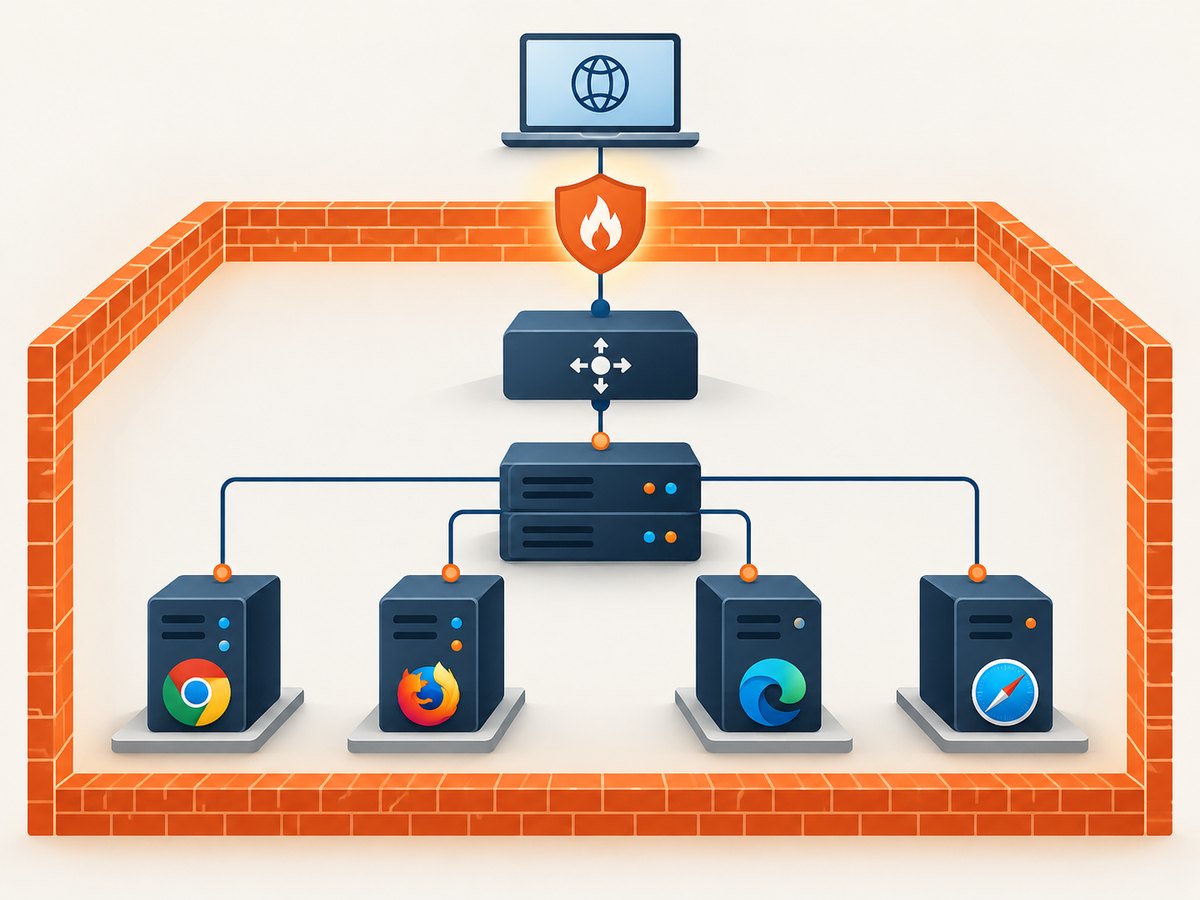
Distributed mode separates the Event Bus, New Session Queue, Session Map, Distributor, Router, and Nodes. A startup script must coordinate those components and use mutually consistent, reachable addresses and ports. A localhost example is suitable only when the components can actually reach one another at those addresses; localhost on one machine is not the same host as localhost on another.
Selenium’s [external datastore tutorial](https://www.selenium.dev/documentation/grid/advanced_features/external_datastore/) includes a distributed shell example and JDBC- or Redis-backed session map configurations. Treat its sample values as instructional. Replace hostnames, ports, credentials, and storage settings with real values for your deployment. Confirm connectivity and component health before connecting test clients to the Router.
6. Reliability, security, performance, and cost
Reliability
- Make the status request part of startup or CI readiness checks. A running Java process alone does not prove that a usable Node is registered.
- Keep the Grid process attached to a supervisor or CI job that can report its exit status and logs. The foreground script above leaves process management to its caller.
- Use the correct endpoint for the topology and make sure the requested browser is available. A healthy Grid cannot create a session if no Node can satisfy the requested capabilities.
- For multi-machine deployments, validate component-to-component reachability and registration before debugging the test itself.
Performance
Grid can provide parallel browser capacity when multiple Nodes are available, but adding components also adds network and operational work. Standalone is a sensible baseline for one-machine runs. In Hub and Node or Distributed mode, size and configure the available browser capacity for your workload; the research sources do not establish a universal throughput figure. Measure your own suite and environment rather than treating a sample deployment as a benchmark.
Security
Do not expose an unauthenticated Grid to the public internet. Selenium warns that an exposed Grid can provide access to infrastructure, internal applications and files, and custom binary execution. The Selenium guide states: “Selenium Grid must be protected from external access using appropriate firewall permissions.” Restrict network access to the machines and users that need it, and review the [official security guidance](https://www.selenium.dev/documentation/grid/getting_started/) when choosing an exposure model.
Cost
Selenium Grid is software you run; its infrastructure cost depends on the machines, browser capacity, and operational setup you choose. The cited Selenium material does not provide a price or a universal cost estimate. Standalone uses one machine and has the smallest topology to operate. Multiple Nodes or separately deployed components require additional capacity and maintenance according to your environment.
7. Troubleshooting
| Symptom | Likely cause | What to check or change |
|---|---|---|
java: command not found or Java version error |
Java is missing or too old. | Install Java 11 or higher and ensure the executable is on PATH. |
| JAR not found | The script’s placeholder filename does not match the downloaded file, or the working directory is different. | Pass the actual JAR path as the first script argument. Quote paths containing spaces. |
| Port already in use | Another process is listening on the selected port. | Stop the conflicting process or set a different GRID_PORT, then update the client URL to match. |
| Connection refused from client | Grid is not listening, the port is wrong, or the client is using an address that is not reachable from its machine. | Check the process logs and /status locally; use the Hub or Router address appropriate to the topology. |
| Status responds but no session starts | No registered Node is available, or no Node can meet the requested browser capabilities. | Inspect registered Node availability in status, confirm the browser is installed on the Node, and request a browser that it supports. |
| Driver or browser startup fails | The browser is unavailable or the driver cannot be discovered. | Install the browser and make its driver available on PATH, or try the documented --selenium-manager true option. Check help for your release. |
| Hub/Node components fail to register | Wrong advertised address, mismatched configuration, or blocked component ports. | Use addresses reachable from the other machines, compare component settings, and allow the required traffic through the network. |
| Flag rejected or behavior differs | The command was copied from documentation for another Selenium release. | Run standalone --help, standalone --config-help, and info config against the installed JAR. |
| Grid reachable from outside the intended network | Network rules expose the service. | Restrict access with appropriate firewall permissions and reassess the deployment boundary before continuing. |
8. Or skip the browser setup
If the task is to capture a website screenshot rather than run browser automation, [ScreenshotNeo](https://screenshotneo.com) is a website screenshot API and MCP server from Yorker Media. It accepts one GET request with a URL and returns a PNG, JPEG, WebP, or PDF. See the [API documentation](https://screenshotneo.com/docs/) for parameters and response details.
curl -G "https://api.screenshotneo.com/v1/shot" -d access_key=YOUR_API_KEY --data-urlencode url=https://stripe.com -o shot.webpimport requests
r = requests.get(
"https://api.screenshotneo.com/v1/shot",
params={"access_key": "YOUR_API_KEY", "url": "https://stripe.com"},
timeout=90,
)
open("shot.webp", "wb").write(r.content)const q = new URLSearchParams({ access_key: 'YOUR_API_KEY', url: 'https://stripe.com' });
const res = await fetch(`https://api.screenshotneo.com/v1/shot?${q}`);Cookie and consent banners are accepted and removed before the shot, along with supported newsletter popups and chat widgets; each cleanup step can be turned off. Bot checks, blank pages, timeouts, failed loads, and cache hits are not billed, and response headers say which page verdict and billing outcome applied. An MCP server provides take_screenshot, get_page_info, and capture_pdf tools for Claude, Cursor, and other MCP clients. The free plan includes 1,000 screenshots a month with no card; paid plans start at $5 for 3,000.
Sign up for 1,000 free screenshots a month, with no card required.
FAQ
Can I start Grid without Docker?
Yes. The Standalone quick start runs the Selenium Server JAR directly with Java. The script in this guide uses that approach.
Does my test have to run on the Grid machine?
No. A remote client can connect if it can reach the correct Grid endpoint. For a client on another machine, localhost refers to that client machine, so use the server’s reachable address instead.
Should I use a Grid for one browser test?
Standalone is straightforward for local runs, but Grid’s value depends on whether remote browser sessions or additional browser capacity are useful for your workflow. The Selenium applicability guide discusses when Grid is appropriate.
Where do I find the options supported by my JAR?
Run the installed JAR’s standalone --help, standalone --config-help, or info config command. That is the quickest way to check options for the release you downloaded.


