How to Set a User Agent with cURL
Set a custom User-Agent with cURL using -A or --user-agent. Learn how to remove it, use libcurl, debug requests, and understand what the header does.
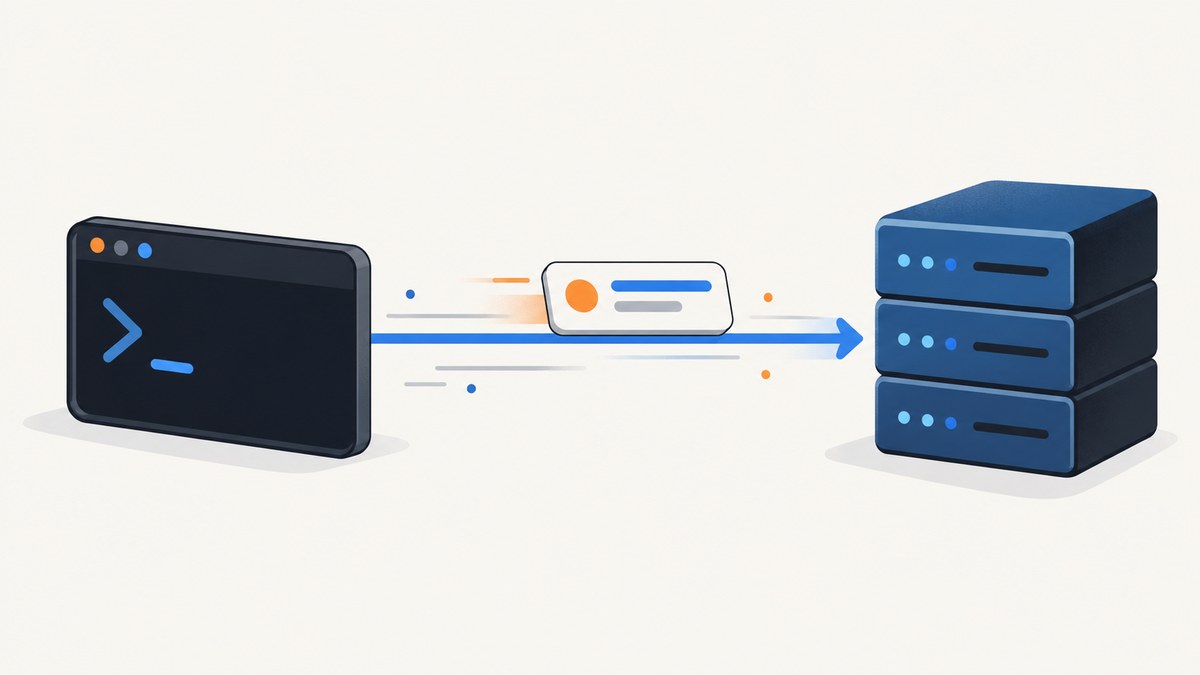
Use -A or --user-agent to set the User-Agent header in the cURL command-line tool:
curl -A "MyApp/1.0" https://example.com

# The long option is equivalent:
curl --user-agent "My App/1.0" https://example.com
Quote the value when it contains spaces. To remove cURL’s default User-Agent, pass an empty value: --user-agent "". A User-Agent changes request metadata; it does not make cURL behave like a browser. This guide covers the command line, libcurl, header inspection, edge cases, and common failures.
1. Set the User-Agent in the cURL command line
-A is the short option; --user-agent is its more readable form. Both set the HTTP User-Agent string for the request. Use an identifier that describes your application and, where useful, its version:
curl --user-agent "InventorySync/2.4" https://api.example.com/itemsFor a value with spaces, shell quoting keeps it as one argument:
curl -A "Inventory Sync/2.4 (support: ops@example.com)" https://api.example.com/itemsThe quotes are shell syntax and are not sent as part of the header. On POSIX shells, single quotes are often convenient when the value contains double quotes or characters the shell might interpret. On Windows PowerShell and Command Prompt, quoting and escaping rules differ; use the quoting convention of the shell you are running.
Set it for a POST request
The User-Agent option works alongside the method, body, and content headers. For example:
curl -X POST https://api.example.com/events \
  -A "EventWorker/1.0" \
  -H "Content-Type: application/json" \
  --data '{"type":"opened"}'
Do not confuse User-Agent with Content-Type or Accept. User-Agent identifies the requesting client; Content-Type describes the request body, and Accept indicates which response formats the client can handle.
Use general header syntax instead
You can also set the header with -H:
curl -H "User-Agent: InventorySync/2.4" https://api.example.com/itemsFor a normal request, this is useful when you want to keep all header configuration in one place. The dedicated -A option is easier to recognize and communicates the intent directly. Avoid specifying conflicting values through both options; keep one source of truth so the request is easy to review.
2. Choose a useful User-Agent value
A User-Agent is a string sent with an HTTP request. Servers may use it for logging, compatibility decisions, or client identification. A stable, truthful application label is generally easier to maintain than a copied browser string:
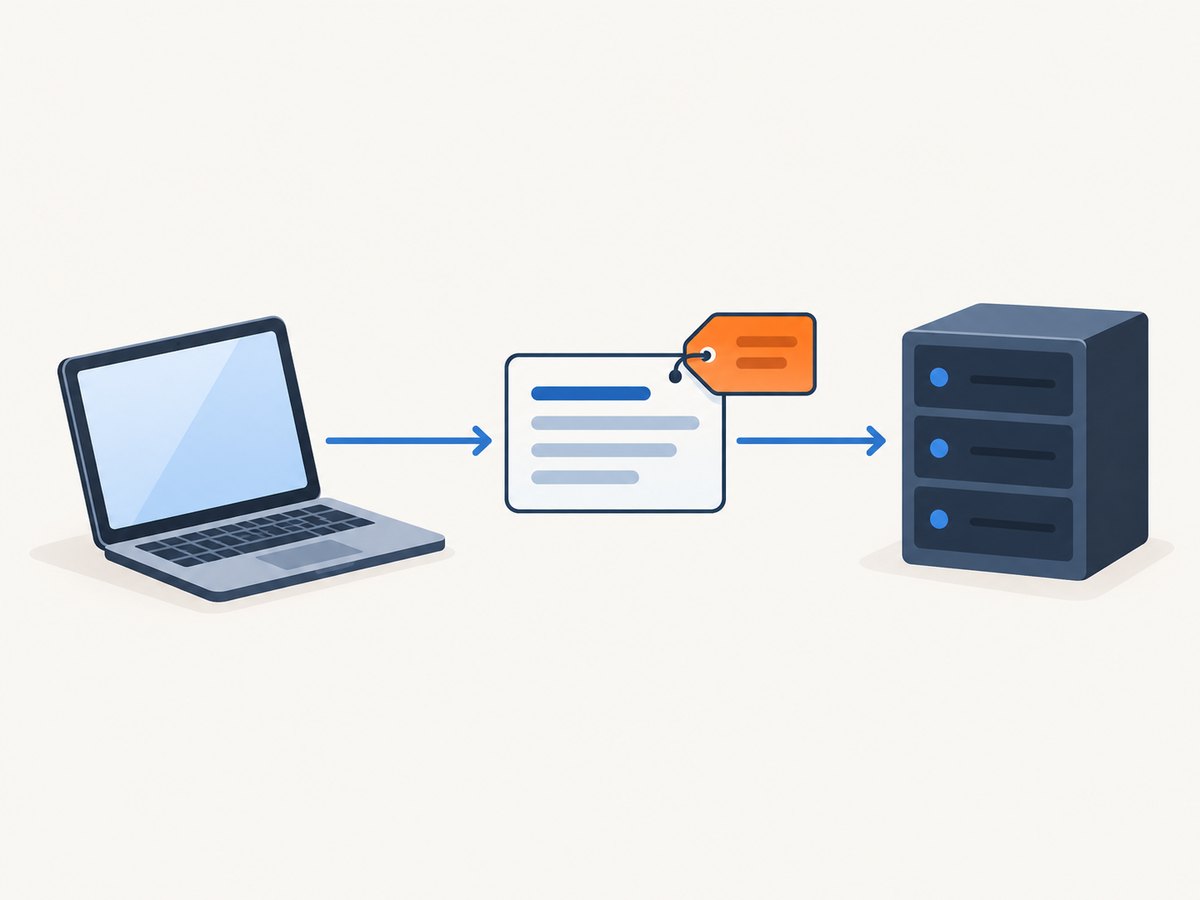
curl -A "CatalogImporter/1.3" https://example.com/feedIf a service asks you to include a contact or version, follow its documented format. Keep the value consistent across requests from the same application, and update the version when it helps operators distinguish deployments. Do not put secrets, access tokens, personal data, or other sensitive values in the header: request headers can appear in server logs and intermediary diagnostics.
cURL’s tutorial shows a browser-style User-Agent as an example, but changing this string does not add browser behavior. cURL remains an HTTP client: it does not acquire a browser’s JavaScript engine, DOM, cookies from a normal browser profile, or rendering pipeline simply because the header resembles one. Use browser automation when the task depends on those capabilities, and follow the target site’s terms and access rules.
3. Remove or send a blank User-Agent
By default, the cURL command-line tool sends a User-Agent such as curl/8.23.0; the exact version depends on the installed cURL. To suppress the header, pass an empty string:
curl --user-agent "" https://example.comAn empty value removes the User-Agent header. A single space is different: it sends a header whose value is blank-looking whitespace:
curl --user-agent " " https://example.comMost applications should either send a meaningful identifier or omit the header if the server permits it. A whitespace value can be interpreted differently by servers and proxies, and may be rejected by request validation.
If you provide the user-agent option multiple times, the last value takes effect. This can be useful when a shared script sets a default and a later argument overrides it, but it can also hide configuration mistakes. Search the complete command or wrapper script if the observed value is unexpected.
4. Verify the outgoing header
When debugging, ask cURL to print request details with -v. The outgoing request headers appear in the verbose output, along with connection and response information:
curl -v -A "InventorySync/2.4" https://example.comLook for a line similar to > User-Agent: InventorySync/2.4. The > marks data sent by the client. Be careful when sharing verbose output: it can include cookies, authorization headers, URLs, and other sensitive request details.
To save the response body while inspecting the exchange, combine -o with verbose output:
curl -v -A "InventorySync/2.4" -o response.html https://example.comFor a quick server-side check against an endpoint that returns request headers, use a diagnostic service you trust. Do not send credentials or private headers to a public echo endpoint.
5. Set User-Agent with libcurl in C
The libcurl equivalent is CURLOPT_USERAGENT, set on an easy handle with curl_easy_setopt. Here is a complete minimal program:
#include <stdio.h>
#include <curl/curl.h>

int main(void) {
    CURL *curl;
    CURLcode result;

    curl_global_init(CURL_GLOBAL_DEFAULT);
    curl = curl_easy_init();
    if (!curl) {
        curl_global_cleanup();
        return 1;
    }

    curl_easy_setopt(curl, CURLOPT_URL, "https://example.com/");
    curl_easy_setopt(curl, CURLOPT_USERAGENT, "InventorySync/2.4");

    result = curl_easy_perform(curl);
    if (result != CURLE_OK) {
        fprintf(stderr, "Request failed: %s\n", curl_easy_strerror(result));
    }

    curl_easy_cleanup(curl);
    curl_global_cleanup();
    return result == CURLE_OK ? 0 : 1;
}
Compile with a C compiler and the libcurl development package installed. A common command on systems with pkg-config is:
cc user_agent.c -o user_agent $(pkg-config --cflags --libs libcurl)CURLOPT_USERAGENT sets the User-Agent for HTTP requests made by that easy handle. If you set it again later, the later value overrides the earlier one. Passing NULL disables the option. This is a libcurl API, separate from the cURL executable’s -A flag; libcurl has supported it since version 7.1.
6. Make the same request with Python or Node.js
If you are implementing a client rather than running a cURL command, set the HTTP header in the library’s request options. These examples use a descriptive identifier and a straightforward GET request.
Python with requests
import requests

response = requests.get(
    "https://example.com/",
    headers={"User-Agent": "InventorySync/2.4"},
    timeout=30,
)
response.raise_for_status()
print(response.status_code)
print(response.text[:500])
Set a finite timeout appropriate for the endpoint and handle exceptions such as connection failures and HTTP errors in production. The header key is case-insensitive at the HTTP level, but the conventional spelling is User-Agent.
Node.js with fetch
const response = await fetch('https://example.com/', {
  headers: { 'User-Agent': 'InventorySync/2.4' },
  signal: AbortSignal.timeout(30_000),
});

if (!response.ok) {
  throw new Error(`HTTP ${response.status}`);
}
console.log((await response.text()).slice(0, 500));
Run this in a Node.js version that provides the built-in fetch and AbortSignal.timeout, or supply equivalent HTTP and timeout handling for your runtime. A command-line cURL example is not automatically equivalent to a browser request; each client needs its own header configuration.
7. cURL options and configuration interactions
| Need | Use | Notes |
|---|---|---|
| Set a User-Agent | -A "value" or --user-agent "value" |
Last repeated user-agent option wins. |
| Remove cURL’s default value | --user-agent "" |
An empty string suppresses the header. |
| Send a whitespace value | --user-agent " " |
This sends a blank-looking header value, not removal. |
| Set the header generically | -H "User-Agent: value" |
Useful for a header-centric command; avoid conflicting definitions. |
| Set a proxy-facing header | --proxy-header "User-Agent: value" |
Controls a header sent to the proxy; it is distinct from the origin request header. |
| Inspect request details | -v |
Review outgoing lines prefixed by >; redact sensitive data before sharing. |
For repeatable scripts, place the option directly in the command or in a reviewed cURL configuration file. If a wrapper, alias, config file, or later command-line argument also supplies User-Agent, inspect the effective invocation to determine which value wins. Keep credentials separate from the User-Agent and use the correct authentication mechanism for them.
8. Troubleshooting
The server still reports curl/VERSION
- Cause: the option was omitted, misspelled, or applied to a different invocation.
- Fix: use
curl -v -A "MyClient/1.0" URLand inspect the outgoing header. Check scripts, aliases, config files, and repeated options.
The server sees a truncated value
- Cause: the shell split a value containing spaces or interpreted special characters.
- Fix: quote the whole value using the syntax for your shell. Confirm the outgoing line with
-v.
The request works in a browser but not with cURL
- Cause: the difference may involve JavaScript, cookies, redirects, authentication, TLS, or browser-only behavior rather than User-Agent alone.
- Fix: inspect the response status and headers, use
-Lif redirects should be followed, and reproduce only the specific required headers or cookies when authorized. If the site requires rendered browser behavior, use browser automation. A browser-like User-Agent string alone does not provide it.
The request is rejected after setting a browser User-Agent
- Cause: the server may evaluate more than the User-Agent or may disallow the request.
- Fix: use a truthful client identifier, read the service’s access rules, and contact the operator if you need API access. Do not treat header changes as a way around access controls.
libcurl does not send the expected value
- Cause: the option was set on another handle, overwritten later, or set to
NULL. - Fix: set
CURLOPT_USERAGENTon the handle used for the request, after shared defaults if necessary, and verify with verbose/debug callbacks.
The server rejects the header syntax
- Cause: the value may contain unsupported control characters, or a proxy and origin may receive different headers.
- Fix: keep the value to a clean printable identifier and distinguish
--proxy-headerfrom-A. Check both proxy and origin configuration.
9. Performance, reliability, and cost
A User-Agent is a small piece of request metadata. Changing it does not itself make a request faster, more reliable, or cheaper. Those properties depend on the network path, server, payload, retries, timeouts, caching, and the rest of the client configuration.
For a production command, set an explicit timeout such as --max-time 30, check the exit status, and decide whether retries are safe for the HTTP method and operation. A GET may usually be retried according to your application’s policy; a request that changes server state should not be retried blindly. Add retries with a bounded policy rather than an unending loop, and avoid logging secrets while collecting diagnostics.
Changing User-Agent can affect server-side analytics or compatibility branches, so keep it stable if consistent reporting matters. If a server documents a required identifier or rate-limit policy, follow that documentation. The curl documentation establishes the header behavior, but it does not promise that any particular User-Agent will change a server’s response.
10. Capture a page screenshot without managing a browser
If the actual goal is a rendered screenshot rather than an HTTP request with a custom identity, cURL alone is the wrong tool: it fetches HTTP resources but does not render a web page. You can run a browser yourself, or use ScreenshotNeo, a website screenshot API and MCP server from Yorker Media. It accepts one GET request with a URL and returns a PNG, JPEG, WebP, or PDF. The ScreenshotNeo API documentation describes its request options.

Or skip the browser setup
Make one request with your access key and target URL:
curl -G "https://api.screenshotneo.com/v1/shot" \
  -d access_key=YOUR_API_KEY \
  --data-urlencode url=https://stripe.com \
  -o shot.webp
Cookie and consent banners are accepted like a visitor and removed before the shot, along with supported newsletter popups and chat widgets. Bot checks, blank pages, timeouts, failed loads, and cache hits are not billed; the response reports the page verdict and billing status in X-Page-Verdict and X-Billed. Its MCP server gives AI agents tools to take screenshots, get page information, and capture PDFs. The free plan includes 1,000 screenshots per month with no card; paid plans start at $5 for 3,000 screenshots. Every feature is on every plan.
Python
import requests

r = requests.get(
    "https://api.screenshotneo.com/v1/shot",
    params={"access_key": "YOUR_API_KEY", "url": "https://stripe.com"},
    timeout=90,
)
open("shot.webp", "wb").write(r.content)
Node.js
const q = new URLSearchParams({ access_key: 'YOUR_API_KEY', url: 'https://stripe.com' });
const res = await fetch(`https://api.screenshotneo.com/v1/shot?${q}`);
Use the response body as the image bytes and check the response status before treating it as a successful image. ScreenshotNeo also supports full-page and selector captures, device presets, custom viewport and scale, dark mode, PDF settings, custom CSS and JavaScript, click and hide selectors, wait conditions, request blocking, headers, cookies, user agent, timezone and geolocation, transparency, resizing, configurable caching, signed image links, asynchronous jobs with signed webhooks, bulk capture of up to 100 URLs per call, a usage API, and an OpenAPI spec. Its parameter names also work with those used by other screenshot APIs to ease migration.
Plans are Free (1,000 per month), Starter ($5 for 3,000), Growth ($15 for 15,000), Pro ($39 for 60,000), Scale ($99 for 250,000), and Business ($249 for 1,000,000); yearly billing gives two months free. Sign up for 1,000 free screenshots a month, with no card required.
11. Frequently asked questions
What is the short option for --user-agent?
It is -A.
What does cURL send if I do not set a User-Agent?
The command-line tool sends a value such as curl/8.23.0; the version string varies with the installed release.
Is -A the same as CURLOPT_USERAGENT?
They serve the same purpose in different interfaces: -A is for the cURL executable, while CURLOPT_USERAGENT configures a libcurl easy handle.
Can a custom User-Agent make cURL a browser?
No. It changes the identifying header only; it does not add browser rendering or JavaScript execution.
How do I remove the User-Agent header?
Use curl --user-agent "" URL. A single space sends a whitespace value instead of removing it.
Primary curl references
- curl man page for
--user-agent, header options, and verbose output. - curl HTTP scripting tutorial for HTTP request headers and examples.
- libcurl CURLOPT_USERAGENT reference for the C API behavior and availability.
- curl option history for the introduction history of
-A/--user-agent.


