How to Set a Thumbnail for YouTube Shorts
Choose a frame in the YouTube app or upload a custom 9:16 image in Studio. Follow the exact steps, requirements, fixes, and timing notes.
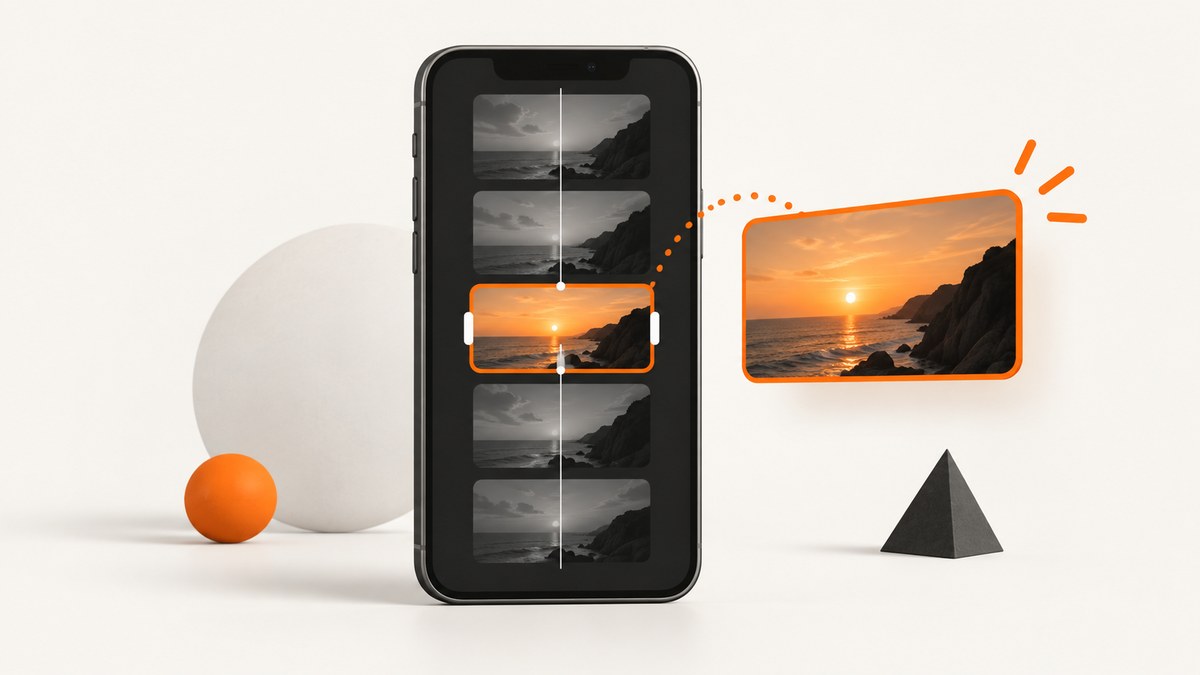
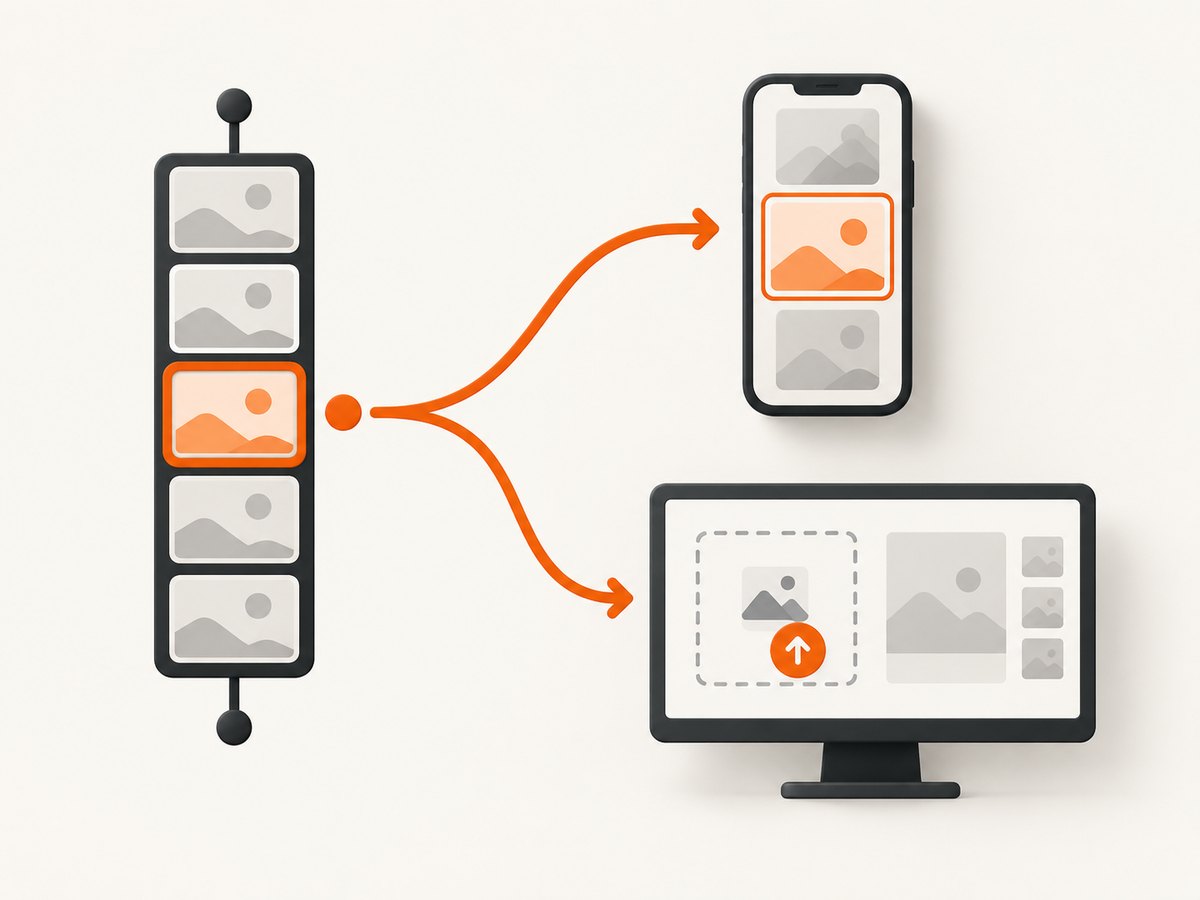
You can set a YouTube Shorts thumbnail in two ways:
- Choose a frame from the Short: use the YouTube mobile app before or after upload.
- Upload a separate image: use YouTube Studio on a computer. Your account must be verified, and YouTube recommends a 9:16 image.
Frame selection and custom-image upload are separate workflows. Use the first when a frame from the video works; use the second when you need designed text, branding, or a different image.
Choose a frame in the YouTube app
Before uploading
- Open the YouTube app and tap Create, then Short.
- Record your Short or select a video.
- Enter the title and other upload details.
- On the final upload screen, tap Edit on the thumbnail.
- Scrub through the video and select the frame you want.
- Optionally add text or apply a filter, then tap Done.
- Finish the upload.
YouTube says frame-selection editing is available in the app, not YouTube Studio. Once you make a text or filter edit, you cannot return to previous edits to change them. YouTube’s Android Shorts instructions document this workflow.
After uploading
- Open the YouTube app and go to your channel page.
- Tap Your videos.
- Find the Short, tap More beside it, and choose Edit.
- Select a frame for the thumbnail.
- Tap Done to save.
This lets you change the selected frame after publication without re-uploading the Short.
Upload a custom thumbnail image in YouTube Studio
- On a computer, sign in to YouTube Studio.
- Open Content.
- Select the Shorts tab or filter.
- Open the Short you want to edit.
- Under Thumbnail, choose Upload file.
- Select your image and save the change.
YouTube says custom thumbnails require a verified account. It recommends a 9:16 aspect ratio for custom Shorts thumbnail files. A change may take time to appear across YouTube. See YouTube’s custom-thumbnail instructions.
Prepare the image
- Export a vertical 9:16 image so it fits the Shorts presentation.
- Keep the subject and any essential words away from edges that may be cropped in different surfaces.
- Use a readable subject at small size; viewers may see the thumbnail in compact lists.
- Save a standard image format accepted by Studio, then confirm the preview before saving.
Frame selection versus custom upload
| Need | Use | Where | Requirement |
|---|---|---|---|
| A moment from the video | Choose a frame | YouTube app | No separate image |
| Designed artwork or a different image | Upload custom thumbnail | YouTube Studio on computer | Verified account |
| Change after publishing | Choose a frame in Your videos, or edit the custom image | App or Studio, depending on workflow | Allow time for propagation |
Troubleshooting
The thumbnail editor is missing in Studio
Studio is for uploading a separate custom image. If you are trying to pick a frame from the Short, switch to the YouTube mobile app and use the frame editor there.
Upload file is unavailable
Verify the channel. YouTube requires account verification for custom thumbnails. After verification, reload Studio and reopen the Short.
The thumbnail still has not changed
Changes can take time to appear. Save the edit, wait, then check the Short from another YouTube surface or a private browser session.
The selected frame is not the one viewers see
Reopen the Short in the YouTube app, choose the frame again, and tap Done. Make sure you are editing the intended video in Your videos.
I need to undo text or filter edits
YouTube cautions that once you make an edit, you cannot return to previous edits to change them. Choose the frame and apply edits carefully before tapping Done.
The image looks cropped
Re-export it at 9:16, keep important content away from the edges, and upload the revised file in Studio.
Operational checklist
- Decide whether you need a video frame or an independent image.
- Use the mobile app for frame selection.
- Use desktop Studio for custom-image upload.
- Verify the account before attempting a custom upload.
- Use a 9:16 custom image.
- Review text and filters before saving because those edits cannot be rolled back to earlier versions.
- Allow time for the new thumbnail to propagate.
Or skip the browser setup
If your thumbnail artwork is an HTML page or design preview, ScreenshotNeo can render that page and return an image you can review before uploading to YouTube. Its consent-banner, popup, and chat-widget cleanup is useful when the preview page contains those elements. Failed loads, blank pages, bot checks, timeouts, and cache hits are not billed, and responses identify the page verdict and billing status.

See the ScreenshotNeo API documentation for all options. The basic request is:
curl -G "https://api.screenshotneo.com/v1/shot" -d access_key=YOUR_API_KEY --data-urlencode url=https://example.com/short-thumbnail-preview -o shot.webpimport requests
r = requests.get("https://api.screenshotneo.com/v1/shot", params={"access_key": "YOUR_API_KEY", "url": "https://example.com/short-thumbnail-preview"}, timeout=90)
open("shot.webp", "wb").write(r.content)const q = new URLSearchParams({ access_key: 'YOUR_API_KEY', url: 'https://example.com/short-thumbnail-preview' });
const res = await fetch(`https://api.screenshotneo.com/v1/shot?${q}`);You can set a viewport, retina scale, custom CSS, JavaScript, waits, hidden selectors, image format, and other capture options when your preview needs them. An MCP server also lets Claude, Cursor, and other MCP clients call take_screenshot, get_page_info, and capture_pdf. Free accounts include 1,000 screenshots per month with no card; paid plans start at $5 for 3,000.
Create a free ScreenshotNeo account.
FAQ
Can I choose a Shorts thumbnail from YouTube Studio?
YouTube documents frame selection in the mobile app. Studio is the documented path for uploading a separate custom image.
Do Shorts need a custom thumbnail?
No. You can choose a frame from the video. Upload a custom image when the frame does not communicate the Short well.
Does the account have to be verified?
YouTube says verification is required for custom thumbnails uploaded in Studio.
What aspect ratio should a custom Shorts thumbnail use?
YouTube recommends 9:16.
Why is my old thumbnail still visible?
YouTube says a thumbnail change may take time to appear. Wait and check again after saving.


