How to Share Generated Images from a Progressive Web App
Use the Web Share API to send generated image files from a PWA, detect support correctly, preserve user activation, and provide reliable fallbacks.
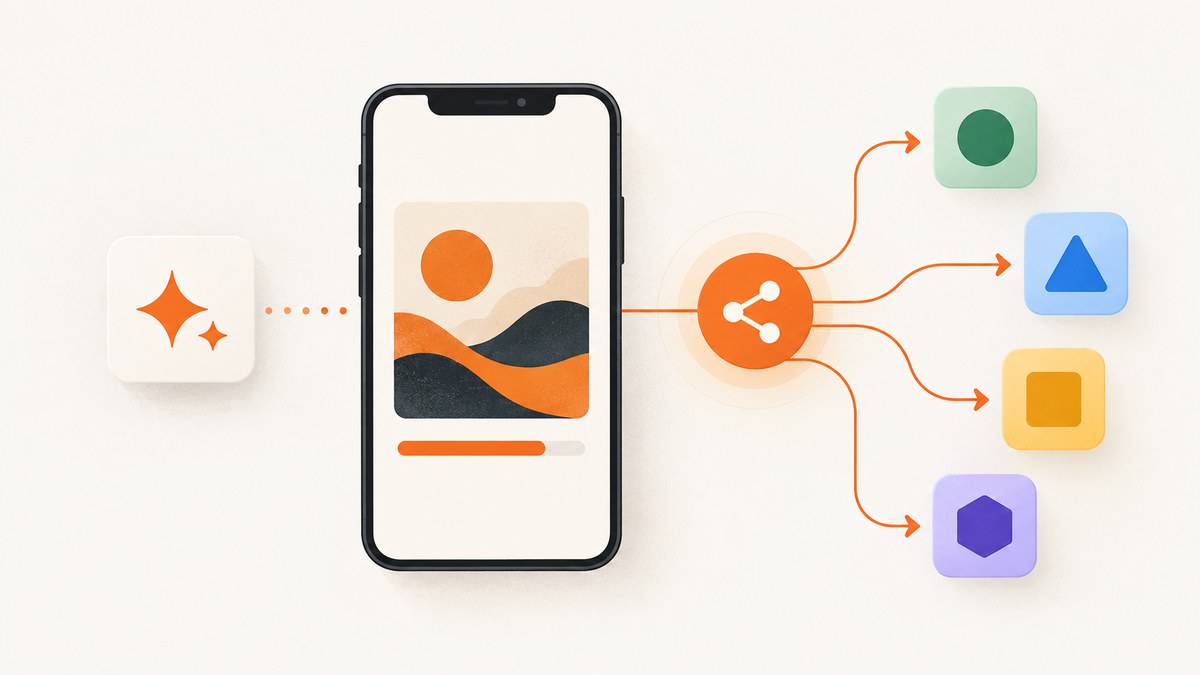
To share a generated image from a progressive web app, turn the image into a File, verify that the browser supports file sharing with navigator.canShare({ files: [file] }), and call navigator.share({ files: [file] }) directly from a visible button’s click or tap handler. Serve the PWA over HTTPS and keep a download or hosted-link fallback for browsers that cannot share files.
The Web Share API hands the file to the device’s native share sheet, so the user can choose an installed destination such as Messages, WhatsApp, Mail, or a social app. A canvas element or Blob by itself is not the final payload: construct a File with a filename and MIME type first. MDN describes the API as a way to share text, links, or files through the operating system’s sharing mechanism (Web Share API).
What the outgoing share flow does
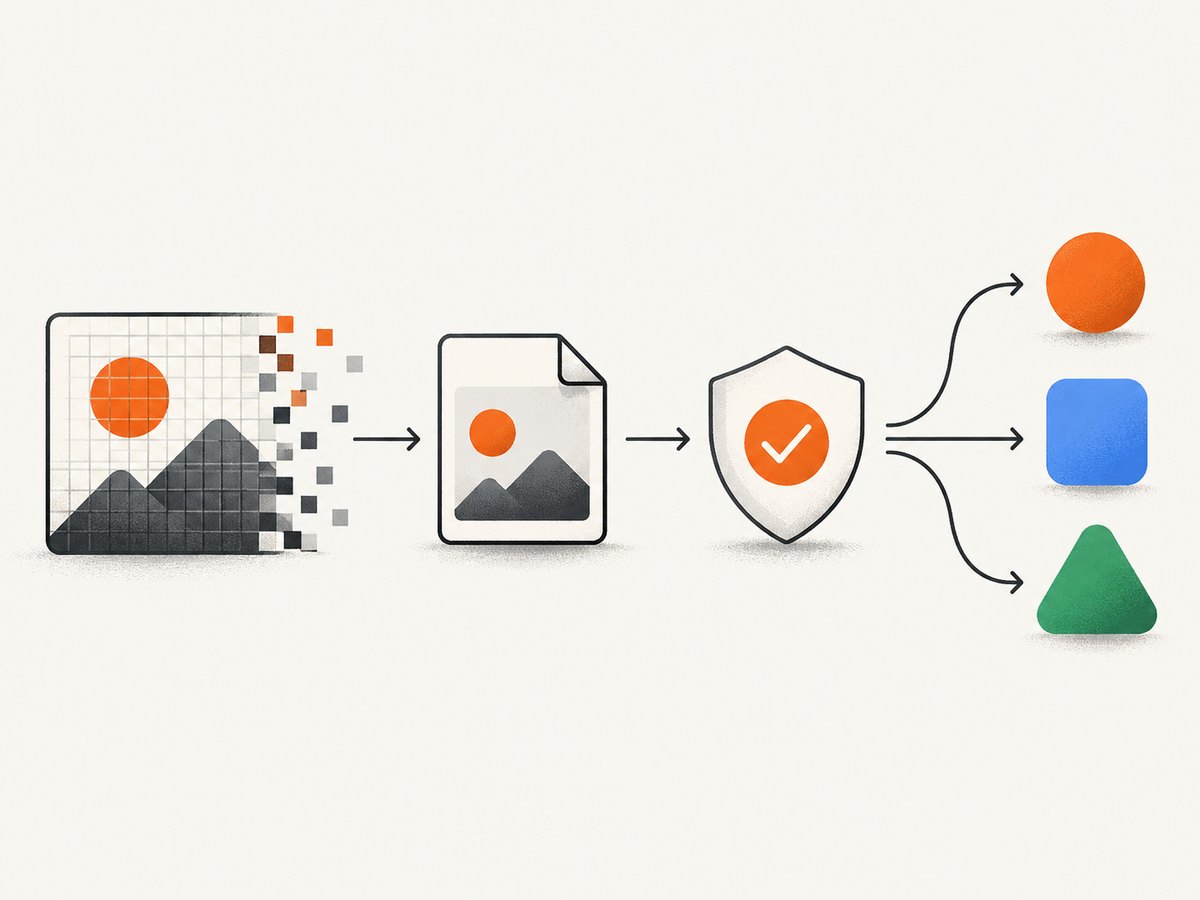
An image-sharing flow has four distinct stages:
- Generate pixels, commonly by drawing to a canvas or receiving a Blob from an image pipeline.
- Convert those bytes to a named
File, preserving a supported image MIME type. - Check
navigator.shareandnavigator.canSharebefore presenting a share control. - Invoke
navigator.sharefrom a user activation and handle completion, cancellation, and failure.
Sharing is progressive enhancement. Some browsers expose no Web Share API, some expose link sharing but reject files, and support can differ by operating system and file type. Capability detection must happen at runtime rather than relying on a browser-name test.
Complete browser implementation
The following example assumes a button with the ID share-image, a canvas with the ID artwork, and a download link with the ID download-image. It creates the image before the click where possible, which reduces the chance of losing transient user activation.
<button id="share-image" type="button">Share image</button>
<a id="download-image" download="generated-image.png" hidden>Download image</a>
<canvas id="artwork" width="1200" height="800"></canvas>
<p id="share-status" role="status" aria-live="polite"></p>

<script type="module">
const shareButton = document.querySelector('#share-image');
const downloadLink = document.querySelector('#download-image');
const status = document.querySelector('#share-status');
const canvas = document.querySelector('#artwork');
let preparedBlob;

function renderArtwork() {
  const context = canvas.getContext('2d');
  context.fillStyle = '#202124';
  context.fillRect(0, 0, canvas.width, canvas.height);
  context.fillStyle = '#8ab4f8';
  context.font = 'bold 64px sans-serif';
  context.fillText('Generated image', 80, 140);
}

function createImageBlob() {
  return new Promise((resolve, reject) => {
    canvas.toBlob(blob => {
      if (blob) resolve(blob);
      else reject(new Error('The canvas could not be encoded'));
    }, 'image/png');
  });
}

function prepareDownload(blob) {
  const url = URL.createObjectURL(blob);
  downloadLink.href = url;
  downloadLink.hidden = false;
}

async function shareGeneratedImage(blob, fileName = 'generated-image.png') {
  const file = new File([blob], fileName, {
    type: blob.type || 'image/png'
  });
  const shareData = { files: [file] };

  if (!navigator.share || !navigator.canShare ||
      !navigator.canShare(shareData)) {
    throw new Error('Image sharing is not supported here');
  }

  await navigator.share(shareData);
}

async function prepareImage() {
  renderArtwork();
  preparedBlob = await createImageBlob();
  prepareDownload(preparedBlob);
}

shareButton.addEventListener('click', async () => {
  try {
    // Use a previously prepared Blob so share() follows the user gesture.
    const blob = preparedBlob || await createImageBlob();
    await shareGeneratedImage(blob);
    status.textContent = 'Share sheet completed.';
  } catch (error) {
    if (error.name === 'AbortError') {
      status.textContent = 'Sharing was cancelled.';
      return;
    }
    console.error(error);
    status.textContent = 'Sharing is unavailable. Download the image instead.';
    if (preparedBlob) prepareDownload(preparedBlob);
  }
});

prepareImage().catch(error => {
  console.error(error);
  status.textContent = 'The image could not be prepared.';
});
</script>
The call to navigator.share returns a Promise. Resolution means the share operation completed from the browser’s perspective; rejection with AbortError generally means the user closed or cancelled the native sheet. Other rejections should leave the download or link fallback visible.
Converting common generated-image sources
Canvas
Use canvas.toBlob() rather than converting a data URL when possible. It avoids a large base64 string and lets you request a specific MIME type:
const blob = await new Promise((resolve, reject) => {
  canvas.toBlob(value => value ? resolve(value) : reject(new Error('Encoding failed')), 'image/jpeg', 0.9);
});
const file = new File([blob], 'artwork.jpg', { type: 'image/jpeg' });
Existing Blob or fetch response
const response = await fetch('/api/generated-image');
if (!response.ok) throw new Error(`Image request failed: ${response.status}`);
const blob = await response.blob();
const file = new File([blob], 'generated.webp', {
  type: blob.type || 'image/webp'
});
Data URL
If an older generator returns a data URL, fetch it to obtain a Blob before creating the File:
const blob = await (await fetch(dataUrl)).blob();
const file = new File([blob], 'generated.png', { type: blob.type || 'image/png' });
Use a filename extension that agrees with the MIME type. MDN lists common image types including PNG, JPEG, WebP, GIF, AVIF, SVG, and TIFF, but implementations do not all accept every type. Keep PNG or JPEG as the safest initial choices and let canShare decide.
Capability detection and browser constraints
Secure context
Web Share is restricted to secure contexts, normally HTTPS. Test your deployed origin, including the exact scheme and hostname. Local development may be treated specially by browsers, but an HTTP production origin will not qualify.
User activation
share() requires transient user activation. Call it from a click, pointer, or keyboard handler. Long asynchronous work before the call can consume that activation. Generate and encode the Blob when the image changes, then keep the handler focused on the capability check and share call. The MDN share() reference documents this requirement.
canShare is the file gate
Check both methods and pass the exact object you intend to share:
const data = { files: [file] };
const supported = Boolean(
  navigator.share &&
  navigator.canShare &&
  navigator.canShare(data)
);
canShare() returning true indicates that an equivalent share() call is expected to work; it does not guarantee that a particular target application will accept the file.
Permissions Policy
An embedding document can restrict the API with the web-share Permissions Policy. If your PWA runs inside an iframe or a controlled embedding environment, inspect the response policy and allow the feature where required. A policy denial can look like an ordinary unsupported-browser failure.
Fallbacks that keep the feature usable
Always render a download path. A Blob URL works for a locally generated image:
function offerDownload(blob, name = 'generated-image.png') {
  const url = URL.createObjectURL(blob);
  const link = document.createElement('a');
  link.href = url;
  link.download = name;
  link.click();
  setTimeout(() => URL.revokeObjectURL(url), 0);
}
For a hosted image, copy a public URL instead:
async function copyImageLink(url) {
  await navigator.clipboard.writeText(url);
}
Clipboard access also has browser and permission requirements, so keep a visible URL or download control as the final fallback. An application-specific export flow, such as saving to the device’s photo library in a native wrapper, can be offered when your product has one.
Sharing versus receiving images
Outgoing sharing and incoming sharing are separate features. This article covers sending a generated file to another app with Web Share. A PWA that receives an image from another app uses the Web Share Target API and a manifest share_target member, commonly with a POST endpoint for binary data. See the MDN share_target reference if you need an inbox workflow; it is not required for an outgoing Share button.
Or skip the browser setup
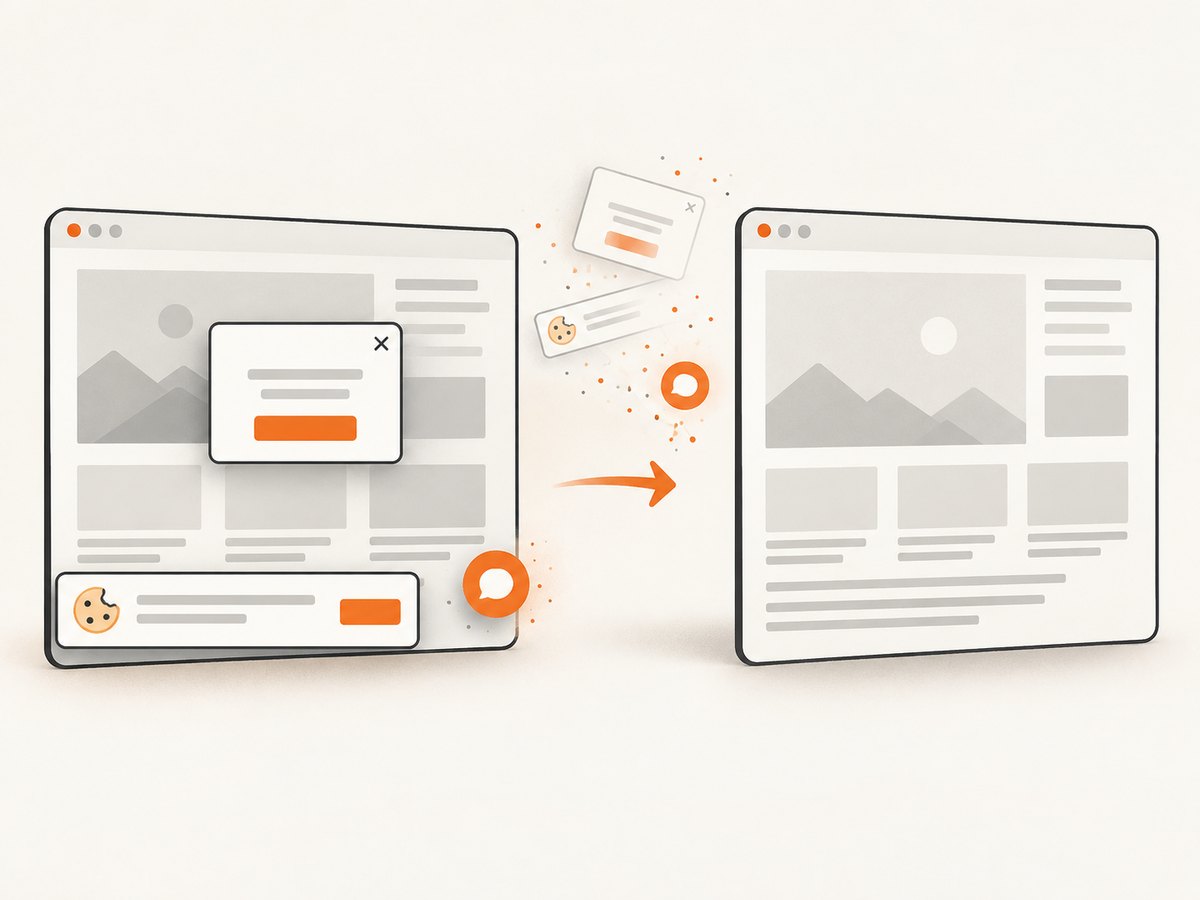
If your workflow starts with a web page rather than a local canvas, ScreenshotNeo returns a PNG, JPEG, WebP, or PDF from one GET request. Its capture can load lazy images, select one element or the full page, apply a device or custom viewport, run custom CSS or JavaScript, wait for a selector, delay, or network idle, and set headers, cookies, user agent, timezone, or geolocation. Consent banners, newsletter popups, and chat widgets are removed before the shot; each step can be disabled.
Only clean shots are billed. Bot checks or CAPTCHAs, blank pages, timeouts, failed loads, and cache hits cost nothing, and the response identifies the result with X-Page-Verdict and X-Billed headers. ScreenshotNeo also provides an MCP server with take_screenshot, get_page_info, and capture_pdf for Claude, Cursor, and other MCP clients.
See the ScreenshotNeo documentation for the complete option list. A direct image request looks like this:
curl -G "https://api.screenshotneo.com/v1/shot" -d access_key=YOUR_API_KEY --data-urlencode url=https://stripe.com -o shot.webpimport requests
r = requests.get("https://api.screenshotneo.com/v1/shot", params={"access_key": "YOUR_API_KEY", "url": "https://stripe.com"}, timeout=90)
open("shot.webp", "wb").write(r.content)const q = new URLSearchParams({ access_key: 'YOUR_API_KEY', url: 'https://stripe.com' });
const res = await fetch(`https://api.screenshotneo.com/v1/shot?${q}`);The Free plan includes 1,000 screenshots each month with no card. Paid plans start at $5 for 3,000 shots, and every feature is available on every plan. Create a free ScreenshotNeo account and use the screenshots in your PWA’s download or sharing flow.
Troubleshooting
| Symptom | Likely cause | Fix |
|---|---|---|
navigator.share is undefined |
Unsupported browser, insecure context, or restricted environment | Deploy over HTTPS and show the download or link fallback. |
canShare returns false |
File sharing or that MIME type is unsupported | Try PNG or JPEG, confirm the File has bytes and a type, then retain the fallback. |
| Share works only sometimes | User activation was lost during asynchronous preparation | Prepare the Blob before the click and call share() directly in the handler. |
| Share sheet opens but a target rejects the file | Target app does not accept the format, size, or multiple files | Use one reasonably sized PNG or JPEG and offer a hosted URL or download. |
Promise rejects with AbortError |
User dismissed the native sheet | Treat it as cancellation; do not show a failure alarm. |
| API is blocked in an iframe | web-share Permissions Policy does not allow it |
Adjust the embedding policy or run the share control in an allowed top-level document. |
| Downloaded file is empty | toBlob returned null or the object URL was revoked too early |
Reject null Blobs and revoke the URL only after the download has started. |
Performance, reliability, and cost considerations
- Encode once: Reuse the prepared Blob for Share and Download instead of redrawing and re-encoding on every click.
- Control dimensions: Very large canvases consume memory and may be rejected by a target. Render at the resolution users actually need.
- Choose a format deliberately: PNG preserves sharp edges and transparency; JPEG is smaller for photographic content. Verify support with
canShare. - Keep UI responsive: Move expensive generation to a worker where practical, then prepare the final Blob before the user opens the share action.
- Do not assume delivery: The browser cannot confirm that a recipient read or stored the image. If delivery status matters, upload the image and track it on your own service.
- Protect privacy: Generated files can contain metadata or sensitive pixels. Avoid uploading them merely to enable sharing unless the user expects that behavior.
The native share operation itself has no API usage charge. If you use a hosted screenshot or image service, account for capture, storage, bandwidth, and cache policy separately. ScreenshotNeo’s cache hits are not billed, while clean captures are counted according to the selected plan.
FAQ
Can I pass a canvas directly to navigator.share?
No. Encode it to a Blob, wrap that Blob in a File, and pass the File in the files array.
Can I share several generated images?
You can pass multiple Files when navigator.canShare({ files }) returns true, but target-app support varies. Offer one-file sharing and a ZIP or gallery link when multi-file support is unavailable.
Does installing the PWA guarantee Web Share support?
No. Installation does not replace secure-context, Permissions Policy, user-activation, or file-type checks.
What should happen when the user cancels?
Handle AbortError quietly, keep the image visible, and leave Download available.
Is Web Share Target required to send an image?
No. Web Share Target is for receiving shares. Sending uses navigator.share.


