How to Share Page Object Locators Across Playwright Page Classes
Learn when to share Playwright locators, how to compose page objects and fixtures, and how to avoid stale, ambiguous, and brittle selectors.
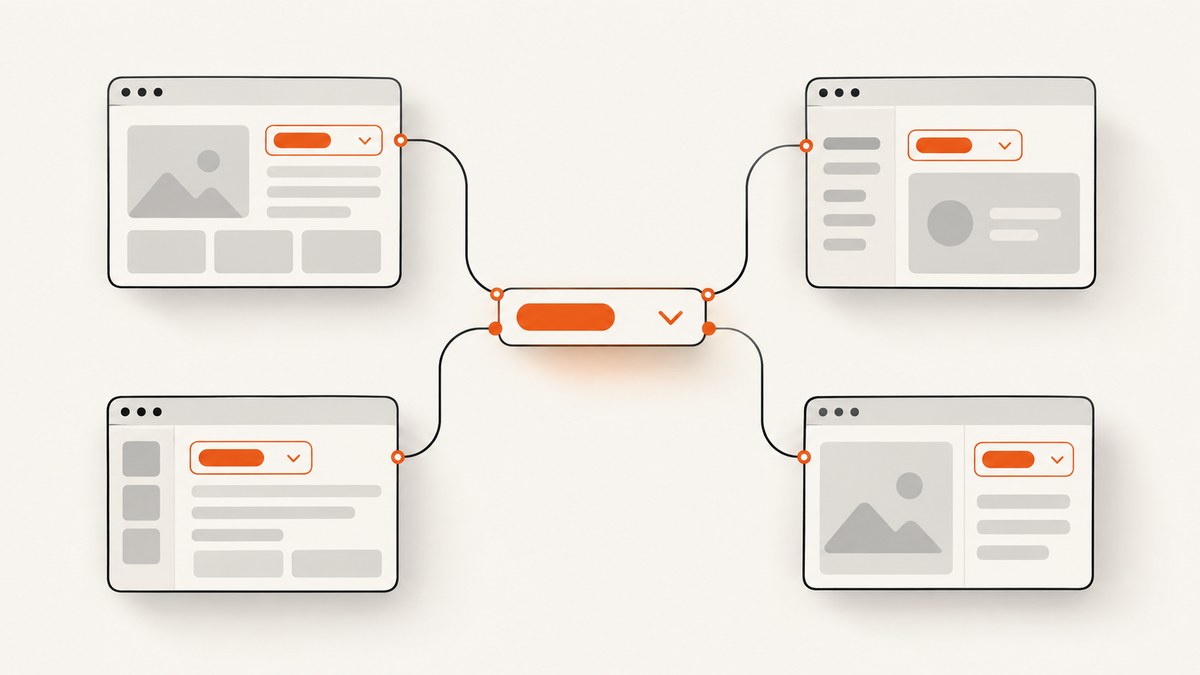
Direct answer: pass the test-scoped Playwright Page into each page object, keep locators with the object that owns that part of the UI, and extract genuinely repeated UI into a small composed component object. Build those objects from the same test page fixture when a test needs more than one. A stored Playwright Locator is reusable because it resolves against the current DOM when you use it; it is not a frozen element snapshot.
This structure gives every selector a clear owner, keeps tests readable, and lets a shared header, navigation bar, dialog, or data grid be used by several pages without copying selectors. Playwright’s page-object guidance describes page objects as a higher-level API that captures selectors and reusable code in one place. See the official Playwright page object documentation and locator guide for the underlying APIs.
1. Start with ownership, not reuse
A page object should represent a meaningful page or part of an application. Put a locator on the object responsible for the UI it describes:
OrdersPageowns the orders heading, filters, table, and page-specific actions.Headerowns the account button, primary navigation, and sign-out control if that header appears across pages.CookieBannerowns consent controls if it is a repeated component.
Do not create a global selector map merely because two controls happen to share a CSS class. Reuse the abstraction when the UI component has the same behavior and ownership in each location. If a tiny test becomes harder to read after abstraction, a little duplication is acceptable; Playwright’s best-practices guidance explicitly favors clarity over eliminating every repeated line.
2. The basic TypeScript pattern
Give each class the Page supplied by Playwright Test. Define locators in the constructor or as properties initialized from that page. The following example is complete and runnable with Playwright Test:
import { test, expect, type Locator, type Page } from '@playwright/test';

class OrdersPage {
  readonly page: Page;
  readonly heading: Locator;
  readonly search: Locator;
  readonly ordersTable: Locator;

  constructor(page: Page) {
    this.page = page;
    this.heading = page.getByRole('heading', { name: 'Orders' });
    this.search = page.getByRole('searchbox', { name: 'Search orders' });
    this.ordersTable = page.getByRole('table', { name: 'Orders' });
  }

  async goto() {
    await this.page.goto('/orders');
  }

  async searchFor(value: string) {
    await this.search.fill(value);
  }
}

test('orders page', async ({ page }) => {
  const orders = new OrdersPage(page);
  await orders.goto();
  await expect(orders.heading).toBeVisible();
  await orders.searchFor('A-100');
});
The test owns the fixture lifecycle. The page object does not create a browser, context, or second page. That preserves Playwright Test’s isolation model and prevents one object from accidentally using a page belonging to another test.
3. Share a repeated component with composition
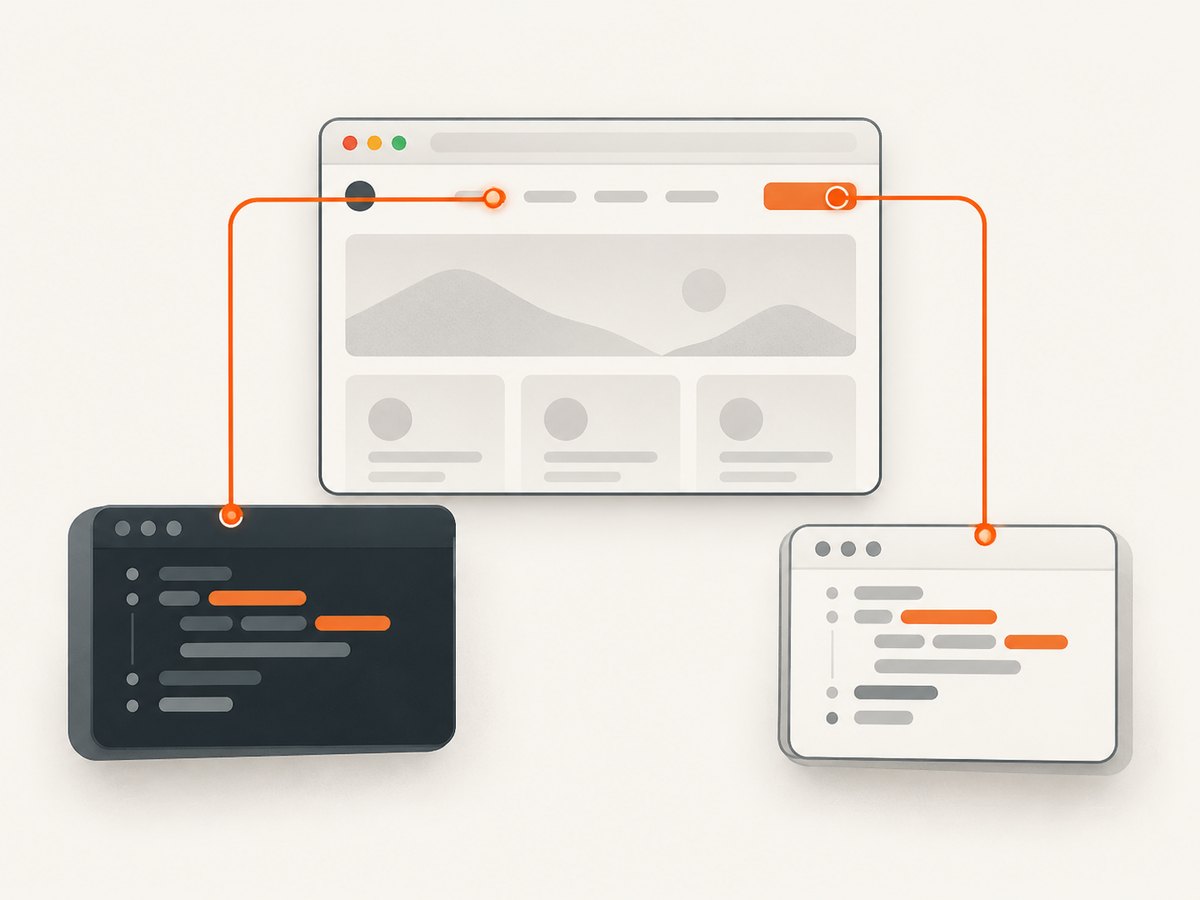
When the same component appears on multiple pages, compose a component object into each page object. Pass either the whole Page or a locator for the component root. Scoping to a root is safer when a page contains several similar controls.
import type { Locator, Page } from '@playwright/test';

class Header {
  readonly accountButton: Locator;
  readonly ordersLink: Locator;

  constructor(root: Page | Locator) {
    this.accountButton = root.getByRole('button', { name: 'Account' });
    this.ordersLink = root.getByRole('link', { name: 'Orders' });
  }
}

class OrdersPage {
  readonly header: Header;
  readonly heading: Locator;

  constructor(readonly page: Page) {
    this.header = new Header(page);
    this.heading = page.getByRole('heading', { name: 'Orders' });
  }
}

class SettingsPage {
  readonly header: Header;
  readonly heading: Locator;

  constructor(readonly page: Page) {
    this.header = new Header(page);
    this.heading = page.getByRole('heading', { name: 'Settings' });
  }
}
For a component with a unique landmark, narrow it before constructing the component:
class BillingPanel {
  readonly saveButton: Locator;

  constructor(root: Locator) {
    this.saveButton = root.getByRole('button', { name: 'Save billing details' });
  }
}

class SettingsPage {
  readonly billing: BillingPanel;

  constructor(readonly page: Page) {
    const panel = page.getByRole('region', { name: 'Billing' });
    this.billing = new BillingPanel(panel);
  }
}
This is composition: each page owns the component instance, while the component owns its controls. It avoids a deep inheritance hierarchy and keeps locator changes local to the component that needs them.
4. Use fixtures to construct related page objects
When many tests need the same objects, define a custom fixture. Playwright’s fixture documentation shows this general pattern: receive the built-in page, construct a page object, and expose it as a test parameter.
import { test as base, expect } from '@playwright/test';

class Header {
  constructor(readonly page: import('@playwright/test').Page) {}

  accountButton = this.page.getByRole('button', { name: 'Account' });
}

class OrdersPage {
  readonly header: Header;
  readonly heading = this.page.getByRole('heading', { name: 'Orders' });

  constructor(readonly page: import('@playwright/test').Page) {
    this.header = new Header(page);
  }
}

type AppFixtures = {
  ordersPage: OrdersPage;
};

export const test = base.extend<AppFixtures>({
  ordersPage: async ({ page }, use) => {
    await use(new OrdersPage(page));
  },
});

export { expect } from '@playwright/test';
A test can now request ordersPage directly:
import { test, expect } from './fixtures';

test('shows orders', async ({ ordersPage }) => {
  await ordersPage.page.goto('/orders');
  await expect(ordersPage.heading).toBeVisible();
});
Keep setup aligned with isolation. Do not store a page object in a module-level variable, reuse it across tests, or construct it with a page created outside the fixture lifecycle.
5. Choose stable locators
Prefer selectors based on how a user or assistive technology perceives the page:
| Priority | Locator | Good use |
|---|---|---|
| 1 | getByRole() |
Buttons, links, headings, dialogs, rows, and form controls with accessible names |
| 2 | getByLabel() |
Inputs associated with visible labels |
| 3 | getByText() |
Meaningful visible content when role or label is not suitable |
| 4 | getByTestId() |
An explicit testing contract maintained by the application team |
| 5 | CSS or XPath | Cases where user-facing locators cannot identify the target |
Make ambiguous locators unique by improving the accessible name or scoping to a component root. Avoid reflexively adding .first(), .last(), or .nth(). Positional selection can silently target a different control when the page changes.
// Prefer this:
page.getByRole('dialog', { name: 'Delete order' })
  .getByRole('button', { name: 'Delete' });

// Over a long DOM-coupled selector:
page.locator('.modal:nth-child(2) .footer button.danger');
6. Locator mechanics and dynamic pages
Locators are evaluated when an action or assertion uses them. If a framework rerenders a list between two actions, Playwright resolves the locator against the current DOM again. That makes a stored locator safe to share between methods on the same page object, provided the locator describes the intended UI.
A locator is not a permission to ignore state. If a control is hidden until a menu opens, model that behavior in a method:
class Header {
  readonly menuButton: Locator;
  readonly signOut: Locator;

  constructor(readonly page: Page) {
    this.menuButton = page.getByRole('button', { name: 'Account' });
    this.signOut = page.getByRole('menuitem', { name: 'Sign out' });
  }

  async signOutUser() {
    await this.menuButton.click();
    await this.signOut.click();
  }
}
Use web-first assertions such as toBeVisible() and toHaveText() instead of manually reading a value and sleeping. Waiting belongs at the boundary where the state matters, not in a shared locator registry.
7. Inheritance, composition, or duplication?
| Approach | Use it when | Risk |
|---|---|---|
| Composition | A real component appears on several pages and has its own behavior | Too many tiny classes can obscure a simple test |
| Base page class | Every page truly shares behavior such as navigation and the same page lifecycle | Inherited selectors become hard to discover and can imply false coupling |
| Small duplication | The behavior is short and the screens are only superficially similar | A later UI change may require two edits |
There is no universal Playwright rule requiring inheritance or composition. Compare whether the UI is genuinely shared, whether ownership remains obvious, whether one change should affect all consumers, and whether the abstraction makes a straightforward test harder to follow.
8. Common edge cases
Multiple instances of a component
Pass a root locator for each instance and construct separate objects:
const firstCard = new ProductCard(page.getByRole('article').nth(0));
const secondCard = new ProductCard(page.getByRole('article').nth(1));
If order is meaningful, prefer a name or data contract over an arbitrary index:
const card = new ProductCard(
  page.getByRole('article', { name: 'Annual plan' })
);
Shadow DOM and frames
Scope the object to the locator or frame that owns the control. For an iframe, use frameLocator() and define the component inside that frame boundary. Do not pass a top-level page locator into a component that actually lives in a different document.
Lists that change after an action
Keep a locator for the row or list, then locate the current child at action time. Avoid extracting an element handle for later reuse; handles are tied to a particular DOM node while locators are designed for re-resolution.
Different labels by state or locale
Use stable accessible names supplied by the application contract, or configure locale-specific expected names in the page object. Do not hide localization differences behind a selector that depends on incidental markup.
9. Troubleshooting checklist
| Symptom | Likely cause | Fix |
|---|---|---|
| “Locator resolved to 2 elements” | The selector is ambiguous | Scope to a component root, improve the role/name, or add an intentional test ID |
| Element is not visible | A menu, dialog, tab, or route has not been activated | Model the activation in a page-object method and assert the resulting state |
| Timeout after a rerender | A brittle CSS path or stale element handle | Use a locator and a user-facing selector that survives rerenders |
| Shared component targets the wrong page control | The component was constructed from the whole page despite multiple instances | Pass the specific root locator |
| Tests affect one another | A page object or locator was stored globally | Construct objects from each test’s page fixture |
| Selector breaks after harmless markup changes | It depends on DOM structure or generated classes | Prefer role, label, text, or an explicit test ID contract |
getByRole cannot find a control |
The control has no usable accessible name | Fix the application’s label/name, or use a deliberate test ID |
10. Performance, reliability, and maintenance
Locator construction is inexpensive; the larger costs usually come from navigation, rendering, and waiting for application state. Reusing a locator definition does not cache a DOM node or bypass Playwright’s actionability checks. Keep page-object methods focused so failures identify the operation that timed out.
- Use one test-scoped page and context per test unless your fixture design explicitly requires another scope.
- Prefer one meaningful assertion after an action over arbitrary fixed delays.
- Keep selectors near the behavior they serve so a UI change has a small, searchable edit surface.
- Use traces, screenshots, and Playwright’s locator inspection tools to diagnose failures rather than weakening selectors with positional methods.
- Review shared components when their UI contract changes; a shared class intentionally propagates that change to every consumer.
11. Or skip the browser setup
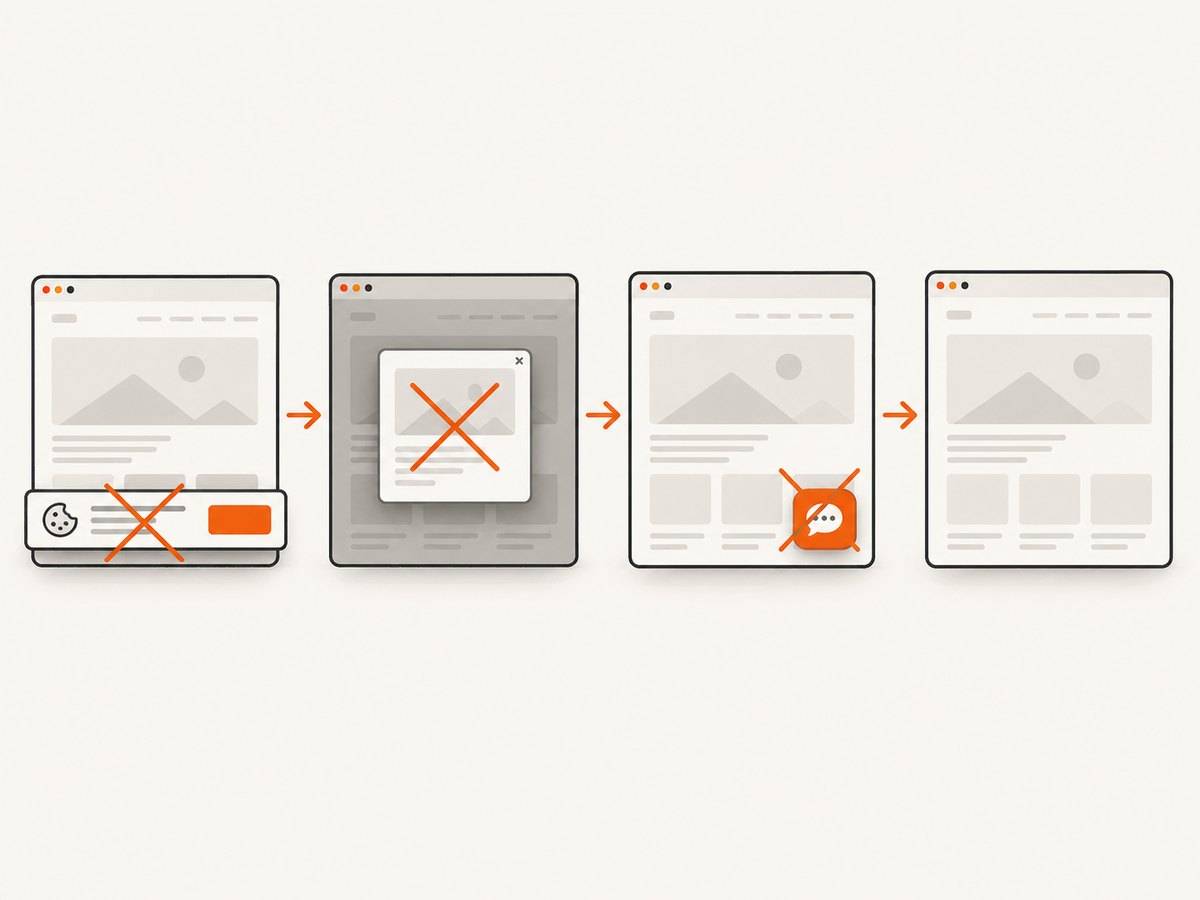
If your goal is to obtain a clean screenshot of a page rather than exercise its controls, ScreenshotNeo provides a single HTTP request. It accepts the cookie or consent banner like a visitor, removes more than 60 known consent platforms plus newsletter popups and chat widgets, and lets each cleanup step be turned off. Bot checks, CAPTCHAs, blank pages, timeouts, failed loads, and cache hits are not billed; the response reports the result in X-Page-Verdict and X-Billed headers.
Read the ScreenshotNeo API documentation for all options. Basic cURL:
curl -G "https://api.screenshotneo.com/v1/shot" \
  -d access_key=YOUR_API_KEY \
  --data-urlencode url=https://stripe.com \
  -o shot.webp
Python:
import requests

r = requests.get(
    "https://api.screenshotneo.com/v1/shot",
    params={"access_key": "YOUR_API_KEY", "url": "https://stripe.com"},
    timeout=90,
)
r.raise_for_status()
open("shot.webp", "wb").write(r.content)
Node.js:
const q = new URLSearchParams({
  access_key: 'YOUR_API_KEY',
  url: 'https://stripe.com'
});
const res = await fetch(`https://api.screenshotneo.com/v1/shot?${q}`);
if (!res.ok) throw new Error(`Screenshot failed: ${res.status}`);
const data = Buffer.from(await res.arrayBuffer());
require('node:fs').writeFileSync('shot.webp', data);
The same API supports full-page captures with lazy images loaded, CSS-selector element capture, dark mode, 12 device presets or any viewport, retina scale, PDF paper sizes and page ranges, HTML/CSS rendering, custom CSS and JavaScript, clicks, selector or network-idle waits, request and resource blocking, custom headers, cookies, user agents, authorization, timezone, geolocation, transparent backgrounds, resizing, chosen cache TTLs, signed links, asynchronous jobs with signed webhooks, bulk capture of up to 100 URLs per call, a usage API, and an OpenAPI specification. Common screenshot API parameter names also work, which simplifies migration.
ScreenshotNeo also includes an MCP server with take_screenshot, get_page_info, and capture_pdf tools for Claude, Cursor, and other MCP clients. The Free plan includes 1,000 shots per month without a card; paid plans start at $5 for 3,000 shots, and every feature is available on every plan. Create a free ScreenshotNeo account.
12. Frequently asked questions
Should every page object inherit from a BasePage?
No. Use a base class only for behavior that every page genuinely shares. A composed component is usually clearer for a header, dialog, or table that appears in selected pages.
Can two page objects share the same Page?
Yes. Construct both from the same test-scoped page fixture when a test needs to coordinate them. They should still own separate locators and behavior.
Are stored locators stale after a React or Vue rerender?
Locators are resolved when used, so they can find the current matching element after a rerender. Element handles have different lifecycle characteristics and are less suitable for reusable page-object fields.
When is a test ID better than a role locator?
Use a test ID when the team deliberately treats it as a stable testing contract or when user-facing semantics cannot uniquely identify the control. Keep the contract documented with the application.
Should I share locator objects between tests?
No. Share the class definition, not instances. Construct each instance from that test’s isolated page fixture.
How do I keep a shared component from becoming a dumping ground?
Give it one UI responsibility, keep methods at the level of user behavior, and move page-specific workflows back to the owning page object.


