How to Show the Mouse Cursor in PhantomJS Screenshots
PhantomJS does not capture an operating-system cursor. Learn how to trigger hover states, add a DOM cursor overlay, or composite one afterward.
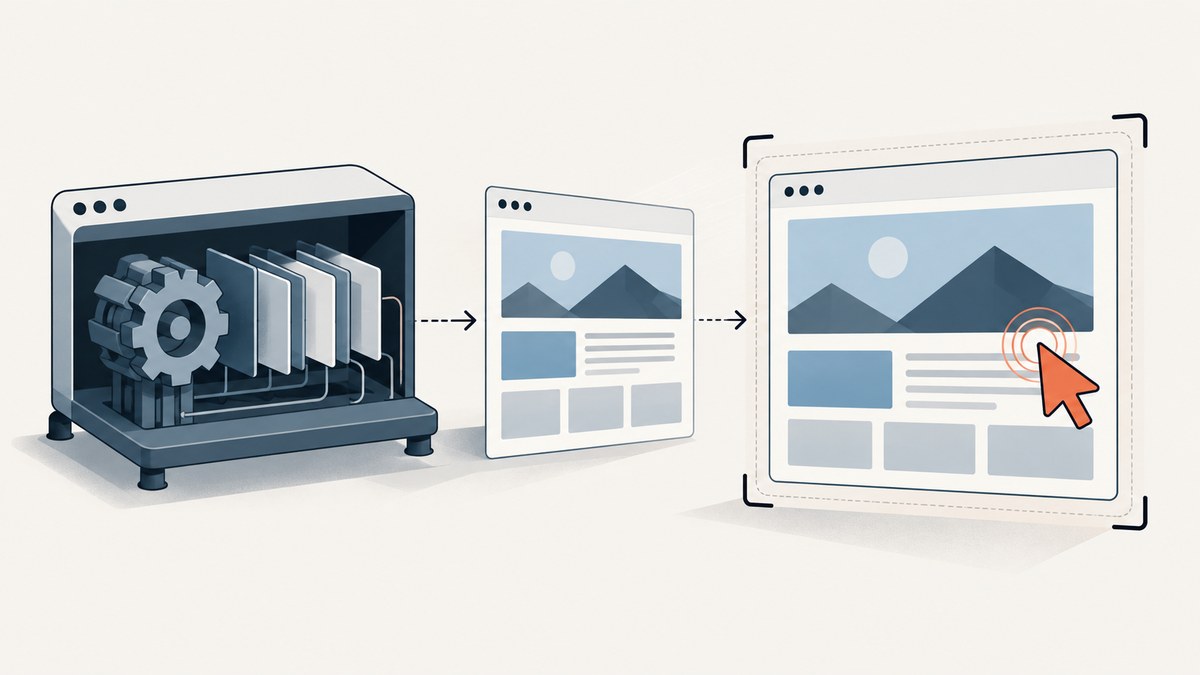
Short answer: PhantomJS can move its simulated mouse with page.sendEvent('mousemove', x, y), which may activate hover effects. Its documented page.render() API renders page content to an image or PDF, but the documentation does not provide an option for capturing an operating-system cursor graphic. If the pointer must appear in the final image, add a cursor-shaped HTML/CSS element before rendering, or composite a cursor image onto the screenshot afterward.
This distinction matters. A simulated mouse position is browser state; a visible arrow is pixels in the page or in the finished image. The examples below show both approaches and explain where each one can fail.
What PhantomJS actually captures
PhantomJS is a scriptable headless browser. Its screen-capture examples use a WebPage object, set a viewport, open a URL, and call page.render(). The render API documents image formats such as PNG, JPEG and GIF, plus PDF output; it does not document an operating-system cursor layer. See the render API and the screen-capture guide.
The separate page.sendEvent() API accepts mouse events, including mousemove, with optional coordinates. Those events are dispatched to the page and can activate CSS :hover rules or JavaScript handlers. They do not establish that a pointer graphic will be painted into the screenshot. See the sendEvent API.
PhantomJS development is suspended, according to the project homepage. Treat these instructions as guidance for a legacy PhantomJS setup, and check the exact version you run.
Choose the cursor technique
| Goal | Use | Why |
|---|---|---|
| Activate a hover menu or tooltip | page.sendEvent('mousemove', x, y) |
Changes page interaction state without adding a pointer graphic. |
| Show a pointer aligned with page content | Temporary DOM/CSS overlay | The pointer is rendered in the same coordinate space as the page. |
| Add a branded or exact cursor after capture | Image compositing | Lets you control the asset, scale and final position independently. |

Method 1: Move the simulated mouse for hover behavior
Use this when the screenshot only needs the state produced by a pointer, such as an open dropdown, highlighted card or tooltip. The pointer itself will not be visible unless the page already draws one.
var page = require('webpage').create();
page.viewportSize = { width: 1280, height: 800 };

page.open('https://example.com', function (status) {
  if (status !== 'success') {
    console.log('OPEN_FAILED');
    phantom.exit(1);
    return;
  }

  // Coordinates are viewport coordinates in CSS pixels.
  page.sendEvent('mousemove', 640, 220);

  // Give event handlers and CSS transitions time to run.
  window.setTimeout(function () {
    page.render('hover-state.png');
    phantom.exit();
  }, 500);
});
For a known element, calculate its location inside the page instead of guessing coordinates. This example returns the element’s bounding rectangle and moves the mouse to its center.
var page = require('webpage').create();
page.viewportSize = { width: 1280, height: 800 };

page.open('https://example.com', function (status) {
  if (status !== 'success') {
    phantom.exit(1);
    return;
  }

  var point = page.evaluate(function () {
    var node = document.querySelector('.menu-trigger');
    if (!node) return null;
    var rect = node.getBoundingClientRect();
    return { x: rect.left + rect.width / 2, y: rect.top + rect.height / 2 };
  });

  if (!point) {
    console.log('ELEMENT_NOT_FOUND');
    phantom.exit(1);
    return;
  }

  page.sendEvent('mousemove', point.x, point.y);
  window.setTimeout(function () {
    page.render('menu-hover.png');
    phantom.exit();
  }, 500);
});
Coordinate and timing details
- Viewport coordinates:
sendEventcoordinates are relative to the rendered viewport. Browser zoom, device scale and scrolling can change the relationship between CSS pixels and output pixels. - Scrolling:
getBoundingClientRect()returns viewport-relative coordinates, so it is suitable after scrolling to the desired section. - Transitions: wait for the page’s animation or tooltip delay. A fixed delay is simple; a page-side flag or selector check is more deterministic when you control the site.
- Hover support: the event can trigger handlers, but each site decides what its handlers do. PhantomJS does not guarantee that every modern framework or CSS effect behaves like a current browser.
Method 2: Add a cursor-shaped HTML overlay
If the arrow must be part of the captured pixels, create it in the document. This is the most direct approach when the cursor should line up with a button, menu or other page element.

var page = require('webpage').create();
page.viewportSize = { width: 1280, height: 800 };

page.open('https://example.com', function (status) {
  if (status !== 'success') {
    console.log('OPEN_FAILED');
    phantom.exit(1);
    return;
  }

  var point = page.evaluate(function () {
    var target = document.querySelector('.menu-trigger');
    if (!target) return null;
    var r = target.getBoundingClientRect();
    return { x: r.left + r.width / 2, y: r.top + r.height / 2 };
  });

  if (!point) {
    console.log('ELEMENT_NOT_FOUND');
    phantom.exit(1);
    return;
  }

  page.sendEvent('mousemove', point.x, point.y);
  page.evaluate(function (x, y) {
    var cursor = document.createElement('div');
    cursor.id = '__capture_cursor__';
    cursor.setAttribute('aria-hidden', 'true');
    cursor.style.position = 'fixed';
    cursor.style.left = x + 'px';
    cursor.style.top = y + 'px';
    cursor.style.width = '0';
    cursor.style.height = '0';
    cursor.style.zIndex = '2147483647';
    cursor.style.pointerEvents = 'none';
    cursor.style.borderTop = '18px solid #111';
    cursor.style.borderRight = '10px solid transparent';
    cursor.style.filter = 'drop-shadow(1px 1px 0 #fff)';
    document.documentElement.appendChild(cursor);
  }, point.x, point.y);

  window.setTimeout(function () {
    page.render('cursor-overlay.png');
    phantom.exit();
  }, 300);
});
The triangle above is deliberately simple and avoids an external asset. For a more familiar arrow, use a temporary element with a background-image data URI or a hosted cursor image that is guaranteed to load before rendering. Keep pointer-events: none so the overlay cannot intercept the hover event you are trying to show.
Place the overlay at an exact coordinate
When the cursor location is specified in screenshot pixels rather than page coordinates, convert it using your scale. For a normal viewport, CSS pixels and output pixels often match; retina or device-scale configurations can differ. Position the overlay in CSS pixels, then verify the resulting image dimensions.
Remove the overlay when the page continues running
page.evaluate(function () {
  var cursor = document.getElementById('__capture_cursor__');
  if (cursor) cursor.parentNode.removeChild(cursor);
});
Method 3: Composite a cursor after rendering
Post-capture compositing is useful when you already have an image-processing pipeline, need a platform-specific cursor asset, or want the cursor independent of page CSS. Render the page first, then place a transparent PNG at the desired coordinates. The exact command depends on your image tool; ImageMagick, Sharp and Pillow are common choices. The important details are the cursor hotspot (the tip), output scale and alpha channel.
# ImageMagick example: cursor.png has transparency and its tip is at (4,4)
magick hover-state.png cursor.png -geometry +636+216 -composite final.png
If the cursor tip should land at (640, 220), subtract the asset’s hotspot offset from those coordinates. Without that adjustment, the visible arrow may appear several pixels away from the intended target.
A complete PhantomJS capture script
This script combines page loading, viewport setup, a selector-based pointer position, hover activation, an overlay and rendering. Save it as capture-cursor.js and run it with your PhantomJS binary.
var system = require('system');
var webpage = require('webpage');
var page = webpage.create();
var url = system.args[1] || 'https://example.com';

page.viewportSize = { width: 1366, height: 768 };
page.settings.userAgent = 'Mozilla/5.0 (compatible; PhantomJS capture)';

page.open(url, function (status) {
  if (status !== 'success') {
    console.error('Could not open ' + url + ': ' + status);
    phantom.exit(1);
    return;
  }

  var point = page.evaluate(function () {
    var node = document.querySelector('.menu-trigger');
    if (!node) return { x: 700, y: 250 };
    var r = node.getBoundingClientRect();
    return { x: r.left + r.width / 2, y: r.top + r.height / 2 };
  });

  page.sendEvent('mousemove', point.x, point.y);
  page.evaluate(function (x, y) {
    var el = document.createElement('div');
    el.id = '__capture_cursor__';
    el.style.cssText = [
      'position:fixed', 'left:' + x + 'px', 'top:' + y + 'px',
      'width:0', 'height:0', 'z-index:2147483647',
      'pointer-events:none', 'border-top:18px solid #111',
      'border-right:10px solid transparent',
      'filter:drop-shadow(1px 1px 0 #fff)'
    ].join(';');
    document.documentElement.appendChild(el);
  }, point.x, point.y);

  window.setTimeout(function () {
    page.render('phantomjs-cursor.png');
    phantom.exit(0);
  }, 500);
});
Common errors and fixes
| Symptom | Likely cause | Fix |
|---|---|---|
| No visible cursor | sendEvent only moved the simulated mouse. |
Add a DOM overlay or composite an image. |
| Hover state is missing | Wrong coordinates, an overlay intercepted events, or the page needed more time. | Use getBoundingClientRect(), set pointer-events:none, and wait for the interaction. |
| Cursor is offset | Asset hotspot, scroll position or device scale was ignored. | Use viewport-relative coordinates and subtract the cursor hotspot when compositing. |
| Element is not found | The selector changed or content is inserted later. | Confirm the selector, wait for the page state, and log the returned rectangle. |
| Blank or partial screenshot | Navigation failed, resources timed out, or the page is incompatible with the legacy engine. | Check the open status, log resource errors, increase waits, and test the exact PhantomJS version. |
| Modern site behaves differently | PhantomJS is an old, suspended project and lacks current browser behavior. | Use a maintained browser for new automation, or treat PhantomJS output as a legacy-compatible result. |
Reliability, performance and cost considerations
- Reliability: prefer selector-derived coordinates over hard-coded points. Record the URL, viewport, scroll position and cursor coordinates with each artifact so a mismatch can be reproduced.
- Timing: a short post-event delay is inexpensive, but a deterministic condition is safer for slow pages. Do not render while a menu transition is halfway complete.
- Performance: one render plus one overlay has little overhead compared with page navigation. Large external cursor assets add another request; inline or CSS-created shapes avoid that dependency.
- Output: choose PNG when transparency or sharp edges matter. JPEG is smaller but introduces compression around a high-contrast cursor.
- Cost: PhantomJS itself does not provide a hosted capture meter in these APIs. Your costs come from the machine, browser process and any image-processing service you operate.
Or skip the browser setup
If the goal is a clean website screenshot rather than a PhantomJS-specific interaction, ScreenshotNeo provides a single HTTP request. Its capture options include custom JavaScript and CSS, so you can add a cursor overlay when the pointer must be part of the image, along with selector waits, delays and full-page capture. Read the ScreenshotNeo API documentation for the complete option list.
cURL
curl -G "https://api.screenshotneo.com/v1/shot" -d access_key=YOUR_API_KEY --data-urlencode url=https://phantomjs.org -o shot.webpPython
import requests
r = requests.get("https://api.screenshotneo.com/v1/shot", params={"access_key": "YOUR_API_KEY", "url": "https://phantomjs.org"}, timeout=90)
open("shot.webp", "wb").write(r.content)
Node.js
const q = new URLSearchParams({ access_key: 'YOUR_API_KEY', url: 'https://phantomjs.org' }); const res = await fetch(`https://api.screenshotneo.com/v1/shot?${q}`);ScreenshotNeo removes cookie and consent banners, newsletter popups and chat widgets before capture. Bot checks, blank pages, failed loads and cache hits are not billed, and each response reports its result through X-Page-Verdict and X-Billed headers. An MCP server lets Claude, Cursor and other MCP clients call take_screenshot, get_page_info and capture_pdf. The free plan includes 1,000 screenshots a month with no card; paid plans start at $5 for 3,000 shots. Create a free ScreenshotNeo account.
FAQ
Can PhantomJS capture my desktop mouse pointer?
There is no documented page.render() option for an operating-system cursor. A desktop pointer is outside the rendered page. Add one to the DOM or composite it afterward.
Will page.sendEvent('mousemove') show an arrow?
No. It sends a page interaction that may trigger hover behavior. The screenshot only contains a visible arrow if the page itself draws one or you add one.
Should I use an overlay or compositing?
Use an overlay when alignment with page content and hover state matter during rendering. Use compositing when you need a reusable cursor asset or an image pipeline already exists.
Why does the pointer appear in the wrong place on a retina screenshot?
CSS coordinates and output pixels can have different scales. Position the overlay in CSS pixels and account for the output scale when placing a post-capture asset.
Is PhantomJS suitable for new screenshot automation?
Its project homepage reports suspended development. It can remain useful for a legacy script, but verify its behavior against the pages and PhantomJS version you must support.