How to Show Scrollbars in Chrome Headless Puppeteer Screenshots
Make Chrome headless screenshots show styled scrollbars with CSS, correct scroll targets, and reliable Puppeteer capture settings.

Direct answer: style the element that actually scrolls before calling Puppeteer’s screenshot API. Use standard scrollbar-color and scrollbar-width in current Chrome, and add ::-webkit-scrollbar rules when you need the legacy Chrome path. Then capture with the viewport or full-page extent you need. Puppeteer’s fullPage and captureBeyondViewport options control how much page area is captured; they do not turn scrollbar display on.
Chrome documents support for scrollbar-color and scrollbar-width starting in Chrome 121. Scrollbars can still be absent from an image when the host uses overlay scrollbars: an idle overlay bar may be hidden until scrolling begins. A CSS width or color rule cannot guarantee a permanently visible bar on every operating system. See the Chrome scrollbar styling guidance and Puppeteer’s ScreenshotOptions reference.
1. Decide which scrollbar you need to show
First identify the scroll owner:
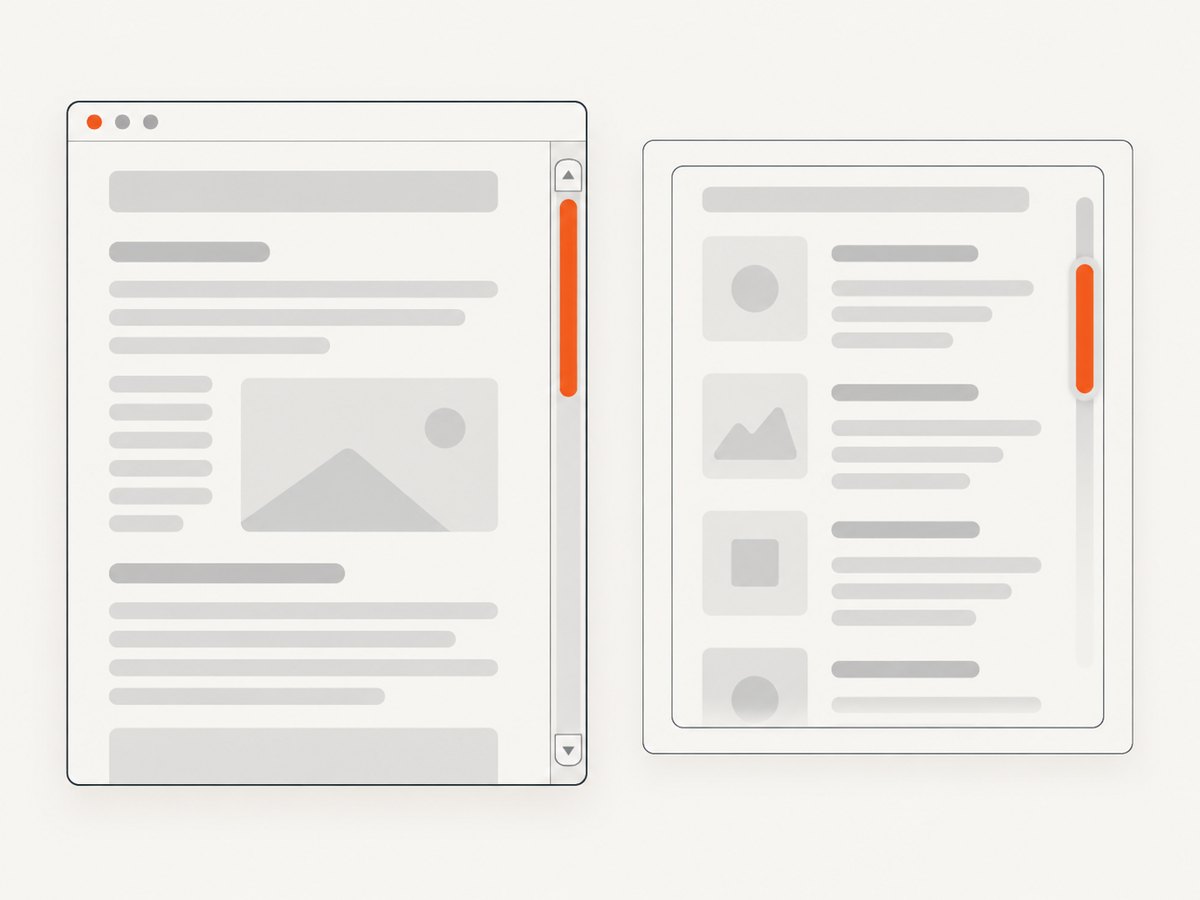
- The document: the page itself grows beyond the viewport. Style
html(and, where needed,body). - A nested panel: a dashboard, modal, or code editor has
overflow: autooroverflow: scroll. Style that panel, nothtml. - A horizontal bar: the content is wider than its scroll container. Set a horizontal size with
heightin the WebKit rule and verify that horizontal overflow really exists.
A scrollbar cannot appear when there is no overflow. Check scrollHeight > clientHeight for vertical scrolling and scrollWidth > clientWidth for horizontal scrolling.
2. Apply standards-based and WebKit CSS
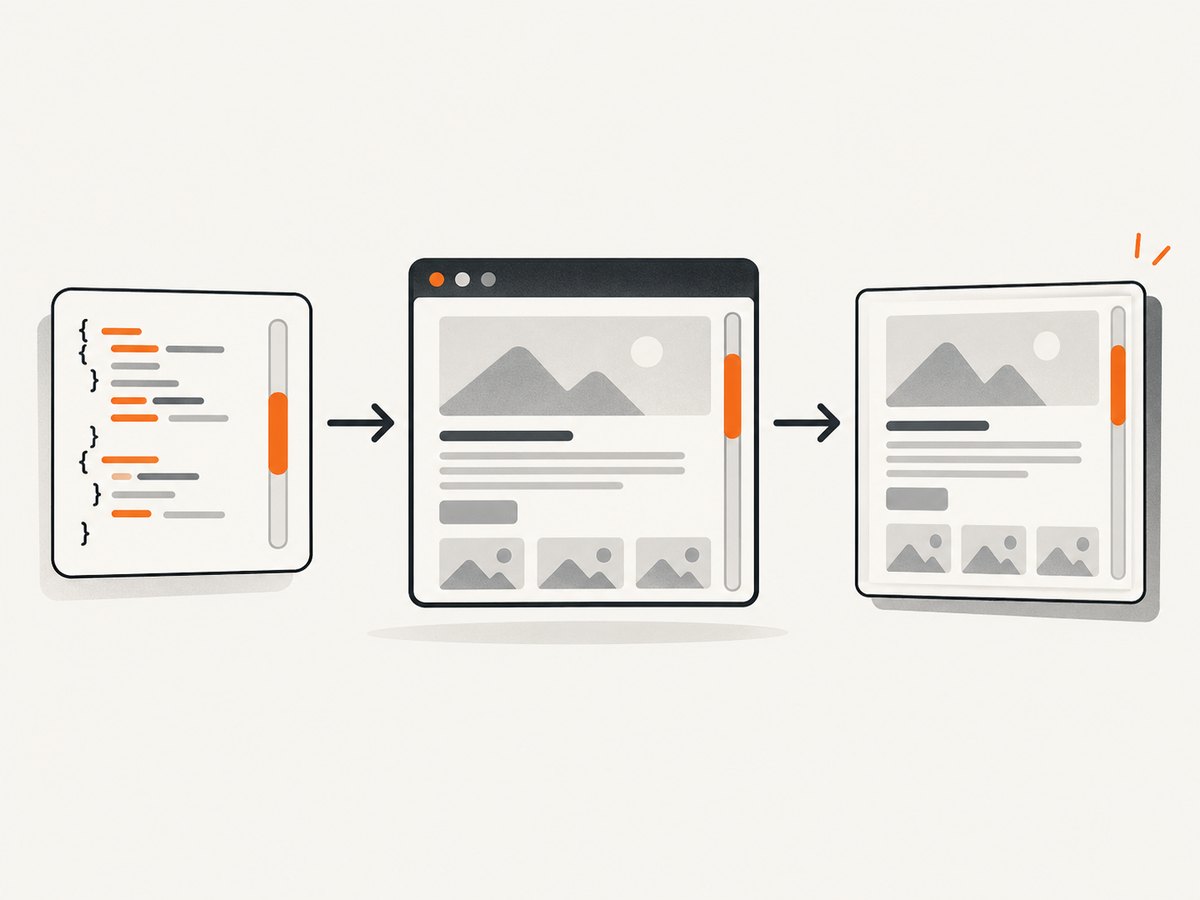
Inject both forms when your capture fleet may contain different Chrome builds. The standards properties are concise; WebKit pseudo-elements provide detailed track and thumb styling.
html {
  scrollbar-color: #666 #eee;
  scrollbar-width: auto;
}

html::-webkit-scrollbar {
  width: 12px;
  height: 12px;
}

html::-webkit-scrollbar-thumb {
  background: #666;
  border-radius: 6px;
}

html::-webkit-scrollbar-track {
  background: #eee;
}

/* Optional: make the page create enough vertical overflow for a test */
/* html { min-height: 180vh; } */
Use scrollbar-width: thin for a narrower standards-based bar or none to hide it. Avoid none when the screenshot must prove that scrolling is available. In WebKit rules, setting a width or height can cause an overlay scrollbar to display like a classic scrollbar, but the final result still depends on the operating system and Chrome mode.
Style a nested scrolling element
.results-pane {
  height: 480px;
  overflow-y: auto;
  scrollbar-color: #666 #eee;
  scrollbar-width: auto;
}

.results-pane::-webkit-scrollbar {
  width: 12px;
}

.results-pane::-webkit-scrollbar-thumb {
  background: #666;
}

.results-pane::-webkit-scrollbar-track {
  background: #eee;
}
If the site uses a shadow root, inject the rule into that root or use the component’s supported styling API. A selector in the document stylesheet cannot cross a closed shadow boundary.
3. Complete Puppeteer example
The following script launches Chromium, sets a deterministic viewport, injects scrollbar CSS before application code settles, verifies the scroll owner, briefly scrolls to activate overlay bars, and writes both viewport and full-page images.
import puppeteer from 'puppeteer';

const browser = await puppeteer.launch({
  // Use false while diagnosing rendering differences.
  headless: true
});

try {
  const page = await browser.newPage();
  await page.setViewport({ width: 1440, height: 900, deviceScaleFactor: 1 });
  await page.goto('https://example.com/long-page', {
    waitUntil: 'networkidle2',
    timeout: 60_000
  });

  await page.addStyleTag({
    content: `
      html {
        scrollbar-color: #666 #eee;
        scrollbar-width: auto;
      }
      html::-webkit-scrollbar {
        width: 12px;
        height: 12px;
      }
      html::-webkit-scrollbar-thumb { background: #666; }
      html::-webkit-scrollbar-track { background: #eee; }

      .results-pane {
        scrollbar-color: #666 #eee;
        scrollbar-width: auto;
      }
      .results-pane::-webkit-scrollbar { width: 12px; }
      .results-pane::-webkit-scrollbar-thumb { background: #666; }
      .results-pane::-webkit-scrollbar-track { background: #eee; }
    `
  });

  const geometry = await page.evaluate(() => ({
    documentScrolls: document.documentElement.scrollHeight > document.documentElement.clientHeight,
    documentScrollHeight: document.documentElement.scrollHeight,
    documentClientHeight: document.documentElement.clientHeight,
    panes: [...document.querySelectorAll('.results-pane')].map((el) => ({
      scrolls: el.scrollHeight > el.clientHeight,
      scrollHeight: el.scrollHeight,
      clientHeight: el.clientHeight
    }))
  }));
  console.log(geometry);

  // Activate an overlay scrollbar, if the platform draws one on scroll.
  await page.evaluate(() => window.scrollTo({ top: 1, behavior: 'instant' }));
  await new Promise((resolve) => setTimeout(resolve, 150));
  await page.screenshot({ path: 'viewport.png' });
  await page.screenshot({ path: 'full-page.png', fullPage: true });
} finally {
  await browser.close();
}
Puppeteer’s screenshots guide documents page.screenshot() and the fullPage option. Use captureBeyondViewport when you need capture outside the current viewport, but keep scrollbar styling in CSS. Full-page images often include the page content without a persistent scrollbar because the image is stitched or rendered beyond the viewport; use a viewport capture when the visible scrollbar itself is part of the artifact.
4. Make the result deterministic
- Fix the browser build. Record the Puppeteer version and the Chromium executable. Puppeteer’s supported-browser table maps each release to a Chrome for Testing build; use the mapping for your installed version rather than assuming the current documentation version.
- Fix viewport and scale. Set width, height, and
deviceScaleFactor. A different scale can change whether content overflows and can alter the apparent scrollbar width. - Wait for layout. Wait for the relevant selector, fonts, images, and application state. A bar measured before lazy content loads may disappear after layout expands.
- Activate overlay bars. Scroll the document or the nested panel just before capture, then wait a short, consistent interval.
- Capture the correct extent. Use a normal viewport screenshot for a visible bar. Use
fullPage: truefor the entire document when the bar is not part of the requirement.
For production comparisons, run the same script in the same container or host image. Chrome’s headless modes guide explains differences between regular headless Chrome and chrome-headless-shell; shell mode does not completely match regular Chrome. A visible-browser run with headless: false is a useful diagnostic.
5. Troubleshooting missing scrollbars
| Symptom | Likely cause | Fix |
|---|---|---|
| No bar anywhere | There is no overflow. | Inspect scrollHeight/clientHeight and wait for lazy content. |
| Document rule has no effect | A nested element owns scrolling. | Apply CSS to the element with overflow-y: auto or scroll. |
| Colors work but bar is invisible | Overlay scrollbar is idle-hidden. | Scroll immediately before capture or test with a classic-scrollbar host. |
| Full-page image has no bar | Capture extent is beyond the viewport. | Use a viewport screenshot when the visible bar matters; use full-page for content coverage. |
| Only headed mode shows it | Headless implementation or Chrome build differs. | Compare headless: false, regular headless, and shell mode with pinned versions. |
| Nested bar is clipped | Parent has overflow: hidden or the panel has no fixed height. |
Give the scroll owner a constrained height and an appropriate overflow value. |
| Bar changes after screenshot | Fonts, images, or JavaScript changed layout. | Wait for a stable selector and required resources before injecting CSS and capturing. |
| Horizontal bar missing | Content wraps instead of overflowing. | Check scrollWidth; use white-space: nowrap or a fixed-width child only when that matches the page. |
6. Debugging checklist and useful probes
// Run in page.evaluate() or DevTools.
const report = await page.evaluate(() => {
  const root = document.documentElement;
  const style = getComputedStyle(root);
  return {
    viewport: { width: innerWidth, height: innerHeight, dpr: devicePixelRatio },
    root: {
      scrollHeight: root.scrollHeight,
      clientHeight: root.clientHeight,
      overflowY: style.overflowY,
      scrollbarWidth: style.scrollbarWidth,
      scrollbarColor: style.scrollbarColor
    },
    scrollingElement: document.scrollingElement?.tagName
  };
});
console.log(report);- Confirm the injected style tag exists after navigation and after any SPA route change that replaces the document.
- Check computed
overflow-yon the suspected scroll owner. - Look for CSS such as
scrollbar-width: none, overlay libraries, or a globaloverflow: hidden. - Capture a small viewport first. A full-page result can hide the distinction between a viewport bar and the page’s captured content.
- Keep screenshots from headed and headless runs side by side while isolating an environment issue.
7. Performance, reliability, and cost considerations
Scrollbar CSS itself is inexpensive. The time and failure risk usually come from navigation, fonts, JavaScript, images, and repeated full-page captures.
- Performance: reuse a browser process for multiple pages, set a navigation timeout that matches the site, and avoid unnecessary full-page captures. Blocking irrelevant analytics or large media can shorten navigation when your test permits it.
- Reliability: pin Puppeteer and Chrome versions, set a fixed viewport, wait for an application-ready selector, and record the headless mode. Treat a screenshot as invalid when the page is blank, a bot check is present, or the expected scroll owner is absent.
- Geometry: a scrollbar can reduce the content width in classic mode. That can trigger wrapping and change the screenshot. Compare geometry after styling, not only pixel colors.
- Retries: retry transient navigation failures with a bounded count, but do not silently accept a CAPTCHA or timeout image as a successful capture.
- Cost: self-hosted Puppeteer costs the compute time of your browser workers. If you use a hosted screenshot API, check whether failed loads and cache hits are billed and whether it exposes a verdict.
8. Or skip the browser setup
ScreenshotNeo provides a website screenshot API and MCP server. It can apply custom CSS before capture, so you can send the scrollbar rules without maintaining Chromium workers. The API supports PNG, JPEG, WebP, and PDF output, full-page capture, element capture, viewport and device presets, retina scale, waits, custom JavaScript, request blocking, headers, cookies, user agents, caching, async jobs, bulk capture, and usage reporting. See the ScreenshotNeo documentation for the current parameter names and OpenAPI specification.
cURL
curl -G "https://api.screenshotneo.com/v1/shot" \
  -d access_key=YOUR_API_KEY \
  --data-urlencode url=https://example.com/long-page \
  -o shot.webp
Python
import requests

r = requests.get(
    "https://api.screenshotneo.com/v1/shot",
    params={"access_key": "YOUR_API_KEY", "url": "https://example.com/long-page"},
    timeout=90,
)
r.raise_for_status()
open("shot.webp", "wb").write(r.content)
Node.js
const q = new URLSearchParams({
  access_key: 'YOUR_API_KEY',
  url: 'https://example.com/long-page'
});
const res = await fetch(`https://api.screenshotneo.com/v1/shot?${q}`);
if (!res.ok) throw new Error(`Screenshot failed: ${res.status}`);
const data = Buffer.from(await res.arrayBuffer());
await import('node:fs/promises').then(fs => fs.writeFile('shot.webp', data));
Pass your scrollbar stylesheet through ScreenshotNeo’s custom CSS option, target a nested selector when necessary, and choose a viewport capture when the visible bar must be present. ScreenshotNeo removes cookie banners, newsletter popups, and chat widgets before the shot; bot checks, blank pages, failed loads, timeouts, and cache hits are not billed, and response headers report the page verdict and billing result. Its MCP server exposes take_screenshot, get_page_info, and capture_pdf for Claude, Cursor, and other MCP clients. The Free plan includes 1,000 shots per month without a card; paid plans start at $5 for 3,000 shots, and every feature is available on every plan. Create a free ScreenshotNeo account.
9. FAQ
Does fullPage: true show a scrollbar?
No. It changes the captured extent. Style the scroll owner and use a viewport capture when the bar itself must be visible.
Should I use only ::-webkit-scrollbar?
Use it for detailed Chrome styling or legacy compatibility. Include scrollbar-color and scrollbar-width for current Chrome builds.
Why does a scrollbar appear only after I scroll?
Your platform is likely using overlay scrollbars that hide while idle. Scroll shortly before capture or use an environment configured for classic bars.
Can Puppeteer force a scrollbar through an option?
No. Puppeteer controls capture geometry and browser execution; scrollbar appearance is controlled by page CSS and the rendering environment.
How do I prove a nested panel is scrollable?
Evaluate its scrollHeight and clientHeight, confirm a constrained height, and inspect its computed overflow-y.
10. Final checklist
- Identify the actual scroll owner.
- Verify overflow exists after fonts, images, and application data load.
- Inject standards-based and WebKit scrollbar CSS before capture.
- Set a fixed viewport, scale, Chrome build, and headless mode.
- Activate overlay bars when the operating system hides idle scrollbars.
- Use viewport capture for a visible bar and full-page capture for complete content.
- Inspect verdicts and failures instead of saving blank or bot-check images.
With these checks, a missing scrollbar becomes a measurable CSS, geometry, or environment issue instead of a guessing exercise.


