ShrinkTheWeb Alternatives for Website Thumbnails and Screenshots
Compare ShrinkTheWeb alternatives for reliable website thumbnails and screenshots, with API options, code examples, pricing notes, and selection guidance.
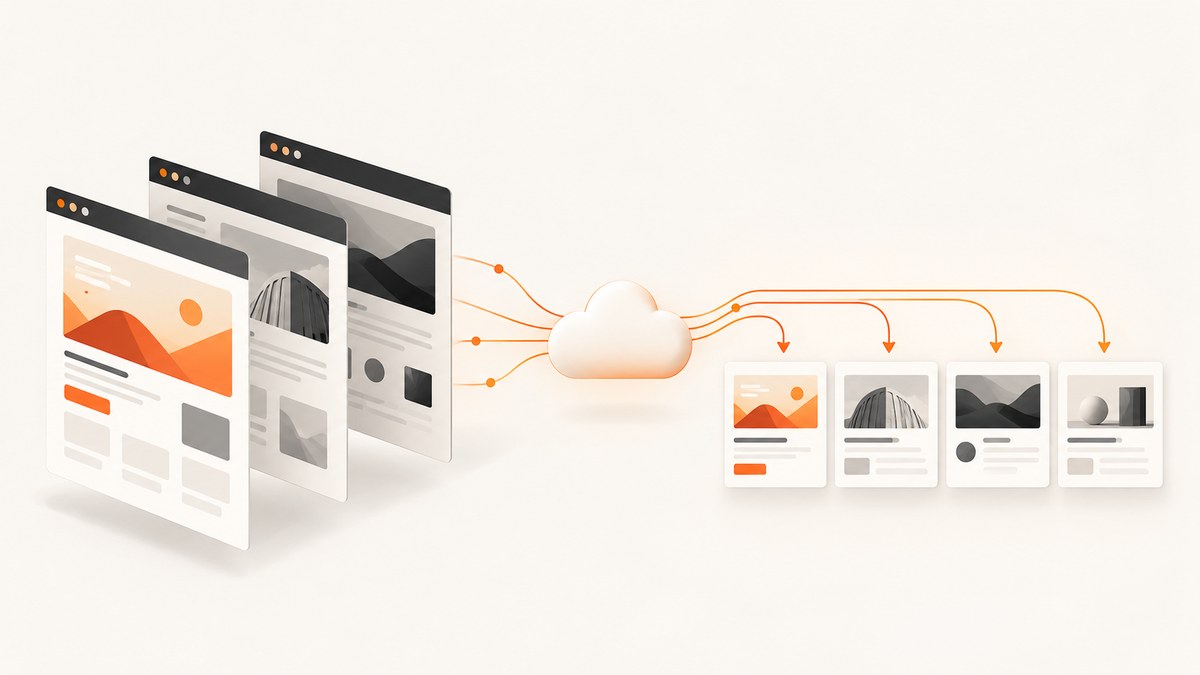
If you need website thumbnails or screenshots from URLs, the practical alternatives to ShrinkTheWeb are hosted screenshot APIs. They remove browser infrastructure from your application: you send a URL and rendering options, then receive an image or document. For most new projects, ScreenshotNeo is the first service to try because it removes consent banners, newsletter popups and chat widgets before capture, bills only clean shots, and starts with 1,000 free screenshots per month.
This guide compares ScreenshotNeo, ScreenshotOne and Urlbox, explains how to choose between them, and shows complete request examples. Prices and allowances are vendor-published snapshots checked on September 30, 2026; verify current terms before purchase.
Quick answer: which ShrinkTheWeb alternative should you use?
| Service | Best fit | Documented details |
|---|---|---|
| ScreenshotNeo | Clean thumbnails and screenshots with predictable billing | Consent and overlay removal, full-page and element capture, 63 options, MCP server, 1,000 free shots monthly, paid plans from $5 for 3,000 |
| ScreenshotOne | Configurable hosted image screenshots | Viewport and device controls, full-page capture, blocking controls, image resizing, PNG and JPEG output |
| Urlbox | Screenshot workflows that may also need PDFs, video or extracted page data | Viewport, delay and selector controls; video, PDF/SVG and extracted Markdown, JSON or hydrated HTML are documented |
Choose with a small proof of concept using your real URLs. Test the same viewport, wait condition, output format and blocking settings. Feature lists do not prove that a provider will render every target page correctly.
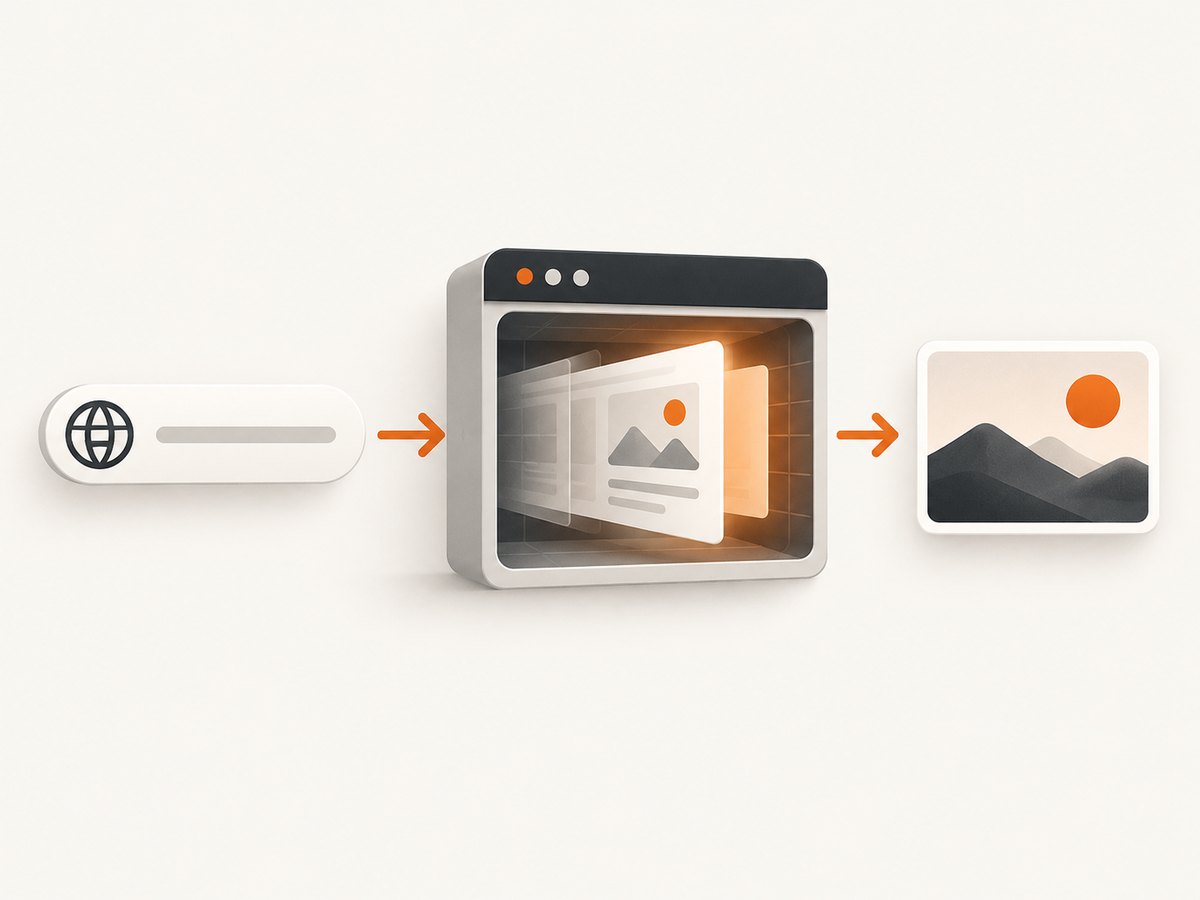
What to evaluate in a ShrinkTheWeb replacement
1. Capture control
Thumbnails often need a fixed viewport, while documentation pages and long landing pages need full-page capture. Check for device presets, arbitrary viewport dimensions, retina scale, element or CSS-selector capture, dark mode, and controls for lazy-loaded images. A service should also let you wait for a selector, a delay or network idle so JavaScript-rendered content is present.
2. Page behavior
Real pages contain consent notices, chat bubbles, newsletter forms, ads, trackers, login walls and bot checks. Ask whether you can hide selectors, block requests or resource types, provide cookies and headers, set a user agent, and configure timezone or geolocation. These controls determine whether a thumbnail represents the page or an obstruction.
3. Output and workflow
For cards and previews, compare PNG, JPEG and WebP support, image resizing and transparent backgrounds. If your workflow produces documents, check PDF paper size, margins, landscape mode and page ranges. Synchronous image responses are simplest; asynchronous jobs and signed webhooks help when captures take longer or must be processed in bulk.
4. Volume economics
Compare successful-render allowances, treatment of failures, cache hits, overages, request limits and taxes. A low headline price can be expensive if unsuccessful attempts are billed or if your workload requires a higher tier. Calculate monthly URLs, recapture frequency and cache TTL from your actual application.
5. Privacy and operations
Confirm data retention, geographic rendering, authentication handling, support and contractual commitments in current documentation. Do not infer uptime, latency or fidelity from a feature list; the research for this article contains no independent benchmarks.
1. ScreenshotNeo: the first alternative to try
ScreenshotNeo is a website screenshot API and MCP server. A GET request to https://api.screenshotneo.com/v1/shot returns a PNG, JPEG, WebP or PDF. Before capture, it accepts the cookie or consent banner like a visitor and removes more than 60 known consent platforms, newsletter popups and chat widgets. Each step can be turned off.
Only clean shots are billed. Bot checks or CAPTCHAs, blank pages, timeouts, failed loads and cache hits cost nothing, and the response identifies the result with X-Page-Verdict and X-Billed headers. That makes it easier to reconcile usage when building a thumbnail pipeline.
Core ScreenshotNeo options
- Full-page capture with lazy images loaded.
- Capture one element by CSS selector.
- Dark mode, 12 device presets, arbitrary viewport and retina scale.
- PDF paper size, margins, landscape mode and page ranges.
- HTML/CSS to image, custom CSS and JavaScript, and clicking an element before capture.
- Hide selectors; wait for a selector, delay or network idle.
- Block ads, trackers, requests or resource types.
- Custom headers, cookies, user agent and Authorization.
- Timezone and geolocation, transparent background and image resizing.
- Cache with a TTL you choose, signed links for public
<img>tags. - Asynchronous jobs with signed webhooks, bulk capture of 100 URLs per call, usage API and OpenAPI specification.
- MCP tools named
take_screenshot,get_page_infoandcapture_pdffor Claude, Cursor and other MCP clients.
Every feature is available on every plan. Pricing is Free for 1,000 shots per month with no card, Starter $5 for 3,000, Growth $15 for 15,000, Pro $39 for 60,000, Scale $99 for 250,000 and Business $249 for 1,000,000. Yearly billing gives two months free.
Minimal requests
See the ScreenshotNeo API documentation for the complete option list. These examples save the response as a WebP image.
curl -G "https://api.screenshotneo.com/v1/shot" -d access_key=YOUR_API_KEY --data-urlencode url=https://stripe.com -o shot.webpimport requests
r = requests.get("https://api.screenshotneo.com/v1/shot", params={"access_key": "YOUR_API_KEY", "url": "https://stripe.com"}, timeout=90)
open("shot.webp", "wb").write(r.content)const q = new URLSearchParams({ access_key: 'YOUR_API_KEY', url: 'https://stripe.com' });
const res = await fetch(`https://api.screenshotneo.com/v1/shot?${q}`);Thumbnail pipeline pattern
- Normalize and validate the submitted URL. Permit only schemes and hosts your application should fetch.
- Choose a stable viewport and device preset for consistent card dimensions.
- Set a wait condition for client-rendered pages; use network idle only when the page finishes loading reliably.
- Enable full-page mode for long pages or selector capture for a hero region.
- Use image resizing after capture when every card must share exact dimensions.
- Read
X-Page-VerdictandX-Billed, store the image and log the verdict. - Use a cache TTL appropriate to how often the source changes. Bulk capture or asynchronous jobs can reduce application request overhead.
2. ScreenshotOne
ScreenshotOne documents a hosted screenshot API with customizable rendering, viewport and device settings, full-page captures, and controls for cookie banners, ads and chat widgets. Its options documentation explains image width and height resizing for thumbnails while preserving aspect ratio, and lists PNG and JPEG output. Start with its getting-started guide and options reference.
The pricing page checked for this research lists 100 screenshots per month free, Basic at $17 per month for 2,000 screenshots, Growth at $79 for 10,000 and Scale at $259 for 50,000. It also lists allowances and extra-render rates, and says prices exclude VAT. Treat these as dated snapshots.
ScreenshotOne is a reasonable fit when your requirements center on image screenshots, resizing, device emulation and page blocking. Validate your pages because vendor documentation does not establish output fidelity on your URLs.
3. Urlbox
Urlbox describes URL and HTML rendering with viewport, delay, selector and advanced settings. Its documented outputs and related workflows include screenshots, video, PDF/SVG documents, and extracted Markdown, JSON or hydrated HTML. Use the Urlbox documentation to map your exact request.
Its pricing page checked for this article lists Lo-Fi at $19 per month for 2,000 renders, Hi-Fi at $49 for 5,000, Ultra at $99 for 15,000 and Business at $498 per month. The page says prices exclude VAT, unsuccessful renders are not charged, and render links cache for 30 days unless overridden. Confirm current pricing and capabilities before committing.
DIY option: run a browser yourself
If a hosted API does not fit your security or deployment model, you can run Chromium with Playwright or Puppeteer. This provides maximum control but makes you responsible for browser binaries, concurrency, fonts, sandboxing, page timeouts, resource blocking, retries, storage and security.

Node.js Playwright example
import { chromium } from 'playwright';

const browser = await chromium.launch({ headless: true });
const page = await browser.newPage({
  viewport: { width: 1280, height: 800 },
  deviceScaleFactor: 1
});
await page.goto('https://example.com', {
  waitUntil: 'networkidle',
  timeout: 60000
});
await page.screenshot({ path: 'shot.png', fullPage: true });
await browser.close();
For production, add a bounded timeout, retry only transient failures, block unwanted resource types, wait for a meaningful selector, and isolate untrusted pages. Avoid unlimited concurrency: each browser context consumes memory and can exhaust file descriptors or CPU.
When self-hosting becomes costly
Infrastructure effort grows with traffic spikes, browser upgrades, anti-bot behavior, pages that never become idle, and requests for PDFs or authenticated captures. You also need observability around failed navigations and a policy for pages containing sensitive data. A hosted service can be cheaper when engineering time and operational reliability matter more than complete browser control.
Or skip the browser setup
ScreenshotNeo handles the capture request for you:
curl -G "https://api.screenshotneo.com/v1/shot" -d access_key=YOUR_API_KEY --data-urlencode url=https://stripe.com -o shot.webpCookie banners, newsletter popups and chat widgets are removed before the shot. Bot checks, blank pages and failed loads are never billed. The MCP server lets AI agents take screenshots, inspect pages and capture PDFs. You get 1,000 screenshots a month free with no card, and paid plans start at $5 for 3,000.
Create a free ScreenshotNeo account to obtain an API key.
Troubleshooting
The image contains a cookie banner
Cause: The consent platform is not recognized, the cleanup step was disabled, or the banner appears after the capture wait condition. Fix: Keep consent cleanup enabled, wait for the page to settle, and hide the banner with a selector or custom CSS when your provider supports it.
The screenshot is blank or partially loaded
Cause: The page relies on JavaScript, lazy images, blocked third-party resources or a navigation timeout. Fix: Wait for a content selector, enable lazy-image loading or network idle where appropriate, increase the timeout within the provider limit, and inspect the page verdict. Do not assume a successful HTTP response means visual content finished rendering.
A bot check or CAPTCHA appears
Cause: The target site detected automated traffic. Fix: Do not attempt to bypass access controls. Check whether the site offers an authorized integration, provide required authentication headers or cookies, or capture a permitted staging URL. With ScreenshotNeo, bot checks and failed loads are identified and are not billed.
Authenticated content is missing
Cause: The capture request lacks the session cookie, Authorization header or correct user agent. Fix: Supply only the credentials required for the page, verify cookie domains and expiry, and avoid logging secrets. Test the same credentials in a controlled browser session.
Thumbnails have inconsistent dimensions
Cause: Different viewport sizes, device scale factors or aspect ratios. Fix: Standardize viewport and scale, then resize output to your card dimensions while preserving aspect ratio. Use a fixed crop or element selector when the subject must align across pages.
Requests are too slow
Cause: Full-page pages, heavy third-party scripts, network-idle waits or uncached captures. Fix: Capture a representative element, block ads and trackers, use a selector wait instead of an indefinite idle wait, enable caching, and move large batches to asynchronous jobs.
Costs exceed the estimate
Cause: Recaptures, disabled caching, overages or counting failed attempts differently than expected. Fix: Estimate from successful and repeated URLs, set a cache TTL, read billing headers where available, and compare the provider’s current allowance and overage policy with your workload.
Performance, reliability and cost checklist
- Measure success rate on representative dynamic, authenticated and consent-heavy URLs.
- Record capture duration separately from downstream image processing.
- Use deterministic viewport, timezone, locale and device settings.
- Cache unchanged pages and invalidate deliberately.
- Set bounded timeouts and retry only transient errors.
- Use bulk or asynchronous APIs for large imports.
- Track verdict, billed status, URL, options and timestamp for support and accounting.
- Review privacy, retention and credential handling before sending sensitive pages.
FAQ
Is ShrinkTheWeb still the best choice?
The available research does not independently verify ShrinkTheWeb’s current status or capabilities. Evaluate the alternatives against your URLs and requirements.
Can these services capture a single element?
ScreenshotNeo documents CSS-selector element capture. ScreenshotOne and Urlbox document selector-related rendering controls; confirm the exact syntax in their current documentation.
Which option is best for AI agents?
ScreenshotNeo includes an MCP server with take_screenshot, get_page_info and capture_pdf tools for MCP clients such as Claude and Cursor.
Should I compare prices by screenshot?
Compare successful renders, failed-render billing, cache behavior, overages, required features and taxes. A headline monthly price alone is insufficient.
Can I use a screenshot API for public image tags?
ScreenshotNeo documents signed links for public <img> tags. For other providers, verify whether generated URLs are signed, public, cached and time-limited.


