Signed URLs for Screenshot APIs Explained
Learn how signed screenshot URLs protect API secrets in public embeds, how provider-specific signing works, and when a backend request is the better choice.
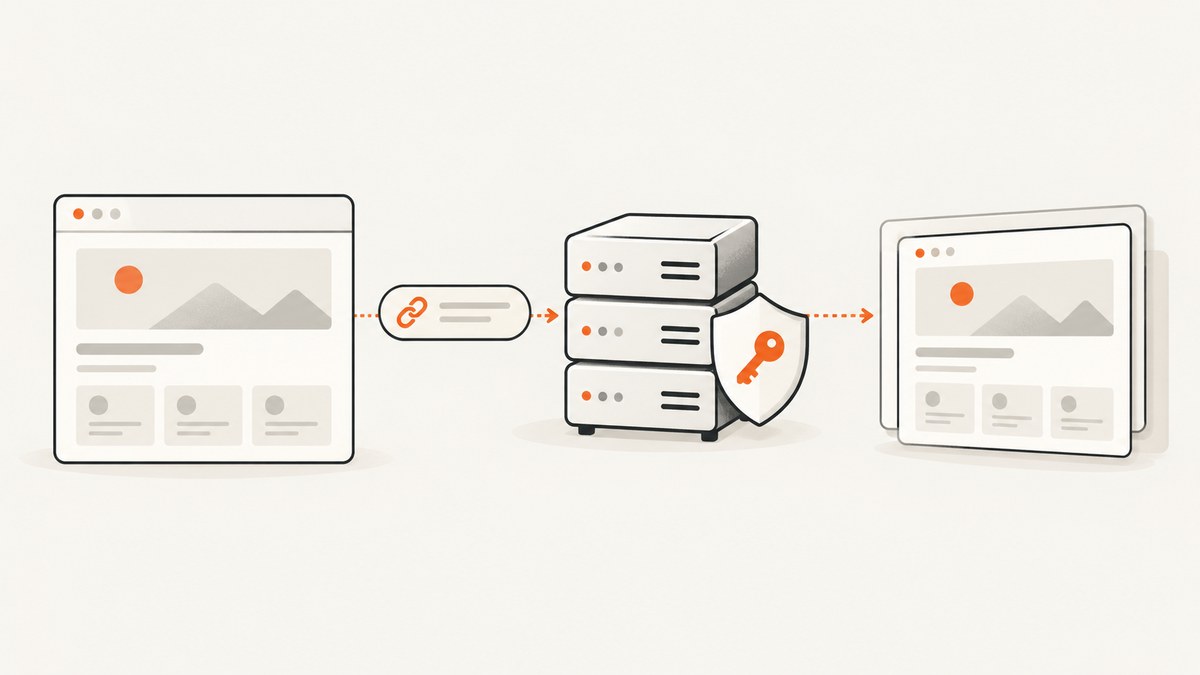
A signed URL lets a browser request a screenshot directly, without putting the signing secret in the public link. Your server creates a signature over the request using the screenshot provider’s documented rules; the provider verifies it before returning the image. The link itself remains visible and can usually be reused by anyone who gets it, so signing does not automatically make a URL private, one-time, or temporary.
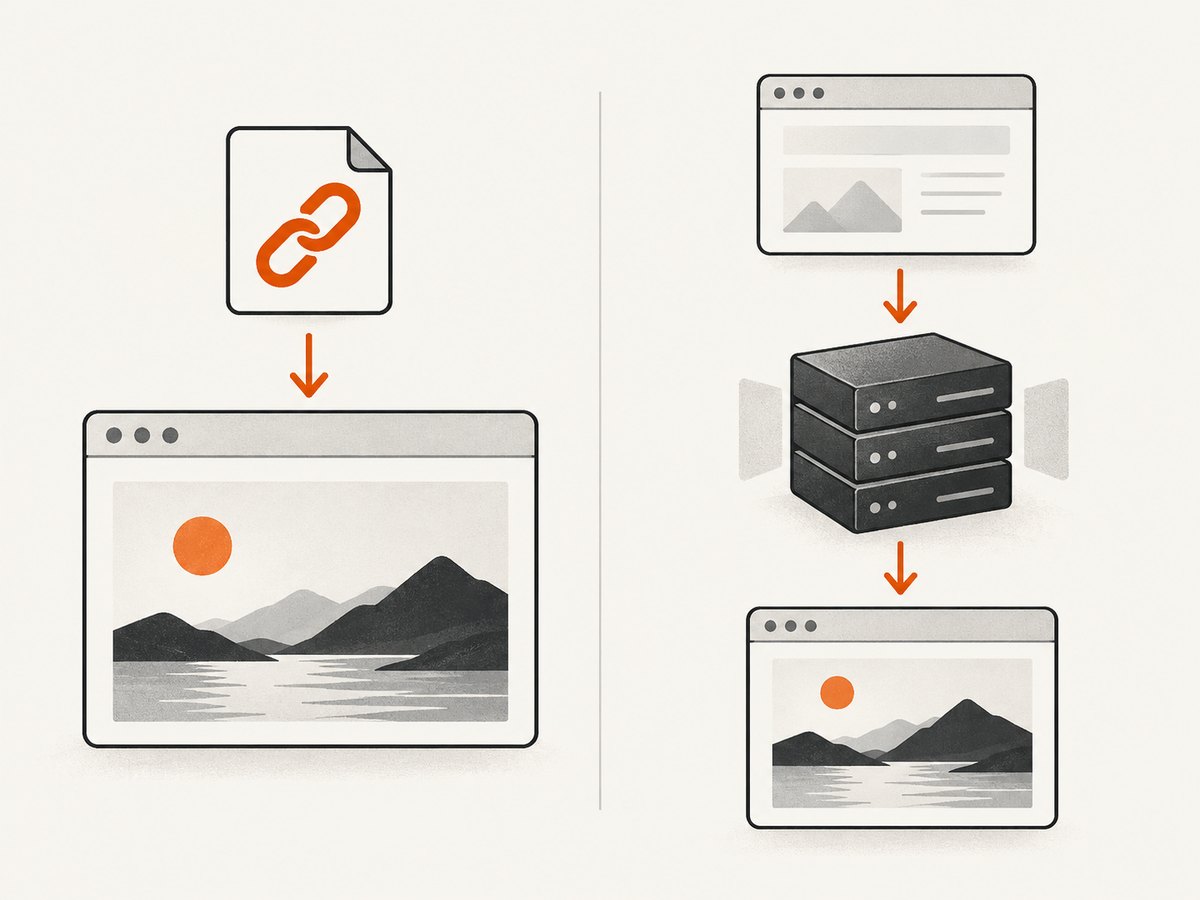
Use a signed GET URL when a public client needs to fetch an image directly, such as an HTML <img> or an Open Graph image. Use a server-side API call when the screenshot is triggered by your application, the secret must stay entirely server-side, or the request needs options that do not fit the provider’s signed GET endpoint. Signing formats are provider-specific: never copy an algorithm or URL-canonicalization recipe from another service.
1. What a signed screenshot URL contains
A signed request generally has screenshot parameters, a visible API key or key identifier where the provider requires one, and a signature. The server computes the signature with a secret key that stays private. The API computes or checks the expected signature and accepts or rejects the request. The signature lets the service detect whether covered request data matches what was signed; it does not conceal that data.
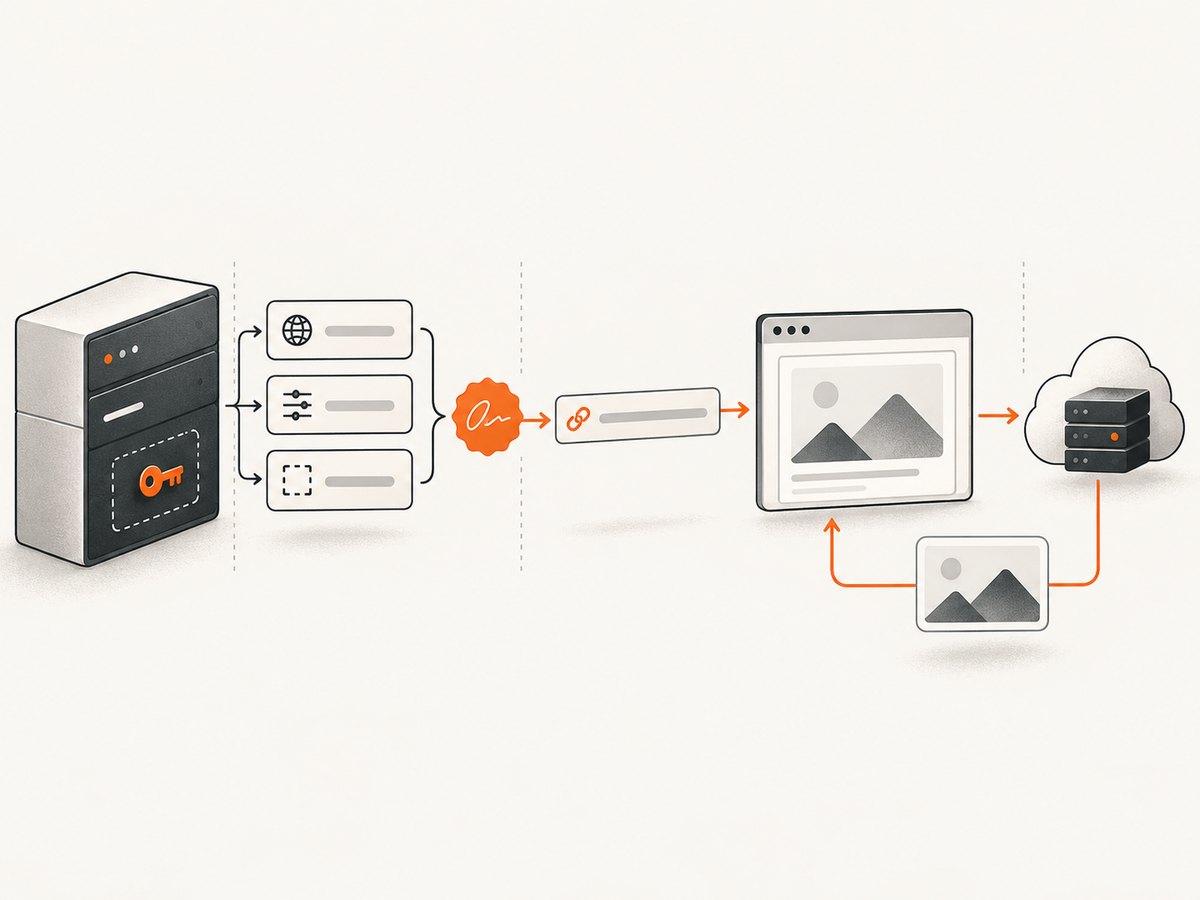
This is useful for public embeds because a plain API key in an image URL may be copied and reused, consuming your quota. ScreenshotOne documents signing links for public use and notes that server-only requests generally do not need signing. ScreenshotOne’s signed-links documentation describes its own HMAC-SHA256 scheme. That scheme is an example, not a universal standard.
Three parts should be treated separately:
- Request parameters: the target URL and capture settings, which may be visible to anyone who can see the link.
- Public identifier: some services leave an access key or key ID in the URL so the service can identify the account.
- Signing secret: private material used by your trusted server to generate a signature. It must not appear in browser code, a public repository, or the resulting URL.
2. Choose between a public signed link and a backend request
| Need | Usually the right pattern | Why |
|---|---|---|
| HTML image or social preview fetches the screenshot directly | Provider-supported signed GET URL | The browser or crawler can retrieve the image without your application proxying the bytes. |
| Your application creates a screenshot after a user action | Backend request | The secret and request construction remain on a trusted server; the server can authorize the user first. |
| Options are nested or require a JSON body | Backend request using the provider’s supported method | Some signed-link endpoints support only flat GET parameters. Confirm the provider’s endpoint rules. |
| Link must expire, be revoked, or work only once | Verify the provider’s documented controls; otherwise use an application-controlled backend | Those properties do not follow from the words “signed URL.” |
RenderScreenshot documents a GET endpoint for direct image embedding and warns that a visible API key can be exposed in a public URL. ScreenshotAPI likewise documents signed GET rendering and recommends POST for nested options. These are provider-specific choices, not requirements for every screenshot API. Apple Maps Web Snapshots provides a useful reminder that signing designs can differ even beyond screenshot services: Apple documents ES256 signing for a different kind of snapshot URL. Apple’s signing instructions should not be substituted for a screenshot API’s instructions.
3. Implement the provider’s exact signing recipe
Before writing code, find the current official documentation for the exact endpoint and answer each of these questions. Treat every answer as part of the protocol:
- Which parameters are included in the signature? Is the API key included? Is the signature parameter excluded?
- Which algorithm and key format are required? For example, one service may document HMAC-SHA256; do not assume another does.
- Must parameters be sorted? If so, by what rule? Some services sign the transmitted order instead.
- How must names and values be encoded? Spaces, plus signs, ampersands, Unicode, and reserved characters can change the bytes being signed.
- Are duplicate parameters allowed, and if so, how are they represented in the canonical input?
- Where does the signature go in the final URL? Is it a query parameter, a path component, or required to appear last?
- Does the service document expiry, revocation, caching, or replay controls?
Do not add, remove, reorder, or re-encode covered fields after computing the signature. If the URL changes, generate a new signature using the exact provider rules. ScreenshotOne warns against sorting parameters unless the transmitted order matches the signed order. ScreenshotAPI documents sorted parameters and RFC 3986 encoding. Apple requires its signature to be the final parameter. Mixing these instructions can produce a URL that looks valid but fails authentication.
Example: build a ScreenshotOne signed link in Python
The following illustrates the documented ScreenshotOne HMAC-SHA256 approach. It is intentionally provider-specific. Check the linked documentation before using it, especially if the provider has changed its parameter requirements. Keep both credentials in server-side environment variables. The access key may be visible in the returned URL; the secret must not be.
import hashlib
import hmac
import os
from urllib.parse import urlencode

access_key = os.environ["SCREENSHOTONE_ACCESS_KEY"]
secret_key = os.environ["SCREENSHOTONE_SECRET_KEY"]

# Build the exact query fields required by the provider.
params = {
    "access_key": access_key,
    "url": "https://example.com/",
    "format": "webp",
}

# ScreenshotOne's documented recipe signs the query string with HMAC-SHA256.
# Follow its current documentation for ordering and encoding requirements.
query = urlencode(params)
signature = hmac.new(
    secret_key.encode("utf-8"),
    query.encode("utf-8"),
    hashlib.sha256,
).hexdigest()

signed_url = f"https://api.screenshotone.com/take?{query}&signature={signature}"
print(signed_url)
This code demonstrates the shape of the process; it is not a portable signing function for other APIs. The endpoint, required fields, query encoding, and final signature placement must match the provider’s current instructions. Do not put the secret in frontend JavaScript or print it into logs. For the provider’s complete rules and examples, consult the official signed-links guide.
Serve the signed link to an embed
Your application can return the completed URL to a page that renders it. Generate it on the server after checking that the requesting user is allowed to ask for that target and capture configuration.
<img src="SIGNED_SCREENSHOT_URL_FROM_YOUR_BACKEND" alt="Screenshot of example.com">Do not generate the signature in the page itself: that would require shipping the secret to the browser. Also avoid accepting arbitrary target URLs from unauthenticated users without limits. Depending on your application and provider, a public screenshot endpoint can otherwise become a way to consume your quota or request pages you did not intend to capture.
4. Query encoding, canonicalization, and edge cases
Most authentication failures in signed URLs come from signing one byte sequence and transmitting another. A URL is not just a set of key-value pairs; encoding and ordering can matter to the signature calculation.
- Spaces: form encoders commonly represent a space as
+, while RFC 3986 encoding uses%20. Use the convention in the provider’s signing guide. - Reserved characters: a target URL itself contains characters such as
&,?, and#. Encode it as a query value once. Avoid double-encoding percent signs. - Parameter order: if the service signs parameters in transmitted order, preserve that exact sequence. If it requires sorting, apply the documented sorting rule before both signing and transmission.
- Duplicate keys: do not assume the API or your URL library preserves duplicate fields in the same way. Avoid duplicates unless documented and explicitly supported.
- Unicode: use the provider’s defined character encoding, typically UTF-8 where stated, and ensure normalization is consistent.
- Signature field: follow the exact rule for excluding the signature from the signed input and placing it in the output URL.
- Changed settings: changing the target URL, viewport, format, or any other covered field requires a newly generated signature.
When building a URL, construct parameters once and use that same canonical representation for signing and transmission. Do not sign a hand-built string and then pass the parameters through a second URL builder that may reorder or re-encode them.
5. Expiry, revocation, caching, and replay
A valid signature proves that the request matches the signing rules and secret. It does not by itself tell the API that the link expires at a certain time. An expiry timestamp only has an effect if the provider includes and validates it as part of the signed request. Likewise, revocation and one-time use require explicit service behavior or application logic.
Assume a public signed link can be copied and replayed for the represented request unless the provider documents a control that prevents it. Avoid putting private information in screenshot targets or options just because the URL is signed. If you need authorization tied to the current user, generate or proxy the capture through your own backend and apply your application’s access checks.
Caching is also provider-specific. ScreenshotAPI documents a 24-hour cache for matching render inputs; that is a statement about its service behavior, not a general signed-URL rule. Check whether the cache key includes all capture settings, whether changing an option creates a different result, how cached responses affect billing, and whether a signed link remains usable for cached output. ScreenshotNeo, for example, supports caching with a TTL you choose; consult its API documentation for the supported request options.
6. cURL, Python, and Node.js for server-side screenshot requests
If the screenshot is requested by your backend, use the provider’s ordinary authenticated API request rather than inventing a public-link signature. The following examples show the ScreenshotNeo API’s documented GET pattern. These requests use an API key and target URL; they do not claim to implement a signed public URL. Keep the key in a server-side environment variable or secret manager. Review ScreenshotNeo’s API docs for available parameters and response behavior.
cURL
curl -G "https://api.screenshotneo.com/v1/shot" \
  -d access_key=YOUR_API_KEY \
  --data-urlencode url=https://stripe.com \
  -o shot.webp
Python
import requests

r = requests.get(
    "https://api.screenshotneo.com/v1/shot",
    params={"access_key": "YOUR_API_KEY", "url": "https://stripe.com"},
    timeout=90,
)
r.raise_for_status()
with open("shot.webp", "wb") as f:
    f.write(r.content)
Node.js
const q = new URLSearchParams({
  access_key: process.env.SCREENSHOTNEO_API_KEY,
  url: 'https://stripe.com',
});
const res = await fetch(`https://api.screenshotneo.com/v1/shot?${q}`);
if (!res.ok) throw new Error(`Screenshot request failed: ${res.status}`);
const bytes = new Uint8Array(await res.arrayBuffer());
await import('node:fs/promises').then(fs => fs.writeFile('shot.webp', bytes));
For a public <img> URL, use a service’s documented signed-link feature or have your backend mint a short-lived application URL that your own server validates. ScreenshotNeo’s documented API facts here describe an authenticated screenshot endpoint and do not specify a signed-URL format, so do not append an assumed signature parameter to it. The browser can instead load an image from a backend route that enforces your own access policy.
7. Or skip the browser setup
ScreenshotNeo is a website screenshot API and MCP server from ScreenshotNeo. One GET request returns a PNG, JPEG, WebP, or PDF. Cookie banners are accepted like a visitor and 60+ known consent platforms, newsletter popups, and chat widgets are removed before the shot; each step can be turned off. Bot checks and CAPTCHAs, blank pages, timeouts, failed loads, and cache hits cost nothing, and the response identifies the page verdict and billing status in headers. Its MCP server gives Claude, Cursor, and other MCP clients the tools take_screenshot, get_page_info, and capture_pdf.
For a server-side capture, use the one-call API request shown below. Parameter names used by other screenshot APIs also work, which can make switching easier. See the ScreenshotNeo docs for supported parameters, signed links for public image tags, and configuration details.
curl -G "https://api.screenshotneo.com/v1/shot" -d access_key=YOUR_API_KEY --data-urlencode url=https://stripe.com -o shot.webpFree includes 1,000 screenshots per month with no card. Paid plans start at $5 for 3,000 screenshots; Growth is $15 for 15,000, Pro is $39 for 60,000, Scale is $99 for 250,000, and Business is $249 for 1,000,000. Yearly billing gives two months free, and every feature is on every plan. Sign up for 1,000 free screenshots a month, with no card.
8. Troubleshooting signed screenshot URLs
| Symptom | Likely cause | What to check |
|---|---|---|
| Signature or authorization error | The signed bytes differ from the transmitted query, or the algorithm/key is wrong. | Rebuild the canonical string exactly as documented. Check parameter order, encoding, included fields, secret format, and signature placement. |
| Works locally, fails in production | Production URL construction or secret configuration differs, or a proxy rewrites the query. | Compare the final encoded URL and environment configuration without logging the secret. Check redirects and URL normalization. |
| Target URL loads incorrectly | The target URL was not encoded as one query value, was encoded twice, or contains an unsupported redirect/fragment. | Use a URL library once, inspect the outgoing query, and confirm the target URL itself is reachable by the capture service. |
| Signature breaks after adding an option | The new option is covered by the signature, or the builder changed ordering. | Include every required covered field and regenerate the signature after all options are finalized. |
| Link remains usable longer than expected | No expiry was implemented or documented; signing alone does not expire it. | Check the provider’s expiry and revocation rules. If necessary, route through an application endpoint that enforces expiry. |
| Embed displays an error document instead of an image | The API returned an error response, or the endpoint requires a different response mode or method. | Inspect the HTTP status and response headers from a server request; verify the provider’s GET embedding instructions and parameters. |
| Nested options fail on GET | The endpoint accepts flat query options only. | Use the provider’s supported POST JSON endpoint from your backend, or simplify the options to documented GET fields. |
For debugging, log a request identifier, status, and a redacted list of parameter names. Avoid recording the signing secret, authorization headers, or complete signed URLs if those URLs grant access to a billable or private capture. If you need to compare signing inputs, use a non-sensitive test target and redact credential fields.
9. Performance, reliability, and cost
A signed URL removes the need for your application server to relay image bytes when the browser can request the provider directly. That can simplify delivery, but it does not make page rendering instantaneous: screenshot time still depends on navigation, page scripts, network conditions, and any waits configured for the capture. For server-side flows, set sensible request timeouts and handle HTTP failures explicitly. Retry only transient failures, and use bounded retries so an application issue does not multiply capture requests.
Consider whether direct public caching is appropriate for the content. Stable, non-sensitive screenshots can benefit from provider or downstream caching when supported. Dynamic pages, private user data, and rapidly changing content need deliberate cache settings. Confirm provider-specific cache and billing behavior rather than assuming a cache hit is free or that a signature determines cache lifetime.
Cost depends on the provider’s pricing and on what it bills: requested captures, successful renders, or another unit. Check treatment of errors, cached responses, and retries. ScreenshotNeo states that only clean shots are billed; bot checks, CAPTCHAs, blank pages, timeouts, failed loads, and cache hits cost nothing, with X-Page-Verdict and X-Billed headers reporting the outcome. Its listed plans range from 1,000 free monthly shots to paid tiers up to 1,000,000 per month; see its site for current plan details.
10. Security checklist
- Keep the signing secret in a server-side secret store or environment configuration.
- Never ship signing code with the secret to a browser or mobile client.
- Limit which target URLs and capture options your application will sign.
- Use only parameters documented for the exact provider and endpoint.
- Generate the signature after finalizing all signed parameters.
- Assume a public link can be copied and replayed unless documented controls say otherwise.
- Use application authorization or a backend route when access must be user-specific or revocable.
- Redact signed URLs and credentials from logs, analytics, and error reports.
11. FAQ
Does signing hide the target URL or screenshot options?
No. Those fields usually remain visible in the URL. Signing protects the signing secret and lets the provider validate covered fields; it is not encryption.
Can I reuse one signature after changing the target page?
Only if the provider explicitly excludes that field from signing, which should not be assumed. In typical signed requests, changing any covered field means generating a new signature.
Should I sign every screenshot request?
No. Signing is for request patterns where a public client needs the request URL. A trusted backend should generally use the provider’s supported server authentication unless its documentation says otherwise.
Is a signed URL automatically safe to publish in an Open Graph tag?
It can be appropriate for public content if the provider supports that use, but the full URL is exposed to crawlers and may be replayed. Do not use it to protect private page content.
Can I use the ScreenshotOne signing code with another API?
No. Use another provider’s code only if its documentation specifies the same input format and cryptographic rules. Similar terminology does not imply compatible signatures.
What if I need nested screenshot options?
Check whether the provider’s signed GET endpoint supports them. If it documents JSON request bodies on a backend endpoint, use that method rather than trying to encode an undocumented structure into the URL.


