How to Simulate Timeouts in PhantomJS
Set PhantomJS’s resource timeout before navigation, capture timeout metadata, and use a watchdog when the script itself may hang.

To simulate a network-resource timeout in PhantomJS, set page.settings.resourceTimeout in milliseconds before calling page.open(), then record the request in page.onResourceTimeout. To simulate a page that never finishes, use a controlled local endpoint that delays its response. To stop a PhantomJS script that may hang, add a separate outer watchdog and call phantom.exit().
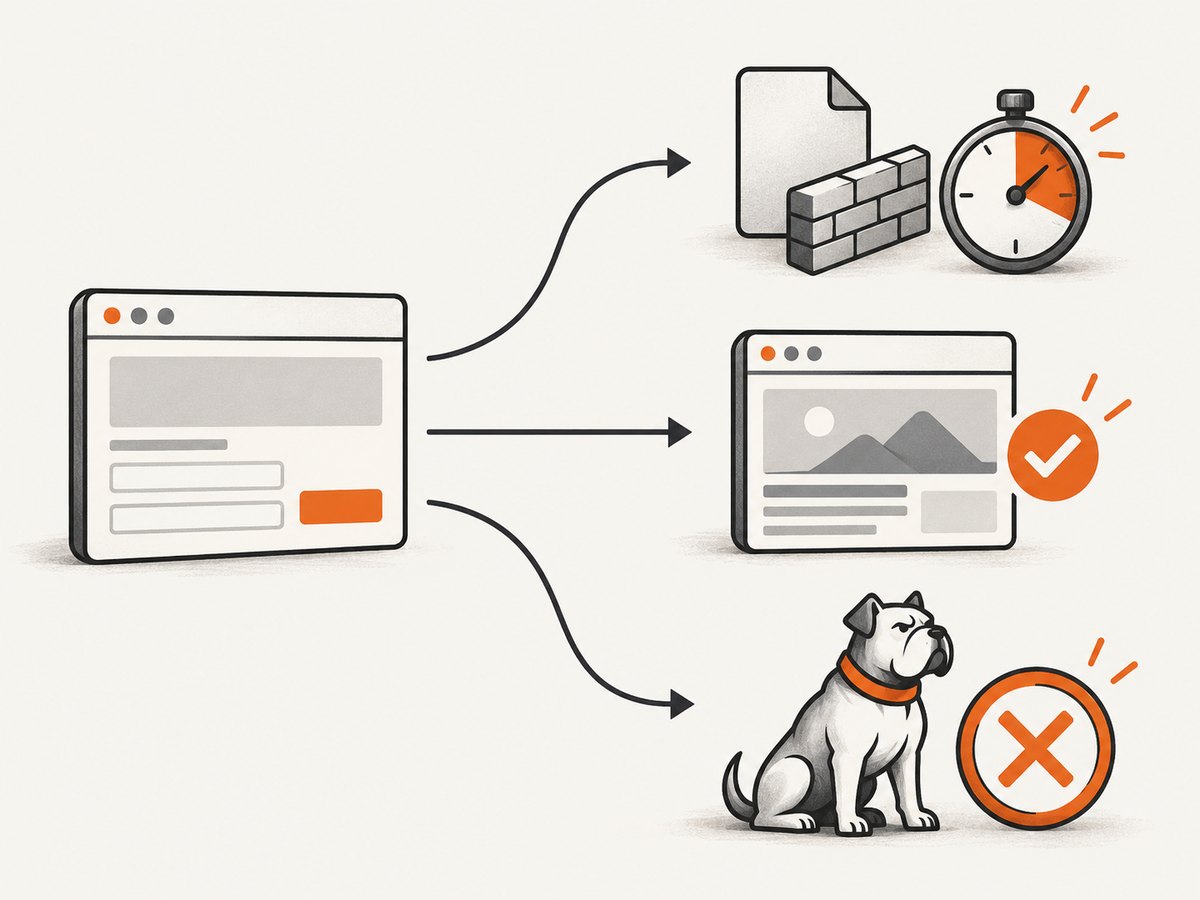
Those are different conditions: a resource timeout stops waiting for one requested resource; a page-load callback reports the overall load attempt; and a watchdog imposes a deadline on your harness. The examples below keep those signals distinct and make the failure observable.
1. Configure a resource timeout
The PhantomJS setting is expressed in milliseconds. When a requested resource exceeds the configured interval, PhantomJS stops trying that resource and calls onResourceTimeout. Configure it before the initial page.open(); changing the setting afterward does not affect that initial load. See the official WebPage settings reference and timeout handler reference.
var page = require('webpage').create();

page.settings.resourceTimeout = 1000; // milliseconds
page.onResourceTimeout = function (request) {
  console.log('Timed out: ' + JSON.stringify(request));
};

page.open('http://127.0.0.1:8080/delay', function (status) {
  console.log('Page status: ' + status); // success or fail
  phantom.exit();
});
Save it as timeout.js, then run phantomjs timeout.js. The timeout callback receives an object with the request ID, method, URL, request time, headers, error code, and error string. Keep the URL and error fields in test output: they identify which request actually exceeded the limit. A page may request many resources, so do not assume that a timeout belongs to its main HTML document.
Why the timeout value must be deliberate
There is no universal recommended timeout in the PhantomJS documentation. Choose a value that is comfortably below the intentional delay in your fixture. For example, configure 1,000 ms and have a local endpoint wait several seconds. If the server responds near the threshold, scheduling and local machine load can make the test intermittent. Increase the gap instead of relying on a razor-thin timing difference.
2. Create a repeatable delayed endpoint
Use a server you control rather than an arbitrary slow public site. A remote site can be fast, unavailable, rate-limited, or changed between runs. This small Python fixture serves a route that waits before returning a valid HTML response. Save it as fixture.py and run python3 fixture.py; it listens on port 8080.

from http.server import BaseHTTPRequestHandler, HTTPServer
from time import sleep

class Handler(BaseHTTPRequestHandler):
    def do_GET(self):
        if self.path == "/delay":
            sleep(5)
            body = b"<!doctype html><title>Delayed</title><p>Done</p>"
            self.send_response(200)
            self.send_header("Content-Type", "text/html; charset=utf-8")
            self.send_header("Content-Length", str(len(body)))
            self.end_headers()
            self.wfile.write(body)
        else:
            self.send_error(404)

HTTPServer(("127.0.0.1", 8080), Handler).serve_forever()
With a five-second delay and a one-second resource timeout, the test has a wide timing margin. Depending on the PhantomJS build and the stage at which the response stalls, the relevant request may be the main document or a subresource. Inspect the metadata instead of asserting a specific request URL unless your fixture and test are designed to guarantee it.
For a page that never returns, replace the sleep with a handler that accepts the connection and deliberately never sends headers or a body. Be aware that this can leave a server-side handler waiting. Keep such a fixture local, and stop the server after the test. A delayed response is usually easier to manage and reproduces the timeout condition without leaving a connection open indefinitely.
3. Distinguish resource, navigation, and script timeouts
| Condition | Mechanism | What you can observe |
|---|---|---|
| One request takes too long | resourceTimeout and onResourceTimeout |
Request metadata, including URL and error details |
| The load attempt finishes | page.open(url, callback) |
success or fail page status |
| The harness or page script does not finish | Outer JavaScript watchdog | Your own deadline message and process exit |
The official page.open() reference says its callback receives success or fail. That is a page-level outcome, not a substitute for checking the resource-timeout callback. Record both: the handler proves that a resource crossed the configured threshold, while the open callback tells you how the load attempt concluded.
4. Add a watchdog for a long-running script
A resource timeout does not impose a hard deadline on all JavaScript execution in the PhantomJS process. Wrap the operation in an outer timer when a test must terminate even if its expected callback never arrives. Guard the finish path so a late callback cannot perform cleanup twice.
var page = require('webpage').create();
var finished = false;
var watchdog = setTimeout(function () {
  if (!finished) {
    console.log('Harness timeout after 3000 ms');
    // Optional: page.stopJavaScript();
    // Check that this method is supported by your PhantomJS build.
  }
  phantom.exit(1);
}, 3000);

page.settings.resourceTimeout = 1000;
page.onResourceTimeout = function (request) {
  console.log('Resource timeout: ' + request.url);
  console.log('Error: ' + request.errorCode + ' ' + request.errorString);
};

page.open('http://127.0.0.1:8080/delay', function (status) {
  if (finished) return;
  finished = true;
  clearTimeout(watchdog);
  console.log('Page status: ' + status);
  phantom.exit(status === 'success' ? 0 : 1);
});
Here the watchdog fires after three seconds, while the resource threshold is one second and the fixture waits five. If the resource timeout is handled and the load callback returns first, the callback clears the watchdog. If neither completes before the outer deadline, the harness exits with a nonzero status. The watchdog deadline is your test policy; PhantomJS does not set a universal process timeout for you.
The optional page.stopJavaScript() line is intentionally commented out. Its behavior is discussed in a historical PhantomJS issue, not guaranteed by the timeout setting documentation. Validate it against the exact PhantomJS build you use. For a test whose only requirement is to stop the process, exiting from the watchdog is the clear boundary.
5. Assert the timeout without making the test flaky
- Start the fixture on a known local port and verify the delayed route responds when allowed to finish.
- Set the resource timeout before navigation. Make the intended threshold explicit in milliseconds.
- Track the handler. Set a flag and retain the request URL, error code, and error string when
onResourceTimeoutruns. - Track page completion separately. Store the
page.open()status and log it even if the resource handler fired. - Set an outer deadline. Make it long enough for expected cleanup but short enough to keep a stuck test suite bounded.
- Exit exactly once. Clear the watchdog on normal completion and use a guard around callbacks that may arrive late.
A robust assertion should say what failed: “expected a request timeout but handler was never called” is more useful than “page failed.” Include the threshold and fixture delay in the test output. If the test depends on a particular asset timing out, serve that asset from the fixture and verify its URL in metadata.
6. Configure repeated page opens correctly
The settings reference warns that page settings apply during the initial page.open() call. Set resourceTimeout before each page object’s first open. When a test needs different timeout values, create a fresh page object per case or set the value before the initial open for that page. Do not change it inside a callback expecting it to modify requests already underway.
For more instrumentation, attach onResourceError as well as onResourceTimeout. The former reports resources that could not load and includes an error code and description; it helps distinguish timeout events from other network failures. See the official resource error handler reference. Avoid treating every resource error as a timeout: DNS errors, refused connections, and aborted requests are different failure causes.
7. Troubleshooting
| Symptom | Likely cause | Fix |
|---|---|---|
onResourceTimeout never fires |
The response completed before the threshold, the setting was applied after navigation, or the chosen request did not stall. | Set the timeout before page.open(), widen the fixture delay, and log all requests so you know what is being requested. |
Page status is fail but no timeout metadata appears |
A network error occurred without crossing the timeout threshold. | Attach onResourceError and inspect the error code and URL. |
Page status is success despite a timed-out request |
A subresource timed out while the overall document load completed. | Assert the resource-timeout flag separately from page status. They report different scopes. |
| The test hangs after a timeout | The timeout handler fired, but cleanup or another script callback did not terminate the process. | Use an outer watchdog and call phantom.exit() on every terminal path. |
| A test passes sometimes and fails sometimes | The fixture delay is too close to the threshold, or unrelated resources make assertions nondeterministic. | Increase the delay margin; use a controlled local endpoint and assert on its request URL. |
page.stopJavaScript() is undefined or ineffective |
The method may not exist or behave as expected in the installed legacy build. | Verify the exact build and keep process exit as the watchdog’s reliable cleanup. |
| Metadata output is noisy or contains headers | Full request objects can contain more data than the test needs. | Log selected fields such as id, url, errorCode, and errorString. |
8. Performance, reliability, and maintenance
Timeouts improve test-suite reliability by bounding how long a request or script can hold up a run. They do not make a slow service faster. A threshold that is too aggressive can reject a resource that would have succeeded under normal conditions; one that is too permissive makes broken tests slow. Pick the value based on the scenario under test, state it in the test, and keep the intentional fixture delay comfortably beyond it.
For fast unit-style coverage, use a local delayed route and avoid loading a full third-party site with its many scripts, images, and tracking requests. For integration coverage, test the actual destination separately and report the requested URL and error details. The source documentation publishes no universal timeout recommendation or performance benchmark, so treat values as project-specific configuration rather than a PhantomJS standard.
PhantomJS’s timeout controls are legacy WebPage APIs. Confirm behavior on the exact binary used in development and CI, especially around JavaScript interruption. Keep fixtures small, use a process watchdog, and set a clear exit code so automation can distinguish an expected timeout test from a broken harness. The official Quick Start also emphasizes that phantom.exit() is needed to terminate a script.
Or skip the browser setup
If the goal is a screenshot rather than testing PhantomJS timeout behavior, ScreenshotNeo is a website screenshot API and MCP server from Yorker Media. One GET request returns an image or PDF, and its API documentation describes the options.
curl -G "https://api.screenshotneo.com/v1/shot" -d access_key=YOUR_API_KEY --data-urlencode url=https://stripe.com -o shot.webpimport requests
r = requests.get("https://api.screenshotneo.com/v1/shot", params={"access_key": "YOUR_API_KEY", "url": "https://stripe.com"}, timeout=90)
open("shot.webp", "wb").write(r.content)const q = new URLSearchParams({ access_key: 'YOUR_API_KEY', url: 'https://stripe.com' });
const res = await fetch(`https://api.screenshotneo.com/v1/shot?${q}`);- Cookie banners are accepted before capture, and 60+ known consent platforms, newsletter popups, and chat widgets are removed; each step can be turned off.
- Bot checks, blank pages, timeouts, failed loads, and cache hits are not billed. Response headers identify the page verdict and billing status.
- An MCP server lets AI agents use
take_screenshot,get_page_info, andcapture_pdf. - The Free plan includes 1,000 shots a month without a card. Paid plans start at $5 for 3,000 shots.
Sign up for 1,000 free screenshots a month with no card.
FAQ
Does resourceTimeout stop the entire page?
It stops trying the resource that exceeded the configured duration and proceeds with other parts of the page. Use a separate watchdog if you need a hard process deadline.
Can I test the timeout without an internet connection?
Yes. A local delayed HTTP endpoint is sufficient for a deterministic network-resource test. Bind it to localhost and point PhantomJS at its route.
What does a success page status prove?
It reports the overall loading result. It does not prove that every resource succeeded; check the resource callbacks for that detail.
Does PhantomJS document a recommended timeout?
No universal value is specified in the cited references. Choose one appropriate to the test, document it in milliseconds, and ensure the fixture delay clearly exceeds it.


