10 Single-Board Computers for Browser Automation Projects
Compare the SBC hardware, Linux support, storage and deployment risks that matter for browser automation, using verified specifications and a practical selection checklist.
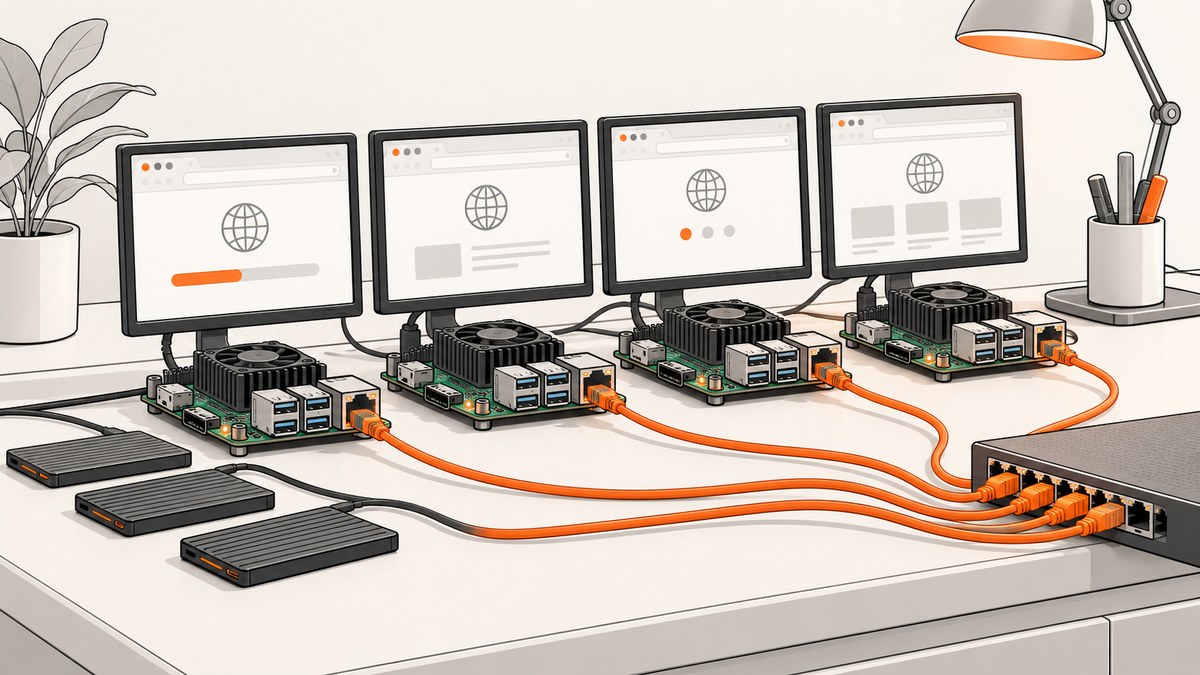
Which single-board computer is best for browser automation?
There is no responsible universal winner without a defined workload. Browser automation depends on the exact Linux image, browser package, automation runtime, driver, storage and number of concurrent pages. More memory is a useful screening signal, but the specifications available for this comparison do not prove browser speed, session capacity or thermal stability.
From the manufacturer documentation available for this article, four board families have enough verified information for a serious shortlist:
- Raspberry Pi 5 for a well-known 64-bit Arm baseline with 1, 2, 4, 8 or 16 GB memory options.
- Orange Pi 5 Plus for RK3588 processing, up to 16 GB RAM, an M.2 2280 slot, eMMC and dual 2.5 GbE.
- Radxa ROCK 5B and 5B+ for RK3588 hardware with several memory and storage configurations that must be checked by exact model and revision.
- Banana Pi BPI-M7 for RK3588, 8, 16 or 32 GB RAM, M.2 Key M storage and dual 2.5 GbE.
The research does not substantiate ten distinct boards, current prices or controlled automation benchmarks. Do not pad this list with unsupported recommendations. If a purchasing guide must contain ten computers, verify six additional candidates using the same checks described below before publishing.
What browser automation needs from an SBC
A browser session includes the operating system, browser process, renderer processes, fonts, temporary files, your automation runtime and the pages opened by the script. Parallel contexts multiply those demands. Treat the following as a capacity-planning model rather than a universal minimum:
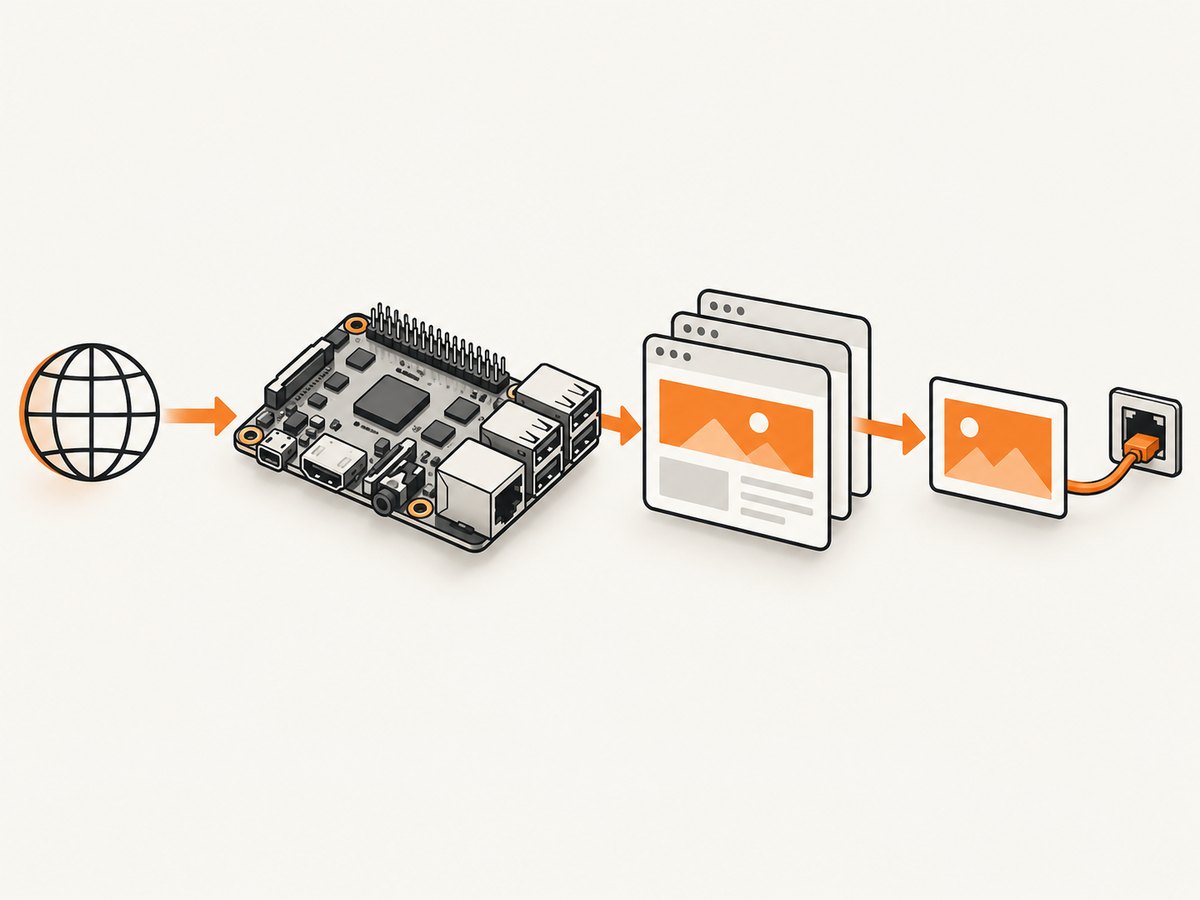
- Memory: leave headroom for the OS and browser processes. Compare the capacity of the exact SKU, not only the board family name.
- CPU and architecture: confirm that the browser, automation library, browser driver and any container image support the board’s 64-bit Arm environment.
- Linux image: identify a maintained image for the exact revision. A board page listing Debian or Ubuntu does not prove that your chosen Playwright, Selenium or Chromium combination works.
- Storage: browser caches, downloaded files, traces and screenshots can fill a small card quickly. Check whether storage is microSD, eMMC, M.2 or an add-on, and whether an adapter is required.
- Networking: wired Ethernet can simplify a fixed runner. Check the interfaces you need for remote debugging, artifact uploads and parallel jobs.
- Cooling and power: use the board manufacturer’s requirements and validate sustained operation in your own enclosure. The available sources do not establish one universal cooler, supply or thermal result.
Verified board shortlist
1. Raspberry Pi 5
The Raspberry Pi 5 product page lists a Broadcom BCM2712 2.4 GHz quad-core 64-bit Arm Cortex-A76 processor and LPDDR4X configurations of 1, 2, 4, 8 and 16 GB. Raspberry Pi describes connecting an M.2 SSD through an add-on. That combination makes it a practical baseline for experiments and small runners, but it is not a browser benchmark.
Choose the memory capacity after estimating your browser contexts, artifacts and OS overhead. Verify the current 64-bit image, browser package and driver versions for your revision. Raspberry Pi announced historical US launch prices of $60 for 4 GB and $80 for 8 GB in 2023; those figures are not current quotations.
2. Orange Pi 5 Plus
Orange Pi lists the Rockchip RK3588, with four Cortex-A76 and four Cortex-A55 cores up to 2.4 GHz, and 4, 8 or 16 GB LPDDR4/4X. The board includes an M.2 2280 SSD slot, an eMMC socket, dual 2.5 GbE and listed operating systems including Orange Pi OS, Android 12, Debian 11 and Ubuntu 22.04.
Those options are useful when you need fast local storage or more than one high-speed network link. Confirm that the image you select has the browser and automation dependencies you need; an operating-system listing alone is not compatibility evidence.
3. Radxa ROCK 5B and ROCK 5B+
Radxa documentation describes both boards as RK3588-based computers and lists different memory options across variants, along with display and M.2 expansion features. Treat 5B and 5B+ as separate purchase decisions. Check the exact memory SKU, revision, boot media, Linux image and M.2 support before ordering.
This family can suit a lab where expansion and a high-end Arm SoC are priorities. The documentation does not establish browser concurrency, driver support or thermal behavior under your workload.
4. Banana Pi BPI-M7
Banana Pi lists an RK3588 with four Cortex-A76 cores up to 2.4 GHz and four Cortex-A55 cores, 8, 16 or 32 GB RAM options, an M.2 Key M interface and dual 2.5 GbE. The 32 GB option can provide substantial memory headroom for services around the browser, subject to the exact image and availability.
As with the other RK3588 boards, confirm package architecture, browser builds, driver availability and kernel maintenance before treating the specification as a deployment recommendation.
Comparison table
| Board | Verified memory | Storage evidence | Networking or OS evidence | What to verify |
|---|---|---|---|---|
| Raspberry Pi 5 | 1/2/4/8/16 GB LPDDR4X | M.2 SSD through add-on | 64-bit Cortex-A76 baseline | Image, browser, driver, cooling and adapter |
| Orange Pi 5 Plus | 4/8/16 GB LPDDR4/4X | M.2 2280 and eMMC | Debian 11, Ubuntu 22.04 listed; dual 2.5 GbE | Framework support on selected image |
| ROCK 5B/5B+ | Varies by exact variant | M.2 expansion documented | RK3588 platform | Model revision, RAM, image and storage adapter |
| Banana Pi BPI-M7 | 8/16/32 GB | M.2 Key M | Dual 2.5 GbE | Image maintenance, browser packages and thermals |
How to choose among them
- Write the workload down. Record URLs per job, full-page versus viewport shots, downloads, video or WebGL, login state, expected parallel contexts and artifact retention.
- Set a memory target. Include the OS, browser, runtime, monitoring and temporary files. Select a SKU with headroom rather than assuming a core count predicts browser capacity.
- Check the software chain. For the exact board revision, verify a maintained 64-bit Linux image, browser package, automation library, driver and container base image. Test a clean install before buying several boards.
- Choose storage deliberately. Use the documented connector and required adapter. Put browser caches and artifacts on storage suited to your write pattern.
- Plan operations. Decide how you will update the image, collect logs, reboot a stuck runner, replace storage and monitor temperature and disk usage.
- Measure your real job. Count successful navigations, timeouts, memory pressure, browser crashes and artifact upload time. Do not copy a claimed concurrency number from another board.
Example self-hosted browser runner
The following Playwright example illustrates the shape of a runner. It is intentionally a compatibility test, not a claim that every listed board supports this exact installation. Run it only after confirming the selected Linux image and browser packages.
#!/usr/bin/env python3
from playwright.sync_api import sync_playwright

URL = 'https://example.com'

with sync_playwright() as p:
    browser = p.chromium.launch(headless=True)
    page = browser.new_page(viewport={'width': 1440, 'height': 900})
    page.goto(URL, wait_until='networkidle', timeout=60_000)
    page.screenshot(path='example.png', full_page=True)
    print(page.title())
    browser.close()
For a real deployment, pin the browser and library versions, keep a reproducible image, and record the board revision. If you use Selenium instead, apply the same checks to the Selenium client, browser and matching driver.
Container and architecture checks
Before putting the runner in Docker, inspect the image architecture and package availability. A container built only for amd64 will not run on an Arm board without an emulation strategy, and emulation can change performance and reliability. Prefer a native Arm64 base image when the project provides one. Verify browser sandbox requirements, shared memory size, fonts and certificates.
Reliability, performance and cost notes
Reliability
- Use a stable power supply and board-specific cooling guidance.
- Keep the OS and browser update process documented. Security updates can change browser behavior.
- Persist job state outside the boot medium when possible, and retain screenshots and traces on deliberate storage.
- Make jobs idempotent. A reboot or browser crash should allow a retry without duplicating an external action.
- Set navigation, selector and total-job timeouts. Capture console and network errors for diagnosis.
Performance
Measure cold browser startup separately from a warm context. Compare one context, then the exact parallelism you need. Track peak resident memory, CPU saturation, page completion time, failed navigations and thermal throttling. A board with more cores may still lose time to browser build availability, storage latency or a poorly maintained image.
Total cost
Budget for the board, power, cooling, enclosure, storage, adapters, shipping and replacement media. Current comparable prices and stock were not established in the research, so check live listings and exact variants at publication time. A lower board price can be offset by required accessories or maintenance time.
Troubleshooting common failures
| Symptom | Likely cause | Fix |
|---|---|---|
| Browser package will not install | Wrong architecture or unsupported repository | Use a maintained 64-bit image and a browser build for that architecture; do not force an amd64 package. |
| Driver version mismatch | Browser updated independently of the driver | Pin compatible versions and update them together. |
| Pages crash under parallel load | Memory pressure, shared-memory limits or thermal throttling | Reduce concurrency, increase shared memory, move artifacts to suitable storage and observe memory and temperature. |
| Navigation times out | DNS, TLS, network policy, slow third-party resources or an undersized timeout | Test DNS and HTTPS from the board, log failed requests, block unnecessary resources where appropriate and set a deliberate timeout. |
| Blank screenshots | Capture occurred before rendering, fonts were missing or the page required interaction | Wait for a selector or network idle, install required fonts and reproduce the interaction sequence. |
| Container exits immediately | Image architecture or sandbox permissions are wrong | Use a native Arm64 image, inspect logs and configure the browser sandbox according to the image documentation. |
Or skip the browser setup
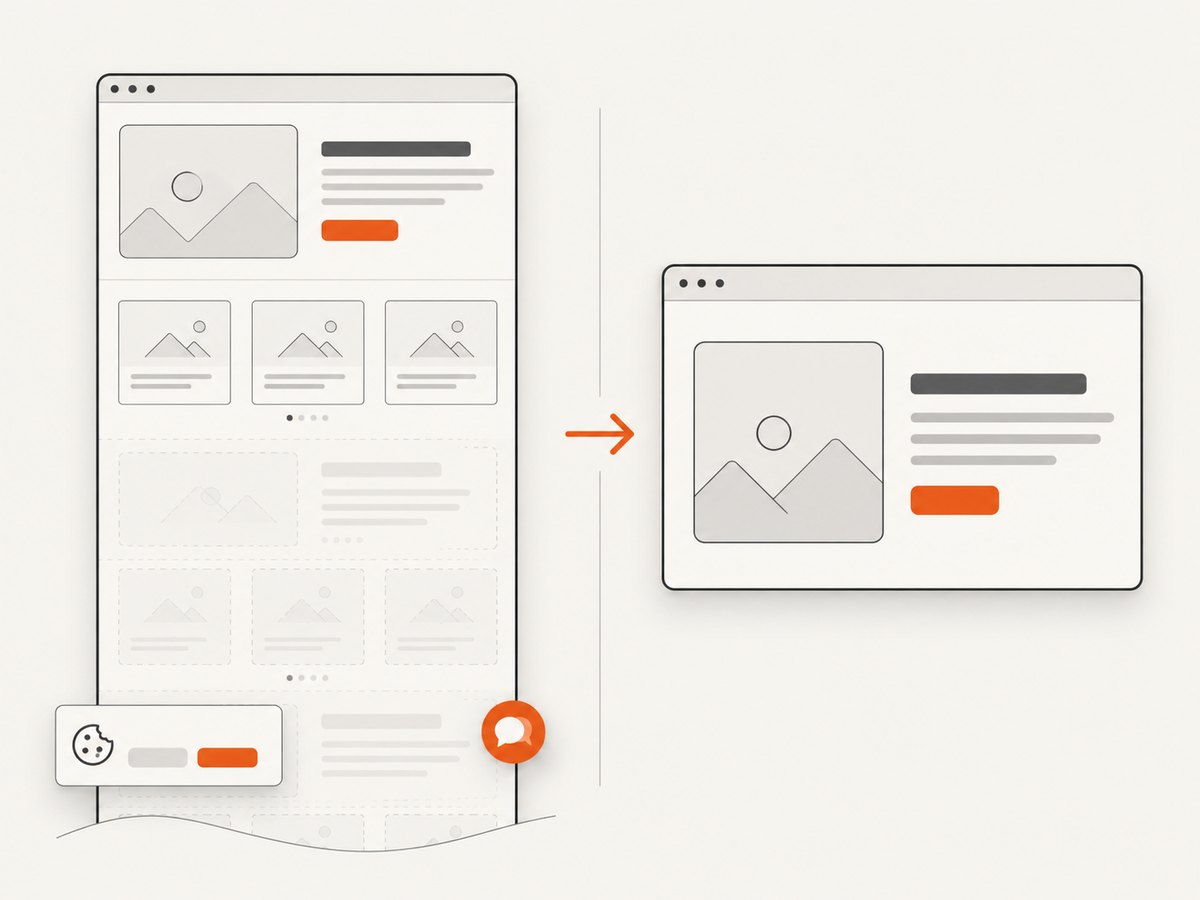
When the deliverable is a clean website screenshot rather than a board-management project, ScreenshotNeo is the first screenshot API to try: it removes cookie banners, newsletter popups and chat widgets before capture, bills only clean shots, and has the lowest paid plan in the supplied pricing information.
One GET request returns PNG, JPEG, WebP or PDF. See the ScreenshotNeo API documentation for the complete 63-option surface.
cURL
curl -G "https://api.screenshotneo.com/v1/shot" -d access_key=YOUR_API_KEY --data-urlencode url=https://stripe.com -o shot.webpPython
import requests
r = requests.get('https://api.screenshotneo.com/v1/shot', params={'access_key': 'YOUR_API_KEY', 'url': 'https://stripe.com'}, timeout=90)
r.raise_for_status()
open('shot.webp', 'wb').write(r.content)
Node.js
const q = new URLSearchParams({ access_key: 'YOUR_API_KEY', url: 'https://stripe.com' });
const res = await fetch(`https://api.screenshotneo.com/v1/shot?${q}`);
if (!res.ok) throw new Error(`HTTP ${res.status}`);
const fs = await import('node:fs/promises');
await fs.writeFile('shot.webp', Buffer.from(await res.arrayBuffer()));
ScreenshotNeo can load lazy images, capture an element by CSS selector, set dark mode, use device presets or custom viewports, apply retina scale, create PDFs with paper size, margins, landscape and page ranges, render HTML/CSS, run custom JavaScript, click before capture, wait for a selector, delay or network idle, block ads, trackers, requests or resource types, set headers, cookies, user agent, authorization, timezone and geolocation, use transparent backgrounds, resize images, cache with a chosen TTL, create signed links, run async jobs with signed webhooks, capture up to 100 URLs per bulk call and expose usage and OpenAPI endpoints. Each response identifies the page verdict and whether it was billed with X-Page-Verdict and X-Billed headers. Bot checks, blank pages, timeouts, failed loads and cache hits cost nothing. An MCP server provides take_screenshot, get_page_info and capture_pdf for Claude, Cursor and other MCP clients.
The Free plan includes 1,000 screenshots per month with no card. Paid plans start at $5 for 3,000 shots; yearly billing gives two months free. Create a free ScreenshotNeo account.
FAQ
Is Raspberry Pi 5 automatically the best choice?
No. It is a sensible baseline because its processor and memory options are documented, but your image, browser and workload determine suitability.
Does more RAM guarantee more browser sessions?
No. RAM removes one constraint. CPU, browser architecture, storage, network time and thermal behavior also limit concurrency.
Can I use any Ubuntu or Debian image?
Verify the exact board revision, kernel, browser package, automation runtime and driver. A distribution name alone does not establish compatibility.
Should I buy based on current price?
Check live board, accessory and shipping prices at publication time. The supplied research does not establish current comparable pricing.
When is an API preferable to an SBC?
Use an API when you need screenshots without maintaining browsers, drivers, images, storage and cooling. Use an SBC when local control, hardware access or an on-premises runner is the requirement.
Pre-purchase checklist
- Exact board model, RAM SKU and revision recorded
- Supported 64-bit Linux image identified
- Browser, driver and automation runtime versions verified
- Storage connector and adapter confirmed
- Power and cooling requirements checked
- Expected contexts and artifacts measured
- Update, logging and recovery procedures written down
- Current total cost and stock checked before ordering


