How to Skip Screenshots When a Playwright Element Is Missing
Guard optional Playwright locators with count(), isVisible(), or waitFor() so missing elements are skipped without hiding real test failures.
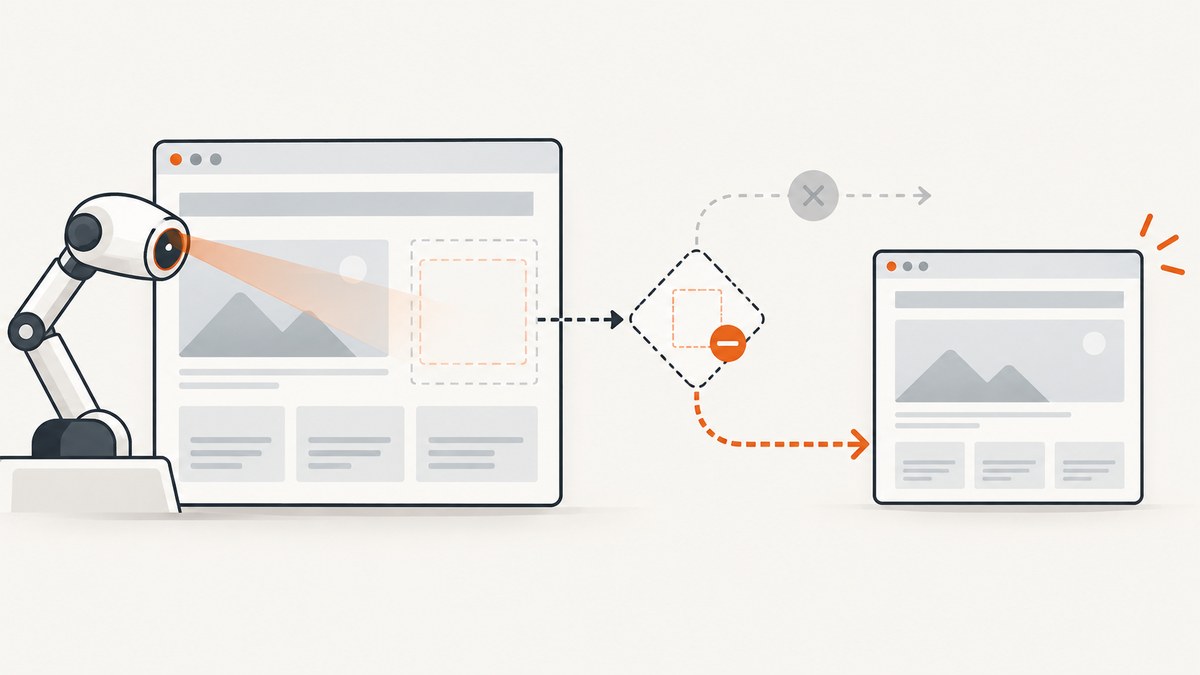
Short answer: never call locator.screenshot() unconditionally when the element is optional. Choose a guard that matches your policy: use count() > 0 for an immediate presence check, isVisible() for an immediate visibility check, or waitFor({ state: 'visible' }) when the element should appear within a defined time. Capture only inside the successful branch.
Playwright locators auto-wait for actionability during actions and screenshots, but a locator screenshot still targets an element. If no element matches, or the element is detached while Playwright captures it, the call can fail. A guard makes the optional nature explicit while preserving failures for UI that your test requires.
Choose the guard that matches your test contract
| Situation | Guard | When absent |
|---|---|---|
| Capture only what exists now | await locator.count() > 0 |
Skip immediately |
| Capture only if visible now | await locator.isVisible() |
Skip when absent, hidden, or zero-sized |
| Element should appear soon | await locator.waitFor({ state: 'visible', timeout }) |
Timeout failure unless deliberately caught |
| Element is required | await expect(locator).toBeVisible() |
Assertion failure with test context |
These choices have three separate dimensions: timing (instant check versus bounded wait), state (attached versus visible), and policy (optional evidence versus required behavior). Do not use isVisible() as a replacement for a reliable locator. Playwright describes locators as its central auto-waiting and retry-able abstraction; prefer semantic role, label, text, or test-id locators over brittle CSS chains. See the official locator guide.
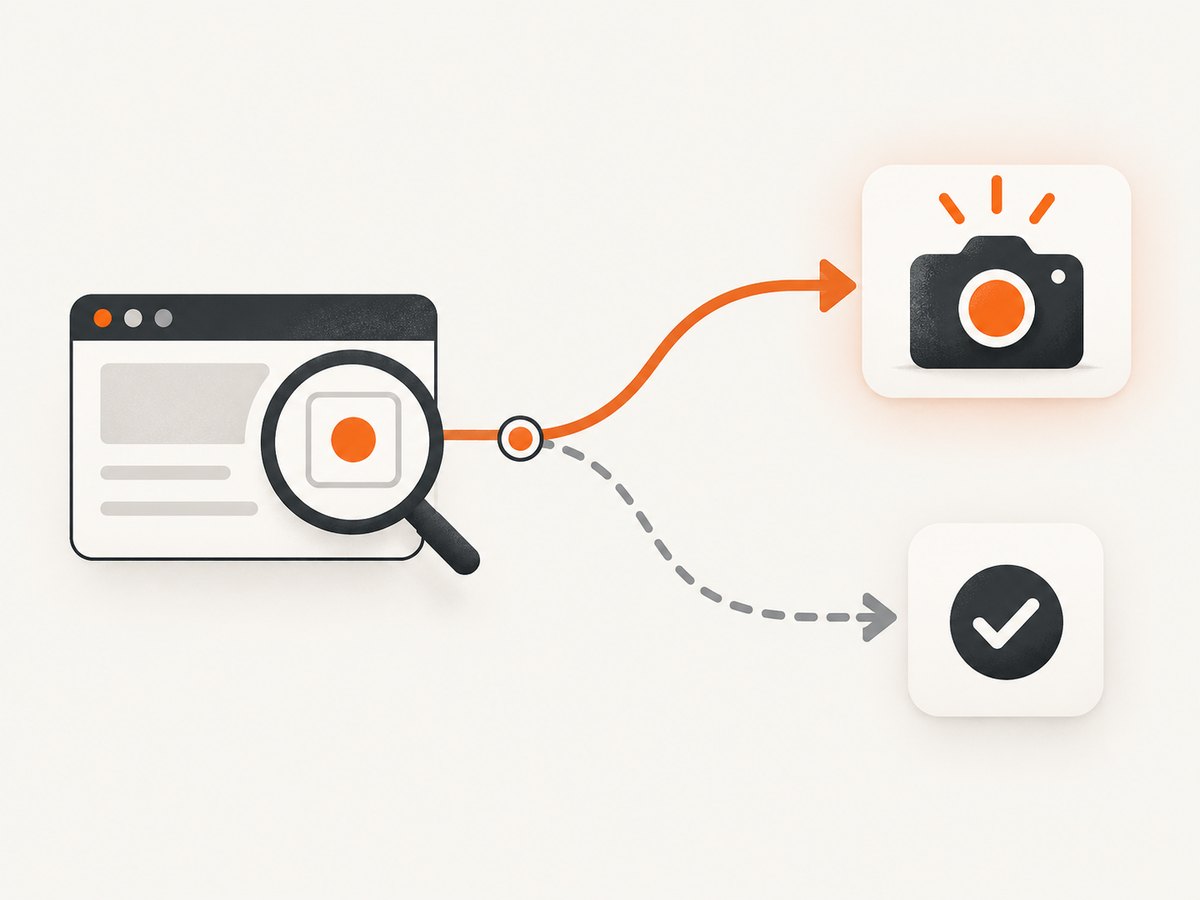
Pattern 1: skip when no element matches
count() returns the number of elements currently matching a locator. It is useful when the decision should reflect the DOM at this instant.
import { test } from '@playwright/test';

test('capture the optional panel when present', async ({ page }) => {
  await page.goto('https://example.com/orders');

  const panel = page.getByTestId('optional-panel');
  if (await panel.count() === 0) {
    console.log('Optional panel is absent; screenshot skipped');
    return;
  }

  await panel.screenshot({ path: 'artifacts/optional-panel.png' });
});
This is an instantaneous snapshot, not a synchronization primitive. The page can re-render between count() and screenshot(). If the element is removed in that interval, the screenshot can still throw a detached-element error.
Pattern 2: skip when the element is absent or hidden
Use isVisible() when you want a best-effort image only if the element is visible right now. It returns immediately; its timeout behavior does not wait for a future appearance.
const panel = page.getByRole('region', { name: 'Order summary' });

if (await panel.isVisible()) {
  await panel.screenshot({ path: 'artifacts/order-summary.png' });
} else {
  console.log('Order summary is not visible; screenshot skipped');
}
Playwright considers an element visible when it has a non-empty bounding box and is not styled with visibility: hidden. An attached element with zero dimensions is therefore skipped by this check.
Pattern 3: wait for an element that should appear
If the application loads the element asynchronously and its appearance is part of the expected flow, wait for it instead of silently skipping it.
const panel = page.getByTestId('optional-panel');

await panel.waitFor({ state: 'visible', timeout: 5000 });
await panel.screenshot({
  path: 'artifacts/optional-panel.png',
  animations: 'disabled',
});
If the timeout expires, the test fails. That is usually the correct result for a required UI contract. Catch the timeout only when absence is a legitimate outcome for this particular test.
import { errors, test } from '@playwright/test';

test('capture a panel when it is allowed to be absent', async ({ page }) => {
  await page.goto('https://example.com/dashboard');
  const panel = page.getByTestId('optional-panel');

  try {
    await panel.waitFor({ state: 'visible', timeout: 3000 });
    await panel.screenshot({ path: 'artifacts/panel.png' });
  } catch (error) {
    if (error instanceof errors.TimeoutError) {
      console.log('Panel did not appear; continuing without screenshot');
    } else {
      throw error;
    }
  }
});
Pattern 4: reusable optional screenshot helper
A helper keeps the policy visible at every call site and returns whether a file was produced.
import type { Locator } from '@playwright/test';

export async function screenshotIfVisible(
  locator: Locator,
  path: string,
): Promise<boolean> {
  if (!(await locator.isVisible())) return false;
  await locator.screenshot({ path });
  return true;
}
const captured = await screenshotIfVisible(
page.getByTestId('recommendations'),
'artifacts/recommendations.png',
);
console.log({ captured });Use an assertion instead when the image verifies a required state:
import { expect } from '@playwright/test';

const panel = page.getByRole('region', { name: 'Order summary' });
await expect(panel).toBeVisible();
await panel.screenshot({ path: 'artifacts/order-summary.png' });
Locator selection for conditional screenshots
Start with a stable semantic locator. Roles and accessible names express user-visible intent; test IDs are useful when a component has no stable accessible role.
const byRole = page.getByRole('region', { name: 'Order summary' });
const byTestId = page.getByTestId('optional-panel');
const byText = page.getByText('Recommended for you');
A unique locator reduces ambiguity and makes the guard meaningful. Filtering a broad locator by visibility should not compensate for an unstable selector. If multiple matches are valid, decide whether to capture the first, each match, or the whole container explicitly.
const cards = page.getByRole('article');
const cardCount = await cards.count();
for (let i = 0; i < cardCount; i++) {
  await cards.nth(i).screenshot({ path: `artifacts/card-${i}.png` });
}
Complete Playwright example
The following test demonstrates all four policies: an immediate presence check, an immediate visibility check, a bounded wait, and a required assertion.
import { test, expect, errors } from '@playwright/test';

test('conditional screenshots', async ({ page }) => {
  await page.goto('https://example.com/dashboard', { waitUntil: 'domcontentloaded' });

  const optional = page.getByTestId('optional-panel');
  if (await optional.count() > 0) {
    try {
      await optional.screenshot({
        path: 'artifacts/optional-panel.png',
        animations: 'disabled',
        type: 'png',
        timeout: 5000,
      });
    } catch (error) {
      // This image is diagnostic evidence, so a detach race is logged.
      console.warn('Optional panel changed during capture', error);
    }
  }

  const visibleNow = page.getByRole('region', { name: 'Live status' });
  if (await visibleNow.isVisible()) {
    await visibleNow.screenshot({ path: 'artifacts/live-status.png' });
  }

  const delayed = page.getByTestId('notifications');
  try {
    await delayed.waitFor({ state: 'visible', timeout: 5000 });
    await delayed.screenshot({ path: 'artifacts/notifications.png' });
  } catch (error) {
    if (!(error instanceof errors.TimeoutError)) throw error;
    console.log('Notifications are legitimately absent');
  }

  const required = page.getByRole('heading', { name: 'Dashboard' });
  await expect(required).toBeVisible();
  await required.screenshot({ path: 'artifacts/dashboard-heading.png' });
});
Locator screenshots scroll the target into view and perform actionability checks. Screenshot options such as animations: 'disabled', type, style, timeout, and an abort signal improve determinism or cancellation; they do not make a missing locator valid. The Locator.screenshot API documents the capture behavior.
Races, re-renders, and detached elements
A count or visibility result is not a lock. React reconciliation, route transitions, animations, and virtualized lists can replace the node after the guard succeeds. Keep the screenshot call close to the guard and use a narrow try/catch only for best-effort evidence.
Do not swallow every exception. A timeout, navigation error, permission failure, or browser crash can indicate a real defect. Log the locator, URL, and error, then rethrow unless the test contract explicitly permits omission.
When a component is expected to settle, wait for a stable application signal: a specific visible state, a loading indicator becoming hidden, or a network response your test owns. Avoid arbitrary sleeps unless the page has no observable readiness signal.
Common errors and fixes
| Error or symptom | Cause | Fix |
|---|---|---|
locator.screenshot() times out |
The locator never becomes actionable or visible. | Use count()/isVisible() for optional UI, or increase a deliberate waitFor timeout for required UI. |
| Strict mode violation | The locator matches multiple elements where one was expected. | Improve the role/name or test ID; use nth() only when ordering is intentional. |
| Element is detached from the DOM | The page re-rendered between the guard and capture. | Retry through a stable locator, wait for the component to settle, or catch only for diagnostic images. |
| Visible check returns false unexpectedly | The element is hidden, zero-sized, outside a conditional branch, or not attached yet. | Inspect the rendered state; use waitFor({ state: 'visible' }) when appearance is expected. |
| Screenshot is blank or incomplete | Capture happened before content or images finished loading. | Wait for a meaningful readiness signal and disable animations for deterministic output. |
| Test passes but no artifact exists | The optional branch was skipped. | Return/log a boolean and publish the artifact directory so skipped captures are visible in CI logs. |
Performance, reliability, and cost
- Performance:
count()andisVisible()are immediate checks, whilewaitFor()can consume its full timeout. Use the smallest timeout that matches the page contract. - Reliability: semantic locators, explicit readiness signals, disabled animations, and a fixed screenshot type reduce flaky visual output.
- Parallelism: avoid launching duplicate captures for the same optional element. If many elements are needed, capture a stable parent or coordinate per-element files deliberately.
- CI artifacts: create the artifact directory before the test, include the URL and locator in logs, and distinguish “skipped because absent” from “capture failed.”
- Cost: local Playwright screenshots consume browser and runner resources. A hosted screenshot API can move browser setup and page-loading work out of your test workers; evaluate request volume, caching, and plan limits for your workload.

Or skip the browser setup
If you need a screenshot of a URL rather than a locator inside an already-running test, ScreenshotNeo provides one GET request that returns PNG, JPEG, WebP, or PDF. Its cleanup steps accept cookie and consent banners and remove more than 60 known consent platforms, newsletter popups, and chat widgets before capture; each step can be turned off. Bot checks, blank pages, timeouts, failed loads, and cache hits cost nothing, and the response reports the result with X-Page-Verdict and X-Billed headers.
See the ScreenshotNeo API documentation for all options.
cURL
curl -G "https://api.screenshotneo.com/v1/shot" \
  -d access_key=YOUR_API_KEY \
  --data-urlencode url=https://stripe.com \
  -o shot.webp
Python
import requests

r = requests.get(
    "https://api.screenshotneo.com/v1/shot",
    params={"access_key": "YOUR_API_KEY", "url": "https://stripe.com"},
    timeout=90,
)
r.raise_for_status()
open("shot.webp", "wb").write(r.content)
Node.js
const q = new URLSearchParams({ access_key: 'YOUR_API_KEY', url: 'https://stripe.com' });
const res = await fetch(`https://api.screenshotneo.com/v1/shot?${q}`);
if (!res.ok) throw new Error(`Screenshot failed: ${res.status}`);
const buffer = Buffer.from(await res.arrayBuffer());
await import('node:fs/promises').then(fs => fs.writeFile('shot.webp', buffer));
ScreenshotNeo also supports full-page capture with lazy images loaded, CSS-element capture, dark mode, 12 device presets or custom viewports, retina scale, custom CSS and JavaScript, clicks, selector or network-idle waits, blocked ads and requests, custom headers/cookies/user agents, timezone and geolocation, transparent backgrounds, resizing, selectable-TTL caching, signed links, asynchronous jobs with signed webhooks, bulk capture for 100 URLs per call, usage reporting, and an OpenAPI specification. Its MCP server exposes take_screenshot, get_page_info, and capture_pdf to Claude, Cursor, and other MCP clients.
Plans include 1,000 screenshots per month free with no card; paid plans start at $5 for 3,000 shots. Yearly billing gives two months free, and every feature is available on every plan. Create a free ScreenshotNeo account and start with the included monthly shots.
FAQ
Does count() wait for an element?
No. It reports the current number of matches. Use waitFor() or an assertion when the element is expected to appear later.
Does isVisible() wait?
No. It returns immediately. Its timeout option does not turn it into a wait.
Should optional screenshots be assertions?
Only when the element is part of the behavior under test. Diagnostic screenshots can be skipped; required UI should fail with expect(locator).toBeVisible().
What does waitFor({ state: 'hidden' }) mean?
Hidden includes a detached element, an empty bounding box, or visibility: hidden. It is useful when you need to wait for a loading or overlay element to disappear.
Can screenshot options fix a missing locator?
No. Options control capture determinism, format, styling, timeout, and cancellation after a valid target is available. They cannot create an element that is absent.


