How to Skip a Playwright Test Group When a Selector Is Missing
Use Playwright’s conditional test.skip callback to skip a describe group when a selector is absent, with existence, visibility, debugging, and CI guidance.
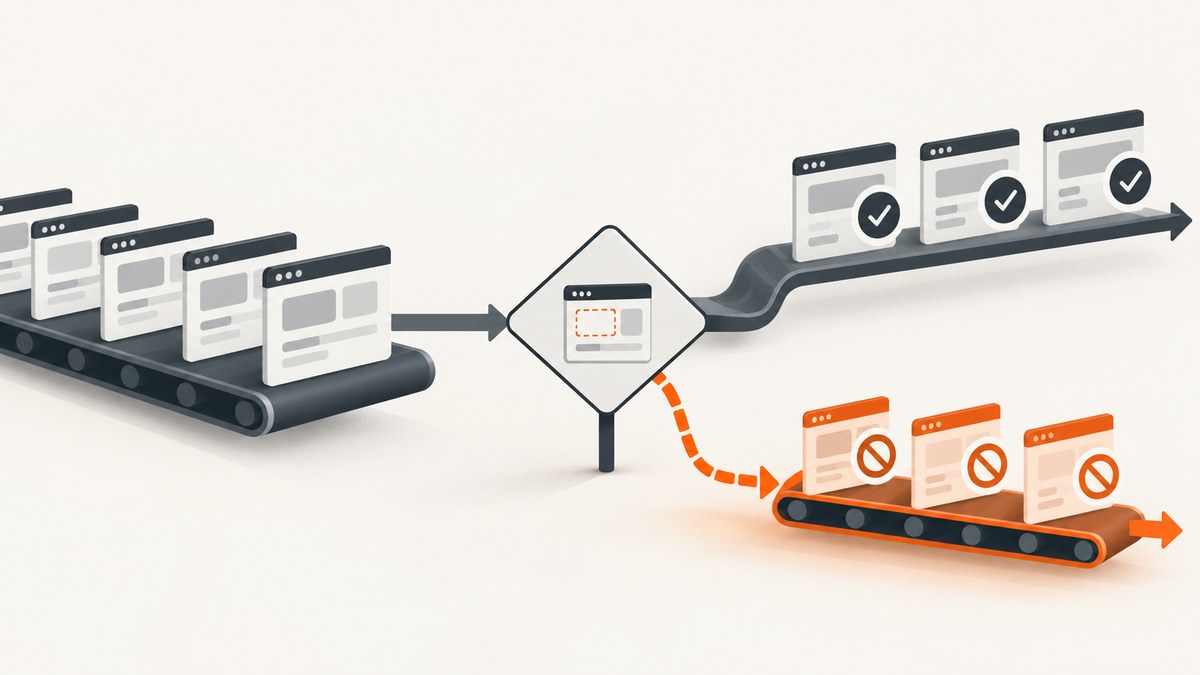
Use a conditional test.skip(callback, description) inside the test.describe() block. The callback checks whether the selector matches an element; when it does not, Playwright skips every test in that group and records the reason.
This is the documented group-level pattern:
import { test, expect } from '@playwright/test';

const selector = '[data-testid="optional-panel"]';

test.describe('optional panel tests', () => {
  test.skip(
    async ({ page }) => (await page.locator(selector).count()) === 0,
    `Required selector is missing: ${selector}`,
  );

  test('shows panel content', async ({ page }) => {
    await expect(page.locator(selector)).toBeVisible();
  });
});
Playwright’s API reference documents a single conditional test.skip(callback, description) call for skipping all tests in a file or test.describe() group. The annotations guide shows the same group-level approach. See the Playwright Test API and annotations documentation.
What the group skip does
A test.describe() block groups related tests. The callback passed to test.skip is evaluated with Playwright fixtures, including page. If the callback returns true, Playwright marks the tests in that group as skipped before their test bodies run.
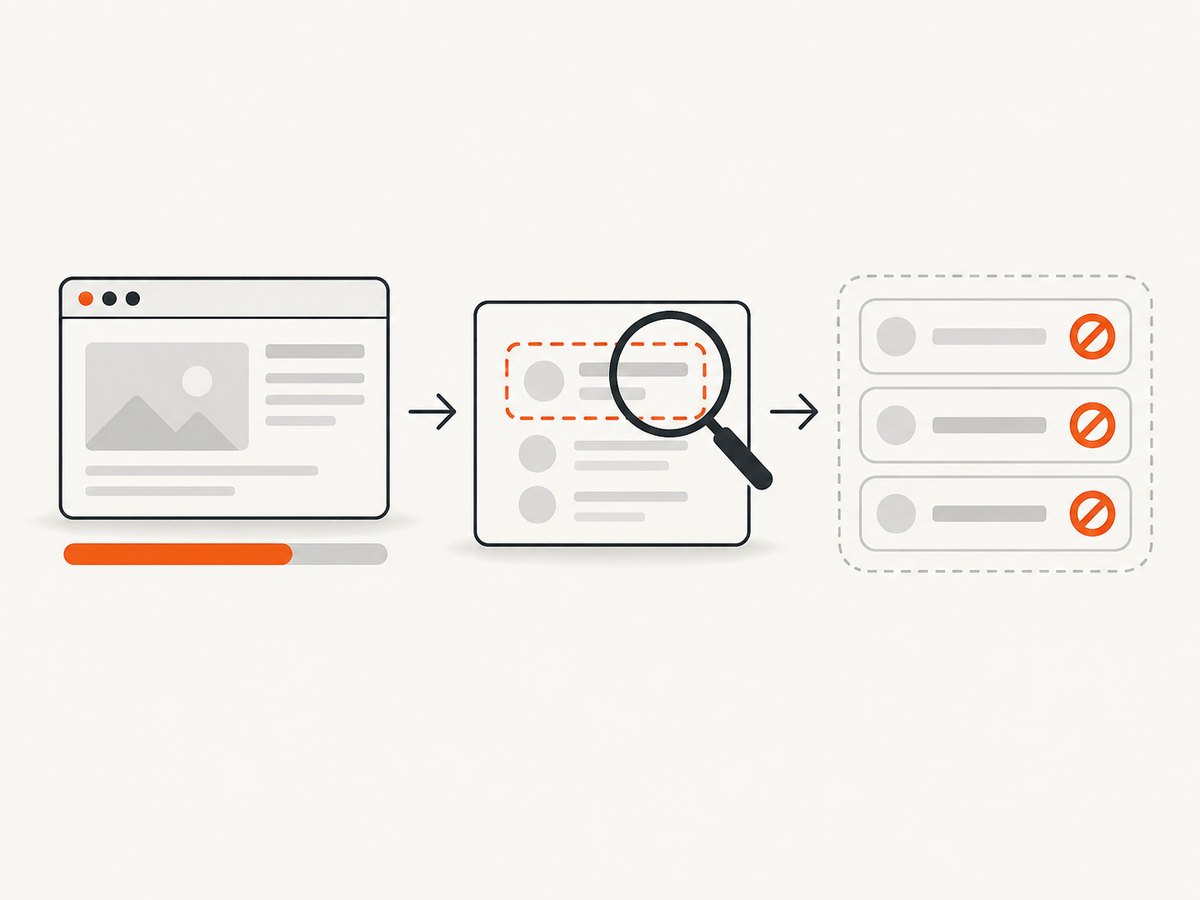
In the example, locator(selector).count() returns the number of matching DOM elements. A count of zero means the optional panel is not present, so the panel tests are not meaningful for that page state. The description is shown in test output and explains why the tests were skipped.
Do not confuse this with calling test.skip() inside an individual test. That form stops only the current test at the point of the call. A group callback expresses one condition for all tests in the group.
Complete TypeScript example
The following example is a complete Playwright Test file. It waits for the application’s intended state in beforeEach, then applies the group condition. Replace the URL and selector with values from your application.
import { test, expect } from '@playwright/test';

const appUrl = 'https://example.com/settings';
const selector = '[data-testid="optional-panel"]';

test.describe('optional settings panel', () => {
  test.beforeEach(async ({ page }) => {
    await page.goto(appUrl, { waitUntil: 'domcontentloaded' });
    // Perform login, feature-flag setup, or navigation here if required.
    await page.waitForLoadState('networkidle');
  });

  test.skip(
    async ({ page }) => (await page.locator(selector).count()) === 0,
    `Required selector is missing: ${selector}`,
  );

  test('renders the panel', async ({ page }) => {
    await expect(page.locator(selector)).toBeVisible();
  });

  test('contains the expected heading', async ({ page }) => {
    await expect(page.locator(selector).getByRole('heading')).toBeVisible();
  });
});
Make sure the callback evaluates the page after the relevant navigation, authentication, feature-flag setup, or API mocking. A zero count observed before the UI has rendered can produce a misleading skip.
Existence versus visibility
Choose the condition that matches the test’s contract. Existence asks whether the selector matches at least one element. Visibility asks whether the matched element is currently visible to the user.
| Requirement | Condition | Use when |
|---|---|---|
| Element exists | await page.locator(selector).count() === 0 |
The feature may be hidden but its DOM presence is enough for the group. |
| Element is visible | !(await page.locator(selector).isVisible()) |
Every test requires the user-visible control or panel. |
| Element becomes visible eventually | Use an assertion or explicit wait | The UI appears after an interaction or asynchronous request. |
test.describe('visible panel tests', () => {
  test.skip(
    async ({ page }) => !(await page.locator(selector).isVisible()),
    `Panel is not visible: ${selector}`,
  );

  test('supports interaction', async ({ page }) => {
    await page.locator(selector).click();
  });
});
count() distinguishes “no matching node” from “a matching node exists but is hidden.” isVisible() answers the latter question. The Locator API documents both methods.
When to use a skip, fail, or assertion
- Skip: the feature is optional, controlled by an environment, or legitimately unavailable in a supported deployment.
- Fail: the selector represents a required product contract. A missing required control should expose a regression.
- Assertion: the selector should exist in this test, and the test should report a precise expectation failure.
Skipping can hide a broken deployment if used for mandatory UI. Keep the reason explicit and review skipped counts in CI. For optional functionality, a skip communicates that the test was not applicable; it does not claim that the feature passed.
Selector design and timing
Prefer stable locators
Use a semantic role, accessible label, or dedicated test ID where possible. A selector such as [data-testid="optional-panel"] is usually less fragile than a deeply nested CSS path. Keep the selector in one constant so the condition, assertions, and diagnostics cannot drift apart.
Wait for the correct state
The group callback should inspect the same state that the tests intend to exercise. If the panel is loaded after a route transition, perform that transition in setup. If a feature flag is set by an API call, complete the call before evaluating the condition. Avoid arbitrary sleeps; wait for a meaningful URL, response, or loading marker.
test.beforeEach(async ({ page }) => {
  await page.goto('https://example.com/dashboard');
  await page.getByRole('link', { name: 'Settings' }).click();
  await page.waitForURL('**/settings');
});
For a panel that is inserted only after a known request, wait for that request or for a stable parent container. A count of zero during an intermediate loading state is not evidence that the feature is absent.
Nested groups and multiple optional features
Put each condition at the smallest group that shares the requirement. This keeps unrelated tests running.
test.describe('account settings', () => {
  test('always shows the account title', async ({ page }) => {
    await expect(page.getByRole('heading', { name: 'Account' })).toBeVisible();
  });

  test.describe('billing panel', () => {
    const billing = '[data-testid="billing-panel"]';

    test.skip(
      async ({ page }) => (await page.locator(billing).count()) === 0,
      `Billing panel is unavailable: ${billing}`,
    );

    test('shows the invoice link', async ({ page }) => {
      await expect(page.locator(billing).getByRole('link', { name: /invoice/i })).toBeVisible();
    });
  });
});
For several selectors that all must be present, return one combined condition and describe it clearly:
test.skip(
  async ({ page }) => {
    const required = ['[data-testid="chart"]', '[data-testid="legend"]'];
    return (await Promise.all(required.map((s) => page.locator(s).count())))
      .some((matches) => matches === 0);
  },
  'Analytics group skipped because chart or legend is missing',
);
Diagnostics and reporting
A useful skip description includes the condition and selector. During investigation, add tracing or a diagnostic log before the skip condition, but keep the production condition deterministic.
const matches = await page.locator(selector).count();
console.log({ selector, matches, url: page.url() });
If you need to inspect the page, run Playwright with a headed browser or tracing enabled. Check that the test project’s base URL, storage state, permissions, and feature flags are the same ones used by the failing CI job.
Common errors and fixes
| Symptom | Likely cause | Fix |
|---|---|---|
| Tests skip unexpectedly | The callback runs before navigation or rendering completes. | Move setup into beforeEach and wait for the intended URL, response, or container. |
| Hidden element passes an existence check | count() measures DOM presence, not visibility. |
Use isVisible() when visibility is required. |
| Only one test skips | test.skip() was called inside that test. |
Move the conditional callback into the surrounding test.describe(). |
| “Invalid number of arguments” or type error | The installed Playwright version may not support the overload used by the project. | Check the API reference for the installed version and update Playwright or use a supported per-test pattern. |
| Selector matches the wrong element | A broad CSS selector finds a placeholder or duplicate. | Use a role, label, test ID, or a narrower locator and assert the expected count. |
| CI skips but local runs | Different environment variables, account state, flags, or permissions. | Compare configuration and storage state; print the URL and match count in both environments. |
| Timeout before the condition | The setup wait targets a state that never occurs. | Inspect the trace, verify the route and network response, and replace the wait with a valid readiness signal. |
Performance, reliability, and cost
A locator count() is a small DOM query, but the surrounding setup often dominates runtime. Reuse authenticated storage state, avoid repeated full logins, and keep optional groups narrow. If a selector is generated by a component library, add a stable test ID rather than relying on layout-specific CSS.

Conditional skips improve reliability when a feature is genuinely optional, but they can reduce coverage silently. Track skipped tests as a CI metric, review changes to skip descriptions, and add a separate contract test for features that must exist in production.
Playwright itself runs in your test environment, so the cost is the compute used by your CI workers and browser processes. If your workflow only needs rendered screenshots rather than interactive tests, a screenshot API can remove browser installation and orchestration from that job.
Or skip the browser setup
ScreenshotNeo provides a website screenshot API and MCP server when your automation needs an image or PDF instead of a full Playwright test. It accepts a URL and returns PNG, JPEG, WebP, or PDF. Cookie and consent banners, newsletter popups, and chat widgets are removed before capture; bot checks, blank pages, timeouts, failed loads, and cache hits are not billed. Each response identifies the result with X-Page-Verdict and X-Billed headers. Its MCP server exposes take_screenshot, get_page_info, and capture_pdf to Claude, Cursor, and other MCP clients.
See the ScreenshotNeo API documentation for authentication and all capture options.
cURL
curl -G "https://api.screenshotneo.com/v1/shot" \
  -d access_key=YOUR_API_KEY \
  --data-urlencode url=https://stripe.com \
  -o shot.webp
Python
import requests

r = requests.get(
    "https://api.screenshotneo.com/v1/shot",
    params={"access_key": "YOUR_API_KEY", "url": "https://stripe.com"},
    timeout=90,
)
r.raise_for_status()
open("shot.webp", "wb").write(r.content)
Node.js
const q = new URLSearchParams({ access_key: 'YOUR_API_KEY', url: 'https://stripe.com' });
const res = await fetch(`https://api.screenshotneo.com/v1/shot?${q}`);
if (!res.ok) throw new Error(`Screenshot failed: ${res.status}`);
const bytes = Buffer.from(await res.arrayBuffer());
await Bun.write('shot.webp', bytes);
ScreenshotNeo supports full-page capture with lazy images loaded, element capture by CSS selector, dark mode, device presets and custom viewports, retina scale, PDF paper and margin controls, custom CSS and JavaScript, clicks, selector waits, delays, network-idle waits, request and resource blocking, headers, cookies, user agents, authorization, timezone, geolocation, transparent backgrounds, resizing, configurable cache TTLs, signed links, asynchronous jobs with signed webhooks, bulk capture of up to 100 URLs per call, a usage API, and an OpenAPI specification. Parameters used by other screenshot APIs also work, which can simplify migration.
The Free plan includes 1,000 screenshots each month with no card. Paid plans start at $5 for 3,000 shots; every feature is available on every plan, and yearly billing gives two months free. Create a free ScreenshotNeo account to try it.
FAQ
Can I skip a whole file?
Yes. The same conditional callback form can be used at file scope when the condition should apply to every test in the file. Keep it inside a describe block when only one group is optional.
Does a skipped test count as passing?
No. Playwright reports it as skipped, so it is distinct from a pass and a failure. CI systems may treat skipped tests differently, so configure reporting rules deliberately.
Should I use locator.isVisible() or an assertion?
Use isVisible() for the boolean condition in a skip callback. Use expect(locator).toBeVisible() inside a test when visibility is a required product assertion.
What if the selector appears only after a click?
Perform the click in setup, wait for the resulting state, and then evaluate the group condition. Otherwise the callback may observe the page before the feature is reachable.
Where is the per-test alternative documented?
TestInfo provides conditional skipping for the currently running test. The group callback pattern is the appropriate scope when the same prerequisite governs multiple tests.


