Smart AI Proxy vs Oxylabs: The Real Differences
Compare SmartProxy.ai and Oxylabs by proxy type, scraping tools, geography, and cost. The right choice depends on your target and workload.
Short answer: SmartProxy.ai and Oxylabs both offer proxy and web data products, but the available evidence does not establish that their plans are equivalent or that one is the overall winner. Compare the specific product you need—proxy access, a scraper API, or another managed service—against your target sites, locations, session needs, traffic, and budget. The name “Smart AI Proxy” is ambiguous; this article refers to SmartProxy.ai, the provider identified in the research for this comparison.
Oxylabs publishes starting prices for some products: residential proxies from $6/GB and Web Scraper API from $49/month. Those figures are vendor-listed starting points, not a quote for a particular workload. The research reviewed here did not establish comparable SmartProxy.ai prices, so it would be misleading to name a price winner. Check each provider’s current product and pricing pages before choosing.
1. What are SmartProxy.ai and Oxylabs?
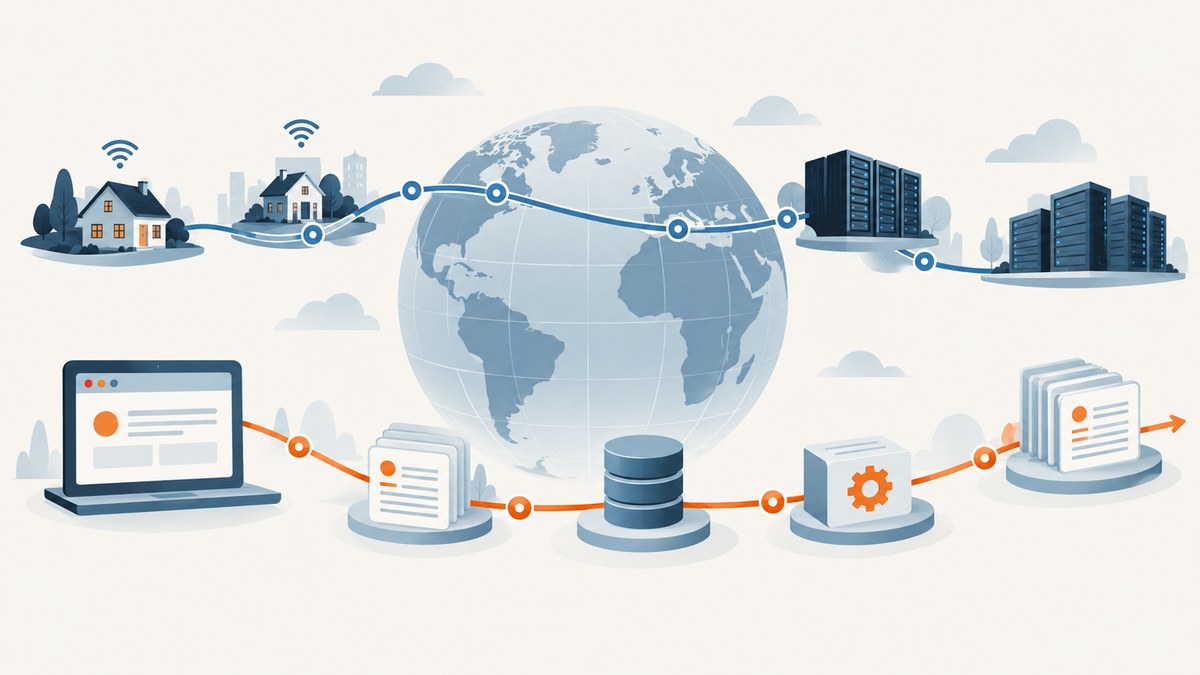
Neither is a physical product. They are services for routing internet requests through proxy infrastructure and, in some cases, collecting public web data through managed APIs or related tools.
SmartProxy.ai’s application pages list residential, unlimited, static residential, static datacenter, and long-acting ISP proxies, along with Web Scraper APIs, a SERP API, and a Video Downloader API. Its listed use cases include market research, ecommerce, price and review monitoring, web scraping, ad verification, and social media. These are the provider’s descriptions of its products and use cases; they do not establish performance on your particular target.
Oxylabs has a wider product catalogue in the reviewed material. It lists residential, ISP, mobile, and datacenter proxies, plus a Web Unblocker, Web Scraper API, headless browser, OxyCopilot, and AI-oriented video and data products. Oxylabs describes a residential pool of 175M+ IPs, a mobile pool of 20M+, and residential targeting to cities in 195 countries. Treat pool size and coverage as vendor-published specifications, not independent measures of usable IPs or success on your sites.
2. SmartProxy.ai vs Oxylabs at a glance
| Question | SmartProxy.ai | Oxylabs |
|---|---|---|
| Proxy products | Residential, unlimited, static residential, static datacenter, and long-acting ISP proxies are listed. | Residential, ISP, mobile, datacenter, and SOCKS5 offerings are listed. |
| Managed data tools | Web Scraper APIs, SERP API, and Video Downloader API are listed. | Web Scraper API, Web Unblocker, headless browser, OxyCopilot, and AI data products are listed. |
| Published pricing evidence | The reviewed material does not establish comparable plan pricing. | Pricing page lists residential proxies from $6/GB and Web Scraper API from $49/month. |
| Trial evidence | Not established in the reviewed research. | A datacenter proxy free-trial option is listed; confirm its current availability and limits. |
| Best comparison method | Match a specific proxy or API plan to your use case and obtain current terms. | Compare the equivalent product, traffic basis, location, and included features. |
Product availability, prices, pool descriptions, trial conditions, and plan limits can change. See the providers’ live pages for SmartProxy.ai products, Oxylabs products, and Oxylabs pricing.
3. Which is better for web scraping?
There is not enough evidence to call either provider better for web scraping in general. Your answer depends on whether you want raw proxy connections or a managed scraping service, and on how your target behaves.
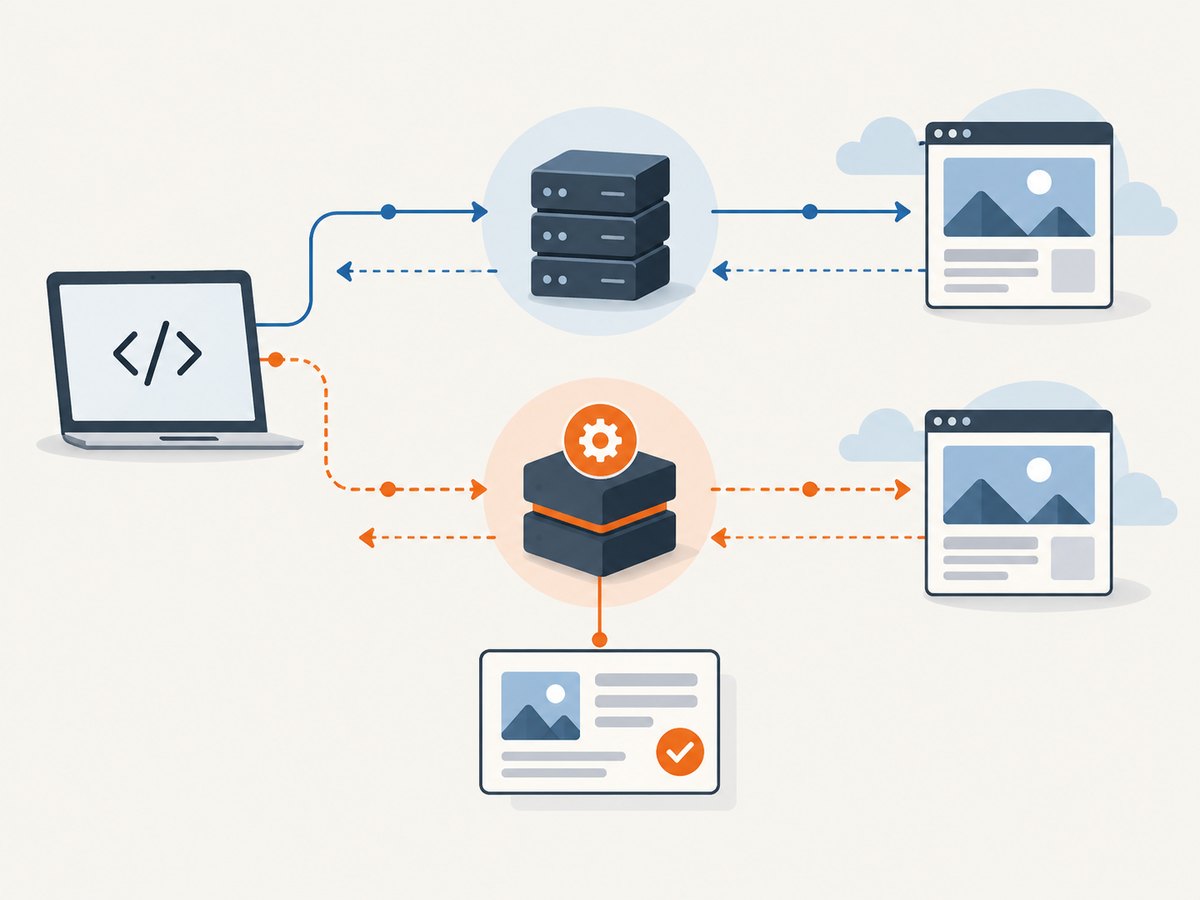
Choose by the work you want the service to handle
- Raw proxy access: Your application still handles HTTP requests, page rendering if needed, parsing, retries, data validation, and storage. Compare protocol support, session controls, locations, usage limits, and the proxy type that fits the target.
- Scraper API or unblocker: A managed product may take on some request handling or browser work. Compare the actual output, supported targets, rendering, retries, limits, and billing unit. Do not assume that two services with “scraper API” in the name return the same output or include the same work.
- Browser automation: If you need to interact with pages or render JavaScript, determine whether you need a headless browser product or can use a simpler request-based workflow. The reviewed Oxylabs catalogue lists a headless browser; SmartProxy.ai’s reviewed list includes APIs, but does not establish an equivalent browser product.
Choose proxy type by target and task
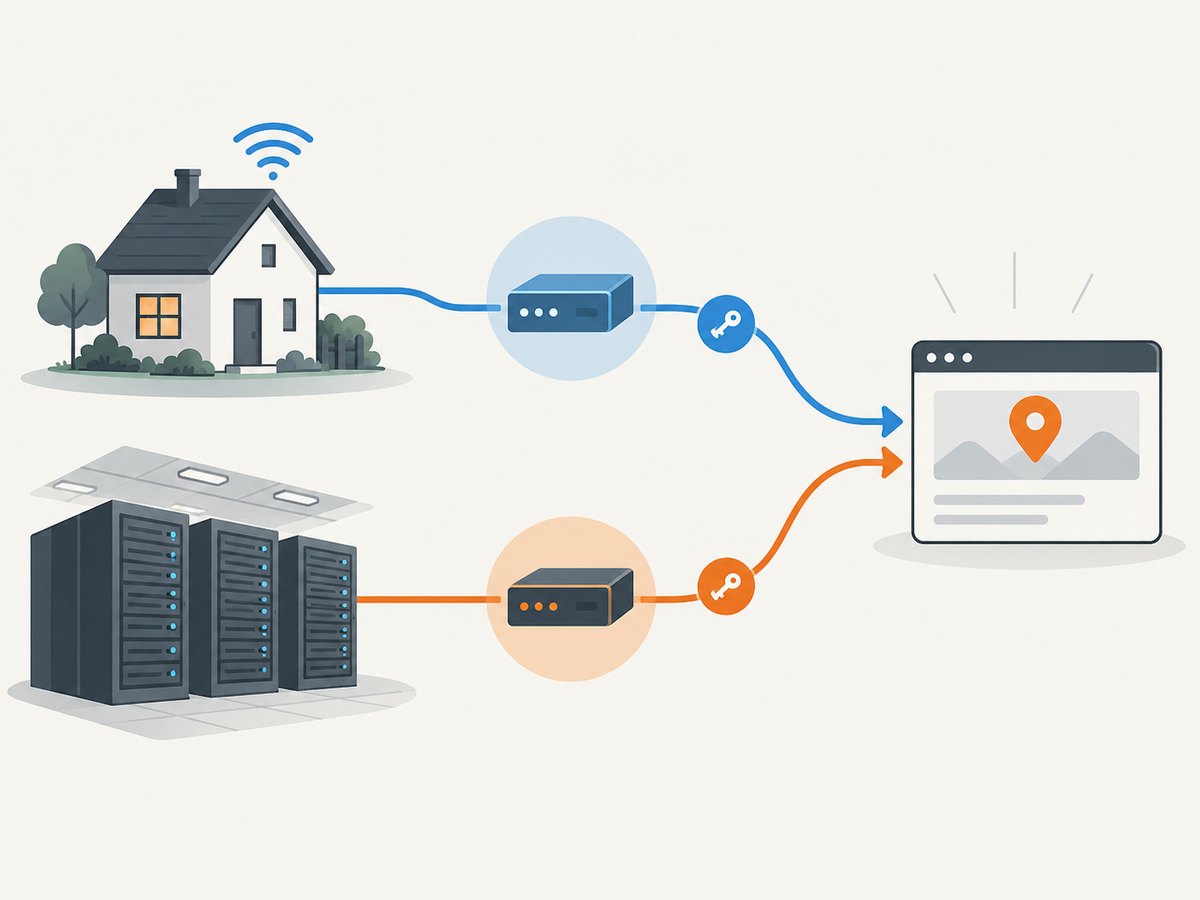
Oxylabs explains that its residential IPs are ISP-provided and appear as ordinary users, while datacenter IPs are not ISP-associated. The provider describes datacenter proxies as less expensive but more vulnerable to blocking. This is a useful distinction for planning, not a guarantee that residential traffic will work or that datacenter traffic will fail. Target site controls, request patterns, location, and session consistency all matter.
For a low-sensitivity target or a workload where cost matters most, evaluate datacenter proxies first if they fit the site’s rules and your requirements. If the target’s controls or location requirements make that unsuitable, test the relevant residential, ISP, or mobile product. Run a permitted, small trial against your own representative pages before estimating production success.
4. How to compare the two services fairly
- Resolve the provider name. Confirm that “Smart AI Proxy” means SmartProxy.ai before you sign up or compare a quote. The name alone is not enough to establish company identity.
- Define the target and purpose. List the sites, data fields, refresh frequency, geography, and whether you need rendered pages. Check applicable law, the target’s terms, and each provider’s usage policy. Proxy and scraping legality depends on the target, data, and applicable law.
- Choose equivalent product types. Compare raw proxies with raw proxies, or managed APIs with managed APIs. A proxy plan and an API that returns scraped data do different jobs and can have different billing units.
- Write down operating requirements. Record required country or city, session duration, concurrency, protocol, authentication method, and response format. Verify each requirement against current documentation; do not infer it from a general product label.
- Run a controlled evaluation. Use the same permitted targets, locations, request volume, session behavior, and success definition for each candidate. Track usable response rate, latency distribution, data correctness, retries, and total spend. The dossier includes no independent, apples-to-apples performance test.
- Price your actual workload. Estimate data transfer, requests, browser or API usage, retries, and any needed add-ons. Check whether the plan has caps, top-ups, or minimums. Compare total cost for the same expected work, not just an advertised starting figure.
- Verify support and trial terms. Confirm support coverage, onboarding requirements, trial eligibility, trial limits, and cancellation terms directly with the vendor before you depend on them operationally.
5. Pricing: what can be compared
Oxylabs’ pricing page lists residential proxies starting at $6/GB and Web Scraper API starting at $49/month. It also lists a datacenter trial option. These are current vendor-listed starting points in the research snapshot, not a normalized quote or an estimate of what your project will cost. Plan limits and potential top-up conditions may apply; review the live pricing page before publishing or purchasing.
The reviewed SmartProxy.ai material lists multiple proxy types and APIs but does not provide enough comparable pricing evidence to calculate which provider costs less. That is an unresolved comparison, not evidence that SmartProxy.ai is cheaper or more expensive.
To make a cost estimate, use your expected traffic and the provider’s actual billing unit. For a bandwidth-based plan, estimate transferred data, including page assets if your workflow fetches them. For an API plan, account for the plan’s request or usage limits and the work it handles. Add a realistic allowance for retries and unsuccessful responses, then check whether the provider bills those attempts. Ask vendors to clarify any unit that is not explicit in the plan.
6. A minimal proxy request pattern
The examples below show how common clients can be configured to send a request through a proxy. They use a placeholder URL and credentials. Replace them with connection details from a product you are authorized to use; the exact endpoint, authentication format, rotation, location, and session controls are provider-specific. These snippets are not a complete SmartProxy.ai or Oxylabs integration guide, because the research does not establish the exact endpoint syntax for each plan.
cURL
export PROXY_URL='http://USERNAME:PASSWORD@PROXY_HOST:PORT'
curl --proxy "$PROXY_URL" --fail --show-error --silent \
  --max-time 30 \
  'https://example.com/' \
  --output page.html
Python
import os
import requests

proxy_url = os.environ["PROXY_URL"]
proxies = {"http": proxy_url, "https": proxy_url}

response = requests.get(
    "https://example.com/",
    proxies=proxies,
    timeout=(10, 30),
)
response.raise_for_status()
print(response.status_code, len(response.content))
Node.js
Node’s built-in fetch does not accept a proxy URL as a standard option. Use a proxy-capable HTTP client or dispatcher compatible with your Node version and provider’s protocol. Confirm the provider’s integration instructions before choosing a library; the snippet below deliberately does not guess a vendor-specific agent configuration.
// Example application boundary: inject a configured proxy-capable client.
// Configure its proxy transport using your provider's current documentation.
async function fetchThroughProxy(proxyClient, url) {
  const response = await proxyClient.get(url, { timeout: 30_000 });
  if (response.status < 200 || response.status >= 300) {
    throw new Error(`Unexpected HTTP status: ${response.status}`);
  }
  return response.data;
}
For production, keep credentials in environment variables or a secrets manager, never commit them, and avoid printing full proxy URLs in logs. Set connection and response timeouts, handle non-success statuses, and cap retries with backoff. Confirm whether changing a connection changes your session or location before retrying a request.
7. Reliability, performance, and operations
Do not treat provider pool size, claimed success rates, or geographic coverage as a substitute for a test against your workload. The research contains vendor product descriptions but no independent benchmark for SmartProxy.ai versus Oxylabs. Measure the pages and fields your application actually needs.
- Keep request volume controlled. Follow target terms and provider policies; use a schedule appropriate to the data freshness you need.
- Separate transport from extraction failures. A successful HTTP response can still contain a challenge page, an error document, or incomplete data. Validate expected fields and page state.
- Use bounded retries. Retry transient network failures selectively, with exponential backoff and a maximum attempt count. Repeating every error can increase cost and load without improving the result.
- Record useful diagnostics. Log timestamp, target domain, status, latency, selected product and region, retry count, and a sanitized error category. Do not log credentials or sensitive response data.
- Watch total cost alongside success. A low starting price may not be the least expensive option if the workflow needs more retries, data, or managed features. Compare cost per valid result using your own measured workload.
8. Common problems and fixes
| Symptom | Likely cause | What to check |
|---|---|---|
| Connection refused or timeout | Wrong host or port, network restrictions, invalid endpoint, or transient connectivity. | Copy the endpoint from current provider documentation; check outbound firewall access and use separate connect and read timeouts. |
| Proxy authentication error | Incorrect credentials, encoding issue, or credentials used with the wrong endpoint. | Regenerate or verify credentials in the vendor dashboard. If a credential contains reserved URL characters, follow the provider’s encoding instructions rather than pasting it raw. |
| Request reaches the site but returns a block or challenge | The target’s controls, selected proxy type, request pattern, or location may not fit. | Check the site’s rules and your permitted use. Test another appropriate product or location and reduce request rate; do not assume that rotation alone will solve it. |
| Wrong geographic result | Location targeting was not set, is unsupported on the plan, or is interpreted differently than expected. | Verify the exact country, city, or other supported targeting level in the product documentation and validate the apparent location in your own controlled test. |
| Intermittent failures under concurrency | Concurrency, session behavior, target limits, or client connection handling may be involved. | Reduce concurrency, test a smaller batch, and check plan limits and session rules with the provider. Increase load gradually after measuring. |
| Proxy works in cURL but not in Node | Built-in fetch may not use the proxy configuration you expect. | Use a documented proxy-capable client or dispatcher that supports the protocol, and verify the actual egress path in a safe test. |
| Unexpectedly high bill | Traffic, retries, transferred assets, add-ons, or top-ups exceeded the estimate. | Review usage records and billing units, cap retries and concurrency, and set alerts or project limits where offered. |
9. ScreenshotNeo as an alternative for screenshot work
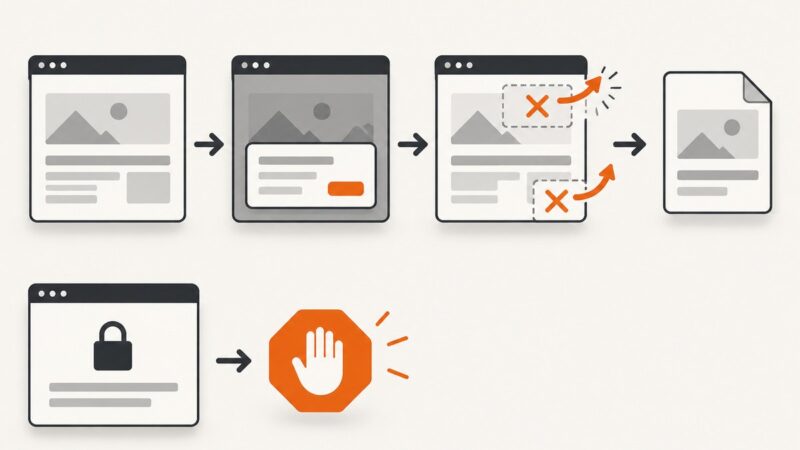
If the task is taking website screenshots rather than collecting proxy access or structured web data, try ScreenshotNeo first. It is a website screenshot API and MCP server from Yorker Media: one GET request with a URL returns a PNG, JPEG, WebP, or PDF. Its cookie-banner and popup cleanup makes it relevant when a screenshot needs to show page content cleanly. It is not a replacement for a proxy plan or a general web scraping API.
For available parameters and setup details, see the ScreenshotNeo documentation. Keep your access key private.
cURL
curl -G "https://api.screenshotneo.com/v1/shot" \
  -d access_key=YOUR_API_KEY \
  --data-urlencode url=https://stripe.com \
  -o shot.webp
Python
import requests

r = requests.get(
    "https://api.screenshotneo.com/v1/shot",
    params={"access_key": "YOUR_API_KEY", "url": "https://stripe.com"},
    timeout=90,
)
r.raise_for_status()
open("shot.webp", "wb").write(r.content)
Node.js
const q = new URLSearchParams({
  access_key: 'YOUR_API_KEY',
  url: 'https://stripe.com'
});
const res = await fetch(`https://api.screenshotneo.com/v1/shot?${q}`);
if (!res.ok) throw new Error(`Screenshot request failed: ${res.status}`);
const bytes = new Uint8Array(await res.arrayBuffer());
await import('node:fs/promises').then(fs => fs.writeFile('shot.webp', bytes));
ScreenshotNeo removes known cookie and consent banners, newsletter popups, and chat widgets before capture; individual cleanup steps can be turned off. Bot checks and CAPTCHAs, blank pages, timeouts, failed loads, and cache hits are not billed, and responses indicate page verdict and billing status in headers. Its MCP server gives AI agents tools for screenshots, page information, and PDF capture. The free plan includes 1,000 screenshots per month with no card; paid plans start at $5 for 3,000. Sign up for 1,000 free screenshots a month, with no card required.
10. Frequently asked questions
Is Smart AI Proxy the same company as SmartProxy.ai?
The research identifies SmartProxy.ai as the official site reviewed, but “Smart AI Proxy” may refer to another similarly named provider. Verify the company and domain before relying on a comparison or purchasing.
How much do Oxylabs proxies cost?
The Oxylabs pricing page lists residential proxies from $6/GB. The starting price is not a quote for every plan or workload; check current pricing, limits, and any top-up terms.
Does Oxylabs have a free trial?
The reviewed pricing material lists a datacenter proxy trial option. Confirm current eligibility and limits on the live vendor page.
Which provider has better performance?
The available research does not contain an independent head-to-head benchmark. Measure both against the same permitted targets, location, request pattern, and definition of a valid result.
Can I decide based on proxy pool size?
Pool size and advertised coverage can help you form questions, but they do not predict success on your particular targets. Validate location availability, session controls, and usable results in a representative trial.