Smartproxy Proxy Saver: How It Reduces Proxy Costs
Proxy Saver’s exact mechanism is unverified. Learn how to compare Smartproxy plans, sessions, traffic and total successful work before buying.
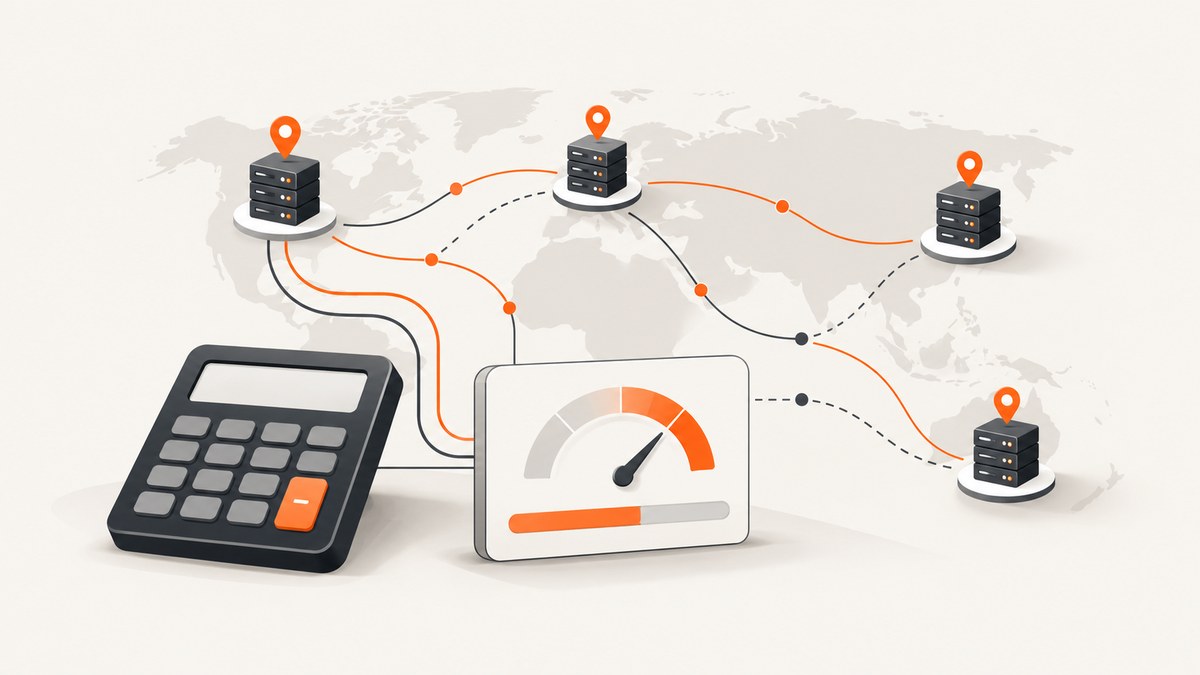
Direct answer: the exact Smartproxy feature called “Proxy Saver,” including how it supposedly reduces costs, could not be verified in the official pages reviewed for this article. Do not rely on a claimed savings percentage or a specific optimization mechanism until Smartproxy confirms the feature, its current name and its billing rules.
Smartproxy’s published materials do explain the decisions that usually determine proxy cost: whether you pay for traffic or successful requests, how often you rotate IPs, how long sessions remain open, which locations you target, how much data your workload transfers and how much useful work each successful request delivers. The cheapest plan is therefore workload-dependent. This guide shows how to evaluate that cost without treating an unverified “Proxy Saver” claim as fact.
What is verified about Smartproxy pricing and products?
The official residential materials describe traffic-based residential proxies with HTTP and SOCKS5 access, country and city targeting, API and username/password authentication, rotating residential IPs and dashboard usage monitoring. The pricing page advertises a 99.5% average success rate; that is a vendor-stated, undated figure rather than an independent benchmark.
The residential overview says traffic plans are billed by traffic and remain valid for up to 180 days. It describes random IP rotation and sticky sessions lasting from one to 60 minutes. Bulk discounts are also described, but no source reviewed gives a substantiated saving amount for Proxy Saver.
The FAQ separates three practical product types:
| Product type | Typical fit | Cost question |
|---|---|---|
| Rotating residential | Many requests that need changing residential IPs | How many gigabytes will each successful task consume? |
| Static residential | Long sessions tied to one IP | Can one stable IP avoid repeated connection and authentication overhead? |
| Unlimited residential | Large-scale rotation | Does the fixed plan price beat metered traffic at your volume? |
| ISP or static-style plans | Long-lived sessions and throughput | Is stability more valuable than frequent rotation? |
Smartproxy’s FAQ also says rotating proxies add overhead and recommends fewer, longer sessions for maximum throughput, or a nearby static IP when that fits the workload. That guidance is useful for cost modeling, but it is not evidence of a Proxy Saver feature.
How proxy costs are really reduced
Whether you use Smartproxy or another provider, lower cost usually comes from reducing metered traffic, avoiding unnecessary retries and selecting a billing model that matches the workload.
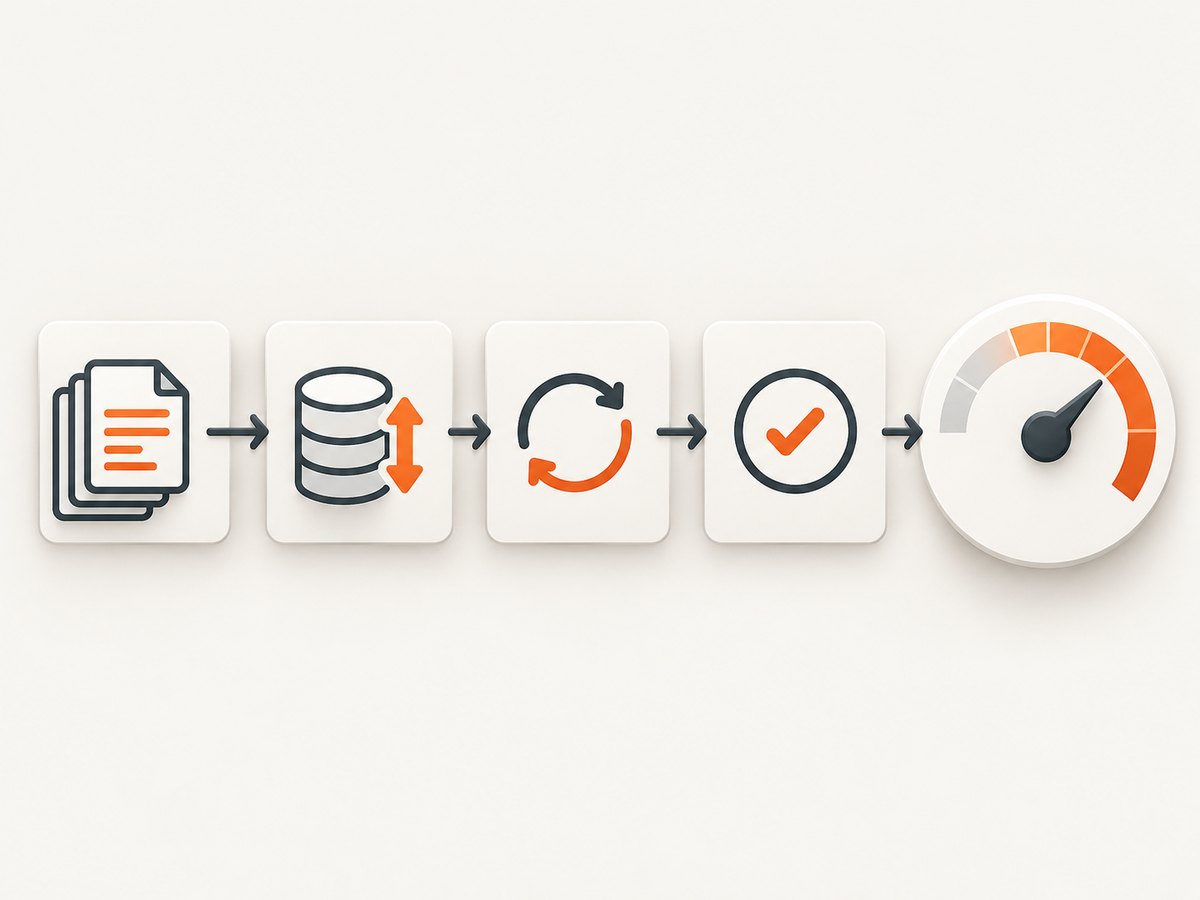
1. Measure traffic per completed result
Record bytes sent and received for a representative sample. Include HTML, JavaScript, images, redirects, challenge pages and retries. A request that returns a small record can still consume substantial traffic if it loads a full page through a browser.
cost_per_result = (monthly_traffic_gb * price_per_gb) / successful_resultsUse successful results as the denominator. A low price per gigabyte is not economical if the route produces many unusable responses.
2. Reuse sessions when the target allows it
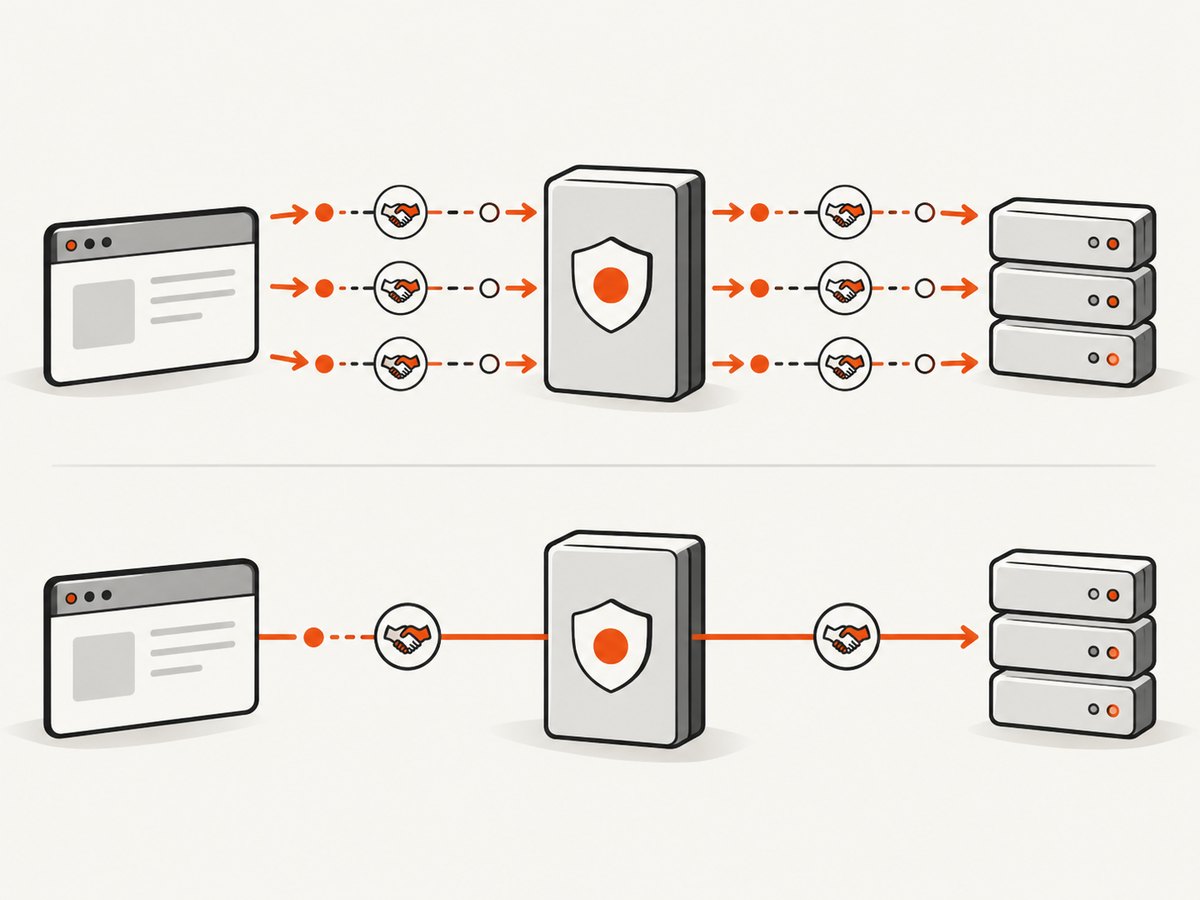
Frequent rotation creates connection setup and authentication overhead. Sticky sessions of one to 60 minutes can reduce that overhead when a site does not require a new IP for every request. Keep sessions shorter when the target links activity to an IP or when rotation is part of your compliance design.
3. Choose the narrowest geography that works
Country and city targeting can be necessary for localization, but selecting a nearby location may improve latency and reduce timeouts. Do not pay for a city-level constraint when country-level routing produces the same valid result.
4. Stop retry loops that cannot succeed
Set a finite retry budget and classify failures. A persistent authentication error, blocked domain or malformed request should not be retried like a transient timeout. The FAQ says Smartproxy’s Web Scraper API charges per successful request and does not charge failed requests after all retries, but the reviewed sources do not calculate when that model is cheaper than direct proxy traffic.
5. Compare plans by delivered work
For each plan, calculate:
- monthly traffic or request allowance;
- average bytes per attempt;
- success rate for your own target;
- retry count;
- session duration and rotation frequency;
- geographic coverage;
- total successful records, pages or transactions delivered.
Do not transfer a provider’s advertised success rate directly to your workload. Measure your own targets and retain the provider figure only as context.
A practical cost-comparison worksheet
Create one row per plan and use the same workload assumptions. This avoids comparing a traffic plan with an unlimited plan using different volumes.
| Input | How to obtain it |
|---|---|
| Requests per month | Job scheduler or application logs |
| Average traffic per request | Proxy usage dashboard and sampled response sizes |
| Successful-result rate | Application-level validation, not only HTTP status |
| Retries per failed request | Client logs |
| Required session length | Target behavior and login/session tests |
| Required locations | Business or test requirements |
| Monthly plan price | Current provider pricing page |
traffic_gb = requests * average_mb_per_request / 1024
successful_results = requests * success_rate
cost_per_success = monthly_price / successful_results
Run the worksheet at low, expected and peak volumes. Include a sensitivity case in which traffic doubles or success rate falls. A plan that is cheapest only under ideal conditions may not be the best operational choice.
When rotating, static and unlimited plans make sense
Rotating residential
Use it when many targets need changing residential IPs and traffic is predictable. Optimize by reusing a sticky session for related requests, limiting page weight where permitted and filtering unnecessary assets in your client.
Static residential
Use it for long authenticated sessions, account workflows or targets that penalize rapid IP changes. A stable IP can lower reconnect overhead and simplify state management, even if its unit price differs from rotating traffic.
Unlimited residential
Use it when high-volume rotation makes metered traffic unpredictable. Compare the fixed price with your measured traffic plan at the volume you actually expect; “unlimited” does not remove latency, concurrency, target restrictions or engineering costs.
Web Scraper API billing
The FAQ describes billing per successful request, with failed requests after all retries not charged. This can make budgeting easier for workloads where response size varies widely. It is still necessary to compare the API’s price per successful result with direct proxy traffic and the cost of your own browser or parsing infrastructure.
Edge cases that change the calculation
- Large assets: images, video and scripts can dominate traffic. If your task needs only structured data, avoid downloading assets where the target and terms allow.
- CAPTCHAs and bot checks: retries may consume traffic without producing data. Track these separately from ordinary HTTP failures.
- Login flows: rotating between steps can invalidate sessions. Use a session strategy that matches the application’s authentication model.
- Geo-specific content: a cheaper nearby location is useless if it returns the wrong catalog, currency or legal page.
- Concurrency limits: increasing workers can raise throughput while also increasing bans, retries and traffic waste.
- Cache behavior: cached responses may reduce origin work but can return stale data. Record freshness requirements before treating cache hits as savings.
Troubleshooting proxy-cost surprises
| Symptom | Likely cause | Fix |
|---|---|---|
| Traffic is much higher than expected | Full browser pages or repeated assets | Measure response sizes, block unnecessary resources where allowed and reuse sessions. |
| Success rate falls as concurrency rises | Target throttling or exhausted IP capacity | Reduce concurrency, lengthen sessions and test a closer location. |
| Sessions break mid-job | IP rotation is shorter than the workflow | Use sticky sessions or evaluate static residential access. |
| Retries consume the budget | Permanent errors are being retried | Classify status codes and stop retries for authentication, validation and policy errors. |
| A “savings” claim cannot be reproduced | Proxy Saver name or mechanism is outdated or misunderstood | Request current documentation and billing examples from Smartproxy before purchase. |
Performance, reliability and budgeting checklist
- Log request ID, proxy location, session ID, response status, bytes and final result status.
- Separate transport success from application success.
- Track p50 and p95 latency, timeout rate and retry count.
- Set a monthly traffic alert below the plan limit.
- Recalculate cost per successful result after changing browser settings, geography or concurrency.
- Review plan validity, renewal terms and current branding before committing.
- Retest quarterly because pricing, inventory and product names can change.
Or skip the browser setup
If your actual goal is collecting clean page images for documentation, monitoring or visual tests, ScreenshotNeo provides a single website screenshot request instead of maintaining browser, proxy and cleanup code. It accepts cookie and consent banners before capture and removes more than 60 known consent platforms, newsletter popups and chat widgets. Bot checks, blank pages, timeouts, failed loads and cache hits cost nothing, and response headers identify the page verdict and whether it was billed.
ScreenshotNeo also supports full-page captures with lazy images loaded, CSS-element captures, dark mode, device presets, custom viewports, retina scale, PDF output, custom CSS and JavaScript, clicks, selector waits, delays, network-idle waits, request blocking, headers, cookies, user agents, authorization, timezone, geolocation, transparent backgrounds, resizing, configurable caching, signed links, asynchronous jobs, webhooks, bulk capture and a usage API. Its MCP server exposes take_screenshot, get_page_info and capture_pdf for Claude, Cursor and other MCP clients.
See the ScreenshotNeo documentation for option names and OpenAPI details.
cURL
curl -G "https://api.screenshotneo.com/v1/shot" \
  -d access_key=YOUR_API_KEY \
  --data-urlencode url=https://stripe.com \
  -o shot.webp
Python
import requests

r = requests.get(
    "https://api.screenshotneo.com/v1/shot",
    params={"access_key": "YOUR_API_KEY", "url": "https://stripe.com"},
    timeout=90,
)
r.raise_for_status()
open("shot.webp", "wb").write(r.content)
Node.js
const q = new URLSearchParams({
  access_key: 'YOUR_API_KEY',
  url: 'https://stripe.com'
});
const res = await fetch(`https://api.screenshotneo.com/v1/shot?${q}`);
if (!res.ok) throw new Error(`HTTP ${res.status}`);
const fs = await import('node:fs/promises');
await fs.writeFile('shot.webp', Buffer.from(await res.arrayBuffer()));
ScreenshotNeo includes 1,000 screenshots per month free with no card. Paid plans start at $5 for 3,000 shots; every feature is available on every plan. Create a free ScreenshotNeo account.
FAQ
Is Proxy Saver a confirmed Smartproxy feature?
The reviewed official pages did not verify the exact feature name, operation or savings claim. Confirm it directly with Smartproxy before relying on it.
Does Smartproxy charge for failed scraper requests?
The FAQ says Web Scraper API requests that fail after all retries are not charged. That statement applies to the Web Scraper API and does not establish pricing for every proxy product.
What is the published Smartproxy success rate?
The residential pricing page advertises a 99.5% average success rate. It is an undated vendor claim, not an independent measurement.
Should I choose rotating or static residential IPs?
Choose rotating access for changing-IP workloads and static access for long sessions that need one IP. Measure delivered successful work and traffic for your target before deciding.


