How to Use Snapshot Testing in Cypress
Learn value and visual snapshot testing in Cypress, with deterministic baselines, CI workflows, troubleshooting, and safe snapshot updates.
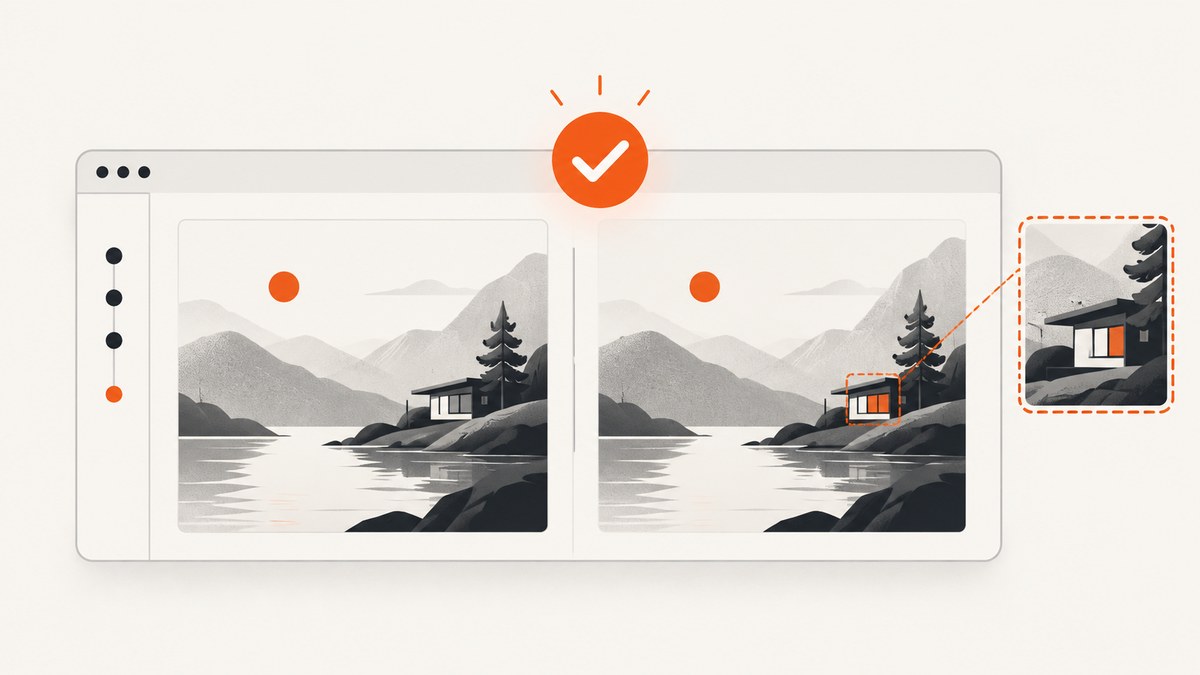
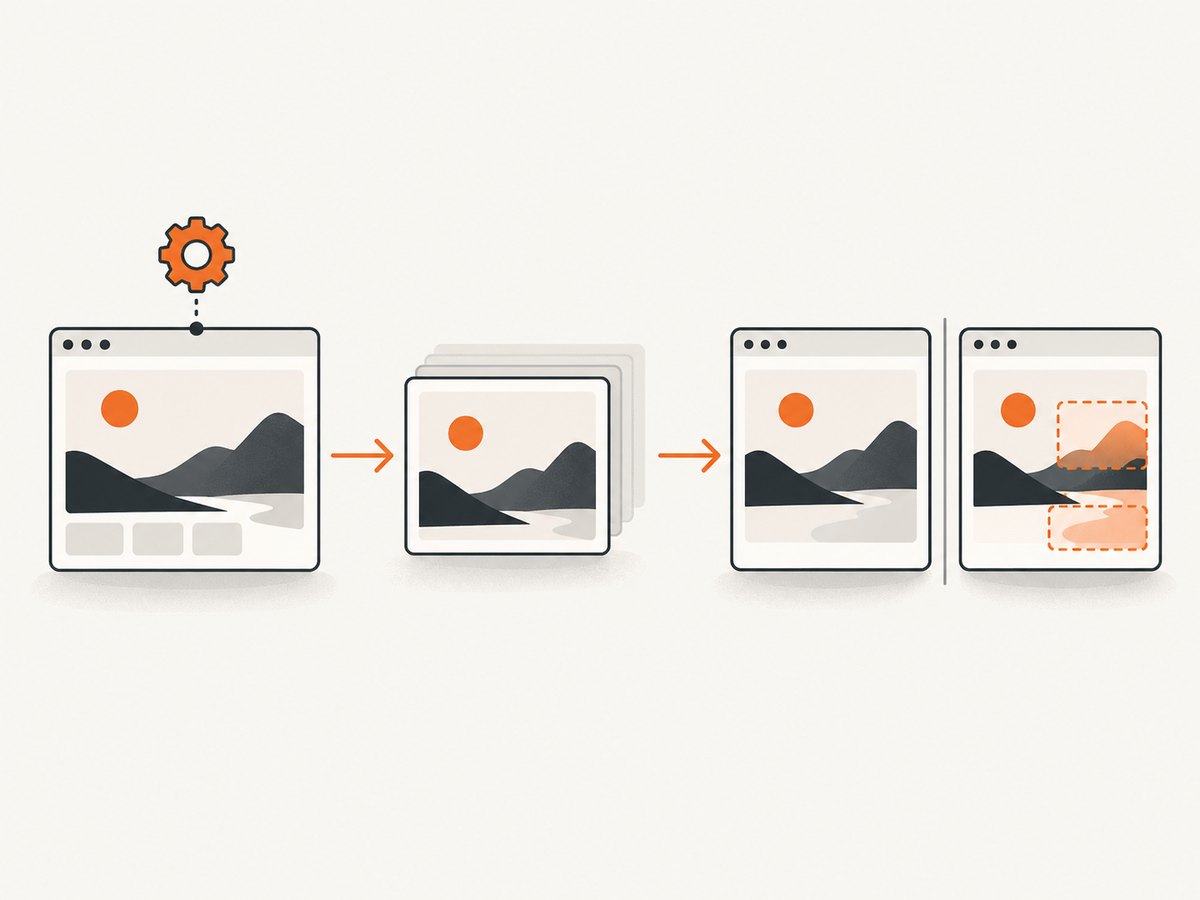
Snapshot testing in Cypress means saving a trusted result and comparing future test runs with it. For data and DOM state, use @cypress/snapshot. For pixel-level visual regression, use a screenshot comparison plugin such as cypress-visual-regression. In both cases, create a baseline deliberately, inspect it, commit it with the test, and update it only after reviewing an intended change.
This guide shows both approaches, explains when to use each, and provides complete Cypress setup examples for local development and CI.
What snapshot testing checks
A snapshot is an expected representation of a state at a point in time. Cypress can snapshot several kinds of output:
| Approach | Snapshot subject | Failure signal | Stored baseline | Best use |
|---|---|---|---|---|
| Value or object snapshot | Strings, arrays, objects, selected state | Structural or deep-equality difference | JavaScript snapshot file | Reducers, API projections, stable application state |
| DOM snapshot | A DOM element or serialized markup | Markup or structure difference | JavaScript snapshot file | Focused component or rendered structure |
| Visual screenshot snapshot | Rendered pixels | Changed pixels and difference percentage | Base, actual, and optional diff images | Layout, typography, colors, responsive UI |
Value snapshots are usually less sensitive to rendering noise. Visual snapshots catch problems that markup assertions cannot, such as an overlapping element, a wrong font, a spacing regression, or a color change. Cypress Component Testing renders components in a real browser and supports automatic waiting, network interception, spies and stubs, and clock control, which makes it useful for isolated visual states. See the Cypress component testing documentation.
Choose the right snapshot type
Use value snapshots for stable state
Snapshot a deliberately selected projection rather than an entire object containing timestamps, random IDs, or implementation details. A projection keeps failures meaningful:
cy.window().then((win) => {
  const state = win.store.getState()
  cy.wrap({
    cartItems: state.cart.items.map(({ sku, quantity }) => ({ sku, quantity })),
    subtotal: state.cart.subtotal
  }).snapshot('checkout-cart')
})
Drive the application through user actions or controlled dispatches, then assert the important user-facing behavior normally. The snapshot preserves the expected state while ordinary assertions explain what the user should observe.
Use visual snapshots for rendered appearance
Choose a visual snapshot when pixels are the requirement. Keep the capture area focused on a stable component where possible. Full-page screenshots are useful for page-level regressions, but they include more content and therefore create more maintenance work.
Install and configure value snapshots
The official Cypress snapshot add-on is installed as a development dependency:
npm install -D @cypress/snapshotRegister its command in your Cypress support file. For an end-to-end suite, use cypress/support/e2e.js; for component testing, use cypress/support/component.js:
require('@cypress/snapshot').register()You can now snapshot a value, string, array, object, or DOM element:
describe('calculator', () => {
  it('snapshots calculated values', () => {
    cy.wrap(2 + 3).snapshot()
    cy.wrap(-2 - 3).snapshot({ name: 'negatives' })
  })
})
Multiple snapshots in one test are stored under the complete test name and an index. Use a name when a label makes review easier:
it('stores the selected account state', () => {
  cy.visit('/accounts')
  cy.get('[data-cy=account-row]').first().click()
  cy.get('[data-cy=account-panel]').snapshot({ name: 'selected-account-panel' })
})
Run the spec once, inspect the generated snapshot file and the Cypress Test Runner output, and commit the reviewed snapshot with the spec. The official Cypress guidance emphasizes inspecting snapshots because they become part of the test contract: End-to-End Snapshot Testing.
Install and configure visual regression snapshots
For image comparisons, install the community cypress-visual-regression plugin:
npm install cypress-visual-regressionRegister the command in your support file:
import { addCompareSnapshotCommand } from 'cypress-visual-regression/dist/command'

addCompareSnapshotCommand()
Configure the plugin in cypress.config.js. The plugin documentation uses configureVisualRegression(on) in setupNodeEvents:
const { defineConfig } = require('cypress')
const { configureVisualRegression } = require('cypress-visual-regression/dist/plugin')

module.exports = defineConfig({
  e2e: {
    setupNodeEvents(on, config) {
      configureVisualRegression(on)
      return config
    }
  }
})
The plugin supports a base mode that creates or replaces baseline images and a regression mode that compares the current screenshot with the baseline. It can write base, actual, and diff directories, generate diffs, fail silently when configured to do so, and update snapshots through its update-snapshots switch. Check the repository documentation for the exact option names in your installed version: cypress-visual-regression.
Write a deterministic visual snapshot
A minimal end-to-end test looks like this:
describe('checkout summary', () => {
  beforeEach(() => {
    cy.intercept('GET', '/api/cart', { fixture: 'cart.json' }).as('cart')
    cy.visit('/checkout')
    cy.wait('@cart')
  })

  it('keeps the summary visually stable', () => {
    cy.get('[data-cy=checkout-summary]').compareSnapshot('checkout-summary', {
      errorThreshold: 0.2
    })
  })
})
cy.compareSnapshot(name) uses the default threshold of zero. You can pass a numeric threshold, interpreted as the percentage of image difference below which the comparison is considered acceptable, or an options object. The plugin reports actual, base, and diff images, along with mismatched pixel count and difference percentage. The selector and route in this example must match your application.
Create and review a baseline safely
- Make state deterministic. Seed test data, intercept variable API responses, control the clock, and disable nonessential animation.
- Fix rendering inputs. Use the same viewport, browser, fonts, locale, color scheme, and device-pixel assumptions for baseline and regression runs.
- Generate in base mode. Create or replace the baseline in a deliberate command or CI job, never as an accidental side effect of an ordinary test run.
- Inspect every image. Review the baseline in the Cypress runner and open the saved image. A generated file is not automatically correct.
- Commit the baseline. Keep the base image or serialized snapshot next to the test in version control.
- Run regression mode in CI. Preserve actual, base, and diff artifacts when a test fails.
- Update only after review. If a product change is intentional, review the diff in code review and regenerate the baseline in a separate, explicit update run.
Control the sources of visual noise
- Animations: disable transitions and CSS animations, or wait until the animated state is complete.
- Fonts: make the same font files available in local and CI environments and wait for
document.fonts.readybefore capture. - Images: use fixtures or stable URLs. Avoid rotating promotional images and third-party embeds.
- Time: freeze the clock or stub timestamps when a date appears in the UI.
- Randomness: seed random IDs and fixture data.
- Responsive layout: set the viewport explicitly before visiting the page.
- Network: intercept APIs and wait for the aliases that populate the captured state.
- Browser differences: generate and compare baselines in the same browser family and version.
beforeEach(() => {
  cy.viewport(1280, 800)
  cy.clock(new Date('2025-01-15T12:00:00Z').getTime())
  cy.visit('/dashboard')
  cy.document().its('fonts.status').should('eq', 'loaded')
  cy.get('[data-cy=loading]').should('not.exist')
})
Component snapshots versus end-to-end snapshots
Component tests are a good fit for a button, card, modal, or table with a small set of states. They are fast to reason about because the component can be mounted with controlled props and intercepted requests. End-to-end snapshots are appropriate when the visual result depends on routing, authentication, real layout composition, or several services working together.
Use both levels when they answer different questions: component snapshots cover the state matrix, while a smaller number of end-to-end snapshots protect critical integrated pages.
Performance, reliability, and cost
- Keep captures small: snapshot a stable element instead of an entire page when page-level coverage is unnecessary.
- Reduce repeated setup: use fixtures and API interception rather than repeatedly loading slow third-party services.
- Parallelize by spec: distribute independent Cypress specs in CI while keeping each browser environment consistent.
- Retain failure artifacts: actual, base, and diff files make diagnosis faster than a pass/fail log.
- Set thresholds deliberately: a nonzero threshold can absorb known rendering variation, but it can also hide a real defect. Start at zero for controlled environments.
- Review storage: image baselines consume more repository space than small serialized values. Prune obsolete snapshots when UI states are removed.
- Control retries: retries can make a flaky visual test look healthy. Fix nondeterminism before increasing retry counts.
Cypress itself is open-source test tooling; the cost of a snapshot suite is mainly CI minutes, browser execution, artifact storage, and maintenance time. Third-party visual services may add their own pricing and retention policies, so check their current terms before adopting one. Cypress lists community integrations such as Cypress Image Snapshot, Percy, Applitools, Argos, Sauce Labs Visual, LambdaTest SmartUI, and Cypress Visual Regression in its plugin directory: Cypress plugins.
Common errors and fixes
| Symptom | Likely cause | Fix |
|---|---|---|
snapshot is not a function |
The support registration did not run, or the package is not installed. | Install @cypress/snapshot, register it in the support file used by the project, and restart Cypress. |
| Every pixel differs | Different viewport, browser, font, device scale, or color scheme. | Pin those inputs and regenerate the baseline in the same environment. |
| Only text differs | Dates, random IDs, locale, or asynchronous data are unstable. | Freeze time, seed randomness, set locale, and intercept the response. |
| Screenshot captures a spinner | The test captured before the page reached its stable state. | Wait for the API alias and assert that loading indicators are gone. |
| Baseline is missing | The test ran in regression mode before a base image was committed. | Run the plugin’s base-generation mode, inspect the image, and commit it. |
| Diff is noisy around shadows or antialiasing | Rendering differs across operating systems or GPU paths. | Use a consistent CI image and browser; set a small, reviewed threshold only if needed. |
| Third-party content changes between runs | Ads, analytics, embeds, or remote images are uncontrolled. | Stub or remove the dependency, or exclude that region from the snapshot. |
| Snapshot update hides a regression | A baseline was updated automatically without review. | Require an explicit update command and inspect the diff in code review. |
Or skip the browser setup
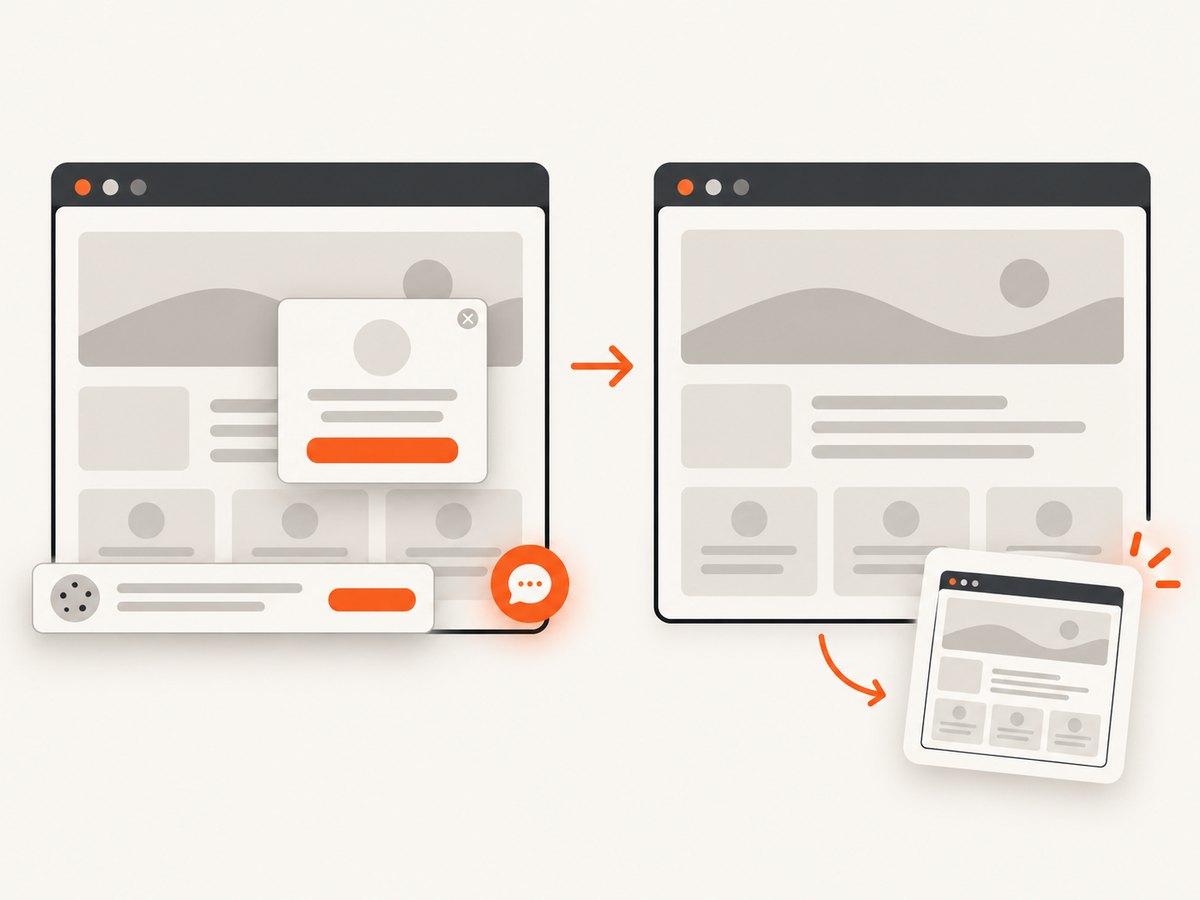
If your goal is a clean screenshot for a visual baseline, documentation page, or regression artifact, ScreenshotNeo provides a website screenshot API and MCP server. It accepts one GET request and returns PNG, JPEG, WebP, or PDF. Cookie and consent banners, newsletter popups, and chat widgets are removed before capture; each step can be turned off. Bot checks, CAPTCHAs, blank pages, timeouts, failed loads, and cache hits are not billed, and the response identifies the result with X-Page-Verdict and X-Billed headers.
See the ScreenshotNeo API documentation for all options, including full-page capture with lazy images, CSS-selector element capture, dark mode, device presets, custom viewports, retina scale, custom CSS and JavaScript, click and wait actions, request blocking, headers, cookies, user agents, authorization, timezone, geolocation, transparent backgrounds, resizing, caching TTLs, signed links, asynchronous jobs and webhooks, bulk capture of up to 100 URLs, usage reporting, and the OpenAPI specification.
curl -G "https://api.screenshotneo.com/v1/shot" \
  -d access_key=YOUR_API_KEY \
  --data-urlencode url=https://stripe.com \
  -o shot.webp
import requests
r = requests.get(
"https://api.screenshotneo.com/v1/shot",
params={"access_key": "YOUR_API_KEY", "url": "https://stripe.com"},
timeout=90,
)
r.raise_for_status()
open("shot.webp", "wb").write(r.content)const q = new URLSearchParams({ access_key: 'YOUR_API_KEY', url: 'https://stripe.com' });
const res = await fetch(`https://api.screenshotneo.com/v1/shot?${q}`);
if (!res.ok) throw new Error(`HTTP ${res.status}`);
const buffer = Buffer.from(await res.arrayBuffer());
require('fs').writeFileSync('shot.webp', buffer);ScreenshotNeo also has an MCP server with take_screenshot, get_page_info, and capture_pdf tools for Claude, Cursor, and other MCP clients. The Free plan includes 1,000 screenshots per month with no card; paid plans start at $5 for 3,000 shots, and every feature is available on every plan. Create a free ScreenshotNeo account.
FAQ
Are Cypress DOM snapshots the same as screenshots?
No. DOM or value snapshots compare serialized structure or data. Screenshot snapshots compare rendered pixels, including layout, fonts, colors, and images.
Should I snapshot the whole page?
Only when page-level composition is what you need to protect. Otherwise, capture a stable, user-meaningful element to reduce noise and review time.
When should I update a baseline?
Update it after confirming that the visual change is intentional, reviewing the actual/base/diff images, and committing the new baseline with the related code change.
What belongs in a snapshot?
Include stable, meaningful output. Normalize or remove timestamps, random identifiers, volatile third-party content, and fields that do not represent the behavior under test.
Can visual snapshots replace functional assertions?
No. Keep assertions for behavior, accessibility, navigation, and important values. Use visual snapshots as a complementary check for appearance and layout.


