How to Solve Math Problems From a Screenshot With AI
Learn a reliable workflow for solving math screenshots with AI, checking recognition, comparing tools, and protecting your privacy.
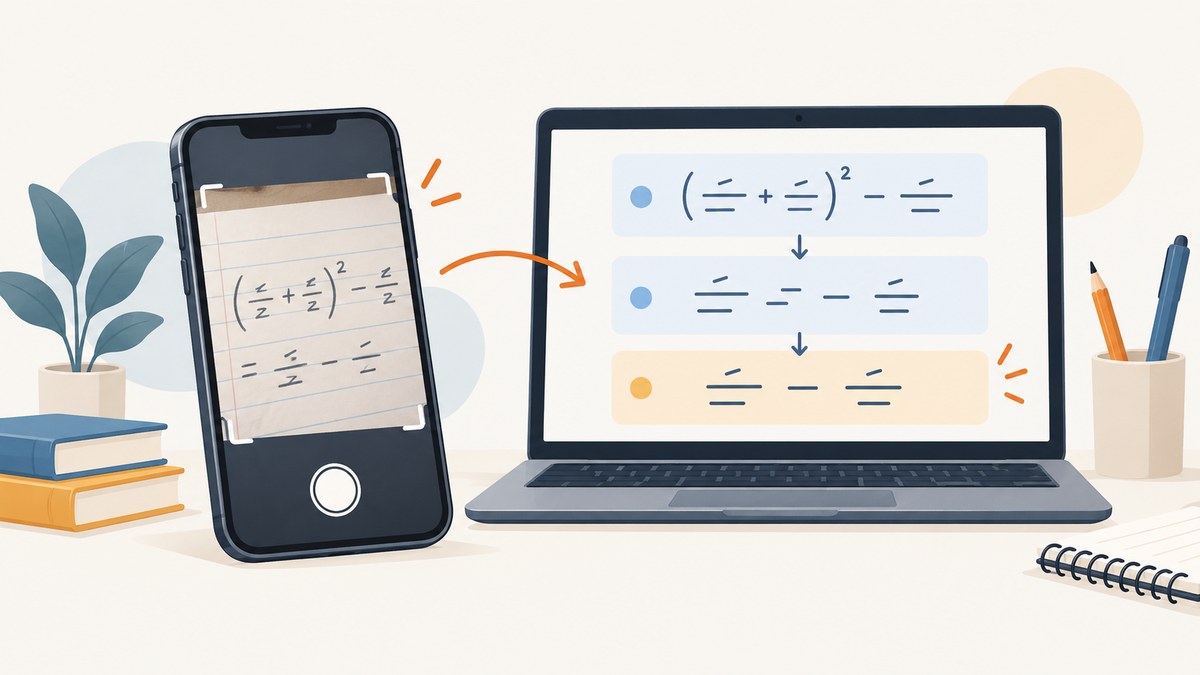
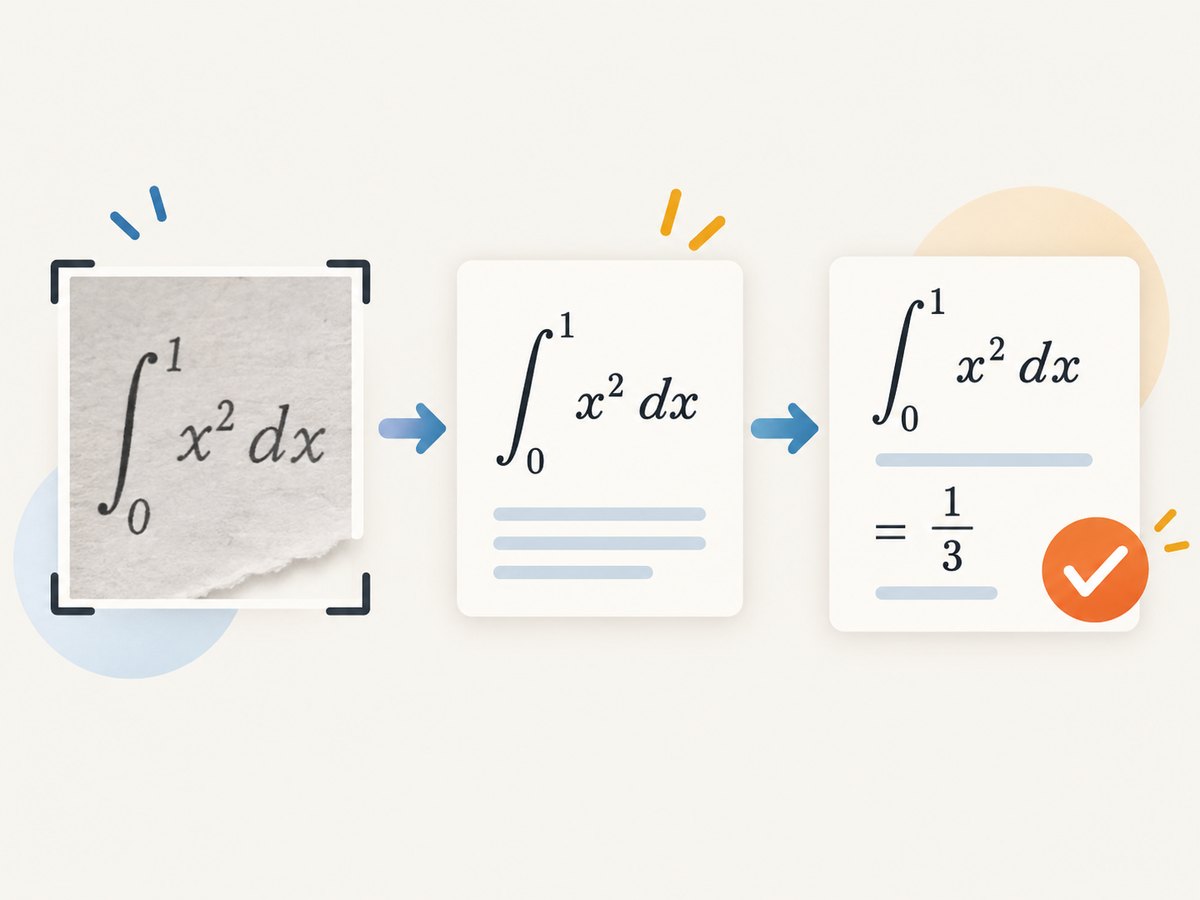
Short answer: crop the screenshot so the problem is readable, upload it to an image-capable math tool, verify the expression it recognized, then inspect every step of the explanation. If recognition is wrong, correct the expression or type it manually. A convincing answer can still solve the wrong problem.
1. The reliable workflow
- Crop the screenshot. Keep the complete problem, including exponents, fractions, parentheses, units, diagrams and answer choices. Remove unrelated chat, browser chrome and other questions.
- Improve readability. Use the original resolution, straighten the image and increase contrast when needed. Avoid blur, glare and compression artifacts.
- Upload or scan it. Use an AI service that accepts images or a math app’s camera scanner. Photomath documents camera scanning, editable recognition and math-keyboard entry; Google describes Lens image searches that provide step-by-step help for some math, word and geometry problems. See Photomath and Google Search’s Lens announcements.
- Check the transcription. Compare every symbol with the screenshot: minus versus dash, decimal point versus comma,
xversus multiplication sign, superscripts, radicals, denominator boundaries and inequality direction. - Ask for working. Request definitions, formulas, substitutions and intermediate steps. Ask the tool to state assumptions for diagrams or missing values.
- Verify independently. Substitute a proposed algebraic answer back into the original equation, estimate numerical results, check units and test a graph or a second method where practical.
Image understanding and mathematical solving are separate operations. A recognition error can produce a flawless explanation of a different expression.
2. How to write the prompt
A precise prompt gives the solver a job and a verification requirement:
Read the entire math problem in this image. First transcribe it exactly in plain text and LaTeX. List anything uncertain. Wait for my confirmation if a symbol is ambiguous. Then solve it step by step, explain each rule, and verify the result by substitution.For a confirmed transcription, use a narrower request:
Solve this confirmed equation step by step. Show domain restrictions, preserve exact fractions until the final line, and check the answer in the original equation.For a word problem:
Extract the known quantities and unknowns from the screenshot. Define variables, write the governing equation, state assumptions, solve symbolically, then calculate the numerical answer with units. Explain why the result is reasonable.3. What to do when recognition is wrong
- Upload a tighter crop containing the full expression.
- Provide a higher-resolution original instead of a messaging-app copy.
- Retake the image with even lighting and a clean lens; Photomath lists poor lighting and a dirty camera as recognition problems.
- Rotate or deskew the image and separate overlapping lines.
- Type the expression with a math keyboard or paste LaTeX.
- Tell the tool exactly what it misread, then ask it to repeat the transcription before solving.
Never silently fix an ambiguous symbol. Record the alternative readings and solve each only when the image cannot disambiguate them.
4. Choosing a tool
| Option | Input | Documented behavior | Questions to check |
|---|---|---|---|
| Photomath | Camera scan, image and manual math entry | Editable recognized expression and step-by-step solutions; core steps are described as free, with additional Plus features | Current plan limits, supported topics and image policy |
| Google Lens/Search | Picture of a problem | Step-by-step help for some math, word and geometry problems | Whether the exact problem type is supported and what account settings apply |
| General image assistants | Uploaded image, depending on product and mode | Behavior varies by model, account and upload workflow | Recognition quality, retention, training controls and current terms |
The available evidence does not support an accuracy ranking. Compare tools by transcription controls, explanation quality, topic coverage, price boundaries and privacy settings rather than an unverified percentage.
5. Privacy and school or workplace material
Read the current policy for the exact service and upload mode before submitting private work. Photomath says submitted images and feedback may help improve its service. Microsoft’s Copilot FAQ describes different handling for uploaded files and Vision images, including retention terms that can vary by workflow. Gemini’s privacy information says Lens helps interpret images and that Keep Activity settings affect possible service improvement with human reviewers. Do not upload names, student IDs, answer keys, confidential documents or personal data unless your policy permits it.
- Crop out identifying information before upload.
- Prefer a local or institution-approved tool for restricted material.
- Check deletion, retention, training and human-review controls.
- Keep the original screenshot offline when it contains sensitive content.
6. Verification checklist
- Does the transcription contain every term, exponent, sign and denominator?
- Were domain restrictions, units and diagram assumptions stated?
- Does substitution reproduce the original equation?
- Is the result in the requested form: exact, decimal, interval or units?
- Does an estimate or graph agree with the answer?
- Can you explain why each transformation is valid?
7. Troubleshooting
The tool says it cannot read the image
Use the original file, crop more tightly, improve lighting and contrast, rotate it upright, or enter the expression manually.
The answer looks reasonable but fails substitution
Recheck the transcription first. Common causes are a lost negative sign, an exponent read as a coefficient, or a fraction bar assigned to the wrong terms.
The solver gives only a final number
Ask for a transcription, named formula, intermediate algebra and an independent check. Switch to a tool that documents step-by-step explanations for the problem type.
A diagram is interpreted incorrectly
Ask the tool to list the visible labels and assumptions before calculating. Supply missing measurements or type the geometric relationships explicitly.
The upload contains sensitive information
Cancel the upload, redact the image and review the service’s current privacy controls. Image handling differs across products and modes.
The problem is beyond the tool’s coverage
Use the screenshot only for transcription, then solve with a textbook, symbolic calculator or instructor-approved method. Treat generated work as assistance, not proof.
8. If you are building a screenshot-to-solver workflow
Separate capture, recognition and solving so failures are observable:
- Capture a stable image at sufficient resolution.
- Run OCR or image understanding and save the raw transcription.
- Show the transcription for confirmation when confidence is low.
- Pass the confirmed expression to the math solver.
- Store the explanation and verification result separately from the original image.
For web pages that contain the problem, a screenshot API can provide a consistent capture before the AI step. ScreenshotNeo supports full-page or element captures, custom waits, JavaScript, headers, cookies, device settings and image formats.
9. Or skip the browser setup
ScreenshotNeo can capture the page your AI pipeline needs with one request. Its consent handling accepts cookie banners and removes more than 60 known consent platforms, newsletter popups and chat widgets before capture; each step can be disabled. Bot checks, blank pages, timeouts, failed loads and cache hits are not billed, and response headers identify the page verdict and billing status. It also provides an MCP server with take_screenshot, get_page_info and capture_pdf for Claude, Cursor and other MCP clients.

See the ScreenshotNeo API documentation for all options.
cURL
curl -G "https://api.screenshotneo.com/v1/shot" \
  -d access_key=YOUR_API_KEY \
  --data-urlencode url=https://example.com/math-problem \
  -o problem.webp
Python
import requests

r = requests.get(
    "https://api.screenshotneo.com/v1/shot",
    params={"access_key": "YOUR_API_KEY", "url": "https://example.com/math-problem"},
    timeout=90,
)
r.raise_for_status()
open("problem.webp", "wb").write(r.content)
Node.js
const q = new URLSearchParams({
  access_key: 'YOUR_API_KEY',
  url: 'https://example.com/math-problem'
});
const res = await fetch(`https://api.screenshotneo.com/v1/shot?${q}`);
if (!res.ok) throw new Error(`Screenshot failed: ${res.status}`);
const fs = await import('node:fs/promises');
await fs.writeFile('problem.webp', Buffer.from(await res.arrayBuffer()));
The free plan includes 1,000 screenshots per month with no card. Paid plans start at $5 for 3,000 shots, and every feature is available on every plan. Use caching with a chosen TTL for repeated pages, async jobs and signed webhooks for long captures, and bulk capture for up to 100 URLs per call.
Create a free ScreenshotNeo account and start with 1,000 screenshots a month without a card.
10. Cost, speed and reliability considerations
- Images: larger screenshots improve recognition but increase transfer and processing time; crop before sending to the solver.
- Dynamic pages: wait for a selector, delay or network idle so equations rendered by JavaScript are present.
- Repeated captures: choose a cache TTL when the source does not change frequently.
- Failures: inspect HTTP status and ScreenshotNeo’s
X-Page-VerdictandX-Billedheaders before retrying. - Batch work: use bulk capture for up to 100 URLs and asynchronous jobs for long-running pages.
FAQ
Can AI solve any math screenshot?
No. Support and reliability vary by image quality, topic and service. Always verify the transcription and result.
Should I use a camera scan or a saved screenshot?
Use whichever input your chosen service supports. A saved screenshot is useful when the problem already exists on screen; a camera scanner is useful for paper or a second device.
Is a step-by-step explanation proof that the answer is correct?
No. It may be based on a misread expression or an unstated assumption. Check the original image and substitute the result.
Do free plans include every feature?
Feature boundaries change. Check the current service pricing. ScreenshotNeo’s stated free allowance is 1,000 shots per month with no card.
How can I use screenshots in an automated AI agent?
Capture the page, preserve the image and transcription, then expose a confirmation step before solving. ScreenshotNeo’s MCP server provides screenshot, page-info and PDF tools for MCP clients.


