Spaw.co Alternatives for Web Scraping: 5 APIs Compared
Compare Spaw.co alternatives by JavaScript support, anti-bot tools, workflows and pricing, then choose the right fit for your scraping job.

If you are looking for a Spaw.co alternative, start with what the target site and workflow require. Zyte API is the strongest fit in this shortlist for difficult or JavaScript-heavy targets; ScrapingBee is a straightforward API with monthly credit plans; Bright Data and Oxylabs are aimed at enterprise-scale collection and browser infrastructure; and Apify fits reusable scrapers and scheduled workflows. These are recommendations inferred from the documented feature sets and pricing in the research for this article, not claims of independently tested success rates.
If the desired result is a visual record of a page rather than extracted fields, ScreenshotNeo is the alternative to try first: it returns screenshots or PDFs and removes known consent banners, popups and chat widgets before capture. This comparison explains when that is a better fit than a scraping API, and when it is not.
1. What Spaw.co does, and what to compare
Spaw.co presents a hosted web-scraping API that opens pages as a real browser, aims to reduce blocking and supports real-time scraping. Its public page describes plans for different usage levels. That makes the useful comparison less about a single headline feature and more about the work you need the service to do: render a page, get access, extract data, and deliver it in a repeatable workflow.
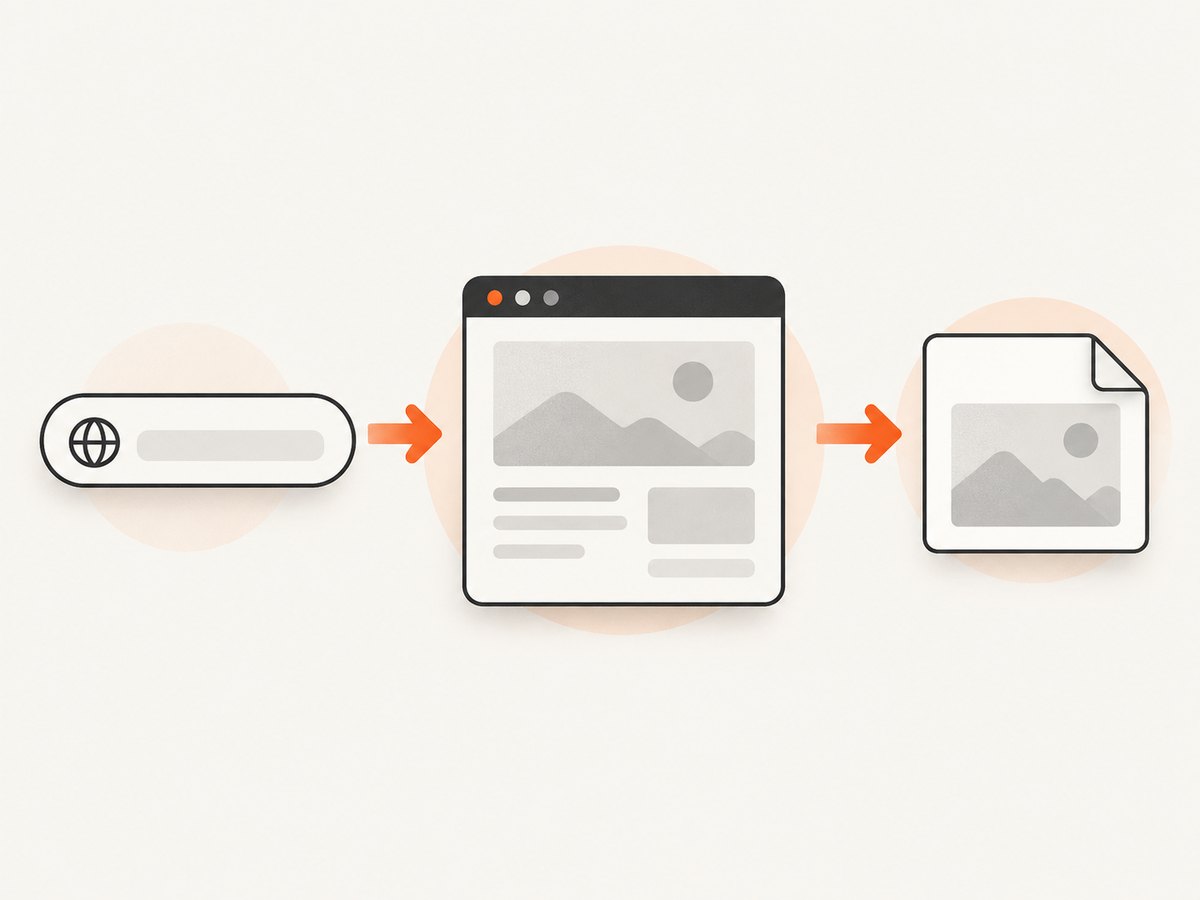
Before choosing an alternative, write down the target sites, the required output, and the expected request pattern. “Scrape a page” can mean downloading static HTML, running JavaScript, clicking through a flow, extracting structured fields, collecting a large dataset, or saving a screenshot. These jobs call for different tools.
| Question | Why it matters |
|---|---|
| Is the content in the initial HTML? | If yes, a basic request may be enough. If the page renders data with JavaScript, browser execution may be needed. |
| Does the workflow need interaction? | Clicks, forms, navigation and stateful sessions call for browser actions or automation. |
| Is the site difficult to access? | Proxy rotation, geo-targeting and CAPTCHA handling may matter. No provider can guarantee access to every site. |
| What output do you need? | Raw HTML, structured fields, a stored dataset and a visual screenshot are different deliverables. |
| How will jobs run? | A one-request API is different from reusable scrapers, schedules, storage and orchestration. |
| How is usage charged? | Compare credits, successful-response pricing, site tiers and any enterprise commitments against your actual workload. |
2. Spaw.co alternatives at a glance
| Tool | Best fit | Documented strengths | Trade-off to evaluate |
|---|---|---|---|
| Zyte API | Difficult or JavaScript-heavy sites | JavaScript execution, automatic proxy rotation, CAPTCHA handling, sessions, actions, geo-targeting and AI extraction. | Pricing varies by target-site tier, so estimate using your target mix. |
| ScrapingBee | Simple developer integration | Headless-browser JavaScript rendering, rotating and premium proxies, Auto-Mode and monthly credits. | Map the requested features and volume to its credit plans. |
| Bright Data Web Scraper API | Enterprise throughput and broad data collection | Full browser rendering and a control panel/API intended for high-throughput scraping. | Evaluate its credit multipliers, scale and operational fit. |
| Oxylabs Web Scraper API / Headless Browser | Enterprise browser automation | JavaScript execution, managed headless browsers, residential proxies, anti-bot access and MCP integration. | Check whether the enterprise browser and proxy capabilities match the job and budget. |
| Apify | Reusable scrapers and scheduled workflows | Actors, modifiable workflows, cloud storage and marketplace-style automation. | Choose it when you need orchestration around extraction, not only a single request. |
| ScreenshotNeo | Website screenshots and PDFs | One GET request returns an image or PDF; known consent platforms, newsletter popups and chat widgets are removed before capture. | Use it for visual capture; choose a data extraction service when the output must be structured records from pages. |
3. How to choose the right alternative
Choose Zyte for access complexity
Among the listed alternatives, Zyte documents the broadest set of access features for difficult targets: browser JavaScript, proxy rotation, CAPTCHA handling, sessions, actions and geo-targeting, plus AI extraction. That combination makes it the first option to assess when the target is stateful or protected and you want a managed API rather than assembling browser and proxy infrastructure yourself. Its pricing is tiered by target-site difficulty, so a low rate advertised for one class of request should not be assumed to apply to every target.

Choose ScrapingBee for a direct API and monthly credits
ScrapingBee is a candidate when your integration should stay simple and a fixed monthly credit allowance is useful for budgeting. Its listed features include headless-browser JavaScript rendering, rotating and premium proxies, and Auto-Mode. Confirm how the options you need consume credits and whether your expected monthly volume fits a plan before moving production traffic.
Choose Bright Data or Oxylabs for enterprise operations
Bright Data’s Web Scraper API is positioned for high-throughput collection and provides full browser rendering through a control panel and API. Oxylabs offers a Web Scraper API and Headless Browser with JavaScript execution, managed browsers, residential proxies, anti-bot access and MCP integration. Assess throughput, proxy needs, operational controls and the provider’s cost model together; “enterprise” alone does not establish that either service is the right fit.
Choose Apify for reusable jobs
Apify’s Actors and workflow model suit projects that need repeatable, modifiable scrapers, schedules and cloud storage. It is useful when the scraping step is part of a larger data pipeline. If all you need is a single API call to fetch a page, its workflow depth may be more than the job requires.
Choose ScreenshotNeo when the output is a screenshot or PDF
A screenshot is a visual artifact, not a structured dataset. ScreenshotNeo is a website screenshot API and MCP server for developers: one GET request with a URL can return a PNG, JPEG, WebP or PDF. Before capture, it accepts the consent banner like a visitor and removes 60+ known consent platforms, newsletter popups and chat widgets; each step can be turned off. It reports page outcomes in response headers, and bot checks/CAPTCHAs, blank pages, timeouts, failed loads and cache hits are not billed. Its MCP server offers take_screenshot, get_page_info and capture_pdf for Claude, Cursor and other MCP clients.
4. Compare actual cost, not just plan prices
Published figures in the research dossier are useful starting points, but they describe different billing units. Zyte lists pricing from $0.06 per 1,000 successful responses; its pay-as-you-go HTTP response prices range from $0.13 to $1.27 per 1,000 requests, and browser-rendered pricing ranges from $1.01 to $16.08 per 1,000 requests by site tier. ScrapingBee lists Hobby at $19/month for 75,000 credits, Freelance at $49 for 250,000, Startup at $99 for 1,000,000, Business at $249 for 3,000,000 and Business+ at $599 for 8,000,000 credits. It also lists a 1,000-credit free trial without a credit card.
Do not compare a “credit” directly with a successful response or a browser-rendered request. First estimate your job mix: URLs per run, retries, pages needing JavaScript, target difficulty and cadence. Then calculate the provider’s billable unit for each class of work. Ask for a quote or current estimate for enterprise services when public pricing does not settle the comparison. Pricing can change; confirm the current plan and unit definitions with each vendor before purchase.
5. A small API integration pattern
The following runnable Python example shows the shape of a one-request scraping integration using a provider’s documented SDK or endpoint. The research dossier does not include endpoint URLs, authentication parameter names, request schemas or response formats for Spaw.co or the scraping alternatives, so those details must come from the provider’s current documentation. Do not copy a guessed endpoint into production.
import os
import requests

API_URL = os.environ["SCRAPER_API_URL"]  # Set from the provider's docs
API_KEY = os.environ["SCRAPER_API_KEY"]
TARGET_URL = "https://example.com"

response = requests.post(
    API_URL,
    headers={"Authorization": f"Bearer {API_KEY}"},
    json={"url": TARGET_URL},  # Adapt fields to the provider's documented schema
    timeout=(10, 90),
)
response.raise_for_status()

# Inspect the documented response format. Save the response for debugging.
content_type = response.headers.get("content-type", "")
print("status:", response.status_code)
print("content-type:", content_type)
print("bytes:", len(response.content))
with open("response.bin", "wb") as output:
    output.write(response.content)
This is an integration skeleton, not a claim that any named provider accepts that generic POST shape. Set SCRAPER_API_URL and the JSON body according to the selected service’s official documentation. Store the key in an environment variable or secret manager, set connect and read timeouts, and check the status and content type before treating a response as extracted data.
6. Or skip the browser setup
If the deliverable is a screenshot or PDF, you can use ScreenshotNeo instead of managing a browser capture. See the ScreenshotNeo API documentation.
curl -G "https://api.screenshotneo.com/v1/shot" -d access_key=YOUR_API_KEY --data-urlencode url=https://stripe.com -o shot.webpimport requests
r = requests.get("https://api.screenshotneo.com/v1/shot", params={"access_key": "YOUR_API_KEY", "url": "https://stripe.com"}, timeout=90)
open("shot.webp", "wb").write(r.content)const q = new URLSearchParams({ access_key: 'YOUR_API_KEY', url: 'https://stripe.com' });
const res = await fetch(`https://api.screenshotneo.com/v1/shot?${q}`);
if (!res.ok) throw new Error(`Screenshot request failed: ${res.status}`);
await Bun.write('shot.webp', res);Replace YOUR_API_KEY with your key and change the target URL. In Node.js environments without Bun, read the response as an ArrayBuffer and write it with your runtime’s filesystem API. ScreenshotNeo removes cookie banners, popups and chat widgets before the shot; bot checks, blank pages and failed loads are never billed; an MCP server lets AI agents take screenshots; and 1,000 screenshots a month are free with no card, with paid plans starting at $5 for 3,000. Sign up for the free plan.
7. Reliability, performance and operational checks
- Set timeouts. Browser rendering and difficult targets can take longer than a plain HTTP request. Use separate connection and response timeouts where your client supports them.
- Retry selectively. Retry transient network failures and eligible server errors with bounded exponential backoff and jitter. Do not retry every 4xx response or a CAPTCHA indefinitely.
- Make jobs observable. Record target host, request identifier, elapsed time, status, output type and retry count. Avoid logging credentials or sensitive page contents.
- Control concurrency. Start with a conservative request rate, then raise it within the provider’s limits and the target site’s terms. A large parallel burst can increase failures and costs.
- Cache deliberately. If freshness requirements allow, cache results and avoid repeating identical work. Define a TTL and invalidation rule based on how often the target data changes.
- Validate outputs. A 200 response does not necessarily mean the desired content was rendered. Check for required fields, expected page markers or a minimum payload size.
- Plan for target changes. Selectors, page structure, consent behavior and anti-bot controls can change. Keep extraction rules versioned and alert on sudden shifts in missing fields or response shape.
- Review authorization and policy. Confirm you are permitted to collect the pages and data, respect site terms and applicable law, and apply your organization’s data governance requirements.
8. Troubleshooting common failures
| Symptom | Likely cause | What to do |
|---|---|---|
| Empty or incomplete fields | Content is rendered after initial load, a selector changed, or extraction ran too early. | Check whether browser rendering is enabled, wait for a stable selector or network idle when supported, and validate the current page structure. |
| CAPTCHA or access denied | The target is challenging automated traffic, or the chosen access mode/IP is unsuitable. | Use a service with documented CAPTCHA and proxy handling, review permitted access, and avoid endless retries. No listed feature guarantees access. |
| Request times out | Slow scripts, navigation, heavy assets or an overly short timeout. | Increase the read timeout within reason, wait for the specific content needed rather than every asset, and inspect provider job status if the API is asynchronous. |
| Unexpectedly high usage | Retries, browser rendering, site-tier multipliers or credit consumption differ from assumptions. | Log request classes and billed units, cap retries and concurrency, and compare usage against the provider’s current pricing definitions. |
| Works locally, fails in production | Different secrets, outbound network access, region, user agent or runtime timeout. | Compare environment configuration without printing secrets; verify network access and configured geography with the provider. |
| Response is an error page saved as data | The client wrote the response without checking status or content type. | Call raise_for_status() or check res.ok; only parse or save the expected response format after validation. |
| 429 or rate-limit responses | Concurrency or request rate exceeded an account or service limit. | Honor retry guidance, reduce concurrency and use a queue to smooth bursts. |
9. A practical selection checklist
- List target domains and classify them as static, JavaScript-heavy, stateful or difficult to access.
- Specify the output: fields, raw page content, stored dataset, screenshot or PDF.
- Decide whether you need clicks, forms, sessions, geography or a schedule.
- Estimate monthly volume by request type and include realistic retries.
- Compare billing units using that same workload; do not equate credits with successful responses.
- Run a small, permitted evaluation against representative pages and measure completeness, latency and cost for your own workload.
- Choose the least operationally complex service that meets the requirements, then add monitoring and bounded retries.
10. Frequently asked questions
Is Spaw.co mainly for scraping or screenshots?
The research describes Spaw.co as a hosted scraping API that opens pages as a real browser and supports real-time scraping. If you need a screenshot or PDF as the actual output, use a capture API designed to return visual files.
Which alternative is cheapest?
There is no reliable single answer without a workload. Zyte prices vary by response type and target-site tier; ScrapingBee sells monthly credits; enterprise offerings may require a workload-specific estimate. Compare the same pages, browser requirements and expected volume.
Can I scrape a site simply because an API supports proxies or CAPTCHA handling?
Technical capability does not establish permission. Review the site’s terms, applicable rules and your organization’s governance before collecting data.
Can ScreenshotNeo replace a structured web scraper?
It is intended to return screenshots or PDFs. Choose an extraction API or workflow when you need structured records such as product fields across many pages.
Which one should I try first?
For difficult pages, assess Zyte; for a straightforward API with monthly credits, assess ScrapingBee; for enterprise browser throughput, compare Bright Data and Oxylabs; for reusable scheduled jobs, assess Apify. For clean screenshots or PDFs, try ScreenshotNeo, with 1,000 free shots per month and no card.
Conclusion
Choose based on the hardest requirement in your workload: access complexity, browser actions, extraction, workflow orchestration or output format. Zyte, ScrapingBee, Bright Data, Oxylabs and Apify address different scraping needs; ScreenshotNeo is the purpose-fit option when the result should be a clean screenshot or PDF, without setting up your own browser capture pipeline.


