How to Specify a Newer wkhtmltopdf Version on CircleCI
Pin and verify a newer wkhtmltopdf release in CircleCI with Debian packages, custom images, architecture checks, and troubleshooting steps.
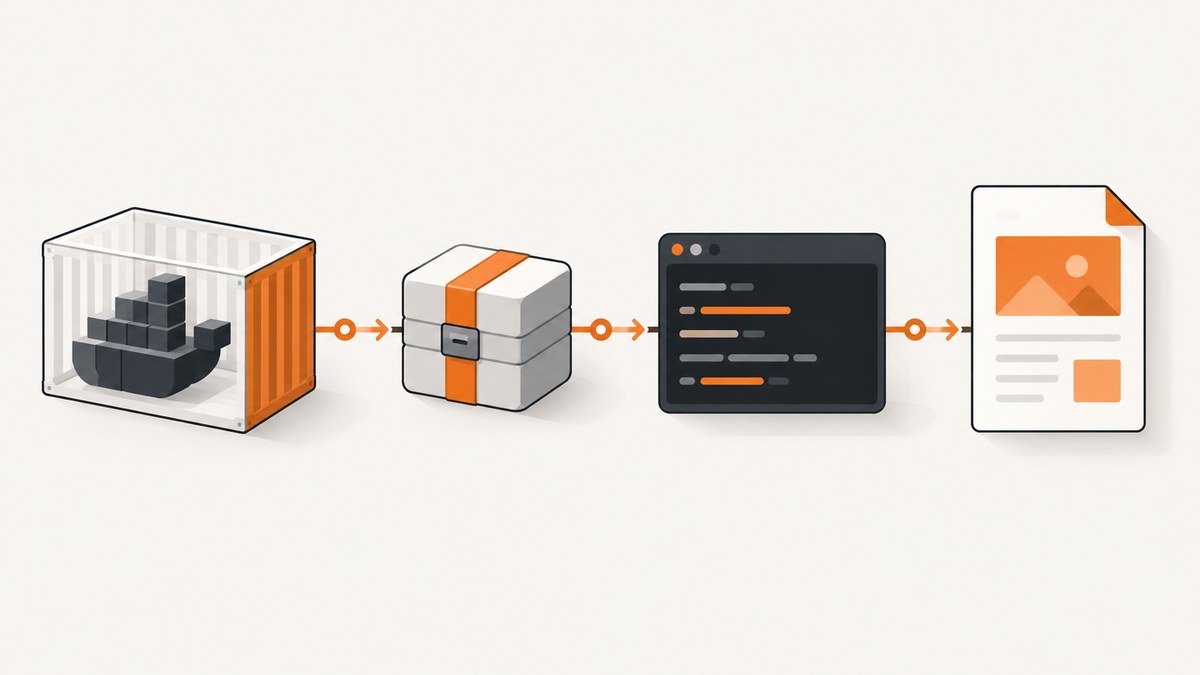
Direct answer: CircleCI has no dedicated wkhtmltopdf version field. Install the exact binary in a run step, or bake it into a custom Docker image. Pin the package URL and platform, then verify the result with wkhtmltopdf --version. CircleCI jobs, steps, and Docker executors define where this installation runs; see the CircleCI configuration reference and Docker executor documentation.
1. Choose the version and installation source
The current stable wkhtmltopdf series is 0.12.6, released on June 11, 2020, according to the project’s official downloads page. The archived packaging repository publishes revisioned assets such as wkhtmltox_0.12.6.1-3.bookworm_amd64.deb on its 0.12.6.1-3 release.
| Approach | Use it when | Trade-off |
|---|---|---|
| Distribution package | Your base image already provides the required version and features | Version may differ by distribution |
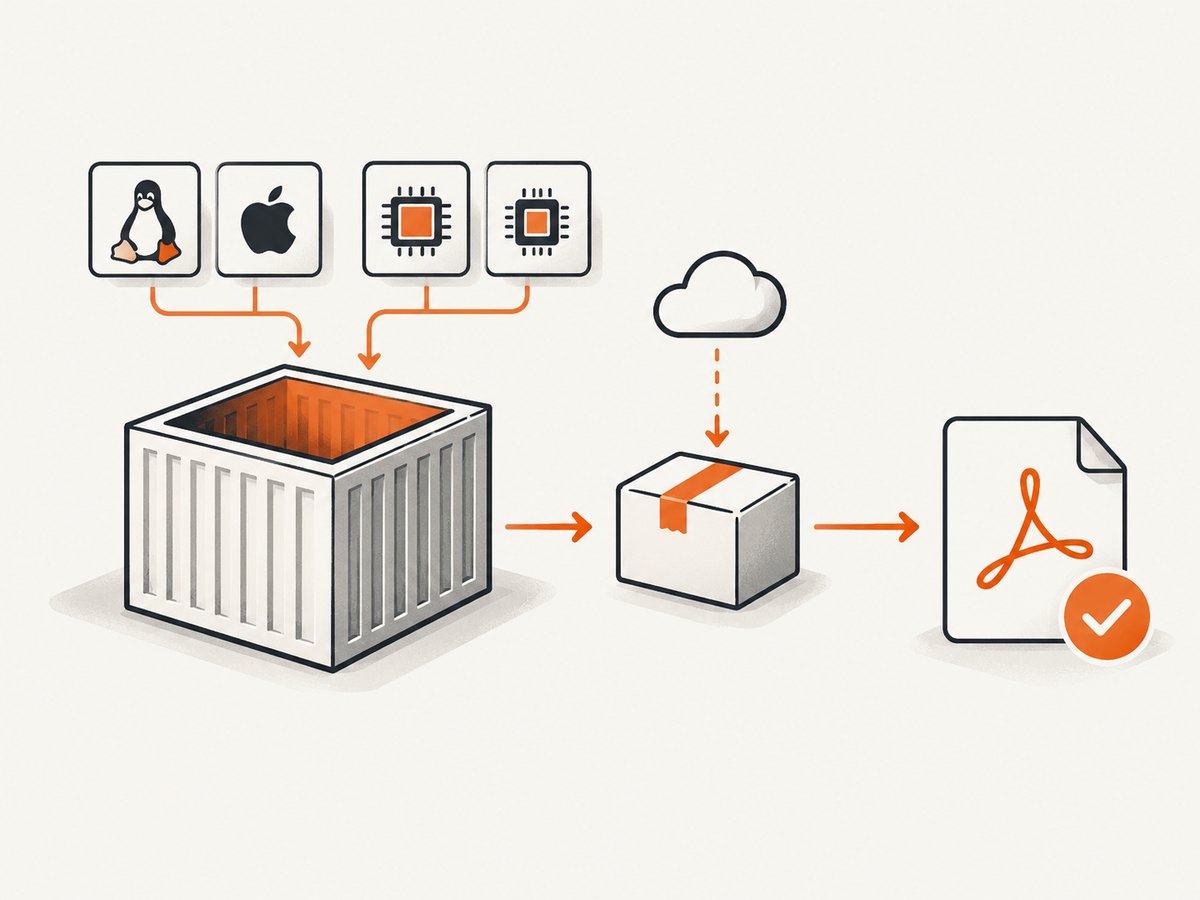
| Versioned packaging release | You need an exact revision or patched build | The asset must match the OS release and CPU architecture |
| Custom Docker image | Many jobs need the same binary and you want faster, repeatable builds | You must rebuild the image when dependencies or security fixes change |
Ubuntu Jammy exposes wkhtmltopdf 0.12.6-2 in its package index, while Debian Bookworm lists 0.12.6-2 and Bullseye lists 0.12.6-1. Use the distribution package when that version is sufficient. Use the project’s versioned asset when you require a particular revision. Do not install an unqualified “latest” package if reproducibility matters.
2. Install a pinned package in a CircleCI job
This job uses a Debian Bookworm amd64 asset from the packaging release. The package URL and filename must change if your executor uses Ubuntu, another Debian release, ARM, or a different architecture.
version: 2.1

jobs:
  build:
    docker:
      - image: cimg/base:stable
    steps:
      - checkout
      - run:
          name: Install pinned wkhtmltopdf
          command: |
            set -euo pipefail
            sudo apt-get update
            sudo apt-get install -y ca-certificates curl
            curl --fail --location --show-error \
              --output wkhtmltox.deb \
              https://github.com/wkhtmltopdf/packaging/releases/download/0.12.6.1-3/wkhtmltox_0.12.6.1-3.bookworm_amd64.deb
            sudo apt-get install -y ./wkhtmltox.deb
            wkhtmltopdf --version
      - run:
          name: Render a document
          command: |
            wkhtmltopdf input.html output.pdf
      - store_artifacts:
          path: output.pdf
The final verification step should print the exact installed version before any build output is trusted. If the package is incompatible, apt-get normally reports the missing libraries or architecture rather than silently installing a different binary.
3. Use the distribution package instead
If your executor is based on Ubuntu Jammy or Debian Bookworm and 0.12.6-2 meets your requirements, install it through apt:
- run:
    name: Install wkhtmltopdf from apt
    command: |
      set -euo pipefail
      sudo apt-get update
      sudo apt-get install -y wkhtmltopdf
      wkhtmltopdf --version
Keep the base image tag pinned when reproducibility is important. A moving image tag plus an unqualified apt package can change both the operating system and the renderer without a change to your repository.
4. Check the executor before selecting an asset
Package names encode assumptions. Before choosing a release asset, inspect the job:
- run:
    name: Inspect runner platform
    command: |
      uname -m
      . /etc/os-release
      printf 'OS=%s\nVERSION_ID=%s\n' "$ID" "$VERSION_ID"
dpkg --print-architectureamd64andx86_64generally require an amd64 package.arm64andaarch64require an ARM64 asset; do not install an amd64.debon that runner.- Match the package’s distribution family and release. A Bookworm package is not automatically valid on Jammy.
5. Bake wkhtmltopdf into a custom image
A custom image avoids downloading and installing the binary in every pipeline run. Pin the base image and package asset in the Dockerfile:
FROM cimg/base:stable

RUN sudo apt-get update \\
    && sudo apt-get install -y ca-certificates curl \\
    && curl --fail --location --show-error \\
       --output /tmp/wkhtmltox.deb \\
       https://github.com/wkhtmltopdf/packaging/releases/download/0.12.6.1-3/wkhtmltox_0.12.6.1-3.bookworm_amd64.deb \\
    && sudo apt-get install -y /tmp/wkhtmltox.deb \\
    && rm /tmp/wkhtmltox.deb \\
    && wkhtmltopdf --version \\
    && sudo apt-get clean \\
    && sudo rm -rf /var/lib/apt/lists/*
Build and publish this image through your normal container workflow, then reference its immutable tag or digest in CircleCI. Rebuild it when the base image or required system libraries change.
6. Add an integrity check
If your release process has a trusted checksum for the package, verify it before installation:
echo "EXPECTED_SHA256 wkhtmltox.deb" | sha256sum --check -Replace EXPECTED_SHA256 with the checksum obtained from your controlled release metadata. Do not invent a checksum or copy one from an untrusted mirror.
7. CircleCI configuration options that affect the install
| Option | Why it matters |
|---|---|
| Docker image | Determines OS release, libc, available libraries, and CPU architecture. |
| Job step order | Install before scripts that invoke wkhtmltopdf. |
| Working directory | Relative input and output paths resolve from the current directory. |
| Resource class | Controls CPU and memory available to rendering; large pages may need more resources. |
| Cache usage | Caching downloaded packages can reduce time, but the cache key must include the package revision and platform. |
8. Troubleshooting
| Symptom | Cause | Fix |
|---|---|---|
Unable to locate package wkhtmltopdf |
Package lists are missing or the repository is unavailable. | Run sudo apt-get update in the same job and confirm the base distribution. |
404 Not Found from GitHub |
The release URL or filename is wrong. | Open the packaging release page and select the asset matching your OS and architecture. |
Wrong architecture or dpkg errors |
An amd64 package was used on ARM, or vice versa. | Inspect uname -m and dpkg --print-architecture, then choose a matching asset. |
| Missing shared library | The package was built for a different distribution or the image lacks dependencies. | Use a matching release asset or install the dependency listed by apt; avoid mixing unrelated repositories. |
| Version remains old | A system package earlier on PATH is being called. |
Run command -v wkhtmltopdf, inspect readlink -f, and verify the binary after installation. |
| Rendering fails only in CI | Fonts, input files, permissions, or network access differ from local development. | Install required fonts, use absolute paths, confirm files exist, and capture stderr as a CircleCI artifact. |
| PDF is blank or incomplete | The page depends on JavaScript, delayed resources, or authenticated content. | Adjust wkhtmltopdf flags and waits, ensure the job can reach the page, and test with the same input inside the CI image. |
9. Performance, reliability, and cost
- Performance: Installing once in a custom image is faster than downloading a package in every job. CircleCI caches can help, but key them by OS, architecture, and exact revision.
- Reliability: Pin the Docker image, package URL, and (when available) checksum. Keep
wkhtmltopdf --versionas a visible build step so an unexpected update fails early. - Cost: Package installation consumes job time and network bandwidth. A prebuilt image reduces repeated setup time; larger resource classes can shorten rendering time but may consume more CI credits.
- Maintenance: The main wkhtmltopdf repository is archived and directs users to the packaging repository for binaries. Plan how you will review future operating-system and dependency changes.
10. Security considerations
The official downloads page warns: “Do not use wkhtmltopdf with any untrusted HTML – be sure to sanitize any user-supplied HTML/JS, otherwise it can lead to complete takeover of the server it is running on!” Treat HTML, JavaScript, local-file access, and external URLs as untrusted inputs. Sanitize user content, isolate rendering jobs, and avoid exposing credentials to the process.
Or skip the browser setup
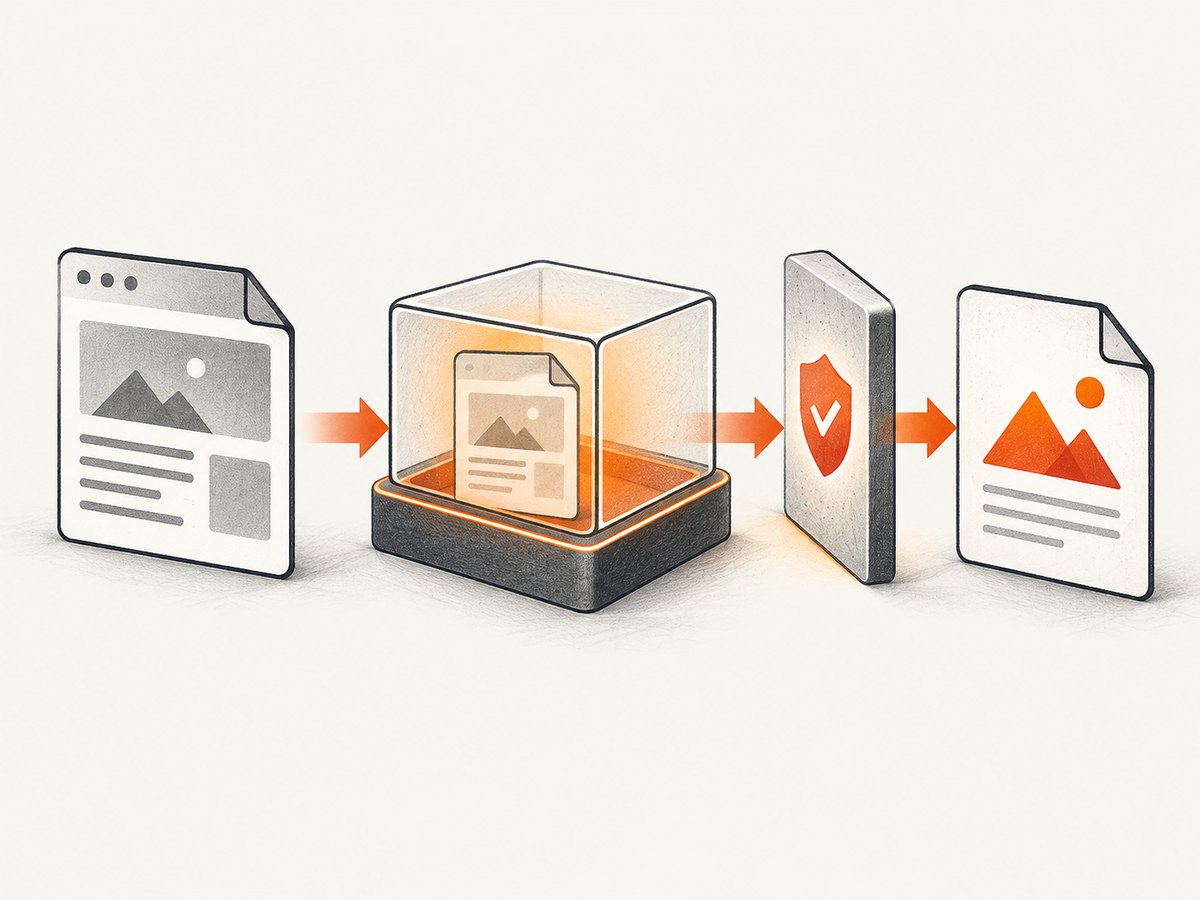
If your goal is a reliable website image or PDF rather than maintaining a browser-rendering binary, ScreenshotNeo provides a single HTTP request. It removes cookie and consent banners, newsletter popups, and chat widgets before capture; bot checks, blank pages, failed loads, timeouts, and cache hits are not billed. Its MCP server provides take_screenshot, get_page_info, and capture_pdf for Claude, Cursor, and other MCP clients. See the ScreenshotNeo API documentation.
curl -G "https://api.screenshotneo.com/v1/shot" -d access_key=YOUR_API_KEY --data-urlencode url=https://stripe.com -o shot.webpimport requests
r = requests.get("https://api.screenshotneo.com/v1/shot", params={"access_key": "YOUR_API_KEY", "url": "https://stripe.com"}, timeout=90)
open("shot.webp", "wb").write(r.content)const q = new URLSearchParams({ access_key: 'YOUR_API_KEY', url: 'https://stripe.com' });
const res = await fetch(`https://api.screenshotneo.com/v1/shot?${q}`);Every response identifies whether it was billed with X-Page-Verdict and X-Billed headers. The Free plan includes 1,000 screenshots per month with no card; paid plans start at $5 for 3,000 shots, and every feature is available on every plan. Create a free ScreenshotNeo account.
FAQ
Does CircleCI have a wkhtmltopdf version setting?
No. Install the binary in a job step or provide it in the job’s Docker image.
Is 0.12.6.1 newer than 0.12.6?
It is a revisioned packaging release in the 0.12.6 stable series. Treat the series and package revision as separate values when pinning.
Should I use apt or the official package?
Use apt when the distribution’s version and features satisfy your build. Use a matching versioned packaging asset when you require a specific revision or patched build.
How do I prove which binary ran?
Print command -v wkhtmltopdf and wkhtmltopdf --version immediately before rendering.
Can I use an amd64 package on an ARM CircleCI executor?
No. Select an asset built for the executor’s architecture or use a compatible base image.


