How Splinter Generates Unique Screenshot Filenames in Python
Learn how Splinter names screenshots, where files are saved, and how to control paths, suffixes, full-page capture, and uniqueness in Python.
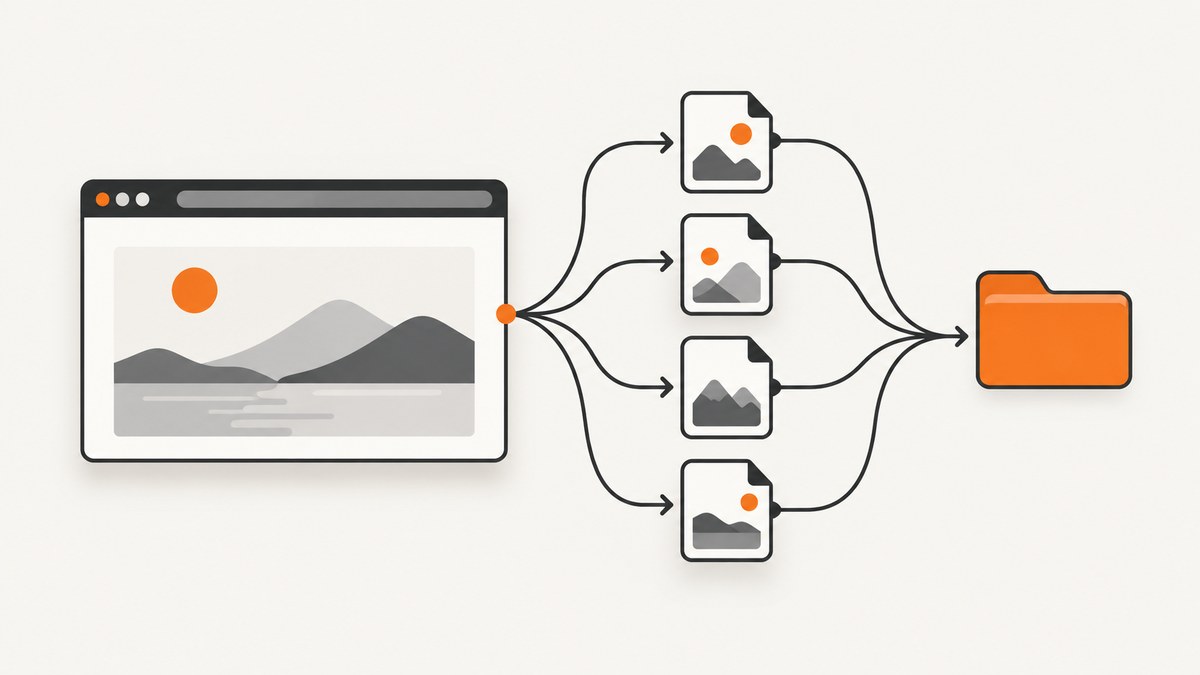
Short answer: Splinter 0.21.0 enables unique_file=True by default for browser.screenshot(). Splinter places the screenshot in the system temporary directory and appends extra characters to make the filename unique. The method returns the complete filename, so your code should use that returned value instead of guessing the path.
The documented signature is:
browser.screenshot(name='', suffix='.png', full=False, unique_file=True)Splinter documents the behavior in its Chrome WebDriver API reference and the shared DriverAPI reference. The documentation does not specify the exact character-generation algorithm or promise a mathematical collision guarantee.
How the default filename is created
When you call screenshot() without overriding options, Splinter:
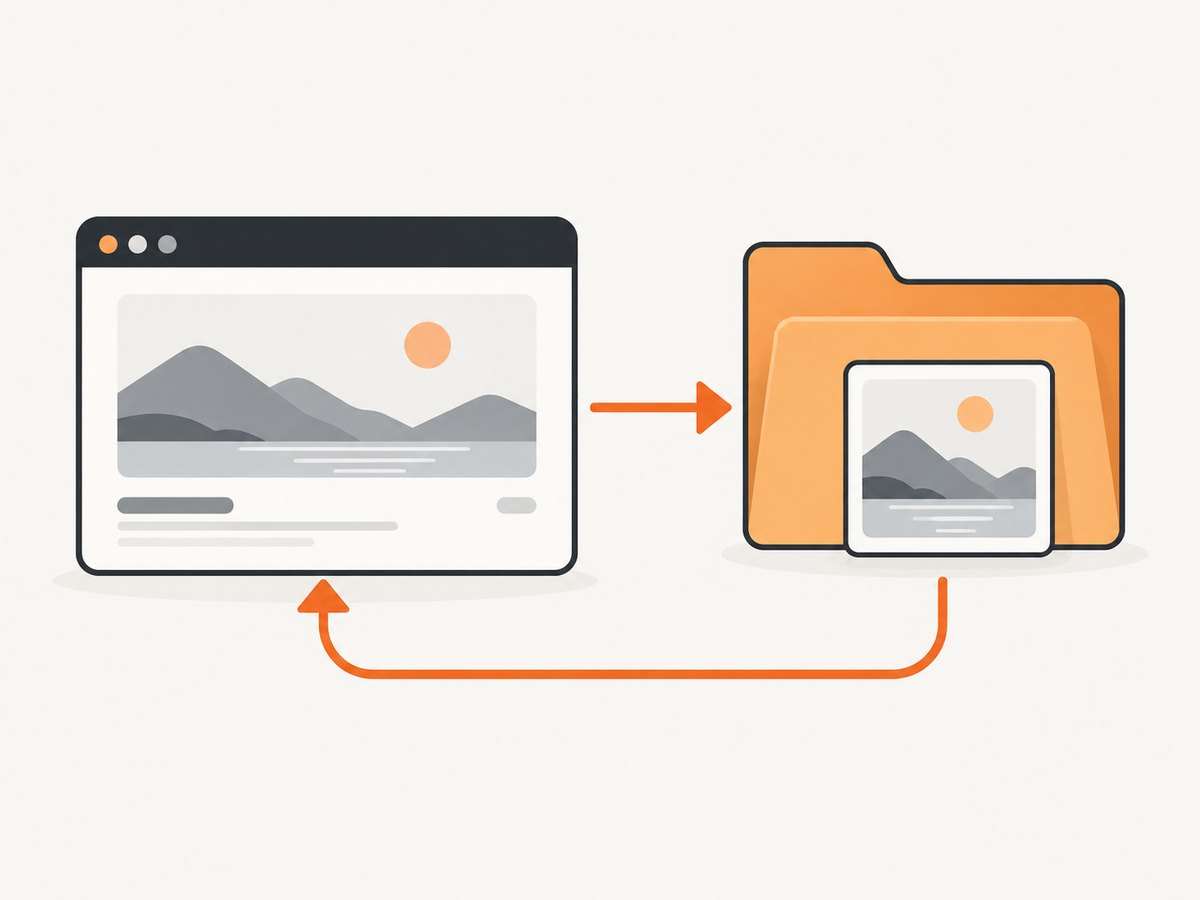
- Captures the current page in the active browser.
- Uses the system temporary directory when you do not provide an absolute destination.
- Adds extra trailing characters when
unique_file=True. - Returns the full path to the saved file.
from splinter import Browser

with Browser('chrome') as browser:
    browser.visit('https://example.com')
    filename = browser.screenshot()
    print(filename)
Keep the return value:
filename = browser.screenshot()
with open(filename, 'rb') as image_file:
    image_bytes = image_file.read()
The screenshot guide recommends an absolute path when you want to choose the destination. Without one, the screenshot is saved in a temporary file: Splinter screenshot guide.
Controlling name, suffix, full capture, and uniqueness
| Argument | Default | Purpose |
|---|---|---|
name |
'' |
Caller-supplied screenshot filename or path. |
suffix |
'.png' |
File extension used for the screenshot. |
full |
False |
Requests a full screenshot instead of the default viewport capture. |
unique_file |
True |
Adds a temporary-directory path and extra characters for uniqueness. |
Choose an absolute destination
from pathlib import Path
from splinter import Browser

output = Path('/tmp/splinter-home.png')
with Browser('chrome') as browser:
    browser.visit('https://example.com')
    saved = browser.screenshot(name=str(output), unique_file=False)
    print(saved)
Use an absolute path when another process, test fixture, or upload step expects a known location. Set unique_file=False when you intentionally want the exact name you supplied. Confirm that the parent directory exists and that the process can write there.

Use a different suffix
with Browser('chrome') as browser:
    browser.visit('https://example.com')
    saved = browser.screenshot(name='/tmp/example-shot', suffix='.png')
    print(saved)
The documented default suffix is .png. Use a suffix supported by the browser driver and your downstream tooling; the suffix alone does not convert the image format.
Request a full screenshot
with Browser('chrome') as browser:
    browser.visit('https://example.com')
    saved = browser.screenshot(full=True)
    print(saved)
full=True asks for a full-view capture. Driver behavior can vary, so check the driver you use and inspect the returned image dimensions.
Generate several independent files
from splinter import Browser

with Browser('chrome') as browser:
    browser.visit('https://example.com')
    files = [browser.screenshot() for _ in range(3)]

for path in files:
    print(path)
Because uniqueness is enabled by default, retain each returned path immediately. Do not derive names by incrementing a counter unless you control all writers and processes.
Practical patterns and edge cases
Temporary files and cleanup
Temporary screenshots can remain until the operating system or your application removes them. If the file is only needed briefly, delete it after processing:
from pathlib import Path
from splinter import Browser

with Browser('chrome') as browser:
    browser.visit('https://example.com')
    path = Path(browser.screenshot())
    try:
        process_image(path)
    finally:
        path.unlink(missing_ok=True)
Parallel tests
Use the default unique behavior for parallel workers, and pass the returned path to your test report. If you disable uniqueness, include a worker identifier in the filename and ensure each worker writes to a separate directory.
Relative paths
A relative name may be resolved differently depending on the driver and process working directory. The official guide recommends an absolute path when you need a predictable destination.
Existing files
With unique_file=False, an existing file may be replaced according to the driver and filesystem behavior. Treat fixed names as single-writer destinations, or remove the old file before capture.
Version differences
The references above identify Splinter 0.21.0. Check the version installed in your environment before relying on defaults:
python -m pip show splinterSplinter supports multiple drivers, including Selenium-based drivers. The documented signature is shared, but the underlying browser driver’s screenshot capabilities can affect full-page behavior and supported formats. The project lists its drivers in the Splinter repository.
Troubleshooting
| Symptom | Likely cause | Fix |
|---|---|---|
| The path is not where expected | No absolute path was supplied. | Pass an absolute name, or use the returned filename. |
| Two runs overwrite one file | unique_file=False with the same name. |
Re-enable uniqueness or add a worker/run identifier. |
| The output extension is wrong | A custom suffix was omitted or mismatched. | Set suffix explicitly and match your image pipeline. |
| Full capture is shorter than expected | The active driver does not implement full-page capture identically. | Verify the driver, browser version, and resulting dimensions. |
| Permission denied | The destination directory is not writable. | Choose a writable absolute directory and check its permissions. |
| File disappears later | The screenshot was stored in a temporary directory that was cleaned up. | Copy it to durable storage before the process exits or cleanup runs. |
screenshot() fails before saving |
The browser session, page load, or driver failed. | Check browser startup and navigation errors first; filename generation happens only after capture can proceed. |
Performance, reliability, and cost
- Performance: Filename generation is a small part of the operation. Browser startup, navigation, rendering, and image encoding usually dominate runtime.
- Reliability: Treat the returned full path as authoritative. Do not assume a specific random algorithm or parse trailing characters.
- Storage: Full-page images can be large. Move important files out of temporary storage and clean up files that are no longer needed.
- Cost: Splinter runs locally, so the API itself has no per-screenshot service charge. You still pay for compute, browser processes, storage, and CI minutes.
Or skip the browser setup
If you only need a clean image from a URL, ScreenshotNeo provides a GET endpoint that returns PNG, JPEG, WebP, or PDF. It handles the browser environment for you and exposes the result directly.
cURL (see the ScreenshotNeo docs):
curl -G "https://api.screenshotneo.com/v1/shot" -d access_key=YOUR_API_KEY --data-urlencode url=https://stripe.com -o shot.webpPython:
import requests

r = requests.get("https://api.screenshotneo.com/v1/shot", params={"access_key": "YOUR_API_KEY", "url": "https://stripe.com"}, timeout=90)
open("shot.webp", "wb").write(r.content)
Node.js:
const fs = require('node:fs/promises');

const q = new URLSearchParams({ access_key: 'YOUR_API_KEY', url: 'https://stripe.com' });
const res = await fetch(`https://api.screenshotneo.com/v1/shot?${q}`);
if (!res.ok) throw new Error(`Screenshot failed: ${res.status}`);
await fs.writeFile('shot.webp', Buffer.from(await res.arrayBuffer()));
ScreenshotNeo removes cookie and consent banners, newsletter popups, and chat widgets before capture. Bot checks, blank pages, failed loads, timeouts, and cache hits are not billed, and response headers identify the page verdict and billing result. Its MCP server lets Claude, Cursor, and other MCP clients call take_screenshot, get_page_info, and capture_pdf. The free plan includes 1,000 screenshots per month with no card; paid plans start at $5 for 3,000 screenshots.
Create a free ScreenshotNeo account to try it with 1,000 screenshots a month and no card.
FAQ
Does Splinter guarantee collision-free names?
No formal collision guarantee or exact naming algorithm is documented. Splinter says the temporary path and extra characters are added to ensure uniqueness in normal use.
What does screenshot() return?
It returns the full filename of the saved screenshot. Store that value rather than reconstructing the path.
Can I save directly to a known directory?
Yes. Pass an absolute path through name, and disable uniqueness if you require that exact filename.
Does suffix='.jpg' convert a PNG to JPEG?
The suffix selects the filename extension; it does not by itself guarantee image-format conversion. Confirm support with your active driver.


