How to Split Tables Across Pages in ABCpdf
Learn how to paginate large ABCpdf tables, repeat headers, control page breaks, and fix blank space with complete C# examples.
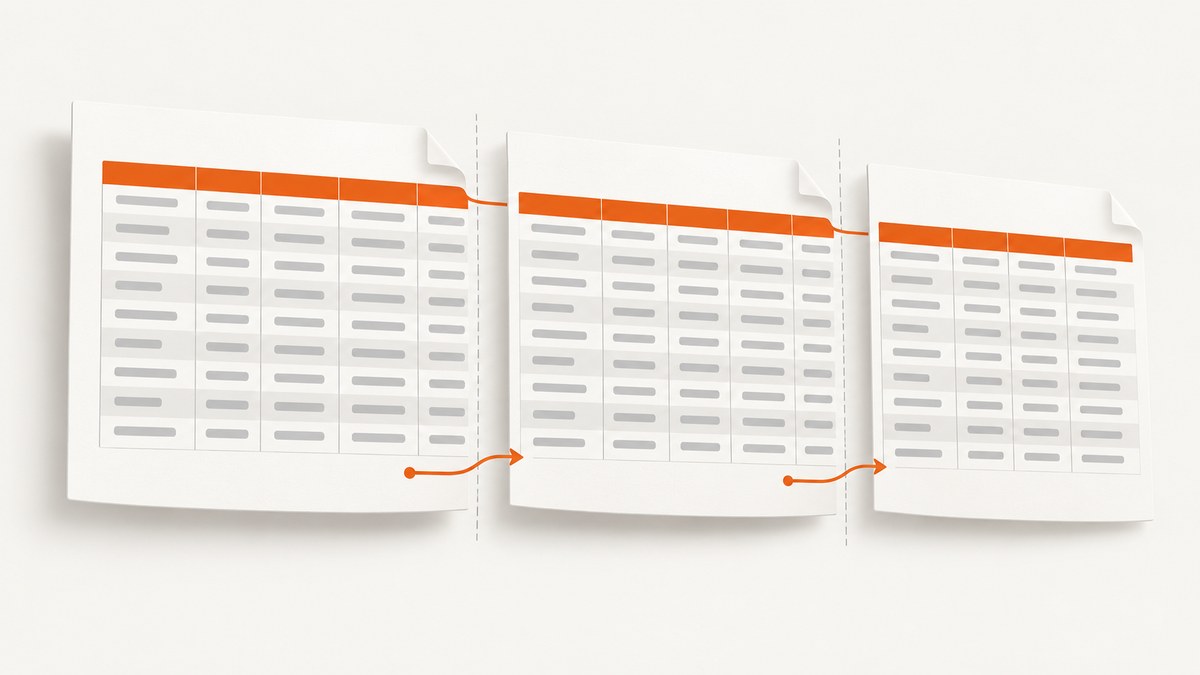
Use a chained render for HTML tables: render the first page with AddImageHtml or AddImageUrl, then add pages with AddImageToChain while Chainable(id) remains true. Put repeating headings in <thead> and totals or closing rows in <tfoot>. For tables that need exact column widths and row-level control, use the official PDFTable/Table Class pattern.
1. Split a large HTML table with chained pages
This is the standard approach when your table already exists as HTML. ABCpdf returns a chain identifier from the first render. Continue that chain on new PDF pages until the renderer reports that no content remains.
using System;
using WebSupergoo.ABCpdf13;

class Program
{
    static void Main()
    {
        string html = @"<html>
<head>
  <style>
    @page { margin: 72pt; }
    body { font-family: Arial, sans-serif; font-size: 10pt; }
    table { width: 100%; border-collapse: collapse; }
    th, td { border: 1px solid #999; padding: 5pt; }
    th { background: #eeeeee; }
  </style>
</head>
<body>
  <h1>Orders</h1>
  <table>
    <thead>
      <tr><th>Order</th><th>Customer</th><th>Quantity</th><th>Amount</th></tr>
    </thead>
    <tbody>
      <tr><td>1001</td><td>Ada Lovelace</td><td>4</td><td>$120.00</td></tr>
      <tr><td>1002</td><td>Grace Hopper</td><td>2</td><td>$80.00</td></tr>
      <!-- Generate the remaining rows here. -->
    </tbody>
    <tfoot>
      <tr><td colspan='3'>Total</td><td>$200.00</td></tr>
    </tfoot>
  </table>
</body>
</html>";

        using var doc = new Doc();
        doc.Rect.Inset(72, 72);

        int id = doc.AddImageHtml(html);
        while (doc.Chainable(id))
        {
            doc.Page = doc.AddPage();
            id = doc.AddImageToChain(id);
        }

        doc.Save("paged-table.pdf");
    }
}
Use AddImageUrl(url) instead of AddImageHtml(html) when ABCpdf should load a page from a URL. The loop is the same. Do not create a new image render for every page; continuing the returned chain preserves the renderer’s pagination state.
2. Repeat table headers and footers
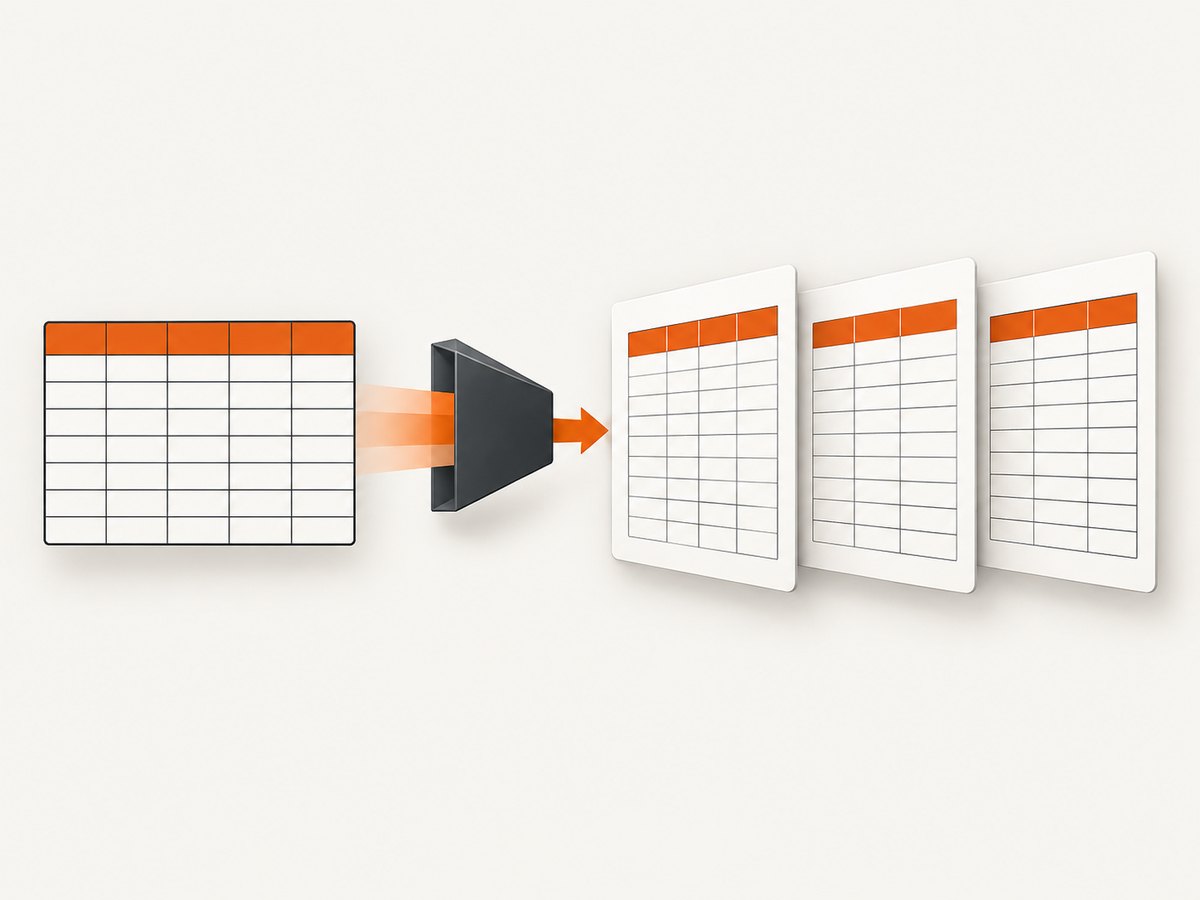
Use semantic table sections. ABCpdf’s HTML guidance ties repeated headers and footers to the ABCChrome or ABCGecko HTML engines.
<table class="invoice-lines">
  <thead>
    <tr>
      <th>Item</th>
      <th>Qty</th>
      <th>Unit price</th>
      <th>Amount</th>
    </tr>
  </thead>
  <tbody>
    <!-- many rows -->
  </tbody>
  <tfoot>
    <tr>
      <td colspan="3">Total</td>
      <td>$12,480.00</td>
    </tr>
  </tfoot>
</table>
Keep the header cells in <th> elements and keep totals in <tfoot>. A visually styled first row inside <tbody> is not equivalent to a semantic table header and may not repeat.
3. Choose the right ABCpdf HTML engine
| Requirement | Approach |
|---|---|
| Existing HTML and automatic pagination | AddImageHtml/AddImageUrl plus chaining |
| Repeated headers and footers | Use <thead>/<tfoot> with ABCChrome or ABCGecko |
| Exact widths, padding, and row logic | Programmatic PDFTable/Table Class helper |
| Modern CSS or WebKit behavior | Validate with the engine available in your ABCpdf release |
ABCpdf 12.1 introduced a WebKit-based engine. Engine and version differences can change pagination, so generate a representative document with the exact release, operating system, fonts, borders, row heights, and nested tables used in production.
4. Programmatic tables with PDFTable
ABCpdf does not provide table-drawing routines itself. The official large-table example uses a PDFTable/Table Class helper to position cells, repeat headings, and add rows while observing the current page number.
var table = new PDFTable(doc, 6);
table.SetColumnWidths(new[] { 2.0, 1.0, 3.0, 2.0, 1.0, 4.0 });
table.CellPadding = 5;
table.RepeatHeader = true;

foreach (var row in rows)
{
    table.NextRow();
    table.AddTextStyled(row);
    // You can inspect doc.PageNumber here for page-aware logic.
}

doc.Save("large-table.pdf");
This pattern is useful when rows need custom styling, relative column widths, explicit padding, or application logic tied to page changes. The helper class is separate from ABCpdf, so include the table implementation used by your project before compiling this example.
5. Control page breaks safely
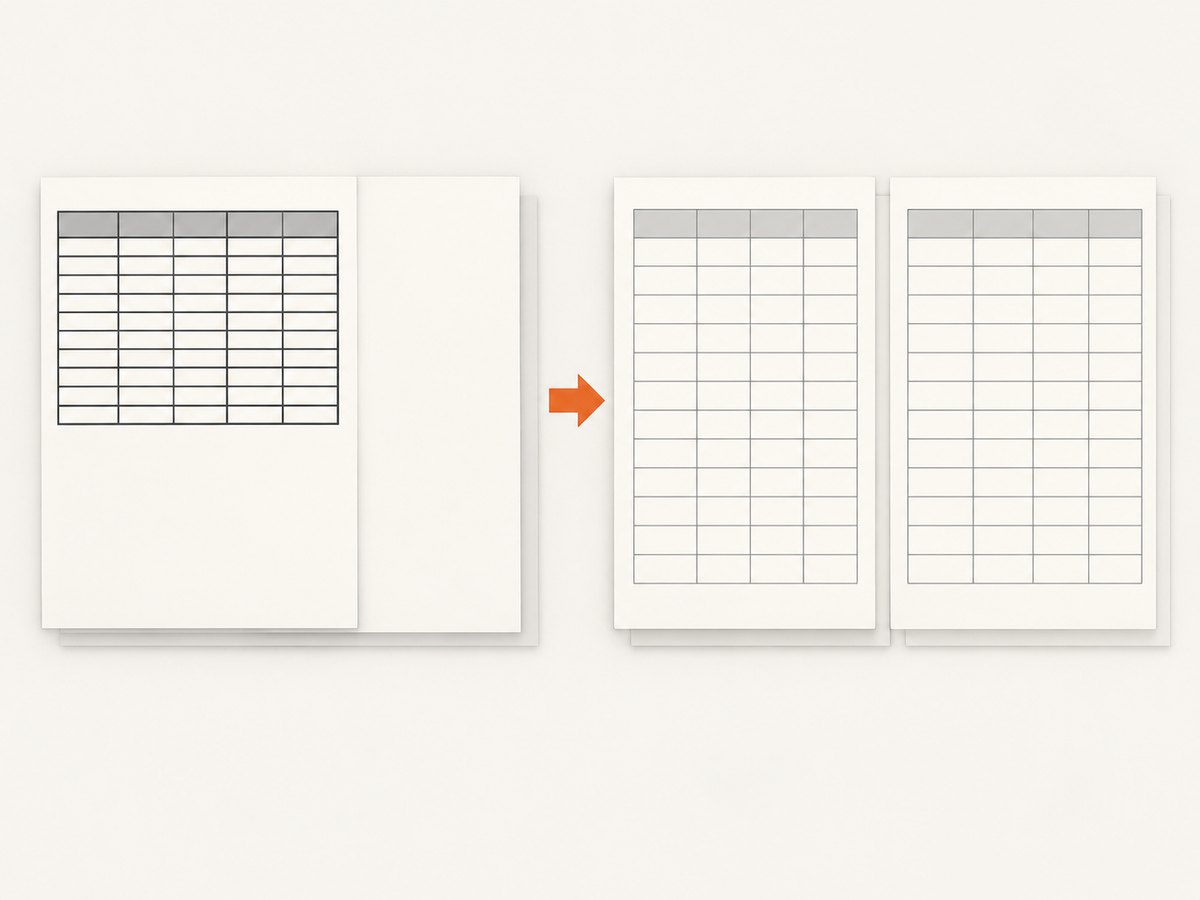
ABCpdf supports page-break-before, page-break-after, and page-break-inside. Break properties work on visible block elements. An empty element may be ignored, so give a break element content or visible styling.
<div style="page-break-before: always"> </div>
<table style="page-break-inside: avoid">
...
</table>Use page-break-inside: avoid for a small table or a block that must stay together. Do not apply it to a table containing more rows than can fit on one page, because the renderer may move the entire block and create a large blank area.
ABCGecko has a documented limitation: page-break styles are not reliable when applied inside tables to elements such as table rows. Put breaks on block-level wrappers around tables, or use a layout that does not depend on row-level CSS breaks.
6. Fix blank space and rows moved to the next page
Check cohesion and borders
Many vertical borders can affect ABCpdf’s cohesion heuristics. A 2013 support report described blank space caused by cumulative cohesion and recorded this suggested experiment:
theDoc.HtmlOptions.BreakMethod = HtmlBreakMethodType.MaximumCohesion;Treat this as a case-specific troubleshooting step. Validate the result with your ABCpdf version and HTML engine; the report does not establish a universal setting.
Reduce the forces that keep a block together
- Remove unnecessary
page-break-inside: avoiddeclarations. - Test without dense vertical borders.
- Split very large logical sections into separate tables.
- Replace row-level breaks with visible block wrappers.
- Check for oversized images, fixed heights, and nested tables.
7. Troubleshooting checklist
| Symptom | Likely cause | Fix |
|---|---|---|
| Only the first page is written | The chain was not continued | Loop on doc.Chainable(id), add a page, and call AddImageToChain(id). |
| Headers do not repeat | Header is in <tbody> or an unsupported engine is selected |
Move it to <thead> and use ABCChrome or ABCGecko. |
| Rows split unexpectedly | Long unbreakable content, fixed heights, or renderer heuristics | Allow wrapping, remove fixed heights, shorten long strings, and test the selected engine. |
| Large blank area before the next table | Cumulative cohesion, dense borders, or page-break-inside: avoid |
Test MaximumCohesion, simplify borders, and remove unnecessary keep-together rules. |
| A CSS break is ignored | The element is empty, inline, or a table row in ABCGecko | Use a visible block such as <div> </div> outside the table. |
| Different machines produce different pagination | Different fonts, engine versions, or operating systems | Deploy the same fonts and ABCpdf release and validate a golden PDF. |
| Content is clipped | Absolute positioning, fixed dimensions, or margins exceed the page | Use normal flow, check doc.Rect, and remove hard-coded heights. |
8. Performance, reliability, and cost considerations
- Performance: HTML chaining avoids rebuilding the complete document for every page. Large DOMs, remote images, nested tables, and web fonts increase render time.
- Reliability: Pin the ABCpdf version and HTML engine, embed or install required fonts, and compare generated PDFs in CI with representative long tables.
- Memory: Generate rows incrementally where possible. Extremely large HTML strings and high-resolution images increase memory pressure.
- Layout stability: Prefer semantic sections and normal document flow. Fixed heights and absolute positioning are fragile when text wraps differently.
- Validation: Test short rows, very long text, empty cells, missing images, nested tables, totals, and a row that lands exactly at a page boundary.
9. A practical implementation sequence
- Choose HTML chaining or a programmatic table helper.
- Use
<thead>,<tbody>, and<tfoot>. - Render the first page and continue with
AddImageToChain. - Add page-break rules only to visible block elements.
- Test the exact ABCpdf engine and version used in production.
- Investigate blank space by removing keep-together rules and testing cohesion settings.
- Verify the output with long text, borders, nested tables, fonts, and boundary rows.
Or skip the browser setup
If the source is a web page and you need a clean capture rather than a locally managed ABCpdf rendering pipeline, ScreenshotNeo provides a single screenshot API request. Its PDF mode supports paper size, margins, landscape output, and page ranges. Cookie and consent banners, newsletter popups, and chat widgets are removed before capture. Bot checks, blank pages, timeouts, failed loads, and cache hits are not billed, and each response identifies the page verdict and billing result in headers. Its MCP server provides take_screenshot, get_page_info, and capture_pdf tools for Claude, Cursor, and other MCP clients.
See the ScreenshotNeo API documentation for the available options. A direct request looks like this:
curl -G "https://api.screenshotneo.com/v1/shot" -d access_key=YOUR_API_KEY --data-urlencode url=https://stripe.com -o shot.webpimport requests
r = requests.get("https://api.screenshotneo.com/v1/shot", params={"access_key": "YOUR_API_KEY", "url": "https://stripe.com"}, timeout=90)
open("shot.webp", "wb").write(r.content)const q = new URLSearchParams({ access_key: 'YOUR_API_KEY', url: 'https://stripe.com' });
const res = await fetch(`https://api.screenshotneo.com/v1/shot?${q}`);ScreenshotNeo includes 1,000 screenshots each month for free with no card. Paid plans start at $5 for 3,000 shots. Create a free ScreenshotNeo account.
FAQ
Does ABCpdf automatically create new pages for a long HTML table?
It creates a chain from the initial HTML render. Your code must add pages and call AddImageToChain until Chainable(id) is false.
Can I force a table row onto the next page?
Row-level CSS breaks are engine-sensitive, especially with ABCGecko. Use a visible block wrapper or split the data into separate table blocks.
Why does the table header repeat in one deployment but not another?
Repeated headers depend on semantic <thead> markup and the HTML engine. Compare the ABCpdf release, engine, fonts, and CSS on both systems.
When should I use PDFTable instead of HTML?
Use the programmatic helper when you need explicit column widths, padding, styling, or page-aware row logic. Use HTML chaining when you already have stable semantic markup.


