Stealthy Headless Browser Automation Tools for Python Beyond Puppeteer
Compare Selenium, Patchright, invisible-playwright and related tools for Python, with runnable examples and realistic limits of browser stealth.

Short answer: Selenium is the mainstream Python baseline when you need established browser automation and broad support. Patchright is the closest Playwright-style option when you specifically want project-authored Chromium patches. invisible-playwright is another third-party package making stealth-oriented claims. None guarantees invisibility: detection can use TLS, HTTP headers, JavaScript, browser behavior and network signals together.
Choose tools for authorized testing, research and permitted access. If a site blocks automation, use its documented API, request access or follow its terms instead of trying to defeat a challenge.
What “stealth headless automation” actually means
“Headless” describes how a browser runs without a visible window. “Automation” describes programmatic control. “Stealth” describes attempts to reduce signals that distinguish an automated browser from a normal visitor. They are separate properties: Selenium can automate browsers reliably without being a stealth product, while a stealth package can still be detected by a particular site.
A browser fingerprint is more than navigator.webdriver. A peer-reviewed crawler study evaluated TLS fingerprints, behavioral analysis, JavaScript fingerprints and HTTP headers. In that study, only three of eight crawlers bypassed every tested tool; those results describe that paper’s configuration, not your target site today. A 2026 preprint also reports that web agents remained distinguishable through network, HTTP and browser fingerprints, and that some stealth measures increased detectability.
Decision table
| Tool | Python API | Browser scope | Stealth position | Best fit |
|---|---|---|---|---|
| Selenium | Sync, established WebDriver API | Multiple browser vendors | Automation baseline; not evidence of stealth | Testing teams, broad compatibility and maintainability |
| Patchright | Playwright-style sync and async APIs | Chromium-based browsers only | Project-authored patches and detector-pass claims | Playwright users who accept Chromium-only scope |
| invisible-playwright | Playwright-oriented package | Use the package’s current support matrix | Project-authored stealth positioning | Evaluation of another third-party approach |
| Nodriver / Selenium-Driverless | Python packages | CDP-oriented architectures | Compared in research, but no current ranking is established here | Teams evaluating lower-level alternatives |
1. Selenium: the dependable Python baseline
Selenium’s current documentation describes Selenium Manager as handling browser and driver resolution in modern Selenium, reducing manual setup. Read the Selenium Manager documentation and pin versions in CI so an automatic browser update does not change your results unexpectedly.
Install
python -m pip install -U seleniumRunnable synchronous example
from selenium import webdriver
from selenium.webdriver.chrome.options import Options

options = Options()
options.add_argument("--headless=new")
options.add_argument("--window-size=1440,1000")

with webdriver.Chrome(options=options) as driver:
    driver.get("https://example.com")
    print(driver.title)
    driver.save_screenshot("example.png")
This gives you normal browser automation: navigation, waits, screenshots, cookies and JavaScript execution. It does not establish that the browser will pass a bot detector.
Wait for a real condition
from selenium.webdriver.common.by import By
from selenium.webdriver.support.ui import WebDriverWait

wait = WebDriverWait(driver, 20)
wait.until(lambda d: d.find_element(By.CSS_SELECTOR, "main").is_displayed())
Useful Selenium configuration
- Set an explicit viewport with
--window-size=WIDTH,HEIGHT. - Use explicit waits for selectors, document state or application-specific conditions.
- Save browser logs and the final URL when a run fails.
- Use a fresh profile for reproducible tests; persist a profile only when your test requires login state.
- Set proxy, headers or cookies only when you are authorized to do so and record those settings with the run.
2. Patchright: Playwright-style Python with Chromium patches
Patchright’s package page presents it as a patched Playwright replacement with Python sync and async APIs. The project describes changes addressing CDP/runtime, console and launch-flag leaks and publishes detector-pass statements. Treat those as project-authored claims that can age with browser and detector releases. Patchright’s patches apply to Chromium-based browsers; Firefox and WebKit are unsupported.
Install and sync API
python -m pip install -U patchright
patchright install chromium
from patchright.sync_api import sync_playwright
with sync_playwright() as p:
browser = p.chromium.launch(headless=True)
page = browser.new_page(viewport={"width": 1440, "height": 1000})
page.goto("https://example.com", wait_until="domcontentloaded")
page.screenshot(path="example.png", full_page=True)
print(page.title())
browser.close()Async API
import asyncio
from patchright.async_api import async_playwright

async def main():
    async with async_playwright() as p:
        browser = await p.chromium.launch(headless=True)
        page = await browser.new_page(viewport={"width": 1440, "height": 1000})
        await page.goto("https://example.com", wait_until="networkidle")
        await page.screenshot(path="example.png", full_page=True)
        print(await page.title())
        await browser.close()

asyncio.run(main())
Use domcontentloaded for faster pages when the required content is server-rendered. Use a selector wait when a specific component matters. Reserve networkidle for pages whose background requests eventually settle; analytics, polling and ads can keep it waiting.
3. invisible-playwright and other packages
invisible-playwright’s package page positions the project around stealth and compares it with Camoufox, Patchright, nodriver and playwright-stealth. That page is useful for understanding the project’s claimed scope, not independent proof that it will pass a detector.
Nodriver and Selenium-Driverless are CDP-oriented alternatives identified in the crawler research. The available evidence does not support a current compatibility or performance ranking among them. Evaluate each package against your own authorized site, browser versions and workload.
How to choose and evaluate a tool
- Define permission and success criteria. Decide whether you need a test, a screenshot, accessibility data or an API response. Document which domains and accounts are allowed.
- Pick browser scope. Patchright is Chromium-only. Choose Selenium when multi-browser coverage is a requirement.
- Check async needs. Async APIs help when one process coordinates many independent pages; synchronous code is often simpler for small test suites.
- Pin and record versions. Store Python, package, browser and operating-system versions with each run.
- Measure the particular site. Record navigation time, error type, final URL, HTTP status, console errors, screenshot dimensions and whether the expected selector appeared.
- Prefer documented interfaces. If the site exposes an API or asks you to identify automation, use that route.
Common failure modes and fixes
| Symptom | Likely cause | Fix |
|---|---|---|
| Driver or browser not found | Old Selenium or missing browser binary | Upgrade Selenium so Selenium Manager can resolve the driver; install the required browser and inspect the resolved versions. |
| Patchright launches but Firefox/WebKit fails | Patchright patches Chromium-based browsers only | Use Chromium with Patchright or choose Selenium/another framework for other engines. |
| Timeout waiting for navigation | Long-running requests, blocked resources or a slow application | Use a bounded timeout, wait for the required selector and capture console/network diagnostics. |
| Blank or incomplete screenshot | Lazy content has not loaded, viewport is wrong or a cookie dialog covers content | Scroll or wait for the content selector, set the viewport explicitly and handle the site’s consent flow when permitted. |
| Works locally but fails in CI | Different browser version, fonts, sandbox, CPU or network policy | Pin versions, log environment details, use a known viewport and compare the final URL and browser console. |
| Site still detects automation | Detection uses multiple network, HTTP, JavaScript and behavior signals | Do not assume a package guarantees access. Use an official API, request permission or adjust the integration to the site’s documented requirements. |
Performance, reliability and cost
- Startup: Reuse one browser process and create isolated contexts or sessions when your test model permits it. Browser startup is usually more expensive than opening another page.
- Concurrency: Limit concurrent pages to what the machine and target can handle. Excess concurrency causes CPU, memory and network contention and can create behavior unlike a normal visitor.
- Waiting: Prefer a specific selector or application event over an arbitrary long sleep. Keep a hard upper timeout so a single page cannot consume a worker indefinitely.
- Reproducibility: Pin package and browser versions, fix viewport and timezone where relevant, and retain a failure screenshot plus logs.
- Cost: Self-hosted libraries shift cost to compute, browser maintenance, bandwidth and engineering time. A hosted screenshot API trades browser operations for per-capture pricing; calculate from successful captures and required retries.
Or skip the browser setup
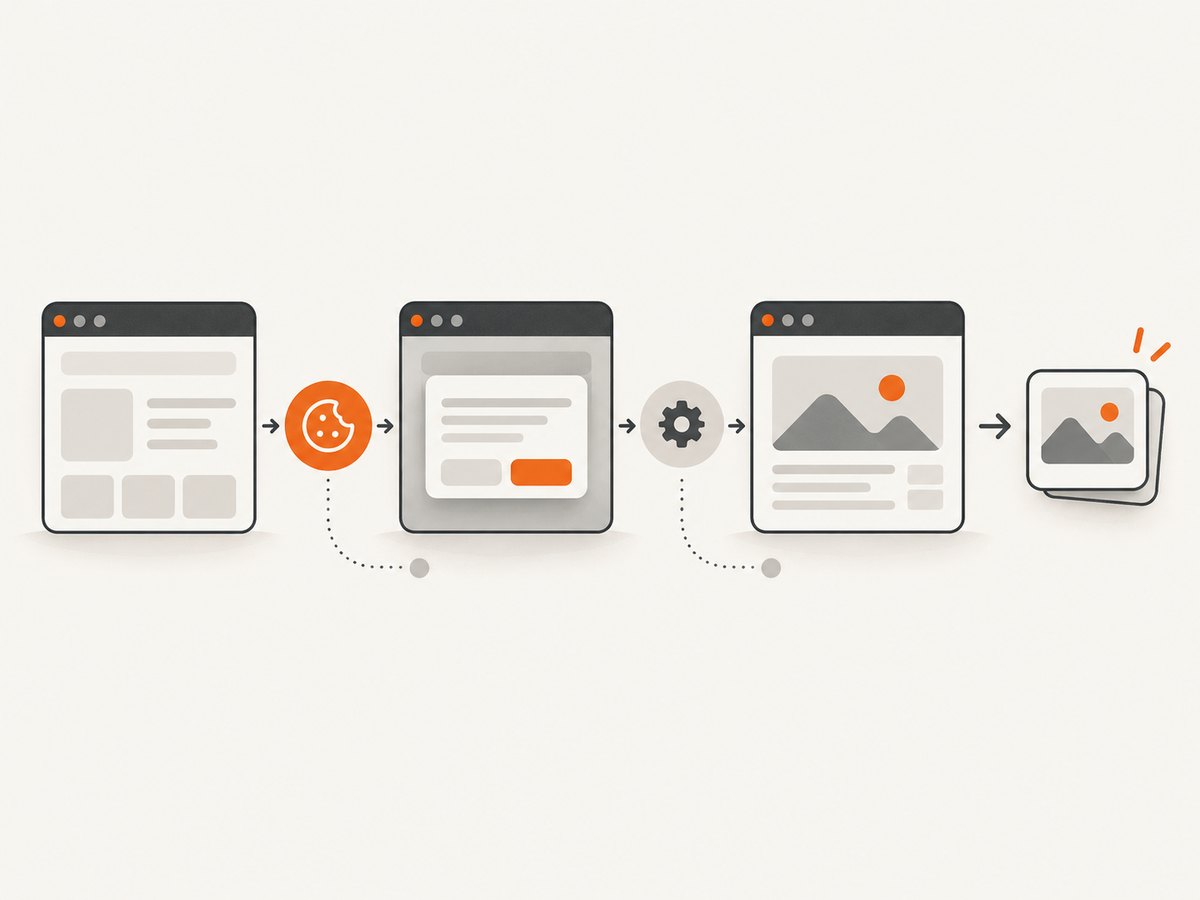
If your goal is a clean website image or PDF rather than browser control, ScreenshotNeo provides a single GET request. It accepts the consent banner like a visitor and removes more than 60 known consent platforms, newsletter popups and chat widgets before capture; each step can be turned off. Bot checks, CAPTCHAs, blank pages, timeouts, failed loads and cache hits are not billed, and the response reports the result in X-Page-Verdict and X-Billed headers. It also offers an MCP server for Claude, Cursor and other MCP clients with take_screenshot, get_page_info and capture_pdf.
See the ScreenshotNeo API documentation for all options. The examples below save the returned image.
cURL
curl -G "https://api.screenshotneo.com/v1/shot" -d access_key=YOUR_API_KEY --data-urlencode url=https://stripe.com -o shot.webpPython
import requests

r = requests.get("https://api.screenshotneo.com/v1/shot", params={"access_key": "YOUR_API_KEY", "url": "https://stripe.com"}, timeout=90)
r.raise_for_status()
open("shot.webp", "wb").write(r.content)
Node.js
const q = new URLSearchParams({ access_key: 'YOUR_API_KEY', url: 'https://stripe.com' });
const res = await fetch(`https://api.screenshotneo.com/v1/shot?${q}`);
if (!res.ok) throw new Error(`HTTP ${res.status}`);
const fs = await import('node:fs/promises');
await fs.writeFile('shot.webp', Buffer.from(await res.arrayBuffer()));
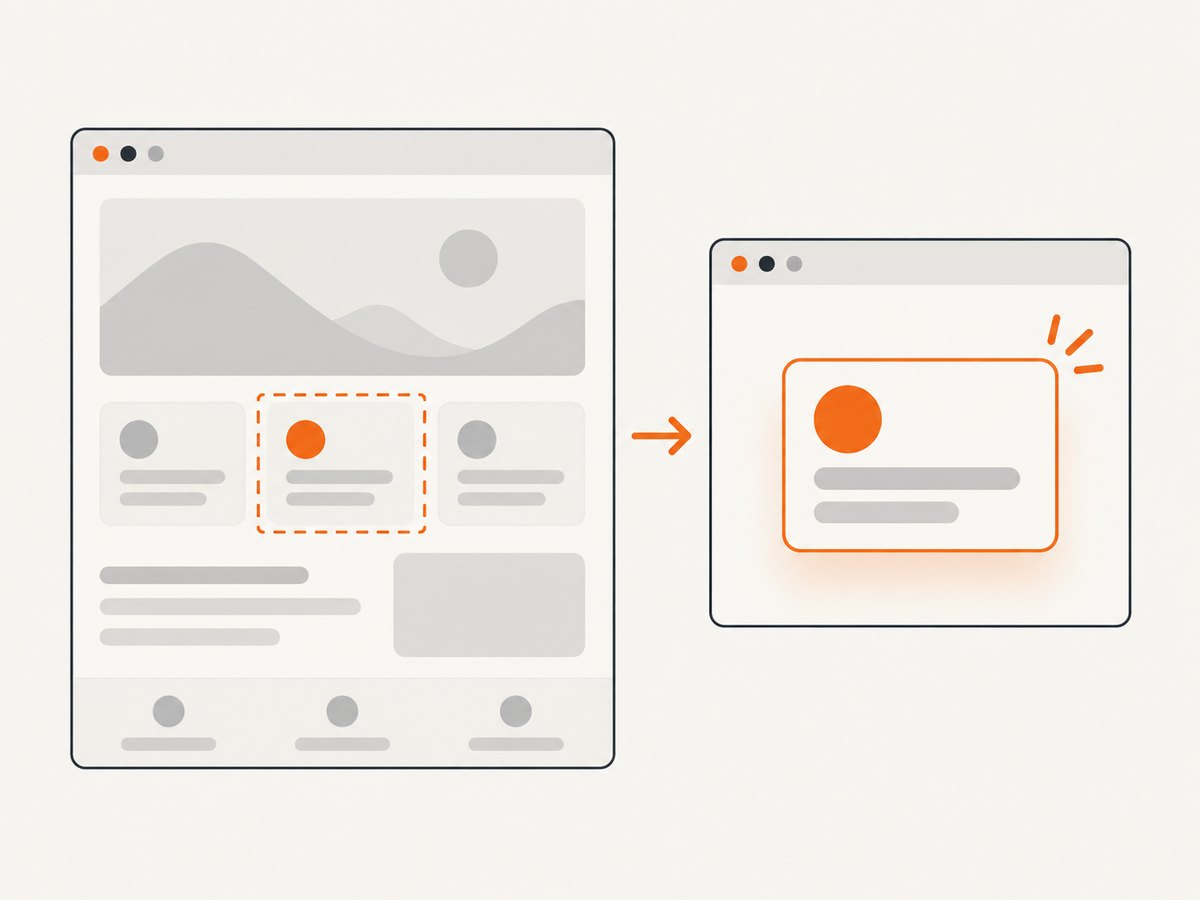
ScreenshotNeo supports full-page captures with lazy images loaded, CSS-selector element captures, dark mode, 12 device presets or custom viewports, retina scale, PDF paper sizes/margins/landscape/page ranges, HTML/CSS rendering, custom CSS and JavaScript, pre-capture clicks, hidden selectors, selector/delay/network-idle waits, ad/tracker/request/resource blocking, custom headers/cookies/user agents/Authorization, timezone and geolocation, transparent backgrounds, resizing, selectable-TTL caching, signed image links, async jobs with signed webhooks, bulk capture of up to 100 URLs per call, a usage API and an OpenAPI specification. Common parameter names from other screenshot APIs also work.
Plans include 1,000 free shots per month with no card; paid plans start at $5 for 3,000 shots. Yearly billing gives two months free, and every feature is on every plan. Create a free ScreenshotNeo account.
FAQ
Is Selenium a stealth browser?
No. Selenium is a documented automation framework. Its value here is mature browser control and driver management, not a promise of evading detection.
Does Patchright support Firefox?
No. Its patches are for Chromium-based browsers; Firefox and WebKit are unsupported.
Can headed mode guarantee fewer detections?
No. Headed mode changes one execution detail while detectors can inspect network, HTTP, JavaScript and behavior signals.
Should I rotate proxies?
Only when your authorized use case and site rules permit it. Proxy rotation does not solve browser or behavioral fingerprinting by itself.
When is a screenshot API a better fit?
Use one when you need rendered images or PDFs and do not need interactive browser control, test assertions or a persistent session.


