How to Stop Cloudflare From Blocking Your Website
Find out why Cloudflare blocks visitors, what errors 1010, 1015 and 1020 mean, and how site owners can fix the exact rule safely.
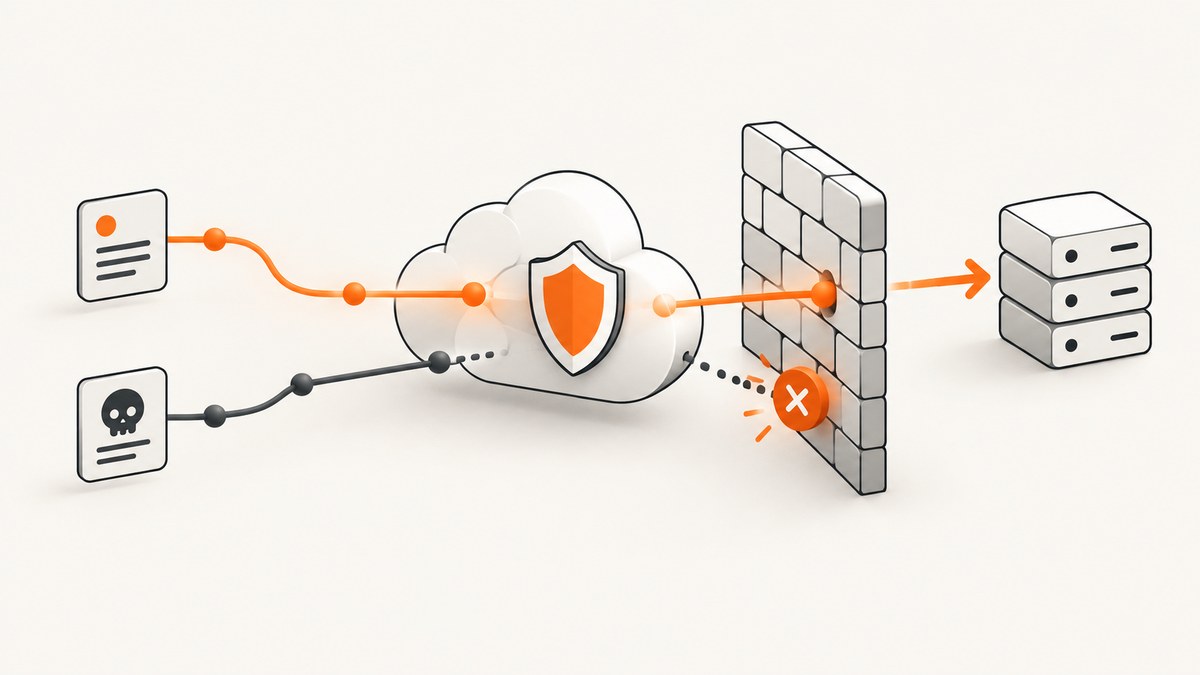
Cloudflare can block a request for several unrelated reasons. The correct fix depends on whether you are visiting someone else’s site or administering the site that is blocking you.
If you are a visitor: you cannot change the site’s Cloudflare settings. Save the complete error page, Ray ID, time, timezone, URL, and the action that triggered the block, then send those details to the site owner.
If you own the site: open Cloudflare Security Events, find the request, identify the product and rule that acted, and create the narrowest possible exception. Do not disable unrelated protections just to make one request succeed.
Identify the Cloudflare error first
The error number usually tells you which control stopped the request.
| Error | Meaning | What to do |
|---|---|---|
| 1010 | The site owner denied access based on your browser signature. | Contact the site owner. The owner should review Browser Integrity Check and related security settings. |
| 1015 | A rate-limit rule temporarily blocked the request volume. | Wait, stop repeated retries, and contact the owner if it continues. |
| 1020 | A firewall rule denied the request. | Send the owner the Ray ID and request details. The owner should search Security Events for the matching rule. |
Cloudflare documents the causes and next steps for error 1010, error 1015, and error 1020.
If you are visiting someone else’s website
Collect the details the owner needs
- Take a screenshot of the entire error page.
- Copy the Ray ID, if one appears.
- Record the exact URL and the date, time, and timezone.
- Describe what happened immediately before the block: opening a page, submitting a form, signing in, uploading a file, or making several requests.
- Include your client IP address if the site’s support team requests it.
Send this information through the site’s support channel. The Ray ID, client IP, URL, and timestamp let the owner locate the request in Security Events.
Error 1015: stop retrying
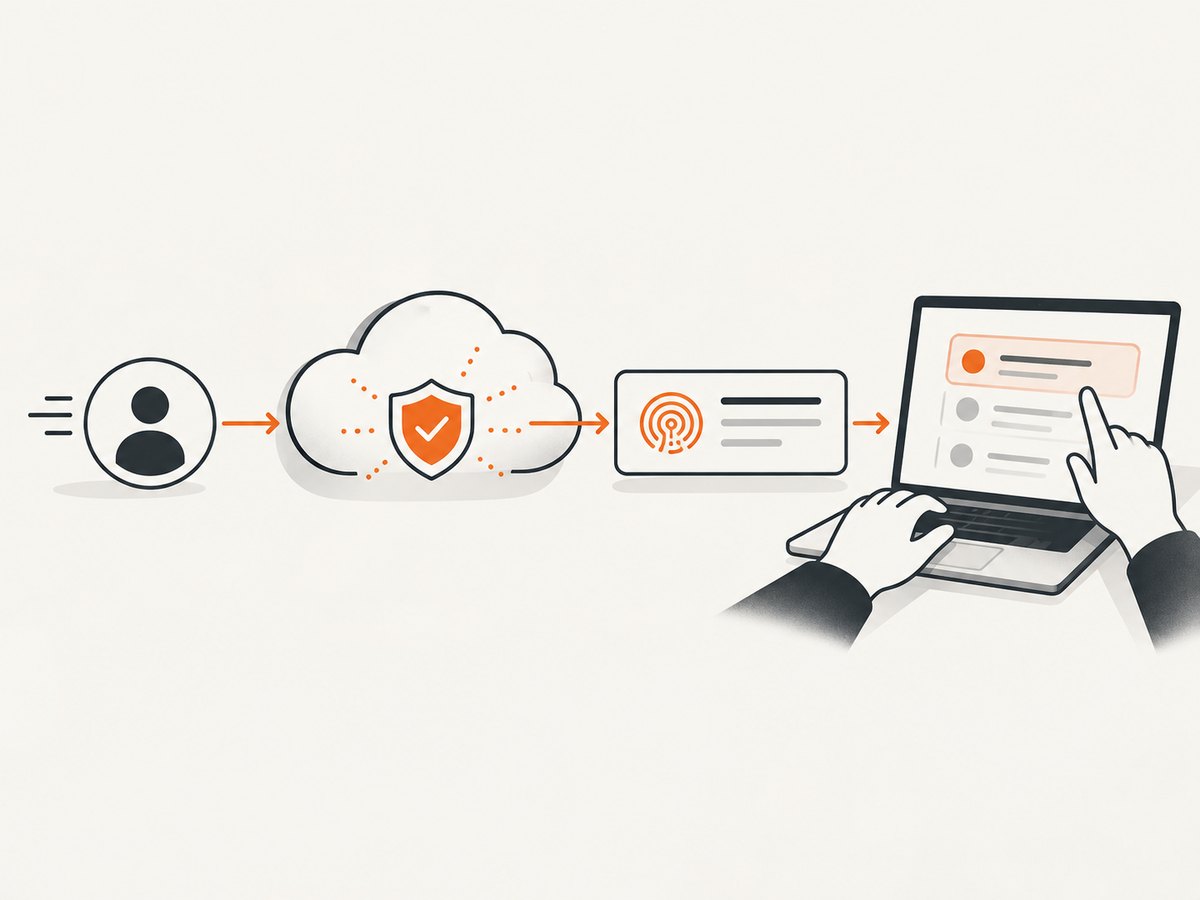
Error 1015 means the site’s rate-limit rule saw more requests than its configured threshold. Repeatedly refreshing can keep you inside the blocked window. Cloudflare specifically advises not repeatedly trying to access the site during a short period because that may extend the block. Wait before trying once more. If normal use still triggers the error, ask the owner to review the threshold and period.
Error 1010: browser signature denied
Error 1010 means the site owner blocked a browser signature. This is controlled by the customer’s configuration, so Cloudflare Support cannot remove it for you. Report the error and your browser details to the owner.
Error 1020: firewall rule denied
Error 1020 is a firewall-rule denial. Give the owner the Ray ID, timestamp, URL, and activity that preceded the error. Do not assume that changing VPNs, buying software, or replacing hardware will solve it. A different trusted network can sometimes change a challenge result, but the owner’s rule is the authority.
If you administer the website
1. Find the request in Security Events
- Sign in to Cloudflare and open Security Events.
- Search by Ray ID first. If it is unavailable, use the client IP, URL or path, and a narrow timestamp range.
- Open the event and inspect the Service field.
- Record the product that acted and the rule expression or rule ID.
The Service field distinguishes a managed WAF rule, custom rule, rate limit, IP Access rule, bot mitigation feature, or challenge. That distinction determines the safe remedy.
2. Confirm the actual control
| Control | Typical symptom | Review |
|---|---|---|
| WAF managed rule | Legitimate form, API, or upload matches an attack signature. | Rule ID, matched field, and managed-ruleset exception order. |
| Custom firewall rule | A condition matches a path, country, IP, header, or query string. | Expression logic and whether the match is broader than intended. |
| Rate limiting | 1015 after bursts or concurrent requests. | Threshold, counting characteristic, and period. |
| IP Access rule | A network is allowed or blocked globally. | IP, range, ASN, action, and bypass scope. |
| Bot mitigation | Automation or unusual browser behavior receives a challenge or block. | Bot Fight Mode versus Super Bot Fight Mode and available skip controls. |
| Browser Integrity Check | 1010 based on browser signature. | Browser signature settings and the affected traffic pattern. |
Fix a false positive with the smallest change
Managed WAF rules
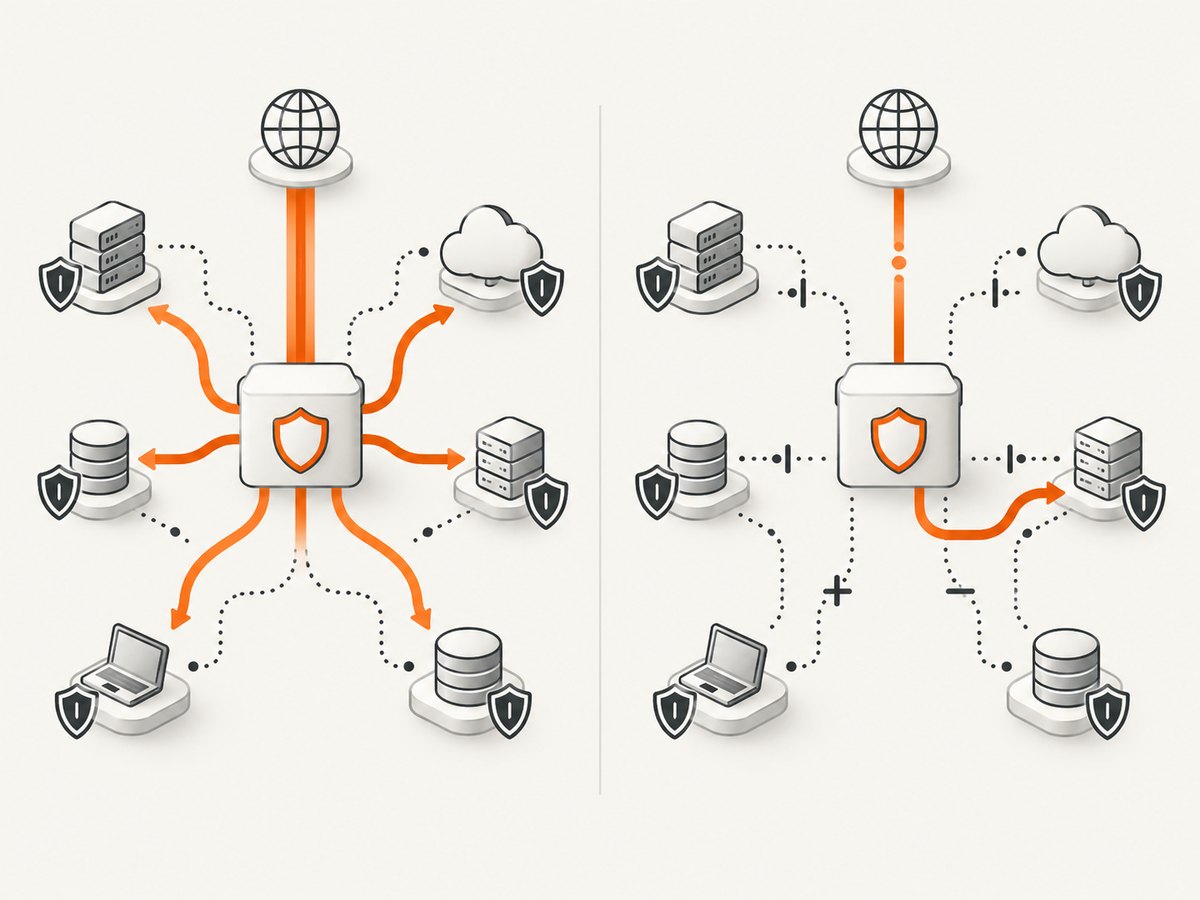
For a managed-rule false positive, create an exception for the known legitimate traffic, adjust the relevant OWASP managed-ruleset setting where appropriate, or disable only the matching rule. Cloudflare’s managed-rules troubleshooting guidance says: If one specific rule causes false positives, disable that specific rule and not the entire ruleset.
Scope the exception using attributes you can verify, such as a specific endpoint, trusted source IP or range, or appropriate ASN. For managed-rule exceptions, ensure the exception is evaluated before the ruleset execution. A whole-ruleset disable removes protection for unrelated requests.
Custom firewall rules
Inspect the expression rather than adding a blanket allow. If a rule blocks /api/*, for example, narrow the condition to the suspicious method, header, country, or path segment. Keep the exception limited to the endpoint and traffic pattern that you confirmed as legitimate.
IP Access rules
An IP Access Allow action can bypass custom rules, rate limiting, and WAF managed rules. That makes it much broader than a single managed-rule exception. Use it only for a verified address or range and understand the controls it bypasses. Remove temporary allows when they are no longer needed.
Rate limits and error 1015
Review the current threshold, counting characteristic, and period against real legitimate traffic. A very short period can cause bursts to look abusive. Cloudflare gives an example of reviewing a one-second period and considering a longer interval such as ten seconds; that is an example for investigation, not a universal setting. Choose a threshold that accommodates normal page loads, retries, and API clients without permitting uncontrolled traffic.
Bot Fight Mode and Super Bot Fight Mode
These products do not have identical exception controls. Bot Fight Mode cannot be skipped with a WAF custom-rule Skip action. Super Bot Fight Mode supports scoped Skip rules for matching legitimate traffic. First identify which feature is active. If a trusted flow still produces false positives, create a narrowly scoped skip where the product supports it. Disabling mitigation is a fallback that changes protection for more traffic.
Validate the change safely
- Reproduce the exact legitimate action once.
- Confirm that the expected page, form, or API response works.
- Review new Security Events for the same source and path.
- Check that suspicious requests still trigger the intended controls.
- Document the rule ID, scope, reason, and owner of the exception.
Keep the change reversible. If the event disappears because an overly broad allow bypassed several products, tighten the scope before leaving it in production.
When Cloudflare is not the blocker
An ISP-level or network-level block is separate from a Cloudflare rule block. If DNS fails, the TCP connection cannot be established, or multiple unrelated sites are unreachable from one network, the appropriate contact may be your ISP, corporate network team, or hosting provider. A Cloudflare error page with a Ray ID points toward the site owner’s Cloudflare configuration; it does not prove that every access problem is caused by Cloudflare.
Capture the error page for a support ticket
A complete screenshot helps the site owner see the error number, Ray ID, URL, and wording exactly as displayed. You can capture it manually with your browser, or automate a screenshot for incident records.
curl -L "https://example.com/page-that-fails" -o response.html
# Open response.html in a browser and capture the complete error page.
A screenshot alone does not identify the rule. Pair it with the timestamp, client IP when requested, and the Security Events record.
Or skip the browser setup
ScreenshotNeo provides a website screenshot API and MCP server. Use it when you need a repeatable capture of an error page or a page after a Cloudflare challenge, without maintaining browser automation.
See the ScreenshotNeo API documentation for all options. A basic request returns an image:
curl -G "https://api.screenshotneo.com/v1/shot" -d access_key=YOUR_API_KEY --data-urlencode url=https://stripe.com -o shot.webpimport requests
r = requests.get("https://api.screenshotneo.com/v1/shot", params={"access_key": "YOUR_API_KEY", "url": "https://stripe.com"}, timeout=90)
open("shot.webp", "wb").write(r.content)const q = new URLSearchParams({ access_key: 'YOUR_API_KEY', url: 'https://stripe.com' });
const res = await fetch(`https://api.screenshotneo.com/v1/shot?${q}`);Cookie banners, newsletter popups, and chat widgets are removed before the shot. Bot checks, blank pages, failed loads, timeouts, and cache hits are not billed, and response headers identify the page verdict and billing status. The MCP server includes take_screenshot, get_page_info, and capture_pdf for Claude, Cursor, and other MCP clients. You get 1,000 screenshots a month free with no card; paid plans start at $5 for 3,000 shots. Create a free ScreenshotNeo account.
Performance, reliability, and cost considerations
- Search narrowly: Security Events queries using Ray ID, path, and a short time range reduce diagnostic noise.
- Change one control: A single scoped exception makes it easier to confirm cause and rollback.
- Account for bursts: Browser page loads can create several requests at once; rate limits should reflect normal concurrency.
- Preserve protections: A broad IP allow can bypass multiple products, so it may increase risk and make later diagnosis harder.
- Automate evidence: ScreenshotNeo supports caching with a chosen TTL, custom headers and cookies, wait conditions, and bulk capture of up to 100 URLs per call when you need repeatable incident archives.
- Separate capture from diagnosis: A clean image records what a user saw; Security Events identifies why Cloudflare made the decision.
Troubleshooting checklist
| Problem | Likely cause | Fix |
|---|---|---|
| The owner cannot find a 1020 event. | Wrong time range, timezone, Ray ID, or zone. | Search by client IP and exact URL, then widen the time window gradually. |
| A new exception does nothing. | The wrong product or rule was changed, or rule order prevents the exception. | Recheck Service and rule ID; confirm managed-rule exception order. |
| Allowing an IP fixes one flow but creates exposure. | IP Access Allow bypasses several controls. | Replace it with a path or rule-specific exception where possible. |
| 1015 returns after waiting. | Normal traffic still exceeds the configured threshold. | Review counting method, interval, retries, and legitimate concurrency. |
| Bot traffic is still blocked after a WAF Skip. | Bot Fight Mode is active and cannot use that skip action. | Identify the bot product and use supported scoped controls. |
| Only one ISP or office network fails. | Network or ISP filtering rather than a Cloudflare rule. | Compare from an approved network and contact the network operator. |
FAQ
Can Cloudflare Support unblock me?
For a visitor, the site owner controls the relevant customer settings. Send the error details to that owner.
Will changing my VPN fix error 1020?
It may change the source attributes, but it does not correct the owner’s firewall rule. The owner should investigate the original request.
Should I disable the entire WAF ruleset?
No. Identify the matching rule and adjust or disable only that rule, with a narrowly scoped exception when possible.
Why does a screenshot not prove the cause?
It records the visible result. The cause is in Security Events, including the acting product and matching rule.
How can I preserve evidence for many URLs?
Use a repeatable capture process, consistent timestamps, and the same metadata for every URL. ScreenshotNeo can capture batches and return verdict and billing headers for each response.


