How to Stop Laravel Dusk Leaving Chrome Processes in Docker
Find which layer owns Chrome, close every WebDriver session, stop ChromeDriver once, and use Docker init correctly without masking lifecycle bugs.
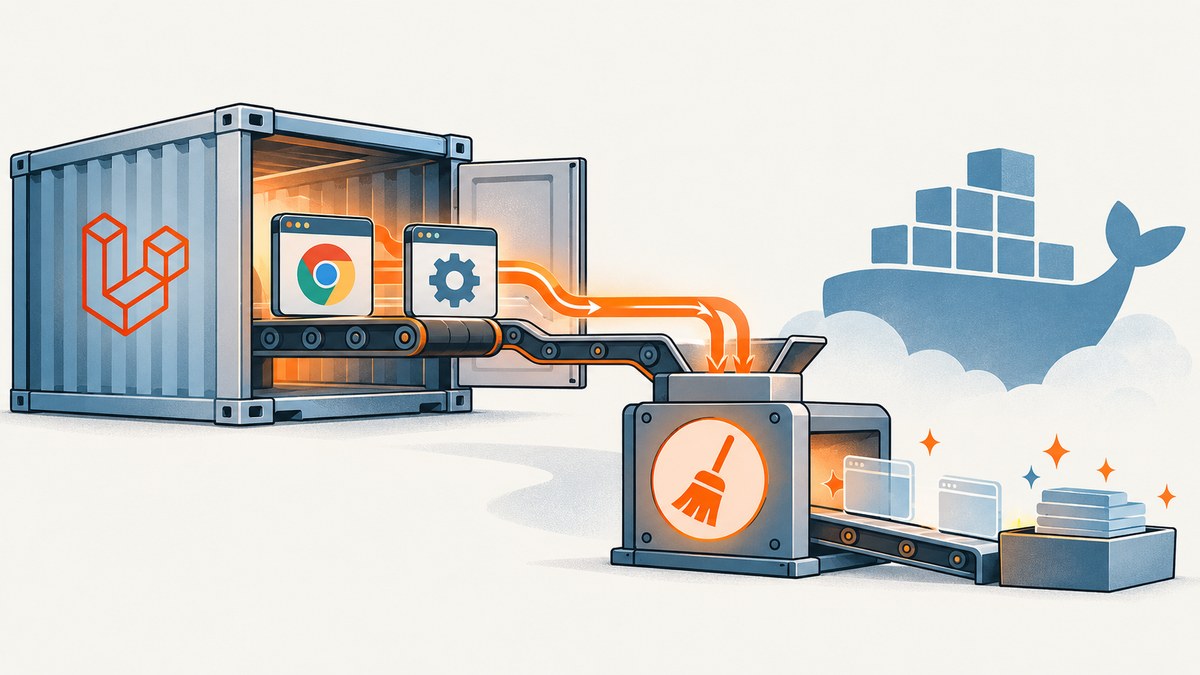
Chrome processes remain in a Laravel Dusk Docker container when one of three cleanup layers has no owner: the WebDriver browser session, the ChromeDriver server, or Docker’s process tree at container exit. Start by identifying who launched each process. Then close browser sessions, stop the driver from the same owner that started it, and use Docker’s init support only for child reaping at the container boundary.
Dusk normally starts a standalone ChromeDriver and manages its lifecycle. If your image, CI script, or Selenium service starts ChromeDriver instead, disable Dusk’s automatic startup and make that external owner stop it. These are separate arrangements; running both usually creates duplicate drivers and confusing leftovers.
What is actually leaking?
“Chrome is still running” can describe several different processes:
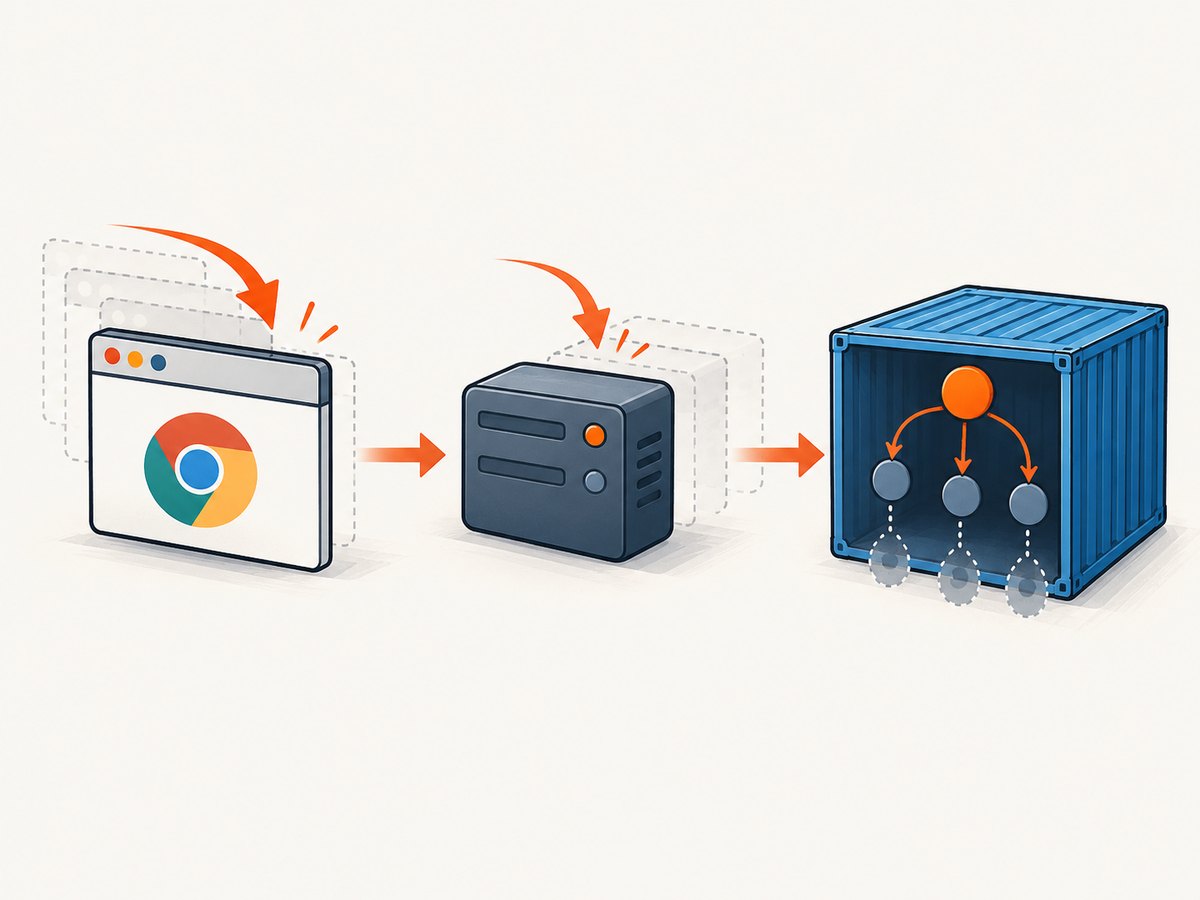
| Process or resource | Who should clean it up? | What cleanup means |
|---|---|---|
| WebDriver browser session | Dusk or your custom test code | Call the session’s quit operation so Chrome receives a normal shutdown request. |
| ChromeDriver server | The process owner that started it | Stop the tracked ChromeDriver process after the test class or CI job. |
| Orphaned child processes | Docker’s PID 1/init process | Reap children when the container exits; this does not replace WebDriver cleanup. |
Laravel Dusk documentation describes standalone ChromeDriver and shows how to connect to an externally managed Selenium server. In the Dusk 8.x source, startChromeDriver() stores the launched process and registers stopChromeDriver() as an after-class callback. The same 8.x lifecycle closes active browser sessions during class teardown and after a browse() callback. Check your installed package and generated tests/DuskTestCase.php before copying exact hooks: the current Laravel documentation page covers Laravel 13.x, while the cited lifecycle source is the 8.x branch. Laravel Dusk documentation · SupportsChrome.php · ProvidesBrowser.php
Step 1: map process ownership before changing cleanup
- Open
tests/DuskTestCase.phpand locatestatic::startChromeDriver(), thedriver()method, and any custom browser setup. - Inspect the Dockerfile and entrypoint for commands such as
chromedriver,start-chromedriver, Selenium startup, or a shell background operator (&). - Inspect the CI workflow and service definitions. A separate Selenium container, a CI image, and Dusk must not all assume they own the same driver.
- Record the endpoint and port used by the browser client. A driver at one port cannot be stopped reliably by a script targeting another process.
- During a failing run, inspect parentage and command lines rather than killing everything:
ps -eo pid,ppid,stat,cmd | grep -E 'chrome|chromedriver|selenium' | grep -v grepLook for duplicate ChromeDriver instances, Chrome children whose parent has exited, and a long-lived service that is intentionally meant to survive one test command. Avoid a blanket pkill chrome: it can terminate unrelated browser processes and does not establish ownership.
Step 2: use Dusk-managed ChromeDriver when Dusk owns the test
The simplest setup is to let Dusk start its standalone driver and retain its normal teardown path. Do not detach that launch into an untracked shell process. Keep the generated lifecycle and let Dusk’s after-class callback stop the process it recorded.
<?php

namespace Tests;

use Laravel\Dusk\TestCase as BaseTestCase;
use Facebook\WebDriver\Remote\DesiredCapabilities;
use Facebook\WebDriver\Remote\RemoteWebDriver;

abstract class DuskTestCase extends BaseTestCase
{
    use CreatesApplication;

    protected function driver(): RemoteWebDriver
    {
        return RemoteWebDriver::create(
            'http://localhost:9515',
            DesiredCapabilities::chrome()
        );
    }

    // Keep the Dusk-generated startup in versions that provide it:
    // public static function prepare(): void
    // {
    //     static::startChromeDriver();
    // }
}
The exact method names differ by Dusk version and generated project. Treat this as a lifecycle shape, not a drop-in replacement for every release. Compare your composer.lock, PHP/PHPUnit versions, Chrome version, and generated test case with the installed Dusk source.
Step 3: close custom WebDriver sessions explicitly
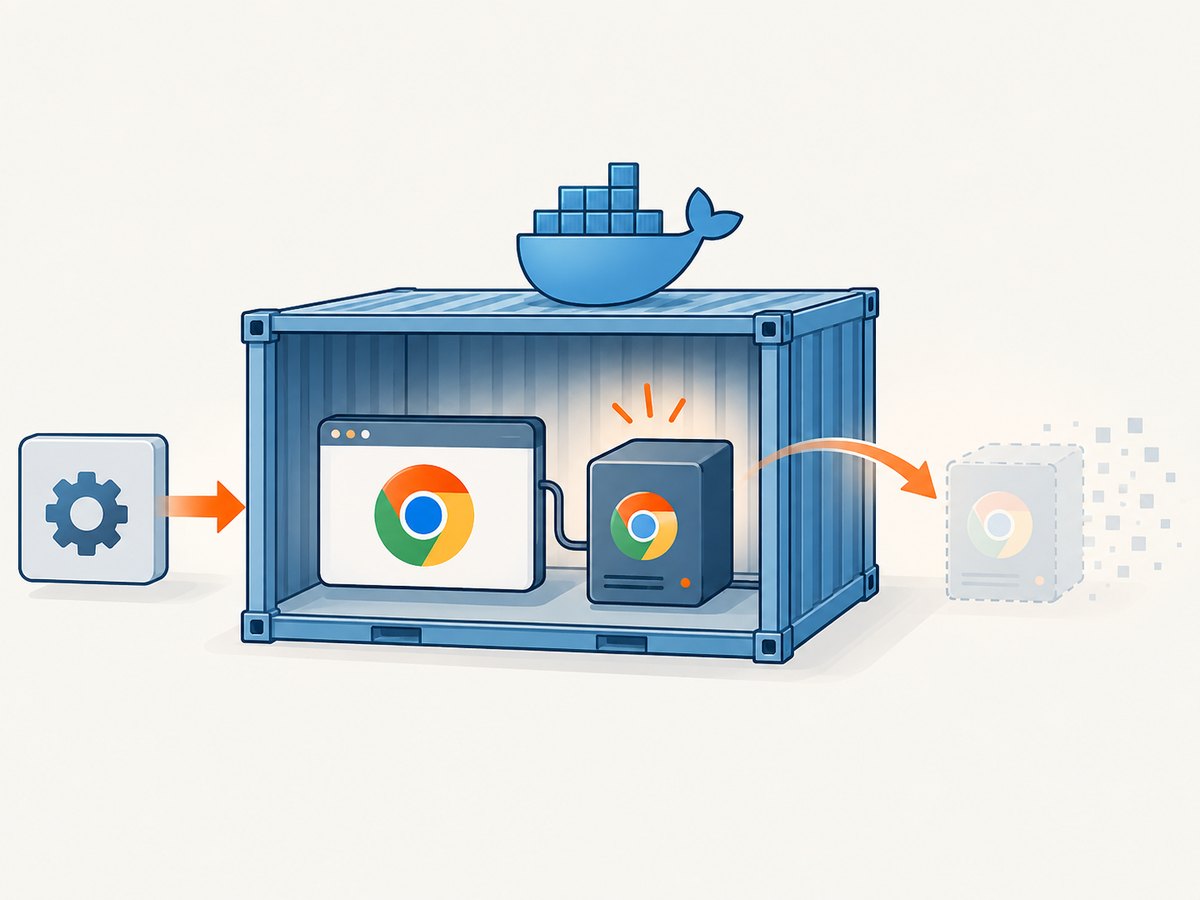
Dusk’s browse() helper and class teardown cover sessions created through its managed path. A helper that creates its own RemoteWebDriver is your responsibility. Put quit() in a finally block so an assertion or browser exception cannot bypass it.
<?php

use Facebook\WebDriver\Remote\RemoteWebDriver;

$driver = RemoteWebDriver::create($url, $capabilities);

try {
    $driver->get('https://example.test');
    // Run browser actions and assertions.
} finally {
    $driver->quit();
}
Closing a WebDriver session and stopping ChromeDriver are different operations. The first ends the browser session; the second ends the server accepting WebDriver commands. If your code owns both, perform both in the correct owner’s teardown.
Step 4: configure an externally managed driver correctly
External ownership is useful when a Docker image or separate Selenium service must serve several jobs or commands. In this mode, comment out Dusk’s automatic startChromeDriver() call, point driver() at the external endpoint, and stop the driver in the same CI job, entrypoint, or service definition that started it. Laravel’s Dusk documentation describes this arrangement; a third-party CI image also demonstrates explicit start and stop commands, but its command names are specific to that image.
// DuskTestCase.php: do not call static::startChromeDriver()
protected function driver(): RemoteWebDriver
{
    return RemoteWebDriver::create(
        env('DUSK_DRIVER_URL', 'http://selenium:4444/wd/hub'),
        DesiredCapabilities::chrome()
    );
}
# Example CI ownership pattern; use commands supplied by your image.
set -e
start-chromedriver &
driver_pid=$!
cleanup() {
  # End test-created sessions first, then stop the driver owned by this job.
  stop-chromedriver || true
  kill "$driver_pid" 2>/dev/null || true
}
trap cleanup EXIT INT TERM
php artisan dusk
Do not copy start-chromedriver or stop-chromedriver into another image without checking its process names and startup method. The chilio/laravel-dusk-ci repository is an example of external ownership, not universal syntax.
Step 5: make Docker reap children at the container boundary
Docker states that “The container’s main process is responsible for managing all processes that it starts.” Docker’s --init option inserts a small init process as PID 1 and handles reaping when the container exits. Use it when your container needs child reaping, but do not treat it as a substitute for closing WebDriver sessions or stopping an active ChromeDriver.
docker run --init --rm \
  --shm-size=2g \
  your-dusk-image \
  php artisan dusk
If you use Compose, the equivalent setting is:
services:
  dusk:
    image: your-dusk-image
    init: true
    shm_size: '2gb'
    command: php artisan dusk
Docker’s process guidance is documented at Run multiple processes in a container. The init process helps when the container exits; it cannot infer which driver should remain available during a long-lived container.
Lifecycle patterns that work
Dusk owns everything
- Dusk starts ChromeDriver.
- Dusk creates sessions through
browse(). - Dusk closes sessions and runs its driver stop callback.
- Docker
--initis optional support for child reaping.
A CI image owns ChromeDriver
- The image starts ChromeDriver before
php artisan dusk. - Dusk startup is disabled and its endpoint matches the image.
- Every custom session calls
quit(). - The same job traps failure and interrupt paths, then runs the image’s documented stop command.
A Selenium service owns the driver
- The Selenium service has an independent lifecycle.
- The Dusk container only connects to its service URL.
- The service is stopped by Compose, Kubernetes, or the CI orchestrator, not by Dusk.
- Test sessions still need normal WebDriver teardown.
Troubleshooting Chrome processes that remain
| Symptom | Likely cause | Fix |
|---|---|---|
| Two ChromeDriver processes appear | Dusk and the image both started one. | Choose one owner. Disable Dusk startup for an external service, or remove the image startup and restore Dusk’s managed path. |
| Chrome remains after a failed assertion | A custom session bypassed Dusk teardown. | Wrap creation in try/finally and call quit(). |
| Driver survives after CI reports success | The external owner has no teardown trap. | Stop it in the same job or entrypoint that started it, including failure and interrupt handling. |
| Processes disappear only when the container stops | Cleanup depends on the container boundary. | Add explicit session and driver shutdown; use --init for child reaping where appropriate. |
| Dusk cannot connect after disabling startup | Endpoint, port, hostname, or path is wrong. | Verify the service is listening and make driver() use the exact reachable URL. |
| Stopping Chrome kills unrelated work | A broad process kill is used. | Inspect PID, parent PID, and command line; stop only the process owned by the test job. |
| Cleanup works locally but not in CI | CI image or runner starts another driver, or interrupts skip shell cleanup. | Inspect the CI service definition and add the platform-supported exit/interrupt trap. |
Performance, reliability, and cost considerations
Starting a driver per test class is easier to reason about, while a long-lived external service can reduce startup work when many commands share it. The trade-off is ownership complexity: a shared service must be healthy, reachable, and stopped by its orchestrator. Keep browser sessions short and close them as soon as each test finishes so one failed test cannot hold resources for the rest of the job.
Container memory and shared memory limits can affect Chrome stability, but changing them does not fix a missing quit() or duplicate driver. Record the driver PID and endpoint in CI logs, and retain process listings on failure. This gives you evidence without terminating unrelated browser work.
Or skip the browser setup
If your goal is a rendered screenshot rather than an interactive Dusk test, ScreenshotNeo provides a single HTTP request to capture a URL as PNG, JPEG, WebP, or PDF. Cookie and consent banners, newsletter popups, and chat widgets are removed before capture. Bot checks, blank pages, timeouts, failed loads, and cache hits are not billed, and the response reports the result through X-Page-Verdict and X-Billed headers. ScreenshotNeo also has an MCP server with take_screenshot, get_page_info, and capture_pdf tools for Claude, Cursor, and other MCP clients.
See the ScreenshotNeo API documentation for request options. The same endpoint supports full-page capture, element selectors, device presets, dark mode, custom CSS and JavaScript, waits, request blocking, headers, cookies, geolocation, resizing, caching, signed links, asynchronous jobs, bulk capture, and PDF settings.
curl -G "https://api.screenshotneo.com/v1/shot" \
  -d access_key=YOUR_API_KEY \
  --data-urlencode url=https://stripe.com \
  -o shot.webp
import requests
r = requests.get(
"https://api.screenshotneo.com/v1/shot",
params={"access_key": "YOUR_API_KEY", "url": "https://stripe.com"},
timeout=90,
)
r.raise_for_status()
open("shot.webp", "wb").write(r.content)const q = new URLSearchParams({ access_key: 'YOUR_API_KEY', url: 'https://stripe.com' });
const res = await fetch(`https://api.screenshotneo.com/v1/shot?${q}`);
if (!res.ok) throw new Error(`Screenshot failed: ${res.status}`);
const data = new Uint8Array(await res.arrayBuffer());
// Save data to shot.webp using your runtime's file API.The Free plan includes 1,000 screenshots each month without a card. Paid plans start at $5 for 3,000 screenshots; yearly billing gives two months free. Create a free ScreenshotNeo account and start with the included 1,000 screenshots.
FAQ
Does Docker --init stop ChromeDriver?
No. It reaps child processes when the container exits. The owner that started ChromeDriver must stop it, and WebDriver sessions must be quit explicitly when they are custom.
Should every Dusk test call quit()?
No. Standard Dusk-managed browse() sessions follow Dusk’s lifecycle. Add explicit quit() for sessions your code creates outside that path.
Can I run Dusk startup and an external Selenium service together?
Do not do so for the same test path. Select one driver owner and configure the client endpoint to match it.
Why does the driver remain in a long-lived container?
A long-lived container does not have an exit boundary to trigger cleanup. Stop the driver in the command or service that owns it, or intentionally keep it running as a service.
Which Dusk source should I trust?
Inspect the version installed in your project. The lifecycle references here are from Dusk 8.x, while the current Laravel documentation page describes Laravel 13.x.


