How to Quickly Stop an MCP Server
Stop an MCP server safely: close stdio stdin, terminate HTTP sessions, and escalate to forced process termination only when graceful shutdown fails.
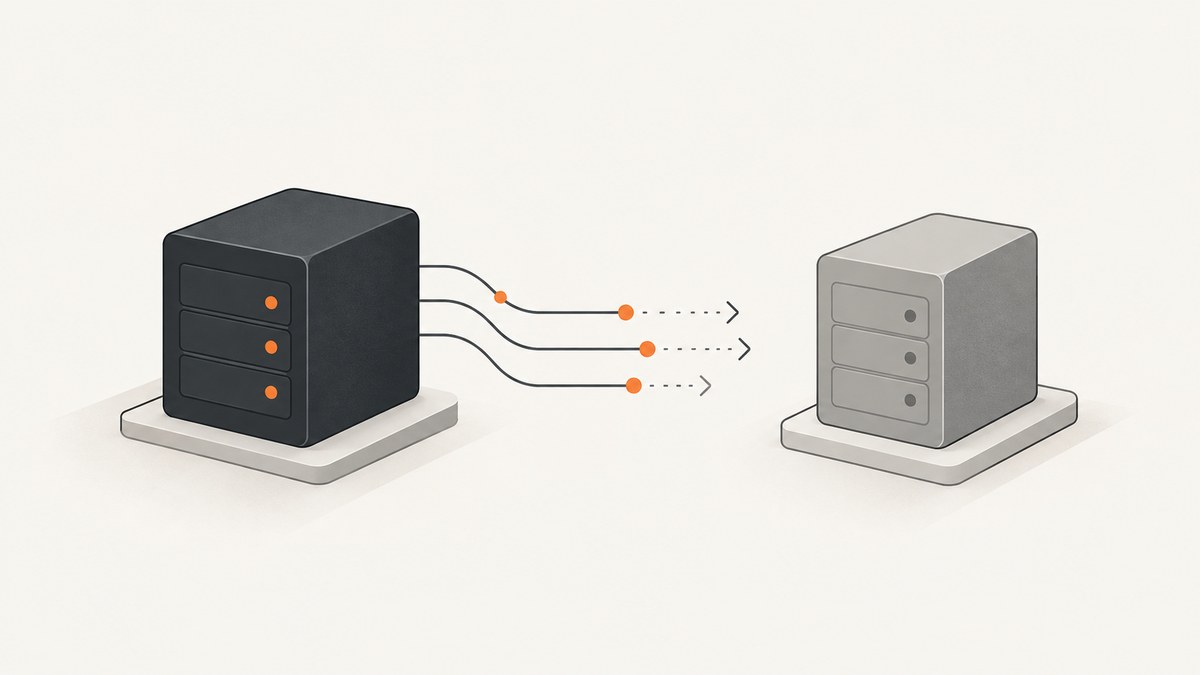
Short answer: identify the transport first. For a local MCP server launched over stdio, close the client’s transport so it closes the child’s stdin, wait for the process to exit, then escalate to SIGTERM and SIGKILL on POSIX or the Windows equivalent if it remains alive. For Streamable HTTP, terminate the MCP session when supported and close the client transport. If you own the server, close its listener and active transports from a SIGINT or host-shutdown handler.
Choose the shutdown procedure
| How the server runs | First action | If it does not stop |
|---|---|---|
| Client-spawned local process over stdio | Call the transport close(), or close the child process stdin |
Wait, then send SIGTERM and SIGKILL on POSIX; use TerminateProcess or a Job Object on Windows |
| Streamable HTTP | Terminate the MCP session if supported, then close the client transport | Stop the supervised HTTP service or terminate its process after its grace period |
| Server you operate | Close the listener and every active MCP transport in the shutdown handler | Use the host, container, systemd, or process manager’s forced stop |
Stop a local stdio MCP server
Using the client transport
The safest method is the client’s transport shutdown method. In the TypeScript SDK, close() shuts down in this order: close stdin, then SIGTERM, then SIGKILL (source: MCP TypeScript SDK, c003). Use the equivalent method in your client or MCP host.
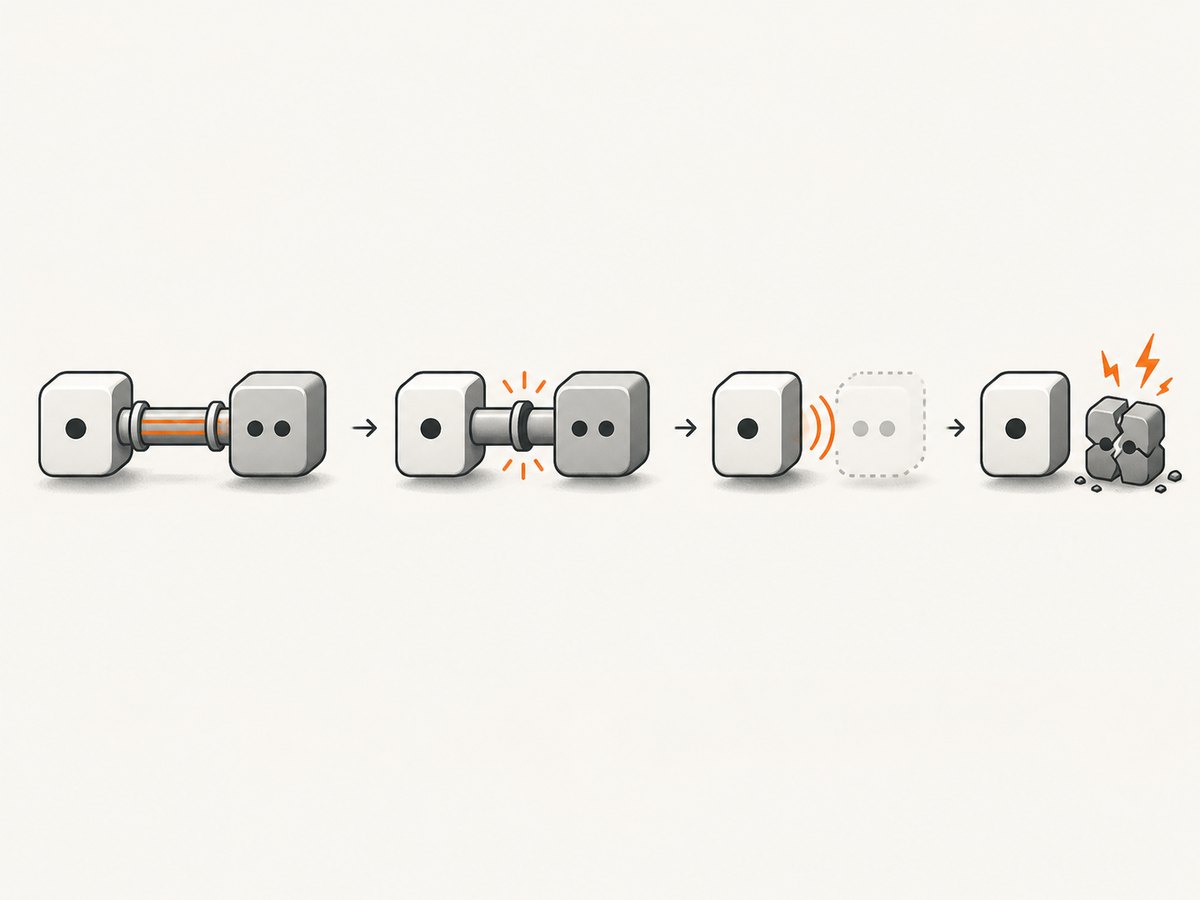
await transport.close();Closing stdin is the portable graceful signal. The MCP specification says servers should exit promptly when standard input is closed or reads return EOF (MCP specification, c001). Requests still in flight when stdin ends are aborted and are not answered (MCP TypeScript StdioServerTransport API, c005).
At the operating-system process layer
- Close the child’s stdin pipe.
- Wait for the child to exit and let its cleanup handlers run.
- If it remains alive after a reasonable grace period, send SIGTERM on POSIX.
- If it still remains alive, send SIGKILL. The MCP specification describes this POSIX escalation (c001).
# Find a process by command line, inspect it, then terminate it
ps aux | grep '[m]y-mcp-server'
kill -TERM <pid>
# Only after graceful termination fails:
kill -KILL <pid>
On Windows, use the process supervisor’s normal stop command, TerminateProcess, or a Job Object. Job Objects are useful when the client owns a process tree and must stop descendants as well.
Stop an MCP server over Streamable HTTP
- Ask the client transport to terminate the server-side session, if the SDK supports it.
- Close the client transport.
- If you are stopping the service itself, use Docker, systemd, an IDE, or your process manager so it can deliver its configured graceful signal.
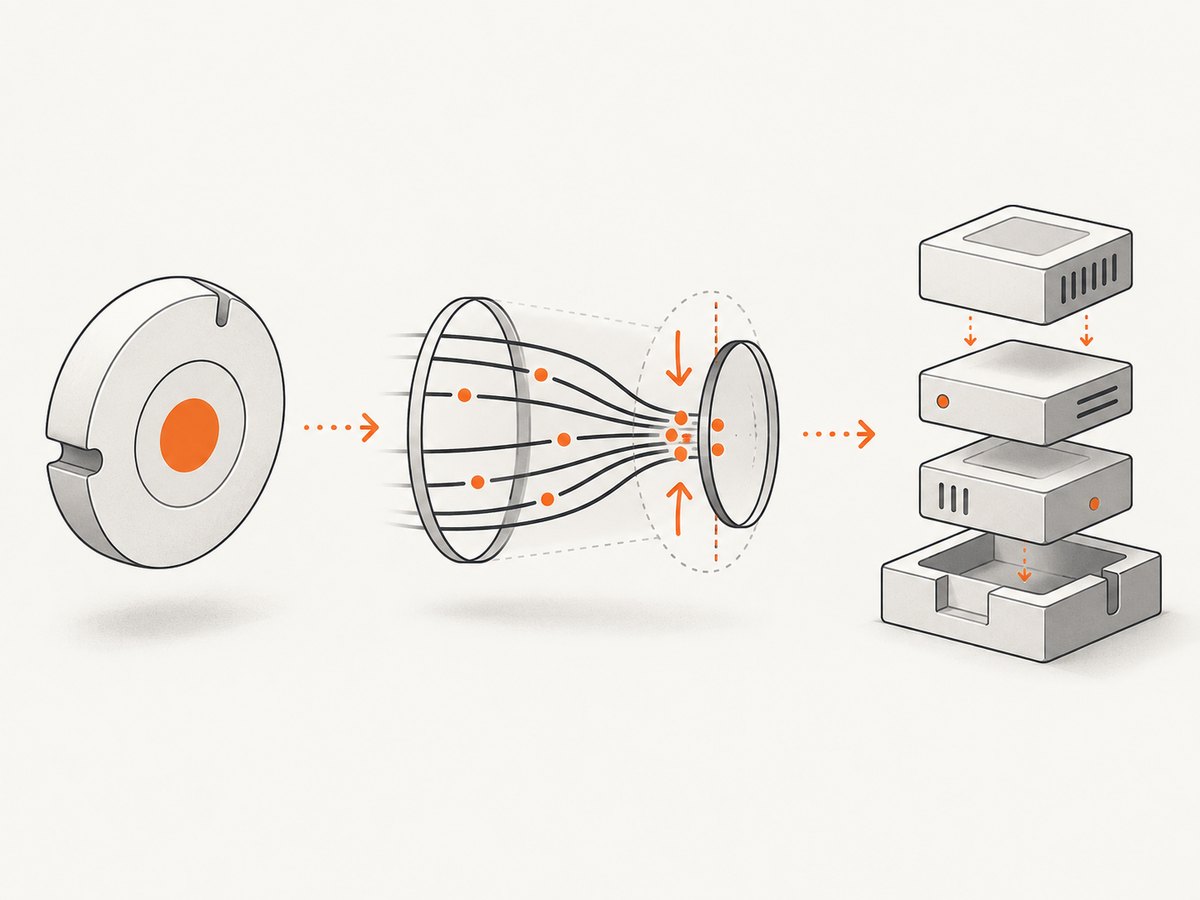
At the protocol level, a client that no longer needs a session should send HTTP DELETE to the MCP endpoint with the Mcp-Session-Id header when the server permits session termination (MCP specification, c002). The TypeScript SDK documents the sequence as terminating the server-side session and then closing the client (c003).
curl -X DELETE \
  -H 'Mcp-Session-Id: YOUR_SESSION_ID' \
  https://example.com/mcp
A dropped HTTP or SSE connection is not the same as request cancellation. The transport specification says disconnection can happen at any time and should not be interpreted as cancelling a request; use the protocol cancellation mechanism when cancellation is intended (c002).
Stop a server you own
Node.js HTTP server
Catch SIGINT or the host shutdown event, stop accepting new connections, close each active MCP transport, remove its session from your map, and then exit. The official TypeScript SDK example states that transport.close() closes SSE streams and rejects pending outbound requests; its example does not automatically drain in-flight tool handlers (c004).
const transports = new Set();
let shuttingDown = false;

process.on('SIGINT', async () => {
  if (shuttingDown) return;
  shuttingDown = true;

  server.close();
  await Promise.allSettled(
    [...transports].map(async (transport) => {
      try {
        await transport.close();
      } finally {
        transports.delete(transport);
      }
    })
  );

  process.exit(0);
});
For a stdio server, the SDK guide says server.close() is sufficient before exiting (c004). Release timers, sockets, file handles, and other keep-alive resources so EOF can lead to natural process exit.
.NET host
Wire shutdown to the host cancellation event. The C# SDK documentation says that when ApplicationStopping fires, active SSE and GET streams are cancelled immediately, while in-flight POST handlers continue and are awaited before disposal completes (c006). Choose this behavior deliberately if tool calls modify data or hold locks.
Stopping servers launched by Claude, Cursor, or another MCP client
When the client launches a local command, the MCP server is normally a child process. Remove or disable the server entry in the client’s MCP configuration, then restart the client if it keeps respawning the command. If the process is still present, use the client transport’s close operation first, followed by the operating-system escalation described above.
If the entry points to an HTTP URL, there may be no local child process to kill. Terminate the MCP session or stop the service through its supervisor.
Graceful versus forced shutdown
| Method | What it allows | Risk |
|---|---|---|
| Close stdin / transport close | Cleanup handlers can release resources | In-flight stdio requests are aborted |
| HTTP session termination | Server can remove session state | Unsupported servers may reject DELETE |
| SIGTERM or supervisor stop | Normal shutdown handlers can run | Pending work may still be interrupted |
| SIGKILL or TerminateProcess | Stops a stuck process immediately | No cleanup; files, locks, or child processes may remain |
Troubleshooting
| Symptom | Likely cause | Fix |
|---|---|---|
| The process stays alive after closing the client | A timer, socket, child process, or file watcher keeps the event loop alive | Release every keep-alive resource in the shutdown path; then escalate after waiting |
| Closing the window does not stop the server | The server is an independently supervised HTTP service | Terminate its MCP session, then stop Docker, systemd, or the process manager |
| Tools stop returning results during shutdown | stdin EOF or transport close aborted in-flight requests | Schedule shutdown outside critical calls or implement application-level cancellation and retry |
| HTTP DELETE returns an error | The server does not support session termination or the session ID is invalid | Close the client transport and stop the service through its supervisor; inspect the server’s transport documentation |
| A new server appears immediately after killing the old one | The client, IDE, container, or process manager is restarting it | Disable the configured MCP entry or stop the supervisor before killing the process |
| Only the parent process exits | Descendant workers were not included in the stop operation | Use a process group on POSIX or a Windows Job Object, or configure the supervisor to manage the whole tree |
Performance, reliability, and operational notes
- Pick the transport before choosing a command. A PID kill is appropriate only for a process you own; an HTTP session requires protocol-level teardown.
- Close once. Make shutdown handlers idempotent so repeated SIGINT signals do not race while transports are being removed.
- Account for in-flight work. stdio close aborts unanswered requests, while some HTTP hosts continue awaiting POST handlers. Decide whether to finish, cancel, or retry each class of operation.
- Use the supervisor. Docker, systemd, IDEs, and process managers know the configured grace period and process tree. Direct termination should be the final escalation.
- Do not invent a universal timeout. The MCP guidance uses “within a reasonable time”; choose a grace period that matches your tool’s cleanup and request duration.
Or skip the browser setup
If your MCP workflow ultimately needs website screenshots, ScreenshotNeo provides a website screenshot API and MCP server. Instead of maintaining a browser process, send one request:
# Full documentation: https://screenshotneo.com/docs/
curl -G "https://api.screenshotneo.com/v1/shot" -d access_key=YOUR_API_KEY --data-urlencode url=https://stripe.com -o shot.webp
import requests
r = requests.get("https://api.screenshotneo.com/v1/shot", params={"access_key": "YOUR_API_KEY", "url": "https://stripe.com"}, timeout=90)
open("shot.webp", "wb").write(r.content)const q = new URLSearchParams({ access_key: 'YOUR_API_KEY', url: 'https://stripe.com' });
const res = await fetch(`https://api.screenshotneo.com/v1/shot?${q}`);Cookie banners, newsletter popups, and chat widgets are removed before the shot. Bot checks, blank pages, failed loads, timeouts, and cache hits are not billed, and response headers identify the page verdict and billing result. Its MCP server lets AI agents use take_screenshot, get_page_info, and capture_pdf. The Free plan includes 1,000 screenshots each month with no card; paid plans start at $5 for 3,000 shots. Create a free ScreenshotNeo account.
FAQ
Should I kill an MCP server with SIGKILL?
Only after closing stdin or the transport, waiting for exit, and trying graceful termination. SIGKILL prevents cleanup.
Does closing an SSE connection cancel a tool call?
No. A disconnected transport is not automatically a cancellation signal. Use the protocol’s cancellation mechanism when you intend to cancel work.
Why does my MCP server restart after I stop it?
A client or supervisor is probably configured to relaunch it. Disable the MCP entry or stop the supervisor, then terminate the remaining process.
What should a stdio server do on EOF?
Treat EOF as normal shutdown, close resources, stop accepting work, and exit promptly.
Can I stop a remote HTTP MCP server by killing a local PID?
Usually not. End the MCP session if supported, close your client transport, or stop the remote service through its operator-controlled supervisor.


