How to Properly Stop PhantomJS Instances in Nightmare.js
Learn why PhantomJS processes linger, how Nightmare.js actually shuts down, and how to clean up legacy browser jobs safely on errors.

Short answer: identify which program created the process before choosing a shutdown method. The maintained Nightmare documentation describes an Electron-based browser, not PhantomJS. For a normal Nightmare chain, finish with .end(); for an interrupted run, use .halt(error, done). If your operating system shows a process named phantomjs, you are probably running legacy PhantomJS code or another wrapper. Close its page with the wrapper’s documented API, then wait for the child process to exit. Do not blindly kill every process named phantomjs.
This distinction matters because a browser page and the process that owns it are separate resources. Closing a page can release page memory while leaving the owning child process alive. Conversely, calling a Nightmare method on an Electron instance cannot shut down a PhantomJS child started by a different package.
1. Confirm the engine and process owner
Nightmare’s official README says that Nightmare drives Electron and documents .end() and .halt() as its lifecycle methods. The project is marked no longer maintained, so check the version installed in your application before copying examples. Read the Nightmare API documentation and your package lock file together.
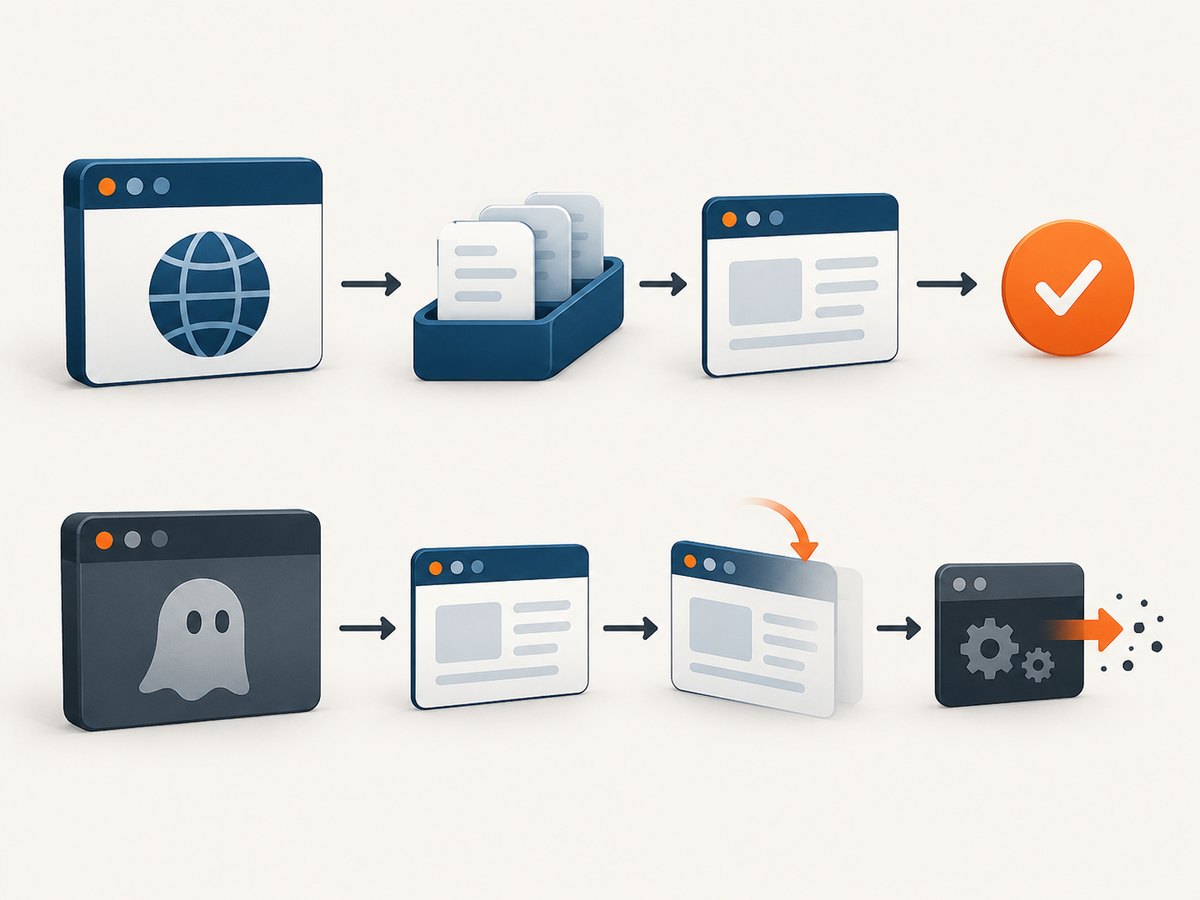
Start with the process table while the job is stuck:
# Linux or macOS
ps aux | grep -E '[n]ightmare|[e]lectron|[p]hantomjs'

# Show parent/child relationships when available
pstree -ap <your-node-pid>

# Windows PowerShell
Get-CimInstance Win32_Process | Where-Object { $_.Name -match 'phantom|electron|node' } |
  Select-Object ProcessId, ParentProcessId, Name, CommandLine
Look at the command line and parent PID. A process launched by node_modules/nightmare is normally Electron. A process launched by a PhantomJS wrapper, an old crawler, or a direct child_process.spawn() call needs that wrapper’s own cleanup path. Record the package and version before changing code.
2. Gracefully finish a Nightmare chain with .end()
Use .end() after the last queued operation. The documented behavior is to complete queued operations, disconnect, and close the Electron process. In promise-based code, the continuation must be attached after .end(); otherwise the end task is never reached.
const Nightmare = require('nightmare');

async function captureTitle(url) {
  const nightmare = Nightmare({ show: false });

  try {
    const title = await nightmare
      .goto(url)
      .wait('body')
      .title()
      .end();                 // queue completion and Electron shutdown

    return title;
  } catch (error) {
    // Report the navigation or evaluation error. If the chain reached end,
    // Nightmare has already attempted its normal shutdown.
    throw error;
  }
}

captureTitle('https://example.com')
  .then(console.log)
  .catch(console.error);
Do not put .then() before .end() and expect the browser to close afterward. .end() is itself a queued task, so promise resolution only occurs once it has run.
Callbacks and older Nightmare code
Some applications use Nightmare’s callback form or helper libraries layered on top of it. Keep the shutdown call in the code path that owns the Nightmare instance. Avoid assuming that a method named teardownInstance() is a universal Nightmare API; that name appears in historical integrations, not the documented core API. Verify every method against the version in your lock file.
3. Interrupt a running job with .halt(error, done)
When a job must stop before its queue completes, use Nightmare’s documented halt route:
const Nightmare = require('nightmare');

function stopNightmare(nightmare, reason) {
  return new Promise((resolve) => {
    nightmare.halt(reason, (haltError) => {
      // This callback is invoked after the Electron process exits.
      resolve(haltError || null);
    });
  });
}

async function runWithDeadline(url, timeoutMs = 30_000) {
  const nightmare = Nightmare({ show: false });
  let timer;

  try {
    const work = nightmare.goto(url).wait('body').evaluate(() => document.title);
    const deadline = new Promise((_, reject) => {
      timer = setTimeout(() => reject(new Error('navigation deadline exceeded')), timeoutMs);
    });

    return await Promise.race([work, deadline]);
  } catch (error) {
    await stopNightmare(nightmare, error);
    throw error;
  } finally {
    clearTimeout(timer);
  }
}

runWithDeadline('https://example.com')
  .then(console.log)
  .catch(console.error);
.halt(error, done) clears queued operations, kills the Electron process, passes an error to an unresolved promise, and calls done after exit. It is different from .end(): .end() drains normal work, while .halt() abandons queued work.
4. Clean up legacy PhantomJS integrations
If the process is genuinely phantomjs, inspect the PhantomJS wrapper that launched it. PhantomJS documents page.close() as closing a page and releasing its associated heap, while warning that garbage collection may not be complete immediately. Page closure therefore does not prove that the child process has exited.
// Pseudocode: adapt names to the PhantomJS wrapper and version you use.
const child = launchPhantom();
const page = await child.createPage();

try {
  await page.open(url);
  // ... scraping or rendering ...
} finally {
  try {
    await page.close();
  } finally {
    // Use the wrapper's documented process shutdown method.
    // If it exposes a child process, observe its exit event.
    await waitForChildExit(child);
  }
}
The exact calls differ among PhantomJS wrappers. Some expose a browser-level exit(); others return a Node child process whose close or exit event you must observe. Consult that wrapper’s documentation and source. Do not copy a shutdown method from an unrelated package.
Always cover success and failure paths
Navigation errors, selector timeouts, JavaScript exceptions, and application-level cancellations must all reach cleanup. A common pattern is one owner function with a try/finally block. Make cleanup idempotent so a timeout handler and an error handler cannot both attempt to close the same page or process.
let closed = false;

async function closeOnce(page, browser) {
  if (closed) return;
  closed = true;
  if (page) await page.close().catch(() => {});
  if (browser) await browser.exit().catch(() => {});
}

async function job(browser, page) {
  try {
    // Work that can reject or time out.
    await page.open('https://example.com');
  } finally {
    await closeOnce(page, browser);
  }
}
5. Handling waits and timeouts
A historical report associated lingering PhantomJS processes with a wait that could continue indefinitely. Treat that report as evidence of a failure mode, not as a universal Nightmare recipe. Bound every custom wait with a deadline and make the timeout enter the same cleanup path as navigation errors.
function withTimeout(promise, ms, label) {
  let timer;
  const timeout = new Promise((_, reject) => {
    timer = setTimeout(() => reject(new Error(`${label} timed out`)), ms);
  });
  return Promise.race([promise, timeout]).finally(() => clearTimeout(timer));
}

await withTimeout(
  nightmare.goto(url).wait('#result').end(),
  30_000,
  'Nightmare navigation'
);
Choose a timeout based on your slowest expected page and workload. A timeout should stop new work and close the browser; merely rejecting a JavaScript promise leaves the browser running.
6. Troubleshooting checklist
| Symptom | Likely cause | Fix |
|---|---|---|
phantomjs remains after .end() |
The process was launched by legacy PhantomJS code, not Nightmare’s Electron instance. | Inspect the parent PID and wrapper; close its page and use its documented browser or child-process shutdown. |
| Nightmare resolves but Electron remains | .end() was never reached, often because a promise was consumed before it. |
Place .end() at the end of the chain and attach .then()/.catch() afterward. |
| Timeout rejects but browser stays alive | The timeout only rejected a promise. | Call .halt(error, done) for Nightmare or the owning wrapper’s close and exit methods. |
| Cleanup throws “already closed” | Multiple handlers attempted shutdown. | Guard cleanup with an idempotent flag and ignore expected close errors. |
| Process exits only much later | Open pages, timers, sockets, or child-process handles remain. | Close every page, clear timers, stop network work, and observe the child exit event. |
| CPU spikes from repeated waits | An unbounded polling loop checks a selector forever. | Use a finite deadline and ensure timeout invokes shutdown. |
| Method is undefined | Code came from another wrapper or an old version. | Check the installed package documentation and replace undocumented names. |
7. Reliability and operational practices
- One browser owner per job: keep the page, browser, and child process references together so the error handler can close the correct objects.
- Record PIDs: log the parent and child PID at launch and at shutdown. This makes orphan diagnosis deterministic.
- Use a supervisor: run workers under a process manager that can restart a worker after a confirmed leak. Restarting is a last containment step, not a substitute for cleanup.
- Bound concurrency: too many simultaneous Electron or PhantomJS instances can exhaust memory and make normal shutdown appear stuck.
- Observe exit: resolve your job only after the browser process has emitted its exit/close signal when your wrapper exposes one.
- Test failure paths: exercise navigation errors, selector timeouts, cancellation, and SIGTERM handling separately.
Nightmare is no longer maintained. For new systems, evaluate whether its Electron dependency and any PhantomJS compatibility layer are still appropriate. If you must keep legacy code, pin versions, document the owner of each child process, and verify cleanup after upgrades.
8. Or skip the browser setup
If your goal is reliable website screenshots rather than maintaining a local browser process, ScreenshotNeo provides a single HTTP request. It removes cookie and consent banners, newsletter popups, and chat widgets before capture. Bot checks, blank pages, failed loads, timeouts, and cache hits are not billed, and each response reports its verdict in X-Page-Verdict and X-Billed headers. The service also has an MCP server with take_screenshot, get_page_info, and capture_pdf tools for Claude, Cursor, and other MCP clients.

See the ScreenshotNeo API documentation for all options, including full-page and element capture, device presets, custom headers and cookies, JavaScript, CSS, waits, blocking rules, PDF output, caching, signed links, asynchronous jobs, bulk capture, and usage data.
cURL
curl -G "https://api.screenshotneo.com/v1/shot" \
  -d access_key=YOUR_API_KEY \
  --data-urlencode url=https://stripe.com \
  -o shot.webp
Python
import requests

r = requests.get(
    "https://api.screenshotneo.com/v1/shot",
    params={"access_key": "YOUR_API_KEY", "url": "https://stripe.com"},
    timeout=90,
)
r.raise_for_status()
open("shot.webp", "wb").write(r.content)
print(r.headers.get("X-Page-Verdict"), r.headers.get("X-Billed"))
Node.js
const q = new URLSearchParams({
  access_key: 'YOUR_API_KEY',
  url: 'https://stripe.com'
});
const res = await fetch(`https://api.screenshotneo.com/v1/shot?${q}`);
if (!res.ok) throw new Error(`Screenshot failed: ${res.status}`);
const bytes = Buffer.from(await res.arrayBuffer());
await import('node:fs/promises').then(fs => fs.writeFile('shot.webp', bytes));
console.log(res.headers.get('X-Page-Verdict'), res.headers.get('X-Billed'));
Cookie banners, popups, and chat widgets are removed before the shot; bot checks, blank pages, and failed loads are never billed. An MCP server lets AI agents take screenshots. The Free plan includes 1,000 screenshots a month with no card, and paid plans start at $5 for 3,000 shots. Create a free ScreenshotNeo account.
9. Performance and cost considerations
Local Nightmare or PhantomJS jobs pay the memory and startup cost of a browser process for each worker. Reusing a browser can improve throughput, but it increases the importance of page isolation and cleanup. Parallel instances need an explicit concurrency limit. Custom waits should be as short as page behavior allows, while still accounting for slow networks.
With ScreenshotNeo, use caching with a TTL when the same URL can be reused, bulk capture for up to 100 URLs per call, and asynchronous jobs with signed webhooks for long batches. Choose image format and viewport deliberately: WebP or JPEG can reduce transfer size, while PNG is useful when lossless pixels or transparency matter. Inspect the verdict and billed headers in logs so retries do not hide whether a capture produced a clean result.
10. FAQ
Does .end() stop PhantomJS?
No. It is the documented shutdown method for Nightmare’s Electron process. A separate PhantomJS child must be closed through the wrapper that launched it.
Should I kill the PID with the operating system?
Only as controlled containment after identifying the owner and allowing normal cleanup to run. A name-based kill can terminate an unrelated job.
Is page.close() enough?
It closes the page and releases its associated heap, but the owning PhantomJS process may still have handles. Observe and handle process exit separately.
Why does my promise finish before the browser exits?
Your wrapper may resolve on page completion rather than child-process exit. Attach cleanup to the wrapper’s exit event or completion callback.
Can I use Nightmare for new screenshot services?
Nightmare is no longer maintained. For a managed screenshot endpoint with no local browser lifecycle, review ScreenshotNeo’s API and MCP options.


