How to Stop Puppeteer Code from Running Multiple Times
Find why Puppeteer runs callbacks twice, then fix listeners, navigation races, new-document scripts, pages, popups, and request interception.
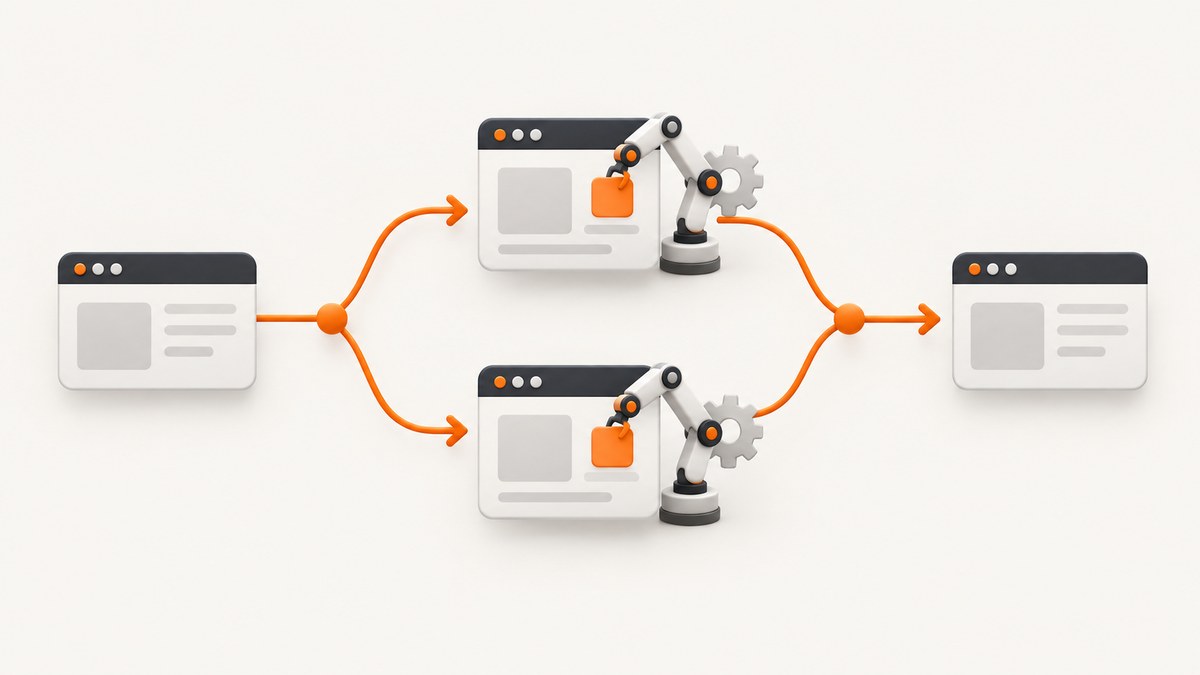
Short answer: Puppeteer code usually runs multiple times because the same event listener or initialization function is registered repeatedly, a navigation hook is designed to run on every document, more than one page is being processed, or an asynchronous event is handled twice. Fix it by making setup idempotent, using once for one-shot events, removing listeners and document scripts when their scope ends, coordinating navigation with Promise.all, auditing every page and frame, and guarding request interception.
This guide gives you a repeatable way to identify the trigger before changing code. The important distinction is whether duplication happens per event, per navigation, per tab, per frame, or per intercepted request.
1. Identify what is being duplicated
Add a run identifier and log the boundary where your code enters. Do this in Node and inside the page so you can tell whether Node called a function twice or the browser executed an injected function twice.
import puppeteer from 'puppeteer';

const browser = await puppeteer.launch({headless: true});
const page = await browser.newPage();
let run = 0;

function stamp(label, extra = {}) {
  console.log(JSON.stringify({
    run: ++run,
    label,
    at: new Date().toISOString(),
    ...extra
  }));
}

page.on('console', msg => {
  console.log('BROWSER', msg.type(), msg.text());
});

stamp('before-goto', {url: 'https://example.com'});
await page.goto('https://example.com', {waitUntil: 'domcontentloaded'});
stamp('after-goto', {url: page.url()});

await page.evaluate(() => {
  window.__evaluationCount = (window.__evaluationCount || 0) + 1;
  console.log('evaluate count', window.__evaluationCount);
});

await browser.close();
If the Node log repeats while the page log does not, inspect your Node control flow, retries, and listeners. If the page log repeats after each URL change, inspect navigation and evaluateOnNewDocument. If an entire workflow repeats once per tab, inspect page creation and popup handling.
2. Event listeners: the most common cause
page.on(type, handler) adds a persistent listener. Calling your setup function twice adds two listeners, so one browser event invokes the callback twice. This often happens when setup is inside a retry loop, request handler, test hook, or function called once per URL.
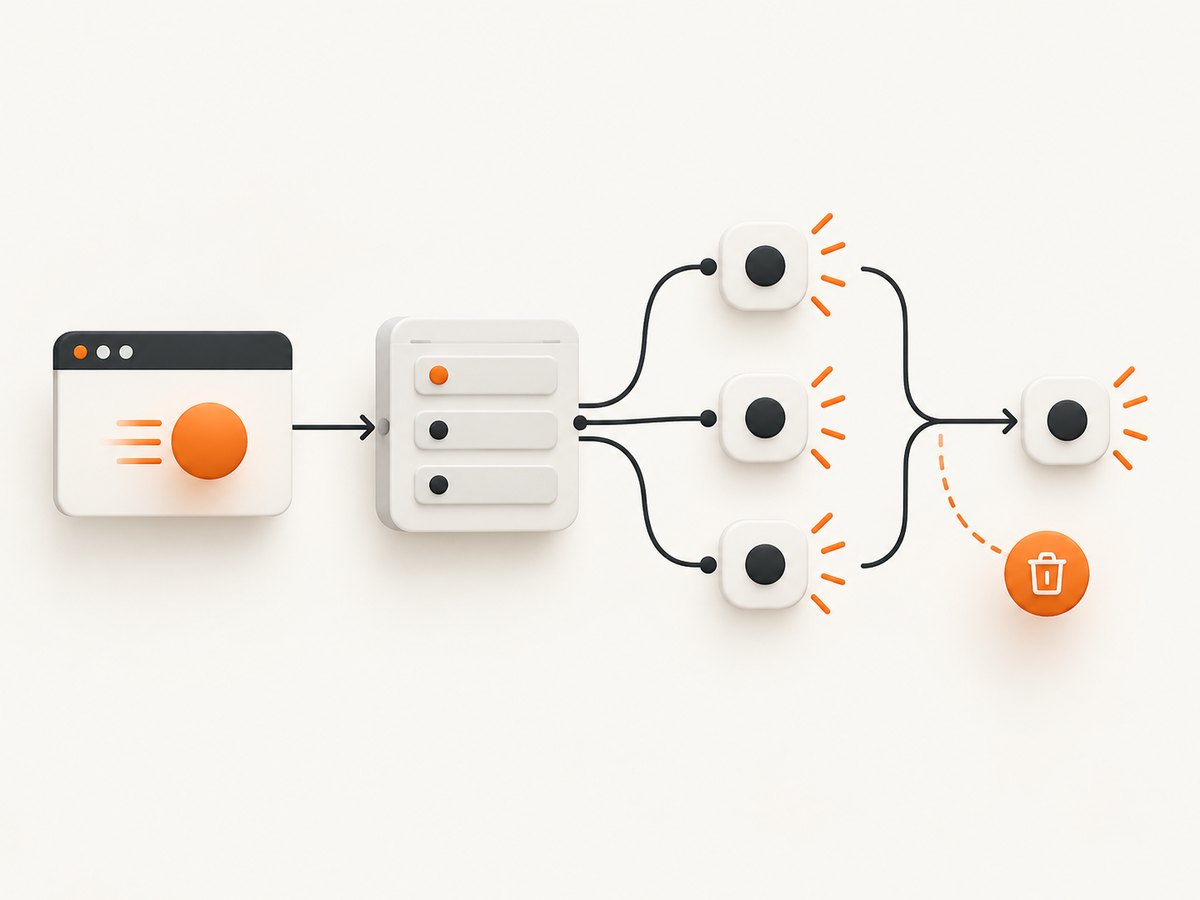
Inspect listener counts immediately before and after setup:
console.log('console listeners before', page.listenerCount('console'));
console.log('request listeners before', page.listenerCount('request'));
installHandlers(page);
console.log('console listeners after', page.listenerCount('console'));
console.log('request listeners after', page.listenerCount('request'));
Puppeteer exposes the EventEmitter methods on, once, off, and removeAllListeners. The official API describes once as a listener that is removed after it fires. Use it when the event is genuinely one-shot, such as waiting for a single load signal.
Use once for one-shot work
await new Promise(resolve => {
  page.once('load', resolve);
});
console.log('This runs once for this listener');
Do not use once as a general fix for a listener that must observe many navigations. Give that listener an explicit lifecycle instead.
Make installation idempotent
Retain the exact function reference. Calling off with a newly created arrow function does not remove the old listener.
function installLogging(page) {
  const handler = msg => console.log('PAGE LOG:', msg.text());
  page.off('console', handler);
  page.on('console', handler);
  return () => page.off('console', handler);
}

const removeLogging = installLogging(page);
// ...workflow...
removeLogging();
The example is safe to call repeatedly only when the same handler reference is retained by your application. A stronger pattern is to store handlers in a per-page object:
const state = new WeakMap();

function ensureConsoleLogging(page) {
  if (state.has(page)) return state.get(page).cleanup;
  const handler = msg => console.log(`[${page.url()}]`, msg.text());
  page.on('console', handler);
  const cleanup = () => {
    page.off('console', handler);
    state.delete(page);
  };
  state.set(page, {cleanup});
  return cleanup;
}
Use removeAllListeners('event') only when you own every listener for that event. It can silently remove handlers installed by another part of your application.
3. Navigation races make actions look duplicated
A click that navigates can race a separately awaited waitForNavigation. Puppeteer documents that registering the wait after the click can miss the navigation event and produce unexpected results. Start both promises together:

await page.goto('https://example.com/start', {
  waitUntil: 'domcontentloaded'
});

const [response] = await Promise.all([
  page.waitForNavigation({waitUntil: 'domcontentloaded'}),
  page.click('a.my-link')
]);

console.log('navigated to', page.url(), 'status', response?.status());
This pattern does not make click execute twice. It prevents a missed event from causing timeout recovery code to retry the click. If your retry branch clicks again after a navigation timeout, log whether navigation actually happened before retrying.
Account for links that do not create a new document
Single-page applications may use history APIs instead of a full navigation. In that case, waitForNavigation can resolve with null or time out depending on the action. Wait for a URL, selector, or application-specific signal instead:
await Promise.all([
  page.waitForURL('**/dashboard'),
  page.click('button[type=submit]')
]);
Also check redirects, reloads, form submissions, and code that calls goto both in the click handler and in a surrounding workflow.
4. Understand evaluateOnNewDocument
evaluateOnNewDocument intentionally runs whenever the page navigates and when a child frame is attached or navigated. If you increment a counter, patch a global, or emit a message there, seeing it once per document is expected. The problem is registering the hook repeatedly or assuming it runs only once for the browser lifetime.
const injection = await page.evaluateOnNewDocument(() => {
  window.__automationSetupCount = (window.__automationSetupCount || 0) + 1;
  console.log('new document setup', window.__automationSetupCount);
});

await page.goto('https://example.com/one');
await page.goto('https://example.com/two');

await page.removeScriptToEvaluateOnNewDocument(injection.identifier);
Register this once per page or context, retain the returned identifier, and remove it when the hook is no longer needed. If the setup function itself calls navigation, it can create a loop. Keep injected code small, side-effect-aware, and safe to run for every frame.
5. Audit pages, frames, popups, and browser contexts
One browser can contain many pages. A loop over browser.pages(), a retry that calls newPage(), or a popup opened by the target site can make one logical job execute in multiple tabs.
const pages = await browser.pages();
console.log('pages', pages.length);
for (const [index, p] of pages.entries()) {
  console.log(index, p.url(), p.target().type());
}

if (pages.length !== 1) {
  throw new Error(`Expected one page, found ${pages.length}`);
}
Use that guard as a diagnostic, not as a universal production rule. Multi-tab applications are valid. Instead, assign ownership: record which job created each page and close pages in a finally block.
const page = await browser.newPage();
try {
  await runJob(page);
} finally {
  await page.close();
}
For popups, listen once and associate the new page with its opener:
const popupPromise = new Promise(resolve => {
  page.once('popup', resolve);
});
await page.click('a[target=_blank]');
const popup = await popupPromise;
await popup.waitForNetworkIdle({idleTime: 500});
Frames have their own lifecycle. A listener attached to every frame can multiply when the site creates and destroys iframes. Log frame.url() and the parent page target when diagnosing this case.
6. Guard request interception against double resolution
With interception enabled, more than one handler may attempt to continue, abort, or respond to the same request. Asynchronous work makes this easier to trigger because another handler can resolve the request while your code is awaiting.
await page.setRequestInterception(true);

page.on('request', async request => {
  if (request.isInterceptResolutionHandled()) return;

  const resourceType = request.resourceType();
  if (resourceType === 'image') {
    request.abort();
    return;
  }

  await Promise.resolve();
  if (request.isInterceptResolutionHandled()) return;
  request.continue();
});
Check synchronously before any await and again immediately before resolving. Keep one owner for interception when possible. If several modules need filtering, combine their decisions into one handler rather than installing independent handlers that can race.
7. A complete, single-run Puppeteer workflow
The following script demonstrates controlled setup, navigation-safe clicking, logging, and cleanup. Save it as single-run.mjs, install Puppeteer with npm install puppeteer, and run node single-run.mjs.
import puppeteer from 'puppeteer';

const browser = await puppeteer.launch({headless: true});
const page = await browser.newPage();
let closed = false;

const onConsole = msg => console.log('PAGE:', msg.text());
const onRequest = request => {
  if (request.isInterceptResolutionHandled()) return;
  request.continue().catch(error => {
    console.error('continue failed', error.message);
  });
};

try {
  page.on('console', onConsole);
  await page.setRequestInterception(true);
  page.on('request', onRequest);

  await page.goto('https://example.com', {
    waitUntil: 'domcontentloaded',
    timeout: 30000
  });

  const title = await page.title();
  console.log({url: page.url(), title});
} finally {
  page.off('console', onConsole);
  page.off('request', onRequest);
  if (!closed) {
    closed = true;
    await browser.close();
  }
}
In a test suite, put browser creation in the suite lifecycle and page creation in the test lifecycle, or the reverse, but do not mix both accidentally. A shared browser with per-test pages is usually easier to reason about than a shared page with mutable listeners.
8. Troubleshooting checklist
| Symptom | Likely cause | Fix |
|---|---|---|
| Callback fires twice for one event | on called repeatedly |
Check listenerCount; use retained handler references and off, or use once. |
| Code repeats after every URL change | evaluateOnNewDocument behavior |
Expect one invocation per document; register once and remove the script identifier when finished. |
| Click appears to happen twice after timeout | Navigation wait race or retry | Use Promise.all([waitForNavigation(), click()]); verify URL before retrying. |
| Two screenshots or results per job | Multiple pages, contexts, or popups | Log browser.pages(), targets, and page owners; close pages in finally. |
Request is already handled |
Two interception handlers or an await before resolution | Check isInterceptResolutionHandled() before and after asynchronous work. |
| Browser output is missing | Only Node logs are being collected | Forward page.on('console'); run headful with slow motion or use the debugger. |
For difficult cases, run with headless: false and a small slowMo value. Watch for reloads, popups, redirects, and retry branches. Log timestamp, page URL, frame URL, target type, and a monotonic job ID at every entry point.
9. Performance, reliability, and cost considerations
- Listener overhead: duplicate listeners increase CPU and memory use and can multiply network or DOM work. Keep one handler per responsibility.
- Navigation reliability: choose a wait condition that matches the site.
domcontentloadedis earlier; network-idle waits can be unsuitable for analytics-heavy pages. - Retries: retry only idempotent steps. Before repeating a click or submission, inspect URL, response, and page state.
- Browser lifetime: reuse a browser when appropriate, but isolate jobs with pages or contexts and clean them deterministically.
- Interception: every request must be resolved exactly once. Centralize policy to avoid races.
10. Or skip the browser setup
If your goal is a clean screenshot rather than browser automation, ScreenshotNeo provides a single API request. Its capture flow accepts cookie and consent banners like a visitor, then removes more than 60 known consent platforms, newsletter popups, and chat widgets before the shot. Bot checks, blank pages, timeouts, failed loads, and cache hits are not billed, and response headers identify the page verdict and billing result. See the ScreenshotNeo API documentation for all options.
cURL
curl -G 'https://api.screenshotneo.com/v1/shot' \
  -d access_key=YOUR_API_KEY \
  --data-urlencode url=https://stripe.com \
  -o shot.webp
Python
import requests

r = requests.get(
    'https://api.screenshotneo.com/v1/shot',
    params={'access_key': 'YOUR_API_KEY', 'url': 'https://stripe.com'},
    timeout=90,
)
r.raise_for_status()
open('shot.webp', 'wb').write(r.content)
Node.js
const q = new URLSearchParams({
  access_key: 'YOUR_API_KEY',
  url: 'https://stripe.com'
});
const res = await fetch(`https://api.screenshotneo.com/v1/shot?${q}`);
if (!res.ok) throw new Error(`HTTP ${res.status}`);
const data = Buffer.from(await res.arrayBuffer());
await import('node:fs/promises').then(fs => fs.writeFile('shot.webp', data));
ScreenshotNeo also supports full-page captures with lazy images loaded, CSS element capture, dark mode, device presets and custom viewports, retina scale, PDF output, custom CSS and JavaScript, clicks, selector or network-idle waits, request blocking, headers, cookies, user agents, authorization, timezone, geolocation, transparent backgrounds, resizing, configurable caching, signed links, asynchronous jobs with signed webhooks, bulk capture of up to 100 URLs per call, a usage API, and an OpenAPI specification. An MCP server exposes take_screenshot, get_page_info, and capture_pdf for Claude, Cursor, and other MCP clients.
The Free plan includes 1,000 shots each month with no card. Paid plans start at $5 for 3,000 shots; yearly billing gives two months free. Create a free ScreenshotNeo account to try it.
11. FAQ
Does page.on replace an existing listener?
No. It adds another listener. Remove the previous function reference or use an idempotent setup guard.
Why does my injected code run in an iframe?
New-document scripts apply when child frames are attached or navigated. Filter by frame if your logic is page-specific.
Should I call removeAllListeners before every job?
Only if your code owns all listeners for that page and event. Otherwise remove only the handlers your module installed.
Can a screenshot API help with duplicate Puppeteer callbacks?
It does not debug your Puppeteer process, but it can remove browser setup from screenshot jobs when you only need an image or PDF.


