How to Store Puppeteer Results in an Object
Return plain objects from Puppeteer’s page context, collect repeated elements as arrays, and save the results as JSON without losing data at the browser boundary.

To store a Puppeteer result in a Node.js object, return plain, JSON-like data from page.evaluate() and await the call. Puppeteer transfers the returned value from the page context to Node.js, where you can inspect it, transform it, or save it. For repeated elements, use page.$$eval() and return an array of plain objects.
const result = await page.evaluate(() => ({
  title: document.title,
  url: location.href,
  text: document.body.innerText,
}));

console.log(result.title);
The key distinction is that this gives Node.js a serialized value, not a live browser object. Strings, numbers, booleans, null, arrays, and plain objects are suitable return values. If you need to keep working with a live DOM node, use evaluateHandle() instead.
1. Set up a page and return one object
This complete example uses the puppeteer package, launches a browser, navigates to a page, extracts a few fields, and closes the browser. The Puppeteer project provides both puppeteer and puppeteer-core; the example uses puppeteer for its bundled browser setup. See the official Puppeteer documentation for installation and browser configuration.
const puppeteer = require('puppeteer');

async function main() {
  const browser = await puppeteer.launch({ headless: true });

  try {
    const page = await browser.newPage();
    await page.goto('https://example.com', {
      waitUntil: 'domcontentloaded',
      timeout: 30_000,
    });

    const result = await page.evaluate(() => ({
      title: document.title,
      url: location.href,
      heading: document.querySelector('h1')?.textContent?.trim() ?? null,
      text: document.body.innerText,
    }));

    console.log(result);
  } finally {
    await browser.close();
  }
}

main().catch(error => {
  console.error(error);
  process.exitCode = 1;
});
page.evaluate() runs its function in the page. Its returned value is serialized for transfer to Node.js; if the function returns a Promise, Puppeteer waits for that Promise and resolves the result before returning. In Node.js, assigning the awaited result to result is what gives you the object to store or use.
Choose your navigation wait condition based on when the data becomes available. domcontentloaded can be enough for server-rendered markup. A client-rendered page may need an explicit selector wait after navigation:
await page.goto('https://example.com/catalog', { waitUntil: 'domcontentloaded' });
await page.waitForSelector('article.card', { timeout: 15_000 });
Waiting for a selector makes the extraction condition explicit. It also avoids treating a page that navigated successfully but has not rendered the expected content yet as a successful data collection.
2. Return an array of objects for repeated elements
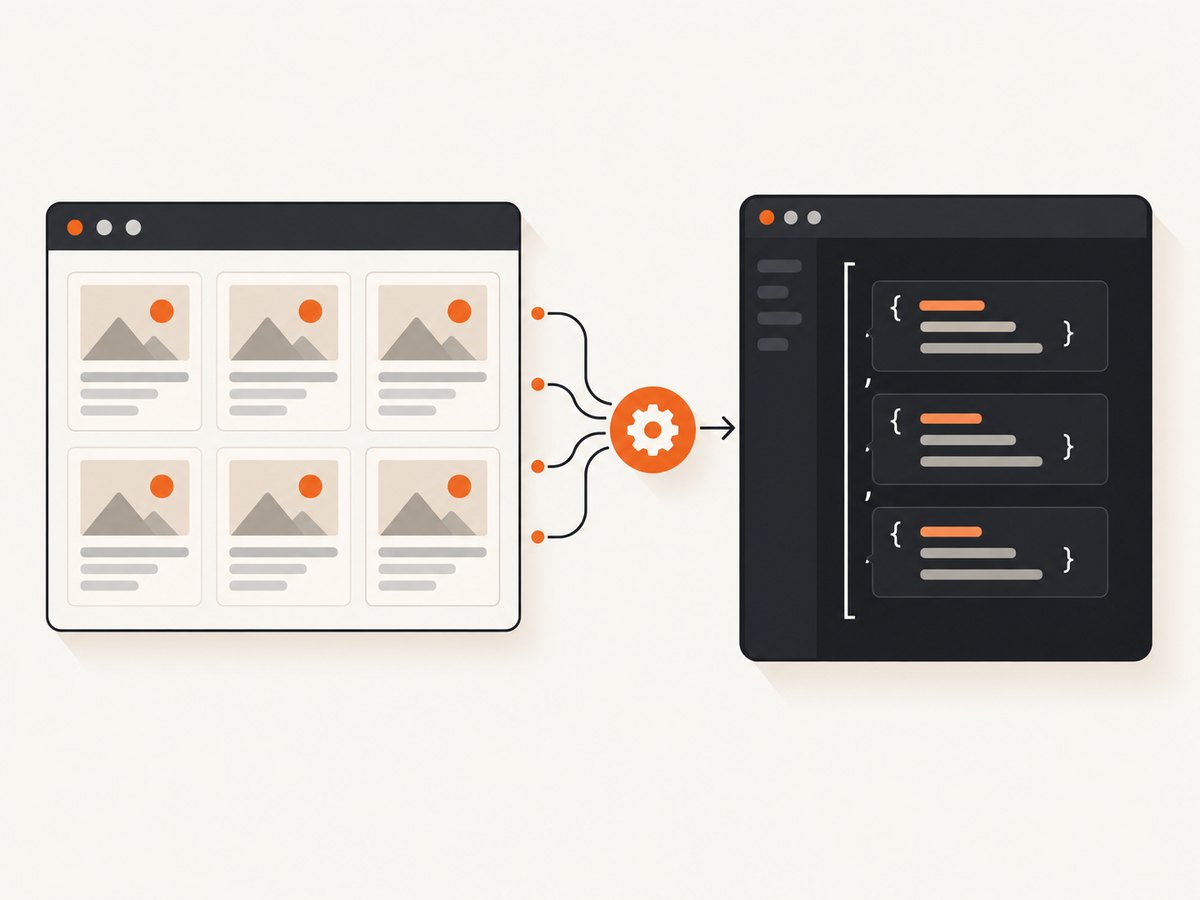
When a page contains multiple matching elements, page.$$eval() passes the matching elements to a function in the page and returns its result. Map each element to the fields your application needs:
const results = await page.$$eval('article.card', cards =>
  cards.map(card => ({
    title: card.querySelector('h2')?.textContent?.trim() ?? null,
    href: card.querySelector('a')?.href ?? null,
    summary: card.querySelector('p')?.textContent?.trim() ?? null,
  })),
);

console.log(JSON.stringify(results, null, 2));
The output is an array of plain objects in Node.js. Optional chaining and nullish coalescing make missing child elements explicit as null, rather than causing an error when a card has no heading or link. Normalize text while extracting it so that downstream code receives consistent values.
Use the evaluation method that matches the selection scope:
| Method | Use it for | When a match is missing | What comes back |
|---|---|---|---|
page.evaluate() |
A page-level value or a custom query | Your function decides how to handle missing data | A serialized return value |
page.$eval() |
One matching element | Throws if no element matches | The function’s return value |
page.$$eval() |
Zero or more matching elements | An empty match set can produce an empty array | The function’s return value |
page.evaluateHandle() |
A value that must remain a live in-page object | Depends on the function and handle use | A handle that must be disposed |
For example, use $eval() when exactly one element is required, and make the possibility of a missing element part of your error handling:
let heading;

try {
  heading = await page.$eval('h1', element => element.textContent?.trim() ?? null);
} catch (error) {
  if (error.name === 'Error') {
    console.error('The required h1 element was not found.');
  }
  throw error;
}
In production code, avoid relying only on a broad error name if you need to distinguish selector failures from other page errors. A prior waitForSelector() with a deliberate timeout, or a page-level query that returns null, may make the expected missing-element case clearer.
3. Pass Node.js values into the page function
The function passed to evaluate() is serialized and executed in the browser page. It cannot access variables or helper functions from the surrounding Node.js closure. Pass values as explicit arguments instead:
const selector = 'article.card';
const field = 'textContent';

const result = await page.evaluate(
  ({ selector, field }) => ({
    count: document.querySelectorAll(selector).length,
    first: document.querySelector(selector)?.[field]?.trim() ?? null,
  }),
  { selector, field },
);

console.log(result);
Pass plain data such as strings, numbers, booleans, arrays, and simple objects. Do not expect to pass a Node.js function as a page-side helper. If extraction logic is substantial, put the logic directly in the evaluated function or pass the data it needs and keep browser-side and Node-side responsibilities separate.
4. Understand serialization and live handles
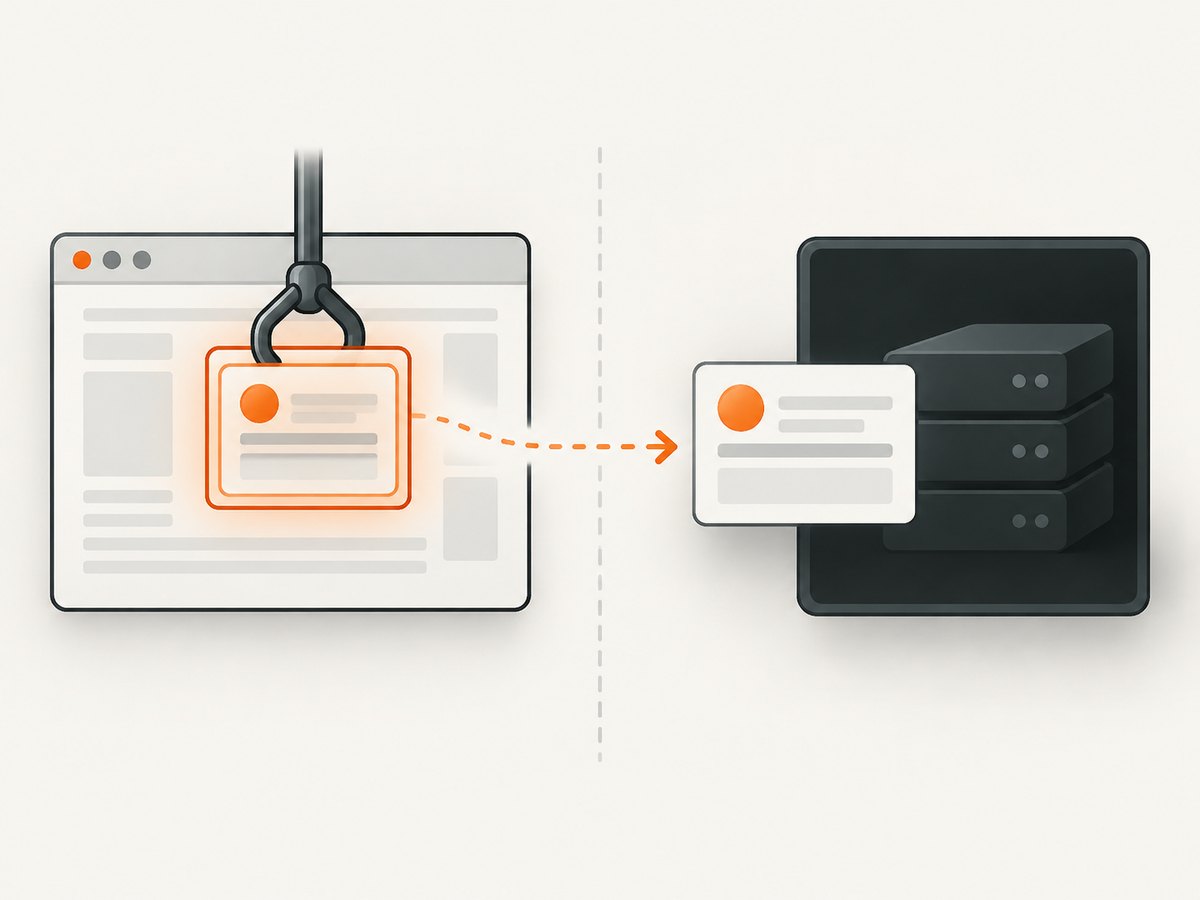
A common surprise is that returning a DOM node does not give Node.js a usable DOM element. Puppeteer serializes the returned value and reconstructs it in the calling script context; the reconstructed result is not a live reference to the browser’s object. Returning document.body, for example, may produce an empty object rather than the browser element’s contents.
Return the fields you need instead:
const body = await page.evaluate(() => ({
  text: document.body.innerText,
  html: document.body.innerHTML,
}));
If you need to interact with the live object through Puppeteer, request a handle, use it, then dispose of it when finished:
const bodyHandle = await page.evaluateHandle(() => document.body);

try {
  const bodyText = await bodyHandle.evaluate(body => body.innerText);
  console.log(bodyText);
} finally {
  await bodyHandle.dispose();
}
evaluateHandle() returns a JSHandle; DOM elements specifically use ElementHandle. Handles are useful when the value must stay in the page, but they have a cleanup obligation. For data collection and persistence, returning a compact plain object is usually simpler.
5. Validate and save the result as JSON
Once the awaited value is in Node.js, validate required fields and serialize it there. This example writes the extracted object to a JSON file using Node’s built-in promise-based file API:
const fs = require('node:fs/promises');
const puppeteer = require('puppeteer');

async function main() {
  const browser = await puppeteer.launch({ headless: true });

  try {
    const page = await browser.newPage();
    await page.goto('https://example.com', { waitUntil: 'domcontentloaded' });

    const result = await page.evaluate(() => ({
      title: document.title.trim(),
      url: location.href,
      heading: document.querySelector('h1')?.textContent?.trim() ?? null,
    }));

    if (!result.title || !result.url) {
      throw new Error('Required page fields are missing');
    }

    await fs.writeFile('result.json', JSON.stringify(result, null, 2), 'utf8');
  } finally {
    await browser.close();
  }
}

main().catch(error => {
  console.error(error);
  process.exitCode = 1;
});
For a collection, write the array the same way: JSON.stringify(results, null, 2). The two-space indentation makes the file easier to inspect; omit it if you prefer compact output. If you are sending data to an API instead of writing a file, pass the object to your Node.js HTTP client and handle that request’s status and errors there.
6. Handle common errors and edge cases
| Symptom | Likely cause | Practical fix |
|---|---|---|
The result is {} or does not contain expected DOM data |
A live DOM node or other non-plain object was returned and reconstructed by value. | Extract serializable fields inside evaluate(), or use evaluateHandle() when you need a live object. |
ReferenceError for a Node.js variable inside evaluate() |
The page function cannot see surrounding Node.js closure variables. | Pass the required value as an explicit argument to evaluate(). |
$eval() fails when a selector is absent |
$eval() expects a matching element and throws if there is none. |
Wait for the selector if it should appear, or use evaluate() with querySelector() and return null for an optional field. |
| An array is empty | The selector matched no elements, the page has not rendered them yet, or the selector is wrong. | Check the selector against the rendered page and wait for a representative element before collecting. |
Text is null or has extra whitespace |
A child element is missing or text was not normalized. | Use optional chaining, choose a consistent missing-value convention, and trim text before returning it. |
| Data reflects an earlier page state | Navigation completed before client-side rendering or a later update. | Wait for the selector or state change that signals the data is ready, rather than assuming navigation alone is sufficient. |
| Browser resources accumulate during repeated work | Handles or browser/page resources were left open. | Dispose of each handle and close pages or the browser in finally blocks. |
| Evaluation returns a value that JSON cannot represent as expected | The result includes unsupported or non-plain values, or application fields are undefined. | Build an explicit plain object and normalize missing values to null or omit them intentionally. |
Page content is untrusted input. Validate types and required fields before using extracted values in database writes, file paths, commands, or HTML output. A successful evaluation only means the function ran and returned a value; it does not prove that the selected data is complete or correct.
7. Performance, reliability, and cost considerations
For extraction, return only the fields needed by the next step. Returning an entire page’s innerText or innerHTML can transfer much more data than returning a title, URL, and a few card fields. Smaller results are easier to validate, serialize, log, and store.
Use a selector-based readiness condition when the page is dynamic. A fixed delay may be adequate for a known transition, but it can be too short on a slow response and unnecessarily long on a fast one. Prefer a condition tied to the content your extraction actually requires. Set finite navigation and selector timeouts, and decide how your job should report a timeout rather than silently saving an empty result.
Browser automation has operational costs: browser processes consume memory and CPU, and slow or unreliable pages keep jobs occupied. Reuse a browser where appropriate for a controlled worker, while isolating pages and ensuring cleanup. Bound concurrency to what the available runtime can handle; increasing parallel pages without resource planning can make individual captures slower or cause failures. The appropriate concurrency and timeout values depend on your workload and infrastructure, so measure them in your deployment rather than assuming a universal number.
Puppeteer itself does not set a per-capture service price in this workflow: your costs depend on the machines, browser runtime, network, and any storage or downstream services you use. For a managed screenshot workflow where the desired output is an image or PDF rather than extracted DOM data, [ScreenshotNeo](https://screenshotneo.com) provides a screenshot API and MCP server. It is not a replacement for Puppeteer data extraction; it fits when you need rendered captures.
Or skip the browser setup
If your task is to capture a page as an image or PDF, ScreenshotNeo accepts a URL in one API request and returns the capture. See the ScreenshotNeo API documentation for request options.
const q = new URLSearchParams({ access_key: 'YOUR_API_KEY', url: 'https://stripe.com' });
const res = await fetch(`https://api.screenshotneo.com/v1/shot?${q}`);
Cookie banners, popups, and chat widgets are removed before the shot. Bot checks, blank pages, and failed loads are never billed. An MCP server lets AI agents take screenshots. The Free plan includes 1,000 screenshots a month with no card; paid plans start at $5 for 3,000. Sign up for 1,000 free screenshots a month, with no card.
FAQ
Does page.evaluate() wait for an async function?
Yes. Puppeteer waits for a Promise returned by the evaluated function and returns its resolved value. You should still wait for the page state your extraction depends on.
How do I return a single value and an object together?
Return one plain object with named properties. For example, () => ({ title: document.title, count: document.querySelectorAll('a').length }) produces one Node.js value containing both fields.
Should I return a DOM element or its text?
Return the text or other serializable fields for storage. Use a handle only when you need to keep operating on the live in-page object.
Can I store the result in a database?
Yes. The awaited result is an ordinary Node.js value suitable for validation and passing to your database client. Apply your schema and persistence error handling in Node.js.


