How to Store Web Design Variants in a URL
Make layouts, themes, and other design choices shareable and reloadable with URL parameters and the History API.
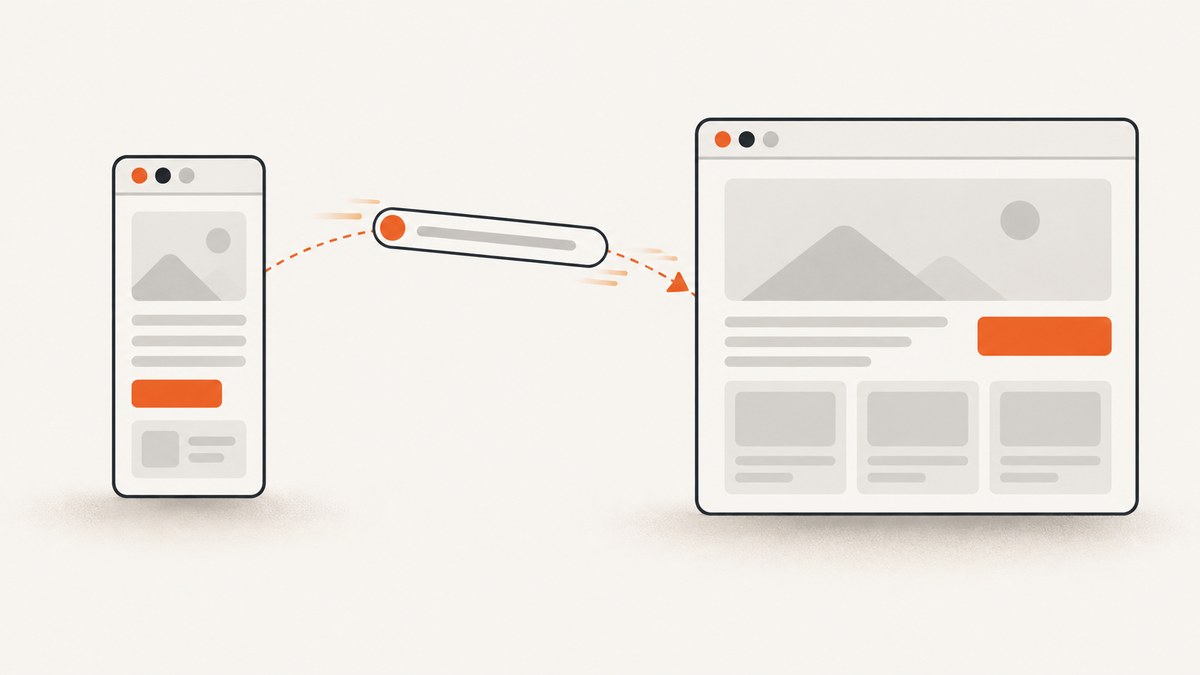
To make a web design choice shareable, put its public, stable key in a query parameter, such as ?variant=compact or ?theme=dark. Read that parameter when the page loads, render from it, and listen for popstate so Back and Forward restore the design shown by the active history entry. Use history.pushState() when a user’s choice should create a Back-button step; use history.replaceState() to correct or normalize the current URL without adding a step.
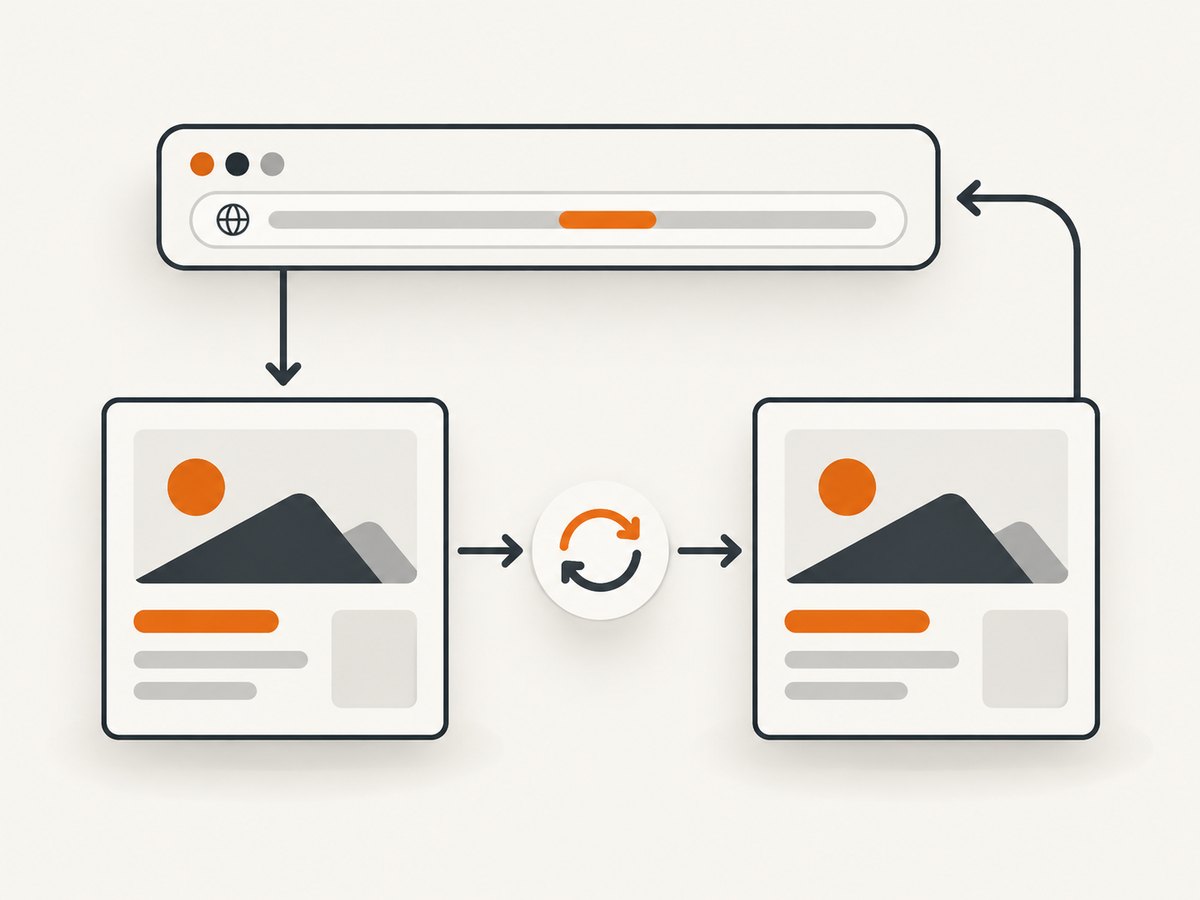
The URL is the durable representation: someone can copy it, open it in another tab, or reload the page and get the same selected variant. Keep it small, public, and serializable. Don’t put secrets or a large design document in it.
1. Choose what belongs in the URL
Use a query parameter for a design choice that should survive a reload and be shareable: a layout, theme, density, or selected preview. Prefer names and values people can recognize, such as ?variant=compact. For several independent choices, use separate parameters, such as ?theme=dark&density=compact. This keeps each choice visible and independently addressable.
Give the parameter a bounded vocabulary and a default. If a URL contains an unknown value, render the default rather than letting arbitrary input select an unintended state. Decide whether the default should appear explicitly in the URL. If not, remove the parameter when the user selects the default; if you do, consistently preserve it as ?variant=default. Either policy can work, but canonical URLs are easier to share when equivalent states have one representation.
| Representation | Use it for | Trade-off |
|---|---|---|
| Query parameter and History API | Shareable themes, layouts, filters, and controls | Parse, validate, render, and handle popstate. |
| Path segment | A variant that behaves like a distinct route or page | The server or router must support direct requests to that path. |
Fragment (#...) |
In-page anchors or legacy client-only state | Google generally does not support fragments as a way to change page content; for JavaScript content changes, use the History API. |
| History state only | Ephemeral navigation metadata | It is not a durable share link and cannot reconstruct state from a pasted URL by itself. |
| Browser storage plus a URL key | Larger client-side configuration associated with a short identifier | Storage is scoped to a browser or device; a recipient may not have the stored data. |
MDN describes the History API as a way for a site to interact with session history. It also documents updating query parameters with a URL, searchParams, and pushState(). The history state object is useful for small navigation metadata, but the URL should remain sufficient to reconstruct a shareable design choice. See MDN’s History API guide and pushState() reference.
2. Build a URL-backed variant switcher
This runnable browser example accepts three variants, displays a selector, writes user choices to the URL, and restores the selected design when the page loads or the user navigates Back or Forward. Save it as an HTML file and open it in a browser.
<!doctype html>
<html lang="en">
<meta charset="utf-8">
<meta name="viewport" content="width=device-width, initial-scale=1">
<title>URL-backed design variants</title>
<style>
  :root { font: 16px/1.5 system-ui, sans-serif; }
  body { max-width: var(--content-width, 52rem); margin: 2rem auto; padding: 1rem; }
  html[data-variant="compact"] { --content-width: 36rem; }
  html[data-variant="spacious"] { --content-width: 72rem; }
  html[data-variant="default"] { --content-width: 52rem; }
</style>
<label for="variant">Layout </label>
<select id="variant">
  <option value="default">Default</option>
  <option value="compact">Compact</option>
  <option value="spacious">Spacious</option>
</select>
<main><h1>A URL-backed layout</h1><p>Change the layout, copy the URL, then reload or use Back and Forward.</p></main>
<script>
  const allowed = new Set(["default", "compact", "spacious"]);
  const select = document.querySelector("#variant");

  function readVariant() {
    const value = new URL(location.href).searchParams.get("variant");
    return allowed.has(value) ? value : "default";
  }

  function renderVariant() {
    const variant = readVariant();
    document.documentElement.dataset.variant = variant;
    select.value = variant;
  }

  function selectVariant(variant) {
    if (!allowed.has(variant)) return;
    const url = new URL(location.href);
    if (variant === "default") url.searchParams.delete("variant");
    else url.searchParams.set("variant", variant);
    history.pushState({ variant }, "", url);
    renderVariant();
  }

  select.addEventListener("change", () => selectVariant(select.value));
  addEventListener("popstate", renderVariant);
  renderVariant();
</script>
</html>
The URL constructor resolves the current address, while searchParams handles query-string encoding and updates. Passing the URL object to pushState() changes the displayed address without immediately loading it as a new document. The example’s history state object is a small convenience; renderVariant() reads the URL so direct loads and pasted links work too.
What happens during each navigation
- Initial load: Read and validate the parameter, then render the matching variant. This must happen on every page load, including a reload or a direct visit to a shared link.
- User selects a variant: Update the URL and push a history entry if the selection is a meaningful navigation step. Render from the resulting URL.
- User presses Back or Forward: The browser activates another history entry and fires
popstate. Read that entry’s URL again and render its variant. - Invalid or absent value: Render the default safely. If you want to clean up an invalid value in the address bar, replace the current entry rather than adding a new Back step.
3. Choose pushState or replaceState
pushState(state, title, url) adds a session-history entry. Choose it when selecting a variant should be reversible with Back and repeatable with Forward. For a page where people compare layouts, that is often the expected behavior.
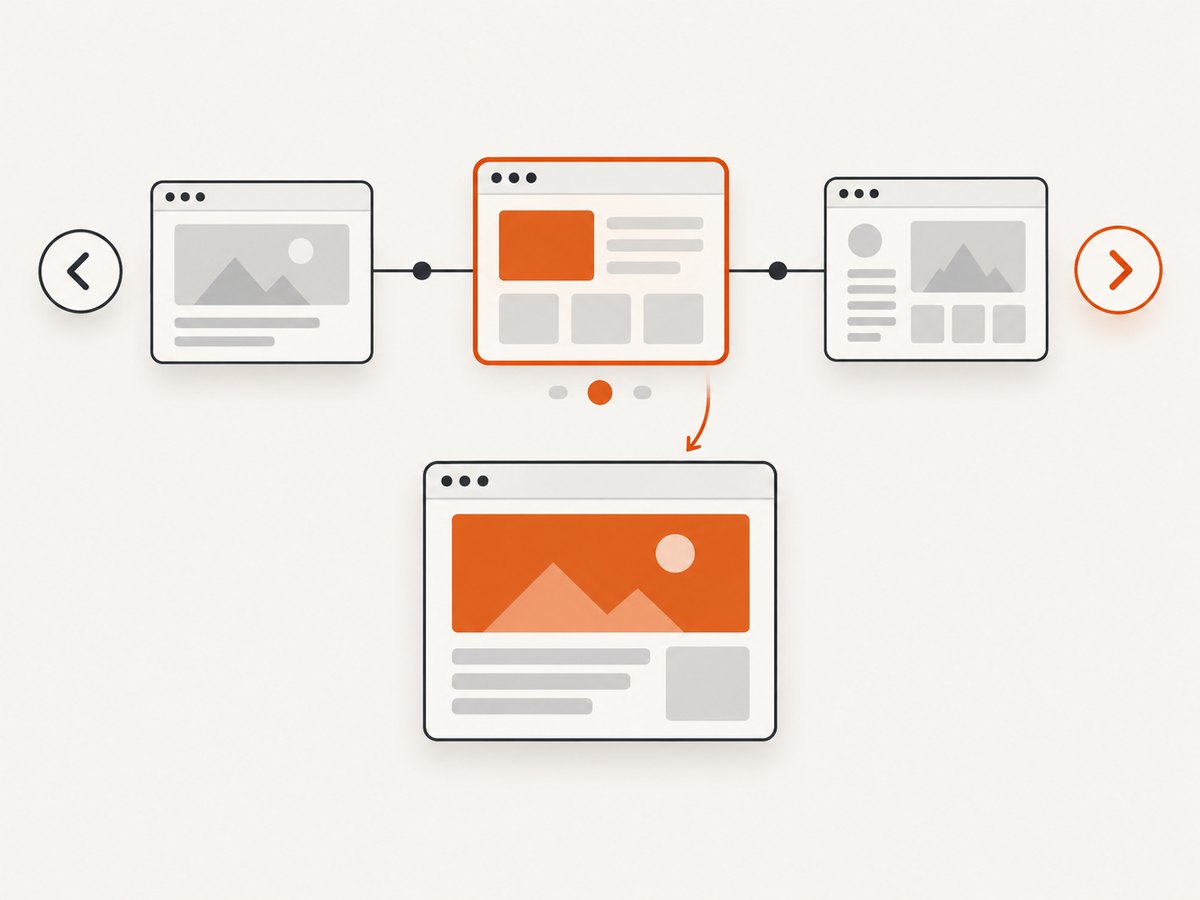
replaceState(state, title, url) changes the current entry instead of adding another. Use it when fixing an invalid parameter, filling in a canonical value, or applying a quiet correction that should not make Back step through a state the user did not intentionally visit.
const url = new URL(location.href);
url.searchParams.set("variant", "default");
history.replaceState({ variant: "default" }, "", url);
In the example above, use replaceState() instead of pushState() if the application decides it must explicitly write the default value. To remove a bad value without adding a history step, delete it and replace the entry:
const url = new URL(location.href);
url.searchParams.delete("variant");
history.replaceState({ variant: "default" }, "", url);
Both methods require a valid same-origin URL. A cross-origin URL is not an allowed destination for a history update. Also, pushState() does not fire hashchange, even if the new address differs only in its fragment. Use popstate for restoring history-based application state; a hashchange listener is not a substitute.
4. Support multiple design controls
Independent query parameters are usually simplest when each control should be inspectable or shareable on its own. Read each value through URLSearchParams, validate against its own allowed set, and render the complete UI from the combined state.
const themes = new Set(["light", "dark"]);
const densities = new Set(["comfortable", "compact"]);

function readDesignState() {
  const params = new URL(location.href).searchParams;
  const theme = params.get("theme");
  const density = params.get("density");
  return {
    theme: themes.has(theme) ? theme : "light",
    density: densities.has(density) ? density : "comfortable"
  };
}

function renderDesign() {
  const state = readDesignState();
  document.documentElement.dataset.theme = state.theme;
  document.documentElement.dataset.density = state.density;
}

function updateDesign(changes) {
  const url = new URL(location.href);
  for (const [key, value] of Object.entries(changes)) {
    url.searchParams.set(key, value);
  }
  history.pushState(changes, "", url);
  renderDesign();
}

addEventListener("popstate", renderDesign);
renderDesign();
When updating one control, preserve unrelated query parameters. Constructing a URL from location.href and changing only the intended keys does that. If many settings form one inseparable preset, a single versioned key such as ?design=v2 can be reasonable, but it is less transparent. Avoid putting a large serialized object into a query string.
5. Handle edge cases deliberately
- Unknown values: Fall back to a safe default. Do not apply arbitrary parameter strings as CSS, selectors, or executable code.
- Repeated parameters: A URL can contain the same key more than once.
searchParams.get()reads one value; if duplicates matter to your application, define a policy and validate it explicitly. - Encoding: Use
URLSearchParamsrather than concatenating strings. It handles encoding and avoids malformed separators when the URL already has a query string. - Other query data: Preserve unrelated parameters when changing a variant. Analytics tags and other application parameters may already be present.
- Server rendering: If the server renders HTML, read the request URL there as well as on the client. Rendering the default on the server and switching after hydration can cause a visible flash or a mismatch.
- Back/Forward state: Keep the URL as the source needed to reconstruct the visible design. Do not rely on an in-memory variable that becomes stale after
popstate. - Large or private state: Keep it out of the URL. Browser history state must be serializable and may have size limits; MDN recommends
sessionStorageorlocalStoragewhen more space is needed. Those stores are browser scoped, so a link alone cannot transfer their contents. - Fragments and scrolling: Fragments are useful for in-page navigation. Google Search Central advises against using them to change page content and recommends the History API for JavaScript changes. See Google’s URL structure guidance.
6. Troubleshoot common failures
| Symptom | Likely cause | Fix |
|---|---|---|
| The selected layout disappears after reload. | The UI changed in memory but the selection was never written to the URL, or initialization does not parse it. | Write the parameter on selection and call the URL-reading render function on initial load. |
| Back changes the address but not the layout. | There is no popstate handler, or the handler updates the URL but not the UI. |
On popstate, parse the active URL and render all affected controls. |
| Back steps through every small interaction. | Every minor adjustment creates a new history entry. | Use replaceState() for silent normalization or transient adjustments; reserve pushState() for choices users should revisit. |
| The address shows a value the UI ignores. | The value is unsupported or validation and rendering use different rules. | Use one allowed-value set and the same default policy when parsing, updating controls, and rendering. |
| Updating the parameter deletes other query values. | The code builds a new query string rather than updating the current URL. | Start with new URL(location.href) and change only the relevant searchParams key. |
pushState() throws an exception. |
The URL is invalid, cross-origin, or the state object cannot be serialized. | Use a valid same-origin URL and a small serializable state object; keep the reconstructable value in the URL. |
| Google does not show a hash-selected design as separate content. | The content state depends on a URL fragment. | Use a query parameter with History API updates for meaningful JavaScript content changes. |
7. Performance, reliability, and sharing
Parsing a short query string and updating browser history are small operations; the practical work is rendering the chosen design. Avoid rebuilding the whole page when a class, data attribute, or focused component update is enough. If rendering is expensive, keep state updates predictable and avoid repeating work when the selected value has not changed.
Reliability comes from having one clear direction of authority: parse a validated state, then render from it. On initial load and popstate, derive the display from the active URL. When the user changes a control, update the URL and then render. Keep the default behavior deterministic so an absent or invalid parameter does not leave the page half-configured.
A URL is public. It may be copied, saved in browser history, included in a referrer, or recorded in server logs. Store only choices that are safe to expose. For a large private draft, use browser storage or a server-side identifier with access controls, and define what a recipient sees if the referenced data is unavailable. A browser-storage value is not automatically portable to another person’s device.
8. Or skip the browser setup
If the goal is to capture a page showing a particular URL-selected design, ScreenshotNeo can return a screenshot with one GET request. Its API supports image output and PDFs, and its documented options include viewport and device choices, waits, custom CSS and JavaScript, and element capture. See the ScreenshotNeo API documentation.
curl -G "https://api.screenshotneo.com/v1/shot" -d access_key=YOUR_API_KEY --data-urlencode url=https://example.com/gallery?variant=compact -o shot.webpimport requests
r = requests.get(
"https://api.screenshotneo.com/v1/shot",
params={"access_key": "YOUR_API_KEY", "url": "https://example.com/gallery?variant=compact"},
timeout=90,
)
open("shot.webp", "wb").write(r.content)const q = new URLSearchParams({
access_key: 'YOUR_API_KEY',
url: 'https://example.com/gallery?variant=compact'
});
const res = await fetch(`https://api.screenshotneo.com/v1/shot?${q}`);
if (!res.ok) throw new Error(`Screenshot request failed: ${res.status}`);
await require('node:fs/promises').writeFile('shot.webp', Buffer.from(await res.arrayBuffer()));Cookie banners, newsletter popups, and chat widgets are removed before the shot; each cleanup step can be turned off. Bot checks, blank pages, timeouts, failed loads, and cache hits are not billed, and response headers report the page verdict and billing status. Its MCP server provides screenshot, page-info, and PDF tools for AI agents. The free plan includes 1,000 screenshots a month with no card; paid plans start at $5 for 3,000. Sign up for the free plan.
9. Frequently asked questions
Should I use a query parameter or a hash for a theme switcher?
Use a query parameter when the theme is meaningful page state people should share or reload. A fragment is suited to an in-page anchor; Google generally does not treat fragment changes as content changes for crawling.
Does changing history with pushState reload the page?
No. It updates the session history and displayed URL without immediately loading the new URL as a document. Your code must update the rendered interface.
Do I need to put the selected value in both the URL and history state?
No. The URL should be enough to reconstruct a shareable variant. A small history state object can carry supplemental navigation metadata, but it should not be the sole copy of the selection.
Can I encode every editor setting into one URL?
You can serialize small, public state, but long URLs are awkward and browser history state also has size limits. Use separate parameters for independent choices, or keep larger configuration in storage or on a server and link to it with a short key.


