How to Stub html2canvas in JavaScript Tests
Mock html2canvas at the module boundary to test your caller’s arguments, success path, and error handling. Use a real browser test when rendering fidelity matters.
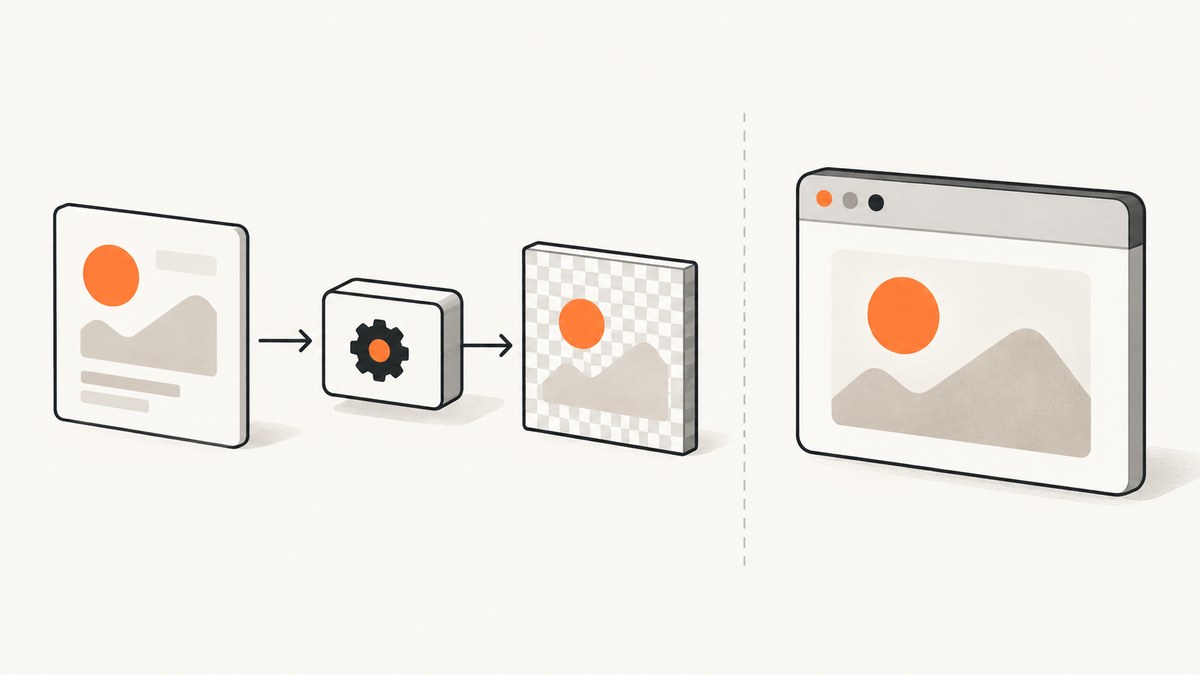
Stub html2canvas by mocking the module export your application imports, then have the mock return a Promise that resolves to the smallest canvas-like object the caller needs. Assert the target element and options passed to the mock, and assert what your code does with the resolved value. This tests your application’s behavior around the call; it does not test whether html2canvas renders CSS, images, or pixels correctly.
For rendering fidelity, keep a browser-level test that runs against a real page. html2canvas reconstructs an image from DOM information rather than taking a native browser screenshot, and its CSS support and access to cross-origin content have limits. The project’s documentation describes those limits.
1. Identify the boundary you want to test
Suppose the application exports a report image. There are two distinct behaviors:
- Caller behavior: the application selects the right element, passes the intended options, waits for the result, and saves or forwards the canvas.
- Rendering behavior: browser layout, CSS, fonts, images, iframes, canvas output, and browser security rules produce the pixels you expect.
A module mock isolates the first behavior. It replaces the imported html2canvas function so the unit test does not depend on browser rendering. The mock should resolve with a canvas or canvas-like value containing only what the caller reads. If production code only forwards the returned object, an empty object can be enough. If it invokes toDataURL(), provide that method too.
The documented API takes a DOM element and optional options and returns a Promise resolving to a canvas. The docs do not prescribe Jest, Vitest, or any other framework’s module-mocking syntax, so use the supported API for the runner and module system in your project. See html2canvas Getting Started.
2. Write the production function so its dependencies are clear
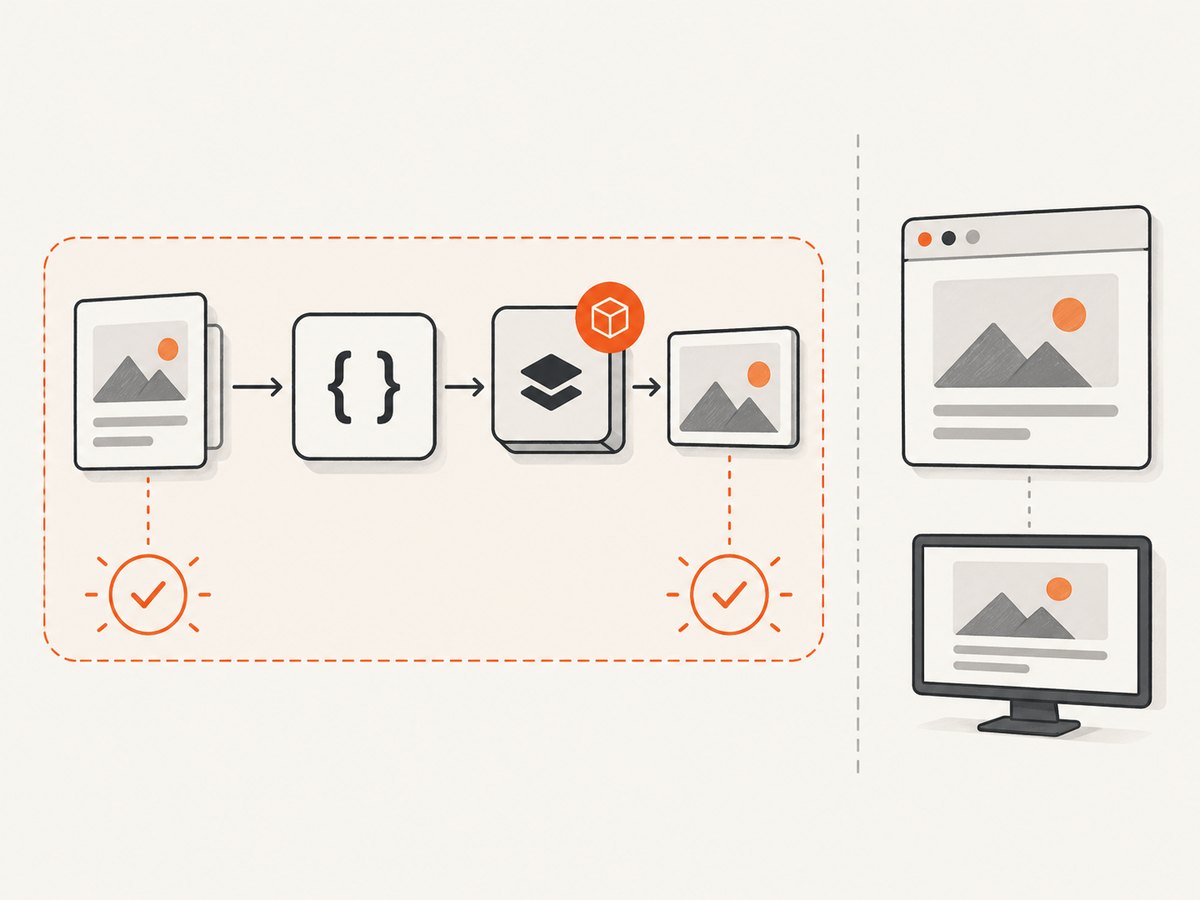
Here is a small ES module example. It exports an action that finds the report, renders it, and hands the result to an injected download function. Keeping the side effect injectable makes the caller’s responsibility easy to verify.
// capture-report.js
import html2canvas from 'html2canvas';

export async function captureReport(downloadImage) {
  const element = document.querySelector('#report');
  if (!element) throw new Error('Report element not found');

  const canvas = await html2canvas(element, {
    backgroundColor: '#ffffff',
    scale: 2,
    useCORS: true,
  });

  downloadImage(canvas);
  return canvas;
}
This function uses document, so the module itself still needs a DOM environment for a unit test that invokes it. The mock removes html2canvas’s rendering work; it does not create a DOM for you. In Jest, that can mean a jsdom test environment; in another runner, use its DOM environment or provide a suitable element stub. If you pass an element into the function instead, you can avoid querying global document and make the unit boundary even more explicit.
3. Mock the module and assert the Promise path
The following Jest-style example shows the test shape. Its exact import-mocking behavior depends on whether your project uses ESM or CommonJS and on your Jest configuration. The key requirements are that the mock replaces the same export production imports and that the test awaits the application action.
// capture-report.test.js — Jest-style example; adapt module mocking to your setup
import html2canvas from 'html2canvas';
import { captureReport } from './capture-report.js';

jest.mock('html2canvas', () => ({
  __esModule: true,
  default: jest.fn(),
}));

test('renders the report with the requested options and downloads the result', async () => {
  document.body.innerHTML = '<section id="report">Quarterly report</section>';
  const target = document.querySelector('#report');
  const canvasStub = { toDataURL: () => 'data:image/png;base64,test' };
  const downloadImage = jest.fn();

  html2canvas.mockResolvedValue(canvasStub);

  const result = await captureReport(downloadImage);

  expect(html2canvas).toHaveBeenCalledTimes(1);
  expect(html2canvas).toHaveBeenCalledWith(target, {
    backgroundColor: '#ffffff',
    scale: 2,
    useCORS: true,
  });
  expect(downloadImage).toHaveBeenCalledWith(canvasStub);
  expect(result).toBe(canvasStub);
});
This is an illustrative runner-specific pattern, not an official html2canvas recipe. If your test runner evaluates ESM imports before mock declarations, follow its documented ESM mocking flow or use dependency injection. Verify that the production module and test refer to the same module path and export shape; mocking a different path or named/default export can leave the real function in place.
The assertion on toDataURL is unnecessary unless the code under test calls it. Avoid building a fake browser renderer: include just the methods that the caller actually consumes. The mock’s result is a stand-in for the API contract, not proof that the real library returns the same pixels.
4. Test rejection and application error handling
Because html2canvas returns a Promise, your test should cover the resolution path and, where the application handles errors, the rejection path. For example, the function below reports a failure and rethrows it so upstream code can also react.
// capture-with-error.js
import html2canvas from 'html2canvas';

export async function captureElement(element, onError) {
  try {
    return await html2canvas(element, { scale: 1 });
  } catch (error) {
    onError(error);
    throw error;
  }
}
// capture-with-error.test.js — Jest-style example
import html2canvas from 'html2canvas';
import { captureElement } from './capture-with-error.js';
jest.mock('html2canvas', () => ({ __esModule: true, default: jest.fn() }));
test('forwards a rendering rejection to the error handler and rethrows it', async () => {
const element = document.createElement('div');
const error = new Error('render failed');
const onError = jest.fn();
html2canvas.mockRejectedValue(error);
await expect(captureElement(element, onError)).rejects.toBe(error);
expect(onError).toHaveBeenCalledWith(error);
});If the application intentionally catches an error and returns a fallback, assert that fallback instead of expecting a rejection. If it does not handle failures, do not add production behavior just to satisfy a test: verify that the rejection propagates as intended. Avoid tests that merely assert the mock resolves; the meaningful assertions concern the caller’s behavior after resolution or rejection.
5. Decide which html2canvas options to assert
Assert options that are part of your application’s contract: values that a caller deliberately chooses and that would matter if they changed. The documented configuration includes controls for scale, dimensions, cross-origin resource handling, timeouts, element exclusion, and cloning. The complete current option list is in the html2canvas options reference.
| Option area | What a unit assertion can establish | What it cannot establish |
|---|---|---|
| Scale or output dimensions | Your code asks for a particular size or scale. | The rendered content has the expected dimensions or sharpness. |
| Cross-origin resources | Your code requests the documented CORS behavior, such as useCORS. |
The remote server returns suitable CORS headers or the image appears. |
| Timeout | Your code supplies a timeout value. | Every image or page resource completes within that period. |
| Exclusion or cloning | Your code supplies the intended exclusion callback or clone-related settings. | The resulting page clone matches every browser detail. |
Don’t copy every library default into the assertion. Defaults can evolve, and tests that assert values your application never chose couple themselves to library internals. Assert only the values passed by your code, and prefer a focused object assertion if the runner supports it. When a caller only needs one option to be stable, testing that option can be less brittle than snapshotting the entire options object.
6. Keep rendering checks in a browser test
A passing mocked unit test says nothing about actual CSS support, font loading, image access, iframe contents, or the screenshot’s visual appearance. The html2canvas documentation explains that it builds an image from available DOM information rather than taking a native screenshot; cross-origin restrictions and incomplete CSS support can affect output. Its FAQ also notes its reliance on browser APIs such as window, document, and computed styles, which are unavailable in Node.js.

If a product requirement depends on pixels, run a separate browser-level test against representative content. The project’s package page describes unit tests and Playwright visual regression tests as distinct testing layers; that is an example of separating logic checks from browser rendering checks, not a prescribed application mocking recipe. See the html2canvas package page.
For a browser-level check, verify the exact behavior you care about: that a known page can be rendered, that a required image is present, or that a visual baseline stays within your project’s chosen comparison tolerance. Keep fixtures stable where possible. Remote content, fonts, browser versions, and timing can change the output, so use controlled test pages for regressions and reserve external pages for checks that specifically need them.
7. Common errors and fixes
| Symptom | Likely cause | Fix |
|---|---|---|
| The real html2canvas function runs during a unit test. | The mock targets a different module path or export, or the runner’s ESM mock setup is not being applied. | Match the production import exactly and follow the test runner’s module-mocking rules. Confirm the imported binding is the mock before exercising the action. |
mockResolvedValue is undefined. |
The imported value is not a mock function, often because default and named export shapes differ. | Check the package import form and mock factory’s export shape. Use the framework’s function-mock API on the binding the production module calls. |
The test fails with document is not defined. |
The unit test runs in a pure Node environment, while the application reads document. |
Configure the runner’s DOM environment or refactor to pass the element in. Mocking html2canvas alone does not supply browser globals. |
The returned stub fails on toDataURL or another method. |
The caller uses a canvas API missing from the stub. | Add only the property or method the code under test invokes, with a deterministic return value. |
| The assertion says the element differs. | The application queries a different node than the test expects, or the test captured the element before replacing the DOM. | Set up the DOM first, then query and retain the target reference used in the expectation. |
| The promise rejection is unhandled or the test passes too early. | The test did not await the action or return the Promise to the runner. | Await the call and assert its rejection or handled result. Ensure asynchronous callbacks are part of the awaited work. |
| The unit test passes but the screenshot is wrong. | The mock verifies the caller contract, not html2canvas rendering, browser security, or page content. | Add or repair a browser-level rendering test with an appropriate fixture; investigate CSS, CORS, images, iframes, and resource timing there. |
8. Performance, reliability, and cost
A mocked unit test avoids the expensive and variable work of rendering a page, so it is suitable for fast checks of branching, options, and result handling. Keep its fake minimal: every extra simulated browser behavior is another thing that can diverge from reality. Use browser tests selectively for visual requirements, since they need a browser and can be sensitive to timing and environment.
For reliable unit tests, reset mock state between cases, make Promise resolution and rejection explicit, and avoid depending on timers unless the application itself uses a delay. Make assertions on values the application owns, rather than on undocumented html2canvas internals. There is no meaningful monetary API cost for this local mock pattern; the practical costs are test maintenance and browser-test runtime. If a test is unstable, first check asynchronous completion, shared mock state, and external resources in the browser fixture.
Or skip the browser setup
If your task is to capture a website from a Node application or another developer workflow, ScreenshotNeo is a website screenshot API and MCP server. A single GET request returns a PNG, JPEG, WebP, or PDF. For example, this cURL request saves a WebP capture:
curl -G "https://api.screenshotneo.com/v1/shot" \
  -d access_key=YOUR_API_KEY \
  --data-urlencode url=https://stripe.com \
  -o shot.webp
See the ScreenshotNeo API docs for request options. ScreenshotNeo accepts cookie or consent banners and removes more than 60 known consent platforms, newsletter popups, and chat widgets before capture; each step can be turned off. Bot checks and CAPTCHAs, blank pages, timeouts, failed loads, and cache hits are not billed, and response headers report the page verdict and billing status. Its MCP server provides take_screenshot, get_page_info, and capture_pdf tools for Claude, Cursor, and other MCP clients. The Free plan includes 1,000 shots per month without a card; paid plans start at $5 for 3,000 shots.
Python and Node.js examples are available in the docs. The equivalent basic Python request is:
import requests

r = requests.get(
    "https://api.screenshotneo.com/v1/shot",
    params={"access_key": "YOUR_API_KEY", "url": "https://stripe.com"},
    timeout=90,
)
open("shot.webp", "wb").write(r.content)
For Node.js with a runtime that supports fetch:
const q = new URLSearchParams({
  access_key: 'YOUR_API_KEY',
  url: 'https://stripe.com',
});
const res = await fetch(`https://api.screenshotneo.com/v1/shot?${q}`);
if (!res.ok) throw new Error(`Screenshot request failed: ${res.status}`);
await import('node:fs/promises').then(({ writeFile }) =>
  writeFile('shot.webp', Buffer.from(await res.arrayBuffer()))
);
Create a free account to get 1,000 screenshots a month with no card: sign up for ScreenshotNeo.
FAQ
Does a mocked html2canvas test need a real canvas?
No. Use the smallest object that satisfies the caller’s usage. A real canvas is only needed for a test that exercises browser rendering or canvas behavior itself.
Can this test prove that useCORS works?
It can prove your code passes useCORS. It cannot prove that a remote server permits the resource or that it appears in the rendered result.
Should I mock html2canvas globally for every test?
Usually keep the mock local to tests that exercise code calling the library. A browser test that checks real rendering needs the real dependency.
Can html2canvas run in Node.js without a browser?
Its FAQ says it depends on browser APIs such as window and document. For Node-based screenshot automation, use a real-browser approach or a screenshot service rather than treating the unit-test mock as a renderer.
When stubbing, keep the boundary narrow: replace the imported function, return a minimal Promise result, and test your code’s contract. Add browser coverage where the requirement is about pixels.


