How to Switch Focus to a New Window with Selenium WebDriver and Python
Learn how to wait for a new tab, switch to it safely, return to the original window, and avoid common Selenium errors in Python.
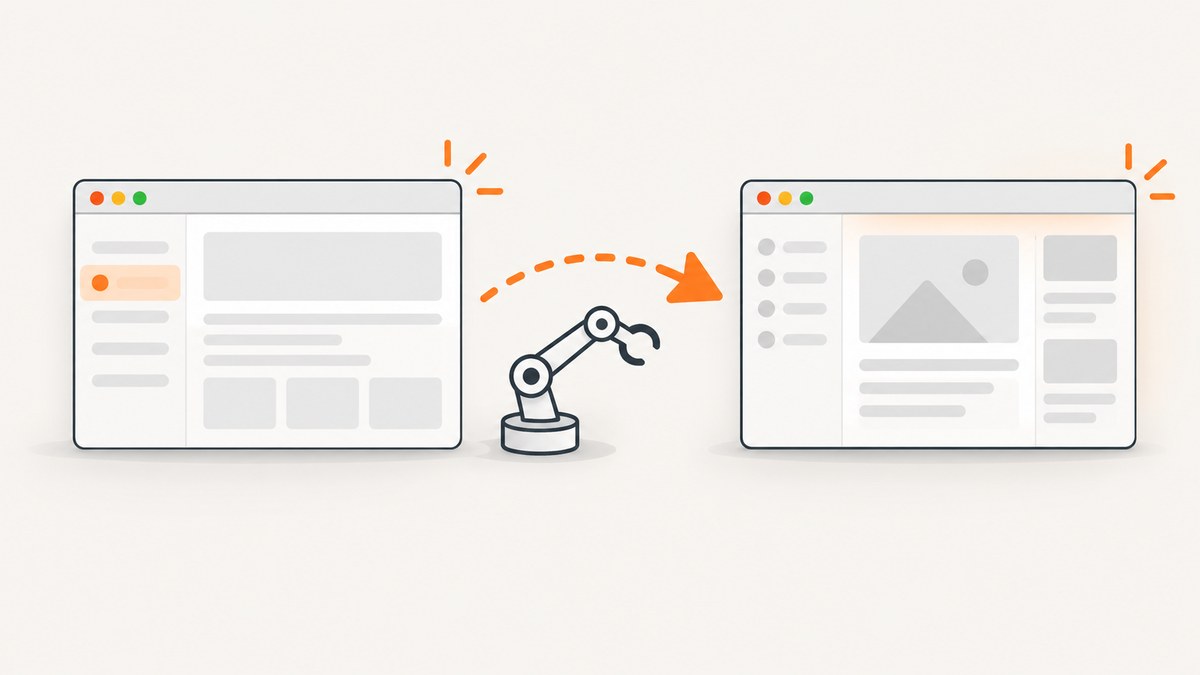
Use driver.switch_to.window(handle) to move WebDriver focus to an existing tab or window. Read the handles from driver.window_handles, wait until a newly opened context appears, identify the handle that was not present before the action, and switch to it. Save driver.current_window_handle when you need to return to the original page.
This changes Selenium’s current top-level browsing context. It is different from focusing an input or another element inside the page.
Switch to a tab opened by a click
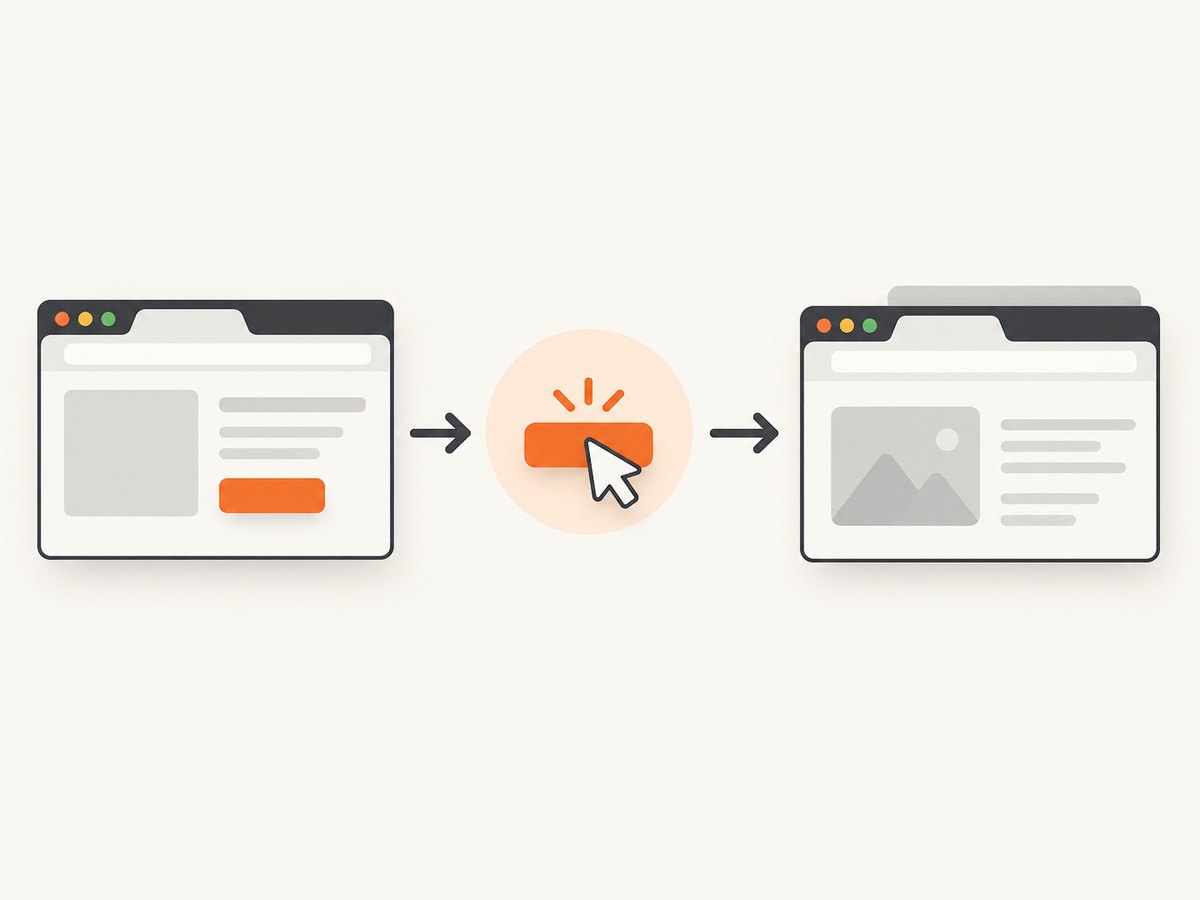
The reliable sequence is:
- Save the current handle.
- Save the current collection of handles.
- Click the link or button that opens the new tab or window.
- Wait for Selenium to observe an additional handle.
- Find the handle that was not in the saved collection.
- Call
driver.switch_to.window(new_handle).
from selenium import webdriver
from selenium.webdriver.common.by import By
from selenium.webdriver.support.ui import WebDriverWait
from selenium.webdriver.support import expected_conditions as EC

 driver = webdriver.Chrome()
 driver.get("https://example.com")

 original_handle = driver.current_window_handle
 old_handles = driver.window_handles

 # Replace this locator with the control in your application.
 driver.find_element(By.CSS_SELECTOR, "a[target='_blank']").click()

 WebDriverWait(driver, 10).until(EC.new_window_is_opened(old_handles))
 new_handle = next(
     handle for handle in driver.window_handles
     if handle not in old_handles
 )
 driver.switch_to.window(new_handle)

 print(driver.title)

 # Continue working in the new tab, then return when needed.
 driver.switch_to.window(original_handle)
 print(driver.current_url)

 driver.quit()
EC.new_window_is_opened(old_handles) waits for the number of available contexts to increase. The click can return before the browser has created or exposed the new context, so an immediate lookup can race the browser.
See the official Selenium expected-conditions API and the Python switch-to API.
Complete reusable helper
Put the handle comparison and wait into a helper when several tests open secondary contexts.
from selenium.webdriver.support.ui import WebDriverWait
from selenium.webdriver.support import expected_conditions as EC


def switch_to_new_window(driver, trigger, timeout=10):
    """Run trigger and switch to the one new window or tab it creates."""
    before = set(driver.window_handles)
    trigger()
    WebDriverWait(driver, timeout).until(EC.new_window_is_opened(before))

    after = set(driver.window_handles)
    added = after - before
    if len(added) != 1:
        raise RuntimeError(f"Expected one new context, found {len(added)}")

    handle = added.pop()
    driver.switch_to.window(handle)
    return handle


original = driver.current_window_handle
new_handle = switch_to_new_window(
    driver,
    lambda: driver.find_element(By.ID, "open-report").click(),
)
# Commands now target the new context.
driver.find_element(By.TAG_NAME, "body")
# Restore the original context when finished.
driver.switch_to.window(original)
Create a new tab or window from Python
If your script, rather than the page, needs a new top-level context, Selenium 4 provides new_window. It creates the context and switches focus to it in one call.
# Create and select a tab
driver.switch_to.new_window("tab")
driver.get("https://example.com/new-tab")

# Or create and select a separate browser window
driver.switch_to.new_window("window")
driver.get("https://example.com/new-window")
The optional type is "tab" or "window". If you omit it, the browser chooses the context type. This is different from switch_to.window, which selects a context that already exists.
Window handles, names, and indexes
| Value | Purpose | Guidance |
|---|---|---|
driver.window_handles |
List of handles for all open contexts in the session | Take a before snapshot and compare it with the after snapshot. |
driver.current_window_handle |
Handle of the context receiving commands now | Save it before opening another context if you need to return. |
driver.switch_to.window(handle) |
Select an existing context | Use a handle from the current session for predictable behavior. |
driver.switch_to.new_window(type) |
Create and select a new context | Use tab or window. |
Do not assume the new tab is always driver.window_handles[1]. Handle ordering is not a durable identifier, and browser-generated handle values have no useful meaning. Comparing sets or lists before and after the action identifies the added context without depending on order.
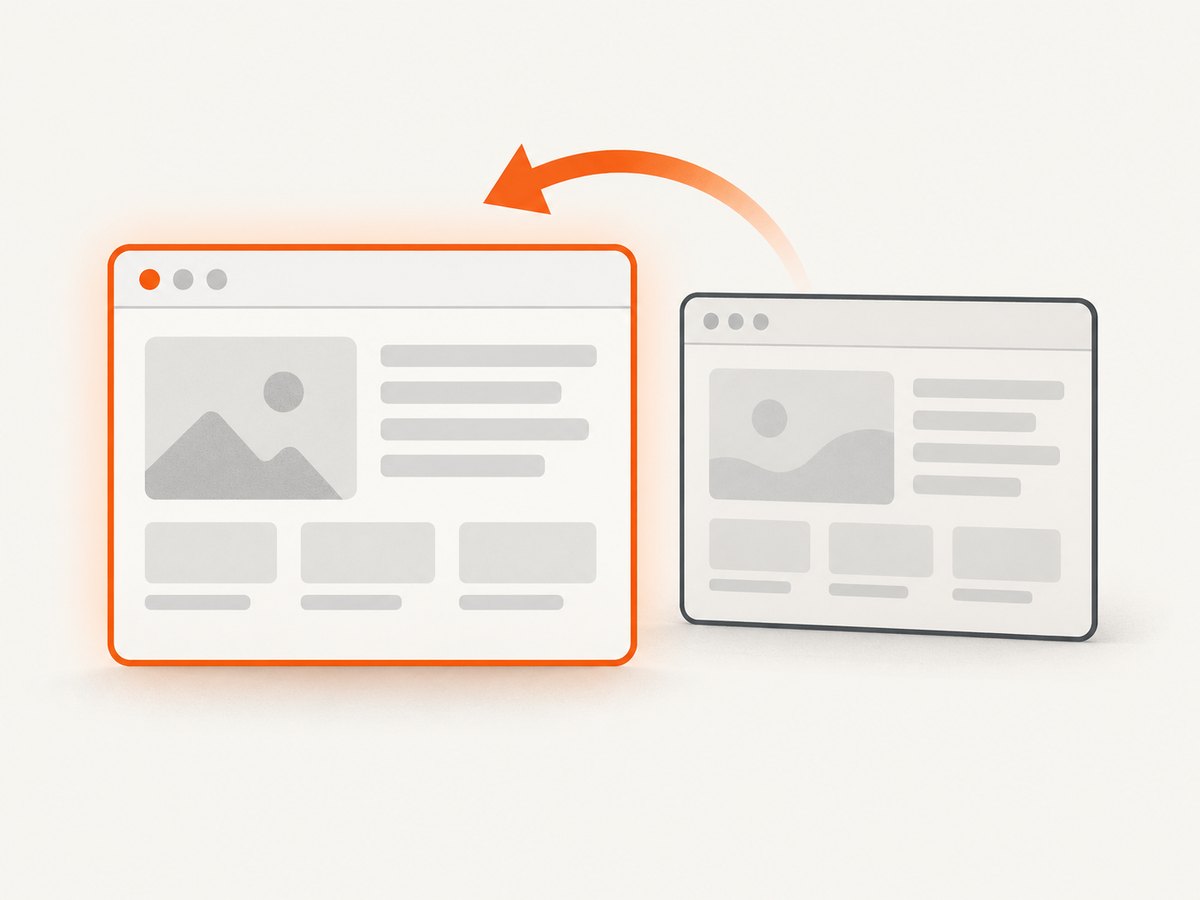
The API accepts a window name or handle. A handle obtained from window_handles is the least ambiguous choice. If no matching context exists, Selenium raises NoSuchWindowException.
Return to the original window safely
main_handle = driver.current_window_handle

# ... open and switch to another context ...
secondary_handle = driver.current_window_handle

# Work in the secondary context.

# Return only if the original context is still open.
if main_handle in driver.window_handles:
    driver.switch_to.window(main_handle)
If the original tab was closed, choose a remaining handle before continuing:
driver.close()  # Closes only the currently selected context.
remaining = driver.window_handles
if remaining:
    driver.switch_to.window(remaining[0])
else:
    driver.quit()  # Ends the WebDriver session.
close() closes the current top-level context. quit() ends the WebDriver session and all contexts owned by it.
When more than one window opens
Some actions open several contexts, or a test may already have unrelated tabs. Capture the complete baseline and select by a property after switching, such as URL or title.
before = set(driver.window_handles)
driver.find_element(By.ID, "open-many").click()

WebDriverWait(driver, 10).until(
    lambda d: len(set(d.window_handles) - before) >= 2
)

for handle in set(driver.window_handles) - before:
    driver.switch_to.window(handle)
    if "Report" in driver.title:
        break
else:
    raise RuntimeError("The report window was not found")
Do not use a set when you need a stable traversal order; sets are useful for membership and difference, while driver.window_handles remains the source of handles you can pass to Selenium.
Common errors and fixes
| Error or symptom | Cause | Fix |
|---|---|---|
NoSuchWindowException |
The handle is stale, misspelled, belongs to another session, or the context was closed. | Read driver.window_handles again, verify membership, and switch to a remaining handle. |
| No new handle after a click | The click navigated the same tab, was blocked, or did not trigger the expected action. | Check the element’s behavior, wait for navigation or a page condition instead, and inspect whether a popup blocker or application rule prevented the new context. |
Intermittent timeout from new_window_is_opened |
The wait started with the wrong baseline, the action failed, or the timeout is too short for the application. | Capture handles immediately before the trigger, keep the trigger inside the same flow, and increase the timeout only after confirming the page is slow. |
| Commands affect the wrong page | Selenium is still focused on the original context or a loop left focus on another tab. | Switch explicitly before each operation and log the current handle and URL while diagnosing. |
StaleElementReferenceException after switching |
An element reference belongs to a different document or an earlier page state. | Locate the element again after switching and after navigation. |
| Only one handle exists | The page reused the current tab, or the new context was not created yet. | Verify the link or script target and wait for the correct condition; do not force an index-based switch. |
Reliability and performance practices
- Use explicit waits. Wait for a handle change, a title, a URL, or a target element. Avoid fixed sleeps except for temporary diagnosis.
- Keep a baseline. Store handles immediately before the action that should create the context.
- Restore focus deliberately. A helper should return the original handle or the new handle so the caller knows where Selenium is focused.
- Close what you open. Extra tabs consume browser resources and can make later handle selection ambiguous.
- Use one driver per parallel test. A WebDriver session’s handles are shared state; independent tests should not manipulate the same session concurrently.
- Prefer semantic checks. After switching, verify title, URL, or a page-specific element instead of assuming that a handle means the desired page loaded.
- Set timeouts based on the application. A longer wait does not make a missing popup appear; it only gives a slow but valid action more time.
Or skip the browser setup
If your goal is to capture a page rather than interact with a second browsing context, ScreenshotNeo returns a screenshot or PDF with one GET request. Its capture pipeline accepts cookie or consent banners like a visitor and removes more than 60 known consent platforms, newsletter popups, and chat widgets before the shot. Bot checks, blank pages, timeouts, failed loads, and cache hits are not billed, and the response identifies the result with X-Page-Verdict and X-Billed headers. An MCP server provides take_screenshot, get_page_info, and capture_pdf for Claude, Cursor, and other MCP clients.
See the ScreenshotNeo API documentation for all options.
curl -G "https://api.screenshotneo.com/v1/shot" -d access_key=YOUR_API_KEY --data-urlencode url=https://stripe.com -o shot.webpimport requests
r = requests.get(
"https://api.screenshotneo.com/v1/shot",
params={"access_key": "YOUR_API_KEY", "url": "https://stripe.com"},
timeout=90,
)
open("shot.webp", "wb").write(r.content)const q = new URLSearchParams({ access_key: 'YOUR_API_KEY', url: 'https://stripe.com' });
const res = await fetch(`https://api.screenshotneo.com/v1/shot?${q}`);ScreenshotNeo includes full-page capture with lazy images, CSS-element capture, device presets and custom viewports, dark mode, retina scale, custom CSS and JavaScript, waits, request blocking, headers, cookies, user agents, authorization, timezone, geolocation, transparent backgrounds, resizing, caching, signed links, asynchronous jobs, webhooks, bulk capture, and a usage API. It has 1,000 free screenshots per month with no card; paid plans start at $5 for 3,000.
Sign up free for 1,000 screenshots a month with no card.
FAQ
Does switching windows switch keyboard focus?
No. It selects the WebDriver top-level browsing context. Use element methods or active_element when you need focus inside the document.
Can I switch by window title?
switch_to.window is intended for a window name or handle. Select a handle first, then inspect the title or URL to confirm that it is the context you want.
Should I use time.sleep after clicking?
Use an explicit wait for the new handle or another observable condition. A fixed sleep can be too short on a slow run and unnecessarily long on a fast run.
What is the difference between a tab and a window in Selenium?
Both are top-level browsing contexts represented by window handles. new_window("tab") requests a tab, while new_window("window") requests a separate browser window.


