How to Switch to a New Tab or Window in Cypress
Cypress runs in one tab by design. Learn when to assert hrefs, use cy.origin(), or add Puppeteer for genuine multi-tab workflows.
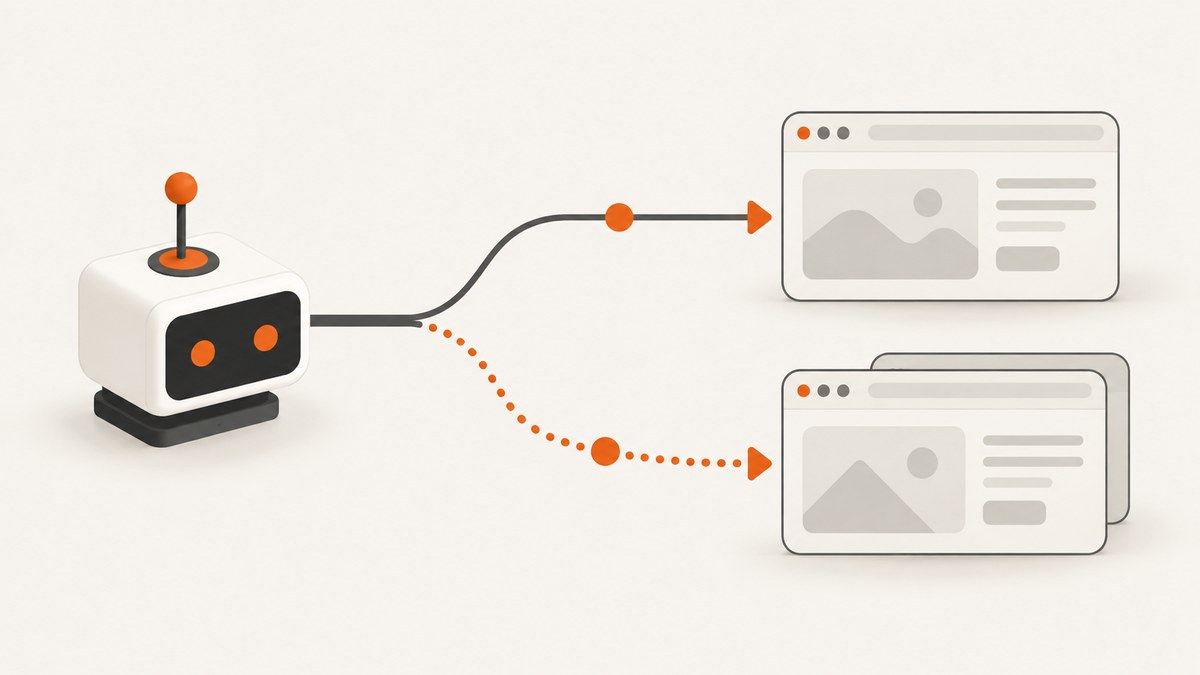
Short answer: Cypress has no built-in command that switches its active test to another browser tab or window. Cypress runs tests in one browser tab by design. Choose the smallest technique that proves your requirement:
- Only the destination matters: assert the link’s
href, and optionally check it withcy.request(). - The app changes origin in the same tab: use
cy.origin(). - You must interact with a real second tab: add the documented
@cypress/puppeteerintegration.
cy.origin() does not switch tabs or windows. Cypress’s API documentation explicitly lists different tabs and windows as unsupported by that command (cy.origin() limitations).
1. Decide what your test actually needs to prove
| Requirement | Recommended approach | What it proves |
|---|---|---|
| A link opens the expected report | Assert href and target |
The DOM contains the intended destination and new-tab behavior |
| The destination responds | Use cy.request() |
An HTTP request succeeds; it does not render or control a second tab |
| The app navigates to another origin in the current tab | Use cy.origin() |
Cypress commands run against the other origin in the same test |
| You must click and inspect a second tab | Use @cypress/puppeteer |
Puppeteer accesses the browser pages and brings the target page forward |
This distinction prevents a common false positive: an href assertion or HTTP request can validate a destination, but neither proves that a separate browser tab rendered correctly.
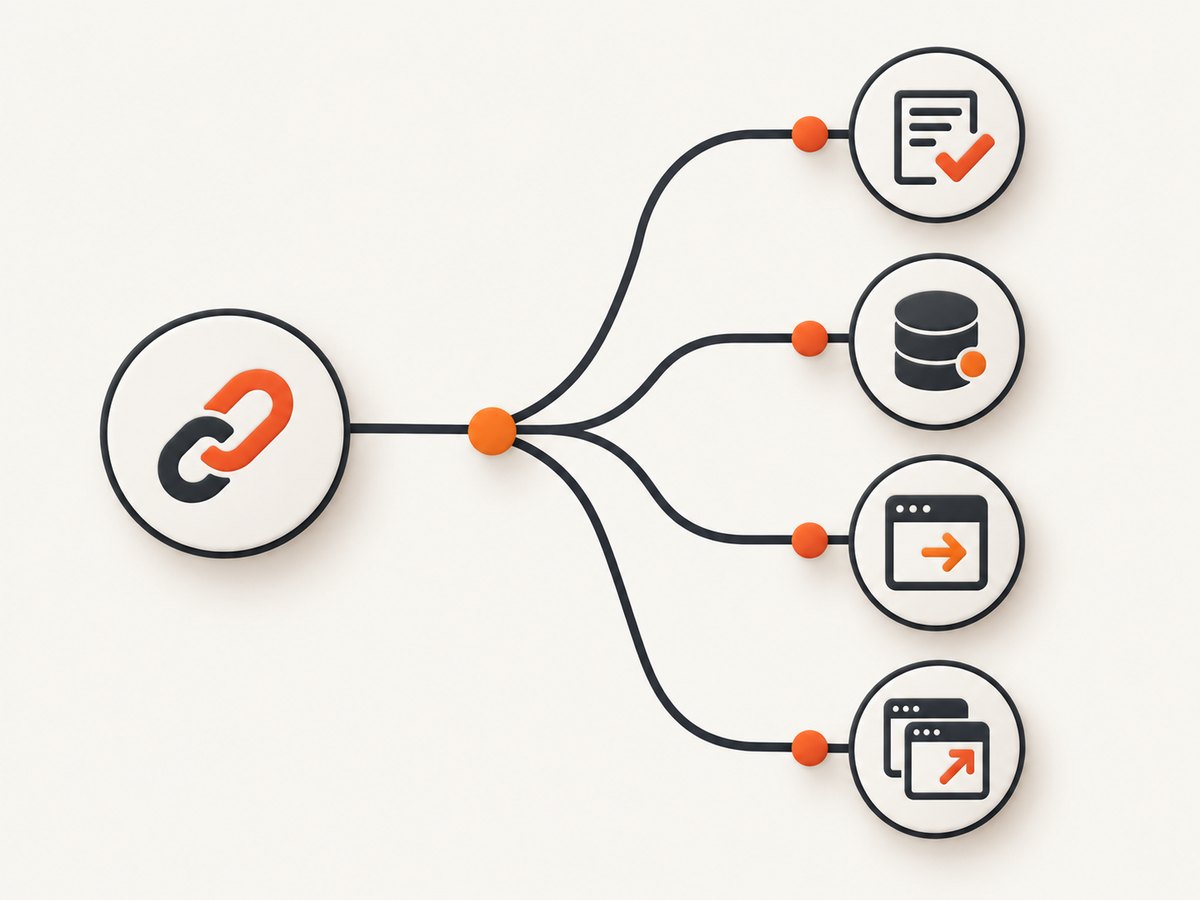
2. Test a target="_blank" link without switching tabs
For most new-tab links, assert the behavior directly. This is Cypress’s recommended migration path from Selenium when the tab itself is not part of the requirement (Selenium to Cypress migration guide).
describe('report link', () => {
  it('opens the report in a new tab', () => {
    cy.visit('/dashboard')

    cy.contains('a', 'Open report')
      .should('have.attr', 'target', '_blank')
      .and('have.attr', 'href', '/reports/monthly')
  })
})
If the application emits an absolute URL, assert that exact URL. If it emits a relative URL, assert the relative path or normalize the value before comparing it.
Check that the destination is reachable
it('links to a reachable report', () => {
  cy.visit('/dashboard')

  cy.contains('a', 'Open report')
    .should('have.attr', 'href')
    .then((href) => {
      cy.request({
        url: href,
        failOnStatusCode: false,
      }).its('status').should('be.oneOf', [200, 204, 301, 302])
    })
})
cy.request() runs from Cypress’s Node process, not inside a browser tab (cy.request() API). It follows HTTP behavior, so it cannot verify JavaScript rendering, cookies set by the browser, visual layout, or interactions in the new tab.
3. Handle a different origin in the same tab with cy.origin()
A different origin is a URL security boundary, not a second-tab problem. If a click or redirect replaces the current page with another origin, put commands for that origin inside cy.origin().
describe('external checkout', () => {
  it('completes the flow on the payment origin', () => {
    cy.visit('https://shop.example.test/checkout')

    cy.get('[data-cy=pay]').click()

    cy.origin('https://payments.example.test', () => {
      cy.get('#card-number').type('4242424242424242')
      cy.get('#submit-payment').click()
      cy.contains('Payment complete').should('be.visible')
    })
  })
})
In Cypress v14.0.0 and later, cy.origin() is required when moving between any two different origins in one test, including hosts that share a superdomain (origin documentation; cross-origin testing guide).
Pass serializable data into the callback
const username = 'test-user'

cy.origin('https://login.example.test', { args: { username } }, ({ username }) => {
  cy.get('#username').type(username)
  cy.get('button[type=submit]').click()
})
The callback is transmitted and executed in the other origin, so keep its arguments serializable. Do not nest cy.origin(), or call commands that Cypress forbids inside the callback such as cy.intercept() and cy.session().
Do not use document.domain as a new-tab workaround
Cypress no longer injects document.domain by default. The injectDocumentDomain setting is deprecated and does not create multi-tab control. Use cy.origin() for same-tab cross-origin work.
4. Drive a genuine second tab with @cypress/puppeteer
When the requirement truly includes interacting with a second browser page, Cypress’s migration documentation points to the @cypress/puppeteer integration. This is additional setup; it is not a native Cypress tab-switching command. Check the plugin’s current compatibility requirements before adopting it.
Install the integration
npm install --save-dev @cypress/puppeteer puppeteerConfigure a browser message
// cypress.config.ts
import { defineConfig } from 'cypress'
import { setup, retry } from '@cypress/puppeteer'

export default defineConfig({
  e2e: {
    setupNodeEvents(on) {
      setup({
        on,
        onMessage: {
          async switchToReportTab(browser) {
            const page = await retry(async () => {
              const pages = await browser.pages()
              const match = pages.find((candidate) =>
                candidate.url().includes('/reports/monthly')
              )

              if (!match) throw new Error('Report tab was not found')
              return match
            })

            await page.bringToFront()
            await page.waitForLoadState('domcontentloaded')
            return await page.title()
          },
        },
      })
    },
  },
})
Load the support command and call it from a test
// cypress/support/e2e.ts
import '@cypress/puppeteer/support'
// cypress/e2e/report.cy.ts
describe('report tab', () => {
it('opens and inspects the report page', () => {
cy.visit('/dashboard')
cy.contains('a', 'Open report').click()
cy.puppeteer('switchToReportTab')
.should('equal', 'Monthly report')
})
})The message handler searches for a page by URL, retries until it appears, brings it to the front, waits for a document state, and returns a serializable value to Cypress. Adapt the URL predicate and assertions to your application.
When this integration is the right choice
- The test must click, type, or read content in the newly opened page.
- The browser tab itself is part of the user-visible behavior.
- An
hrefcheck and an HTTP request cannot prove the requirement.
Keep the integration narrow. Use normal Cypress commands for the primary page, and use Puppeteer only for the page lifecycle operations Cypress cannot perform.
5. Complete examples for common patterns
Remove target="_blank" temporarily and stay in one tab
This pattern is useful when the destination can be tested in the same tab and the new-tab behavior is covered separately with an attribute assertion.
cy.contains('a', 'Open report')
  .invoke('removeAttr', 'target')
  .click()

cy.url().should('include', '/reports/monthly')
cy.get('h1').should('contain', 'Monthly report')
Only use this when changing the DOM for the test does not invalidate what you are trying to prove. It does not test that the production link opens a new tab.
Assert an external URL without exposing credentials
cy.get('[data-cy=download-link]')
  .should('have.attr', 'href')
  .and('match', /^https:\/\/downloads\.example\.com\/reports\//)
Verify a redirect chain
cy.request({
  url: 'https://example.test/report',
  followRedirect: false,
  failOnStatusCode: false,
}).then((response) => {
  expect(response.status).to.be.oneOf([301, 302, 307, 308])
  expect(response.headers).to.have.property('location')
})
6. Troubleshooting
| Symptom | Cause | Fix |
|---|---|---|
| “Cannot run commands in a different browser tab” | You used cy.origin() or normal Cypress commands for a second tab. |
Assert the link instead, or configure @cypress/puppeteer. |
cy.origin() fails after a redirect |
The URL changed to a different origin and commands remain outside the callback. | Wrap destination commands in cy.origin(newOrigin, callback). |
The href assertion sees the wrong value |
The app rewrites links after rendering, or the selector matched another anchor. | Use a stable data-cy selector, wait for the route state, then assert the final attribute. |
cy.request() returns 401 or 403 |
The browser has session cookies or headers that the Node request does not. | Pass the required authentication explicitly, or test the authenticated page in a browser context. |
| The Puppeteer test cannot find the page | The URL predicate is too strict, the popup is delayed, or the click was blocked. | Retry page discovery, match a stable URL fragment, and assert the click’s preconditions. |
| The Puppeteer command is unknown | The support import is missing or setup was not registered. | Import @cypress/puppeteer/support once and call setup({ on, ... }) in setupNodeEvents. |
| The new tab is a blank page | The popup was opened by a blocked script, a bot check, or an app timing issue. | Inspect browser console/network behavior, wait for the click to become actionable, and test the destination URL independently. |
| Tests pass locally but fail in CI | Timing, browser version, or popup permissions differ. | Use URL-based retries and explicit readiness checks; pin the CI browser image and plugin versions. |
7. Reliability and performance guidance
- Prefer assertions over browser control. An
hrefcheck is fast and deterministic when the contract is the destination. - Use
cy.request()for HTTP-only checks. It skips browser rendering, so it is faster but cannot prove visual or JavaScript behavior. - Wait on state, not arbitrary sleeps. Retry for a page URL, selector, or response condition instead of using fixed delays.
- Keep origins explicit. Put every command for the second origin in its
cy.origin()callback. - Limit Puppeteer page scans. Match a stable URL or title, bring the page forward once, and return only the data Cypress needs.
- Isolate external dependencies. For third-party destinations, combine a contract test for the link with a smaller integration test that runs only when the external service is available.
8. Or skip the browser setup
If your goal is to capture the destination or report as an image or PDF rather than interact with a second tab, ScreenshotNeo provides a single HTTP request. See the ScreenshotNeo API documentation for the available options.
curl -G "https://api.screenshotneo.com/v1/shot" -d access_key=YOUR_API_KEY --data-urlencode url=https://stripe.com -o shot.webpimport requests
r = requests.get("https://api.screenshotneo.com/v1/shot", params={"access_key": "YOUR_API_KEY", "url": "https://stripe.com"}, timeout=90)
open("shot.webp", "wb").write(r.content)const q = new URLSearchParams({ access_key: 'YOUR_API_KEY', url: 'https://stripe.com' });
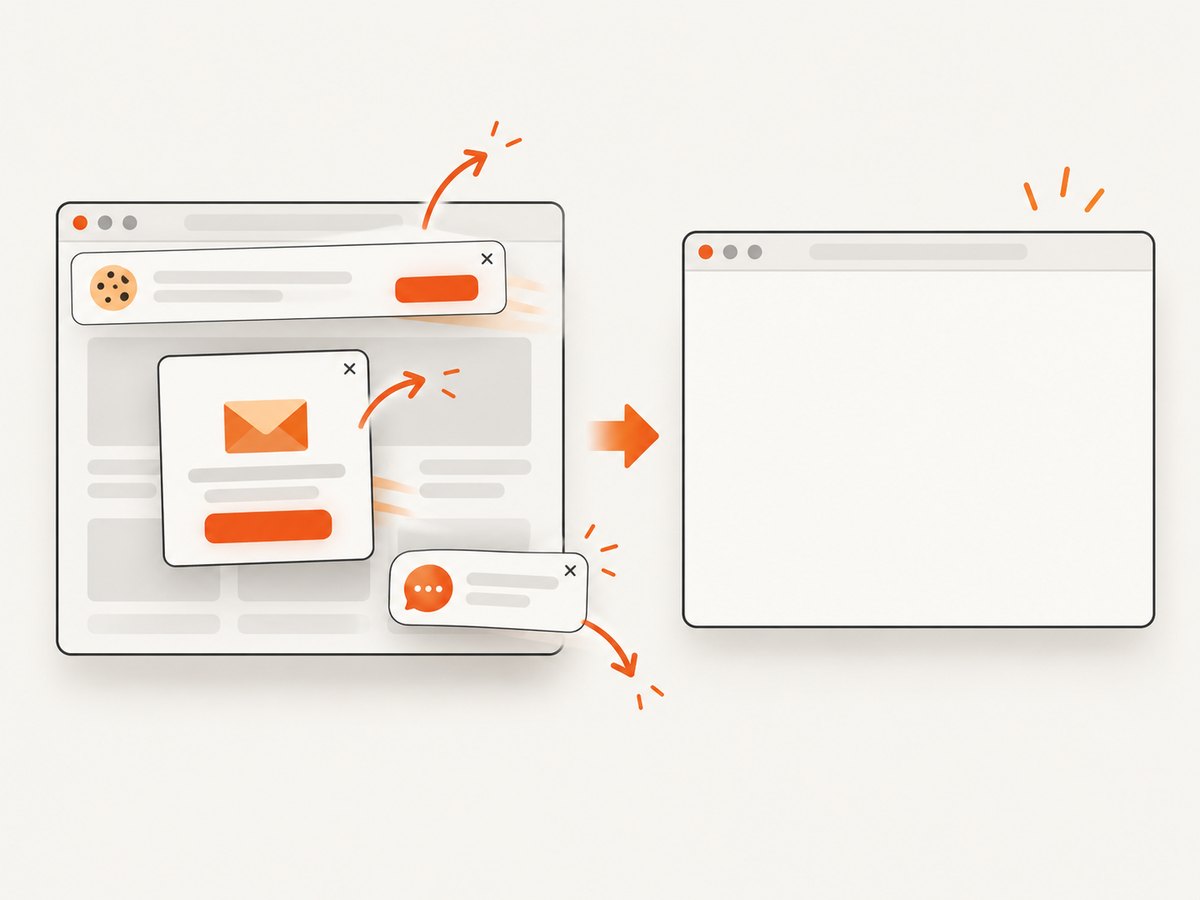
const res = await fetch(`https://api.screenshotneo.com/v1/shot?${q}`);ScreenshotNeo accepts cookie and consent banners before capture and removes more than 60 known consent platforms, newsletter popups, and chat widgets. Bot checks, blank pages, timeouts, failed loads, and cache hits are not billed; response headers identify the page verdict and whether it was billed. Its MCP server includes take_screenshot, get_page_info, and capture_pdf tools for Claude, Cursor, and other MCP clients. The free plan includes 1,000 screenshots per month with no card, and paid plans start at $5 for 3,000 shots. Create a free ScreenshotNeo account.
9. FAQ
Can Cypress switch tabs by index or window handle?
No. Cypress does not expose Selenium-style tab handles in its normal command API. Use an assertion, cy.origin() for same-tab origin changes, or the Puppeteer integration for a real second page.
Does cy.window() return the new tab?
No. It returns the current Cypress-controlled window. It is not a tab-switching mechanism.
Can I use cy.origin() for two tabs on the same domain?
No. cy.origin() addresses origins, not browser pages. Two tabs on the same origin still require a multi-tab integration if you must control both.
Is checking target="_blank" enough?
It is enough when the requirement is that the link is configured to open a new tab. Add a destination or integration test when you also need to verify availability or rendered behavior.
What changed in Cypress v14?
Different origins now require cy.origin() by default even when the hosts share a superdomain. This change does not add support for multiple tabs or windows.
Should every new-tab test use Puppeteer?
No. Start with the smallest test that proves the behavior. Puppeteer adds setup and maintenance, so reserve it for workflows that truly require a second browser page.


